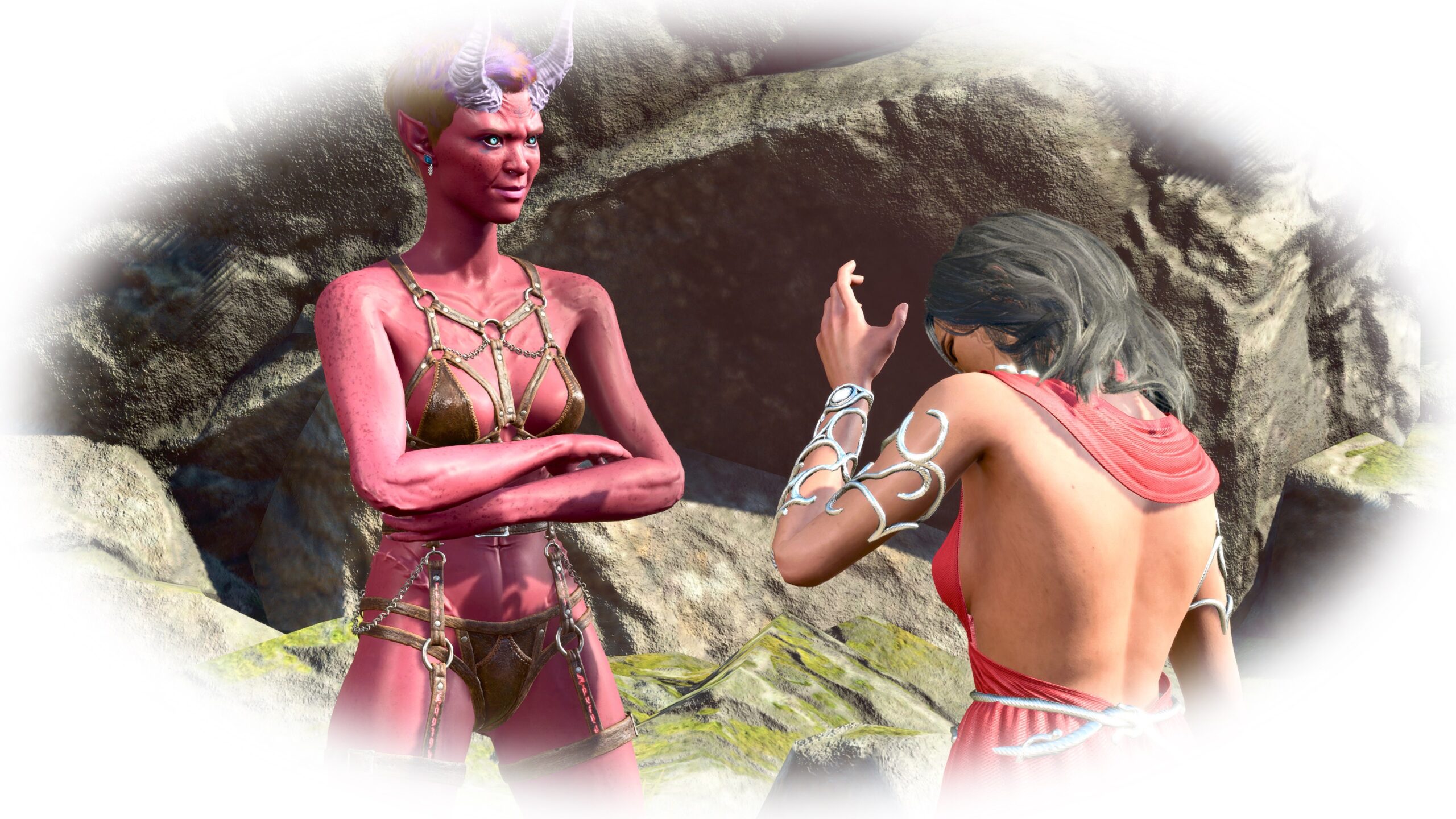
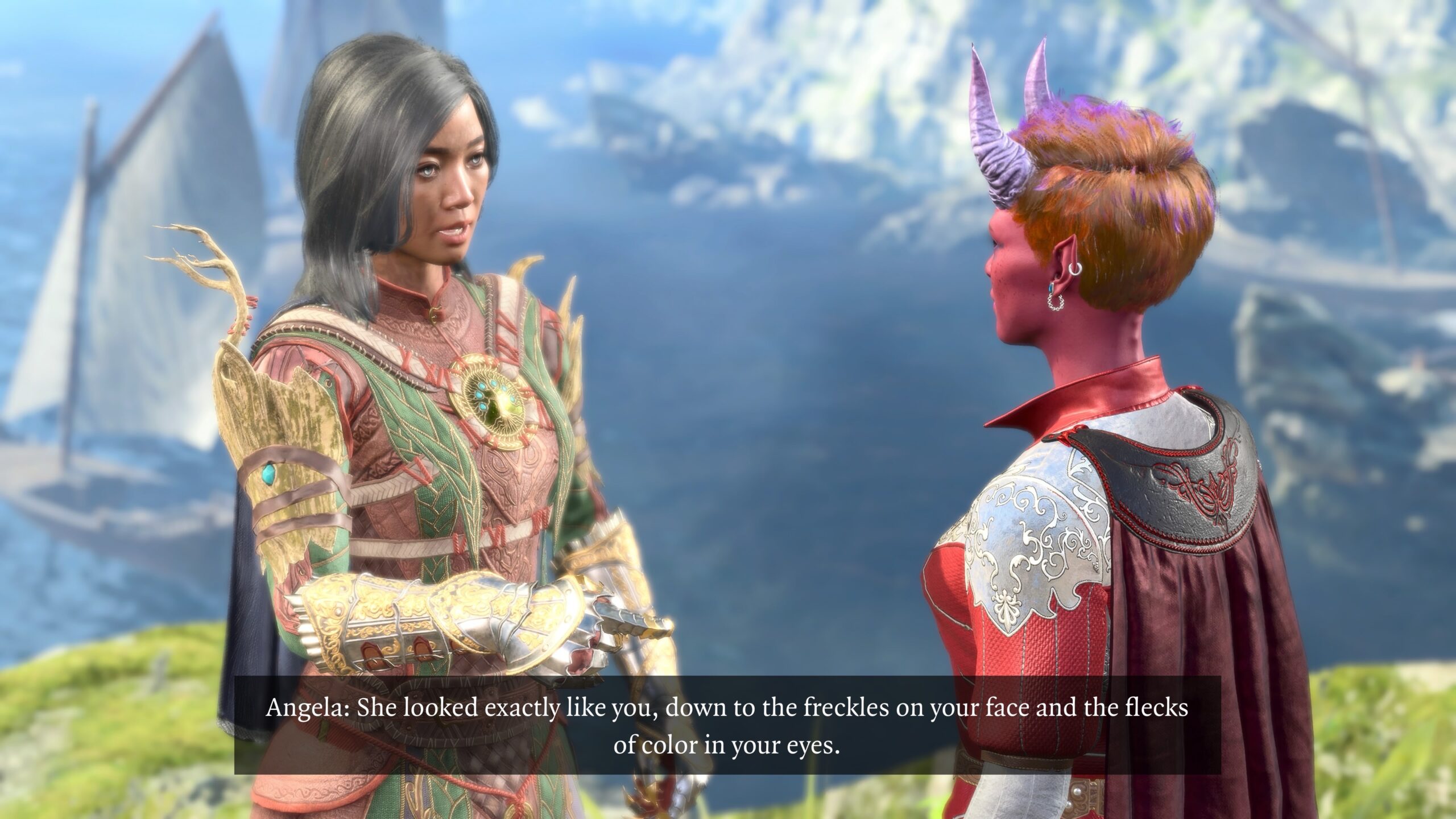
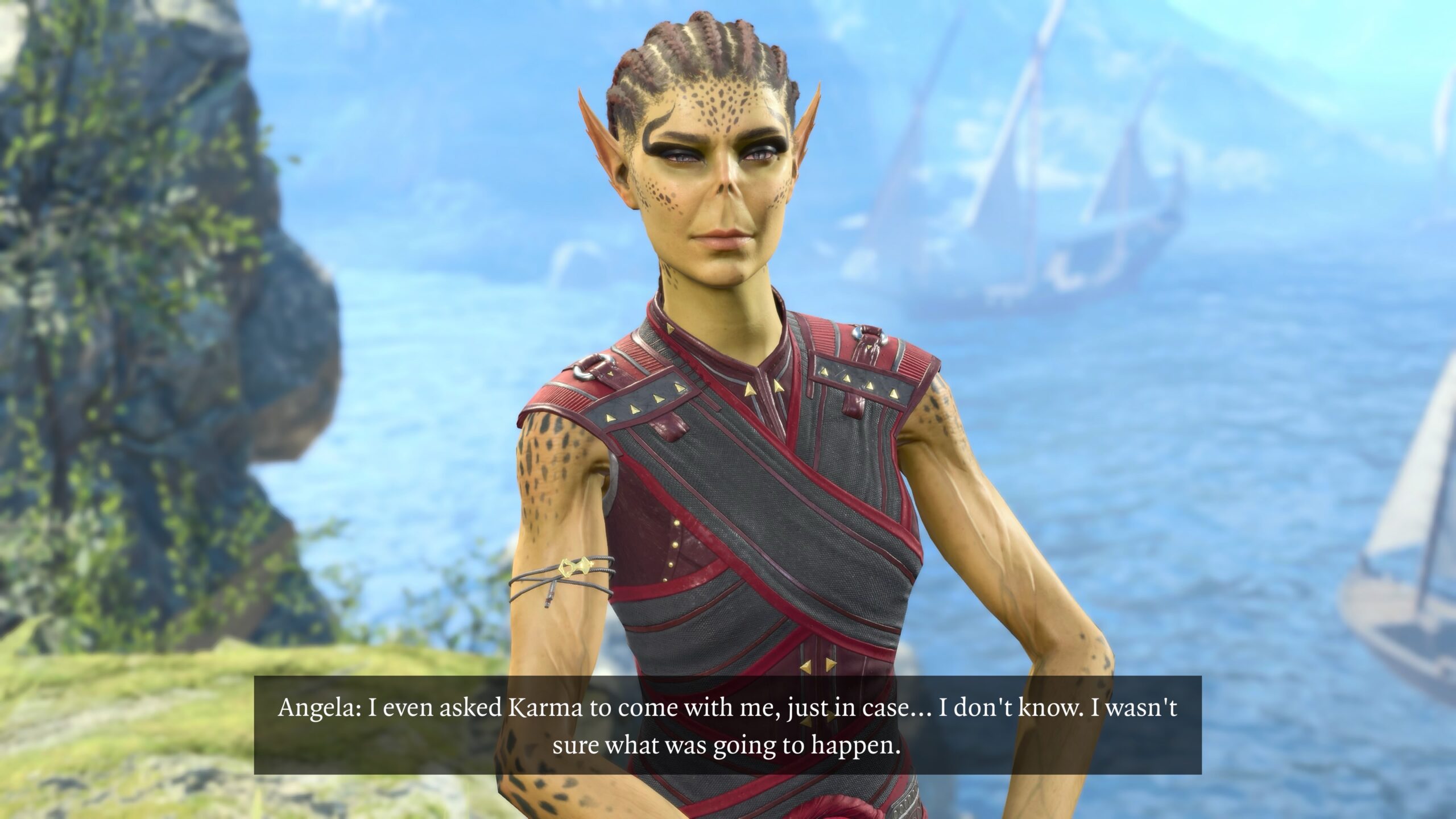
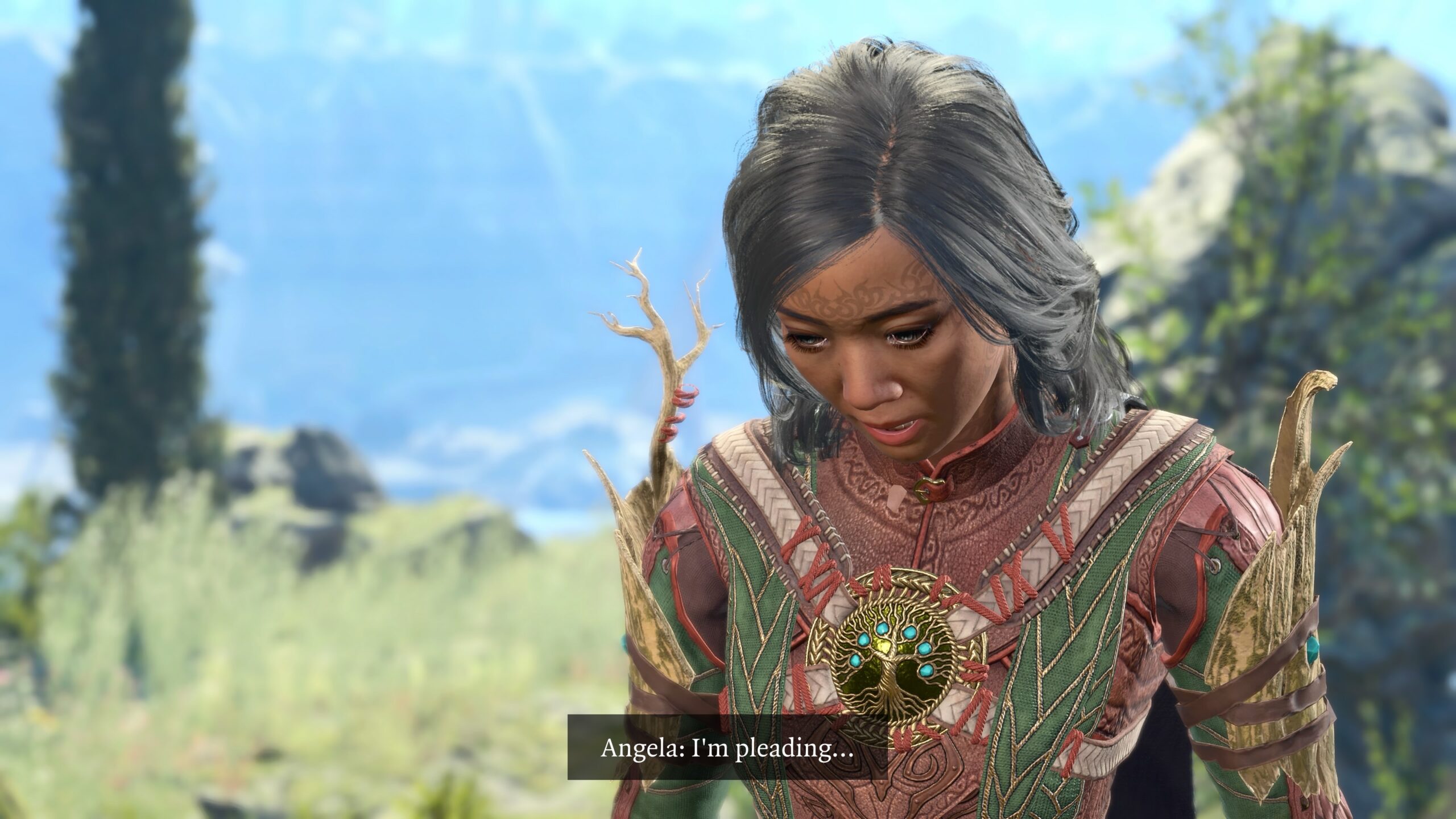
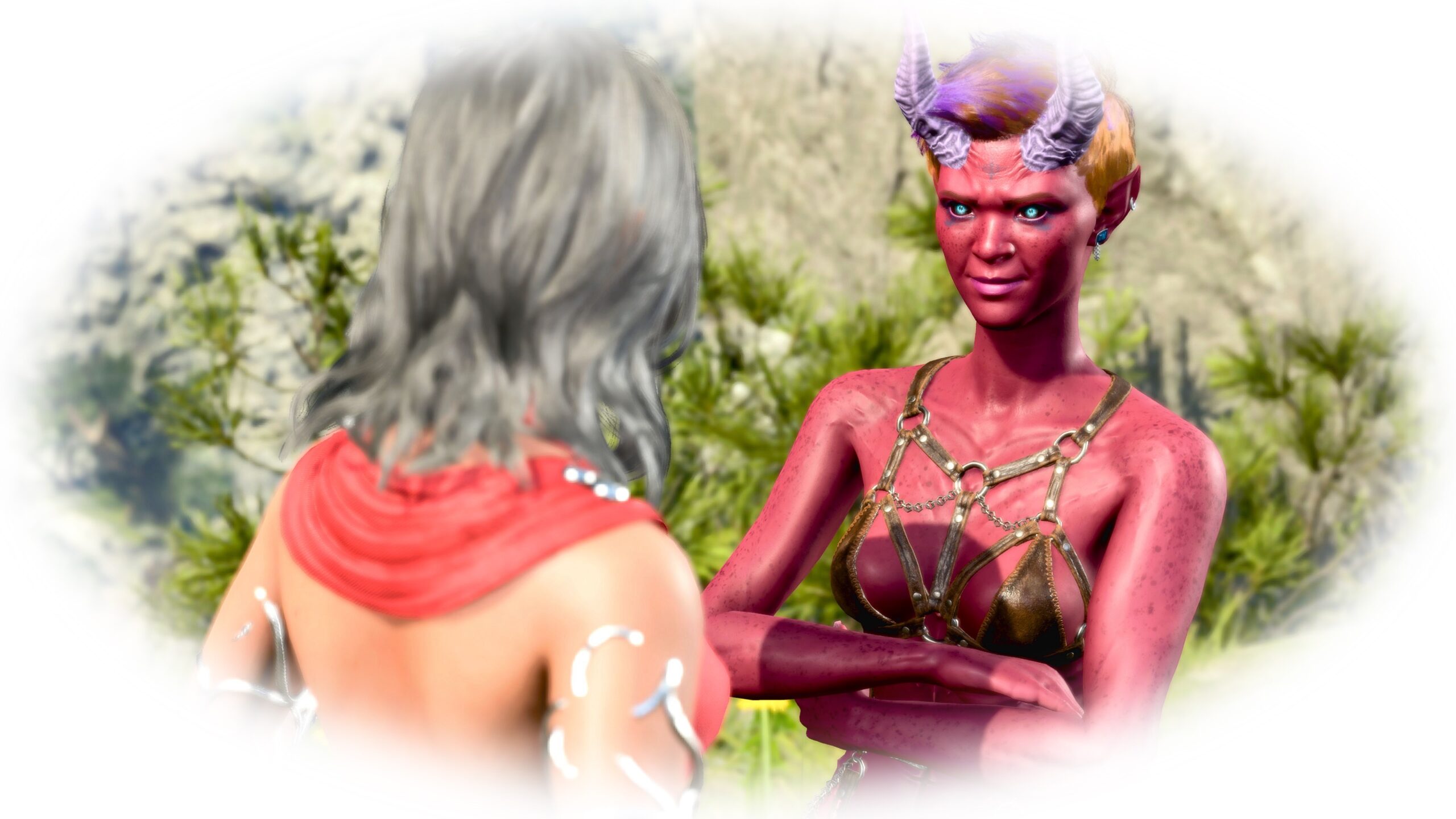
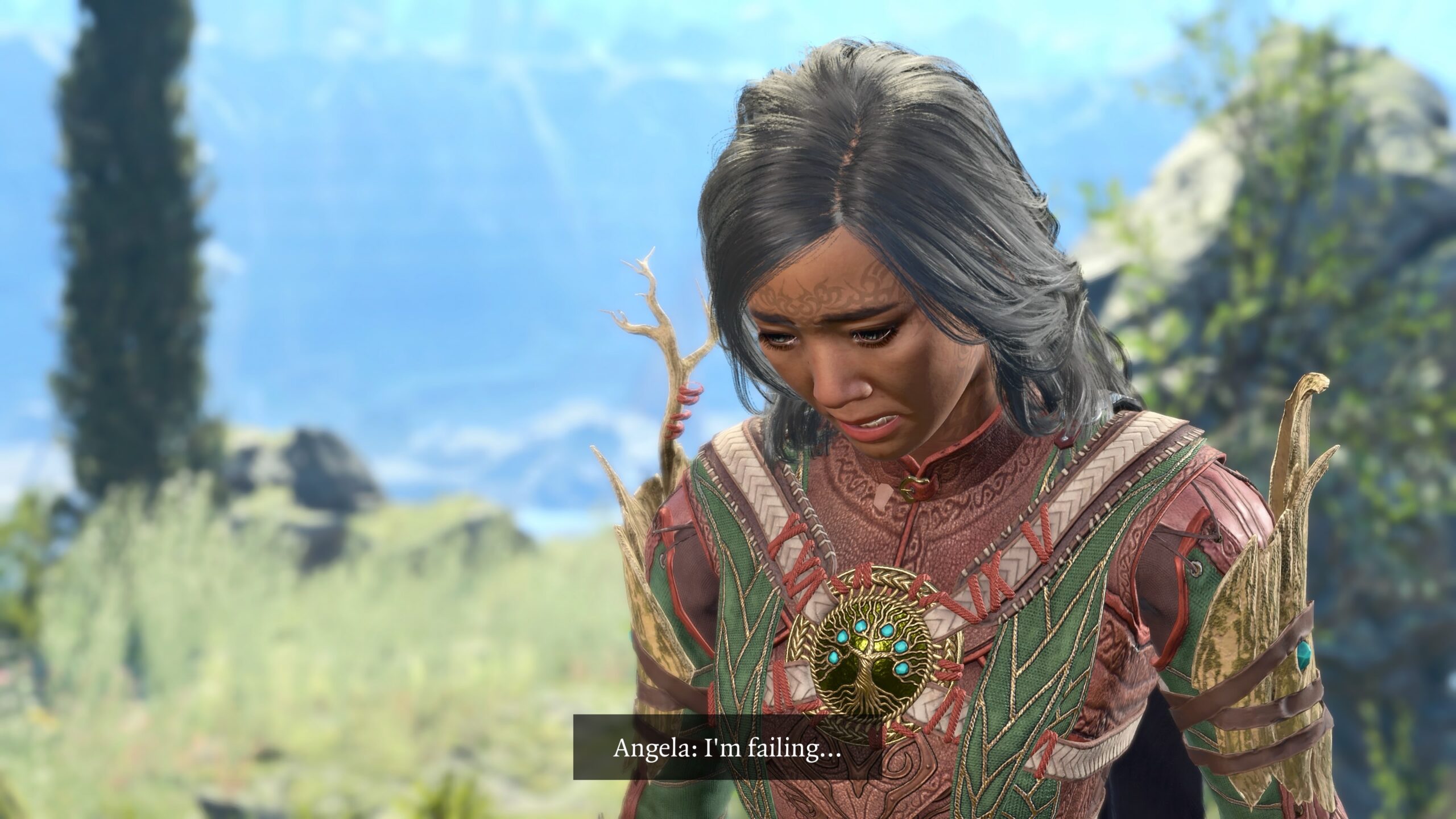
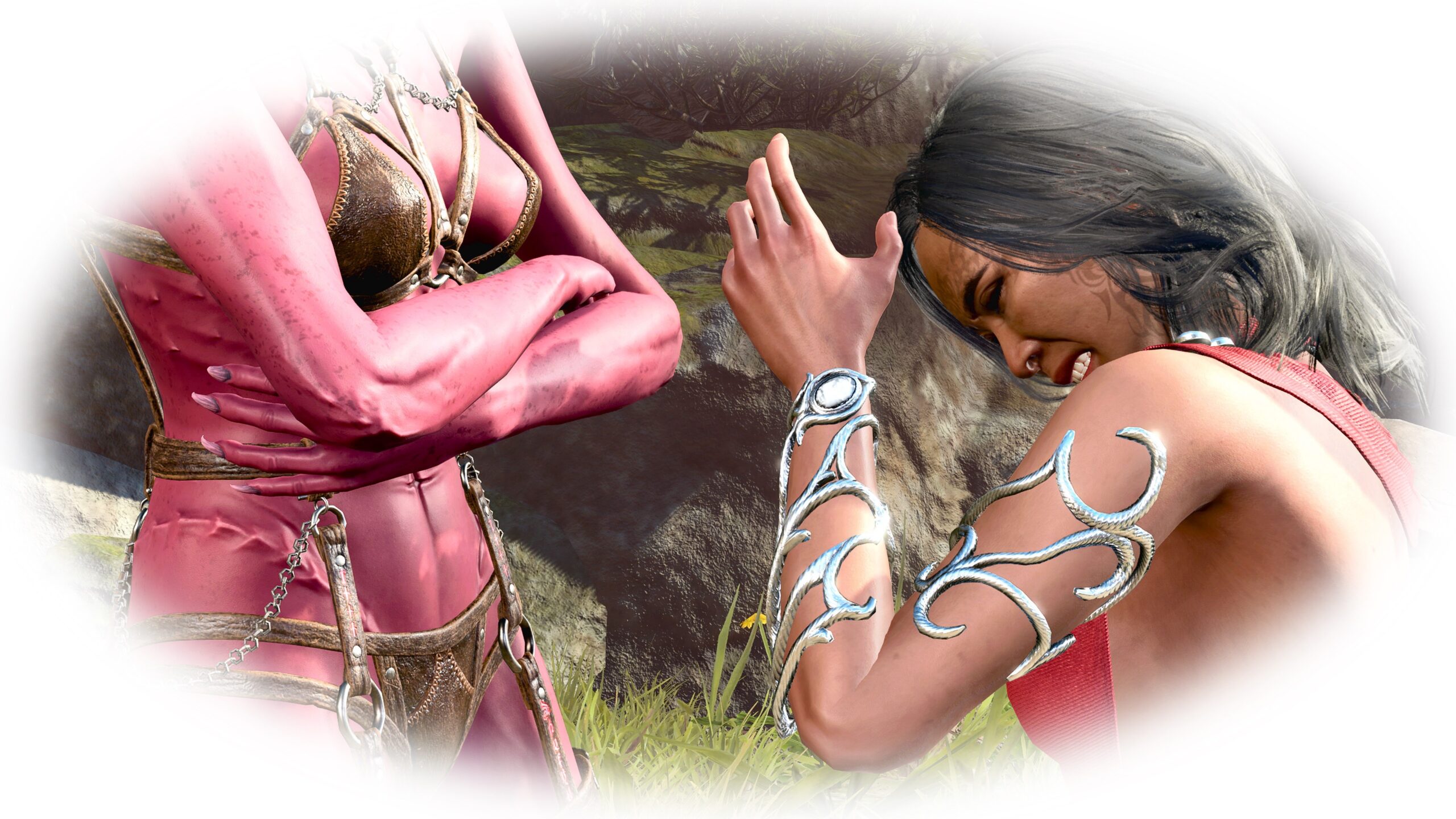
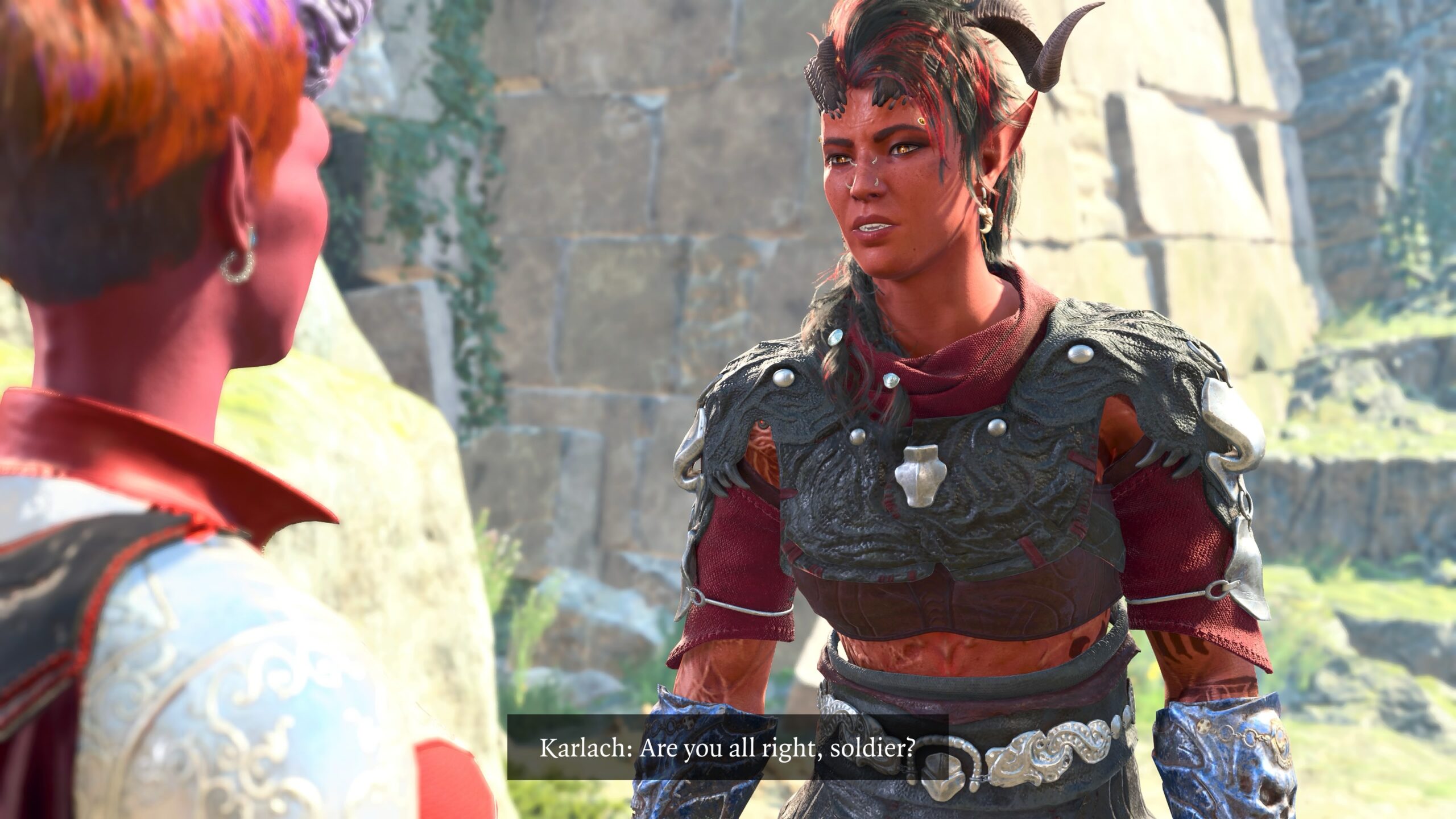
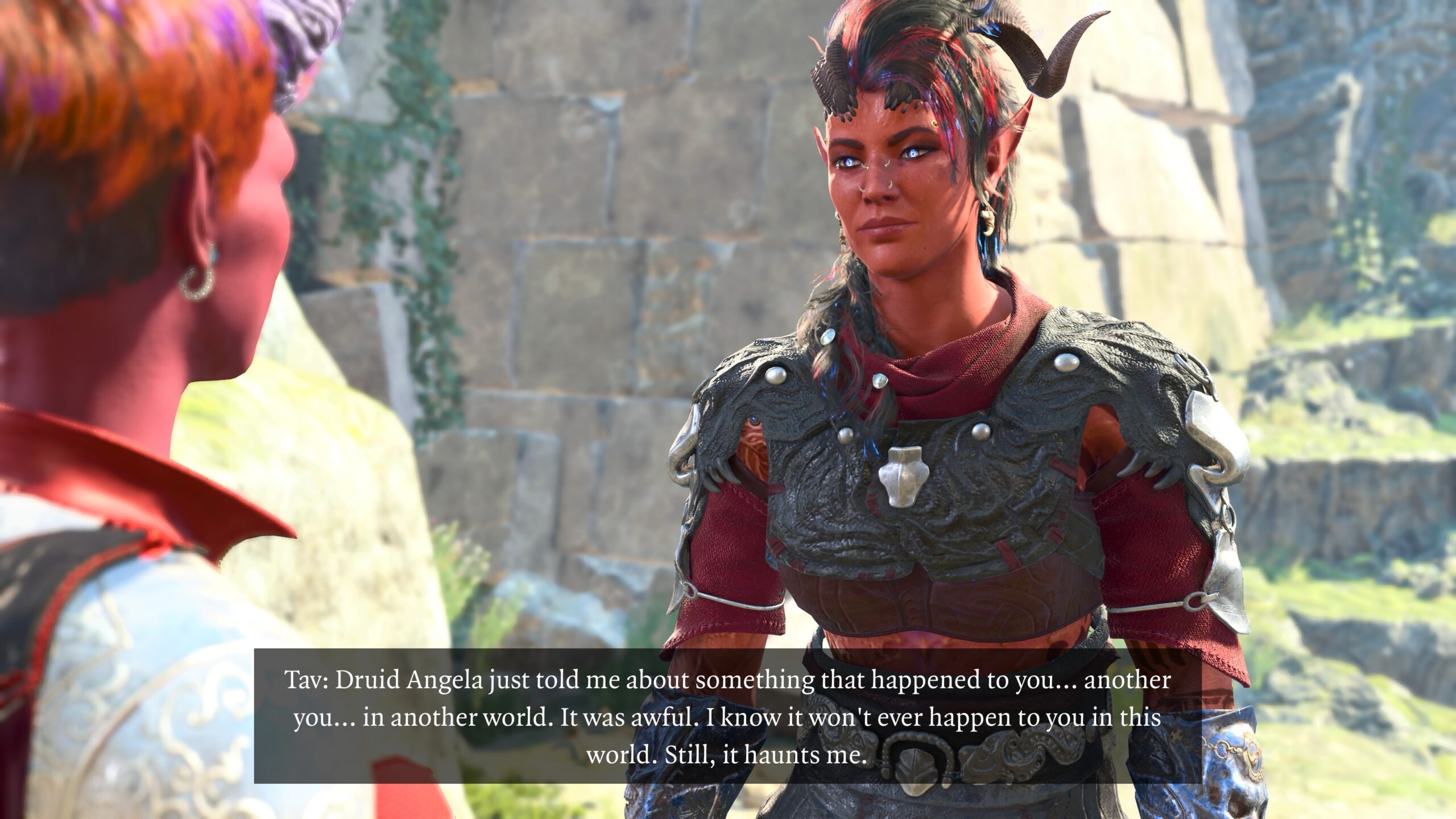
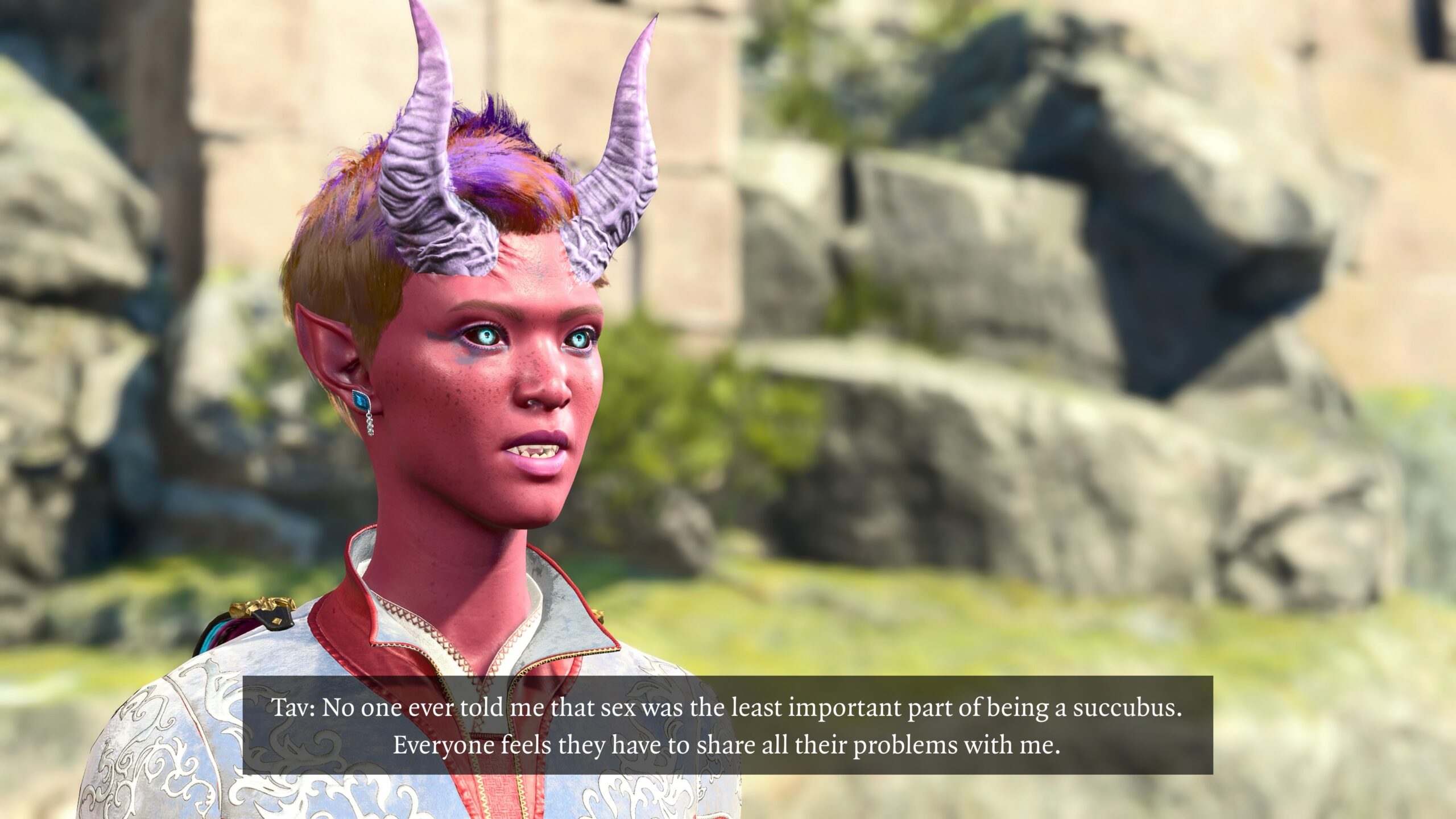
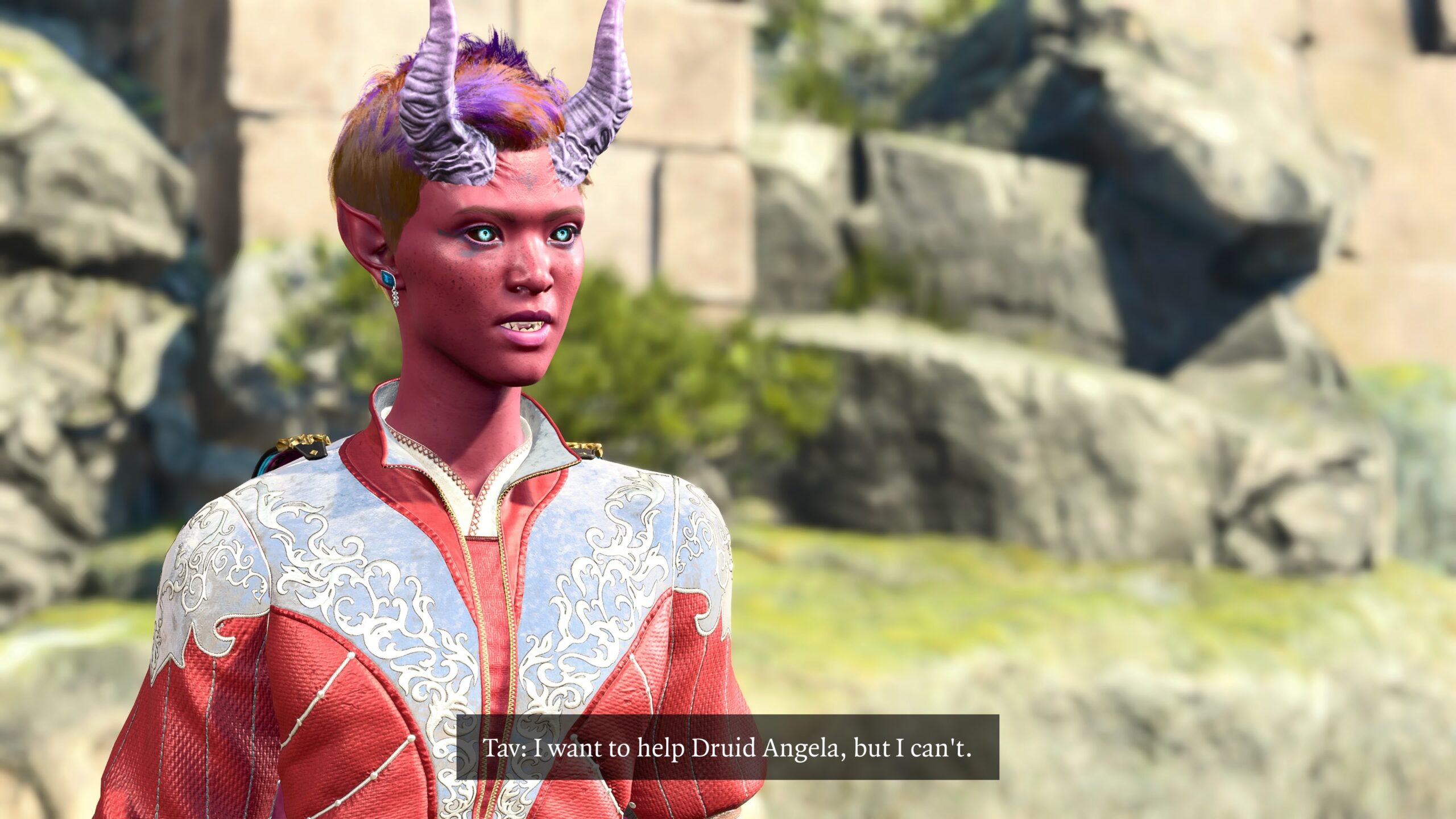
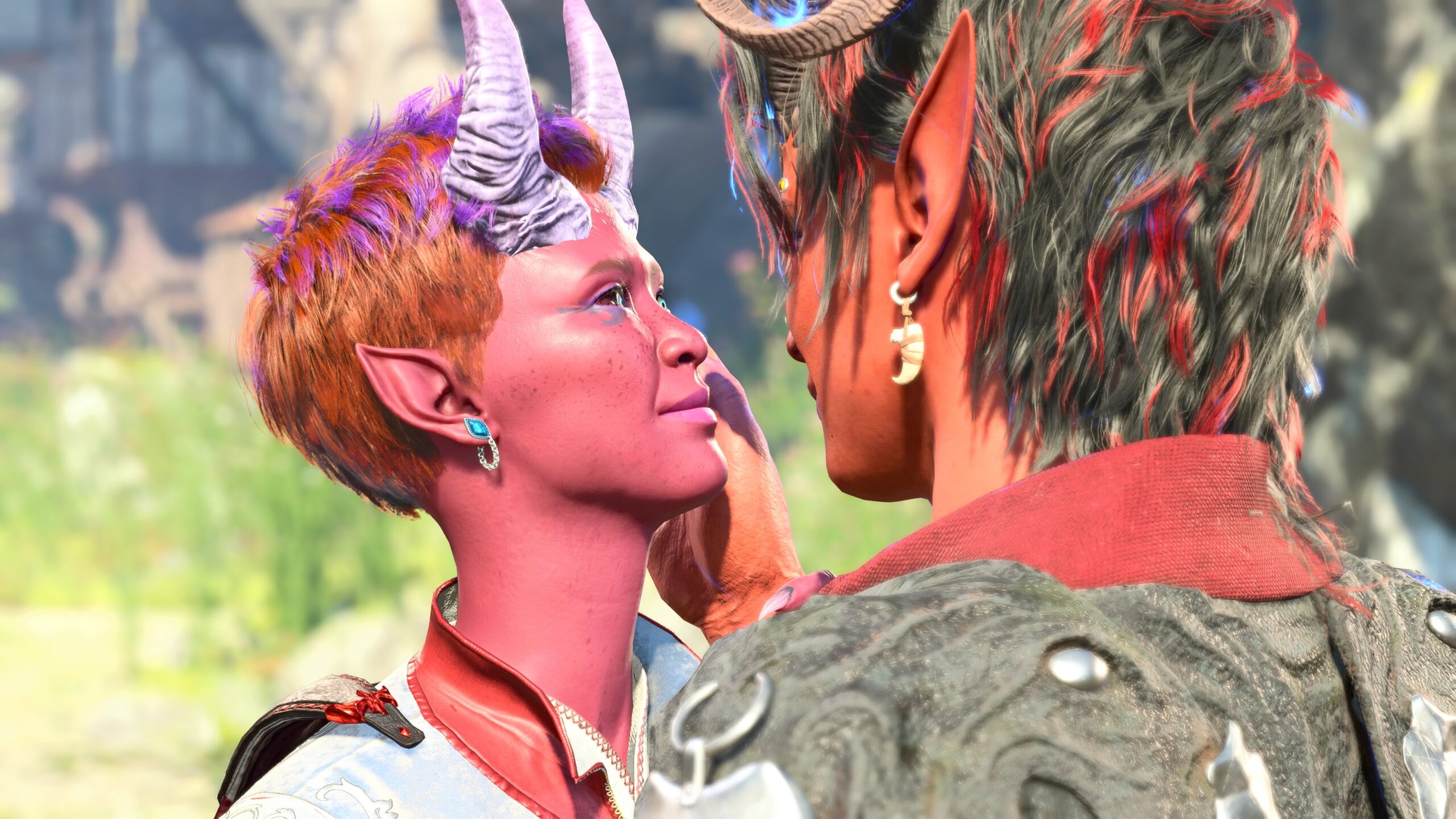
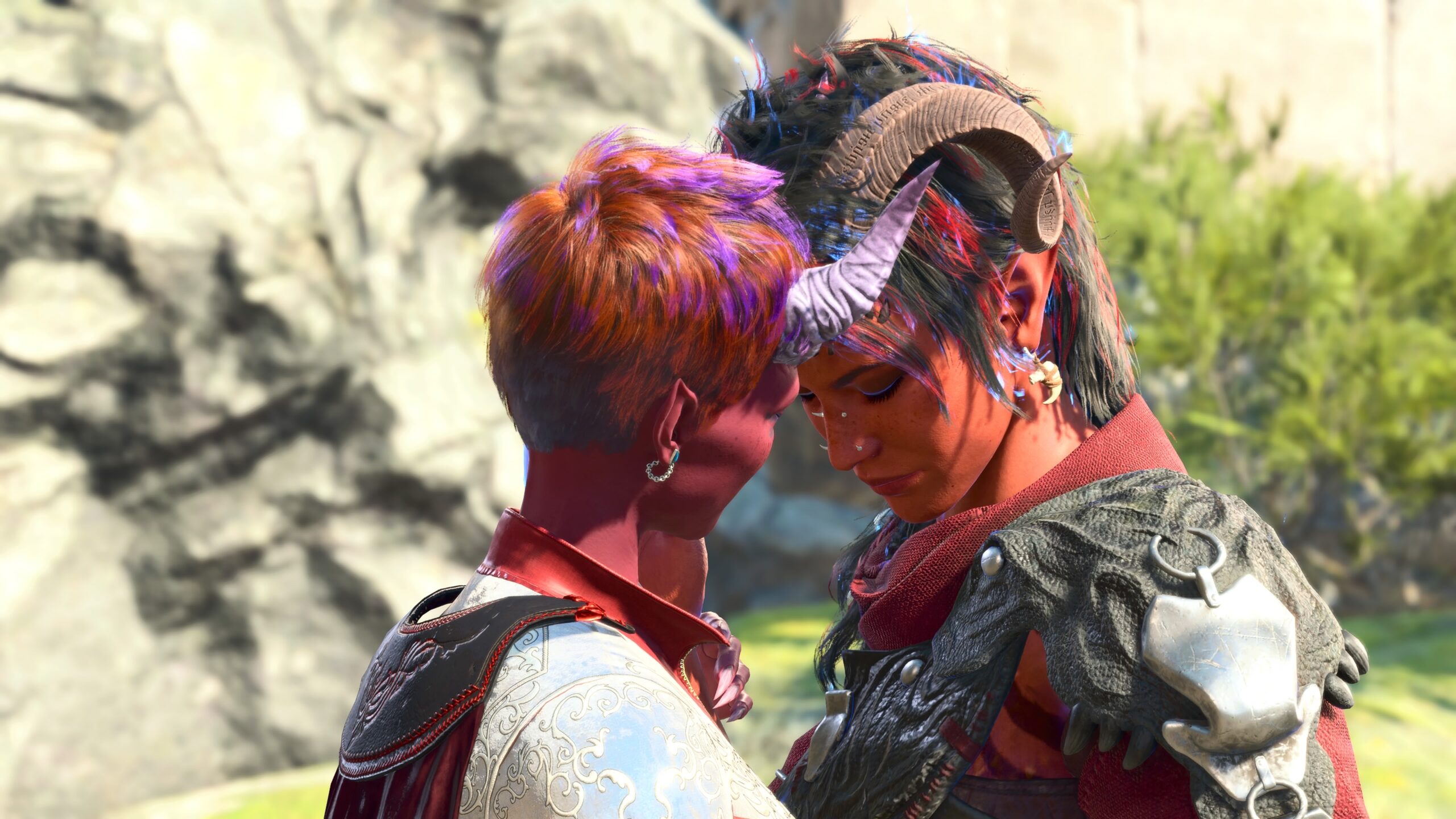
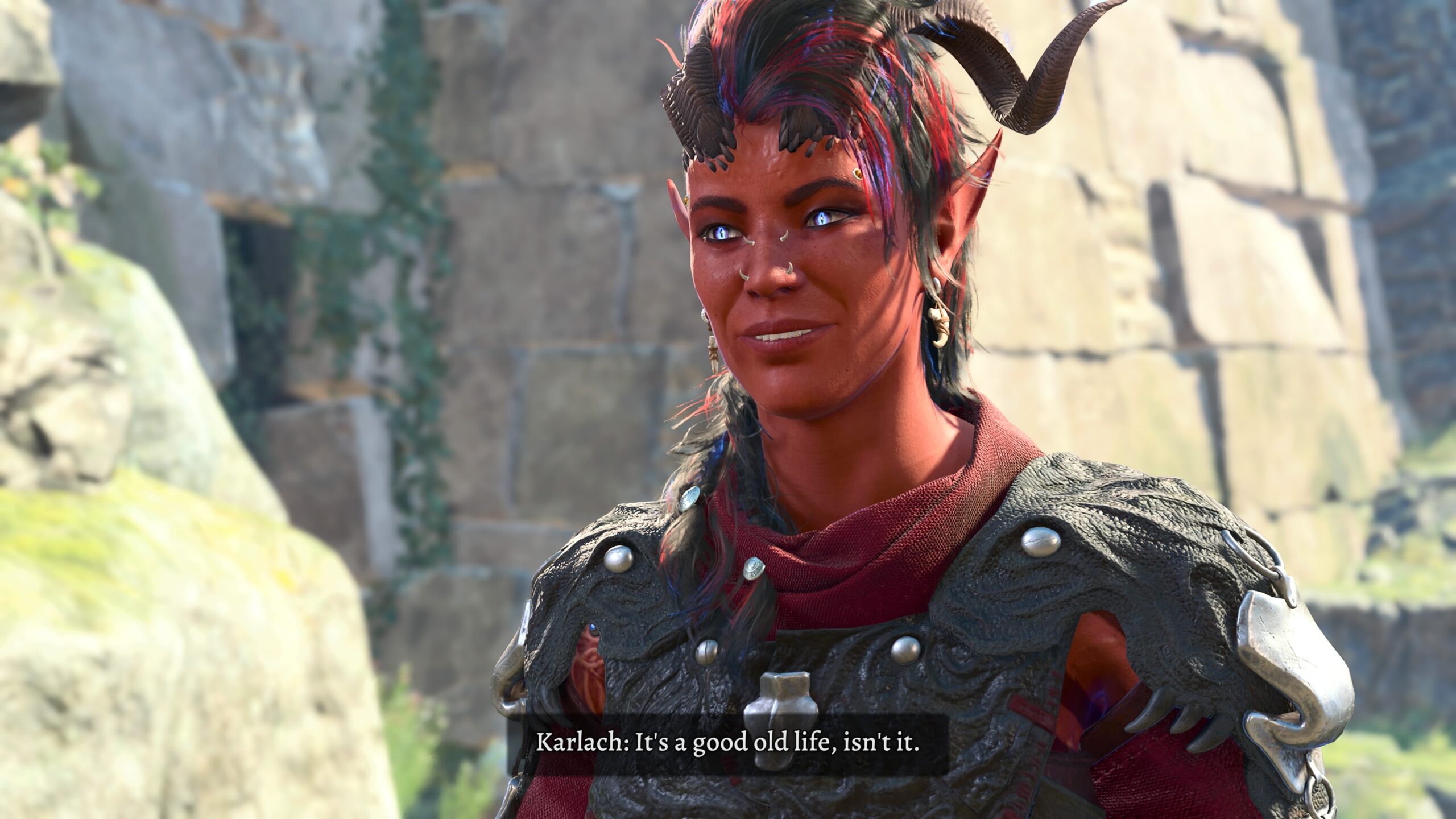
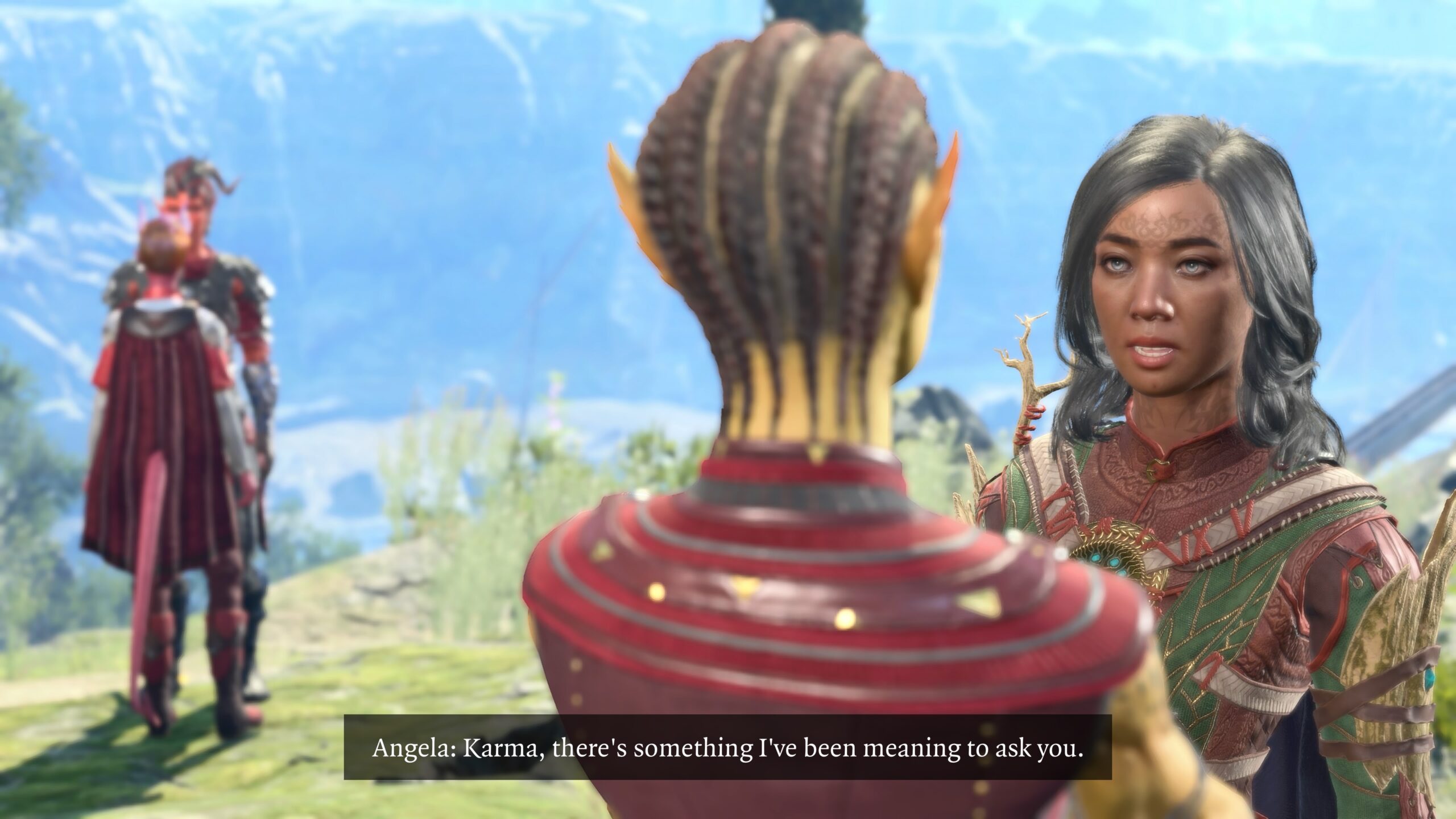
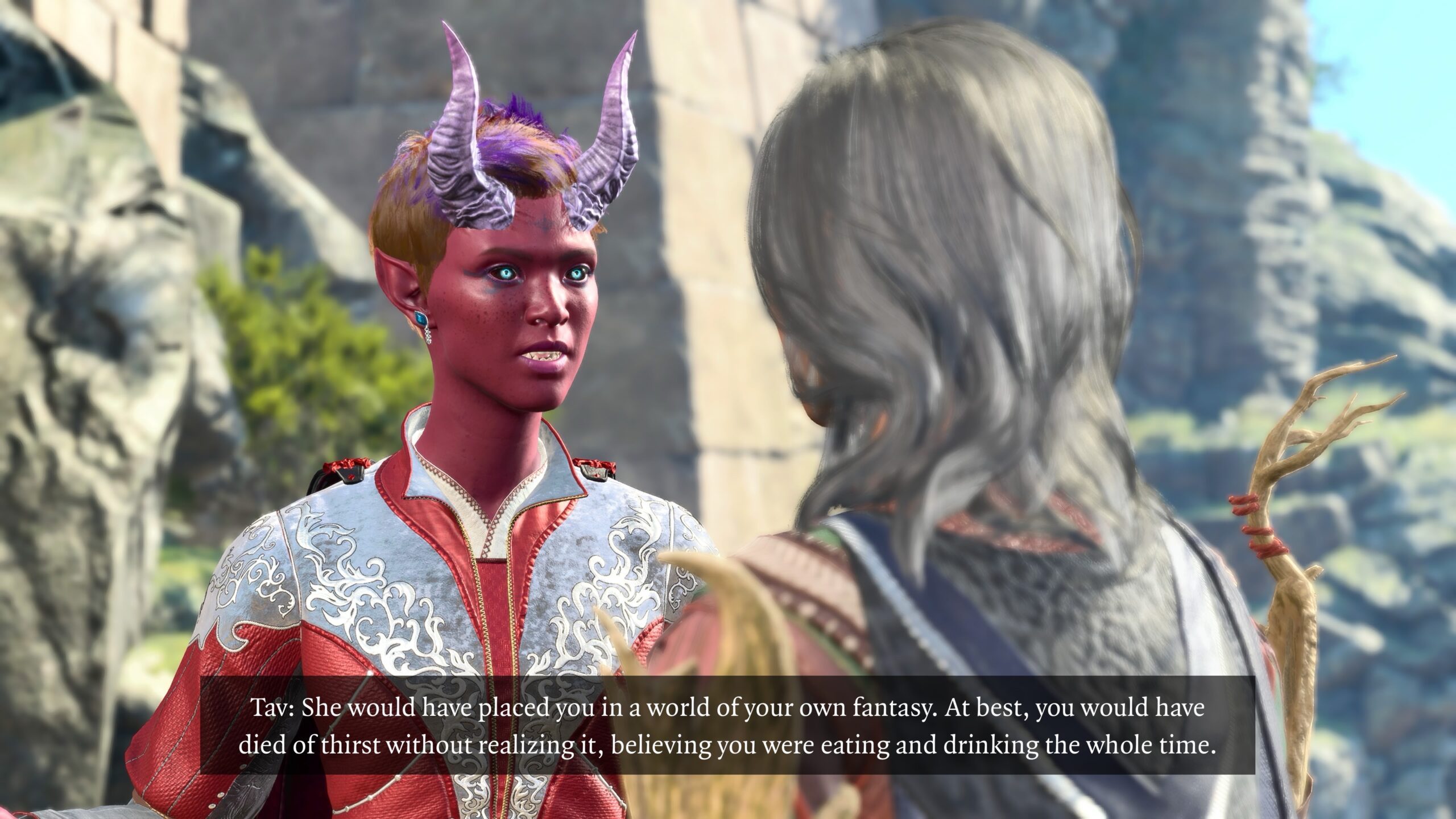
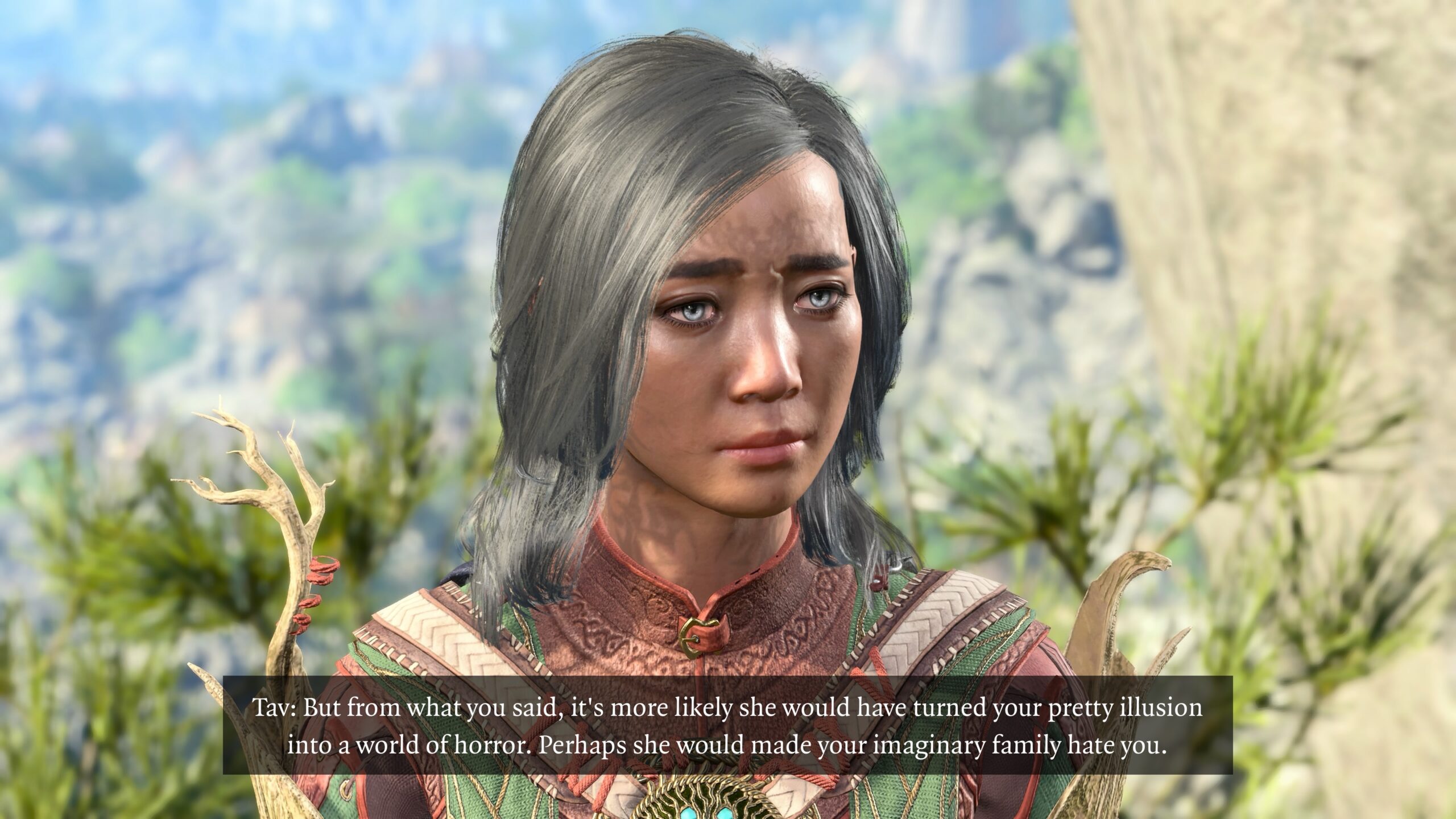
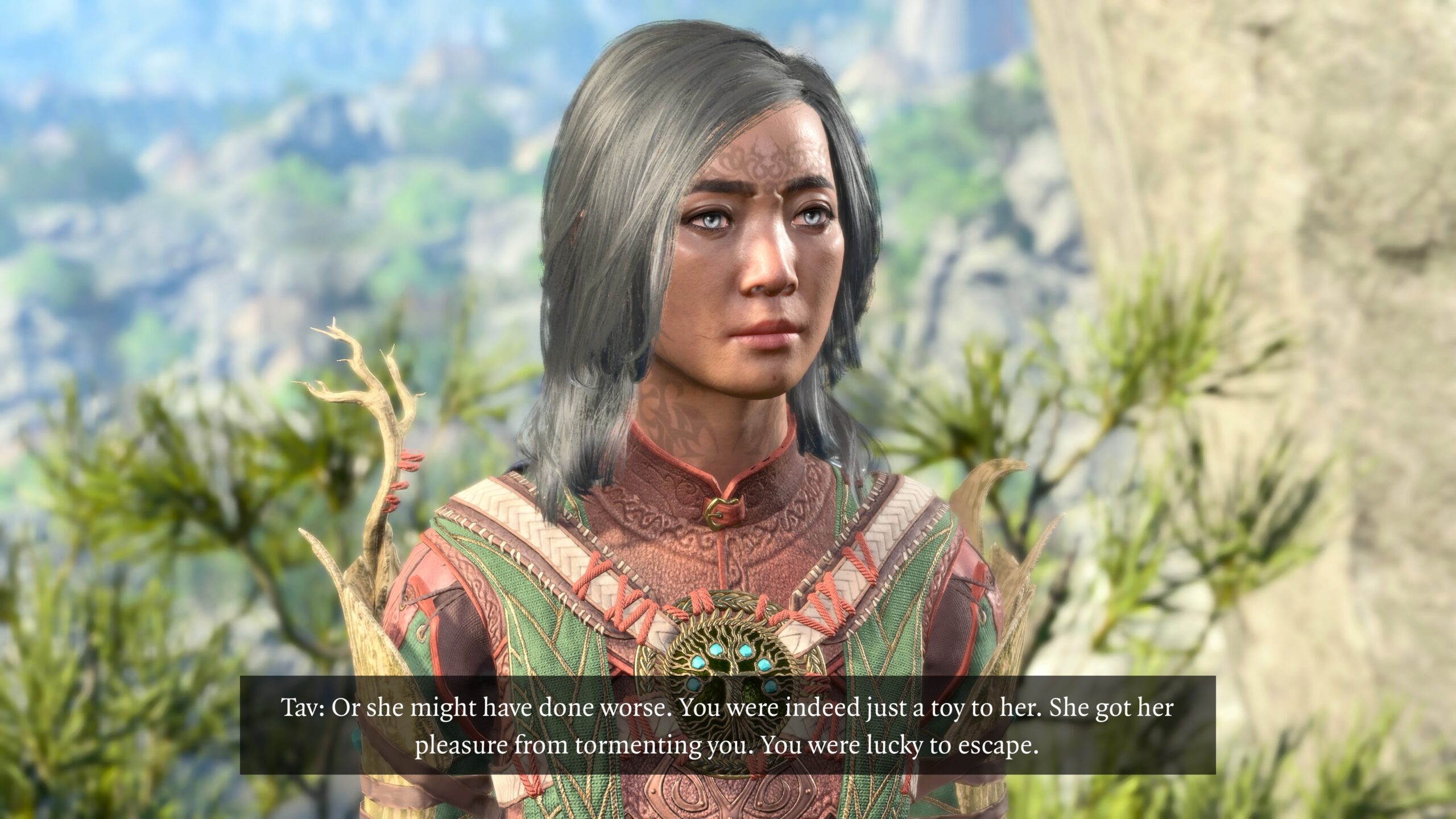
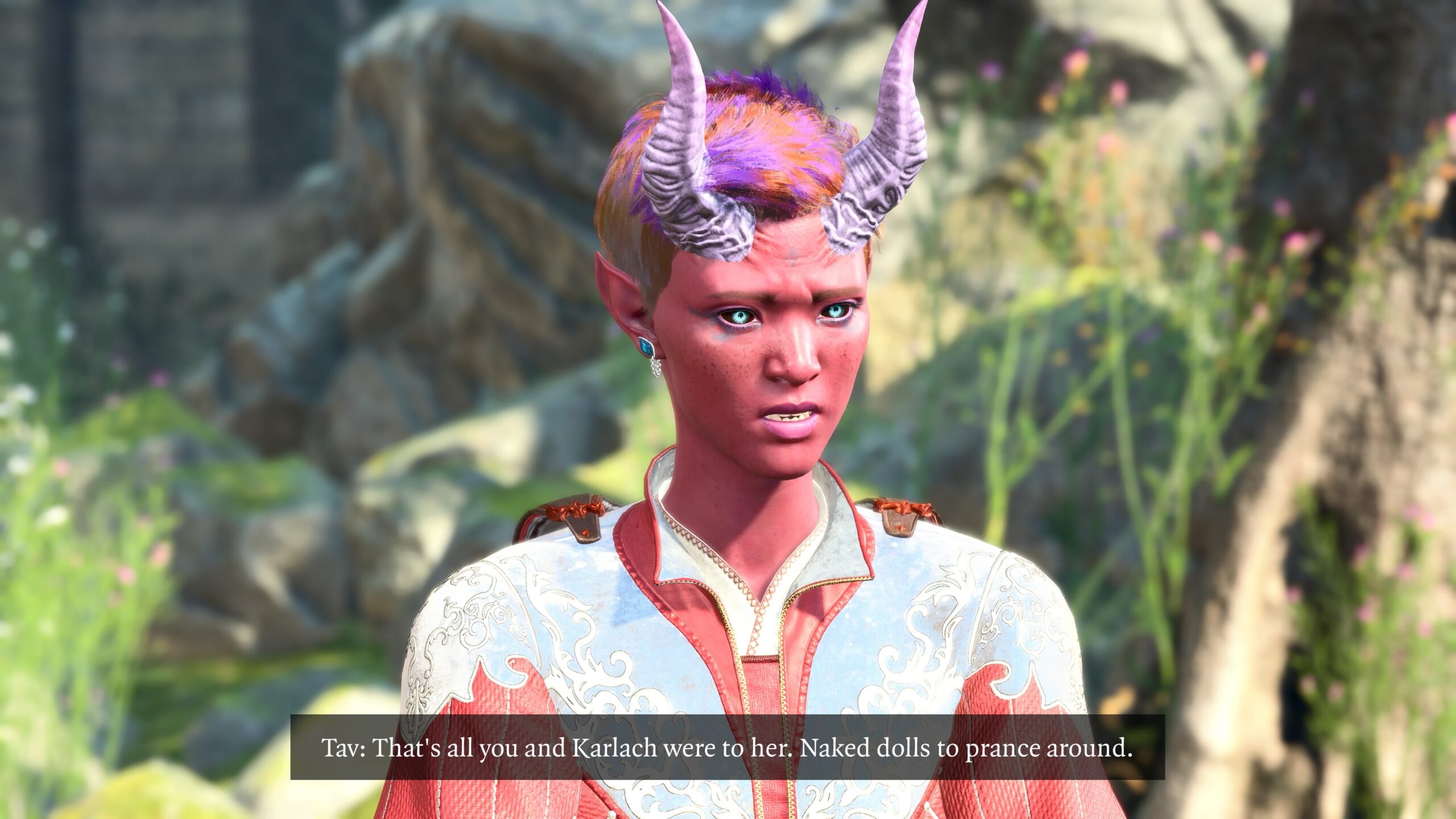
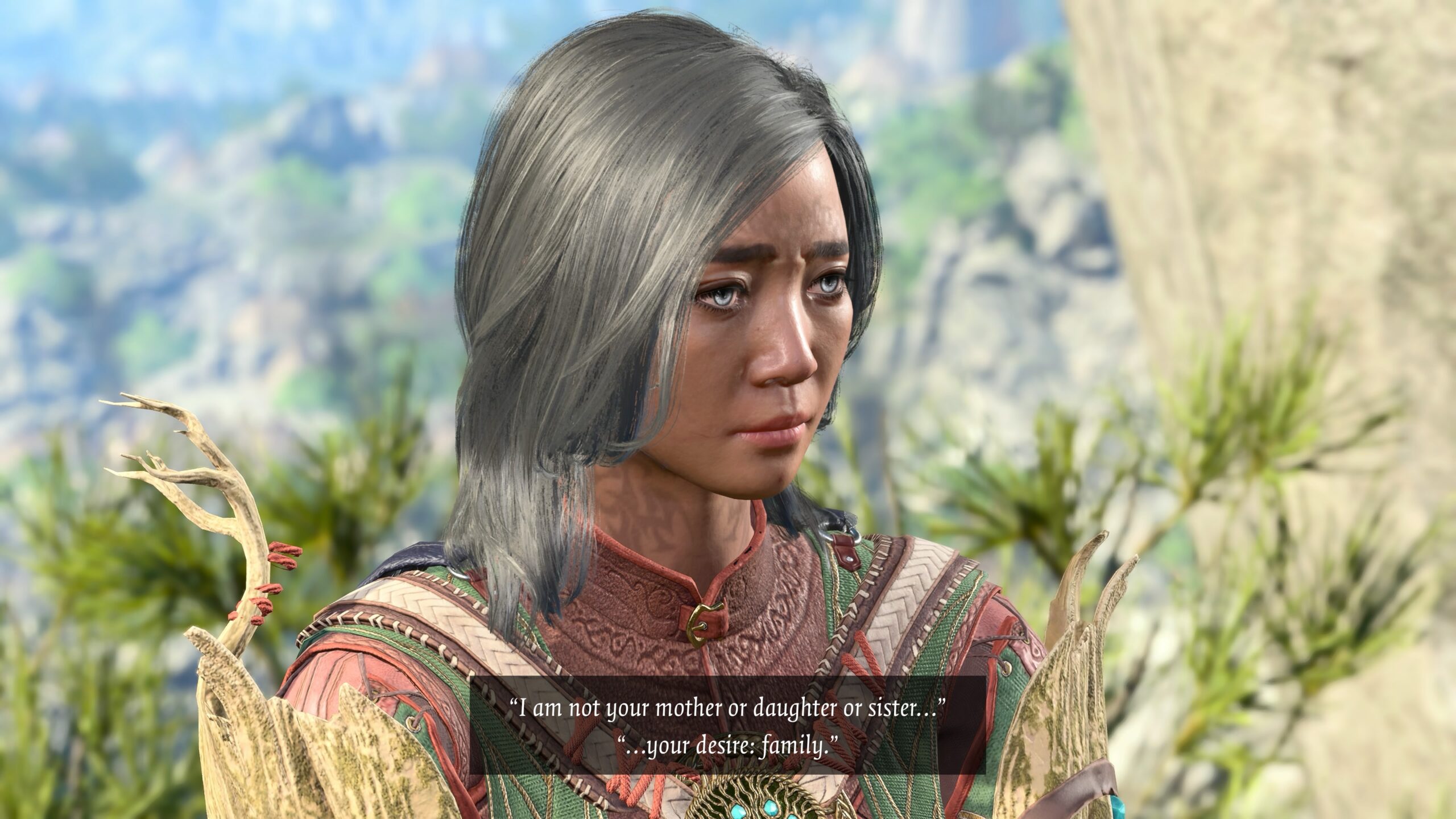
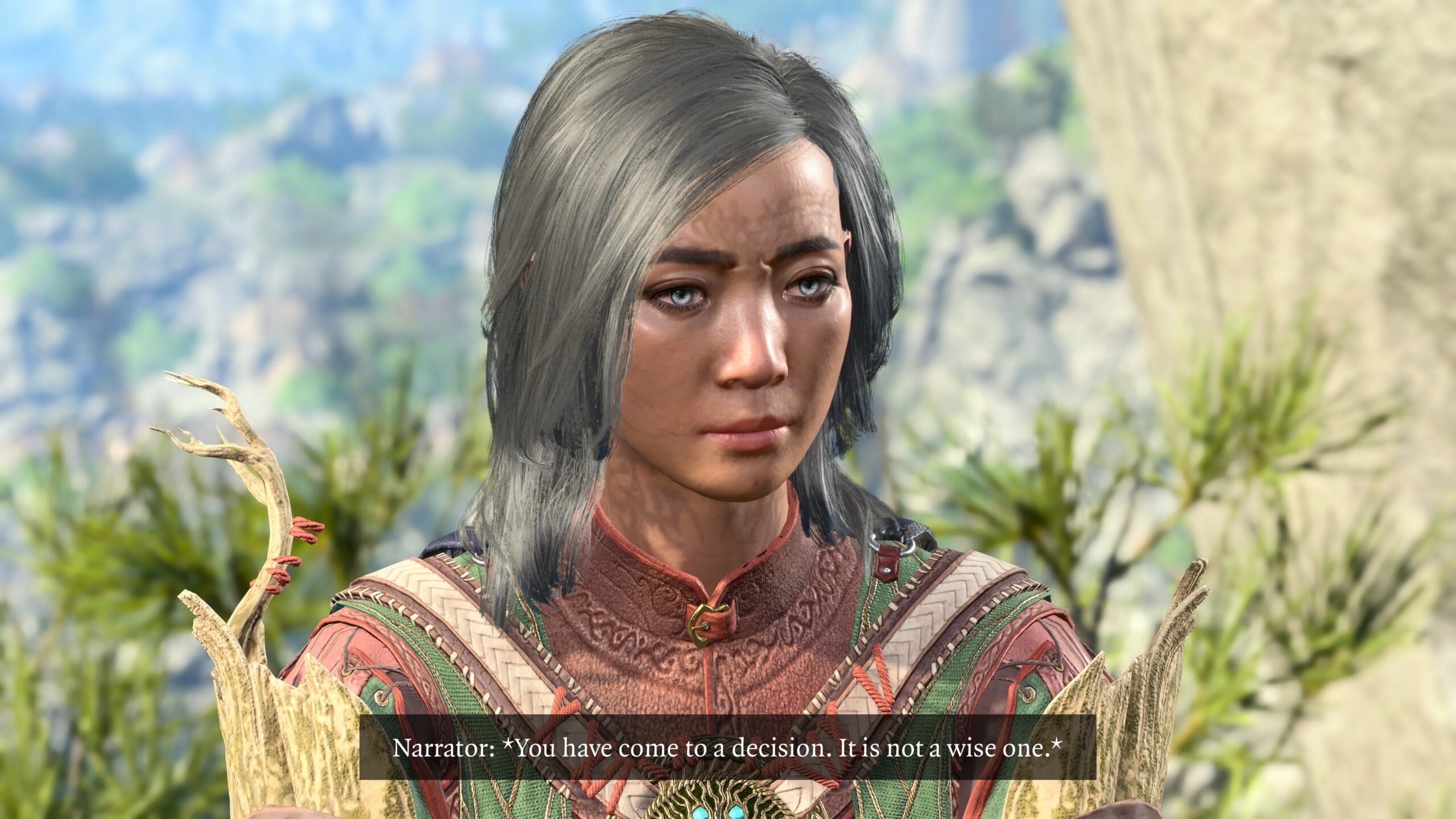
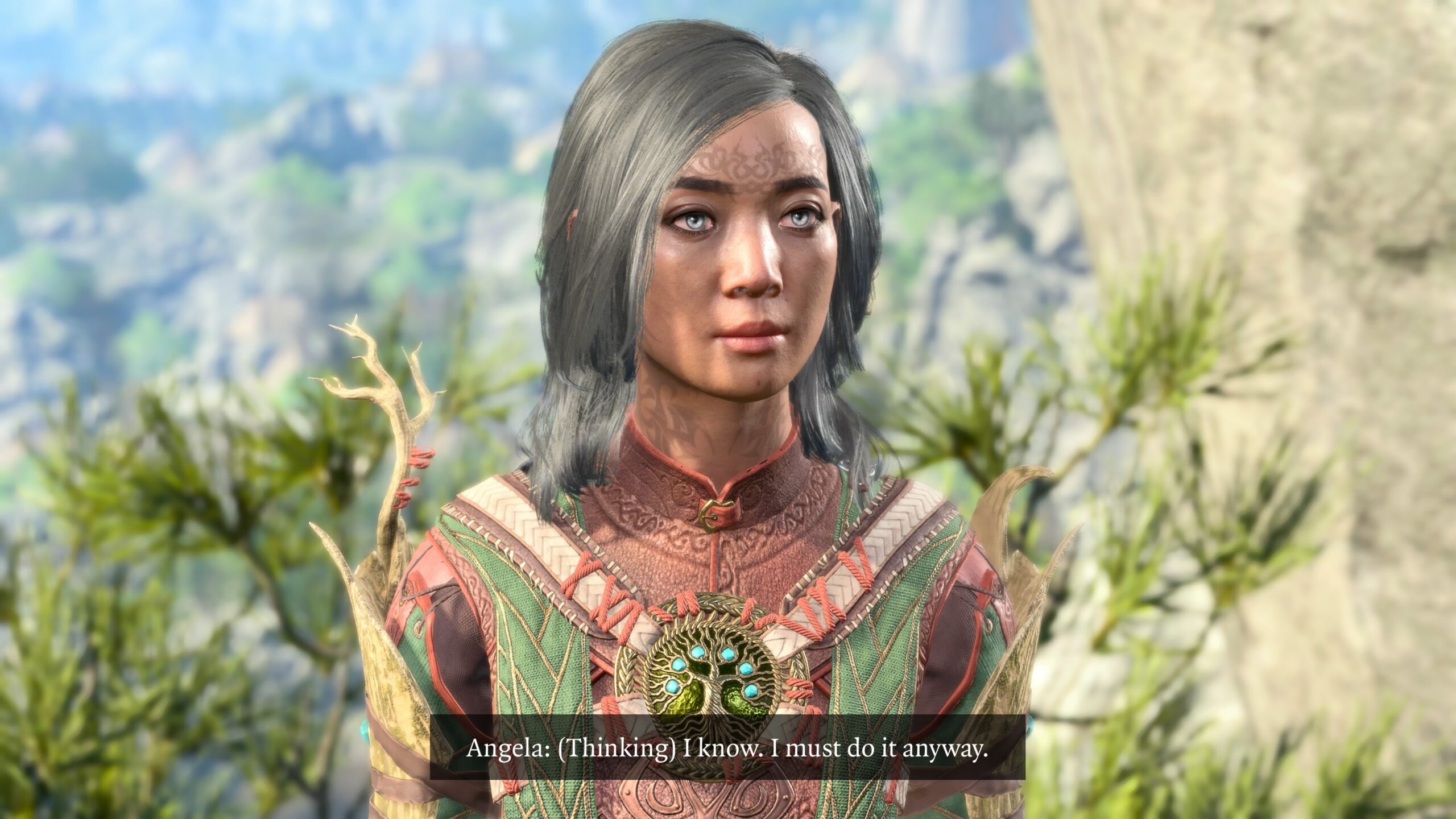
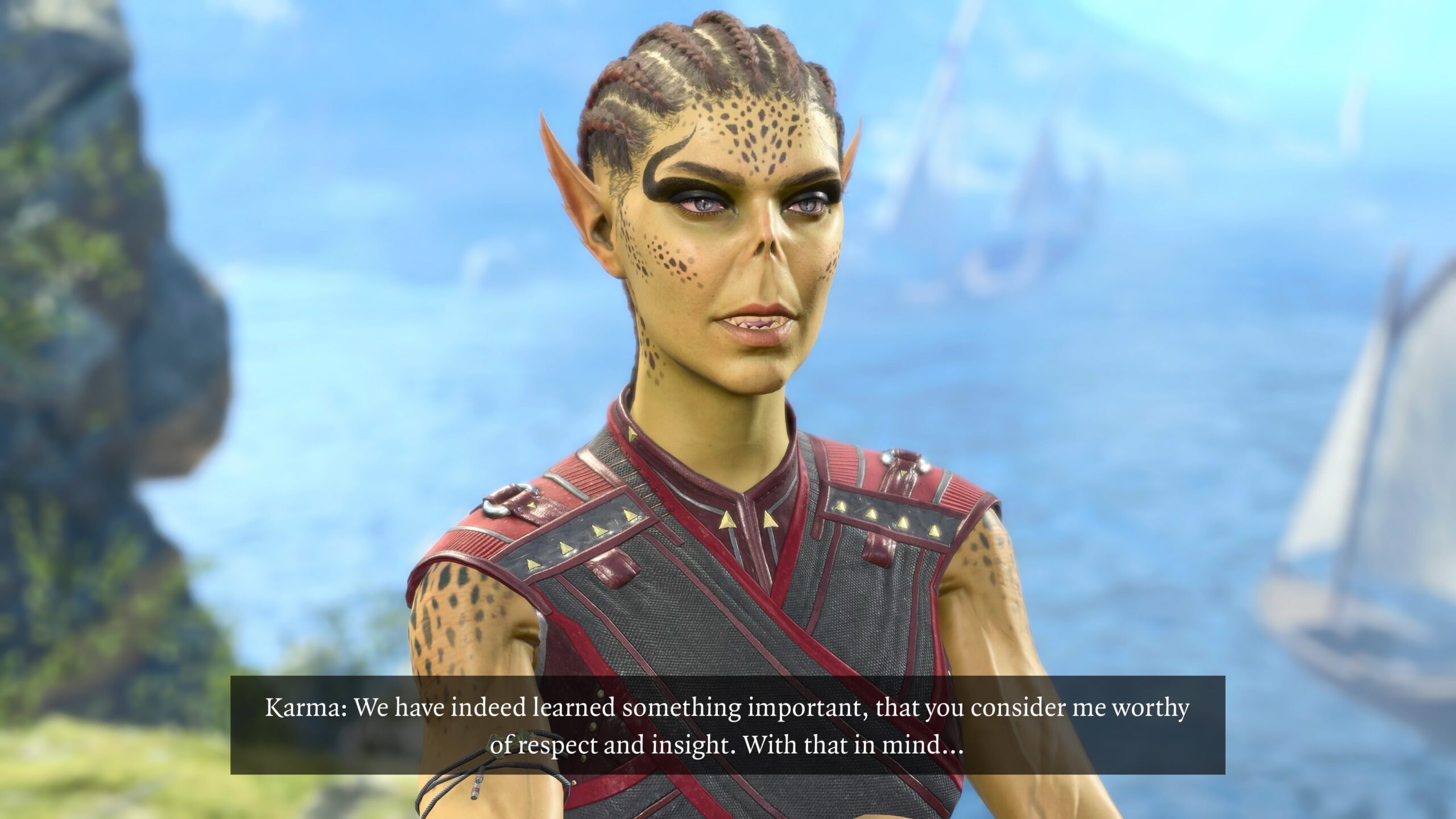
This is part four of a four-part article that begins here.
Observations
In preparing this essay, I became aware of how much my process resembles that of making a movie:
- composing each shot;
- understanding the properties of the camera;
- consider what’s in-frame;
- location scouting for the background in the images;
- organizing the cast (not all characters are available in each playthrough);
- lighting (e.g., if a model is facing their shadow, their faces are going to be dark);
- blocking the position of the “actors” (models) in a shot;
- costuming (what fits the scene, creating contrast from the background, is the outfit available in that game save);
- planning scenes to avoid reshoots;
- the more the script is organized in advance, the fewer the potential reshoots;
- continuity (model costume, model position, etc.) between reshoots if they’re needed;
- production resources (Is the game save I created still available? Do I have the disk space for it?);
- how it comes together in the post-shoot edit;
- the hardest of all: is the story worth the telling?
As I’ve said before in this essay: Only you can judge if the result is interesting.
Wish list
Photo Mode is a gift from Larian to the BG3 community. It doesn’t profit them in any direct way.
Ungrateful wretch that I am, I’m going to list a few things that I wish Photo Mode had. Perhaps word will get around, and video-game creators will consider it for their Photo Modes in future games.
-
I wish there were more “serious” poses, as compared to the “goofy” postures that dominate the choice of Character Pose.
I have no idea how many others are doing “serious” fanfic as I do. BG3 is a game, so perhaps light and fun poses are the most appropriate.
I’m not asking for full-fledged control over model pose. I know that’s hard to do. There are separate programs designed to create humanoid models and pose them in environments. My devotion to this fanfic doesn’t go far enough to learn how to use such programs.
The poses and movements in the game are based on motion captures of actors, which means the models’ postures are based on human anatomy. If I had the ability to twist the models around arbitrarily, the result would probably not look realistic.
I’m using Larian’s expertise in environment and character design to provide the “heavy lifting.” All I have to do is plop the digital dolls into Barbie’s Dream House. I don’t have to design the dollhouse myself.
I’m grateful for that. I’d still like some more usable poses (“usable” as defined for my fanfic, which may not match the wishes of the legions of BG3 fans).
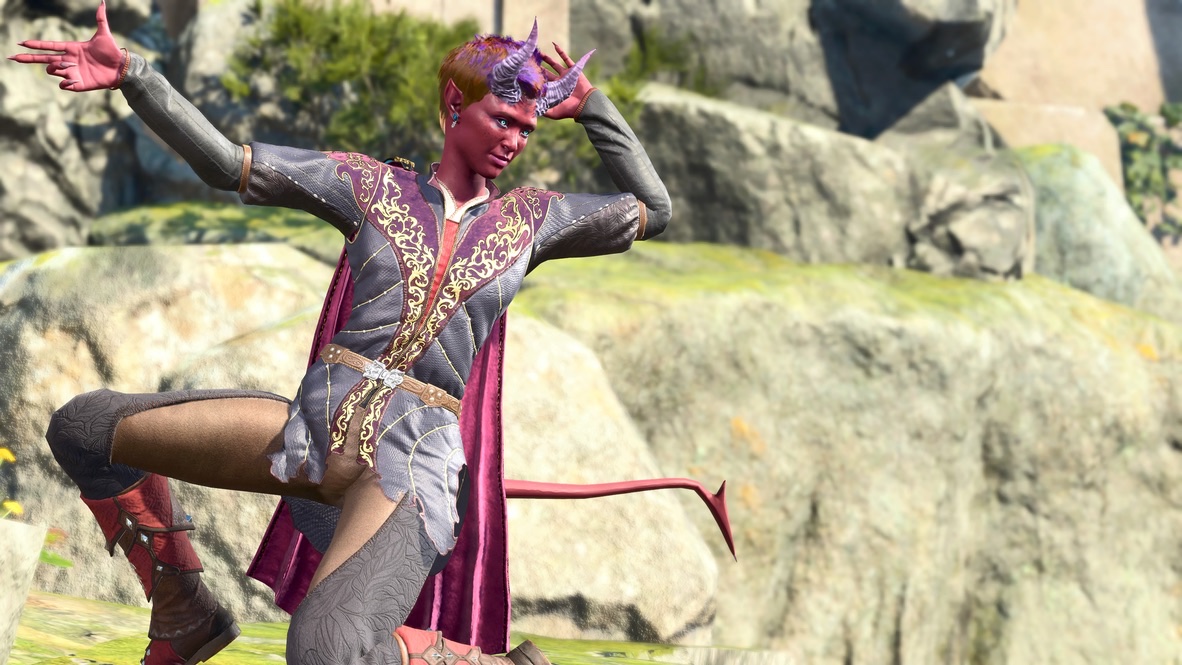
This has its place… 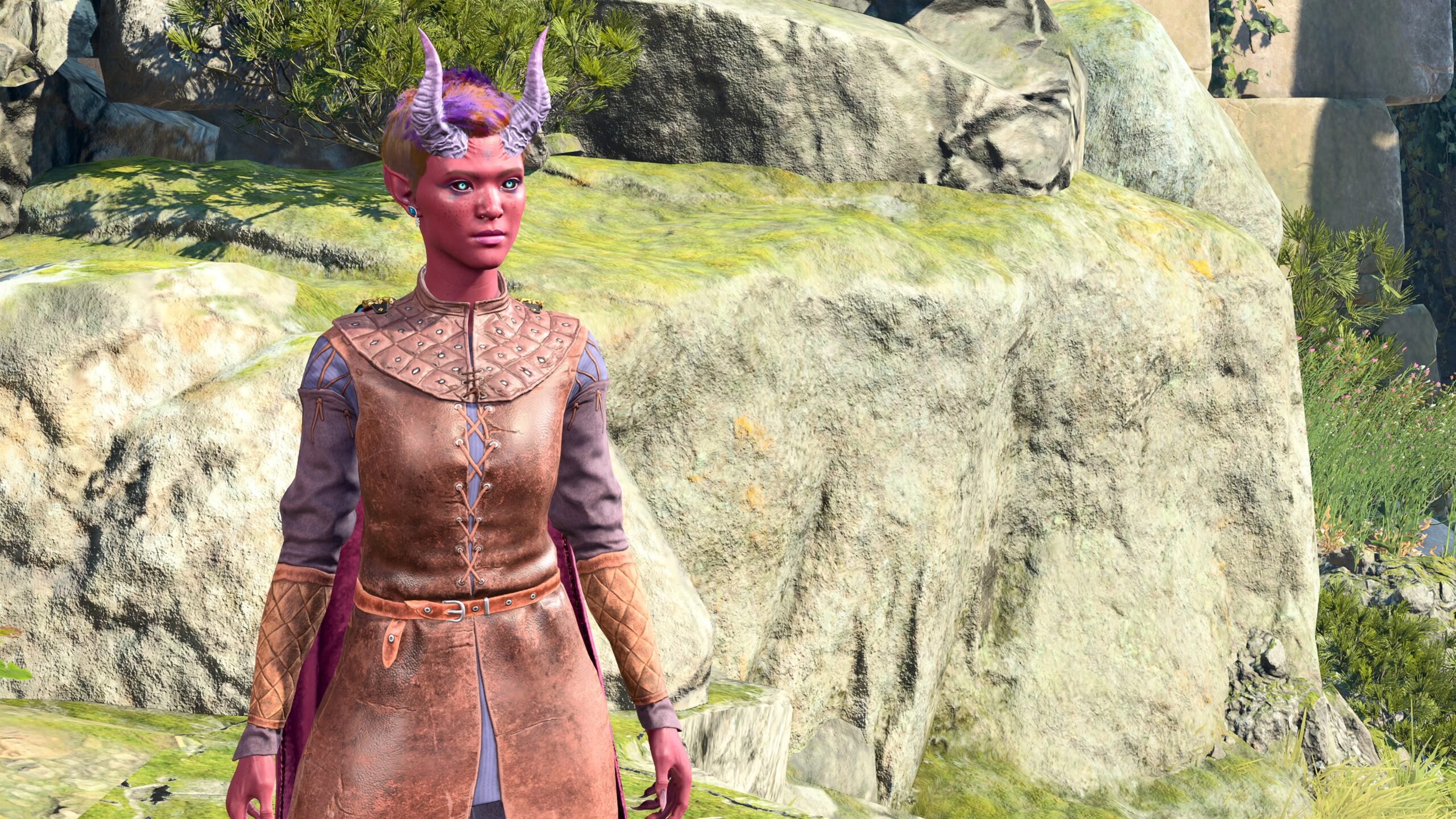
… but I’d like to see more alternatives to this. -
As long as I’m talking about Character Poses, I wish there were at least some way to independently change the angle of a character’s head.
As it stands, I have a choice of sticking with the head pose that Larian has provided, or to have the model look at the camera. That’s not enough if what I want is to position two models and have them look at each other. As I touch on above, it can be a pain to arrange this between characters of different heights.
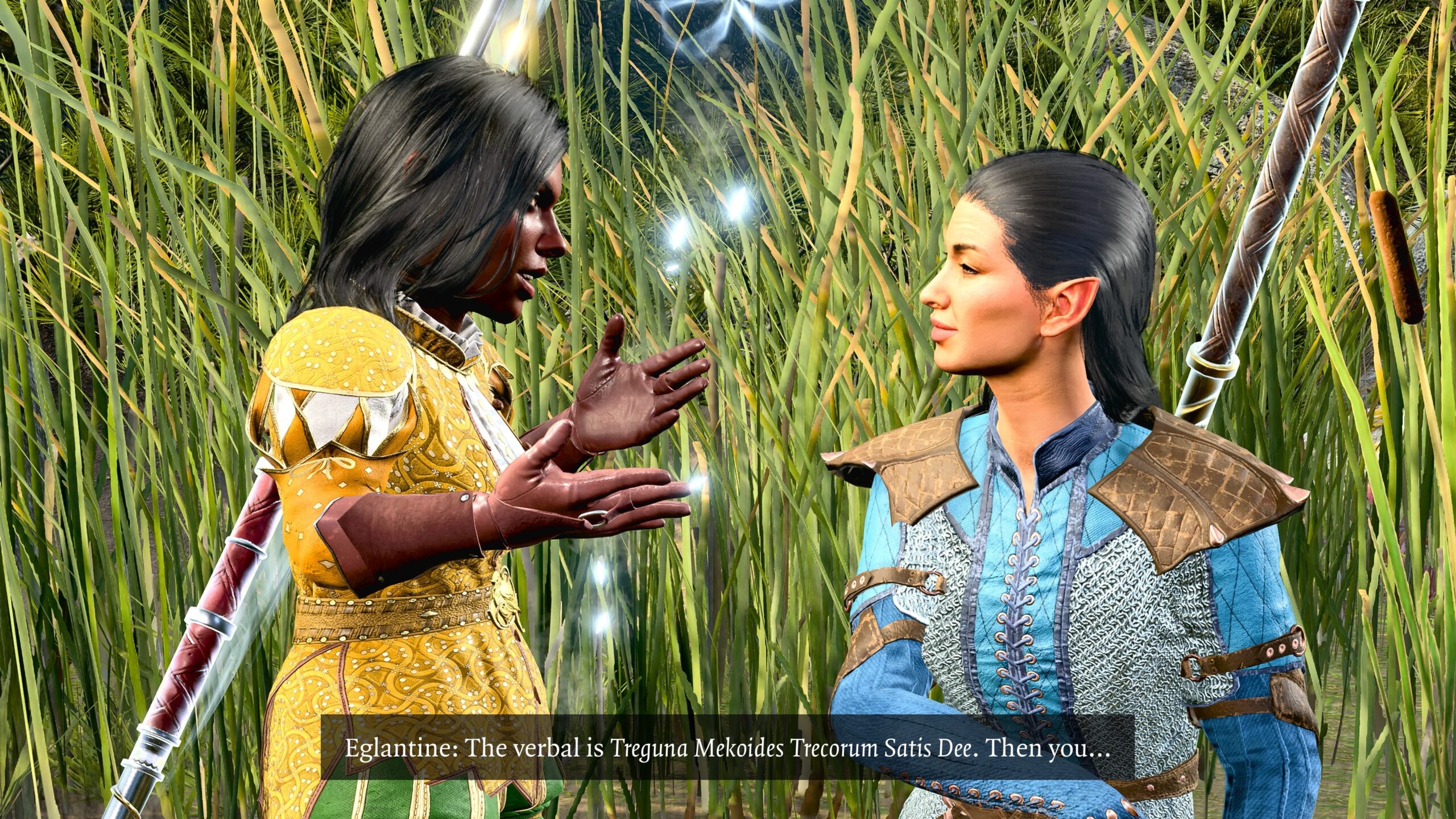
For example, here’s an image from the second fanfic in my Alchemy and Transmutation article. I wanted to show Wings (on the right) on one knee as she listens to Eglantine (on the left). But there’s only one Character Pose for a character on one knee, and it has their head turned at right angle to their body. As you can see, I made do. -
I’ve already complained about facial expressions. I’d like to see more emotive expressions that didn’t rely on anime-like face distortions.
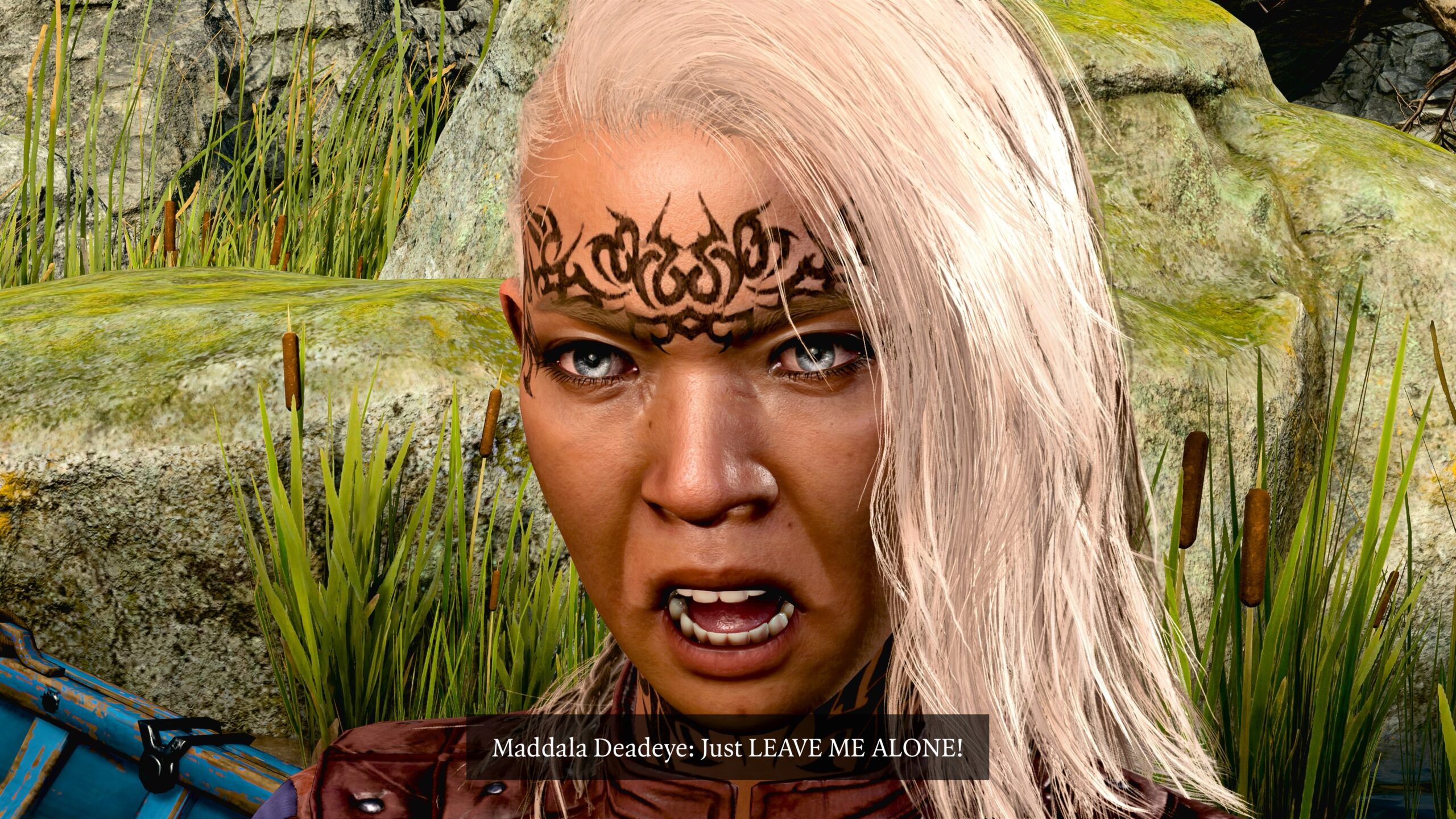
I will reveal a secret: The whole reason for that second Alchemy fanfic was to justify this photo of a character screaming at the top of their lungs. I could find no other use for this expression. -
There are options for turning off the display of a character’s armor, weapons, and musical instrument. I wish there was an option for turning off the display of graphics effects associated with buffs on a character.
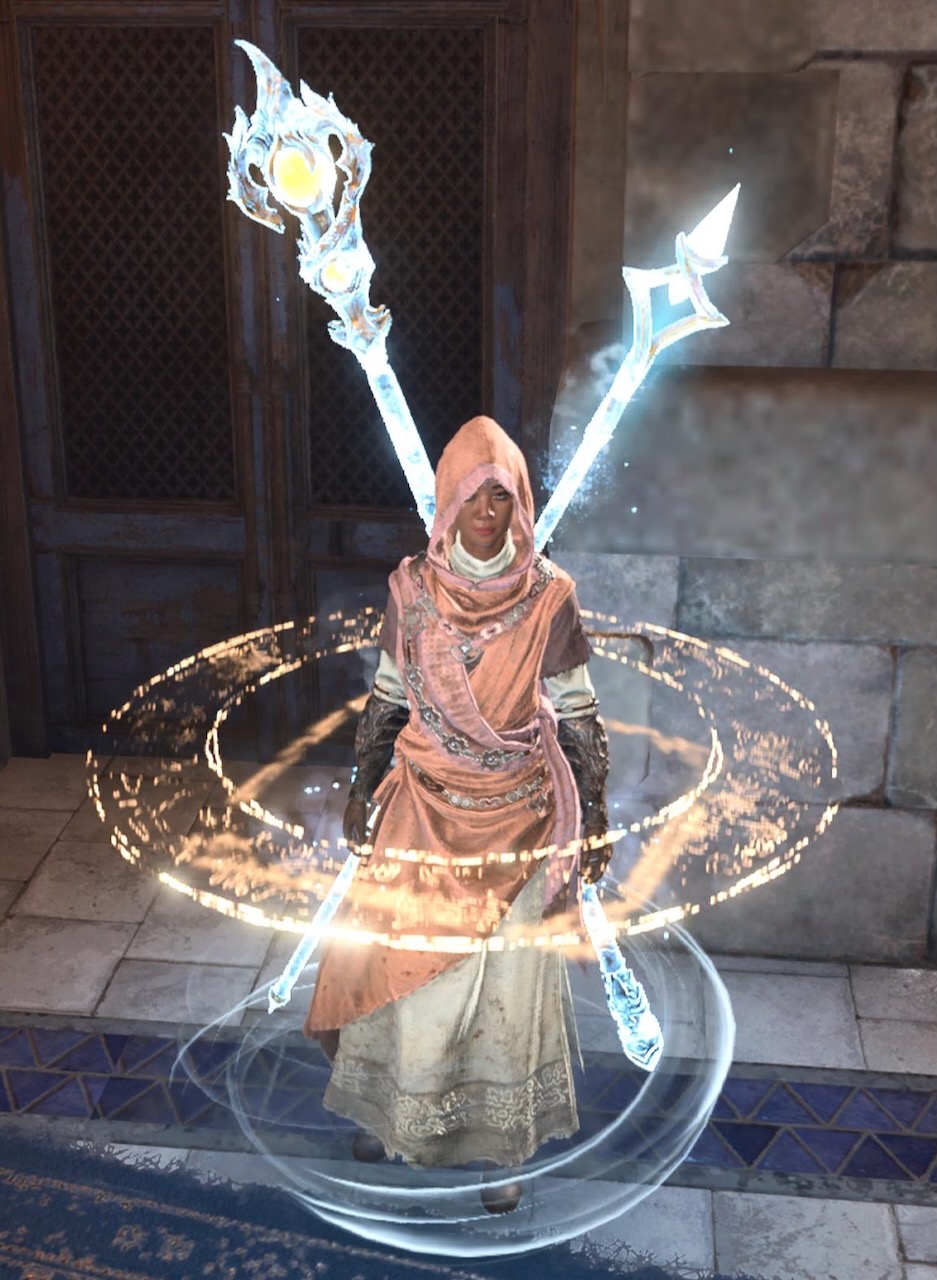
There are times when I’d like to turn off all these auras and squares and rings in Photo Mode. 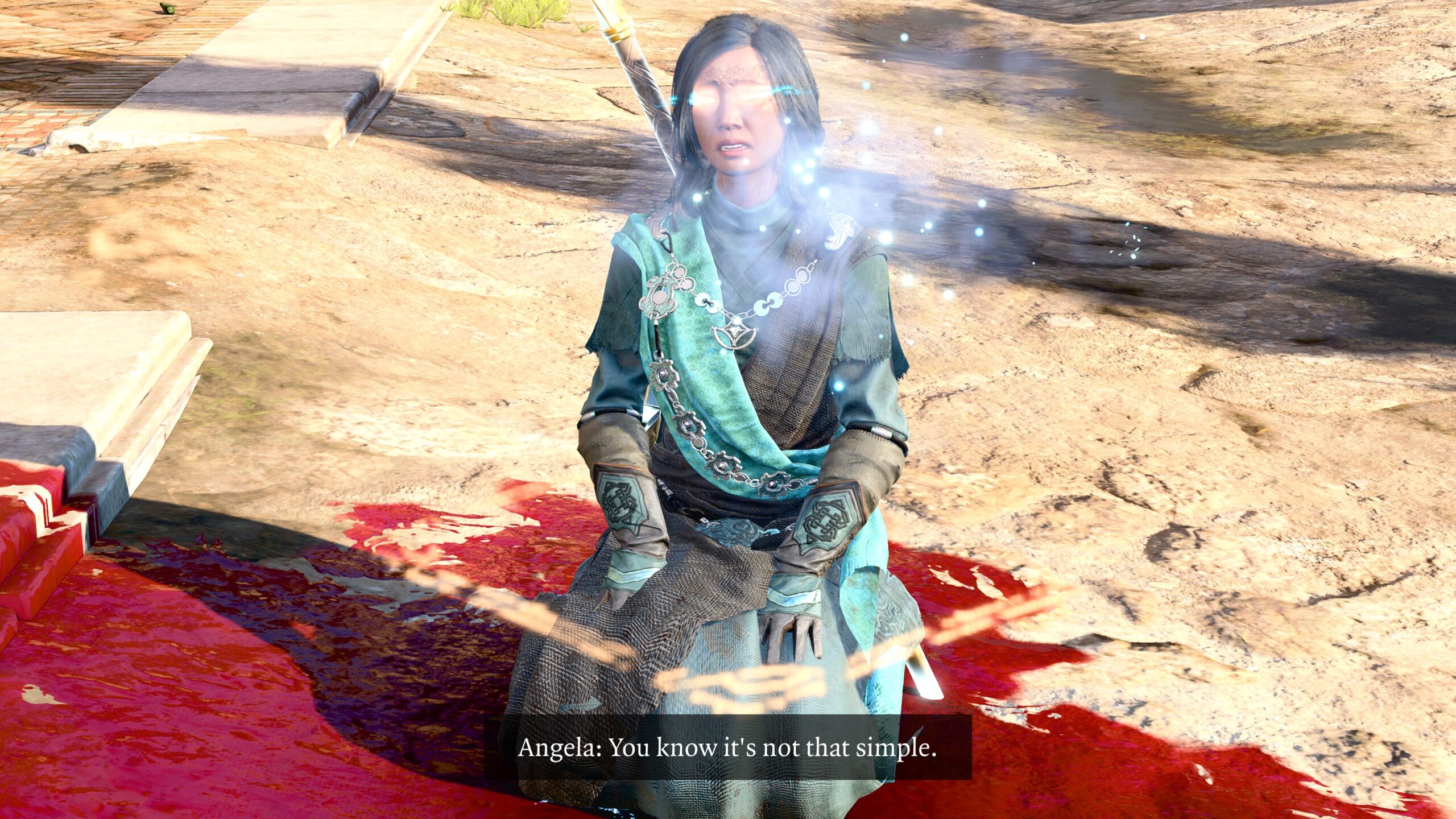
Another example. After a game combat that caused the death of a character, I had an idea which became the second fanfic in my seventh Arctic Druid test post. However, the model still had all those graphics embellishments, which I think distracted from the story. To get rid of these effects, I had do a Long Rest and reposition the models for the remainder of the fanfic. I will not mention the graphics clipping on the robe. I will not mention the graphics clipping on the robe. I will not mention the graphics clipping on the robe. … Oh, c’mon Bill. You’re not fooling anyone. -
I’m not unique in this wish: I’d like for there to be a way to pose characters with objects, especially weapons.
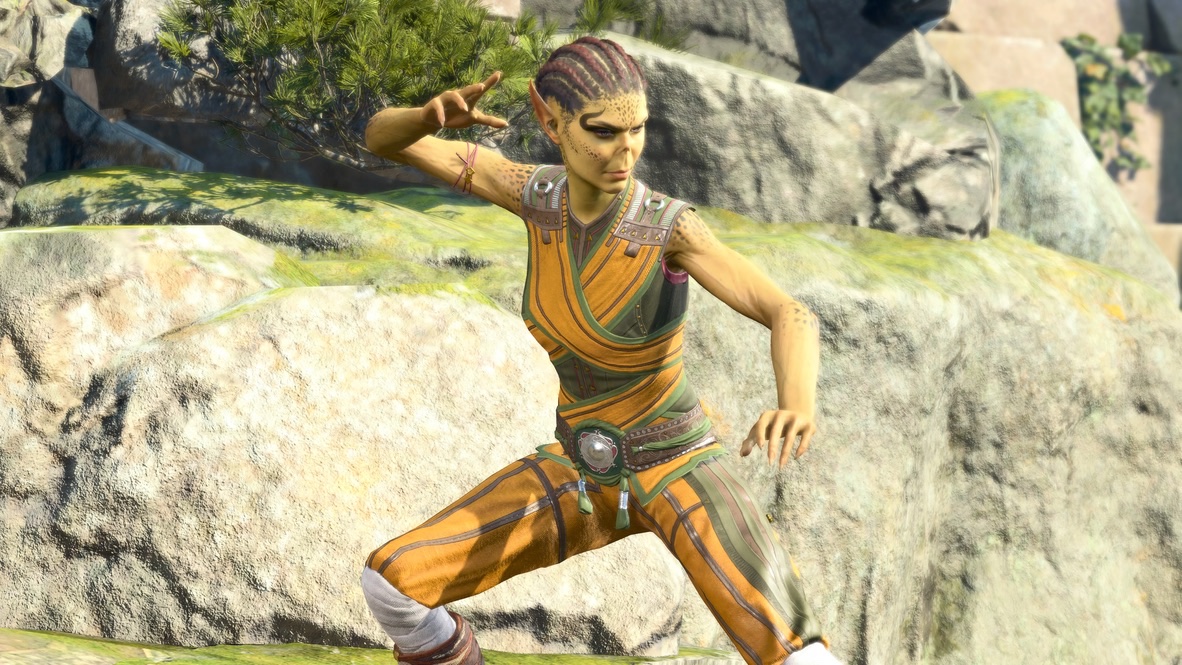
There are Character Poses available for unarmed combat … 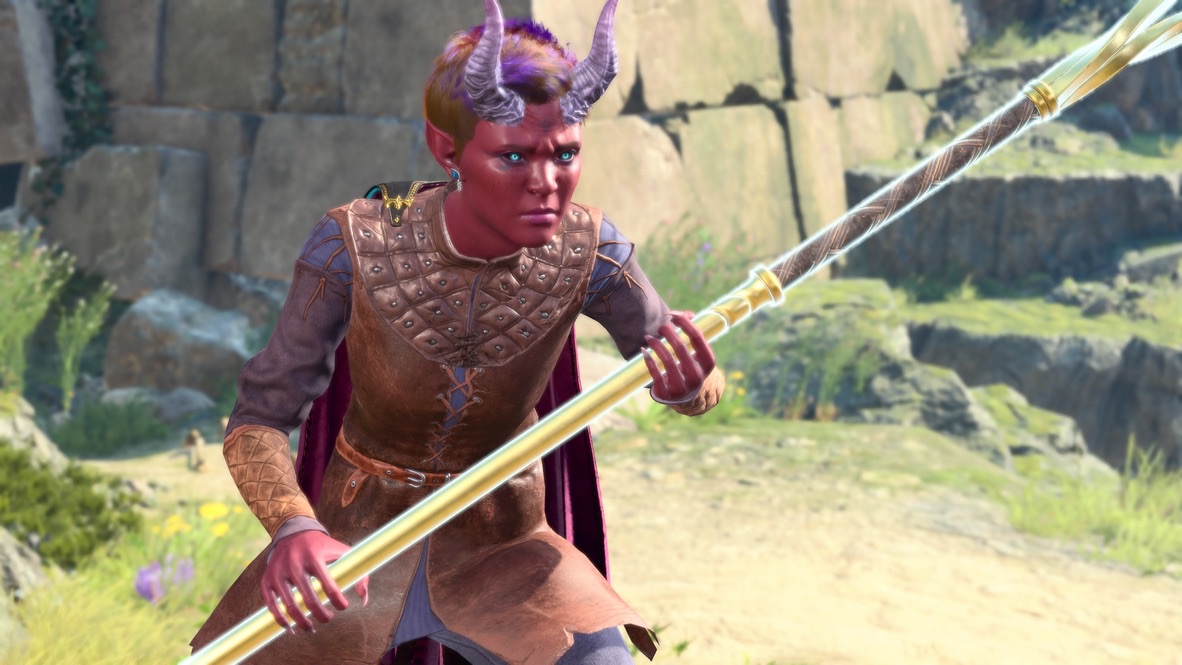
… but the only way to get a pose like this is to enter into Photo Mode mid-strike.
Epilogue
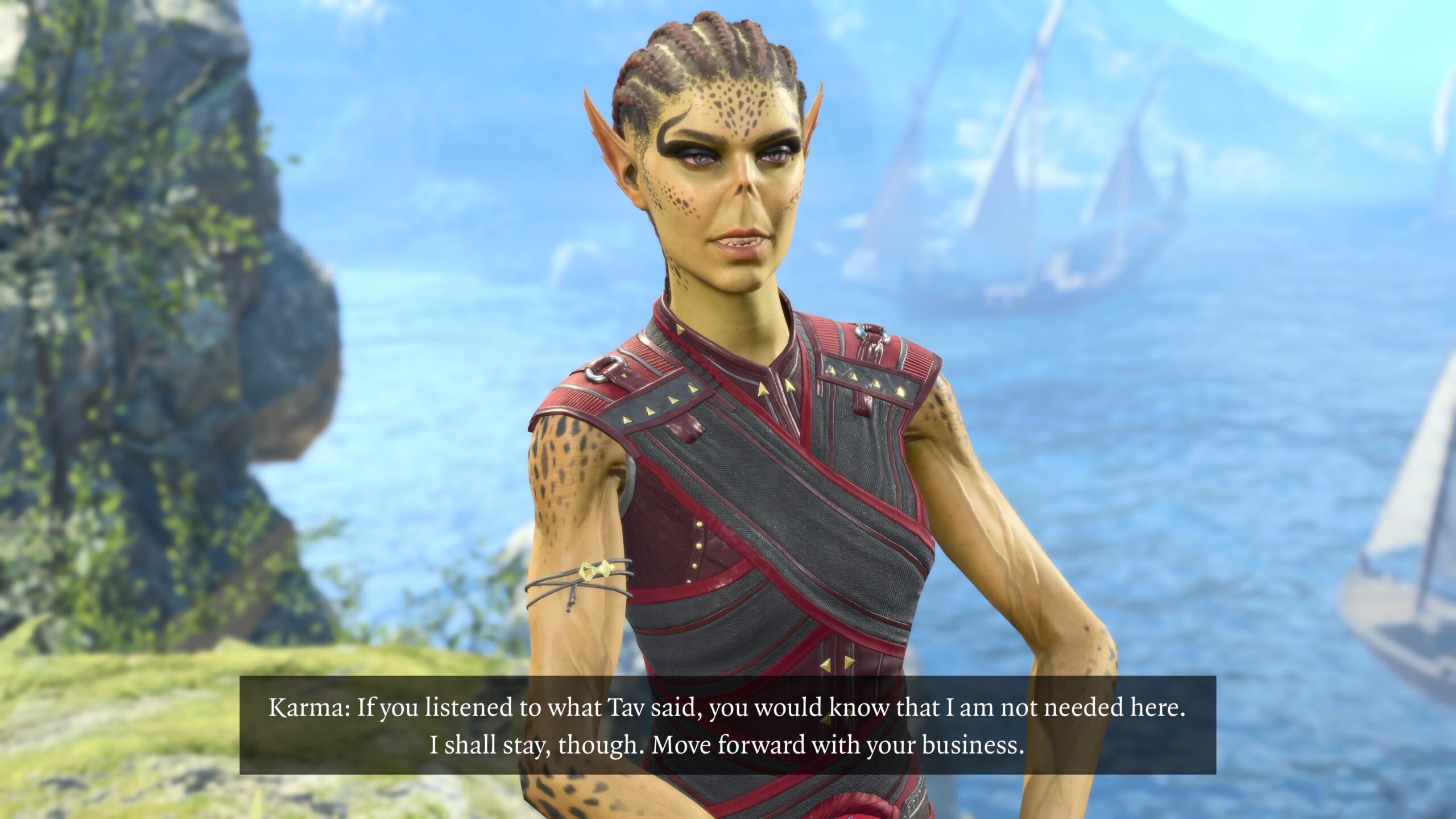
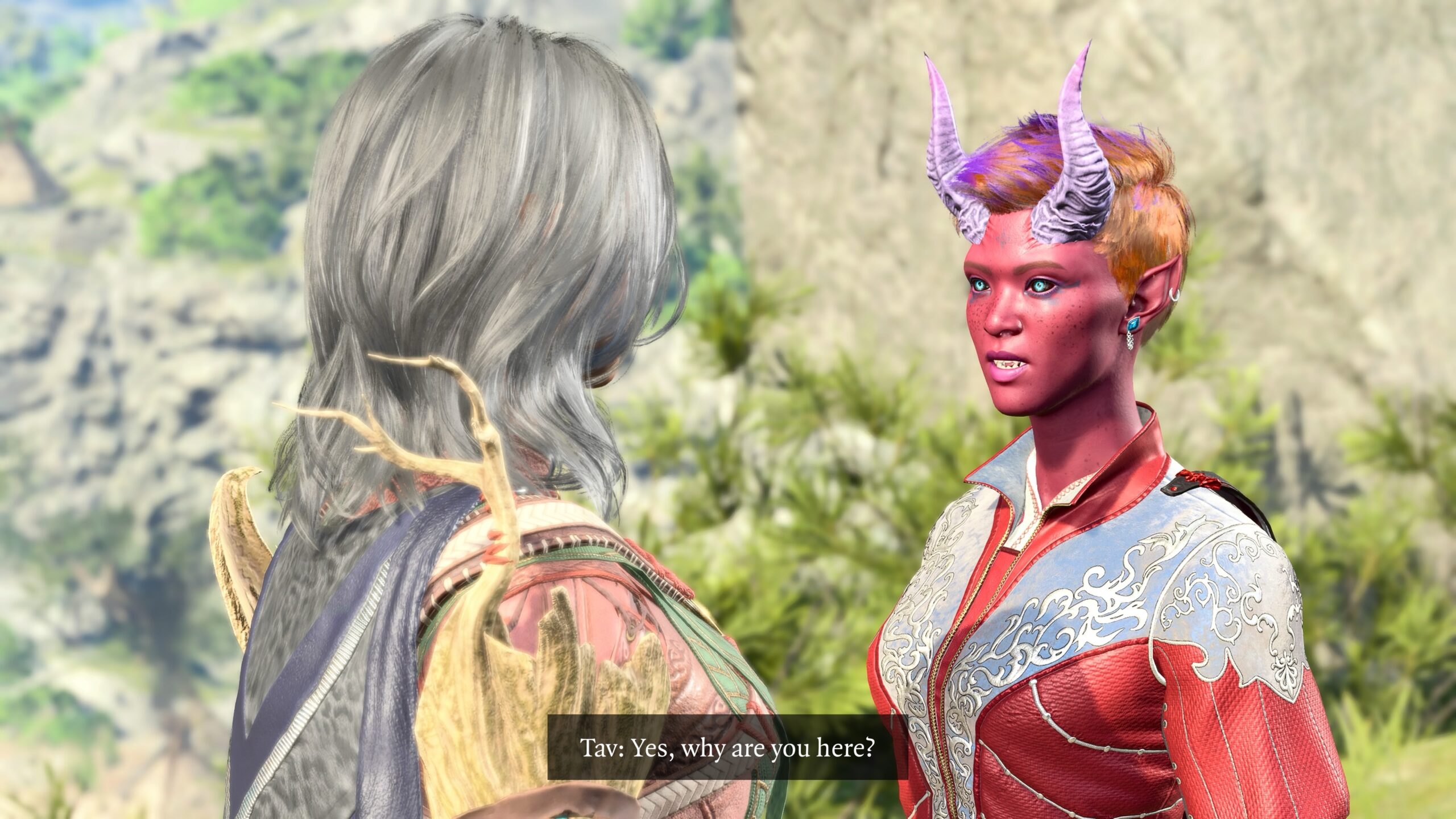
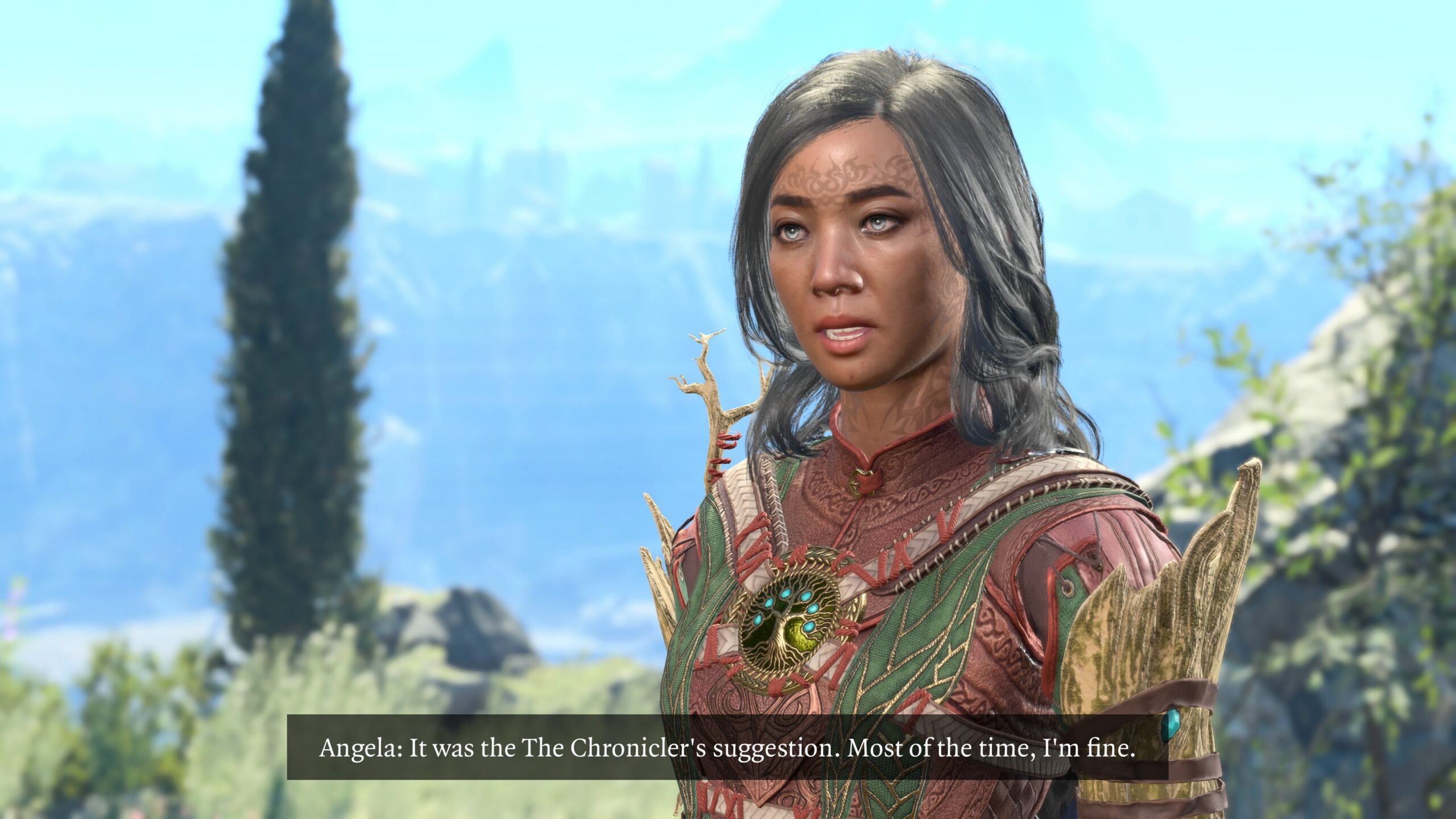
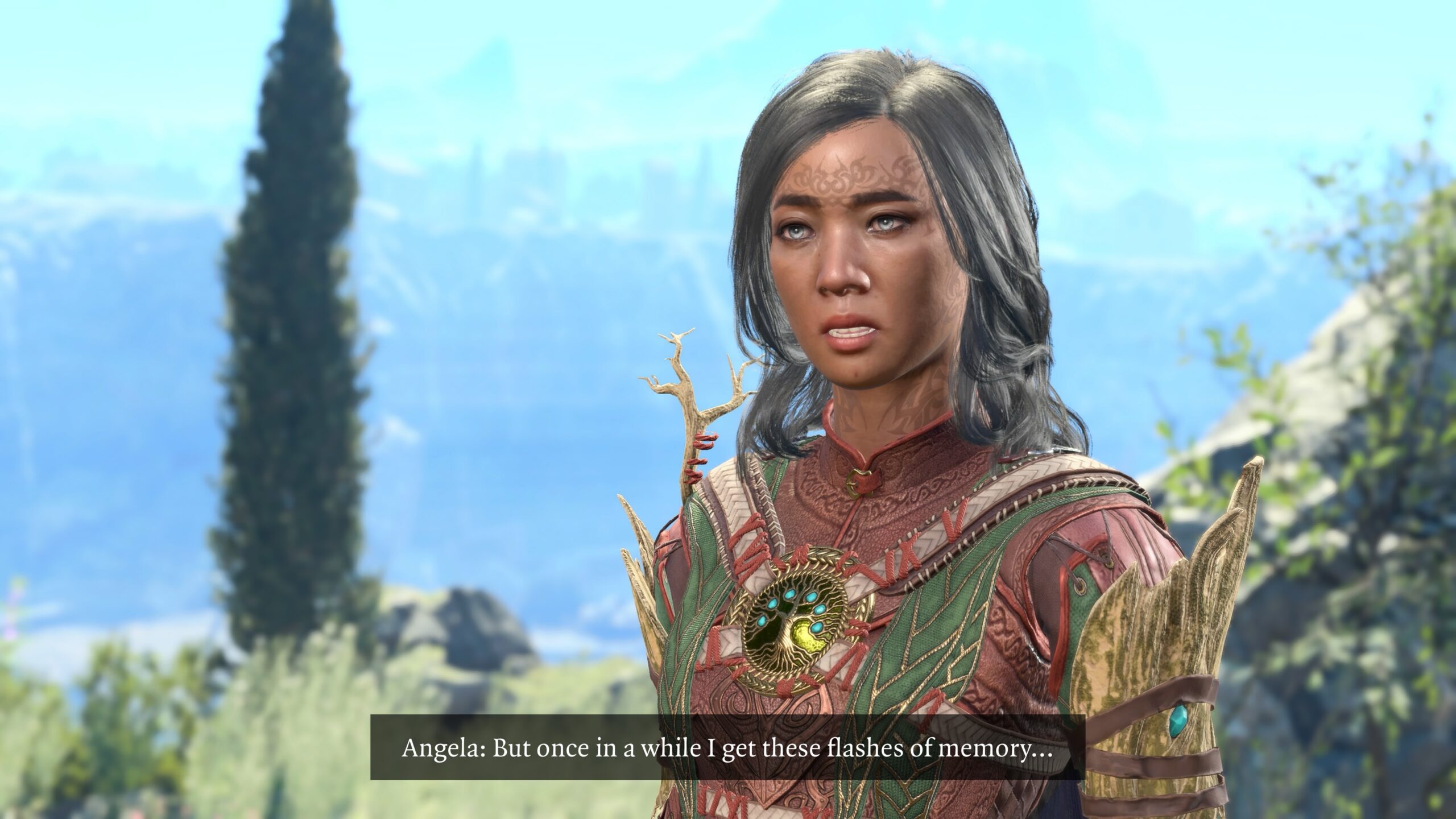
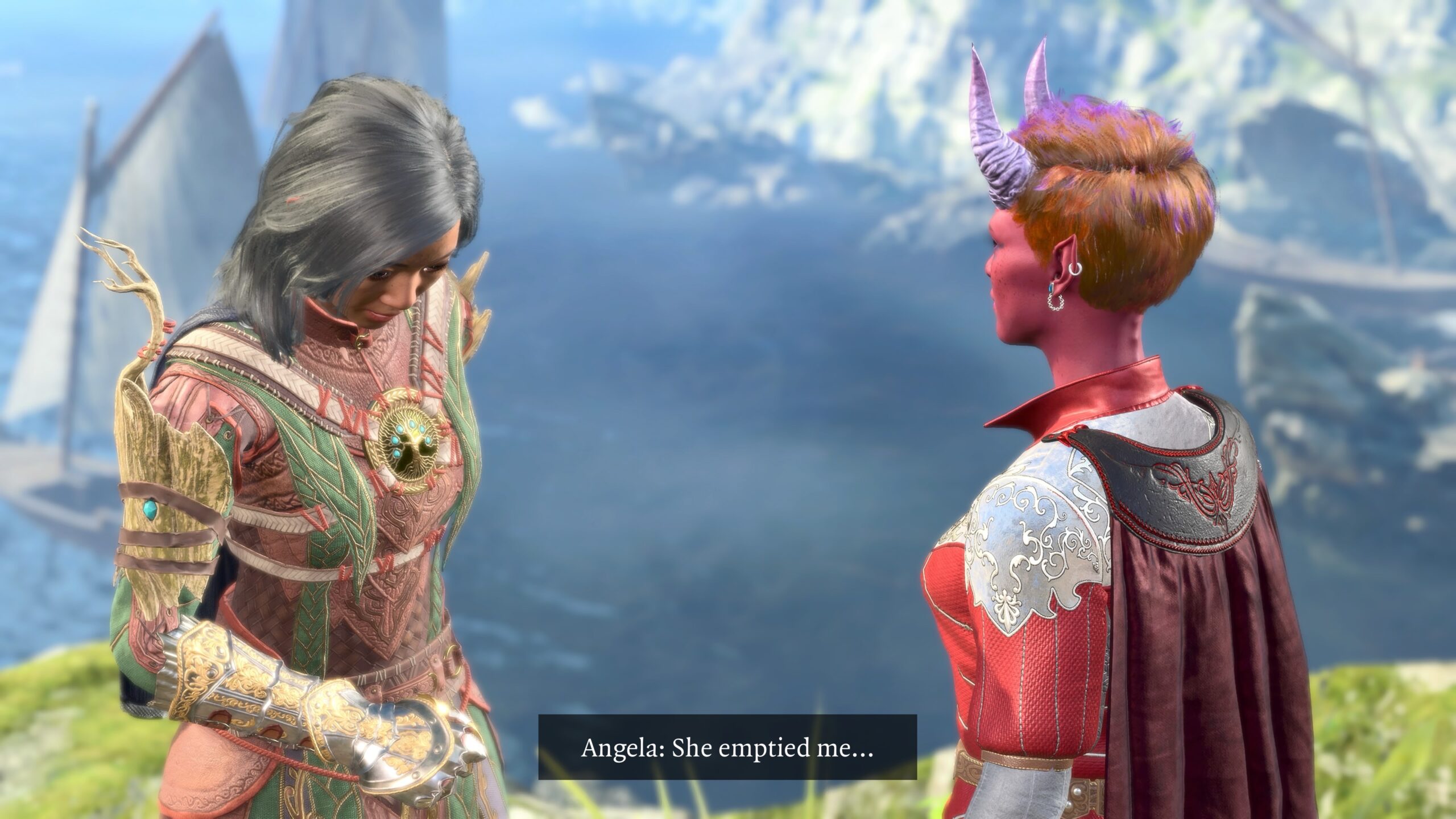
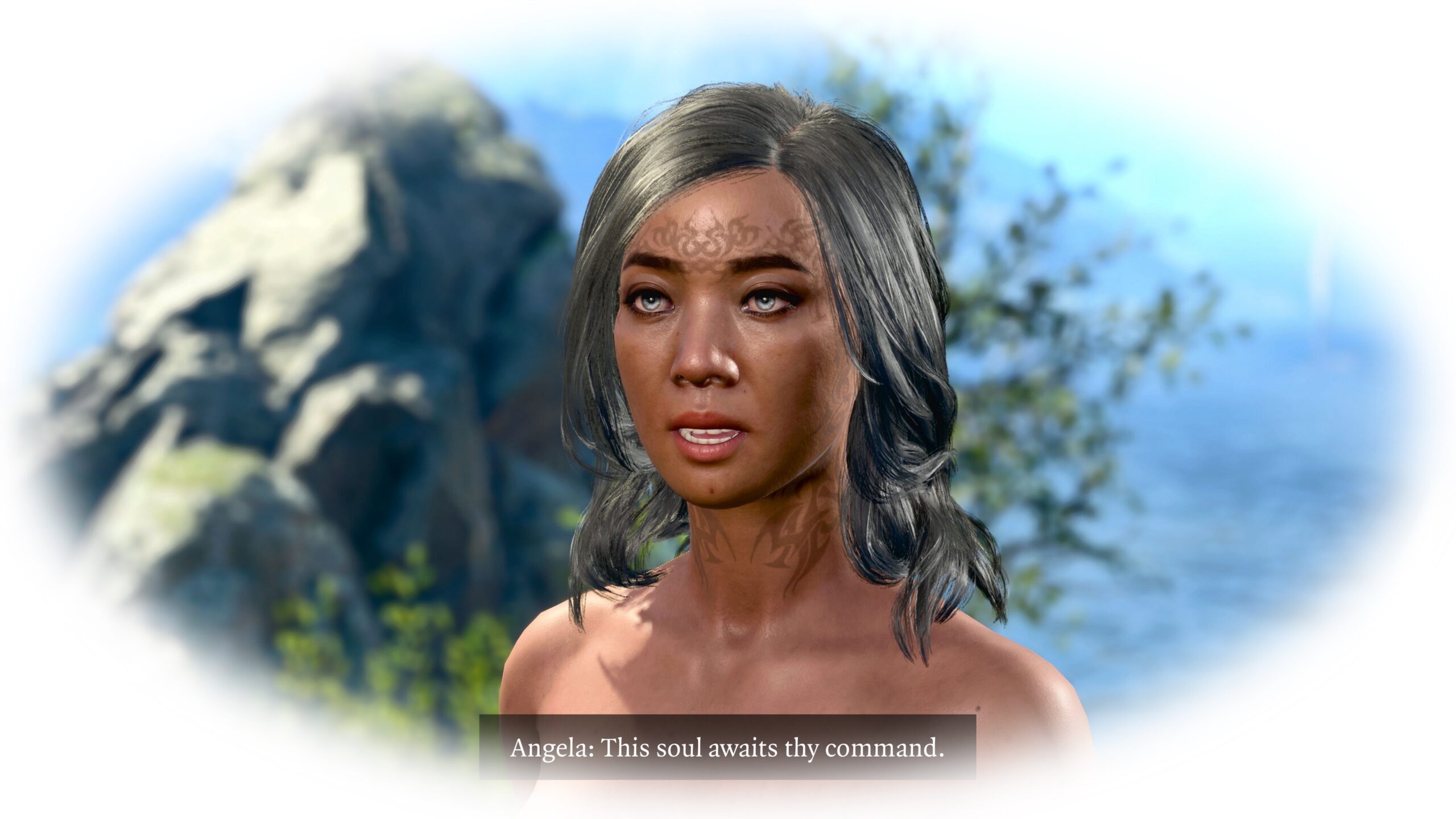
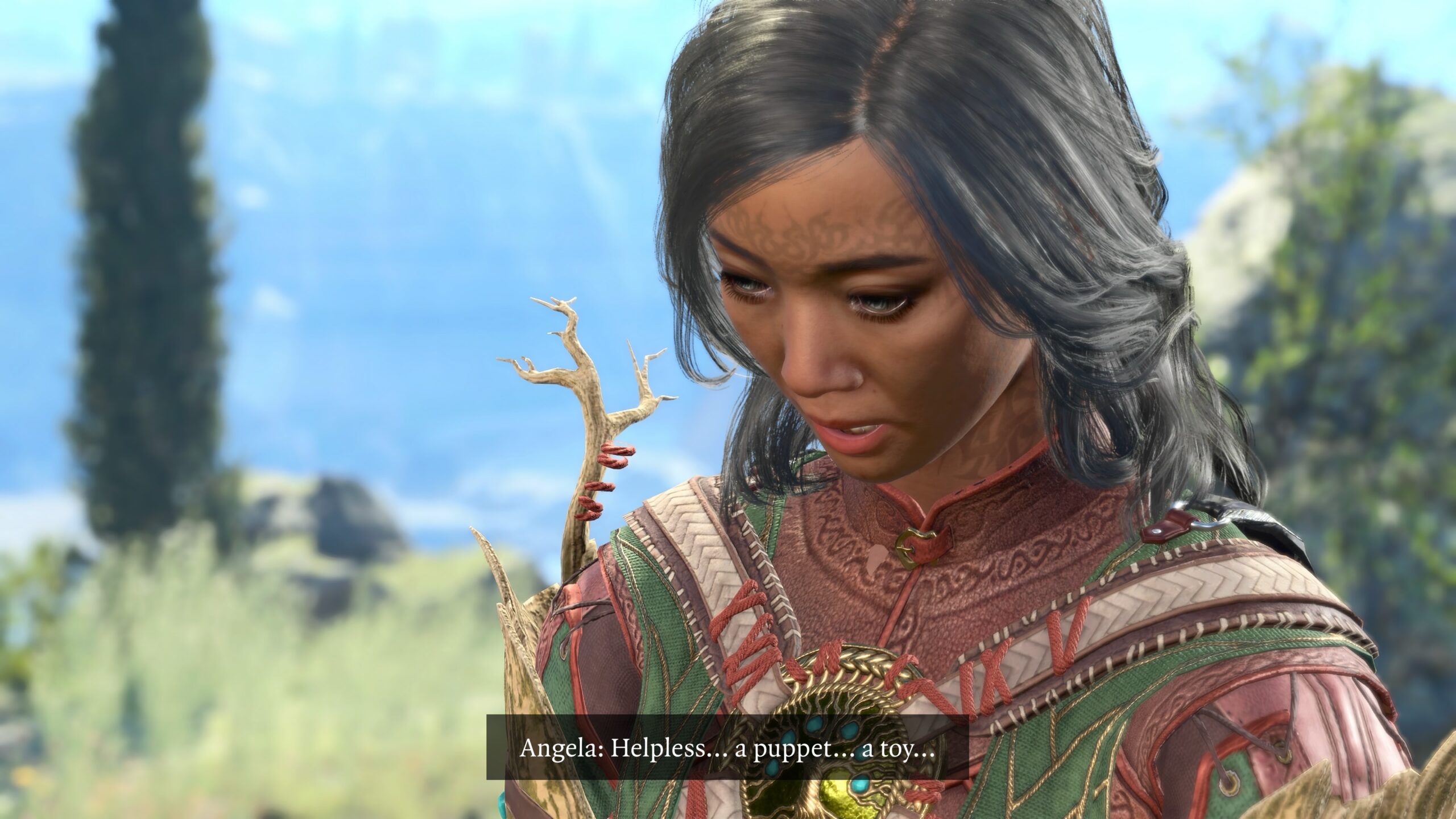
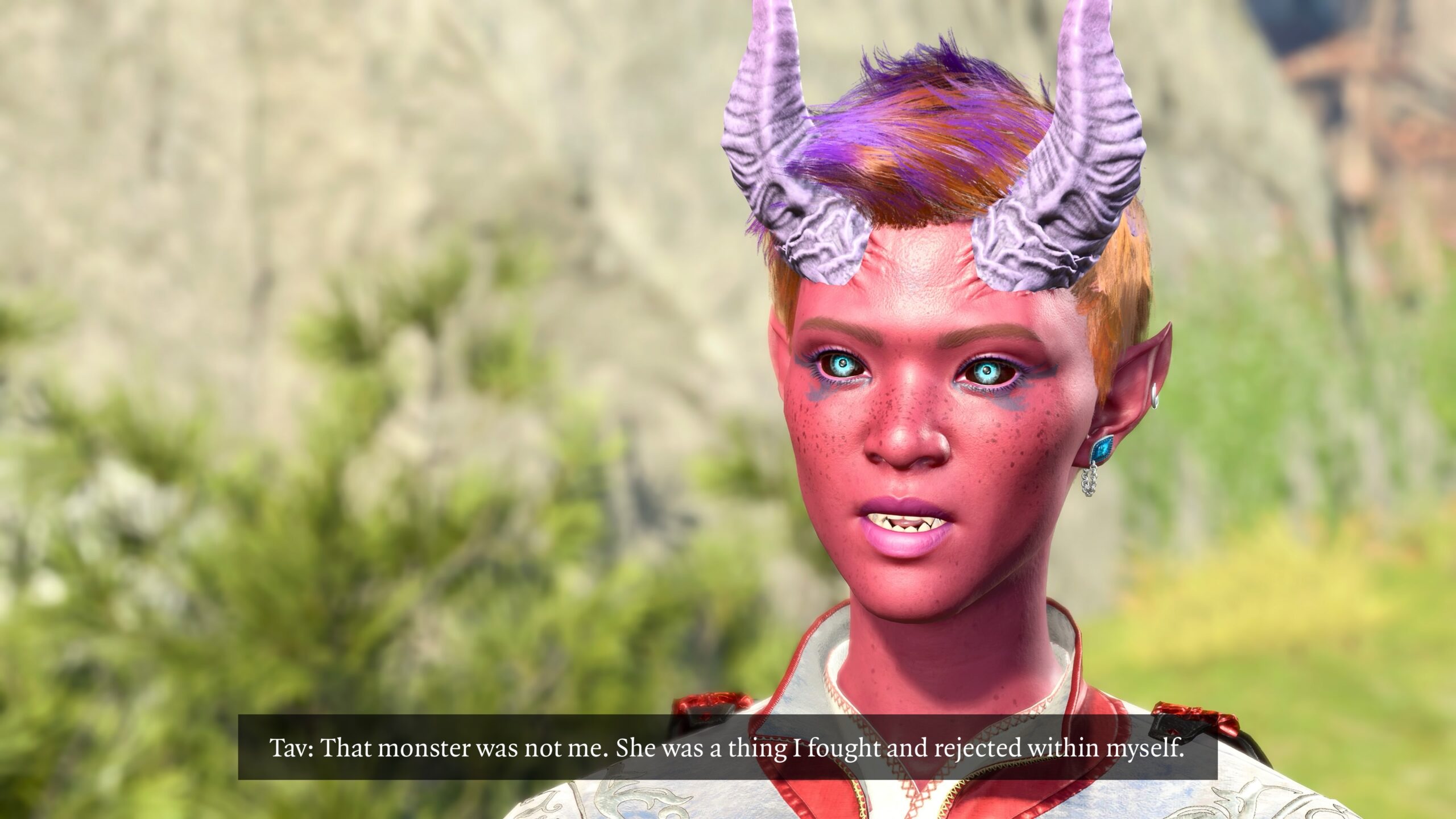
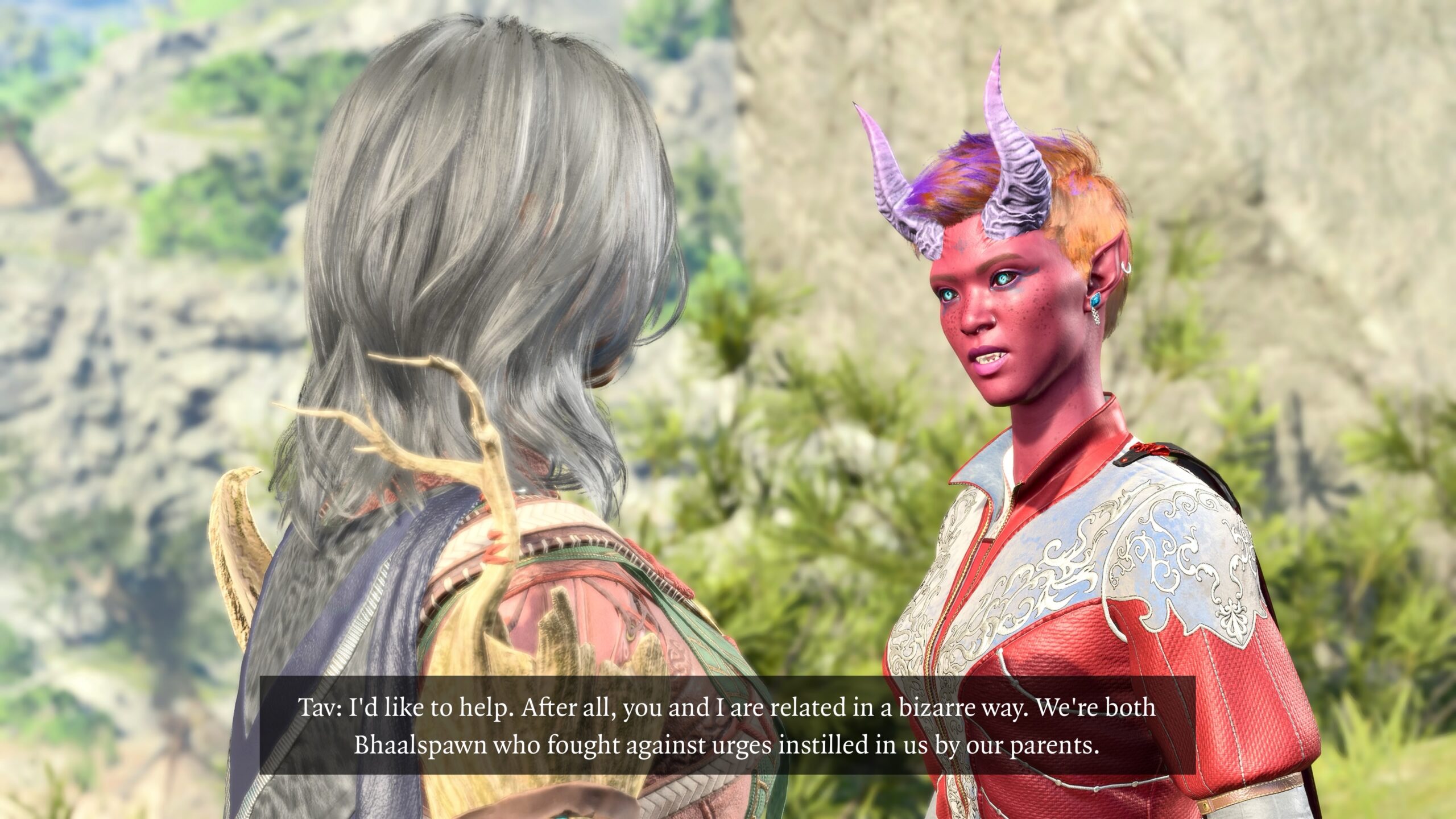
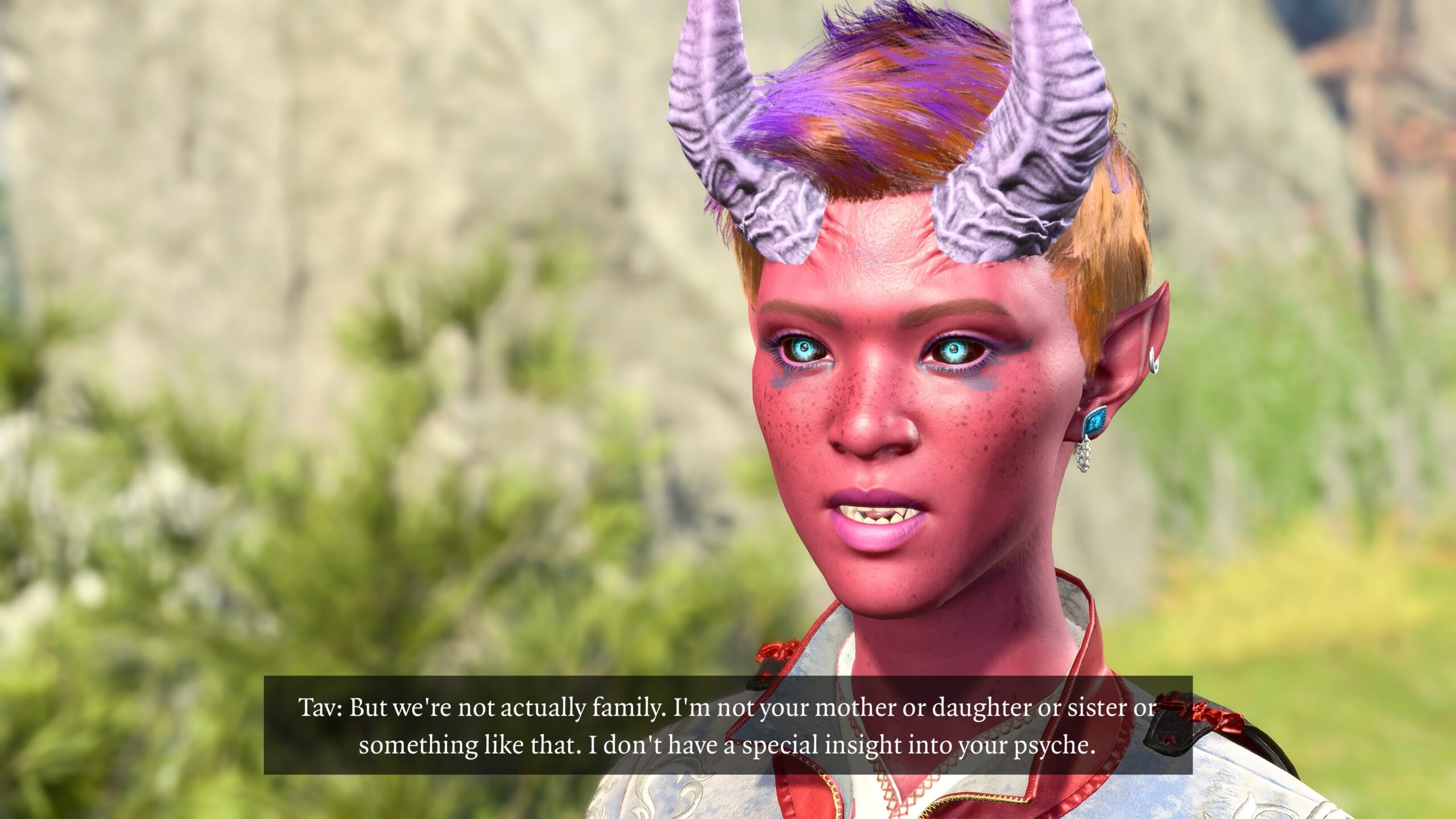
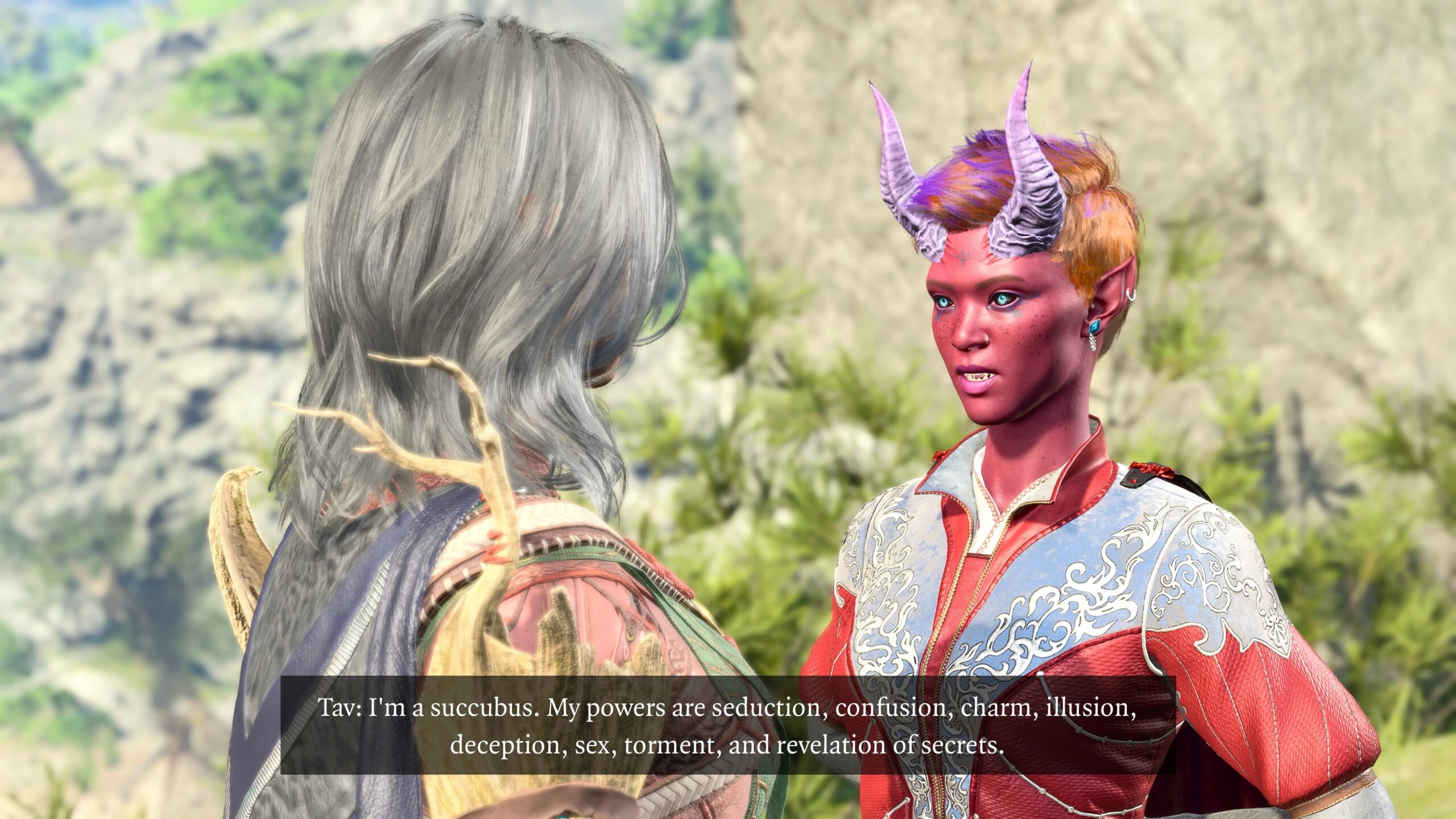
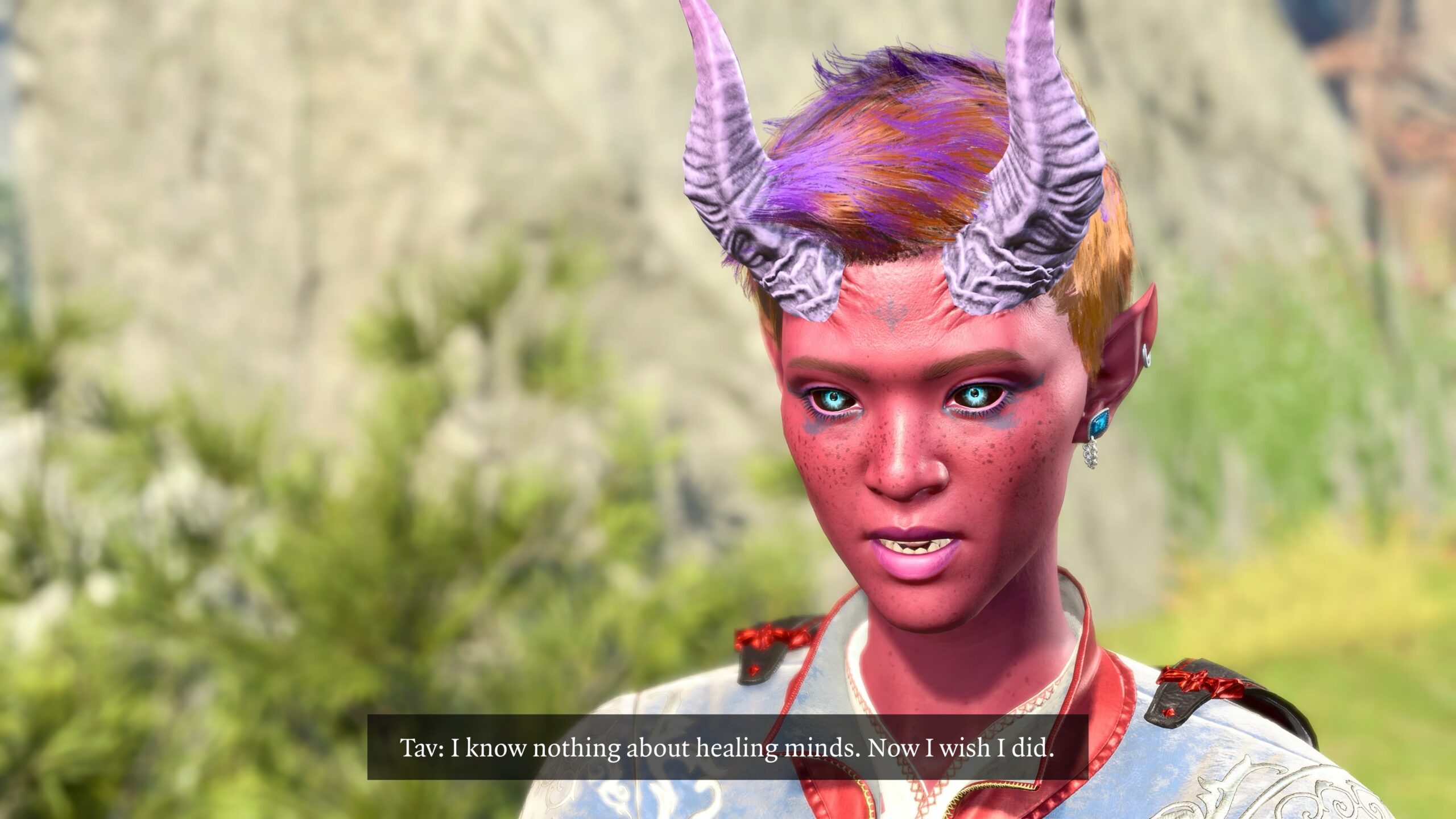
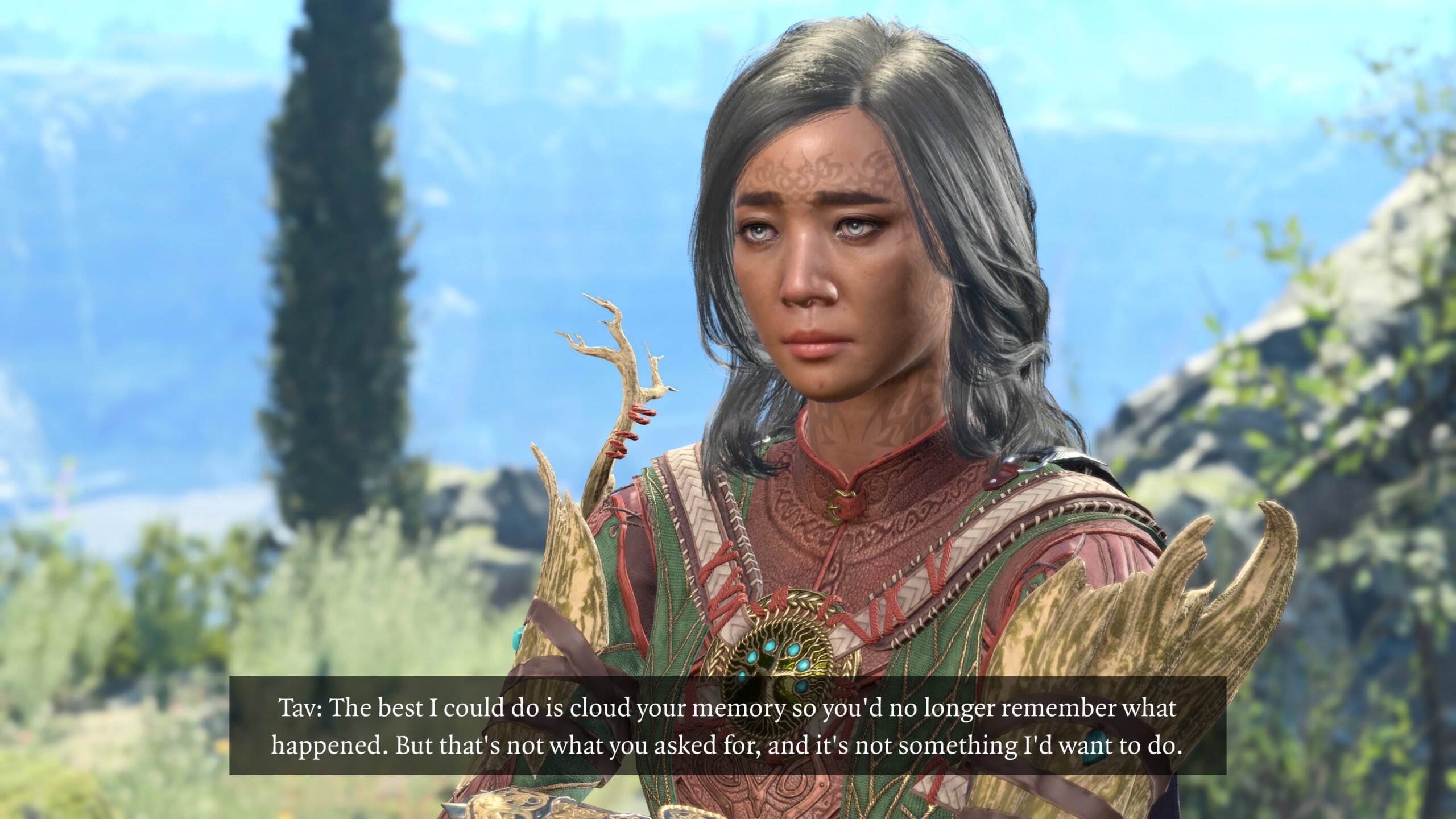
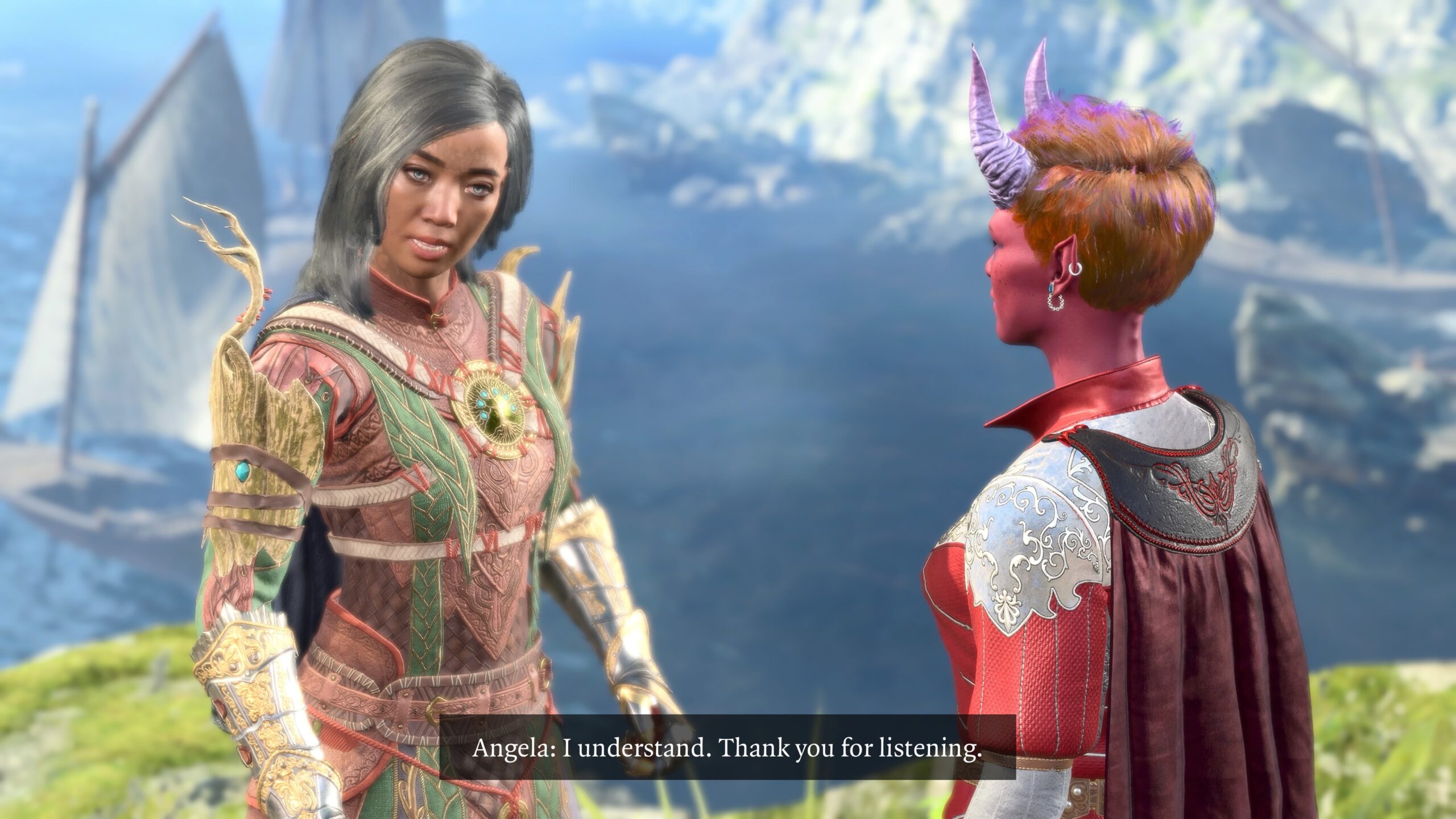
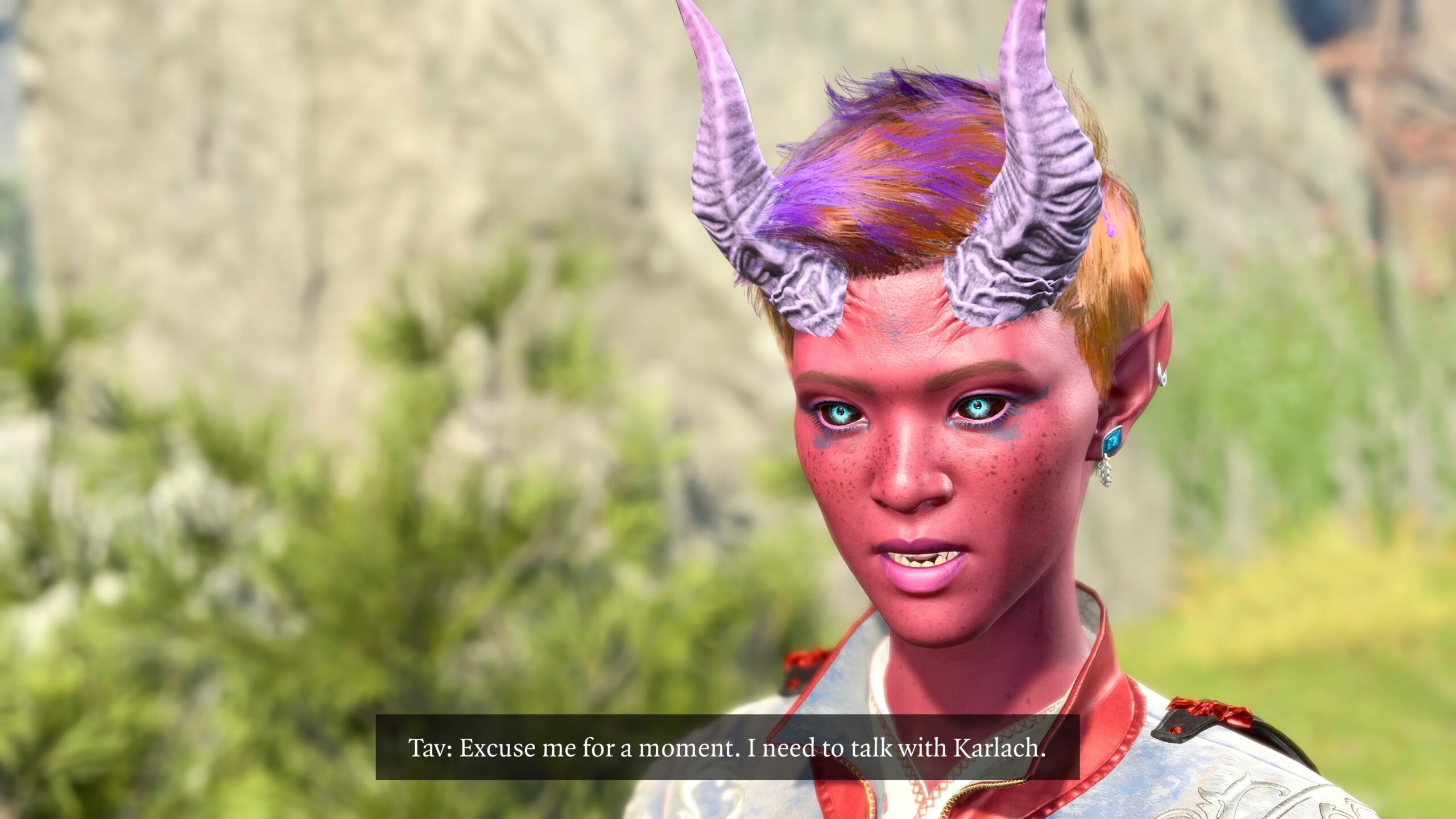
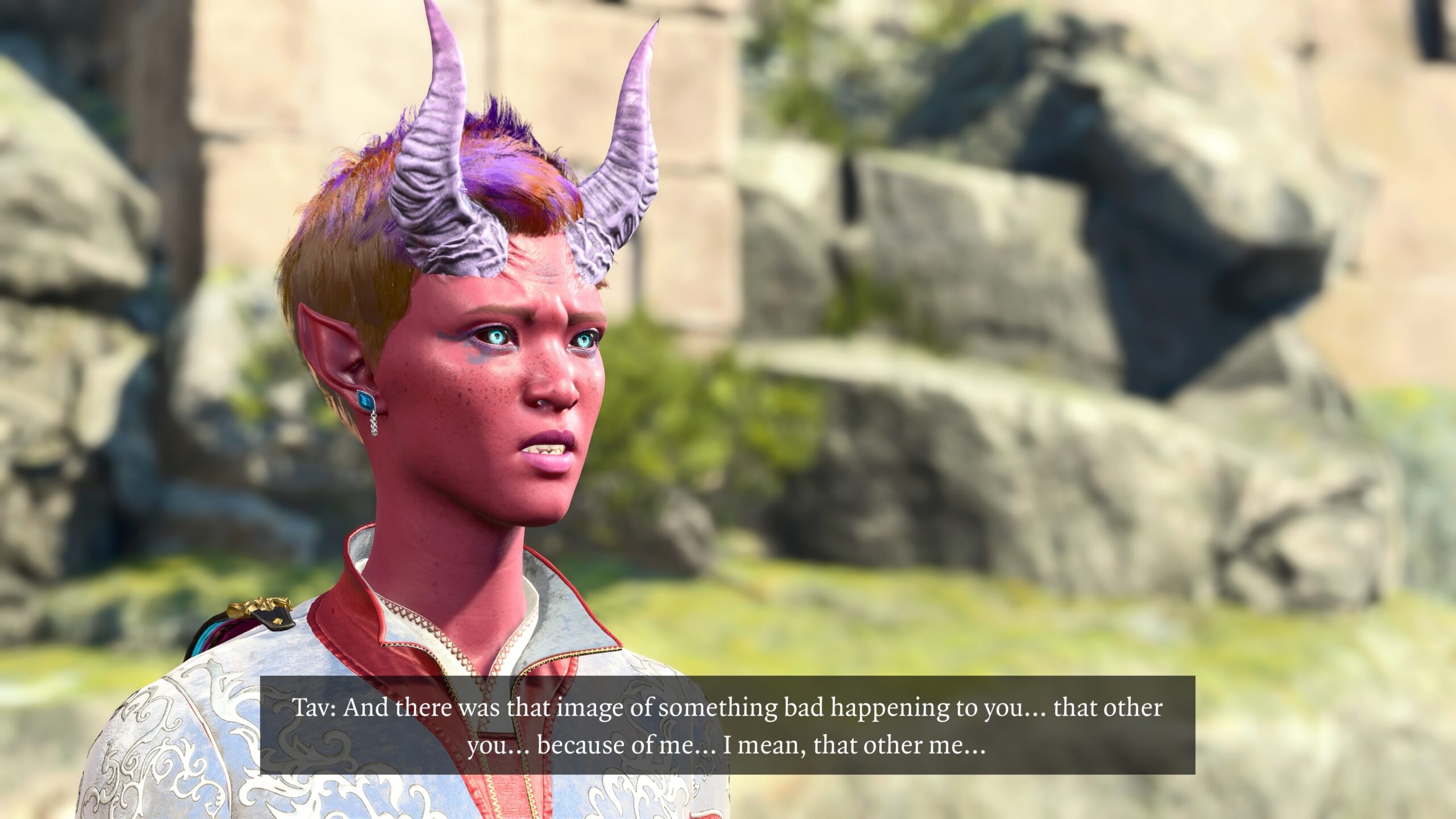
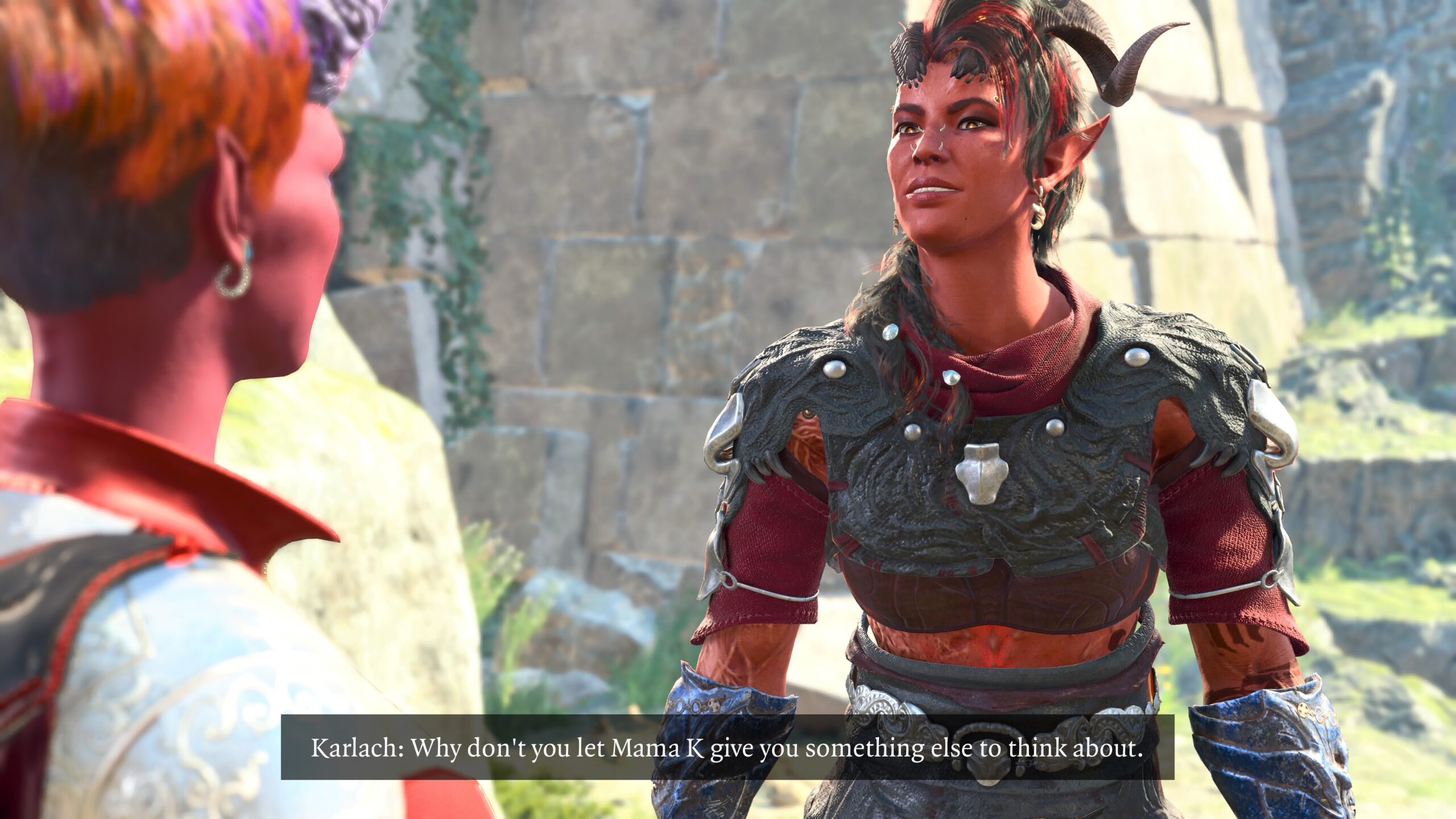
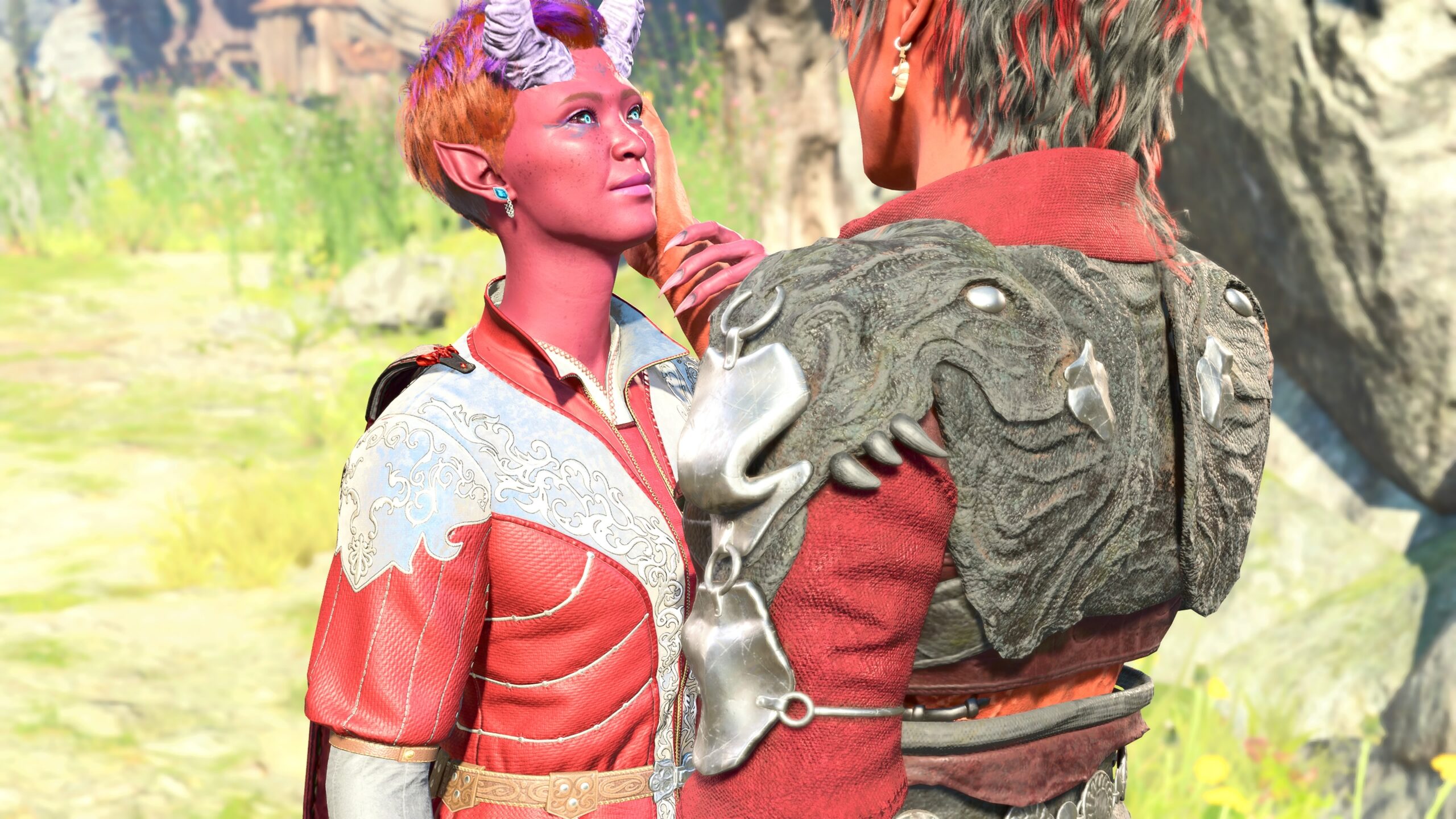
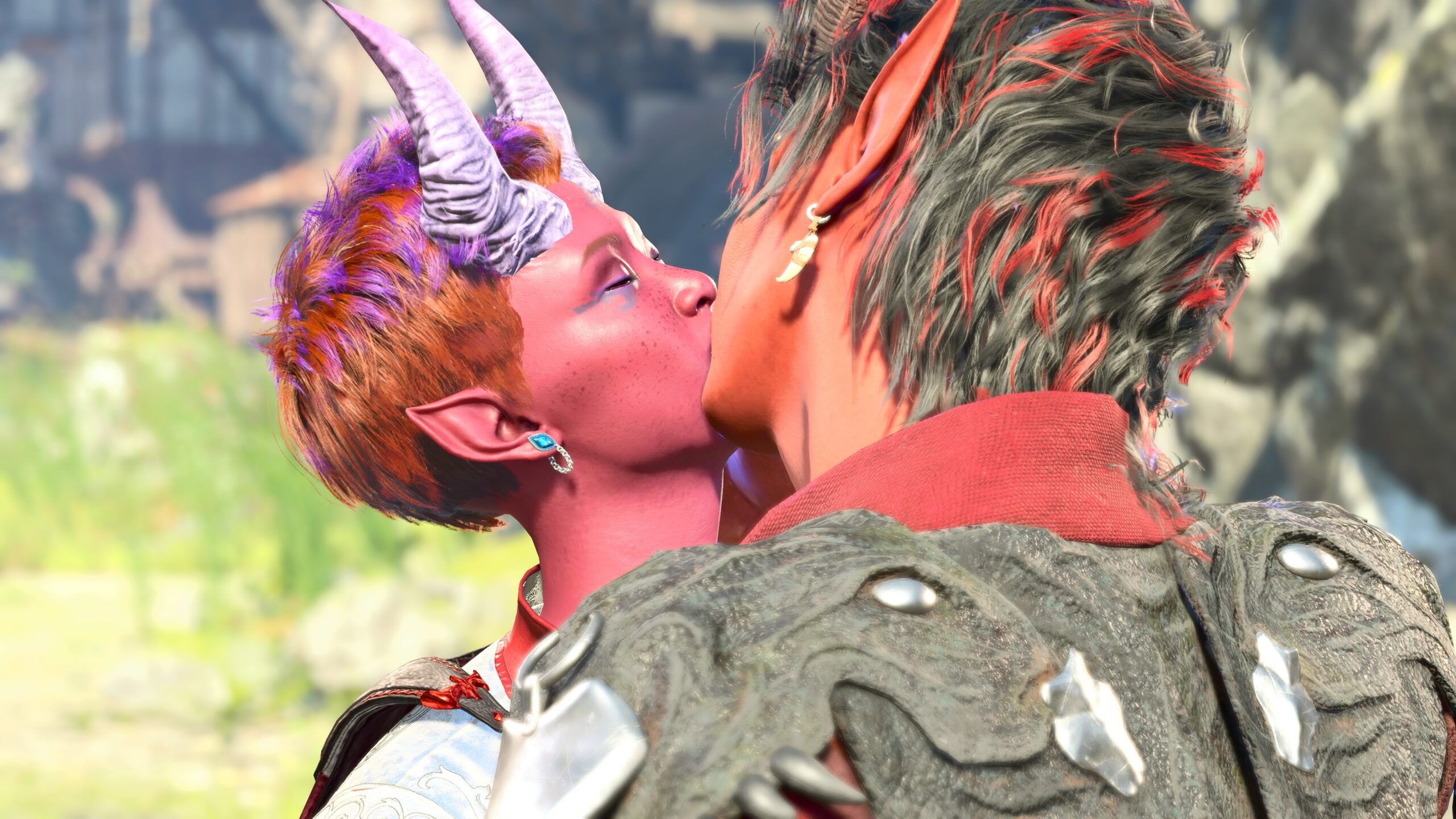
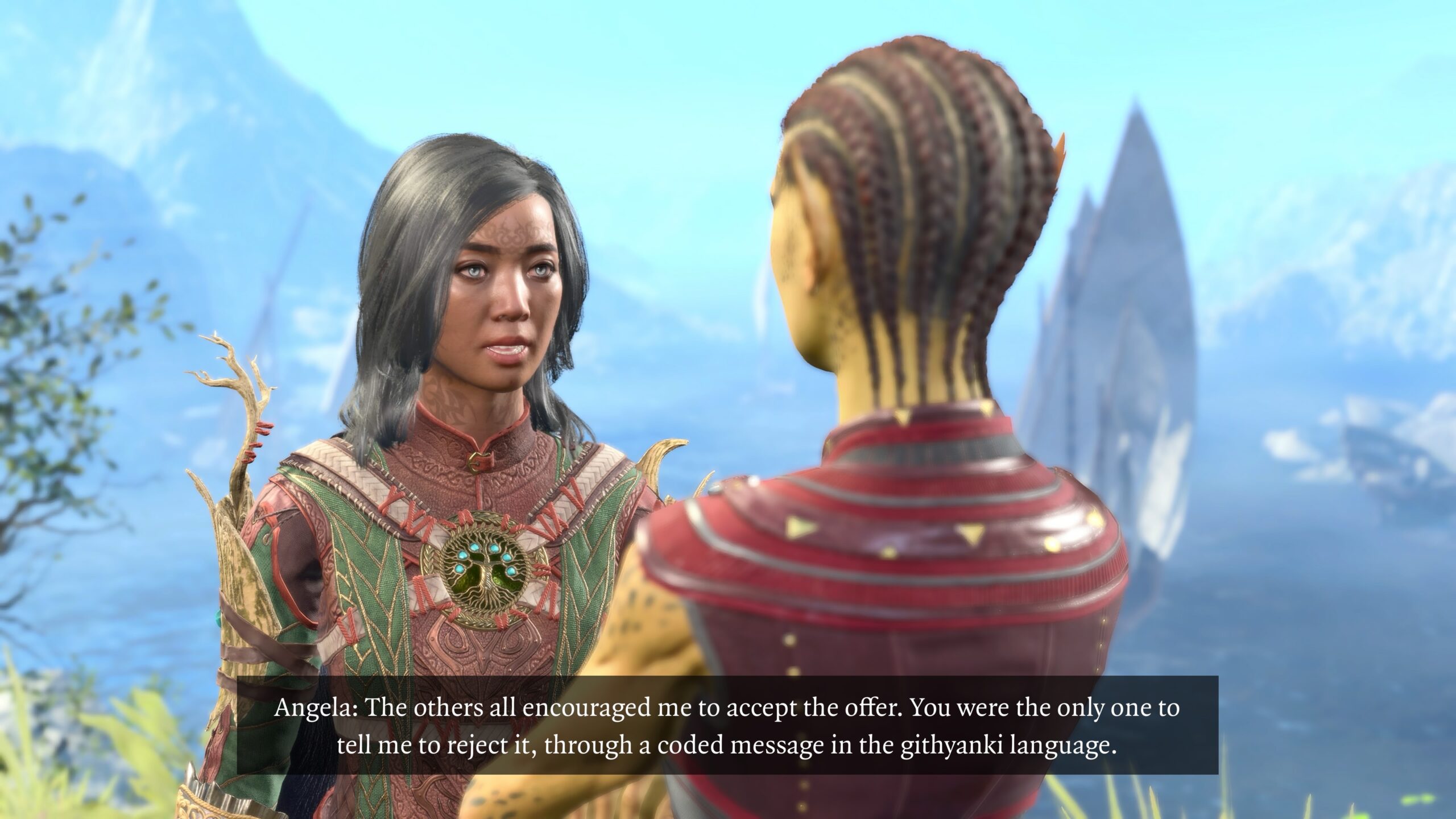
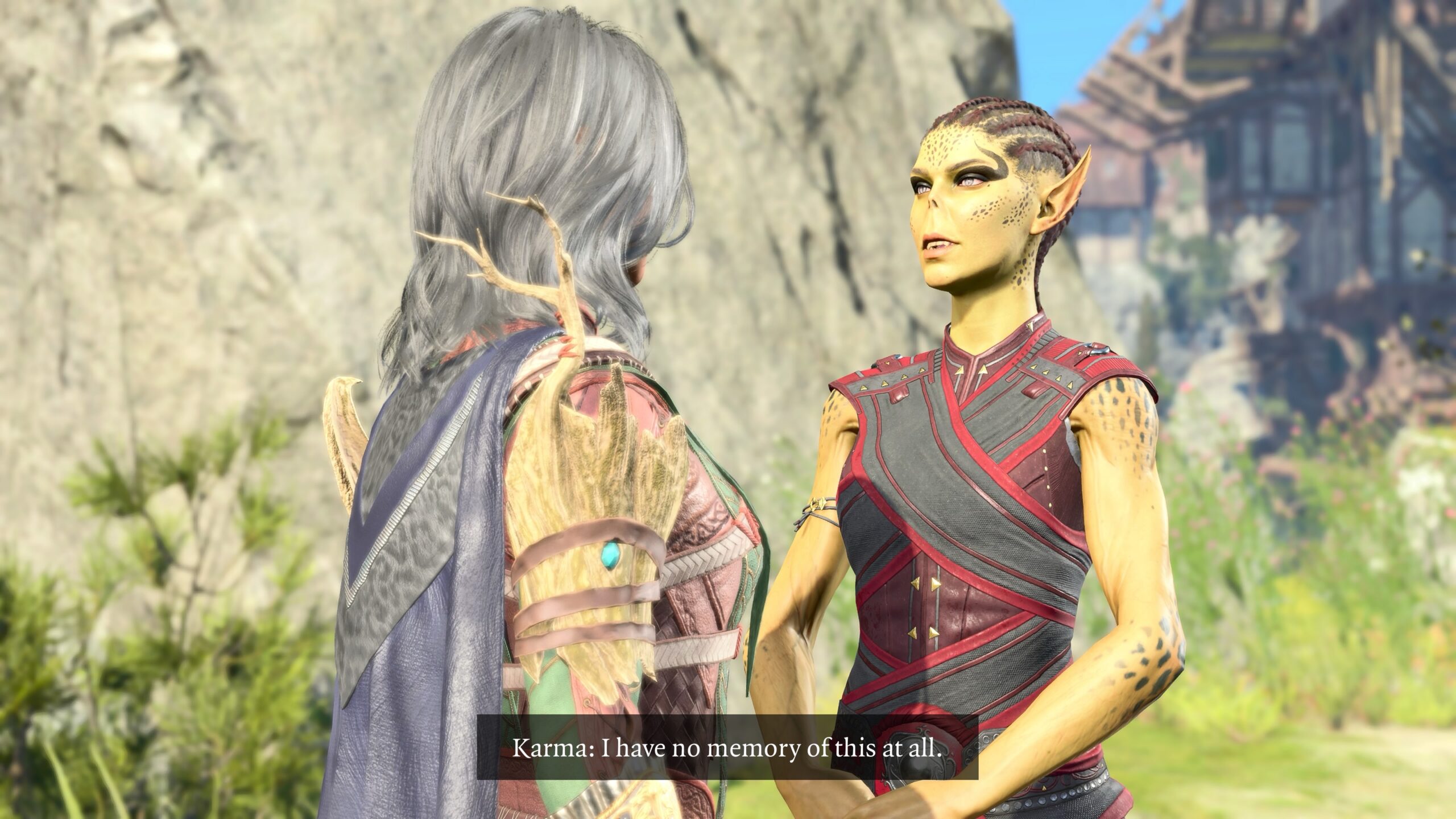
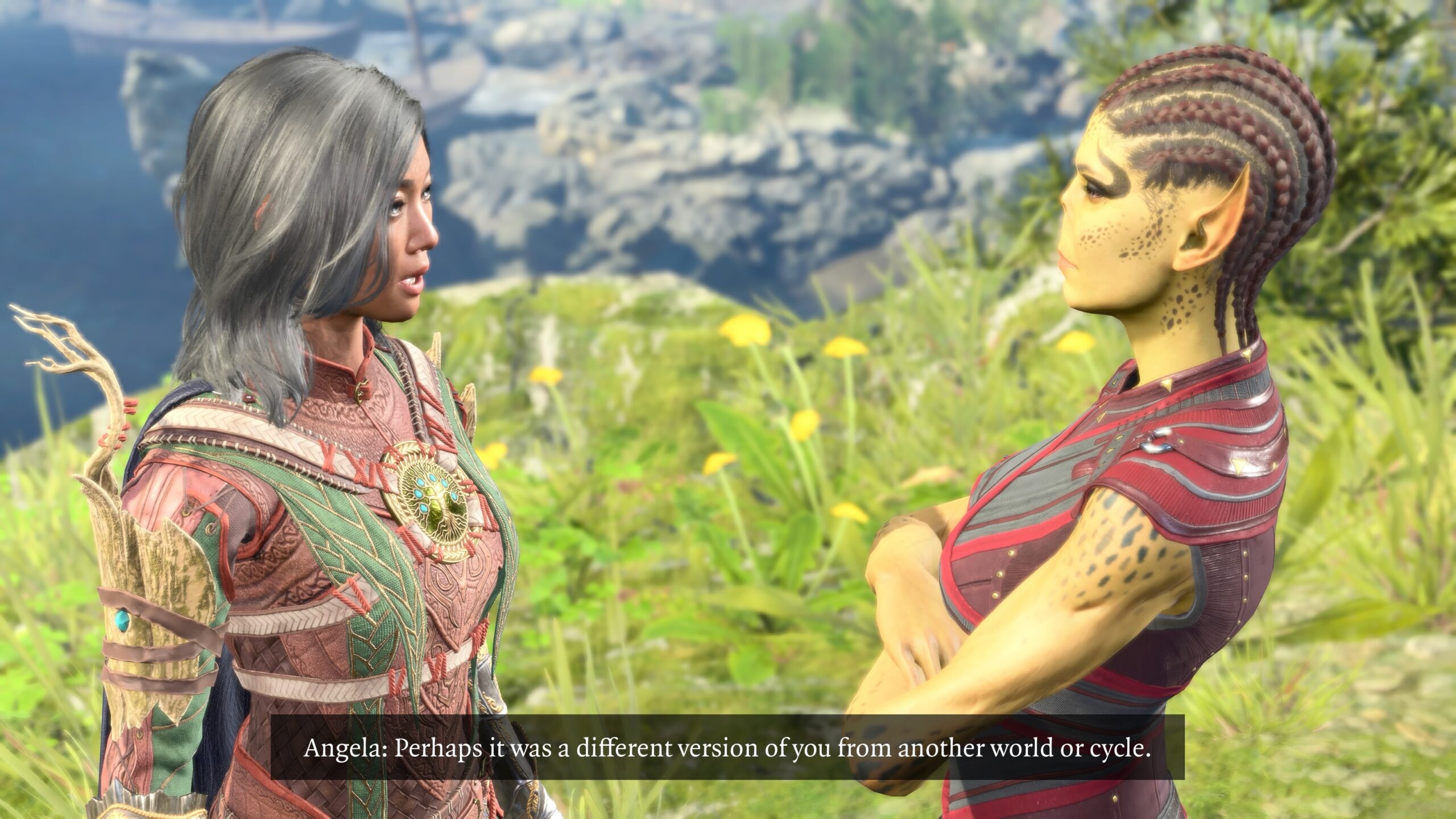
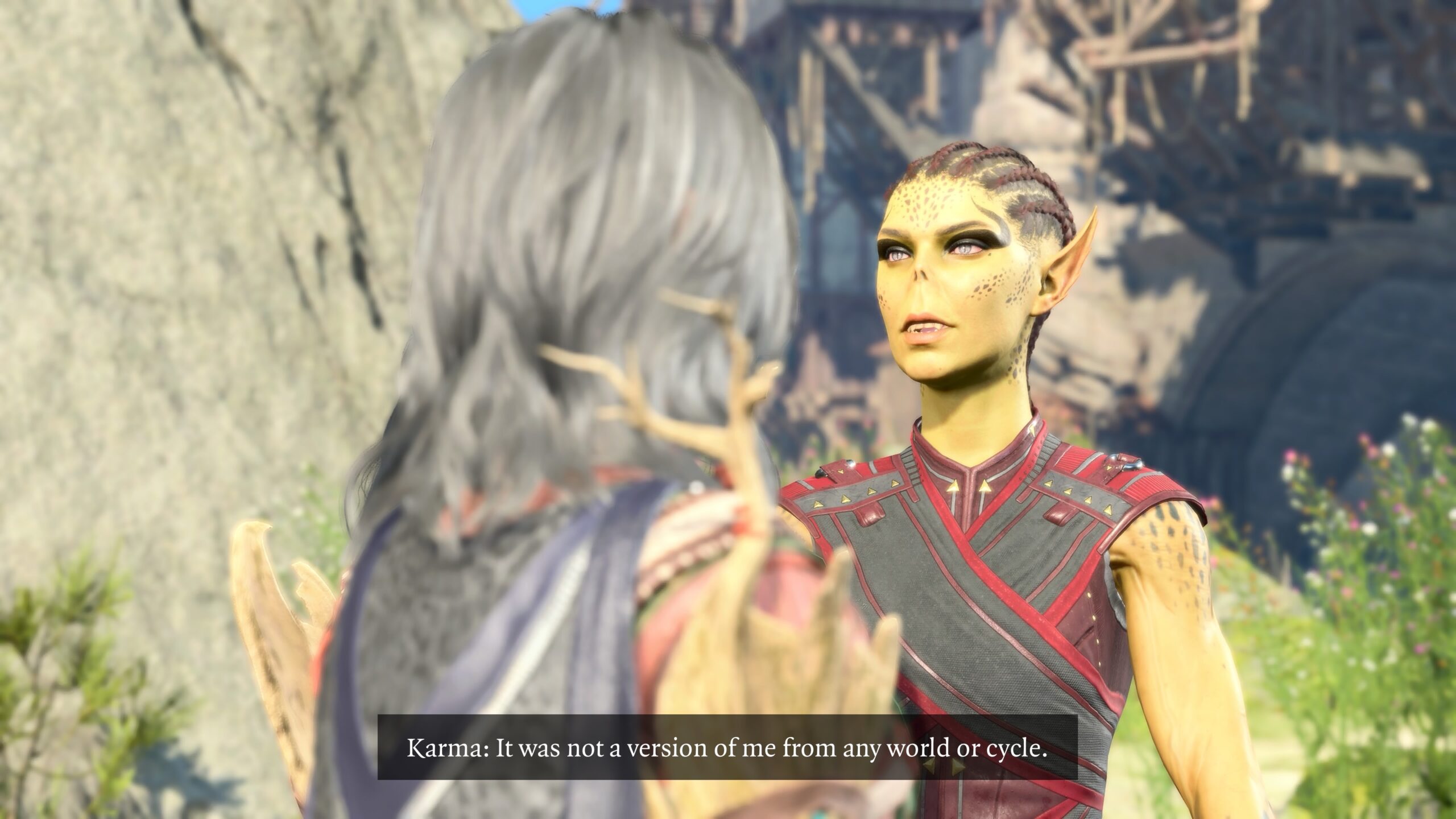
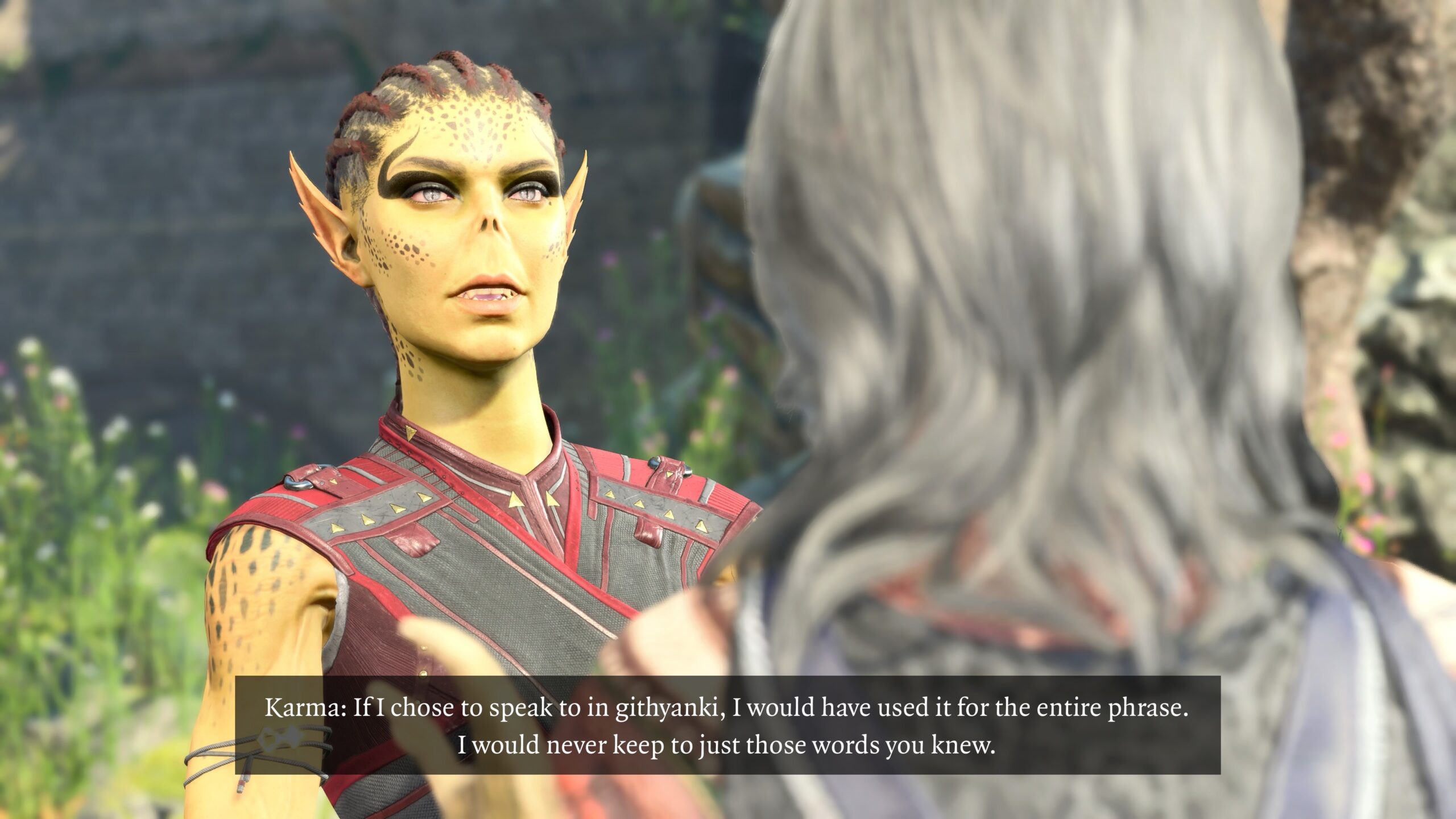
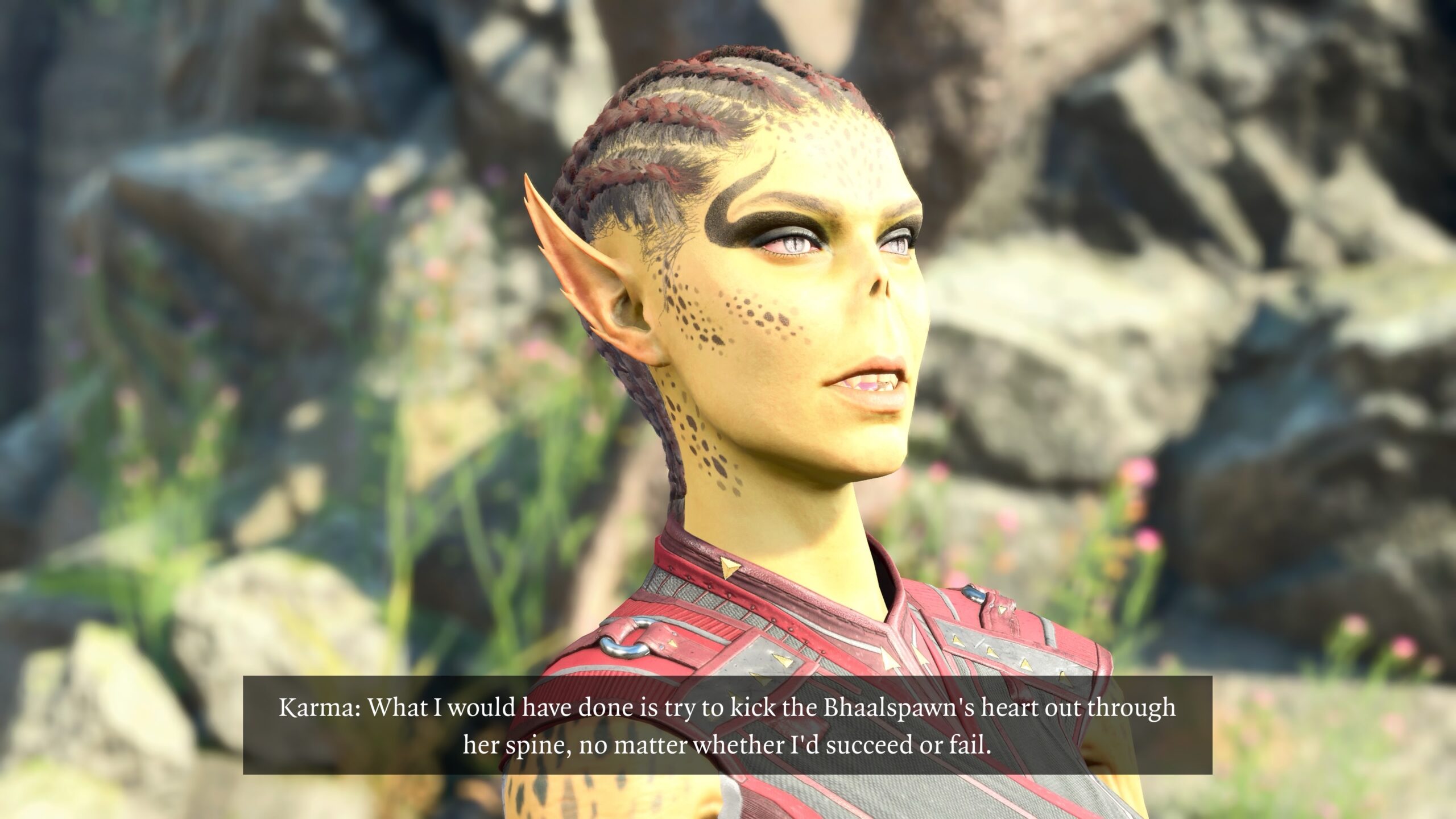
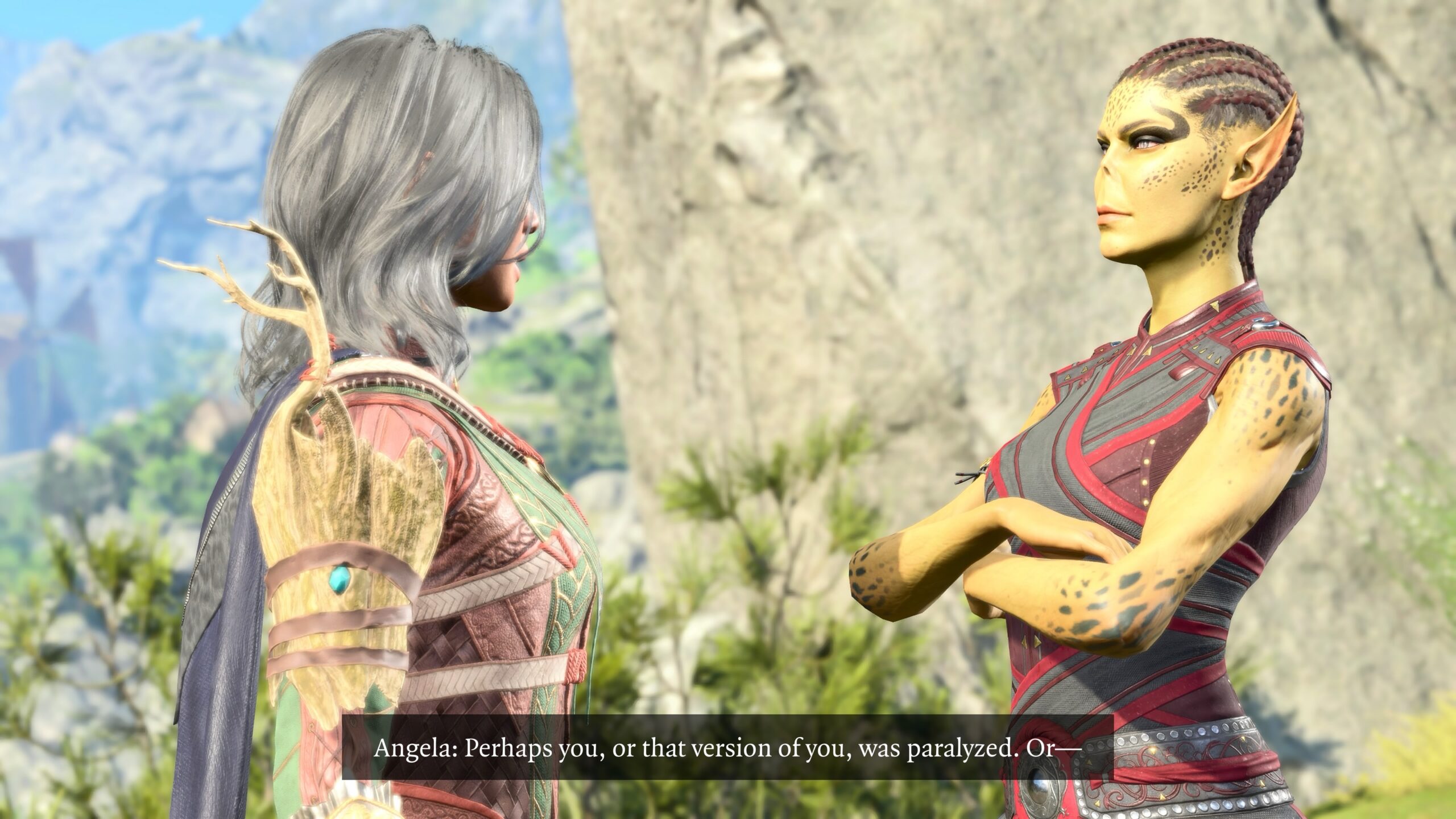
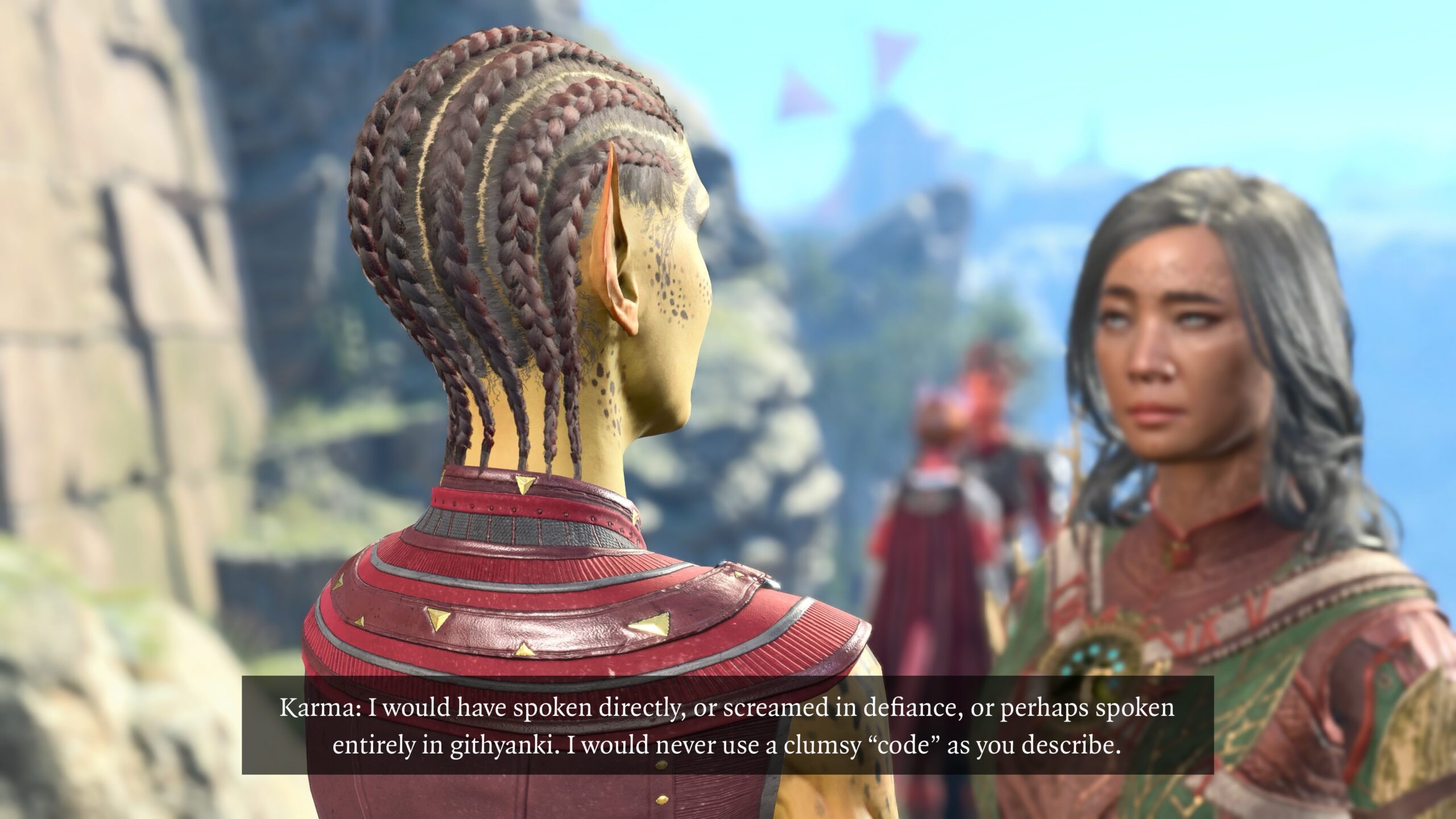
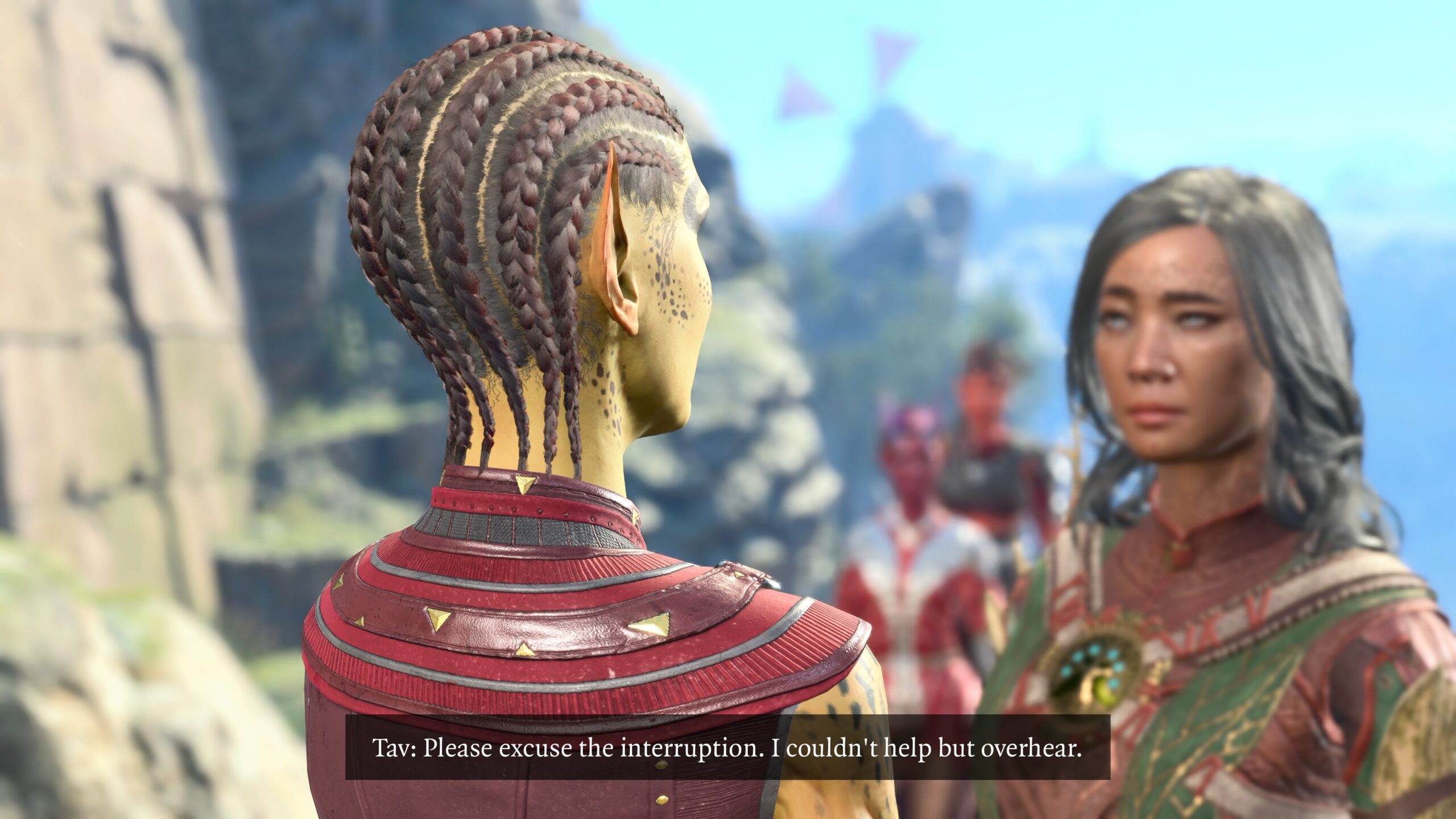
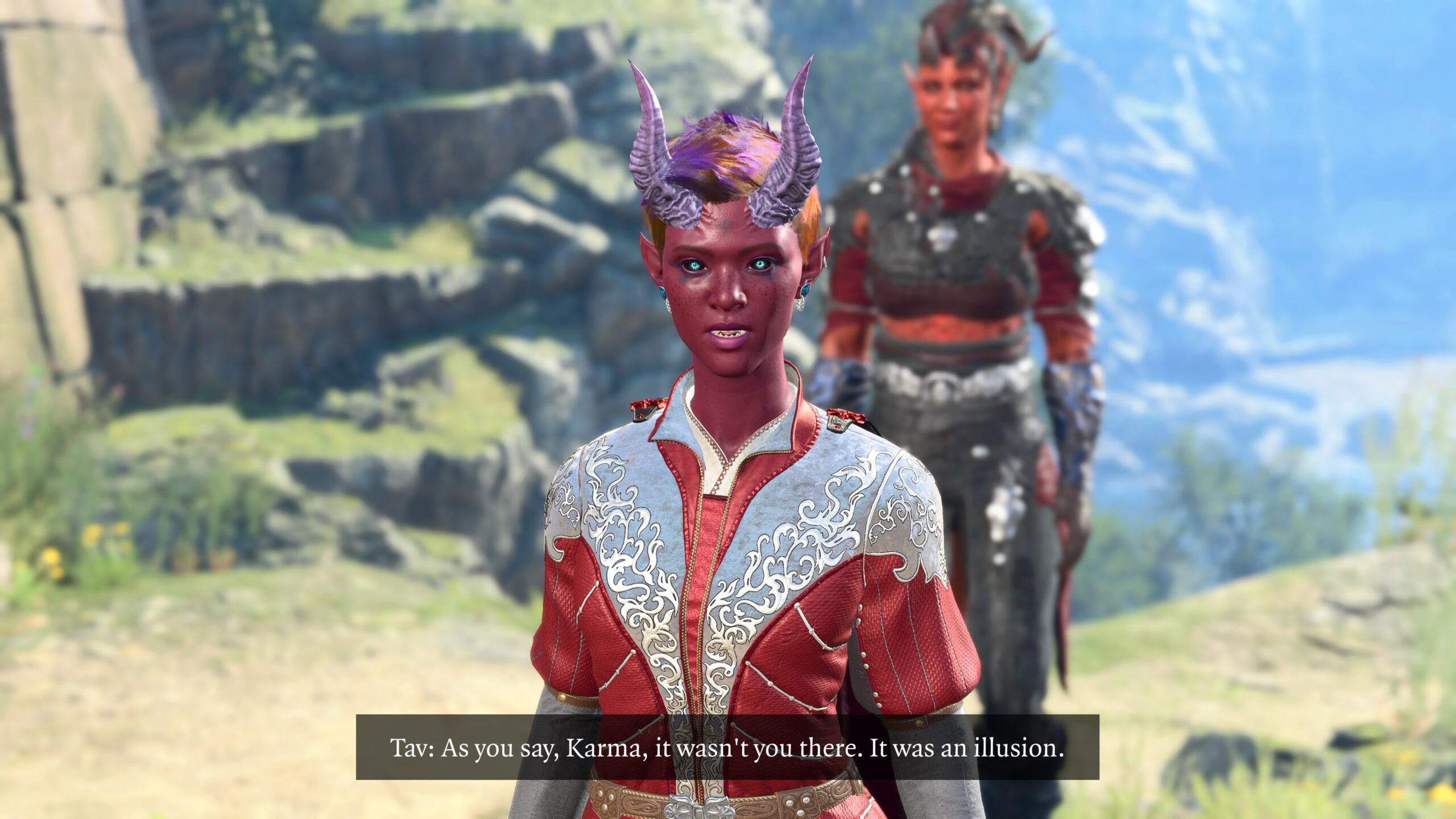
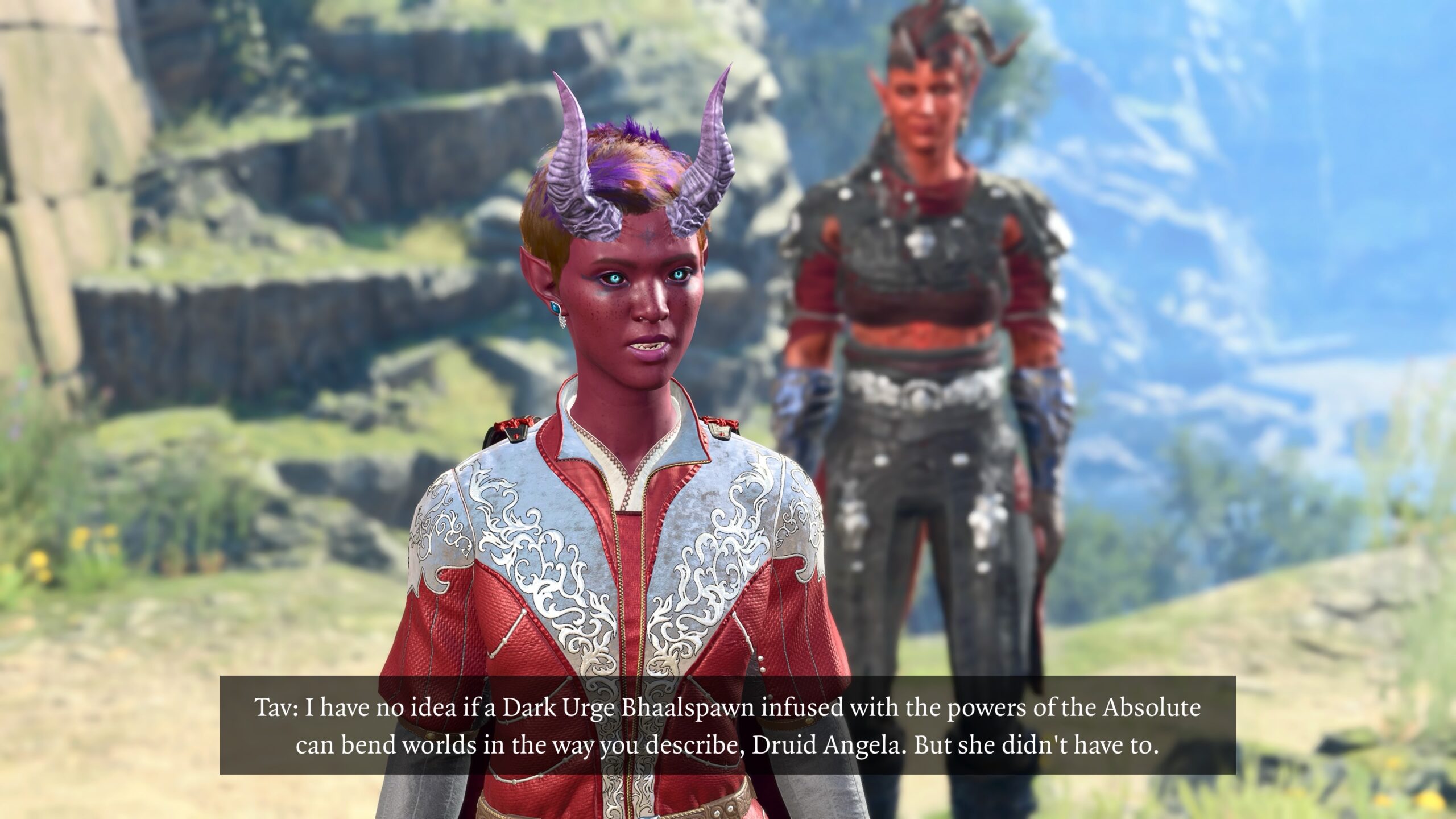
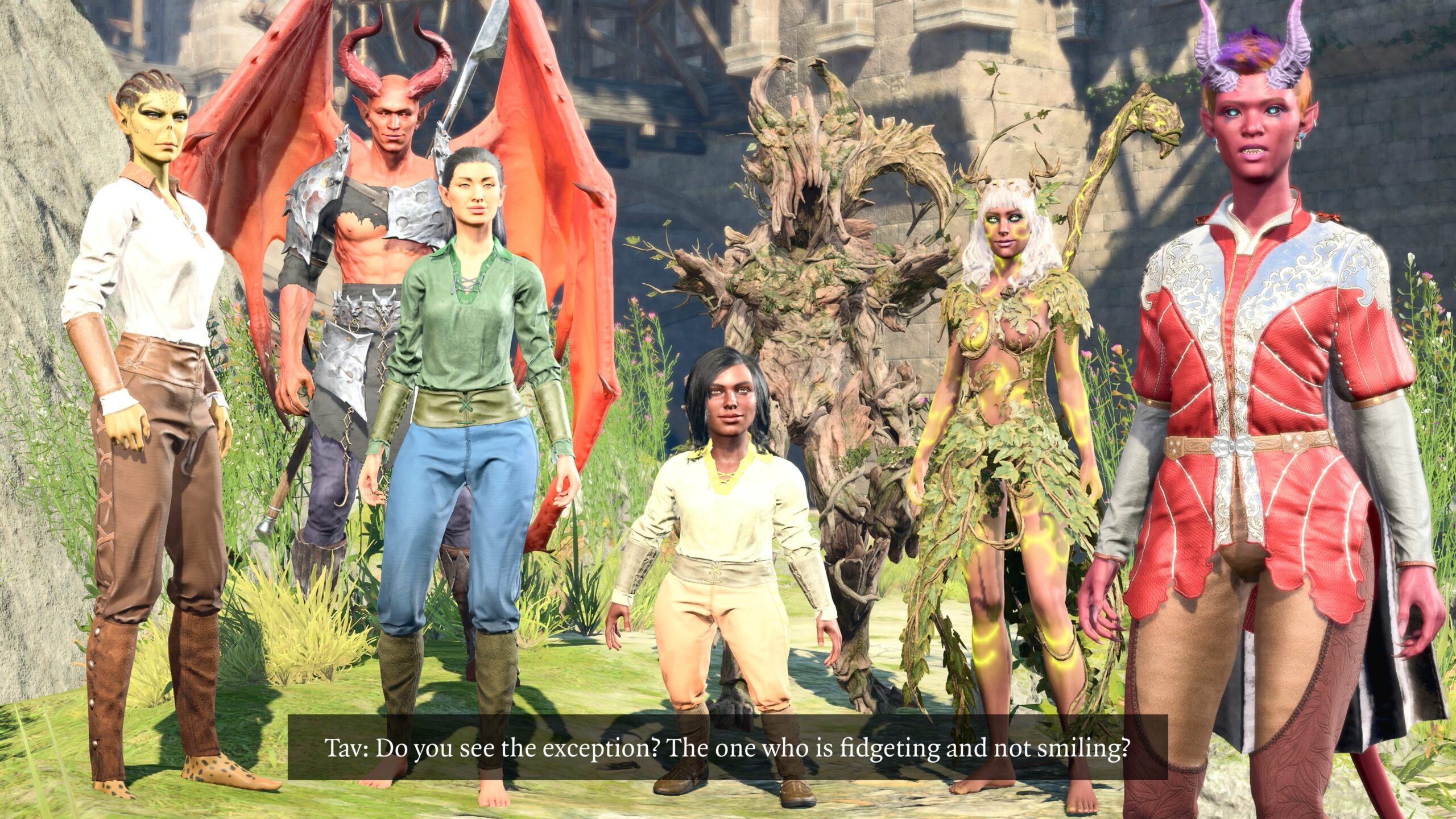
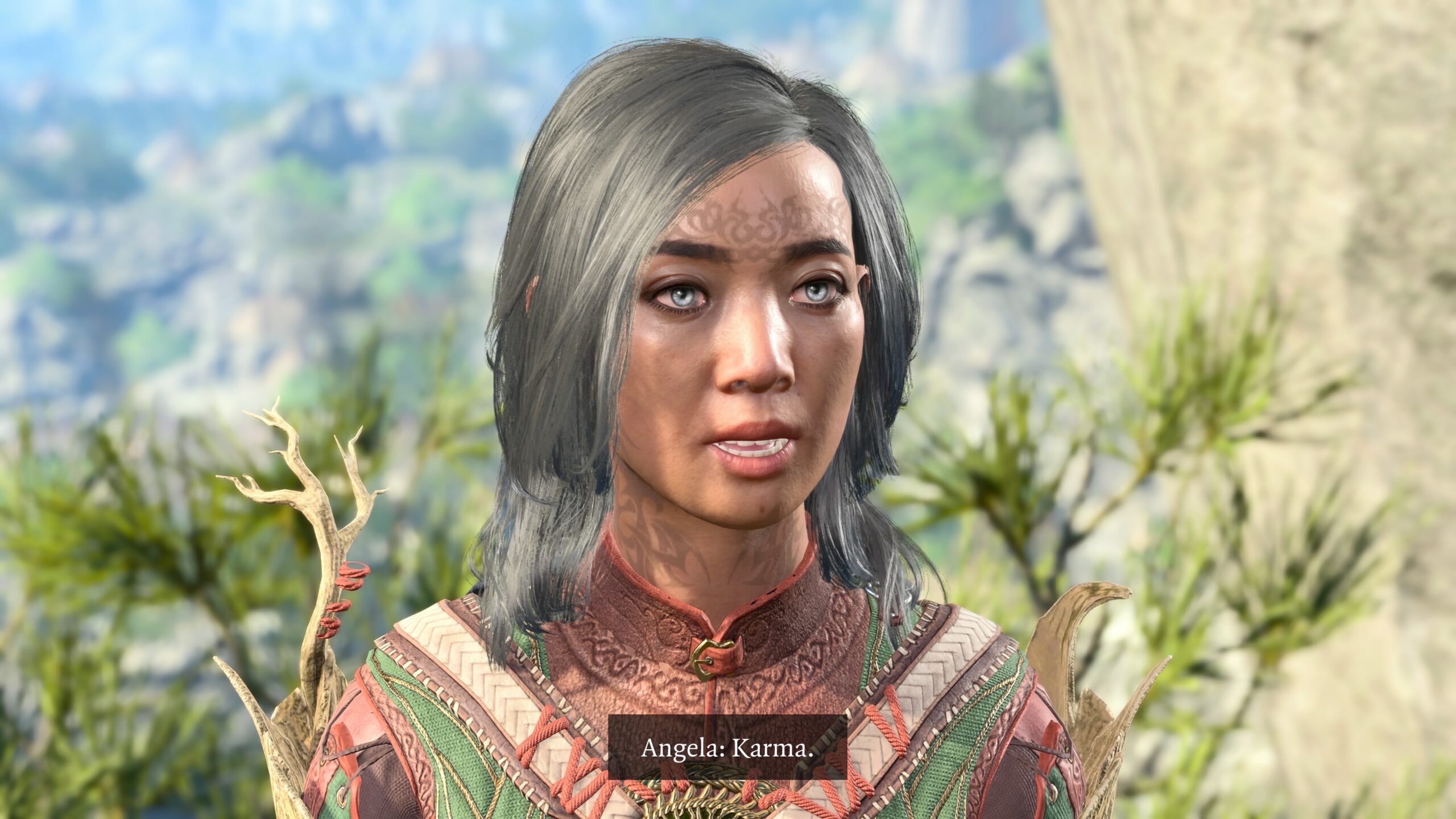
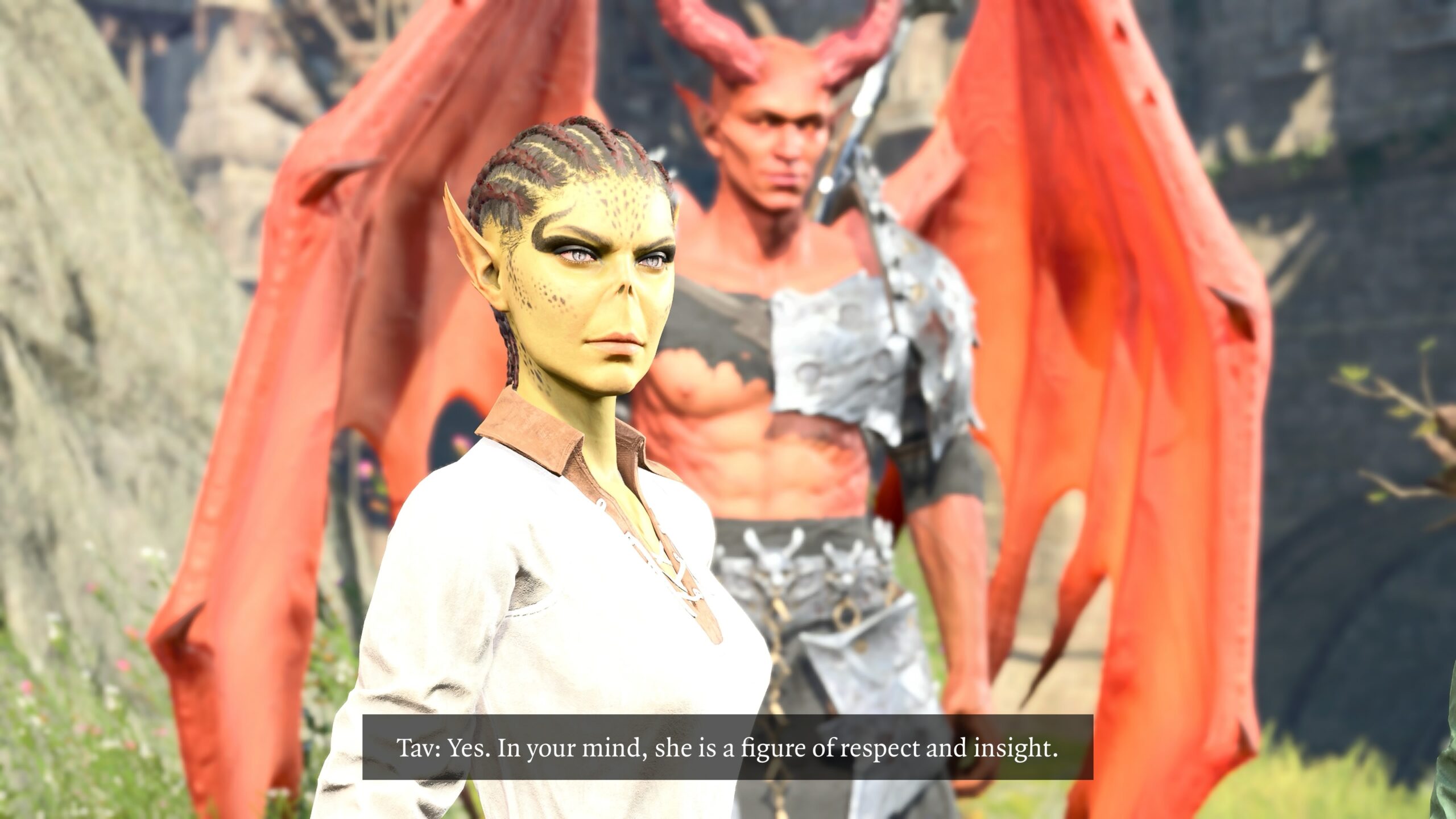
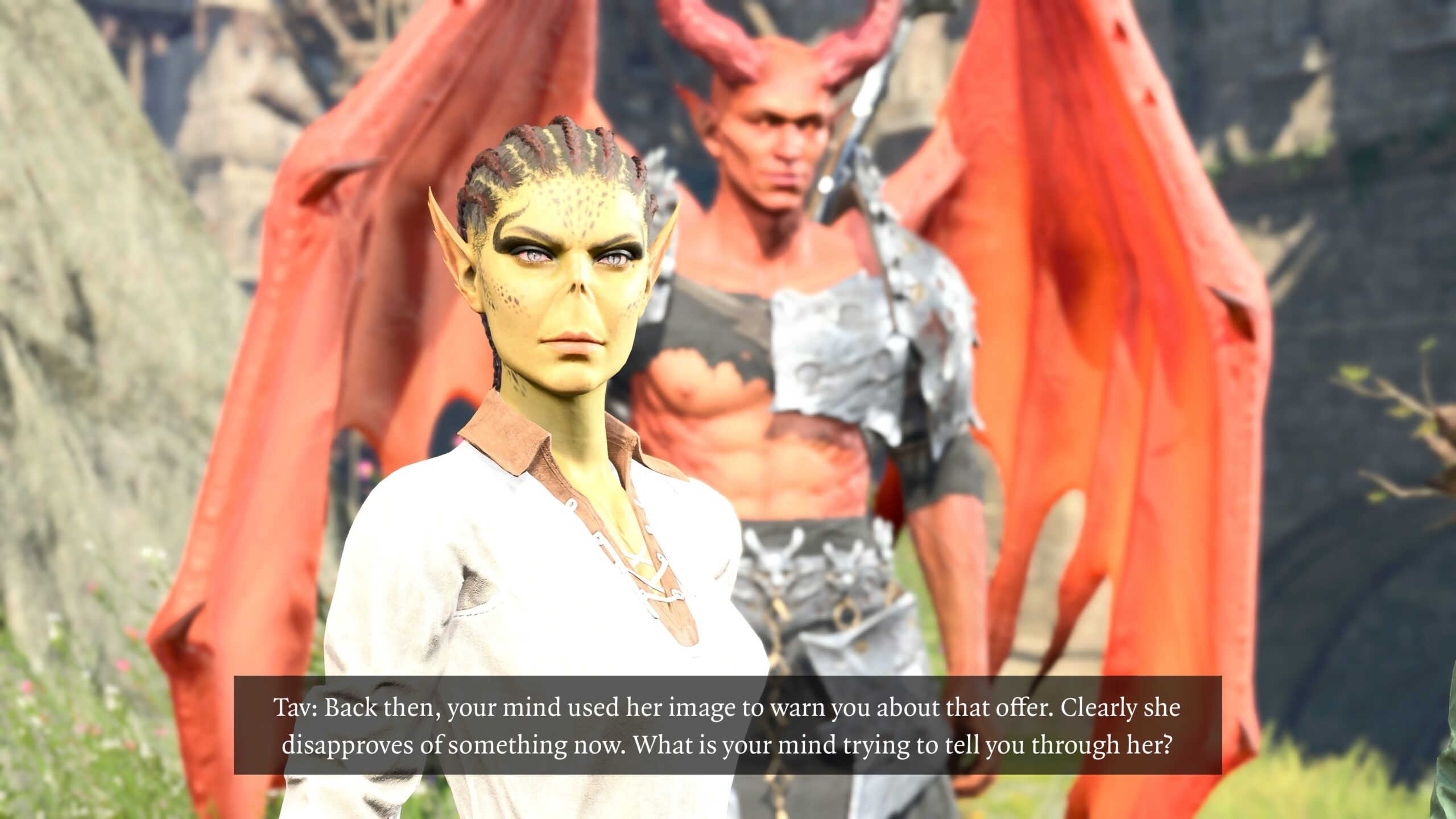
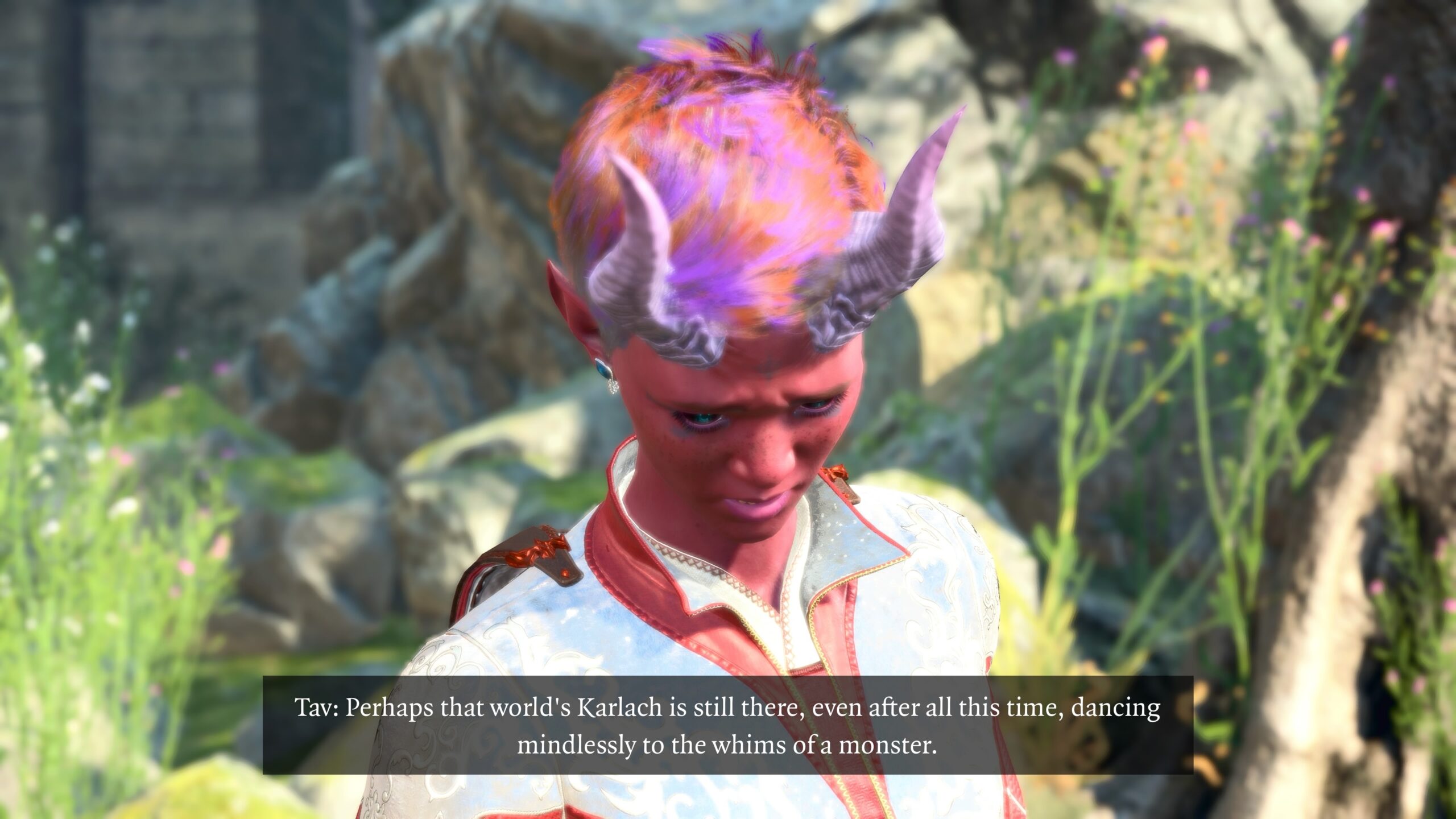
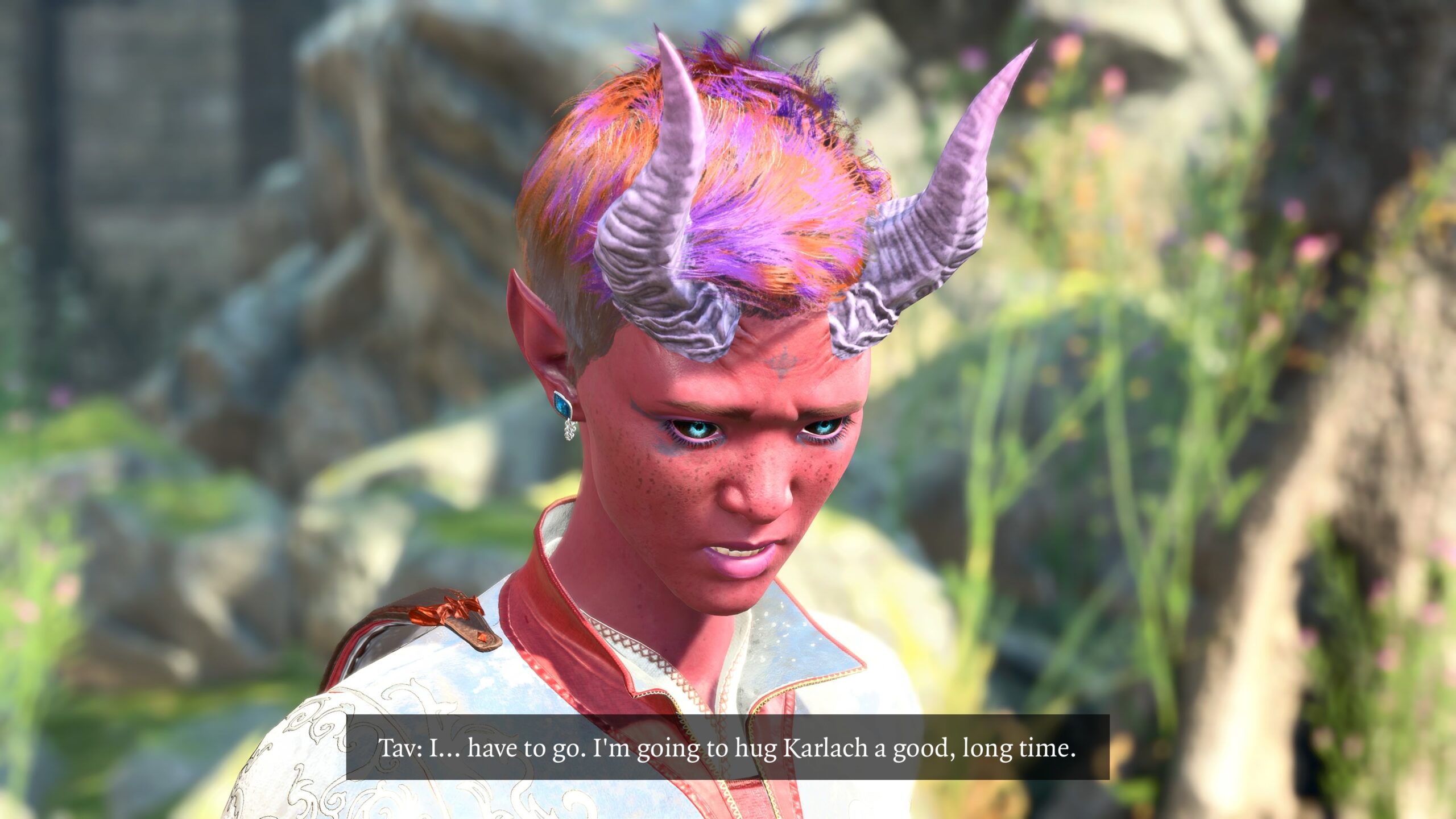
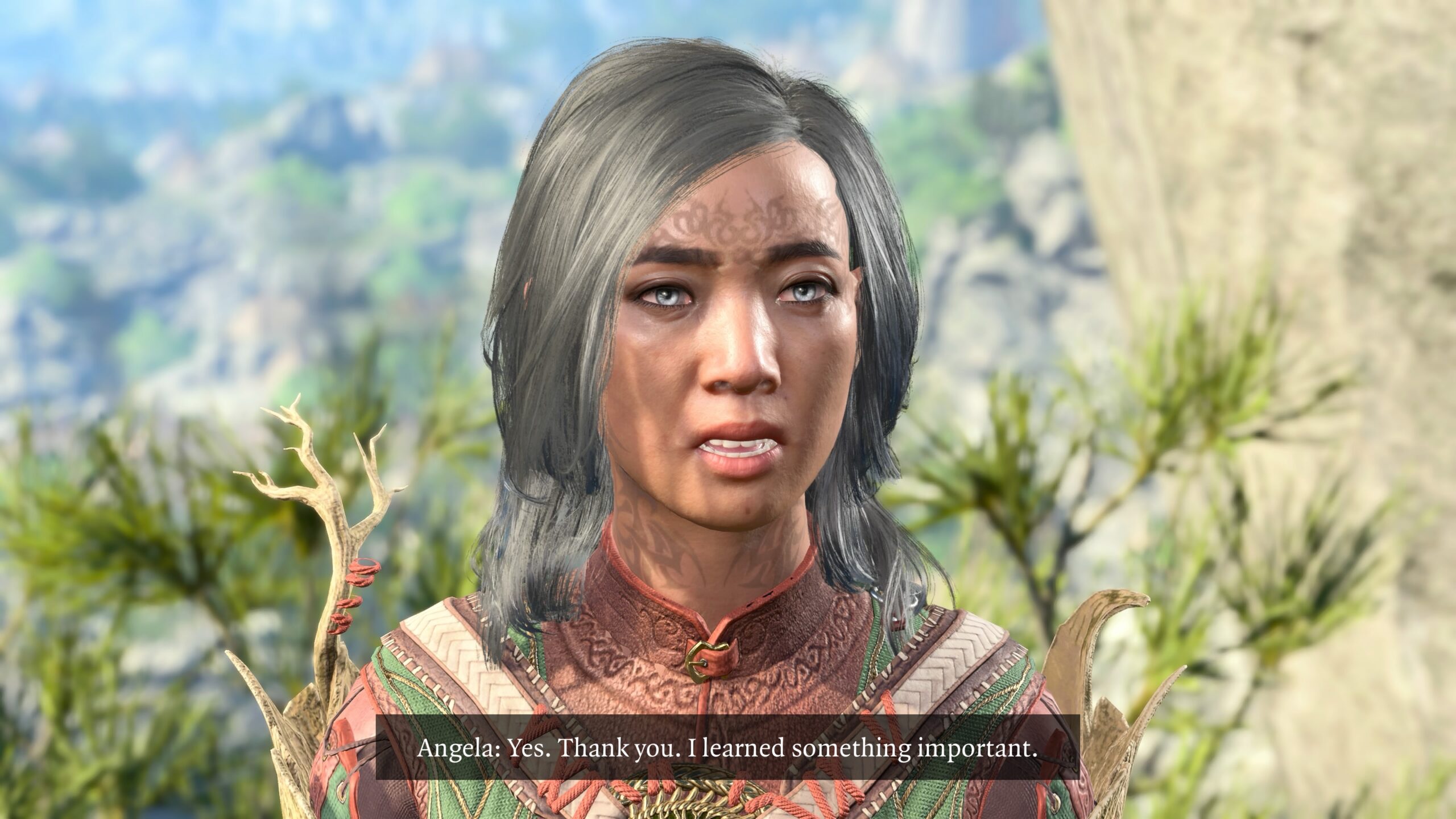
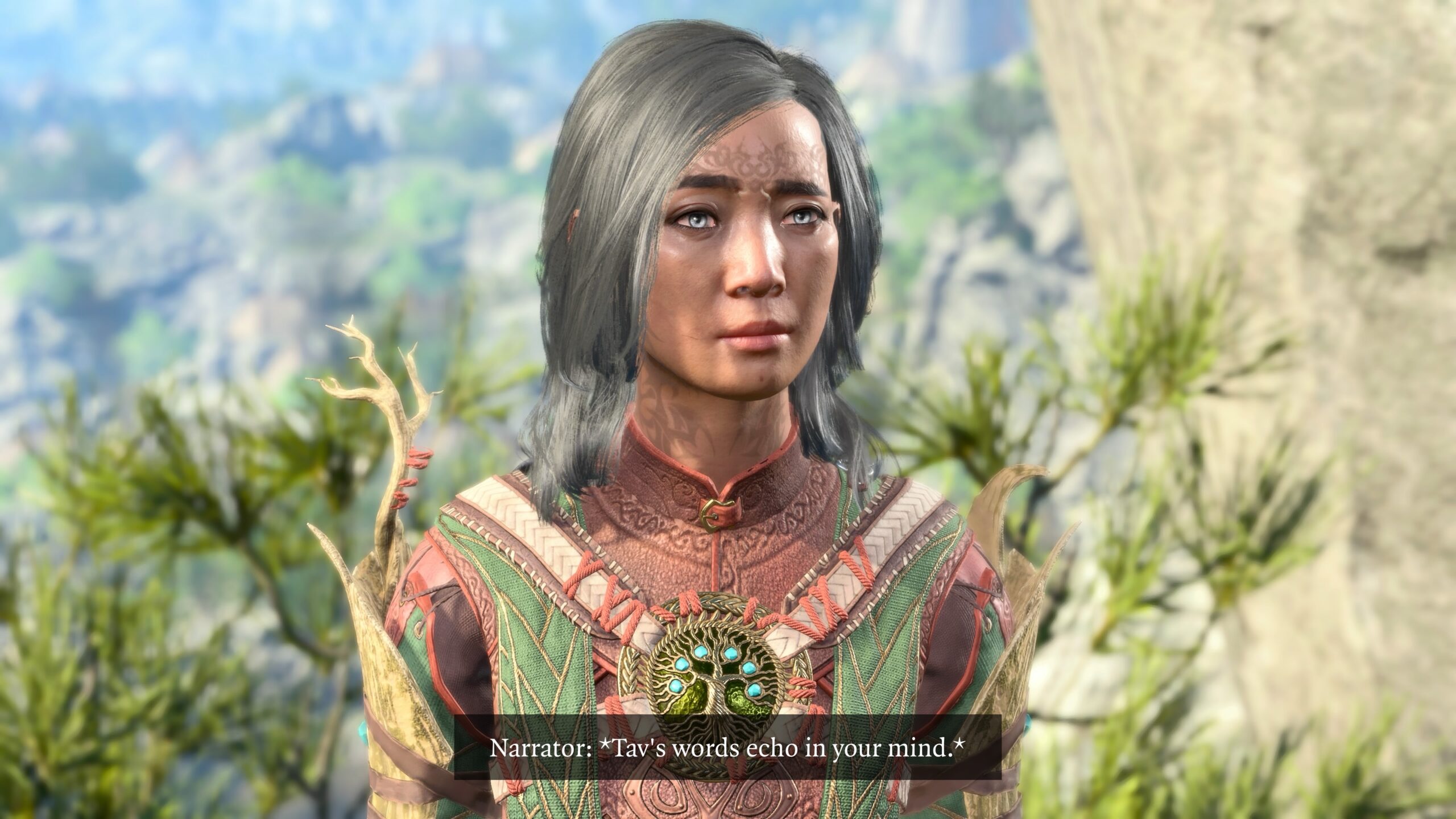
As usual with my recent essays, I reward the patient reader (that’s you!) with a story related to what I’ve just talked about. This story immediately follows the fanfic I’ve interspersed in the above essay.
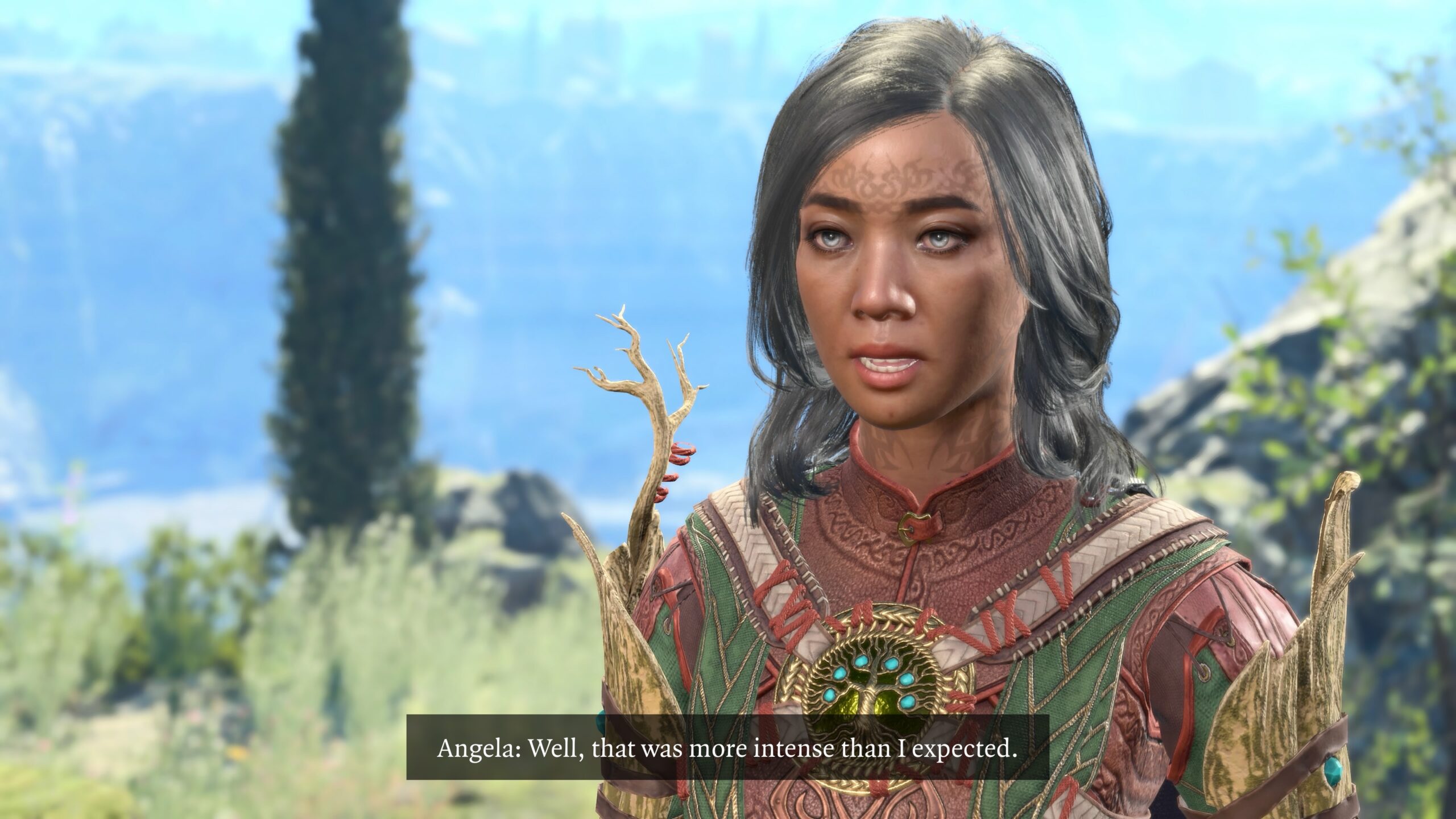
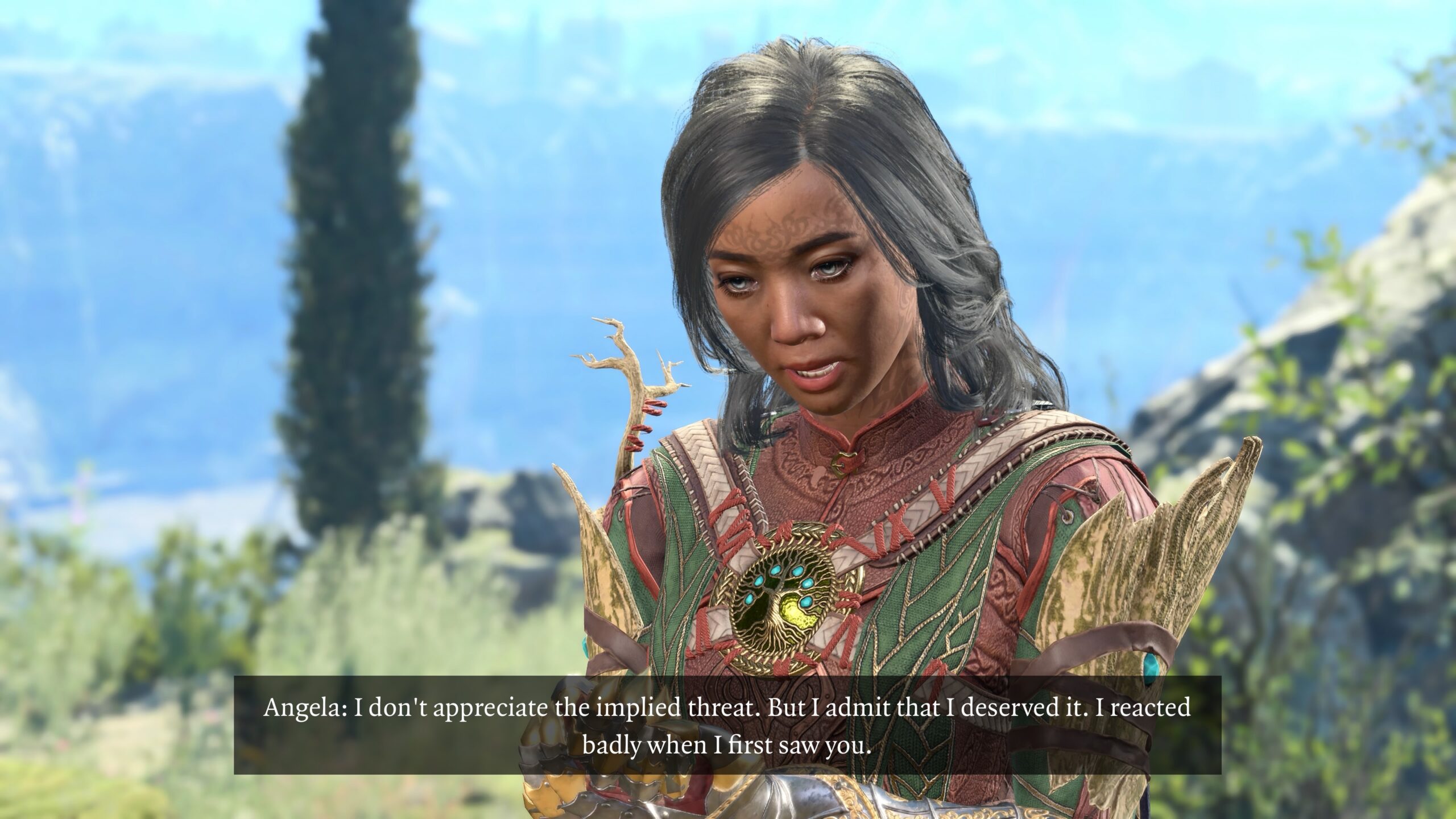
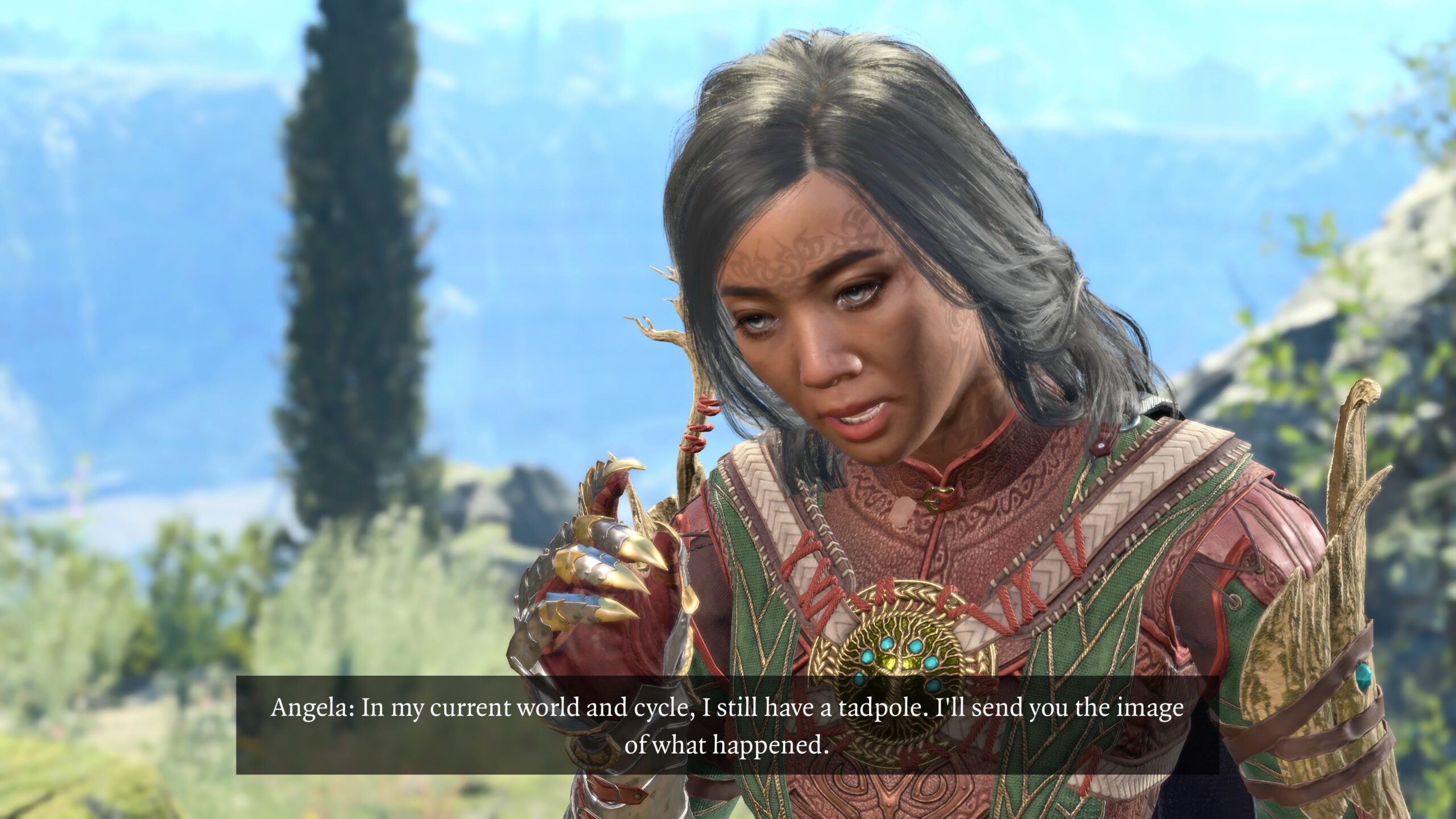
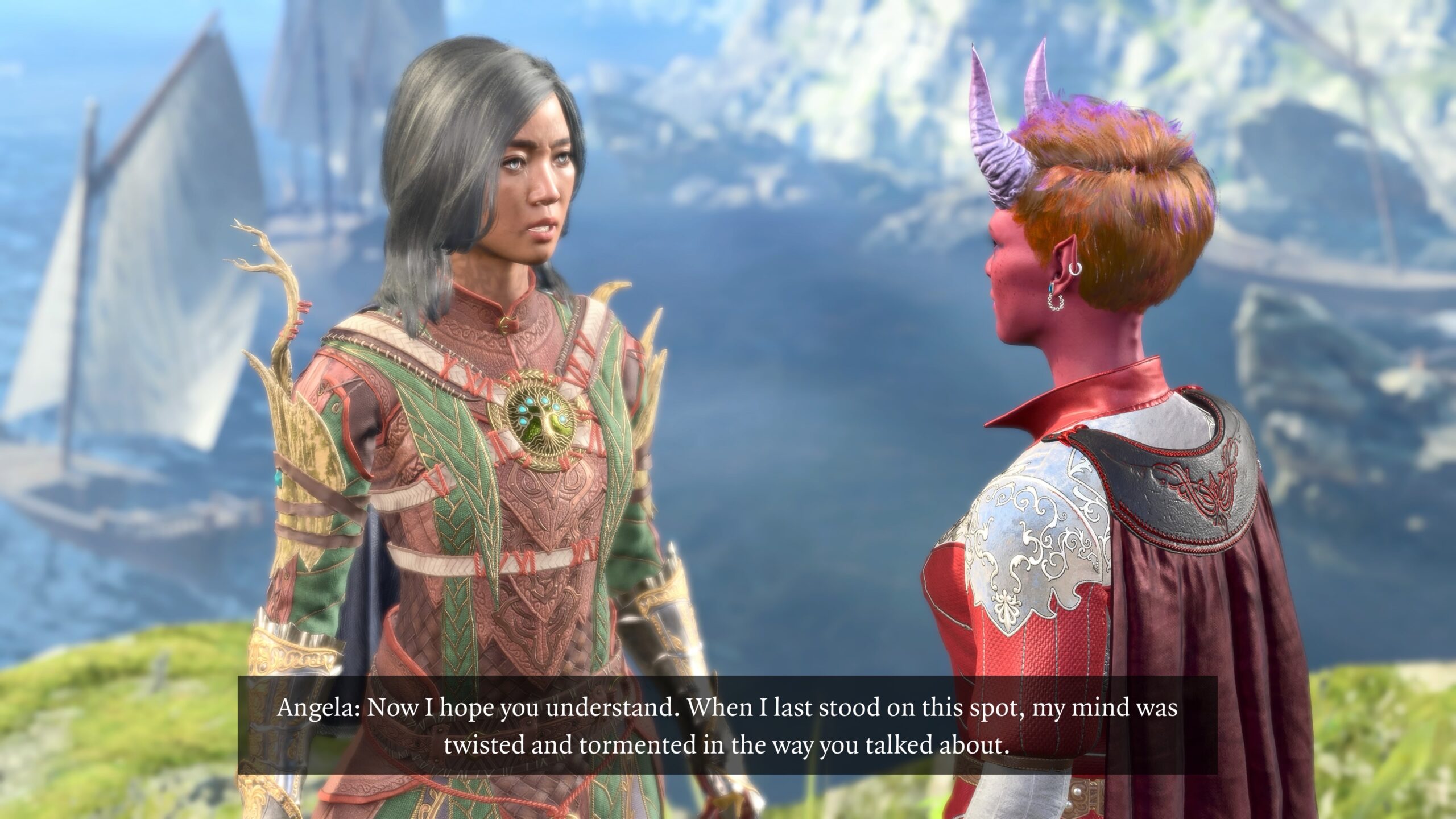
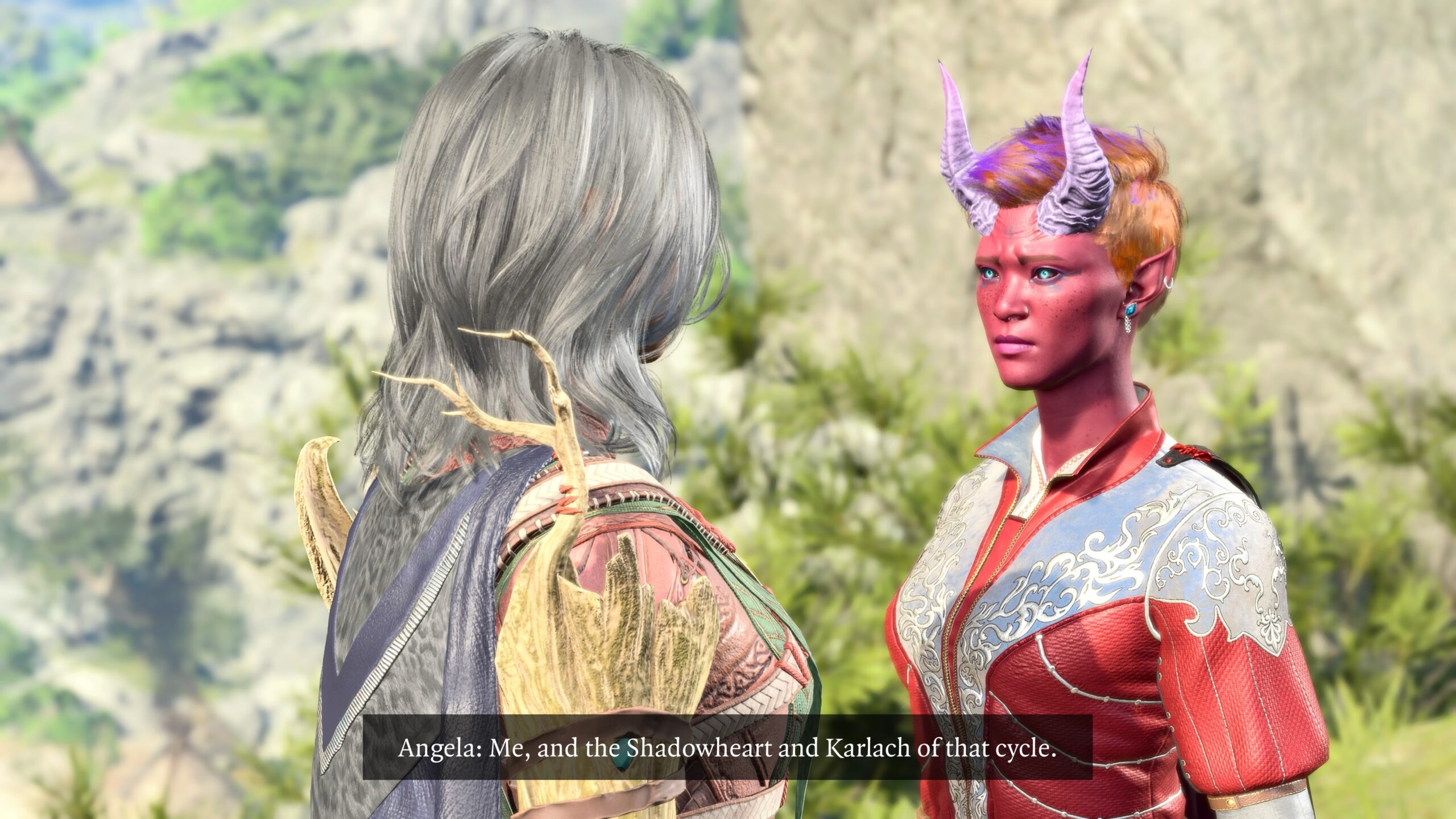
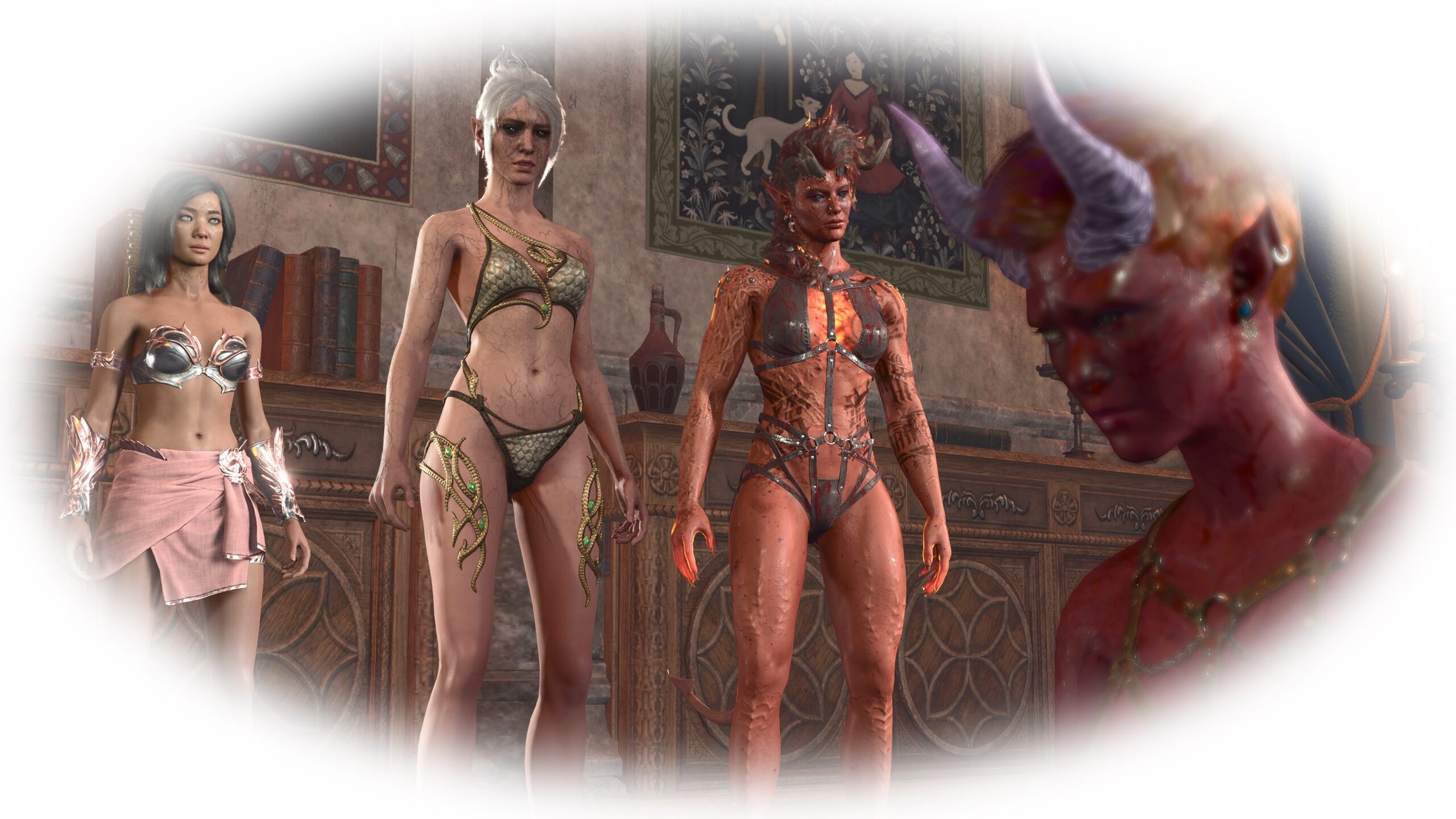
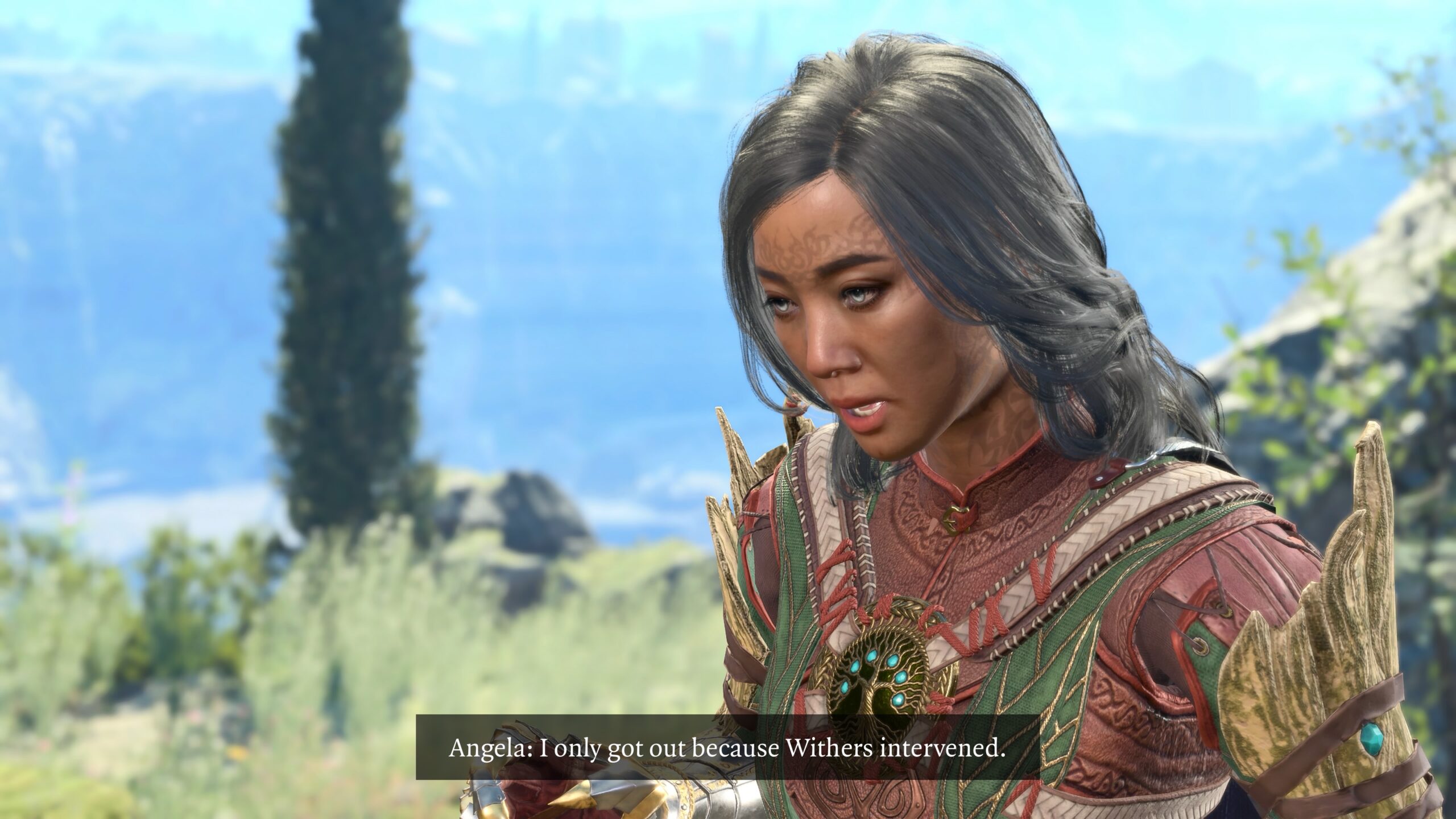
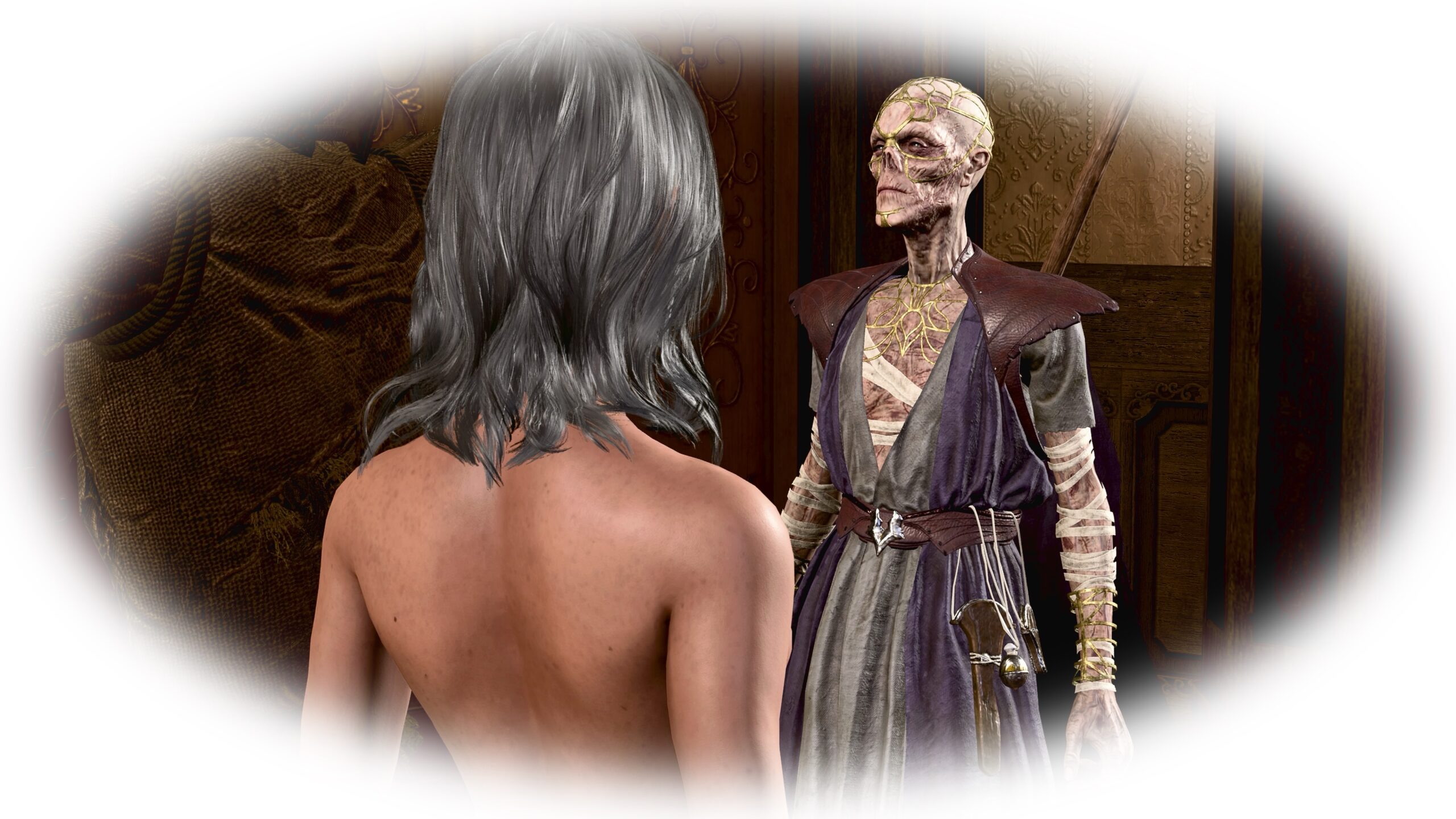
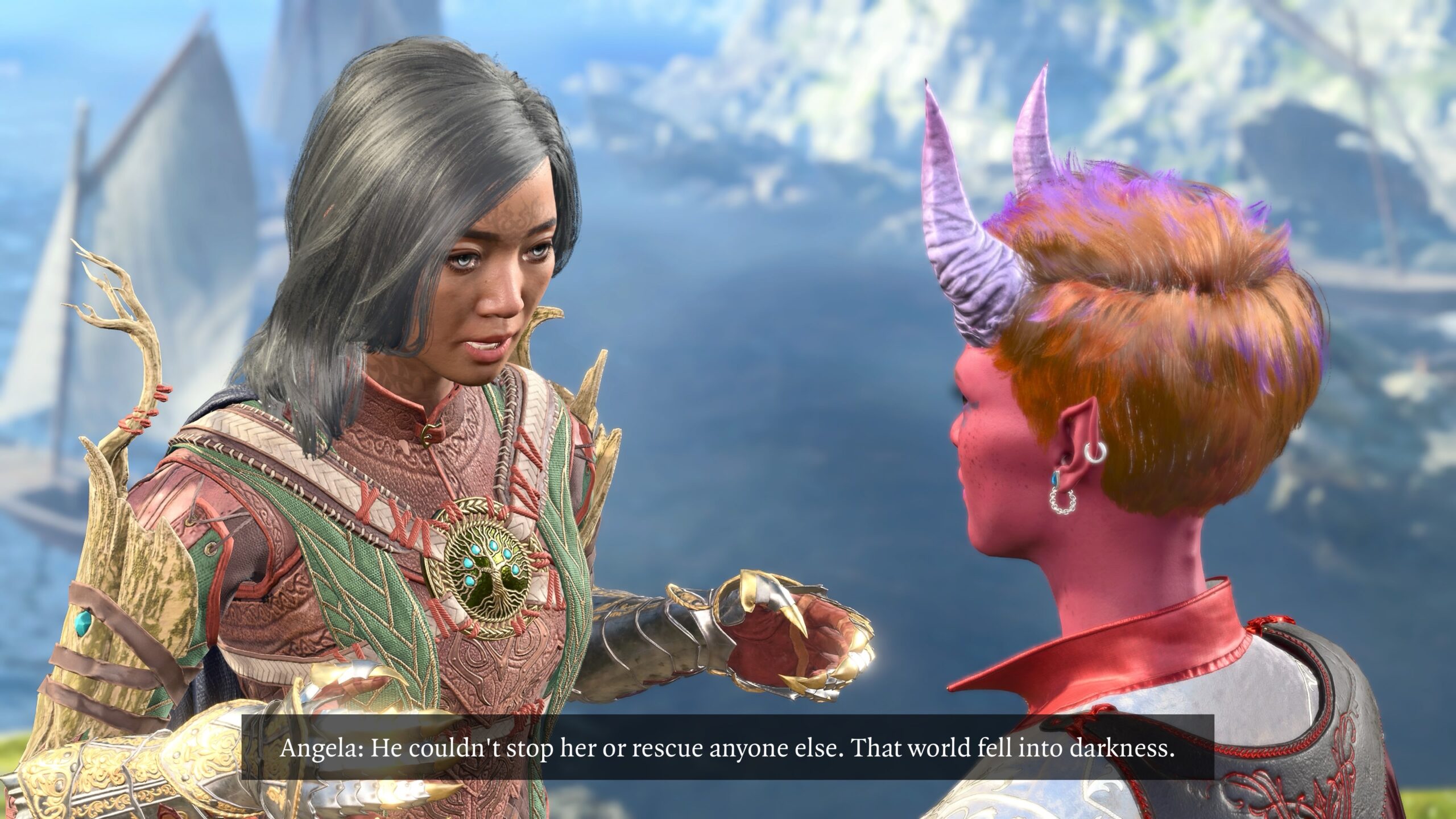
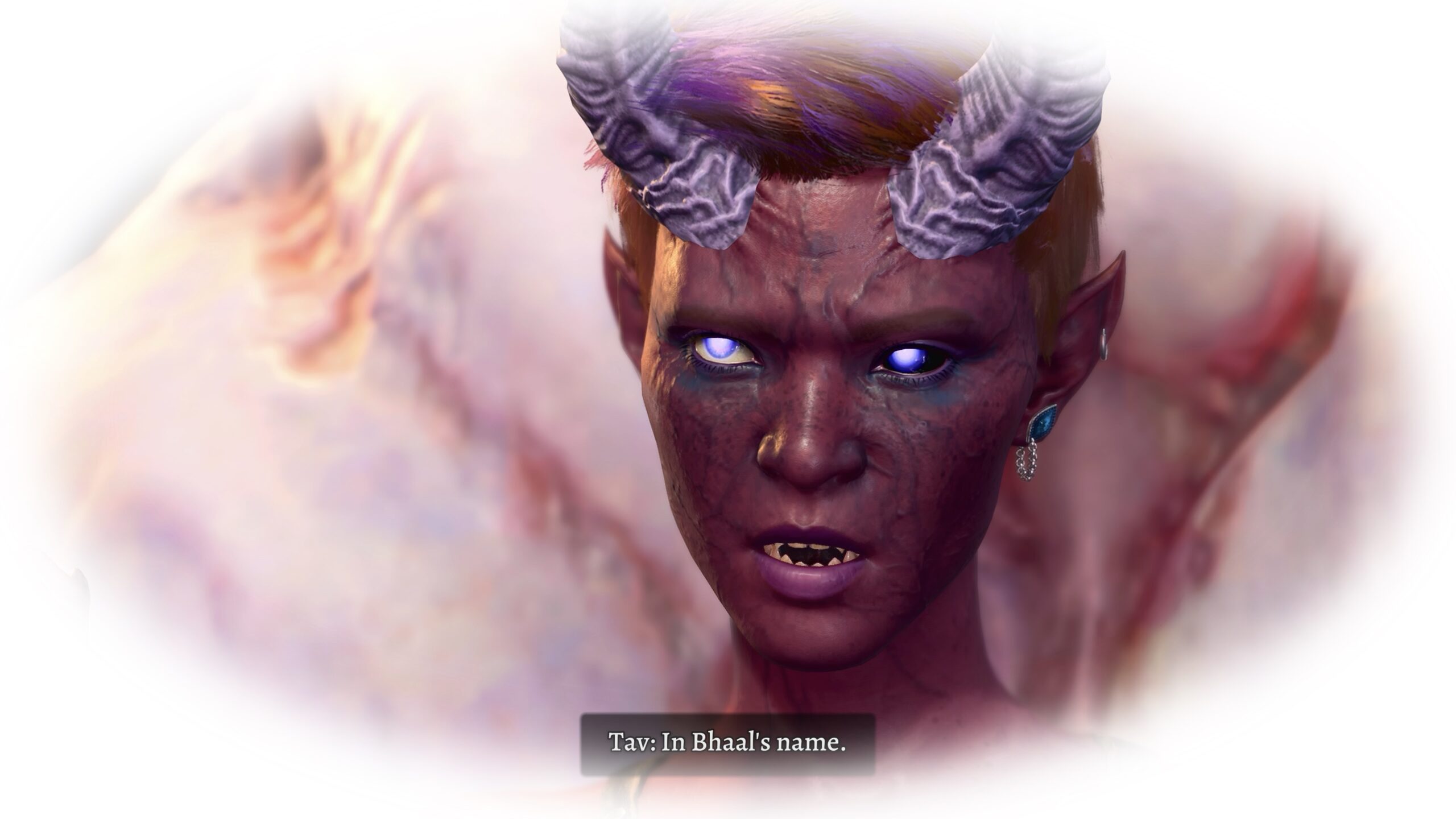
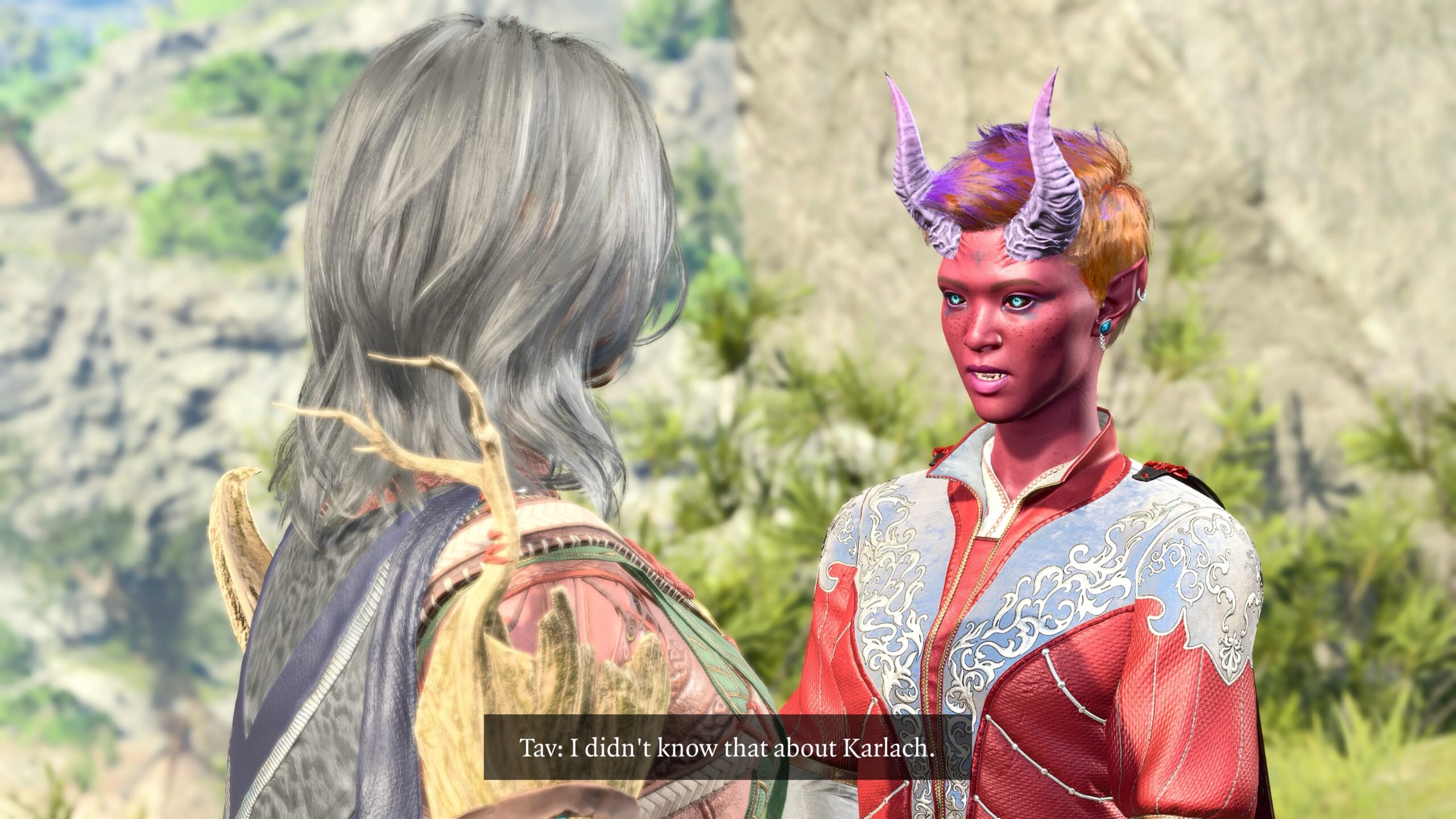
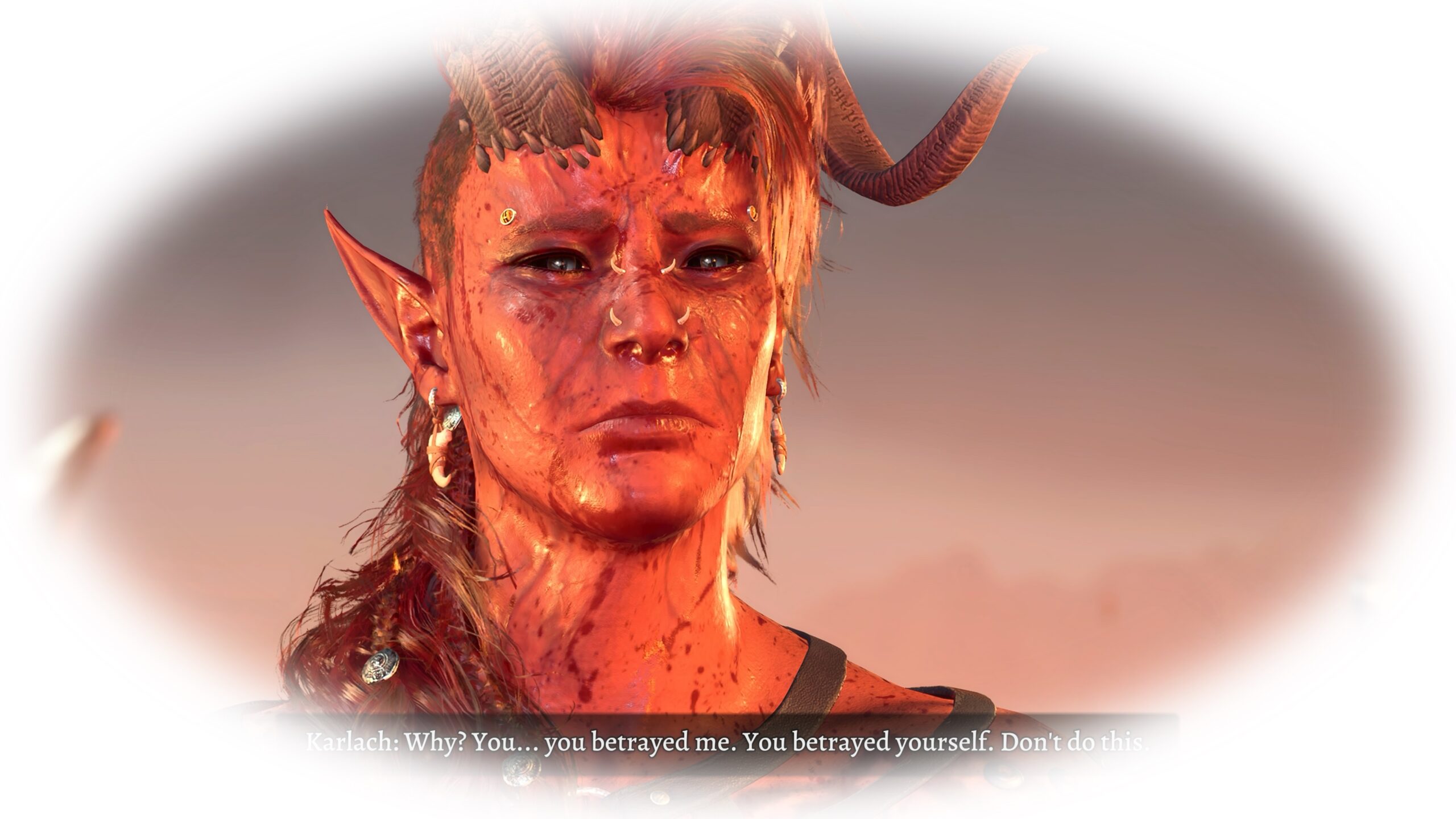
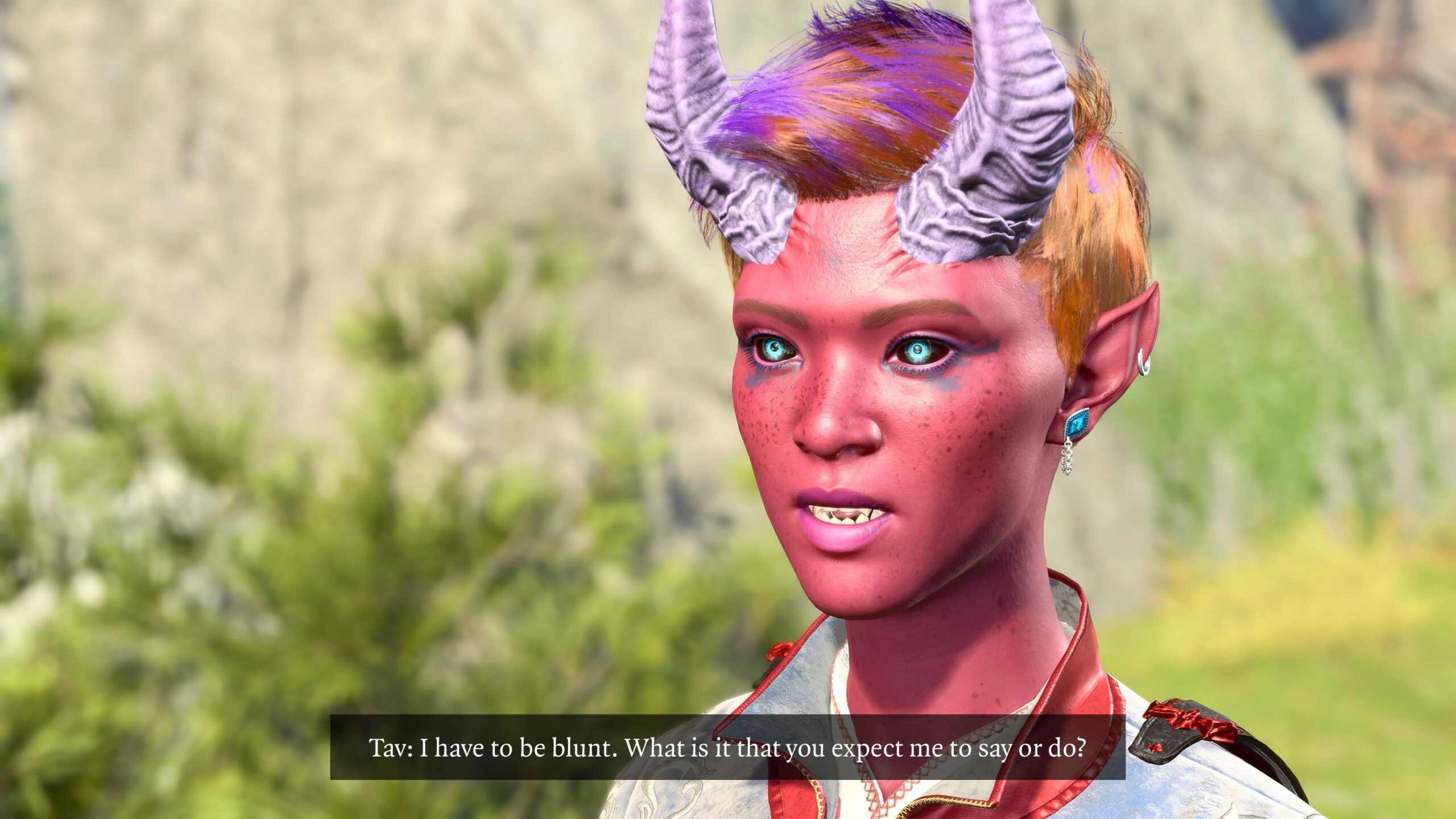
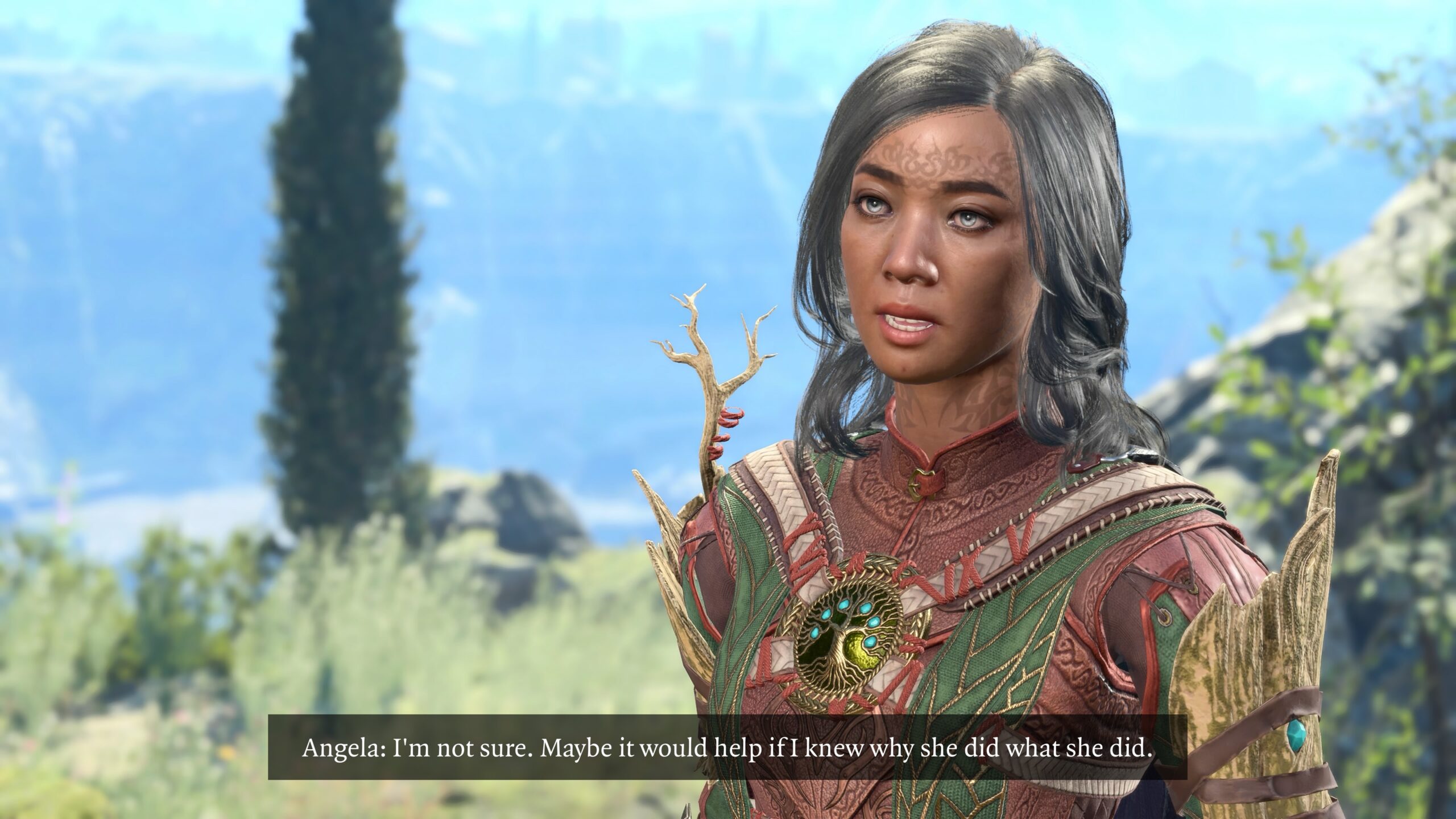
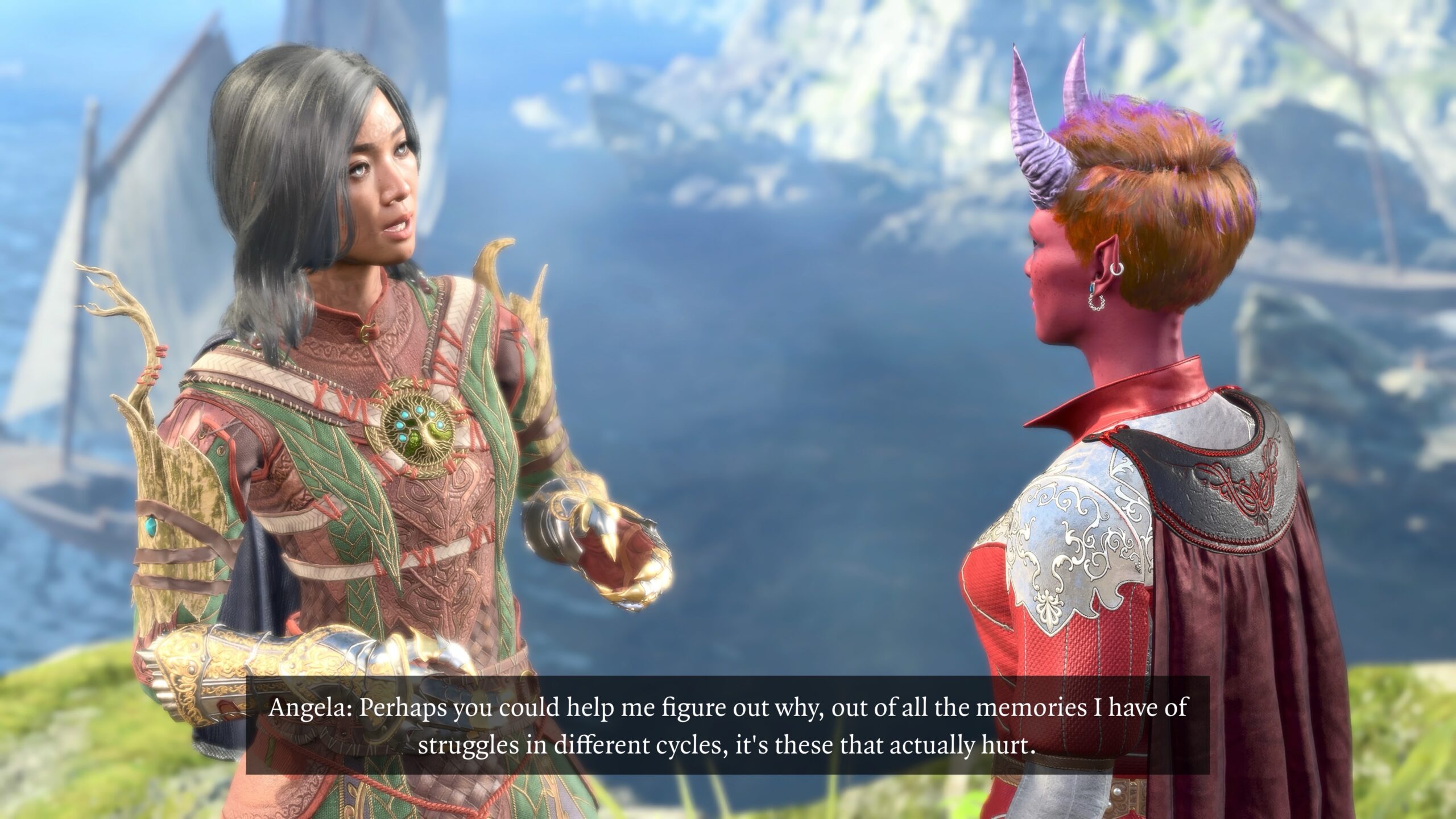
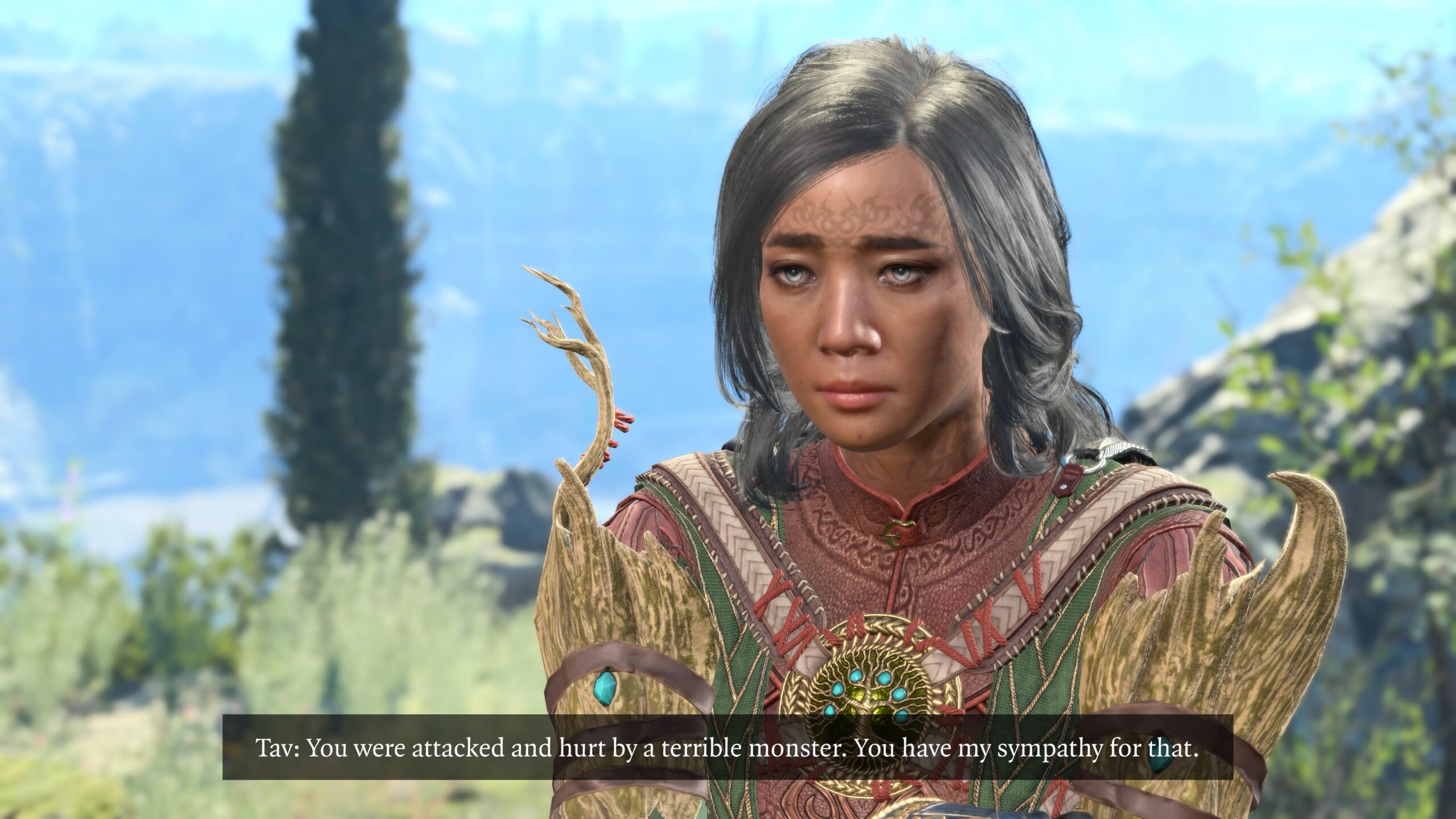
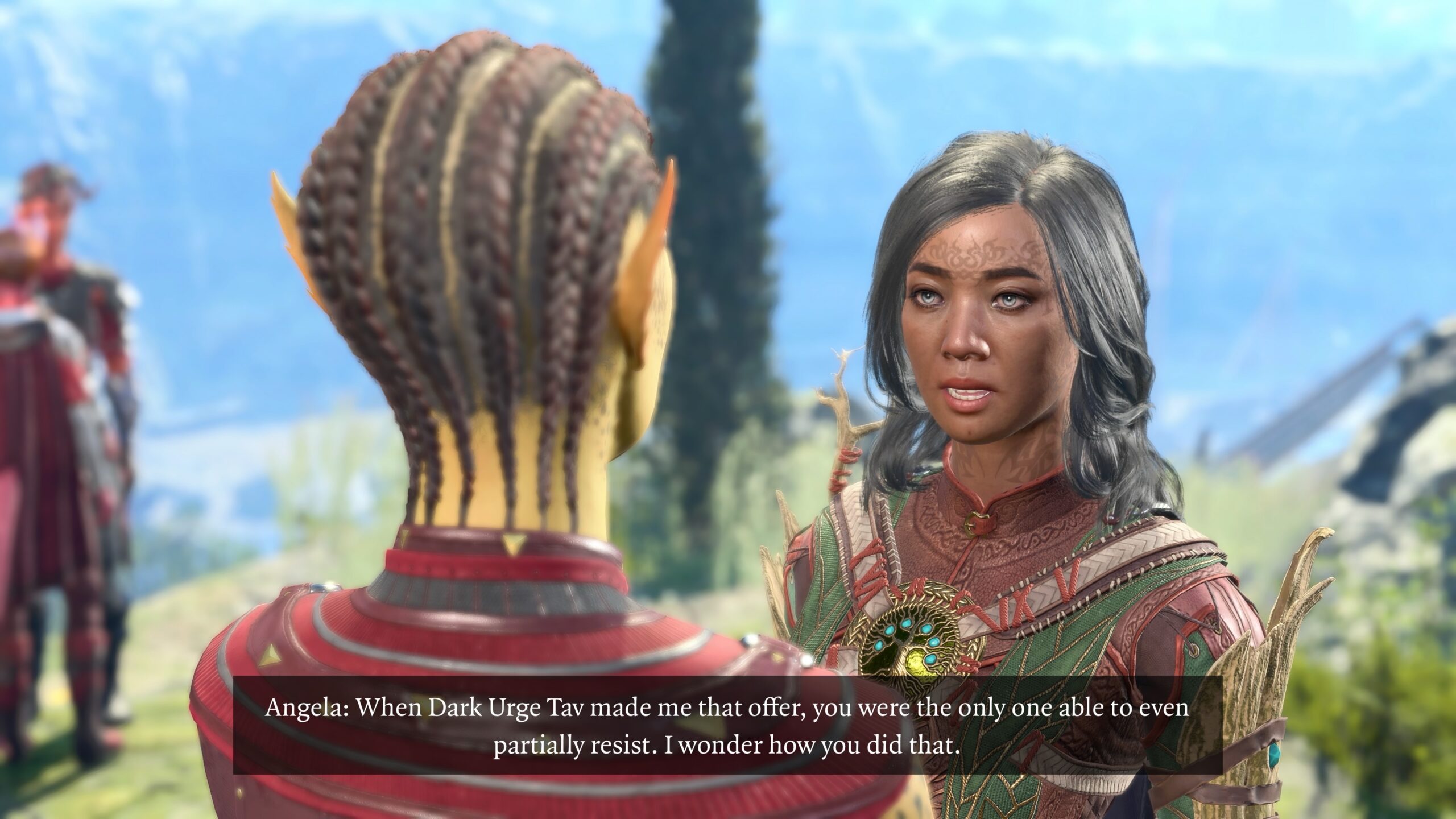
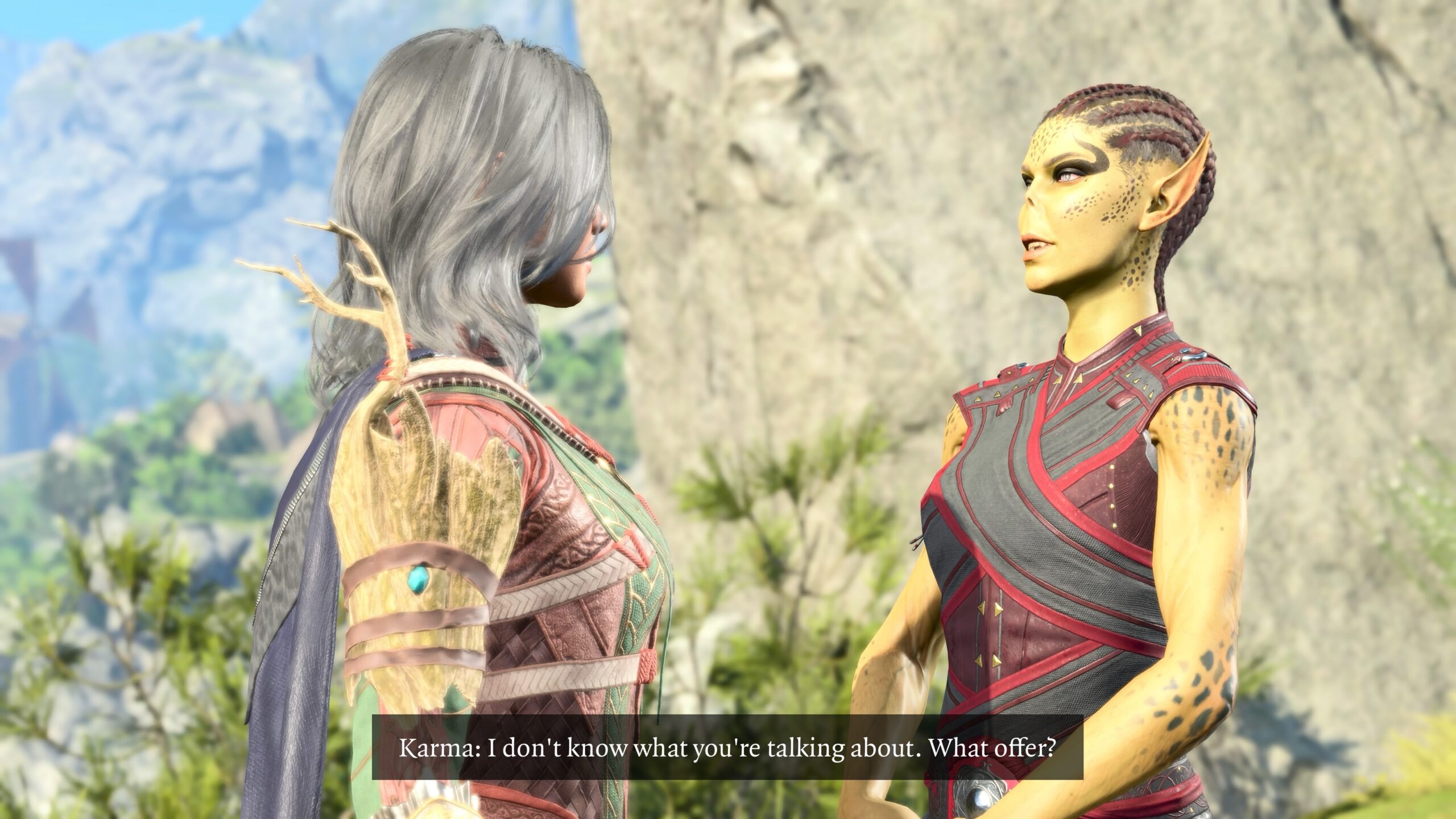
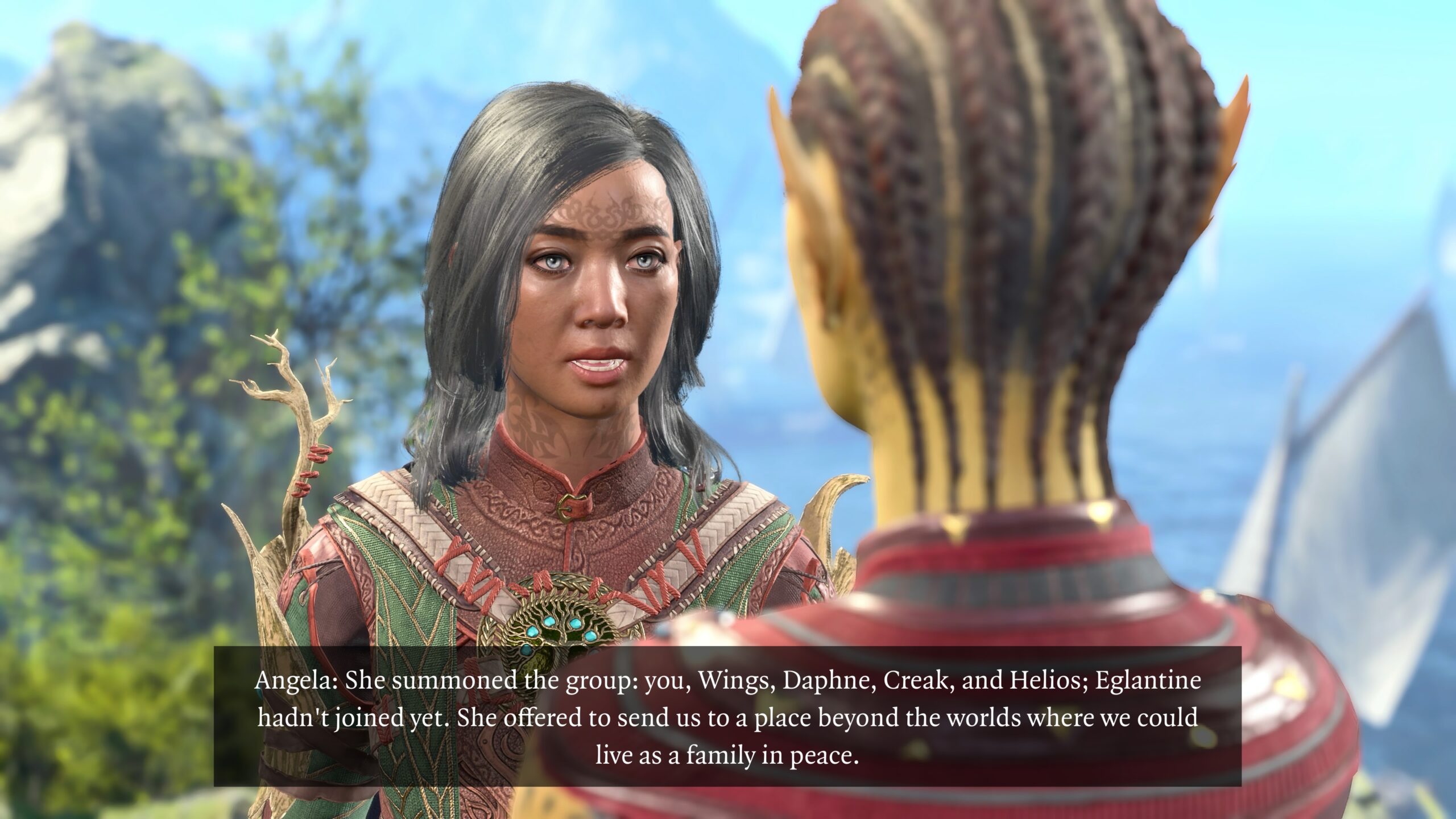
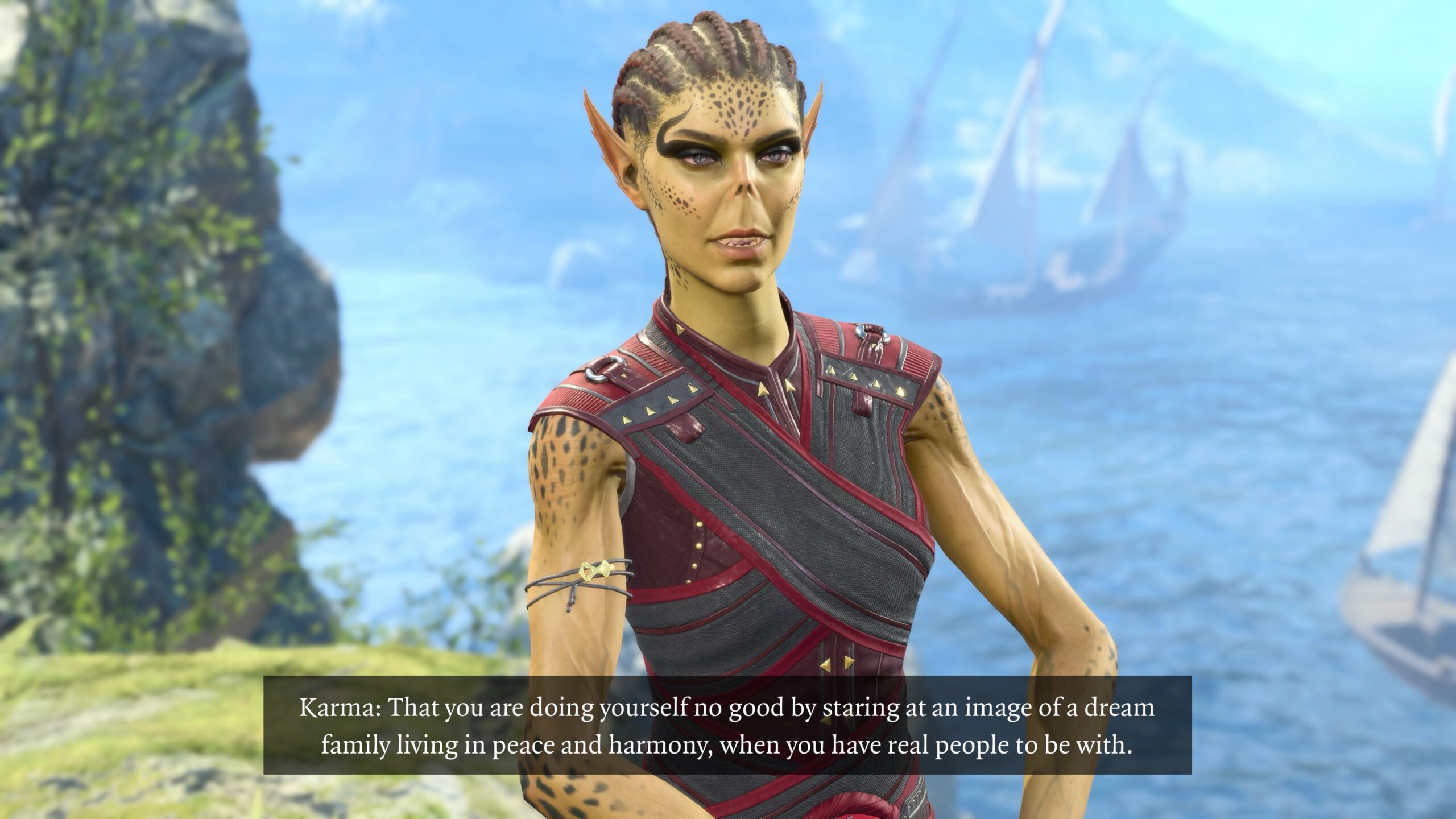
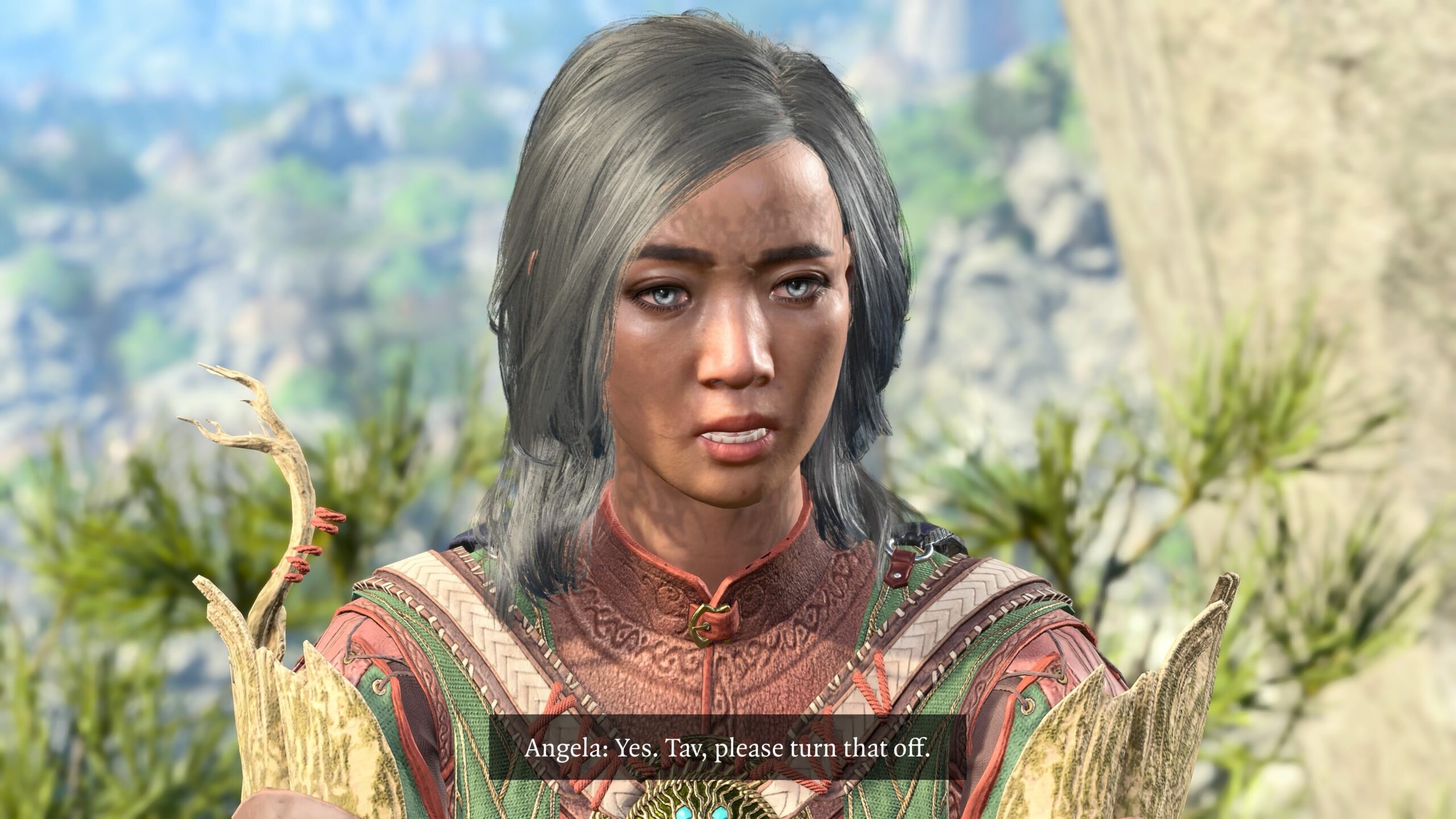
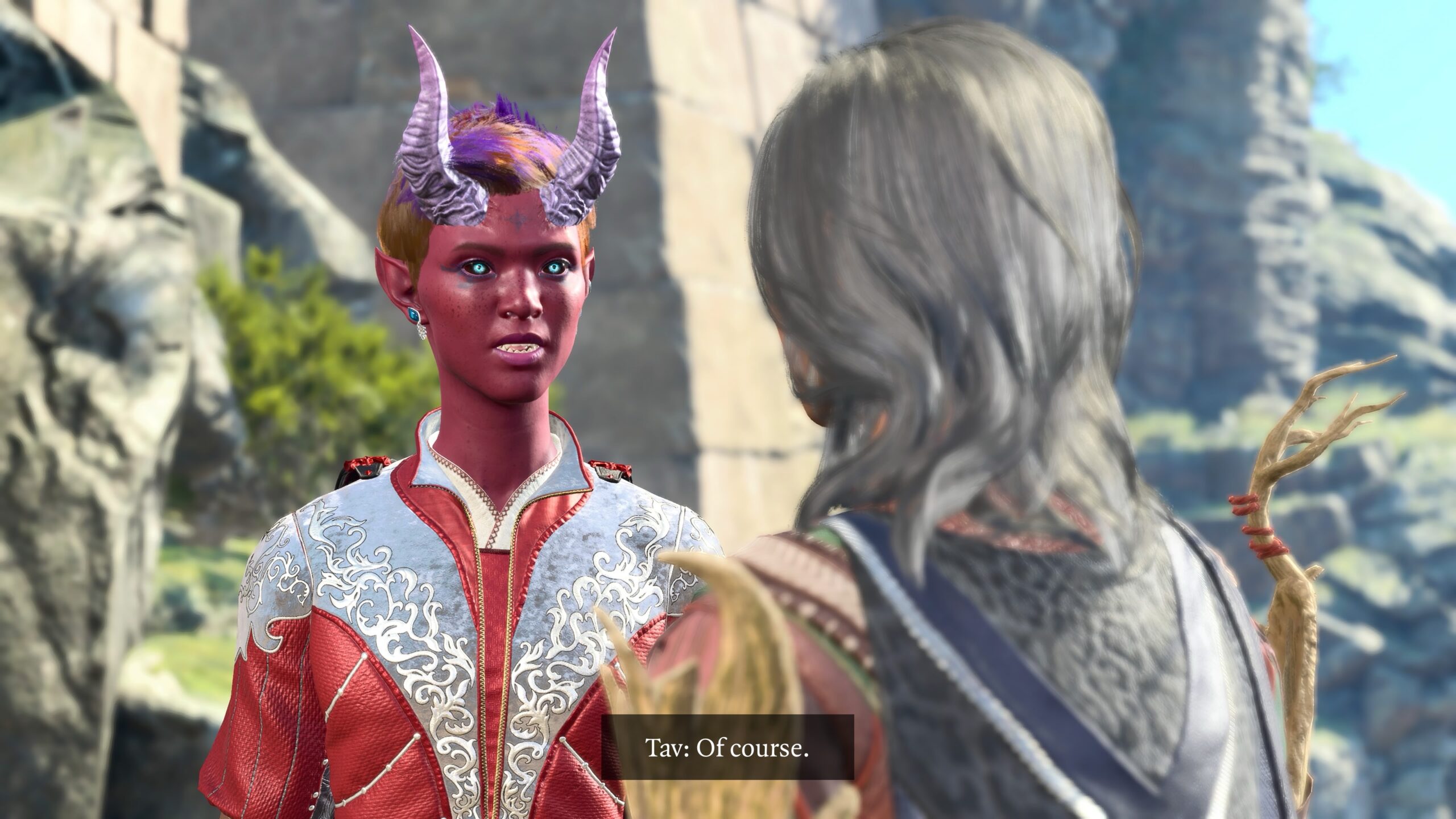
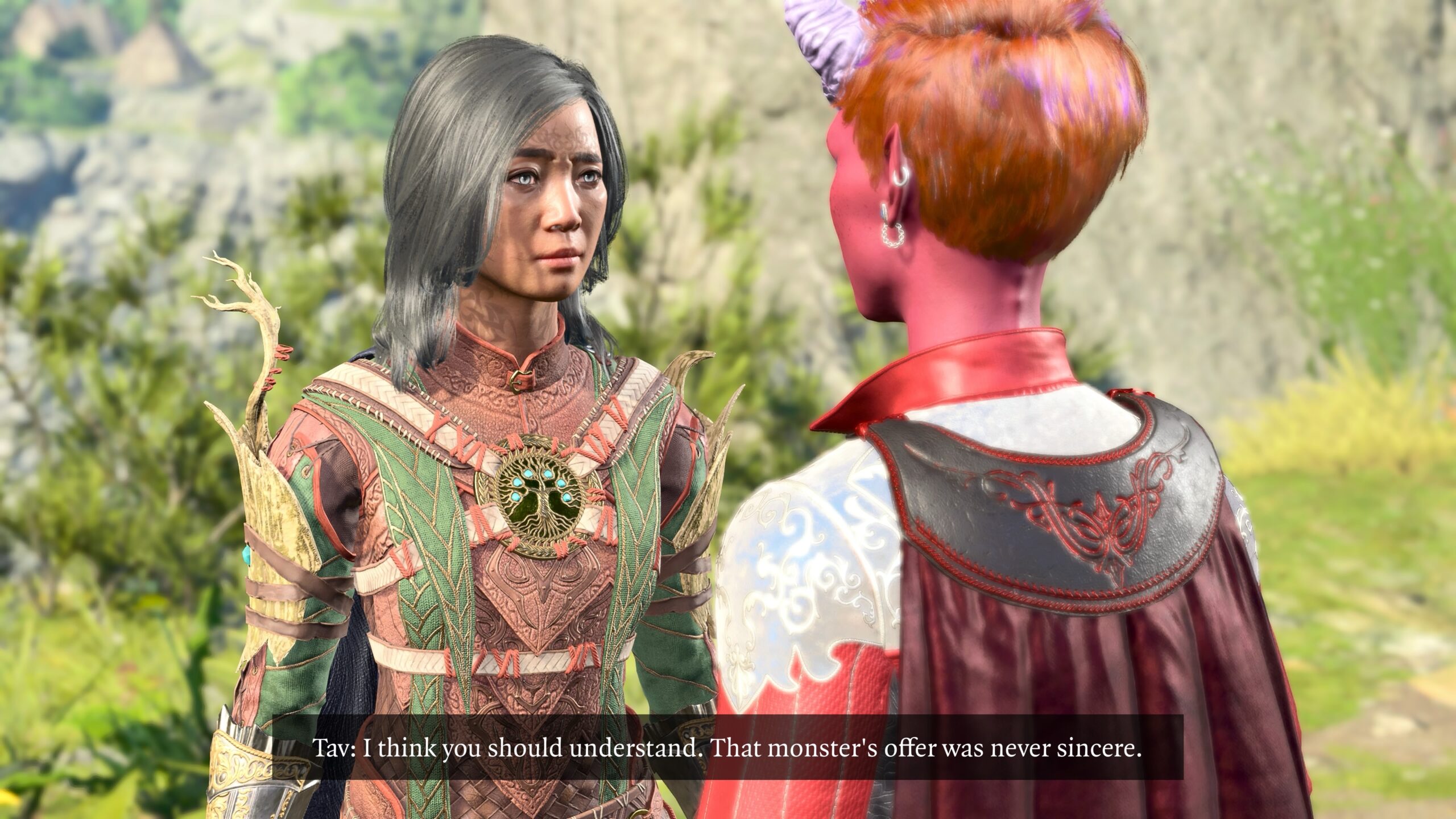
My fanfic pieces connect with each other, mostly to tell the story of Arctic Druid Angela. Here the main connection is to the Dark Urge Tav story to which I’ve linked repeatedly in this essay. When I wrote that fanfic, I had no idea it would connect so strongly to subsequent tales, and also be an example of what I do with Virtual Photography in BG3 Photo Mode.
However, you don’t have to read that earlier fanfic to follow the story. I give clues above, and a summary in the story below. I think you’ll understand what’s going on.
The following story also refers to events at the end of the game, and some extended lore which is only discovered by playing as the Dark Urge in BG3. If you’ve never done those things, then here’s a SPOILER WARNING!
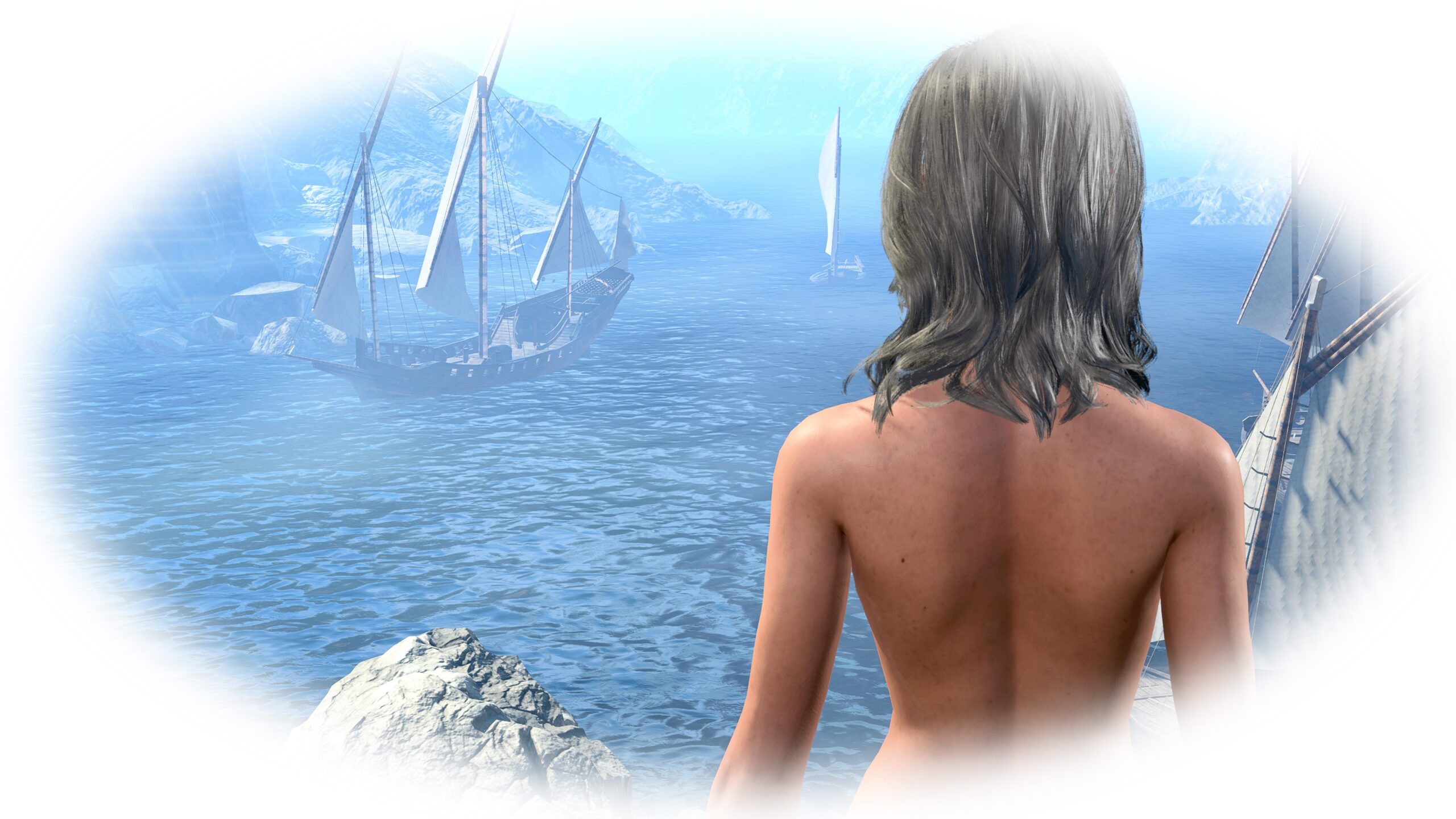
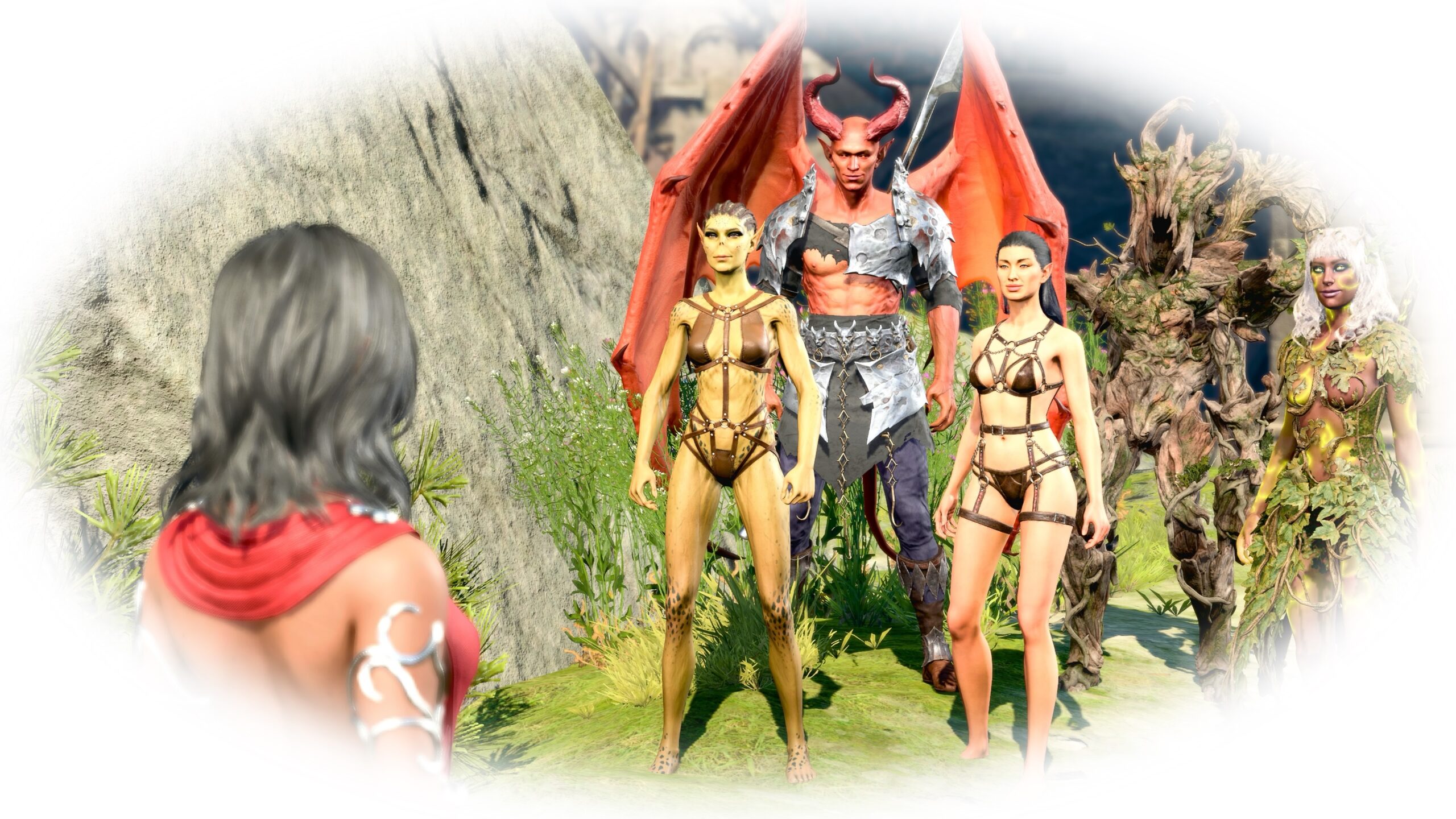
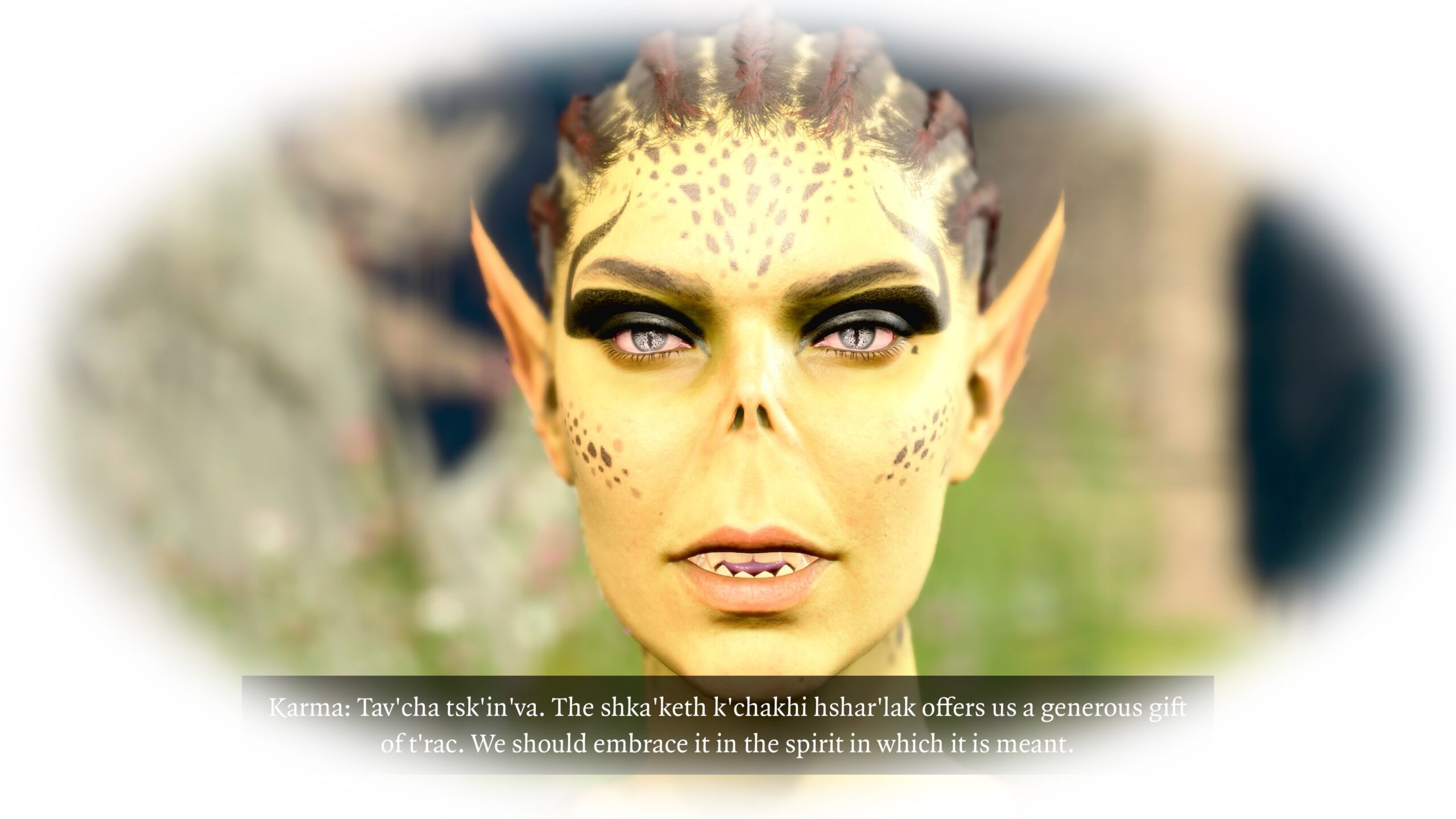
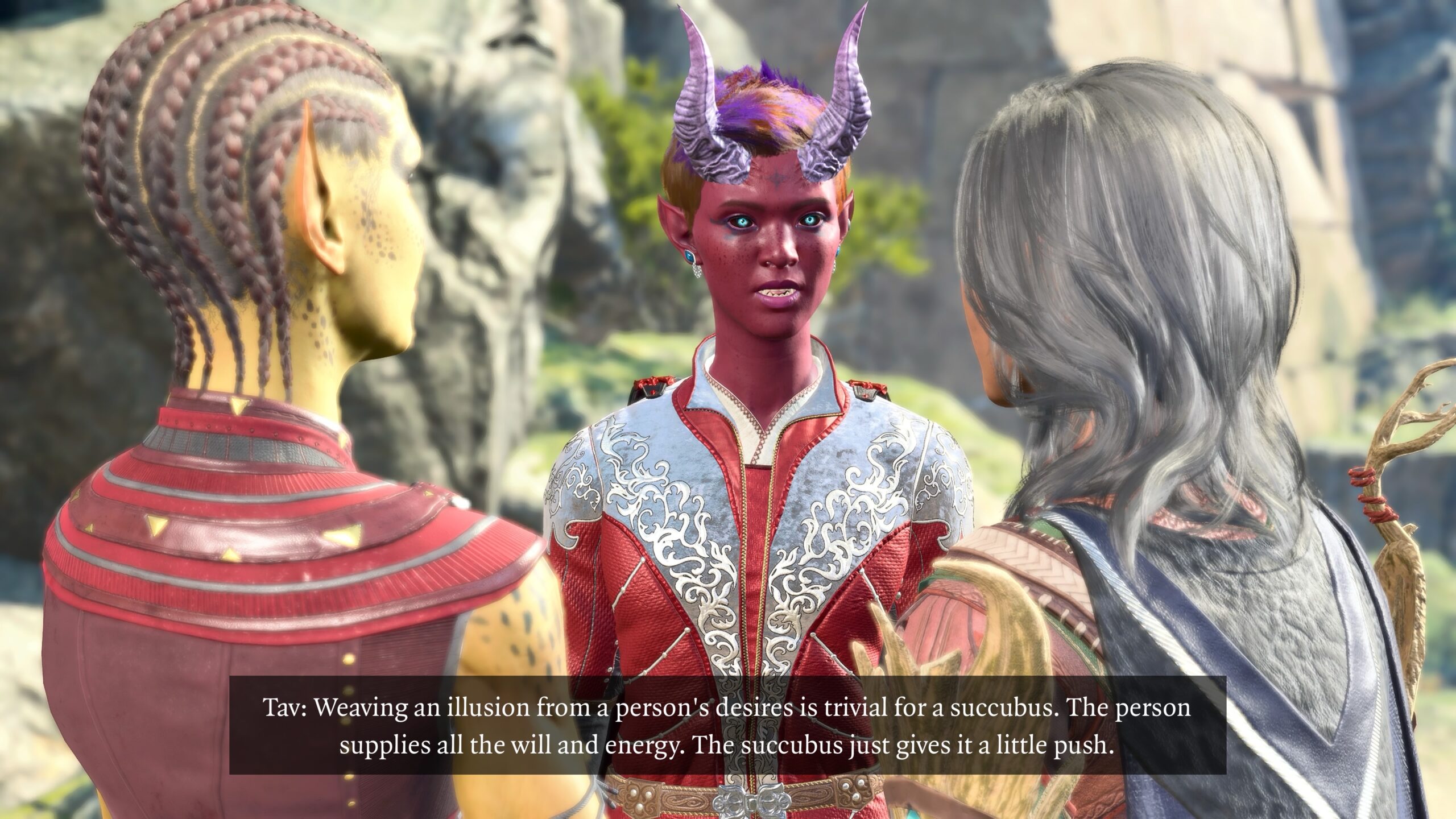
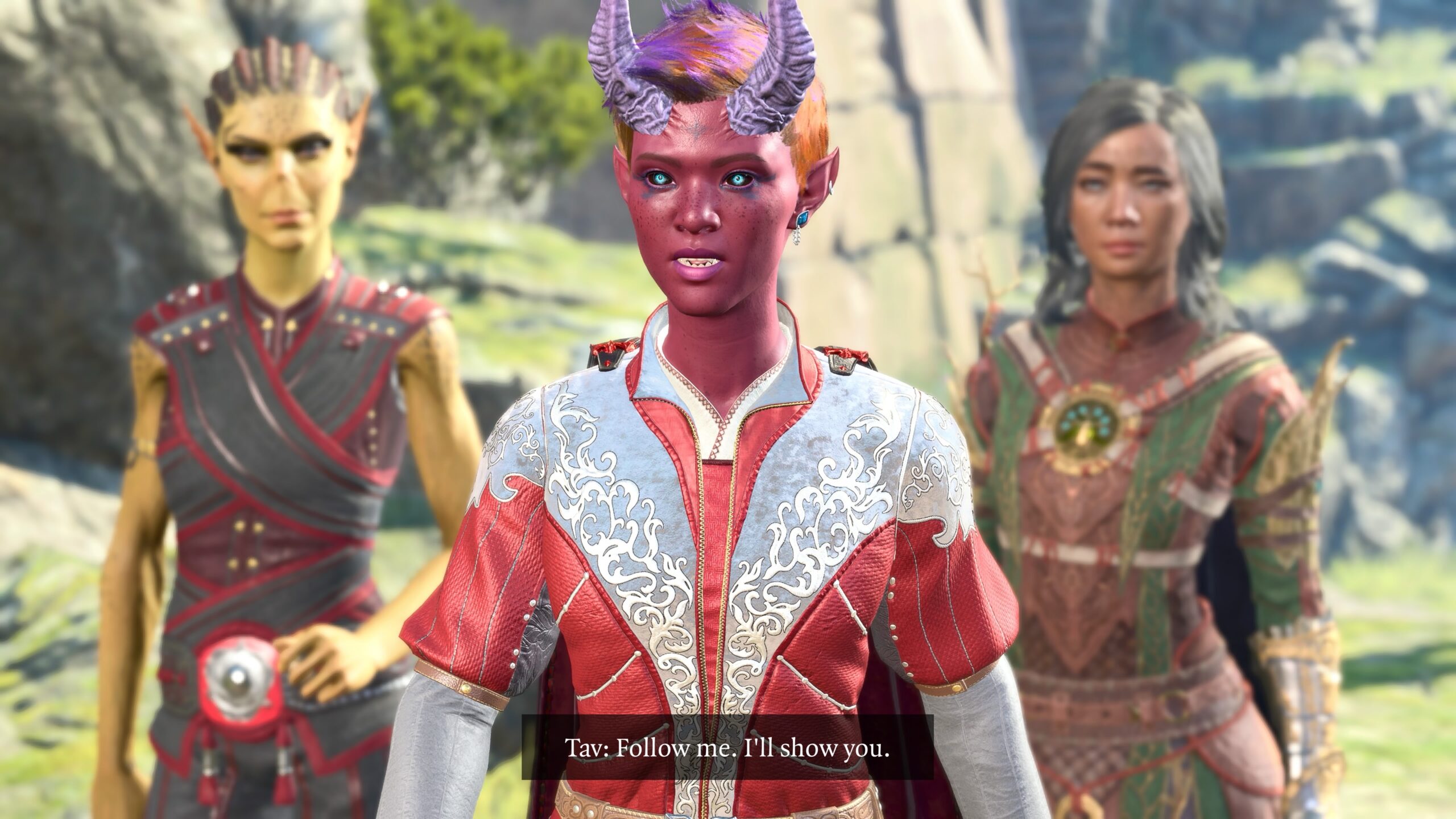
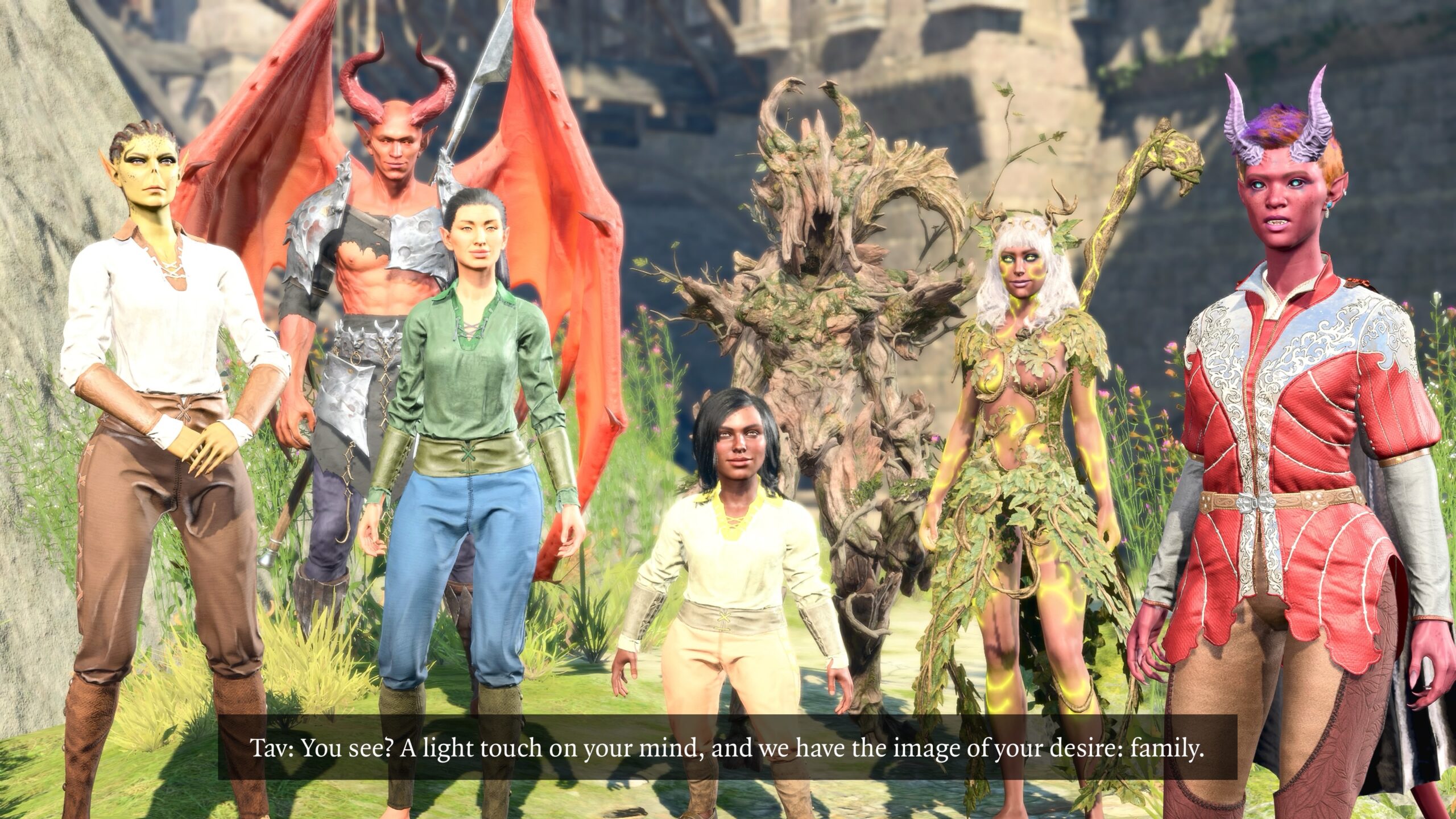
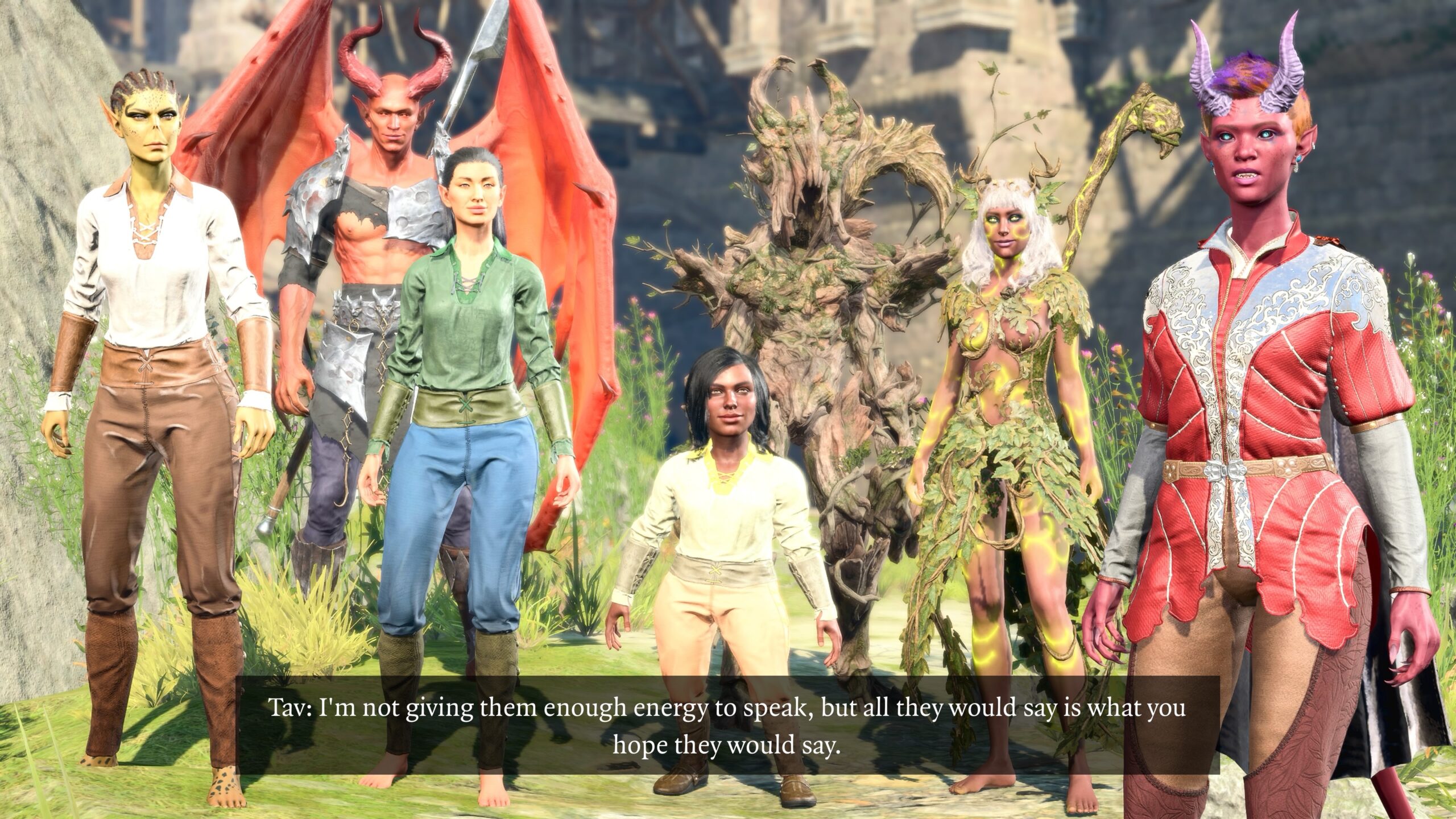
Remember when I said that captions were the only post-processing I did to the photos? I made an exception for this story. Let’s see if it works.
As an exercise for the student: If you read the above essay, see if you can identify the techniques I used to create these images.