This is part three of a four-part article that begins here.
Poses
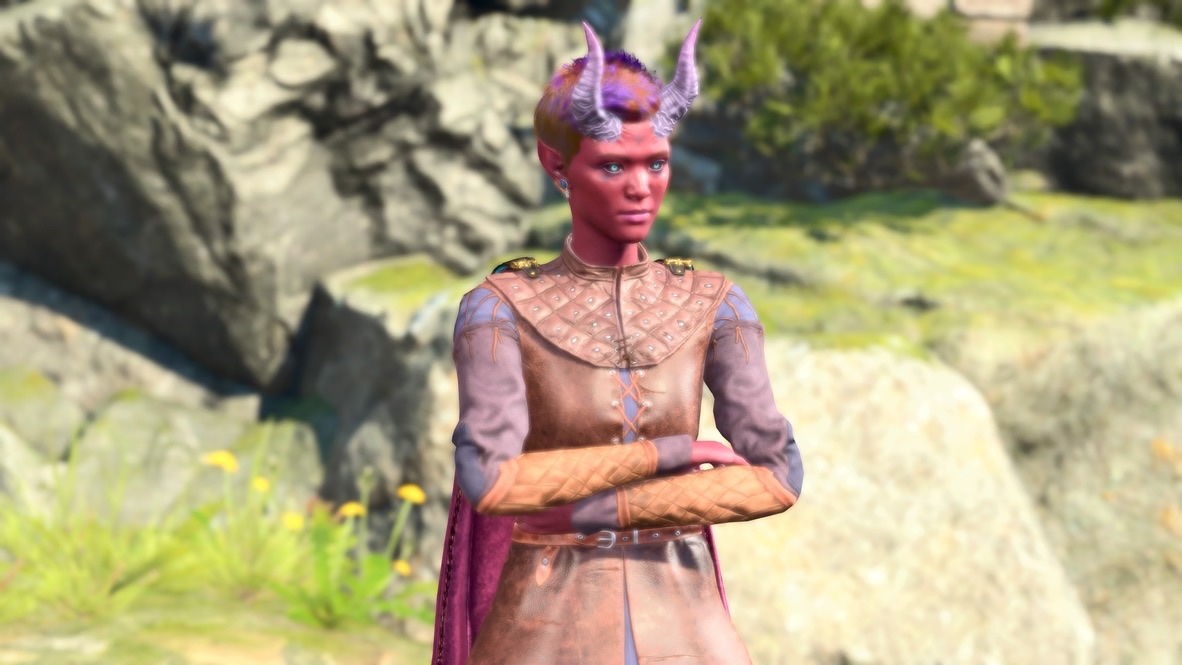
Let’s deal with the obvious: Those four pictures are the same image with different captions.
There’s no operative difference between that and something like this:
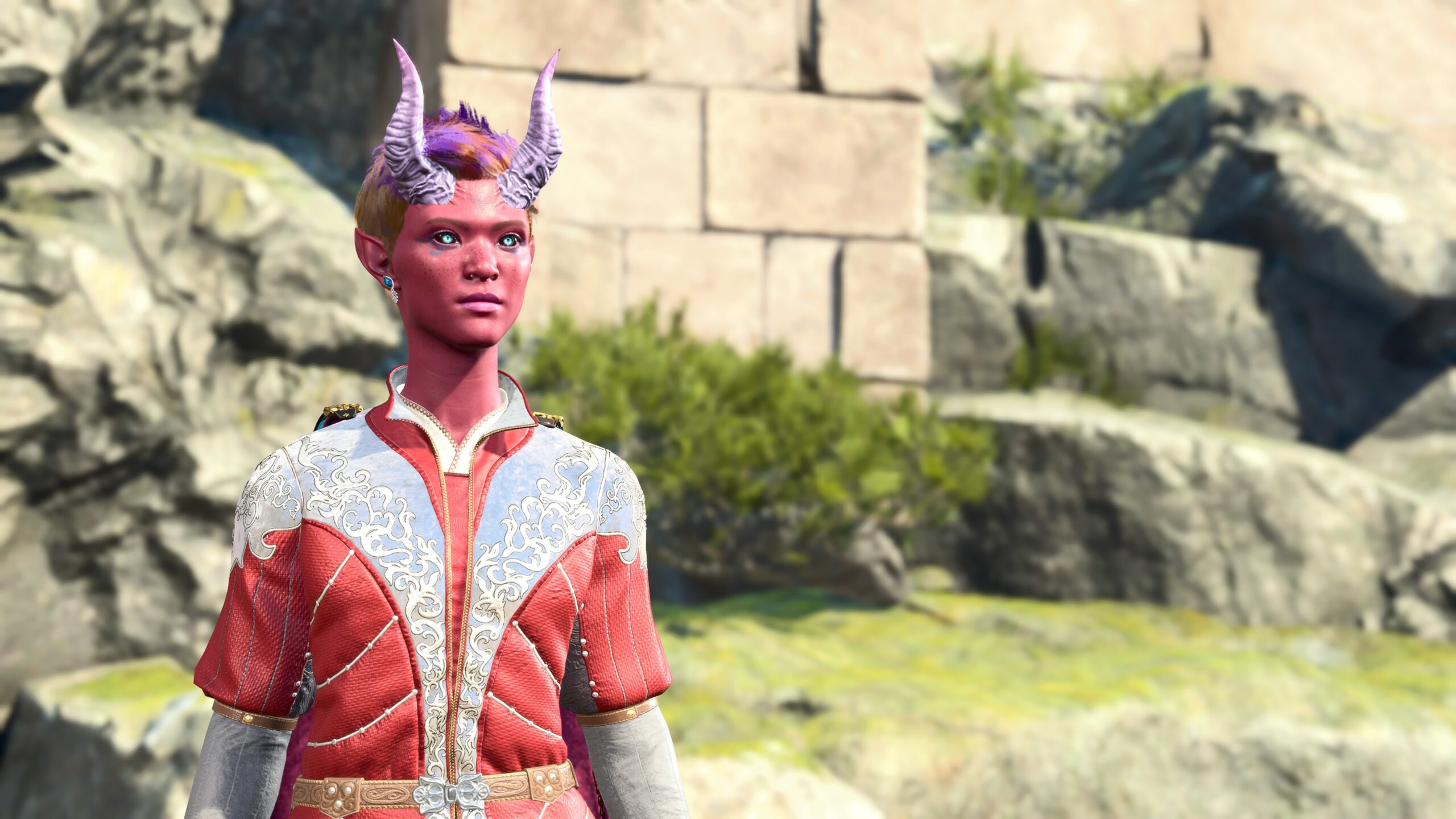
Ah, that’s better. I picked the name “Tav” because I was trying to hide. The name “Tav” was so common, I hoped no one would suspect I was the Dark Urge. I’m not the Dark Urge anymore. But I’ve grown used to the name. It’s not special, but it’s me.
That’s roughly what my first fanfic looked like.
It’s possible to repeatedly use a single image captioned by different text and create something interesting; see Ryan North’s Dinosaur Comics for example. You need to be a good writer to do that, and I’m no Ryan North.
After thousands of words, we’ve finally reached the first of the two options that everyone leaps to when they first try Photo Mode: Character Poses. There are hundreds available (if you include frames from the animations).
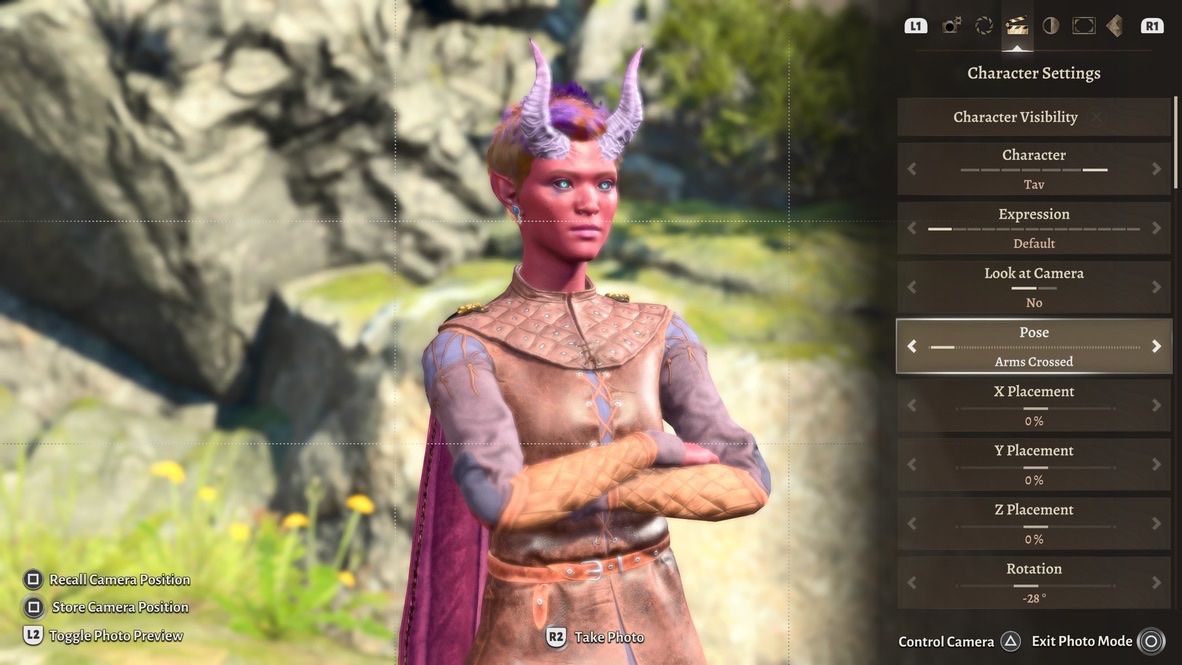
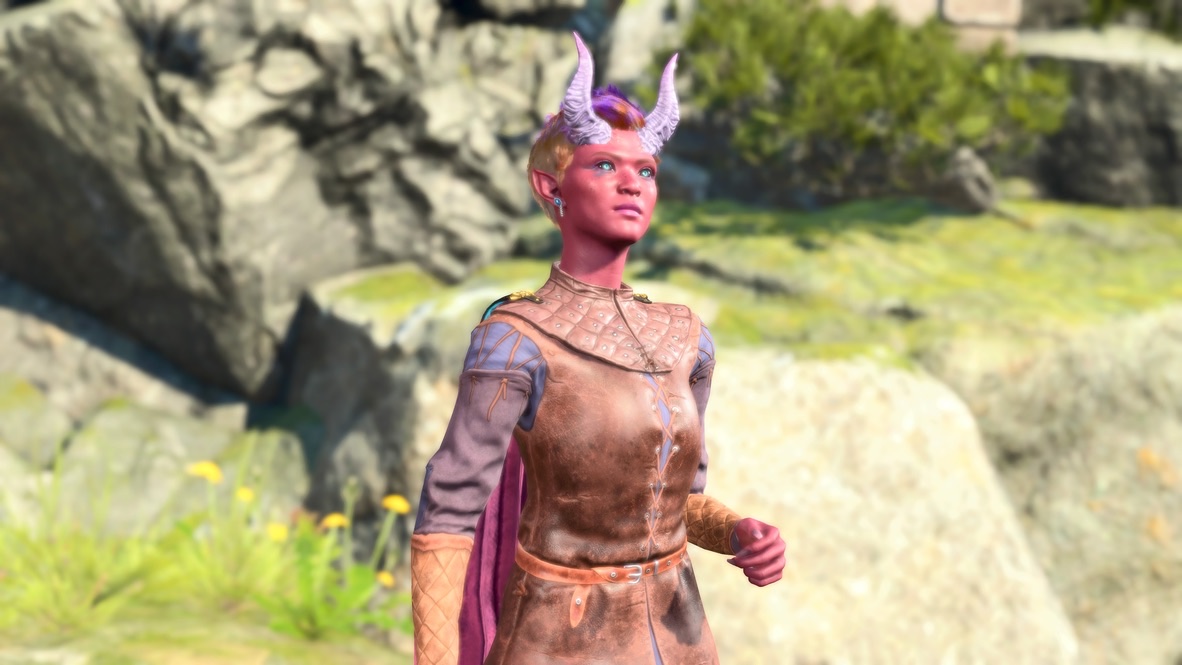
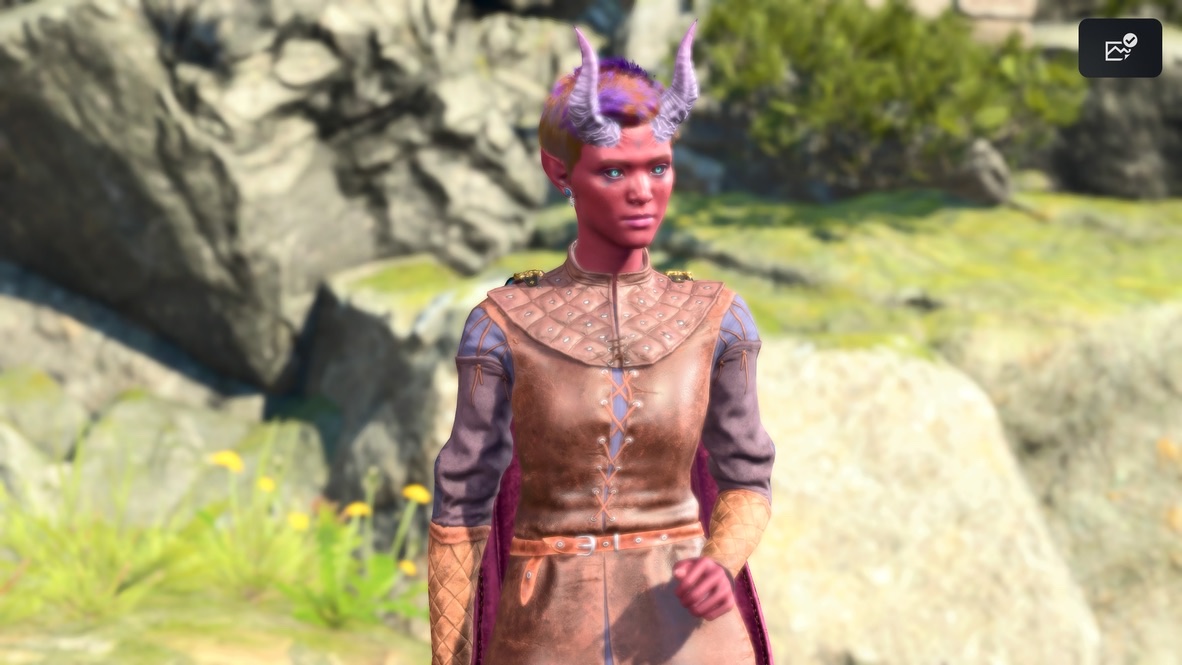
I pretend that my fanfic takes place in the context of a BG3 cutscene. In both cutscenes and comics strips, there’s some variation from moment-to-moment or panel-to-panel. I use Character Poses (and some tricks with rotation and position) to make those variations.
Here are examples:
Let’s look at a few poses I never use:
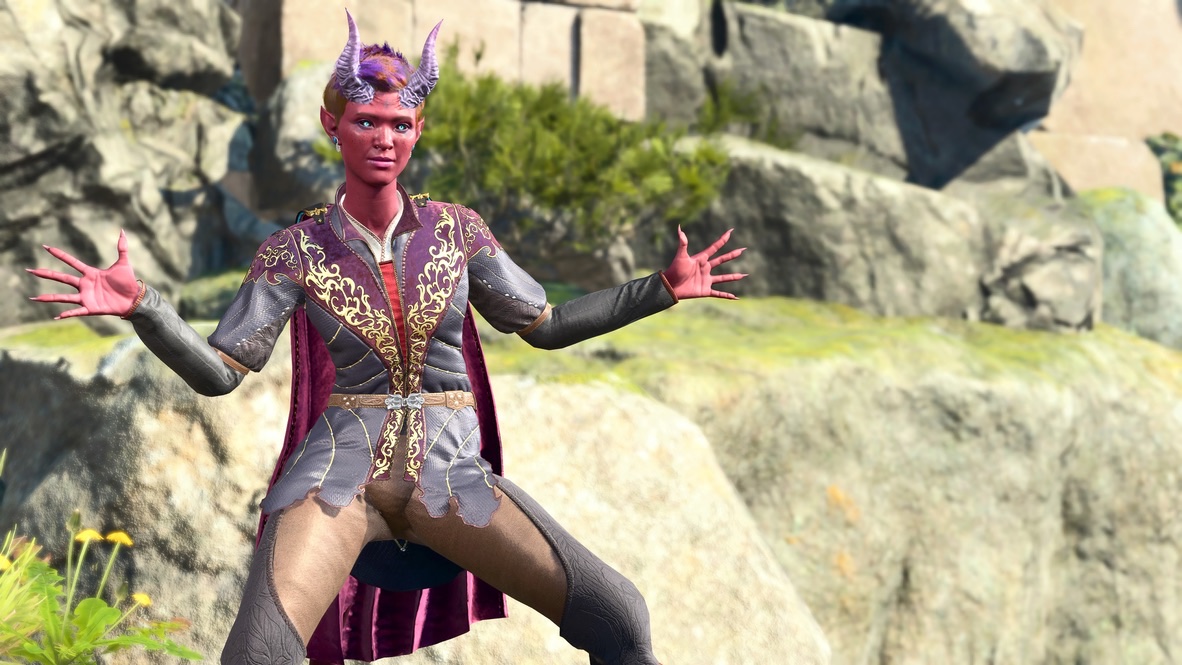
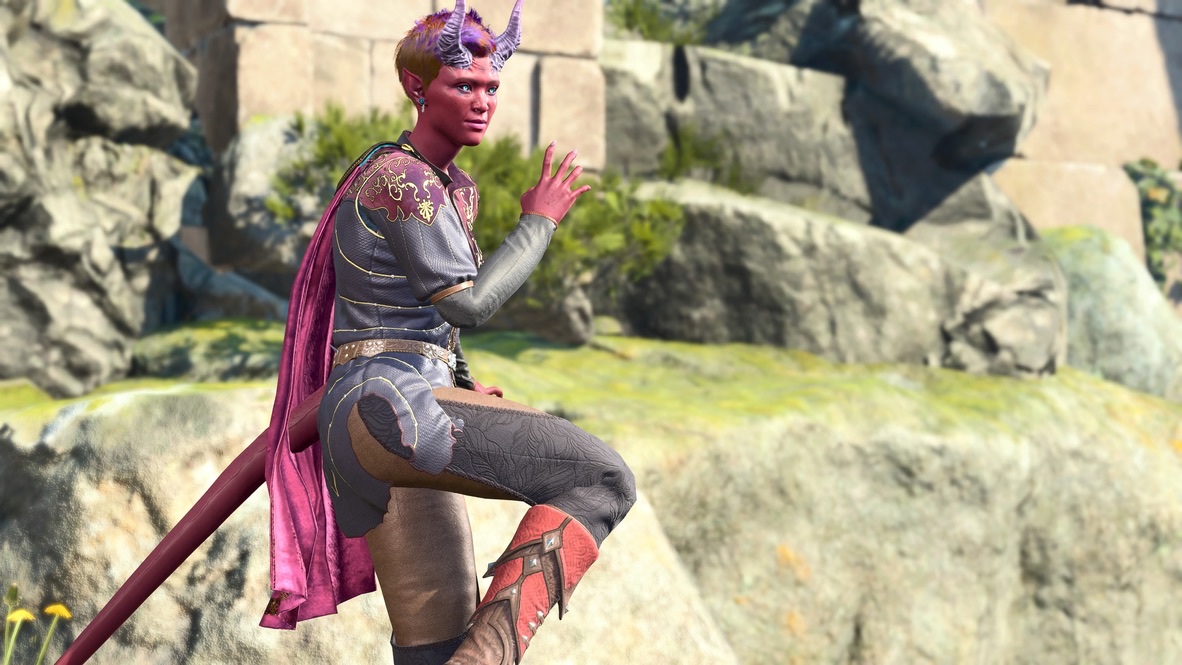
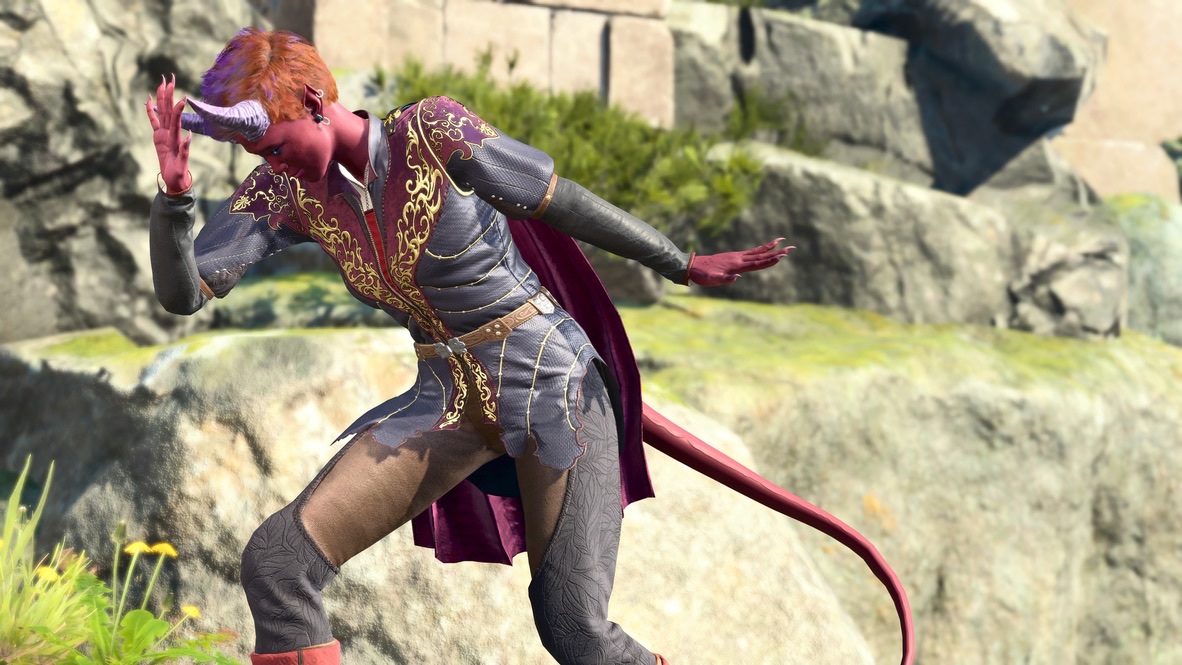
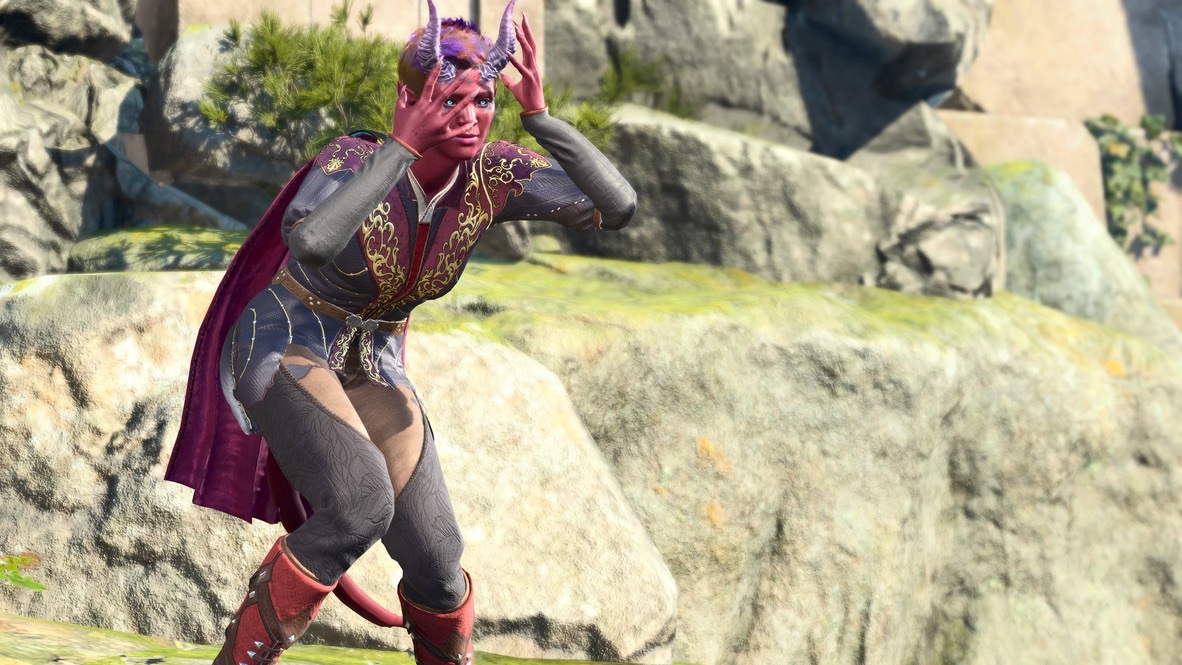
The majority of the poses that available in BG3 Photo Mode are like those last four: exaggerated or humorous postures. Those are fine for creating flamboyant or joke images:
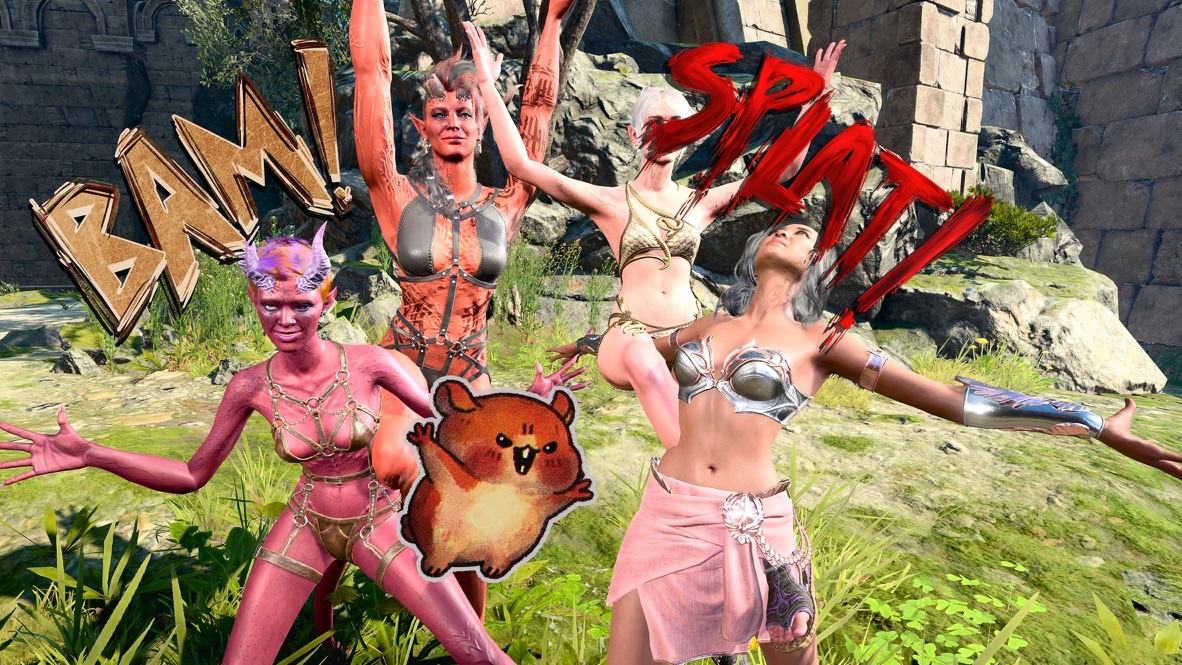
That’s fine. Certainly I’ve indulged in creating single images for their own sake:
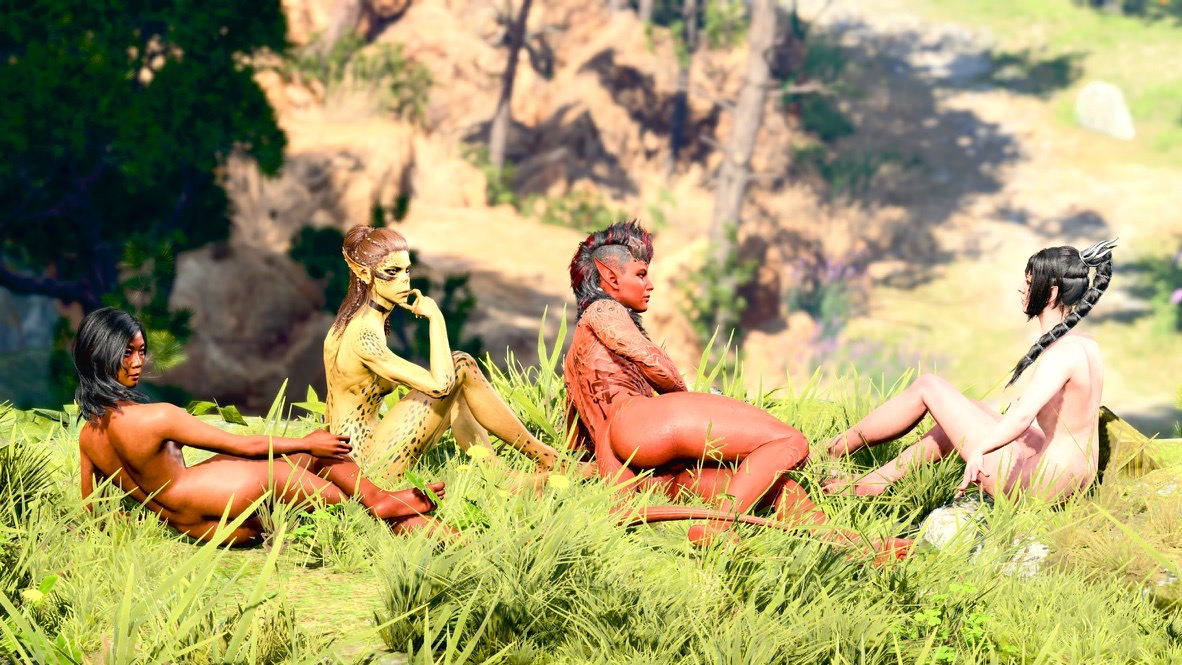
The “goofy” poses don’t represent what I’m trying to do with my fanfic. For the stories I try to tell, I need “serious” poses.
My main sources for poses are:
- The default pose, and the Companion poses for Astarion, Shadowheart, Lae’zel, and the Dark Urge. For the most part, these are the only “static” poses that I find useful.
- Individual frames from the animated “Talking” poses.
- The animated sequences from the Get a Room mod by Elledwyn.
- The animated sequences from the mod Claravel’s Emotes For Photo Mode.
Static poses
The five static poses I’ve listed are useful because they add some variation to the “talking heads” that make up a large part of my fanfic.
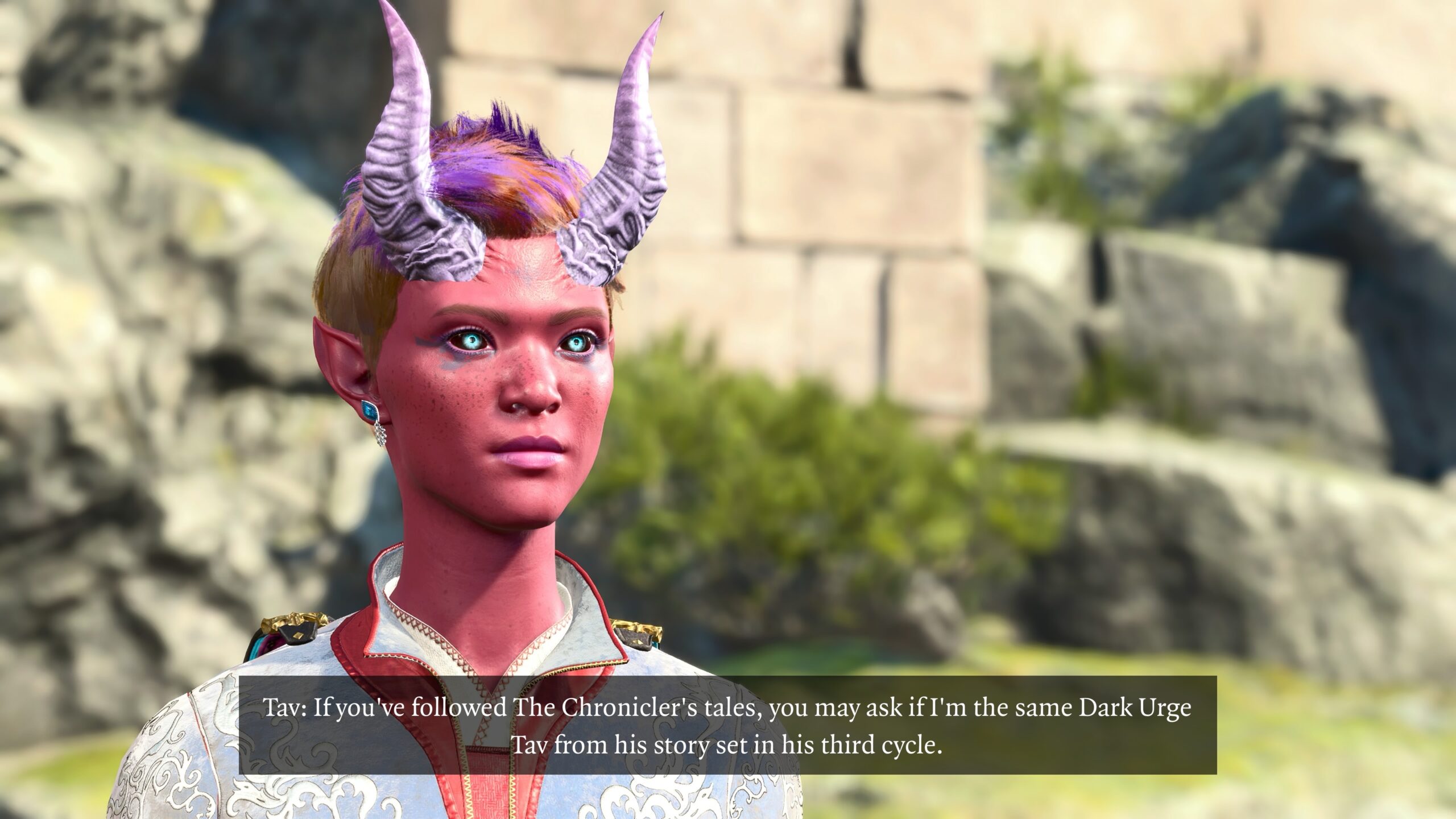
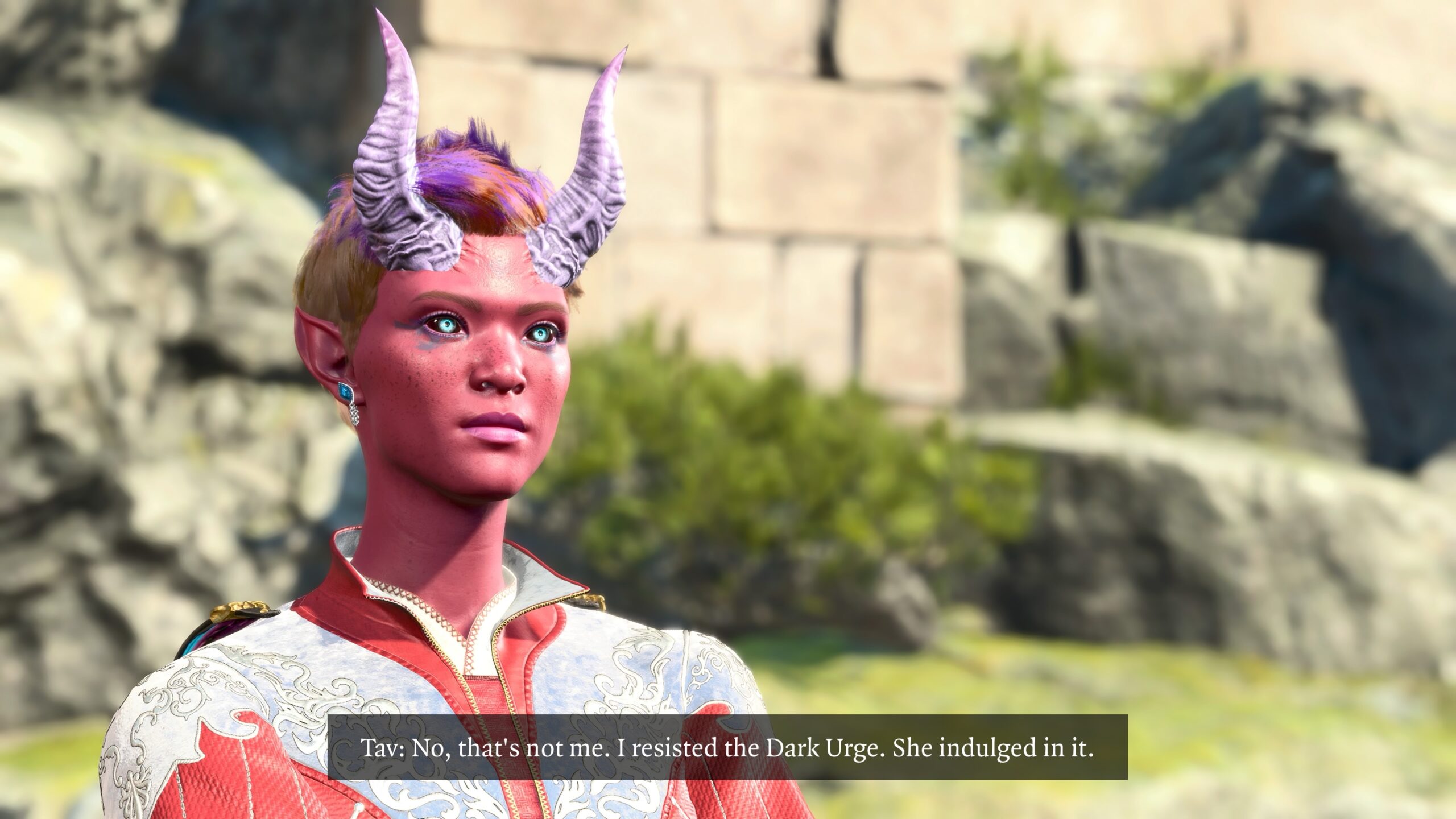
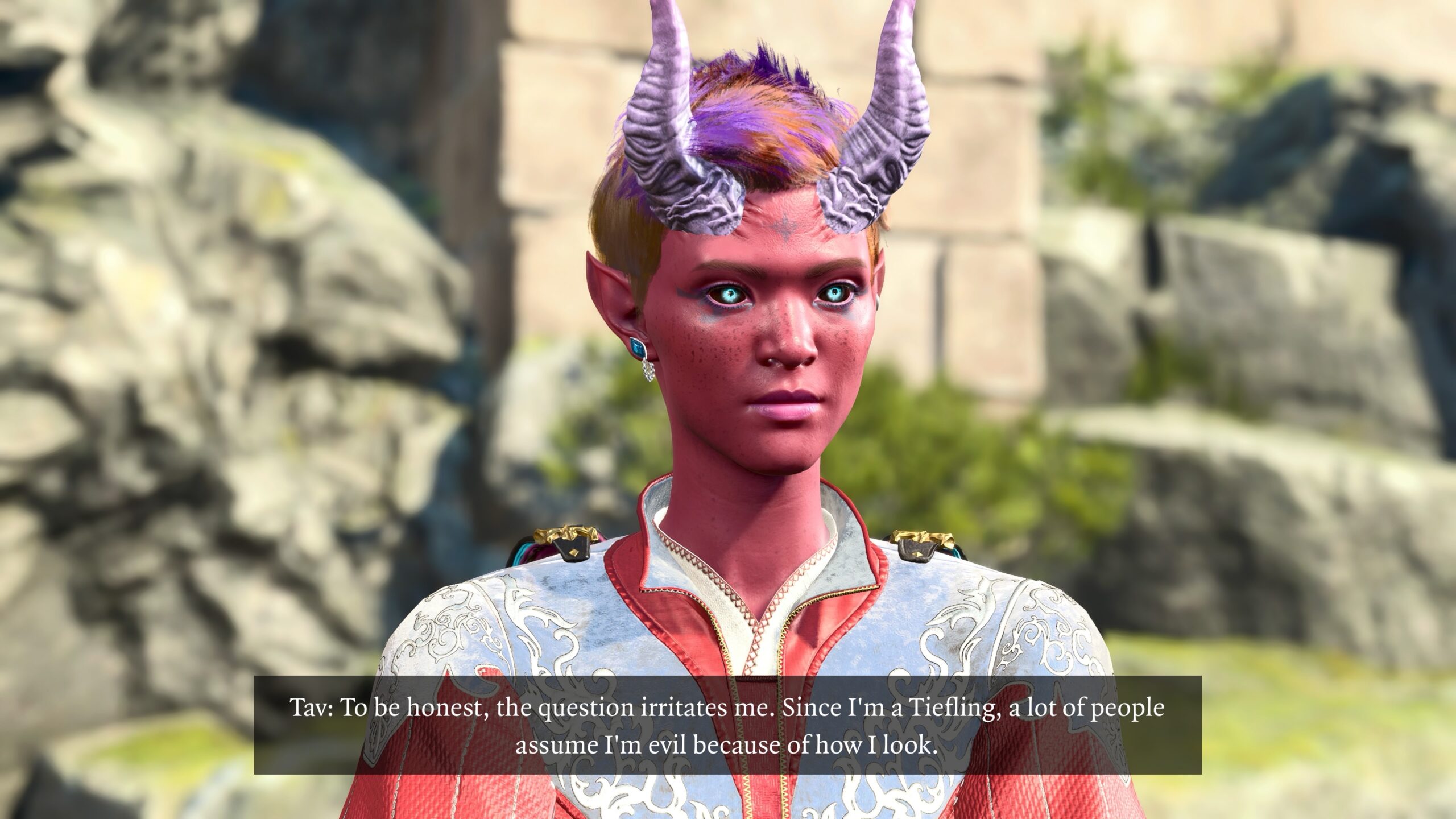
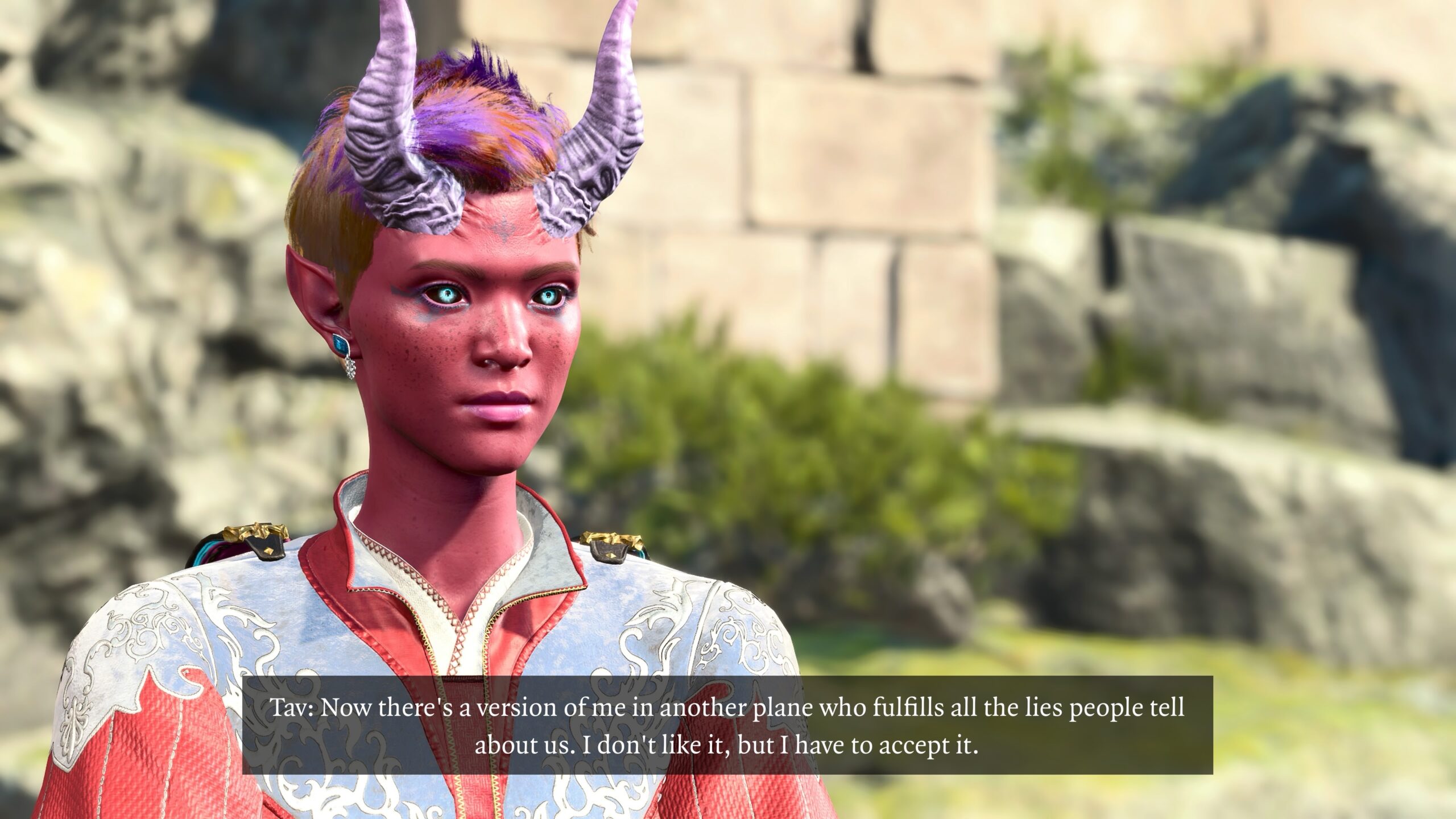
For me, the variations in posture and camera position remove the “sameness” that I see in the four earlier captioned pictures.
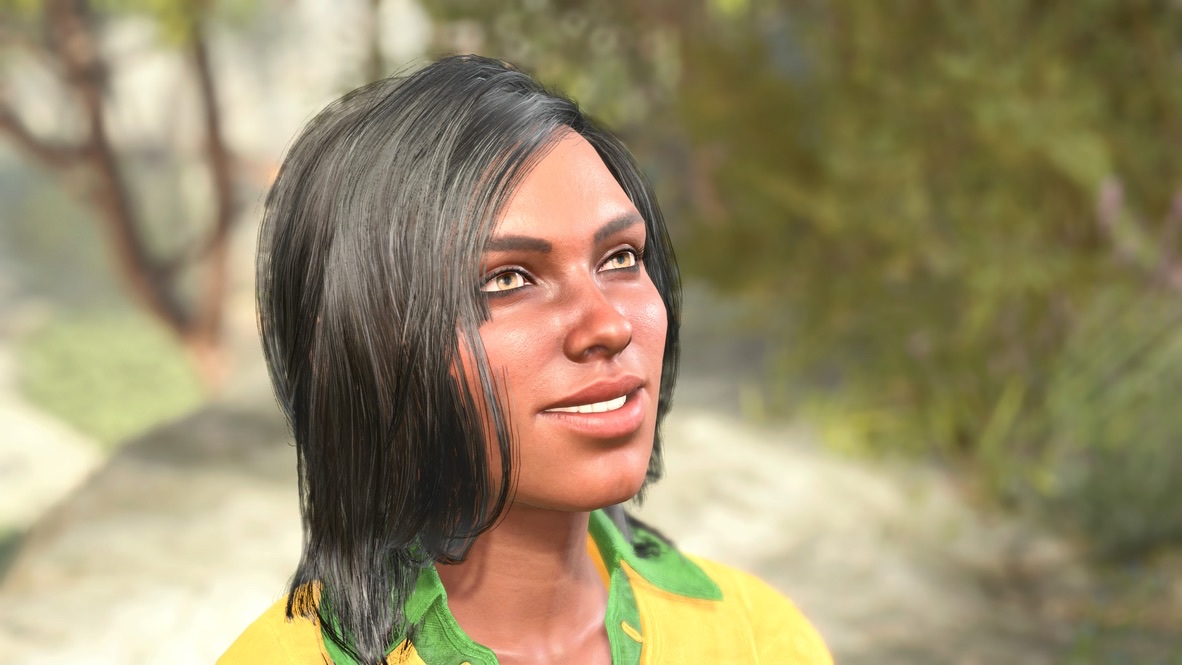
In particular, the Astarion and Shadowheart poses are useful because the former looks up, and the latter looks down. That’s handy for a shot like this:
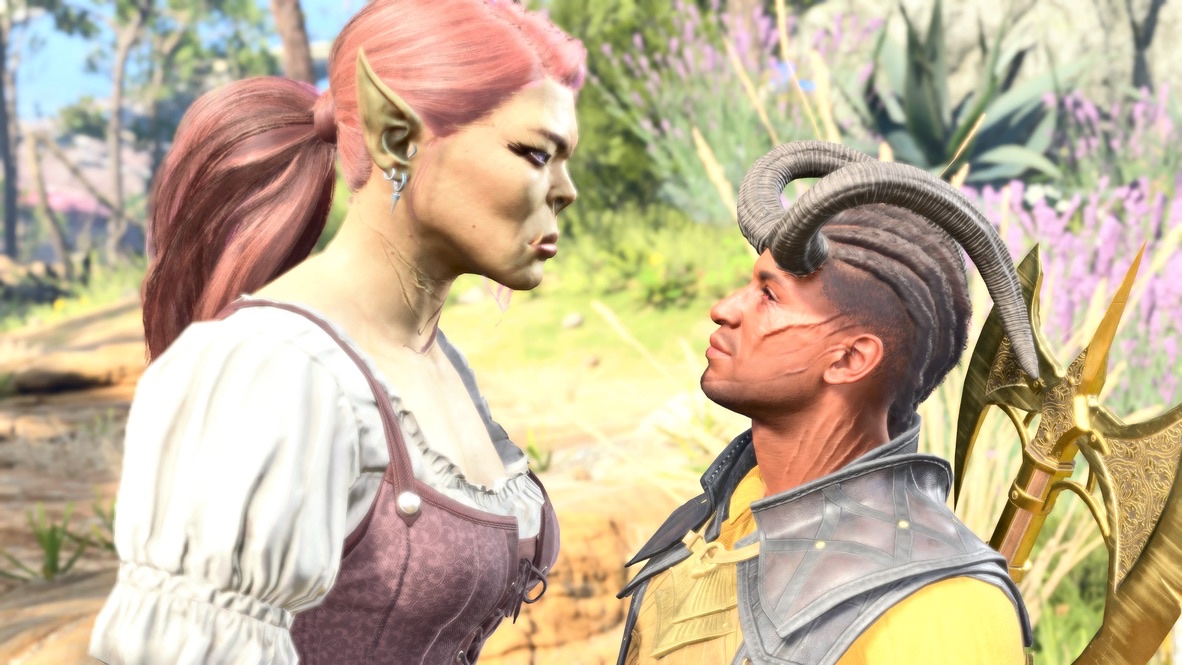
Astarion’s pose is quite useful for sequences involving my fanfic character Eglantine, a Halfling who often looks up at her taller friends.
“Talking” poses
Some of the Character Poses are presented as animated sequences. You can “freeze” the animation to a particular frame.
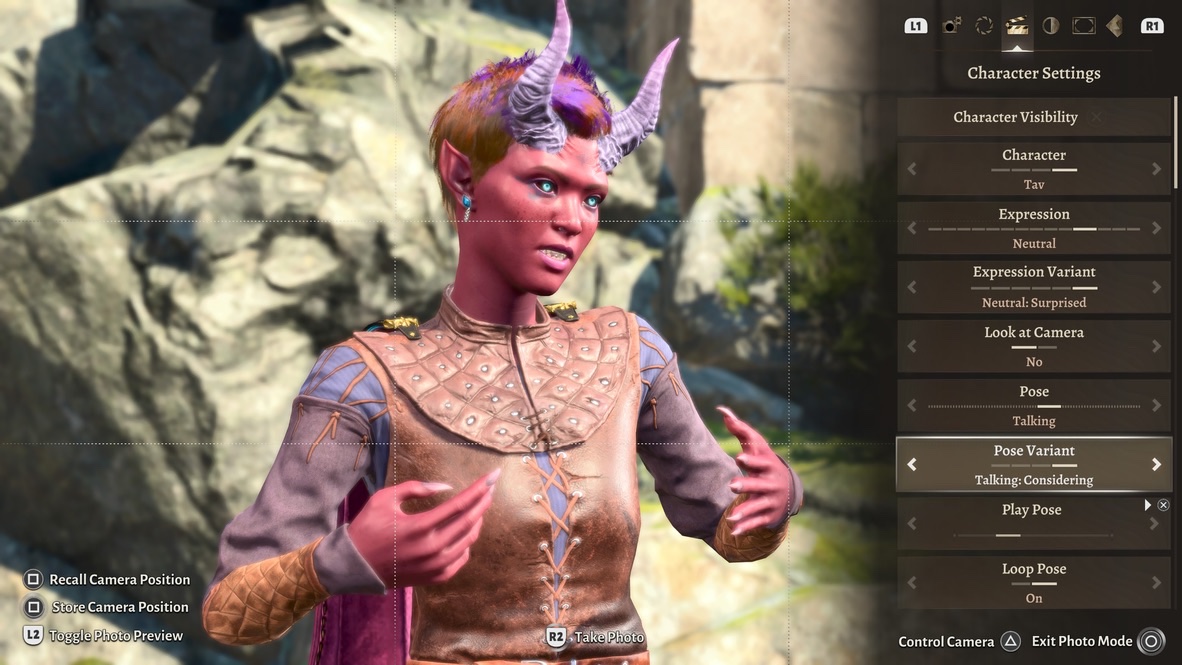
Let’s start with the animations themselves. Here’s a video demonstration of the four animated Talking Variant poses available in BG3‘s Photo Mode: Recounting, Monologuing, Explaining, and Considering.
At the end of the video, you can see me pause the animation and go through individual frames. Pose animations have on the order of a hundred frames when you play them. You can scroll through each frame on a desktop. However, on my PS5, the scroll bar only goes between 10 of the frames, stepped through the entire animation. That may seem like it’s still a lot, but in practice it introduces a quality of “sameness” when I use Talking poses during character conversations.
Ten frames times four animations gives me forty Talking poses to work with. Some of them have useful “head tilts” like the poses for Astarion and Shadowheart. Some are effectively unusable, like the ones where a character puts a hand on their hip.
Here are a few frames out of the forty.
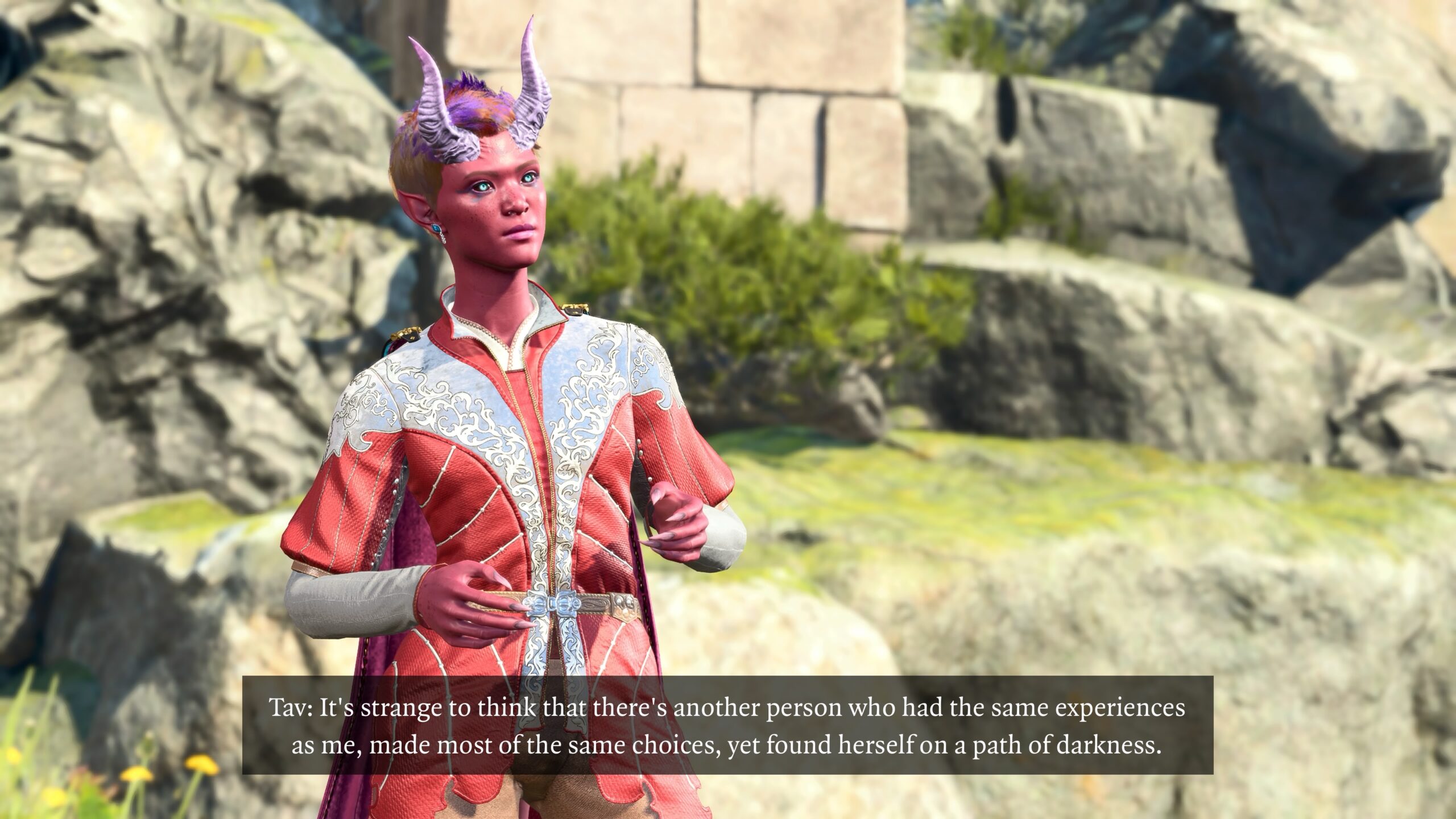
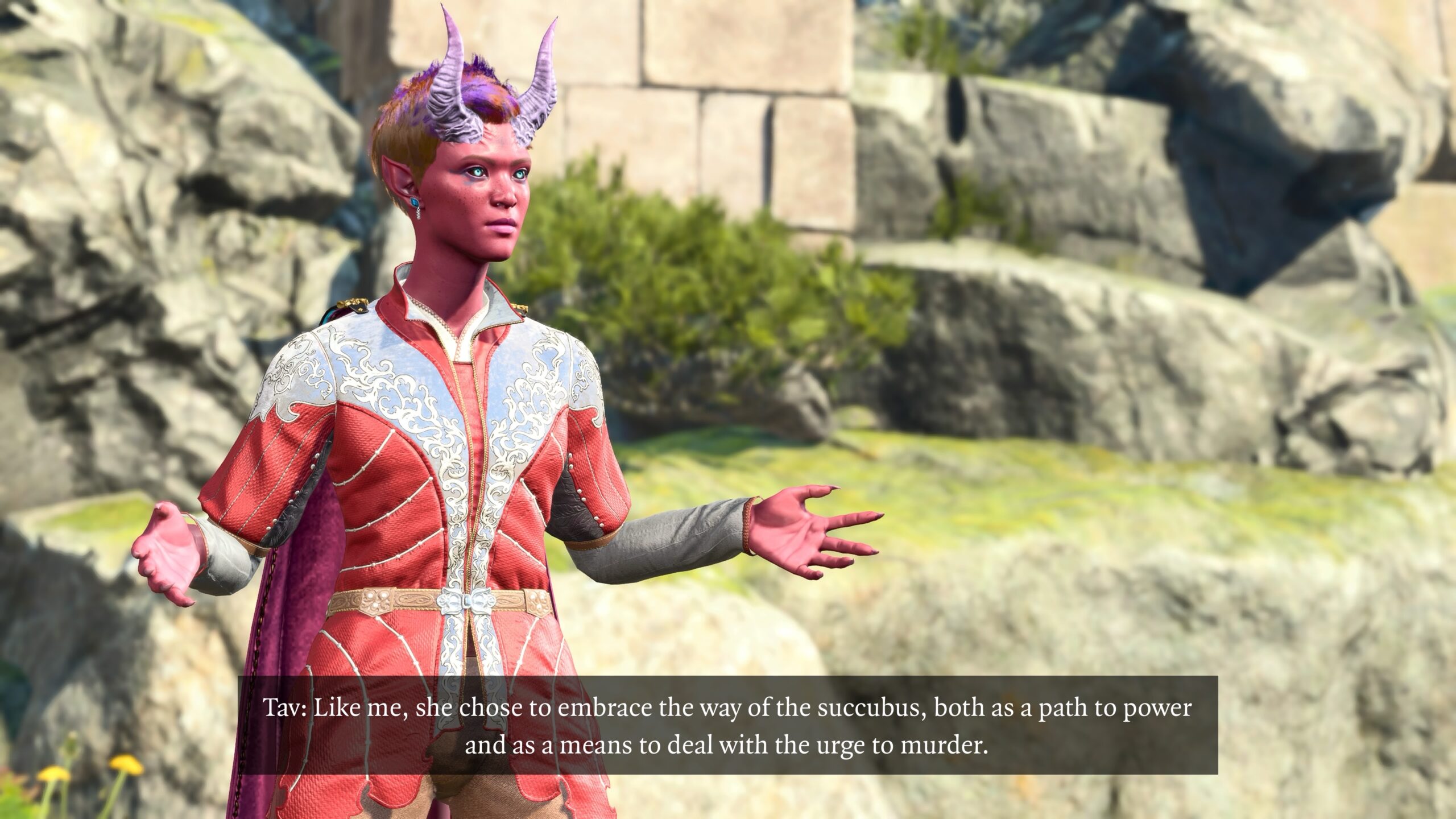
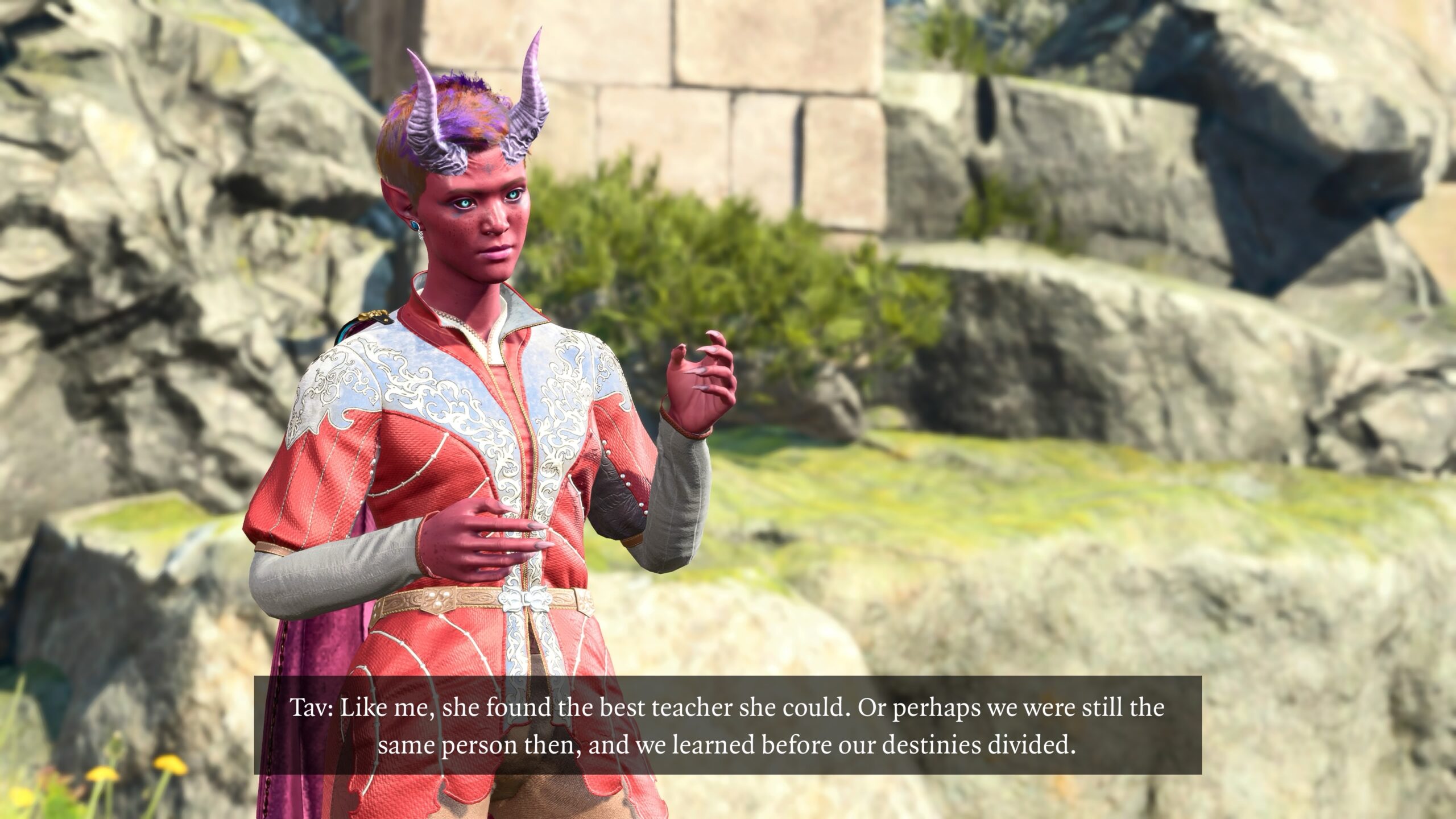
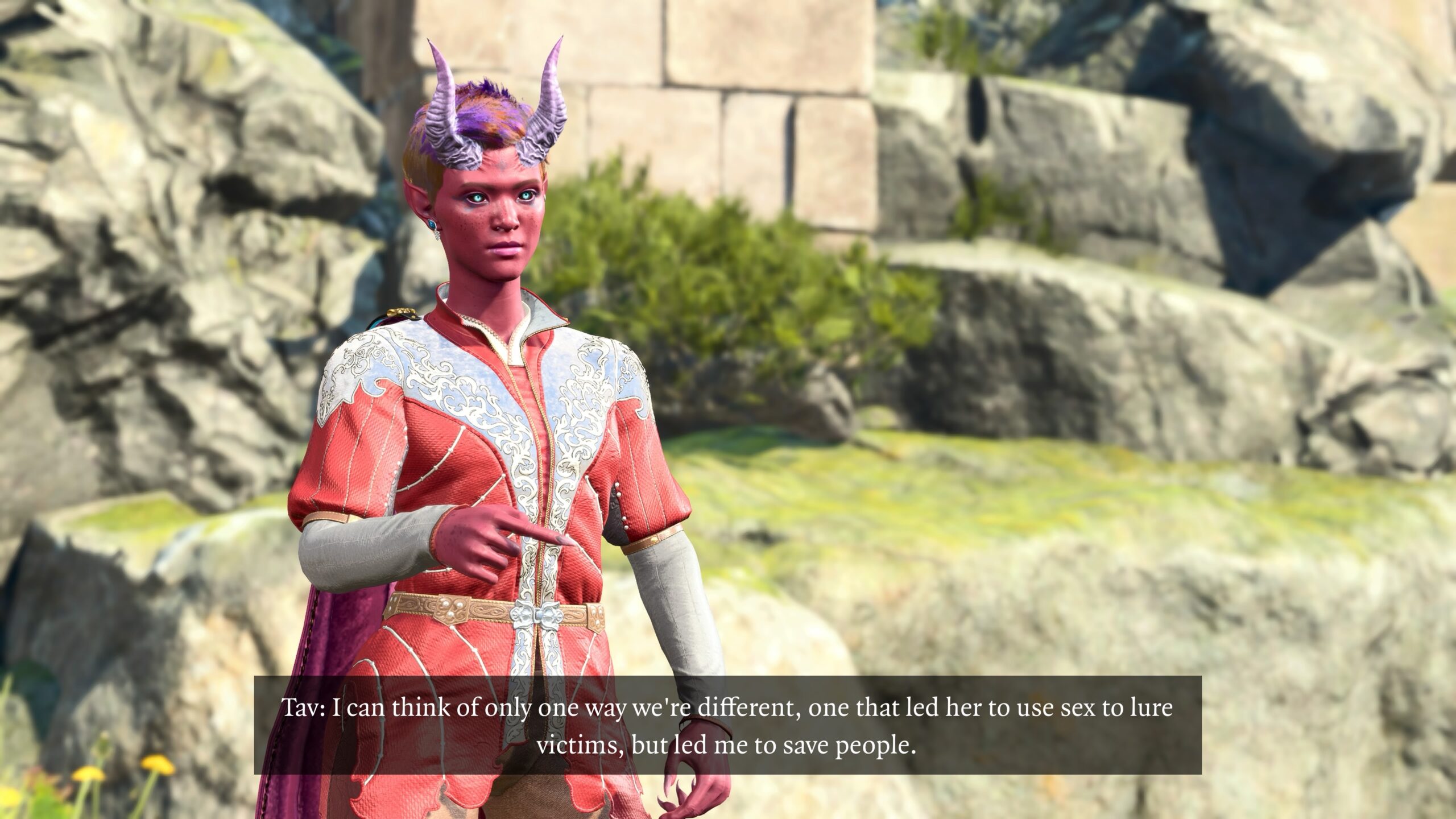
Do those pictures seem “flat” somehow? There’s one final touch to add emotion. I’ll talk about expressions below.
For a more complete example of my use of Talking poses, take another look at this fanfic from the “trophies” essay. Compare the conversation Druid Angela has with Dark Urge Tav to the one with Withers.
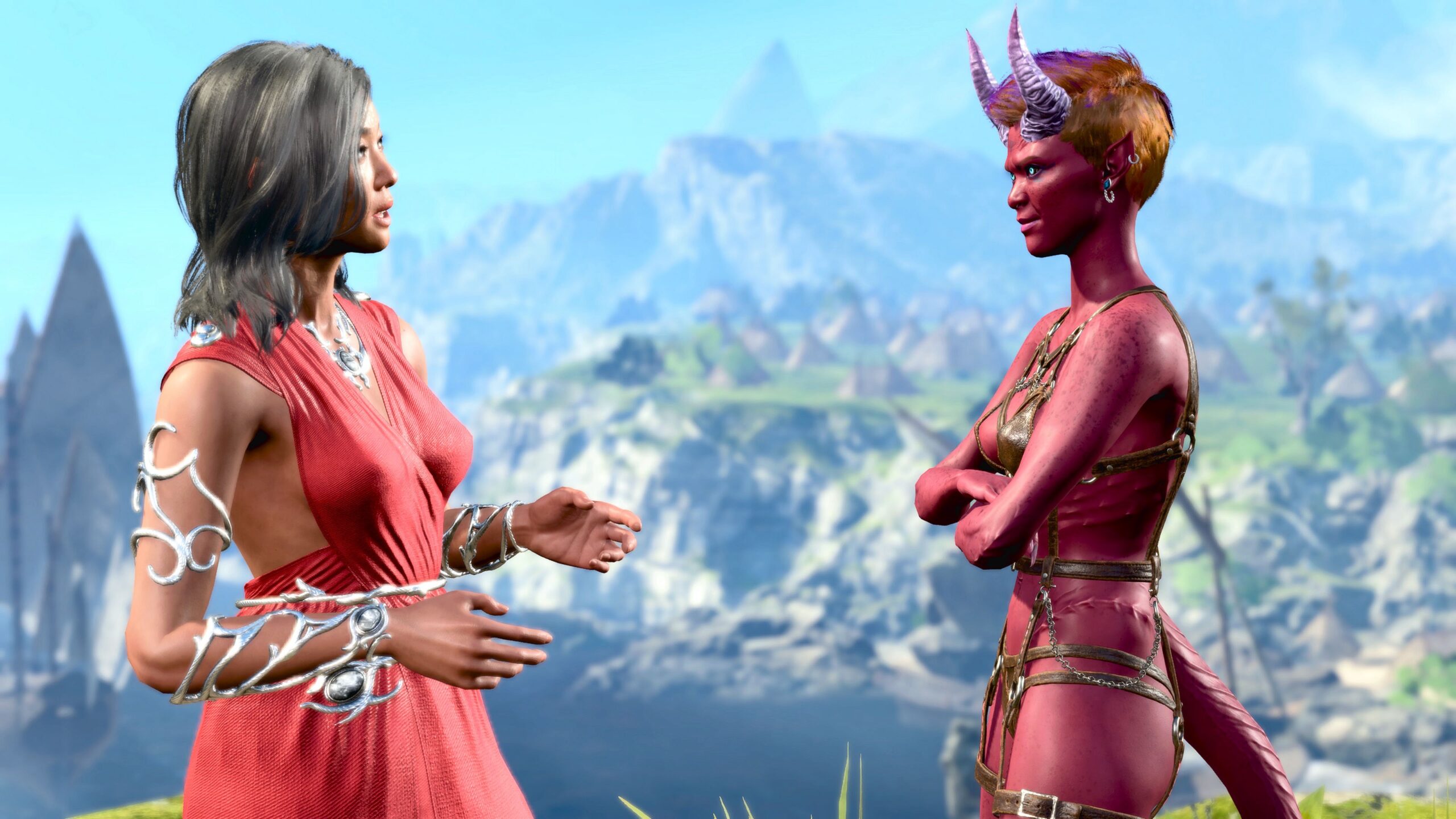
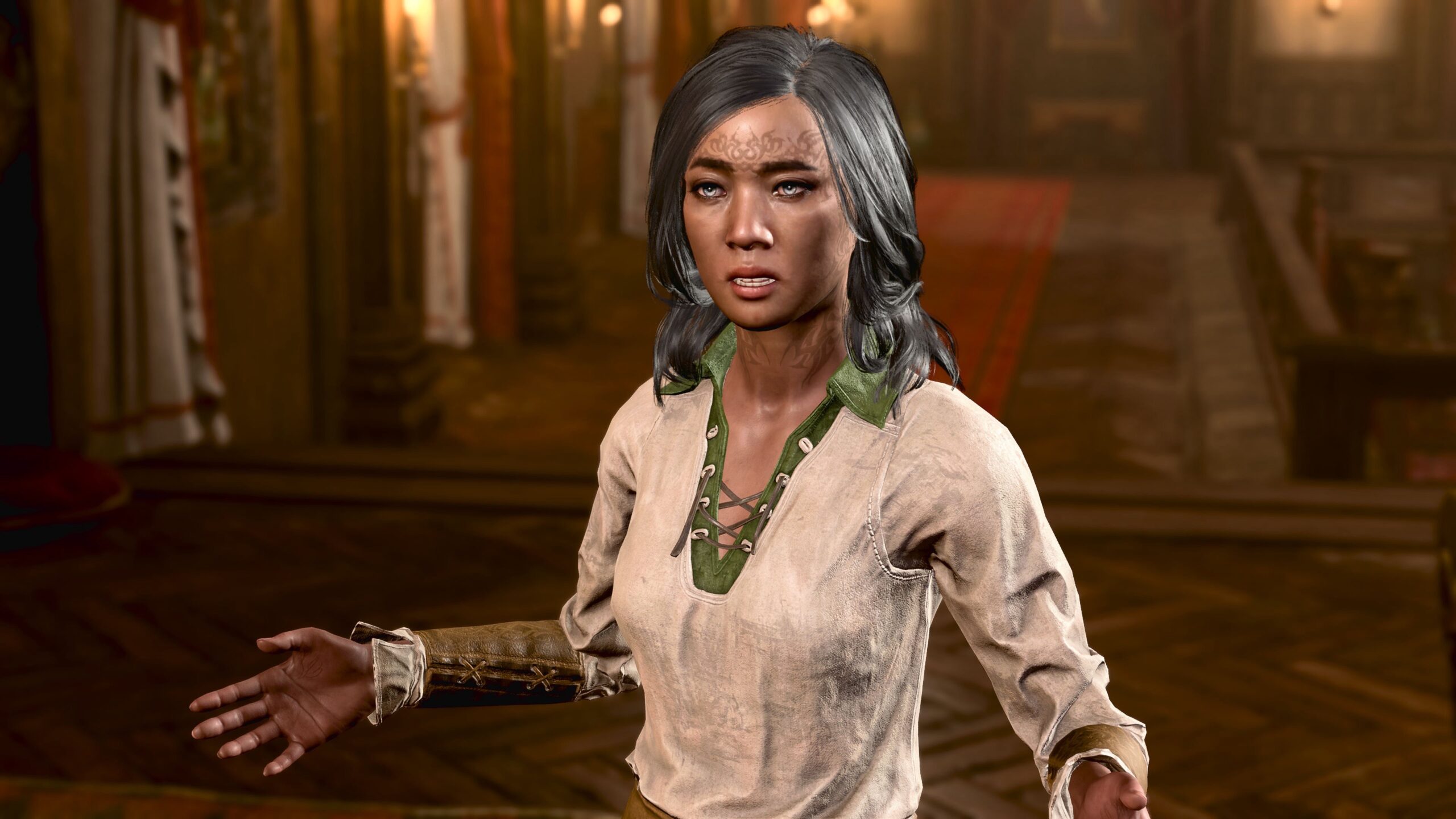
Those poses come from the same “pool” of frames from the Talking animations. It’s my hope that the similarity isn’t noticeable unless someone points it out. I, of course, can’t unsee it.
“Get a Room” mod
If you have some experience with Photo Mode in BG3 or other games, you may have noticed an omission in my discussion so far: mods. There are two reasons for this:
- The most interesting mods associated with Virtual Photography are only available on Windows, not on Mac/console. I’ve already noted that I’m not likely to switch to Windows just for VP.
- I’m not in favor of mods at the moment. At one point I was enthusiastic about them, but not so much right now. I plan to write up my reasons in another essay.
For VP, there are two mods that linger despite my reservations. The first is the Get a Room mod by Elledwyn.
This adds to Photo Mode all the possible kissing-sequence animations. There are a lot of them, more animated sequences than are available in the rest of Photo Mode’s standard Poses put together:
- Each character whom you might kiss in the game has at lease three different potential sequences; e.g., Lae’zel has three, Halsin has three, Gale has three, and so on.
- There are two sides to every kiss. The animations for both the player’s character and the “target” of the kiss are included.
- Player characters might have three different heights, depending on their choices during character creation: normal, short, and strong. There are separate animations for all three; e.g., Shadowheart kneels before she kisses a Halfling.
- The characters you can romance might have different kissing animations depending on story choices you’ve made.
Here’s a video I made of a few of the animations that become available with Get a Room:
So I can use this mod to create pictures of characters kissing, right?
Strangely enough, no. I’ve used frames from Get a Room only twice for romantic images:
- The brief fanfic at the end of You can be Arctic Druid Angela too Four.
- At the end of the first fanfic piece in You can be Arctic Druid Angela too Seven.
Why not use a “kissing mod” for kissing?
-
My fanfic just doesn’t go in that direction.
Other folks are much better at writing romantic fanfic or slashfic or other stories along those lines. It’s well-trodden ground.
When my imagination bubbles up a story, it probably won’t include a romance. Any potential romantic or sexual element (see The Bed, for example) is more likely to be crafted from a series of screen captures.
-
Creating kissing images is hard. My appreciation for VP creators who make those images has gone up since I started on this process.
Consider Elledwyn’s own video tutorial on using the mod:
The video is seven-and-a-half minutes long, and it’s sped up at that. Also, Elledwyn is using a Windows system and tools that I don’t have. It would take too long for me to create a sequence of images, with captions.
It took a long time for me to create the romance images I mentioned above, for what was perhaps very little payoff.
My fanfic characters don’t kiss because I’m lazy.
Get a Room is valuable to me because of all the poses and headshots I can use to add variation to my fanfic.
Here’s a dramatic example comparing two poses. One is from the standard Photo Mode. The other is from Get a Room. I won’t say which is which, to encourage you to search through both and learn what your options are.
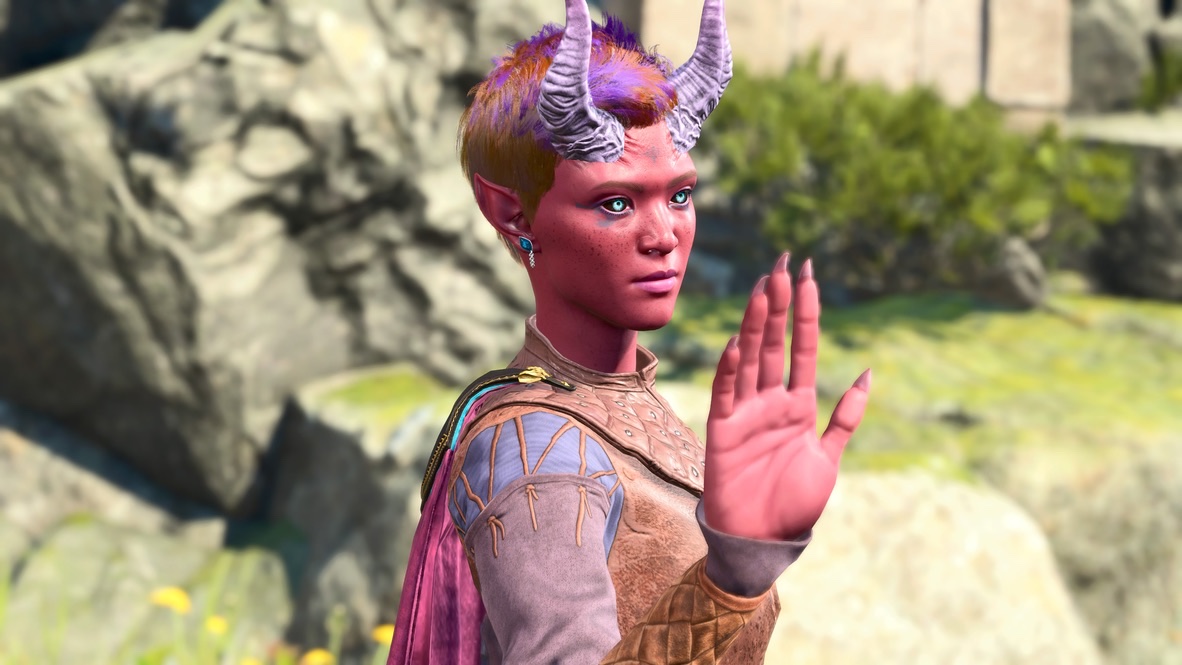
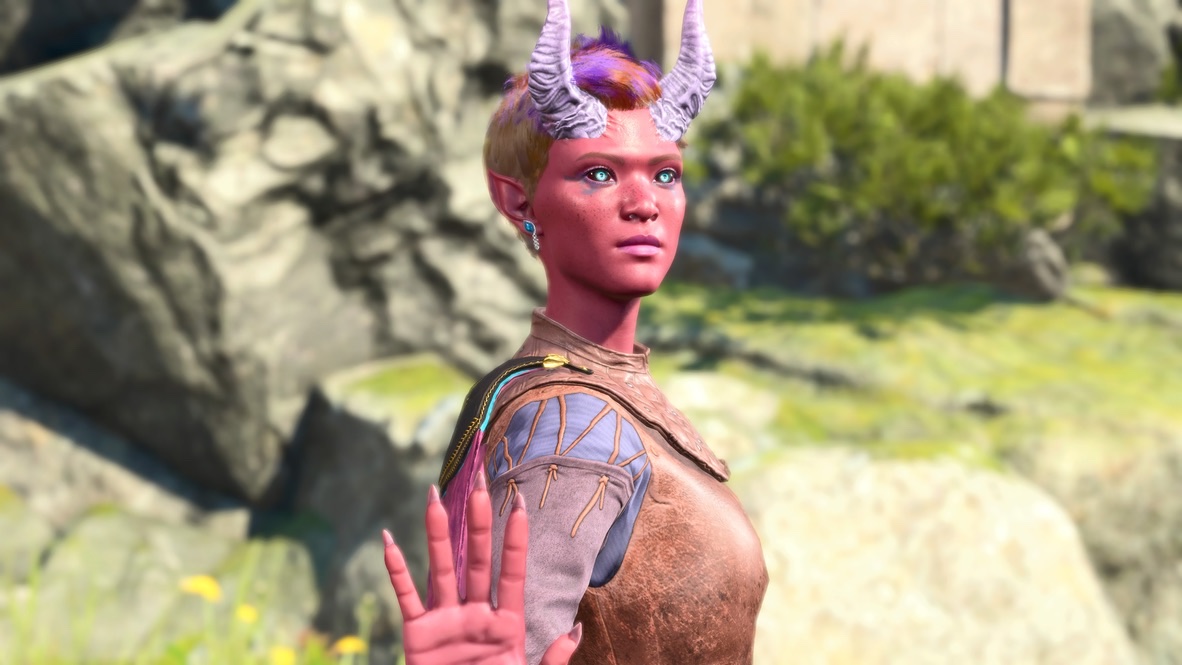
The body language associated with those poses is different. If I want to show a character saying “Hey! Stop!” I now have a choice for how to express it. Or I can use both, to add variation to a sequence of pictures.
I owe Elledwyn an acknowledgement: It’s from one of their Patreon posts that I learned the term “Virtual Photography.” That led me to the sites I link to near the beginning of the essay, and a deeper perspective on the topic. Thanks, Elledwyn!
Claravel’s Emotes
The one other mod I use for my VP is Claravel’s Emotes For Photo Mode. It adds another pool of poses and animations, which I can hunt through for more body language.
For my fanfic, I don’t find this to be as useful a resource as Get a Room. This because so many of the animations are for activities that I’m not likely to include: flying, swimming, etc.
I used it in the Druid Angela/Tav confrontation that I’ve mentioned several times in this essay, mostly when I wanted a character’s body language to express sorrow or regret.
Anything else?
There are other posing mods available for Mac/console. One of them unifies most of the others: Faerûn Fashionistas Meta Pose Pack.
I looked at that one, and perhaps one or two others. My impression is that they contain nothing but sexy or romance poses. That’s fine, and goodness knows there’s room for them in the VP and romantic fiction that others create.
For my fanfic style, they’re not useful.
What about combat?
As far as I know, there are no mods for Mac/console that can show poses of armed combat.
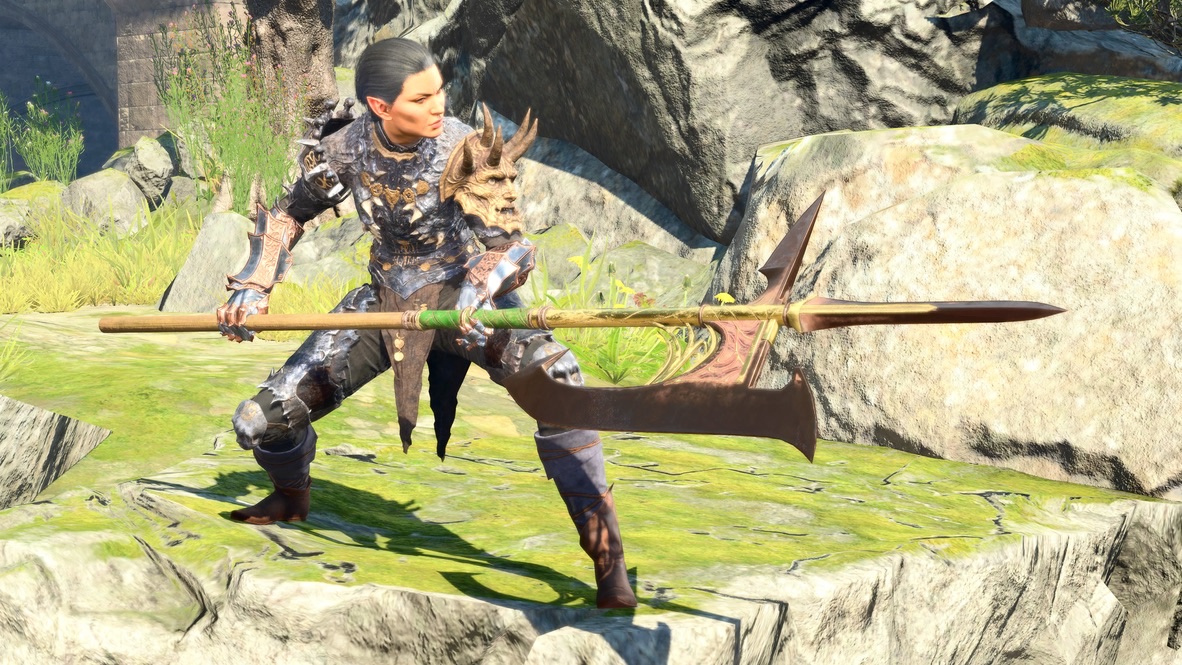
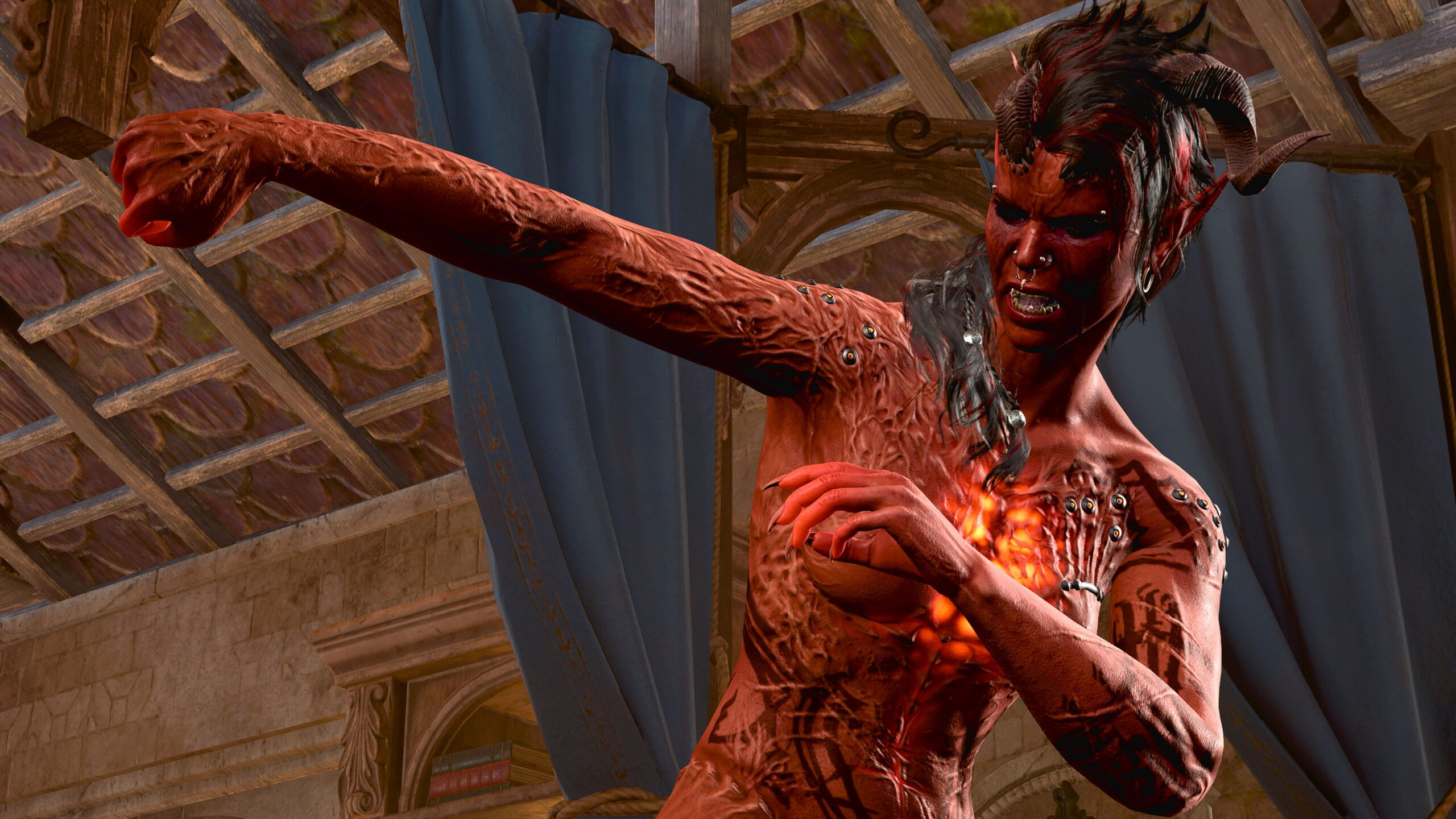
There are poses available for unarmed combat and spellcasting. I made use of them in the first fanfic piece in You can be Arctic Druid Angela too Seven. Since Wyll and Karlach are nude in that sequence, I had the devil of the time positioning them and the camera to keep the images at the PG-13 level.
The bulk of my You can be Arctic Druid Angela too tests have combat sequences in them. But they’re annotations of combats that happened in the game, not fanfic stories I created from the beginning.
As a practical matter, I haven’t come up with any stories that involve characters fighting duels or anything like that, at least for now. If I did, since there are no pose variations for combat characters, I suppose I’d have to take pictures of each participant at different distances, positions, and rotations of a static model and hope it would look convincing.
Expressions
I mentioned that the Character Pose is one of the first two things people fiddle with when they use Photo Mode. The other is facial expression.
The looks on the models’ faces make a big difference to me. Consider these two images, almost identical:
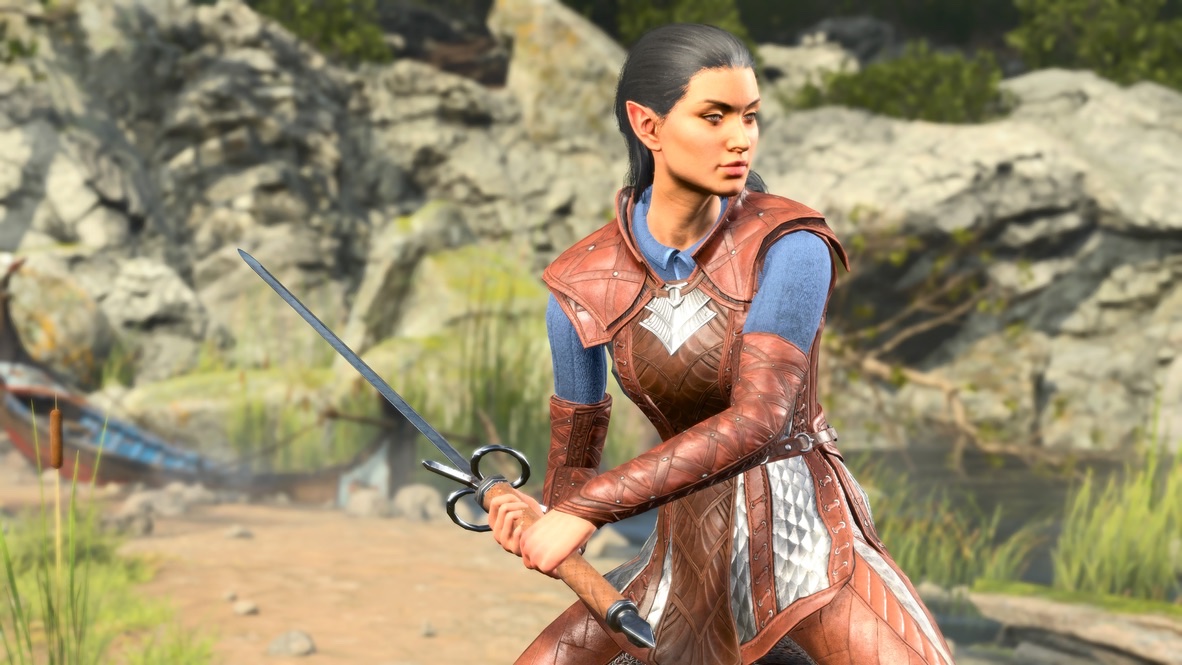
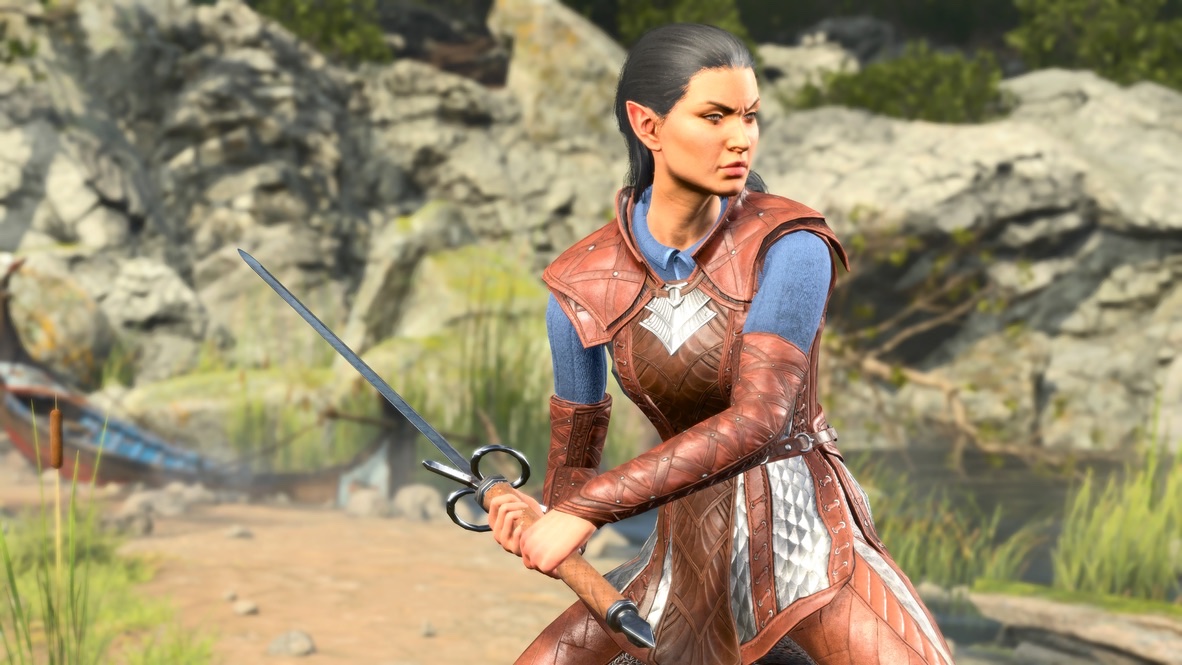
The upper image says to me: This is a character holding a sword.
The lower one says to me: This character is angry, intent on combat. It’s either her or the enemy.
Poses set the stage. Expressions tell the story.
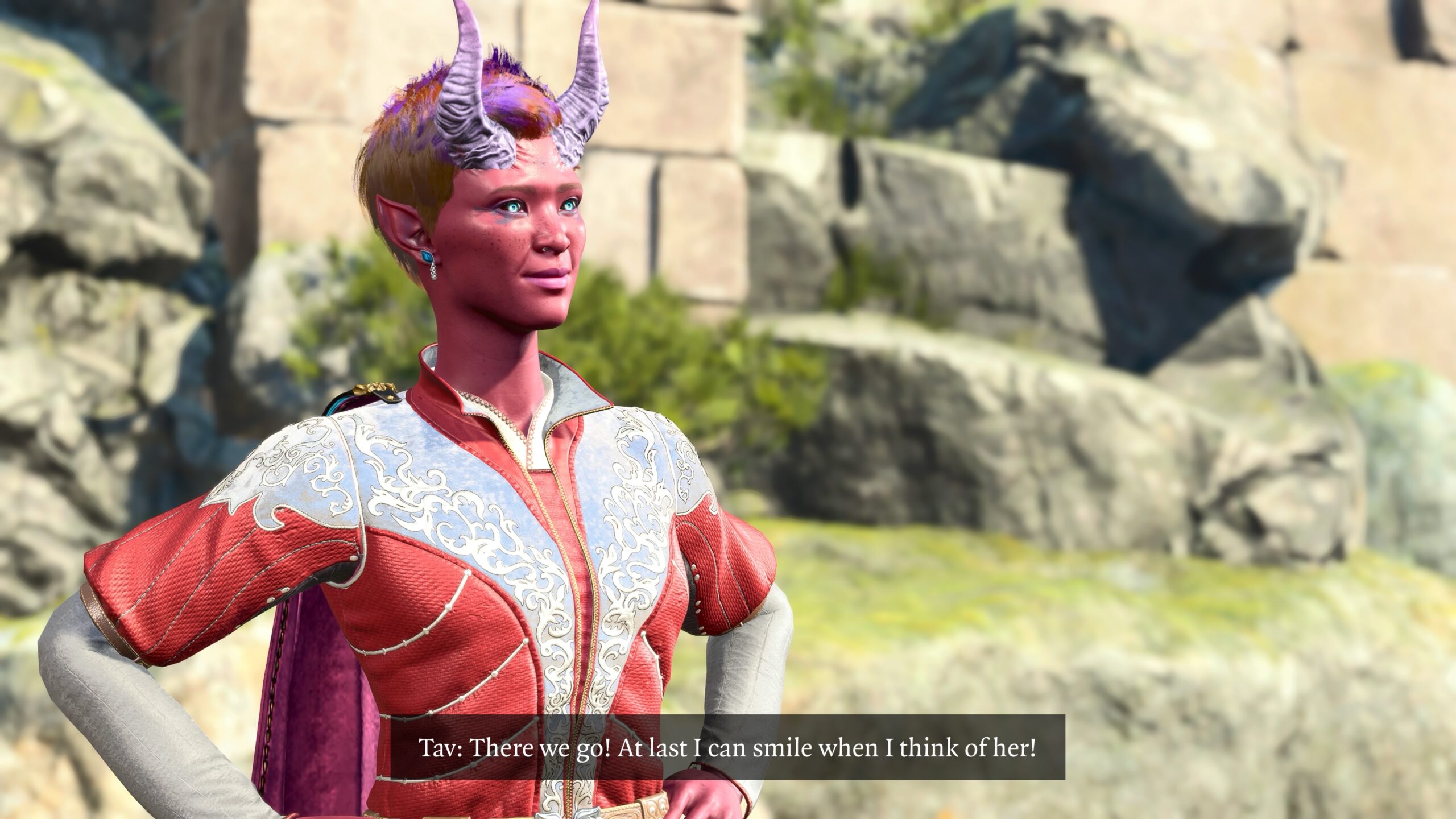
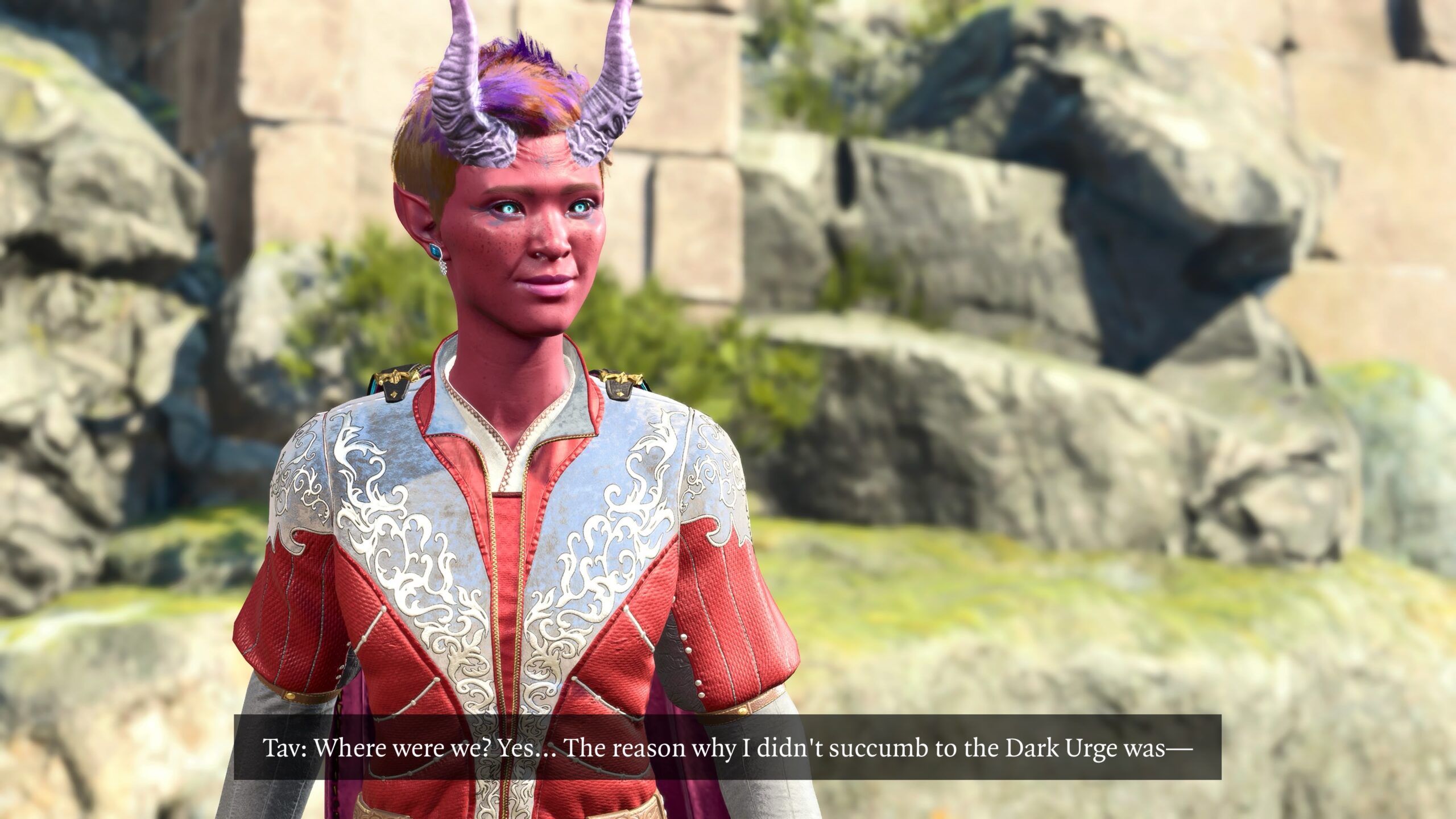
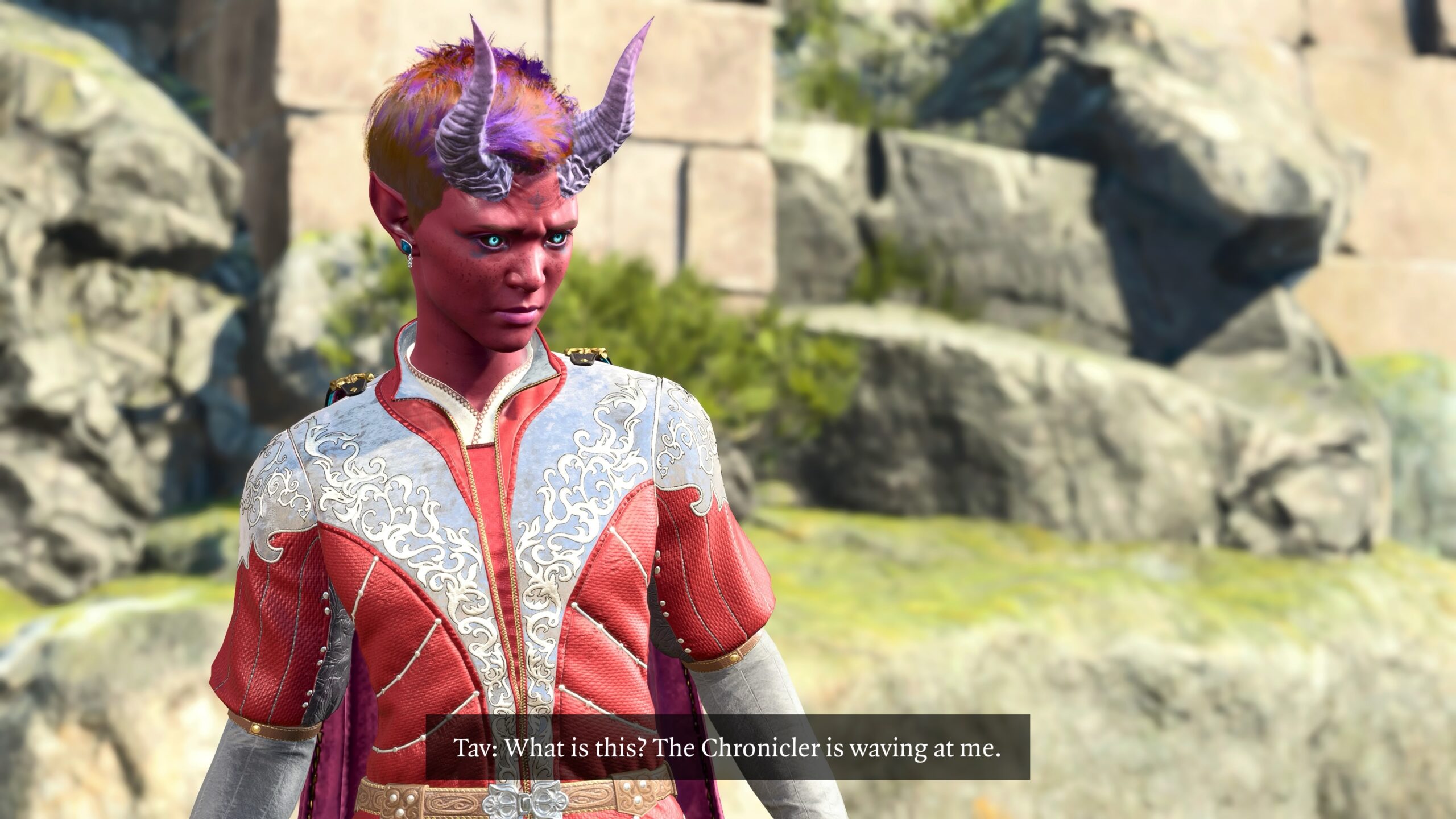
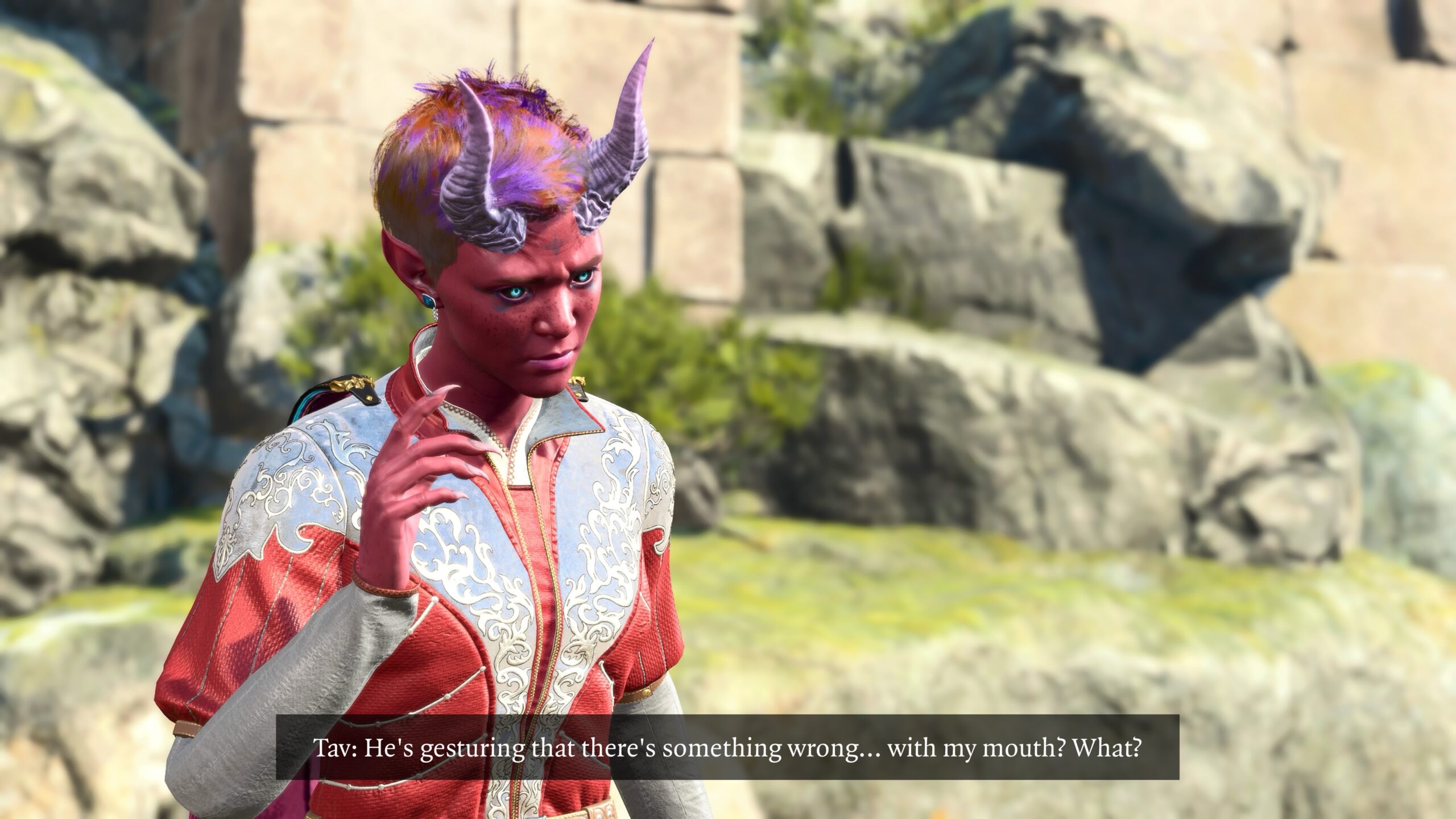
Around the time I prepared the fanfic in You can be Arctic Druid Angela too Three, I had a change in perspective about the model’s faces. I thought it looked silly to have a caption on a picture and yet for the character’s mouth to be tightly closed. You can see how that looks in every captioned Tav picture I put into this essay so far.
By the time of my You can be Arctic Druid Angela too Four fanfic, a few days later, I decided that if a character spoke, their mouth should be open. In that scene, Druid Angela and Daphne are both in each picture. Visually it made sense for the one who spoke to have their lips parted.
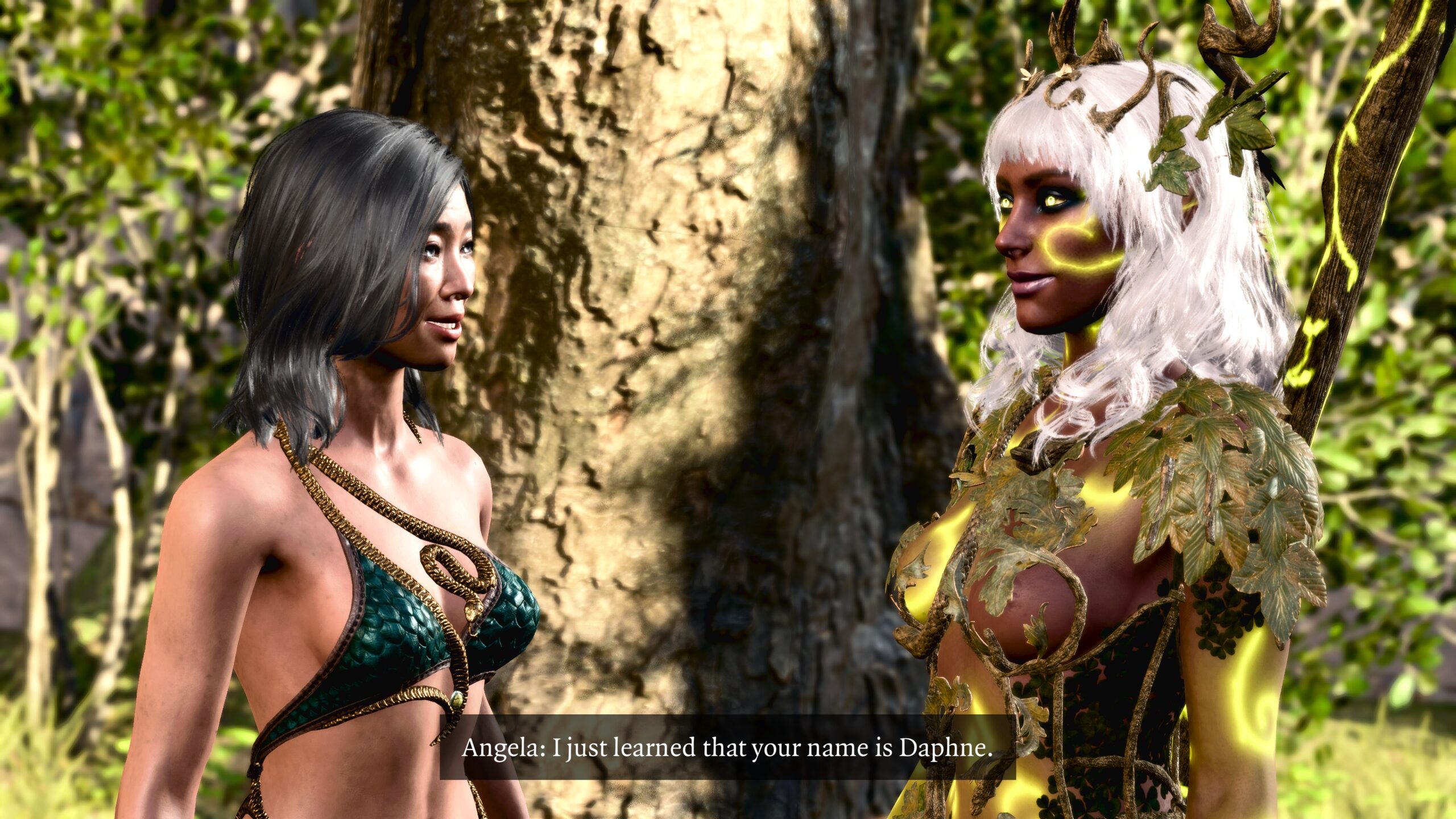
What makes visual sense for one person may be meaningless for another. When I showed Real Angela this, her reaction was, “Yeah, her mouth is open.” She didn’t see it as a visual clue that the character was talking.
Of course, whether it’s a clue for you is up to you.
The difficulty for me is that, just as there are Character Poses that look too goofy to me to use in my fanfic pictures, there are many Expressions that look silly or distorted to me. Most of those are ones with parted lips. That means the range of facial expressions for talking characters is limited.
Let’s have Daphne the Dryad make faces at you, so you can judge for yourself. You can see the name of the Expression in the control panel on the middle right. These Expressions are among those that look usable to me for my fanfic:
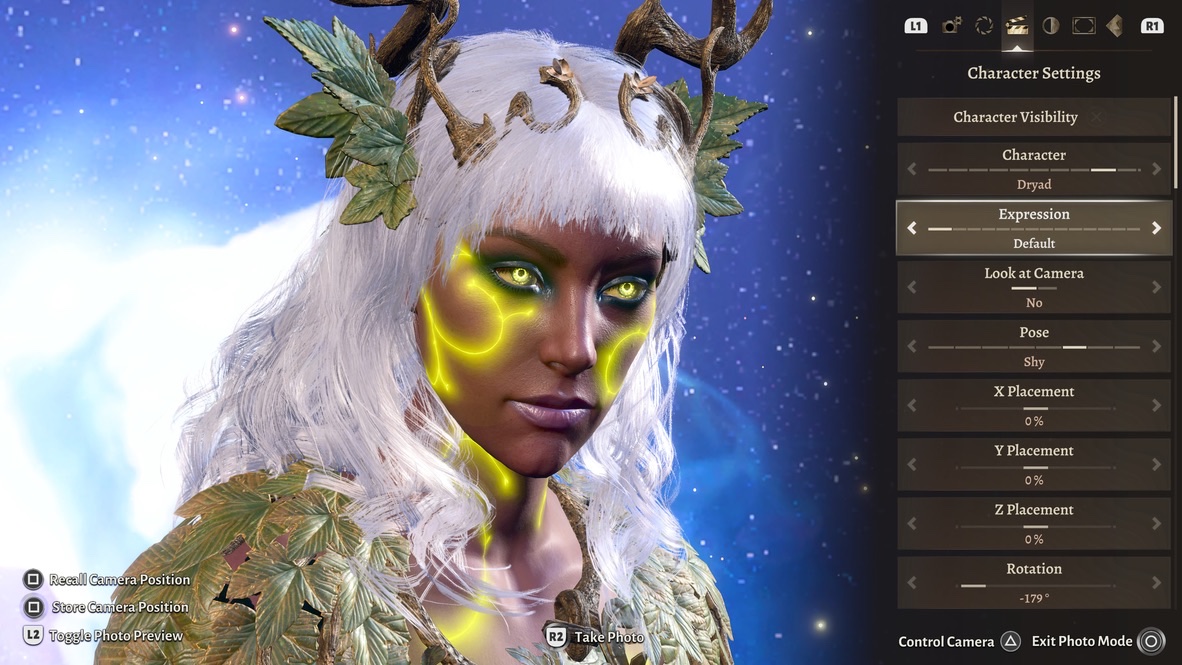
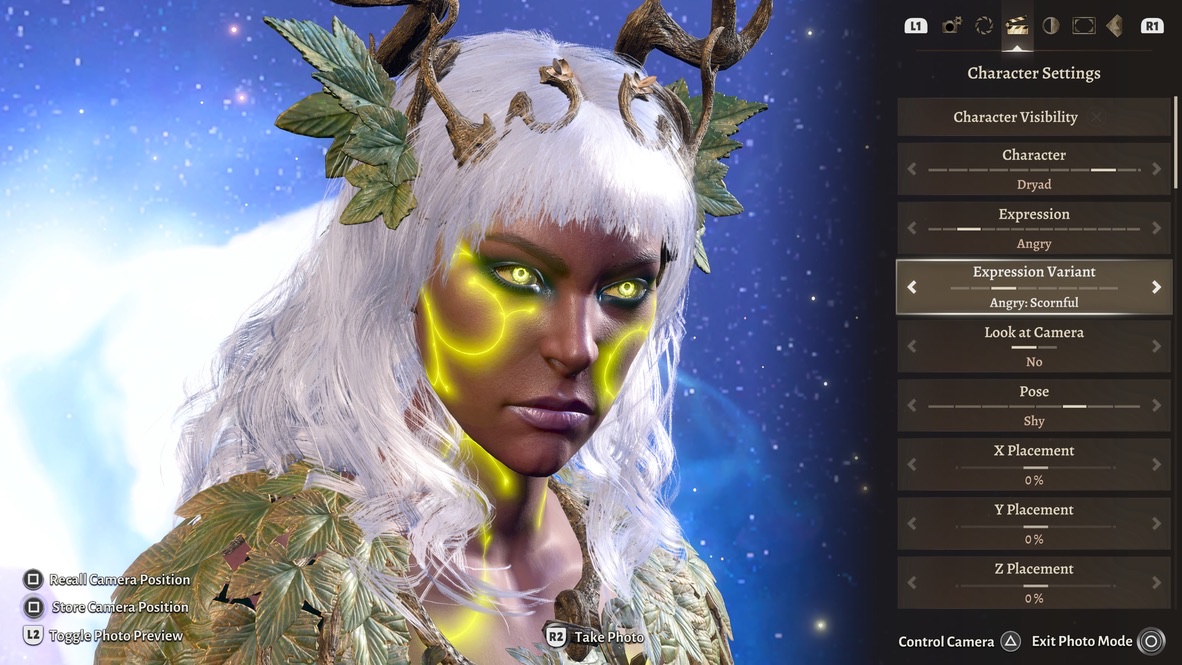
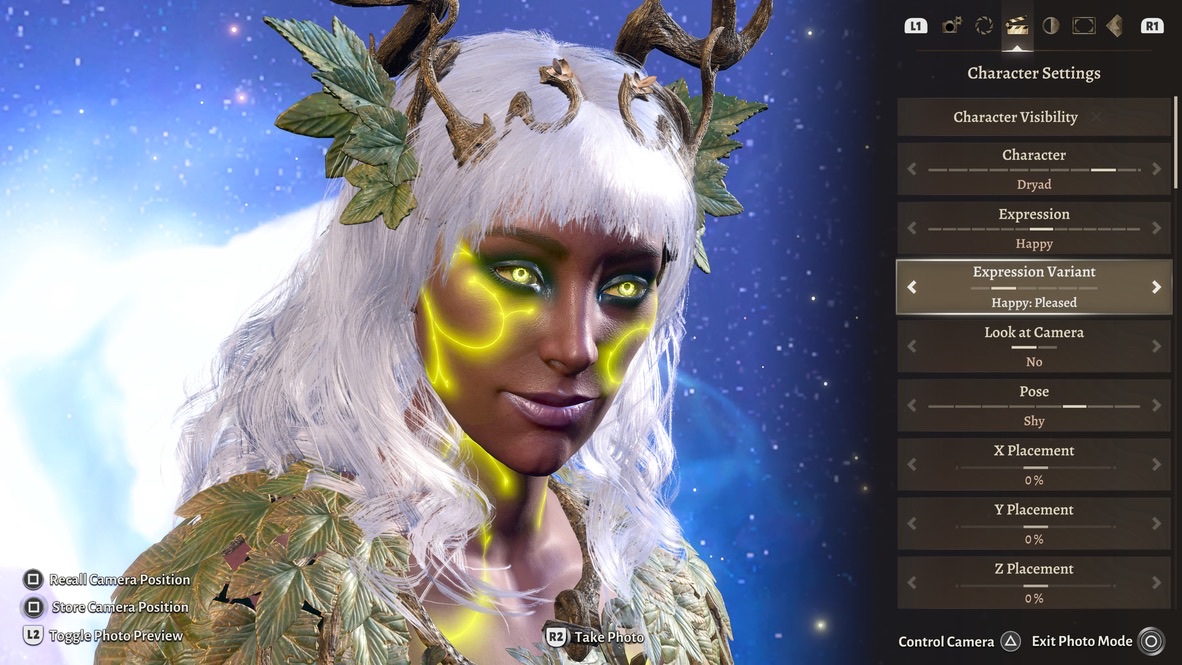
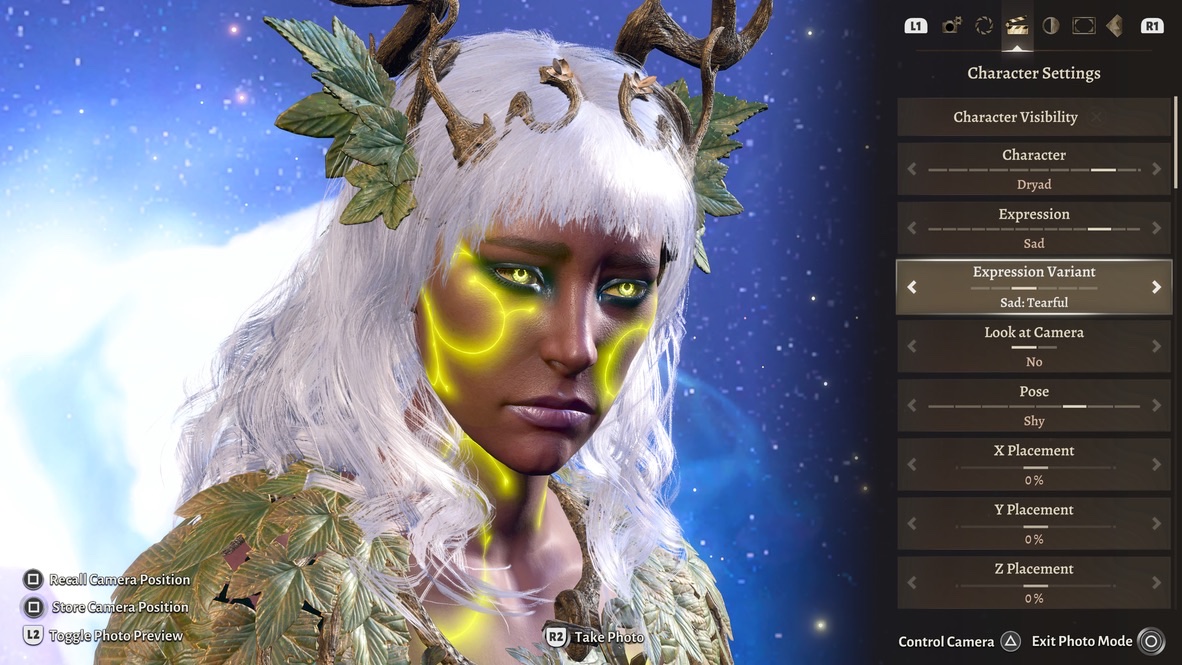
These faces are some of the ones that look too distorted to me for me to use them:
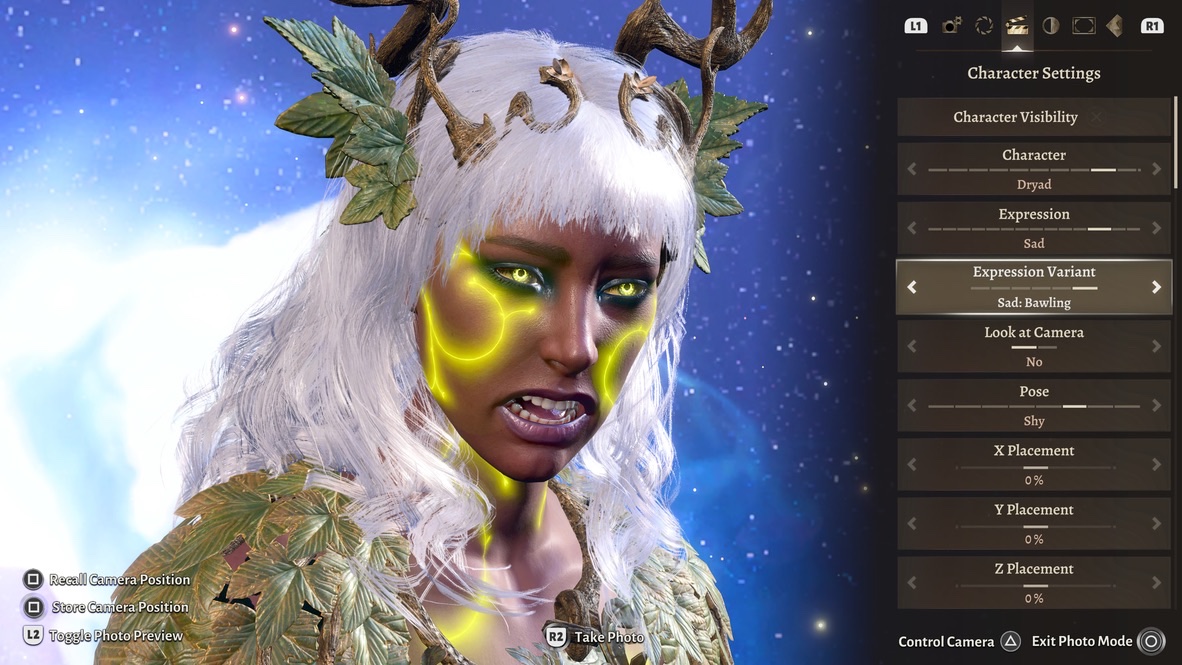
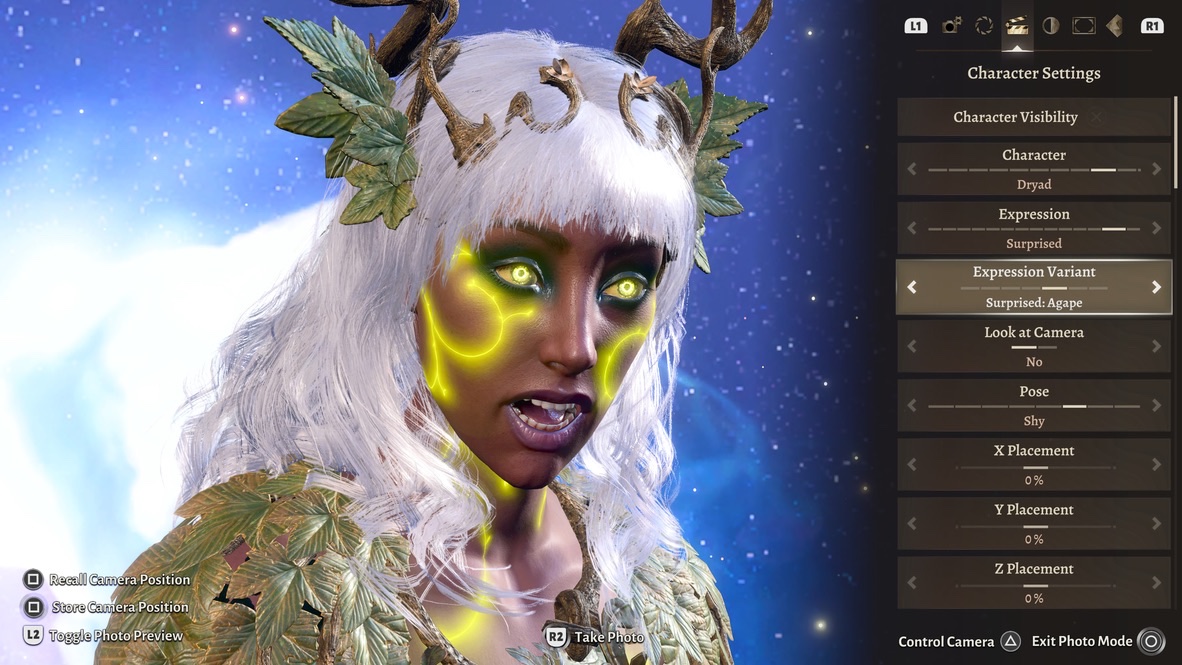
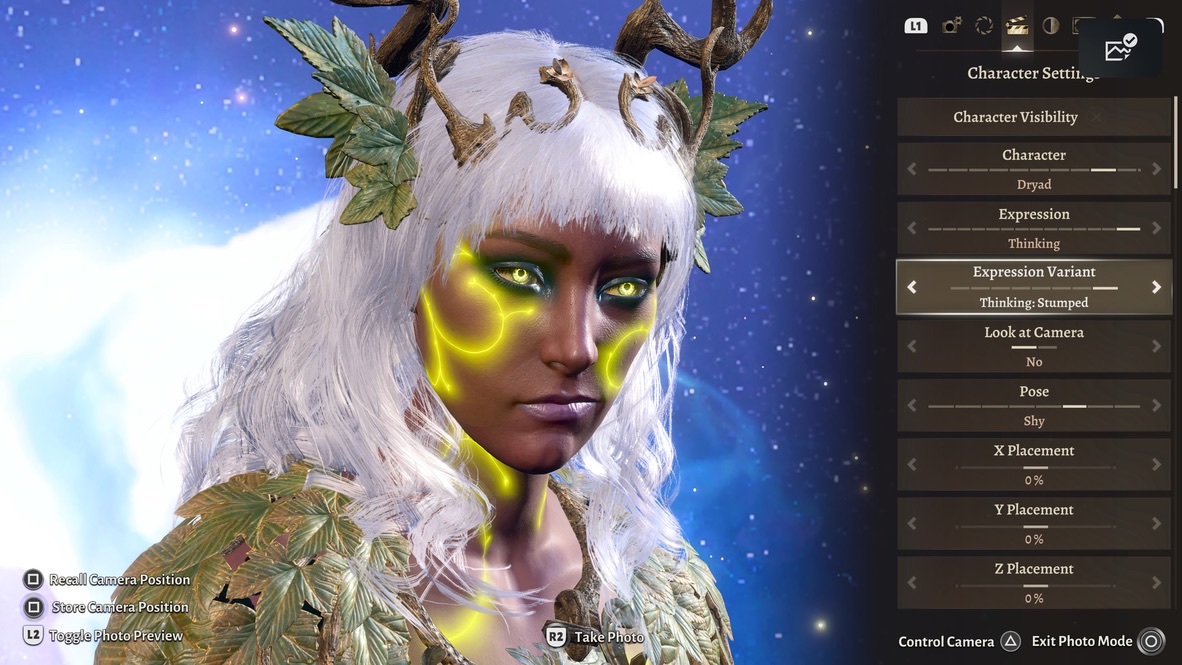
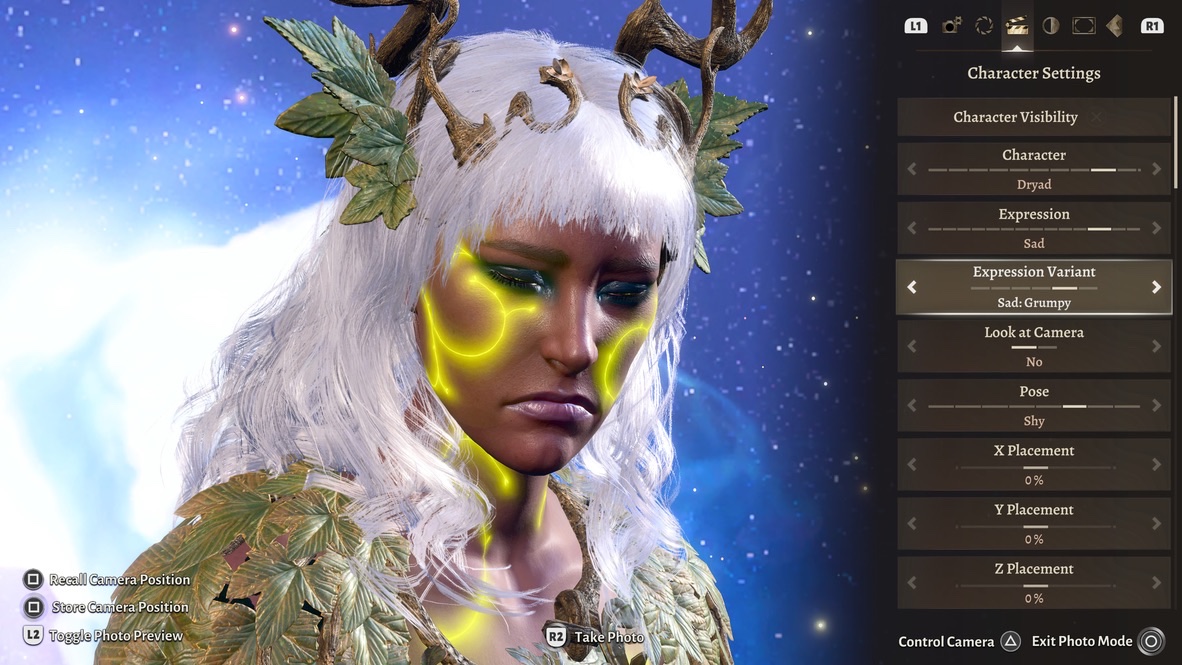
These faces I see as normal enough to use for speaking characters:
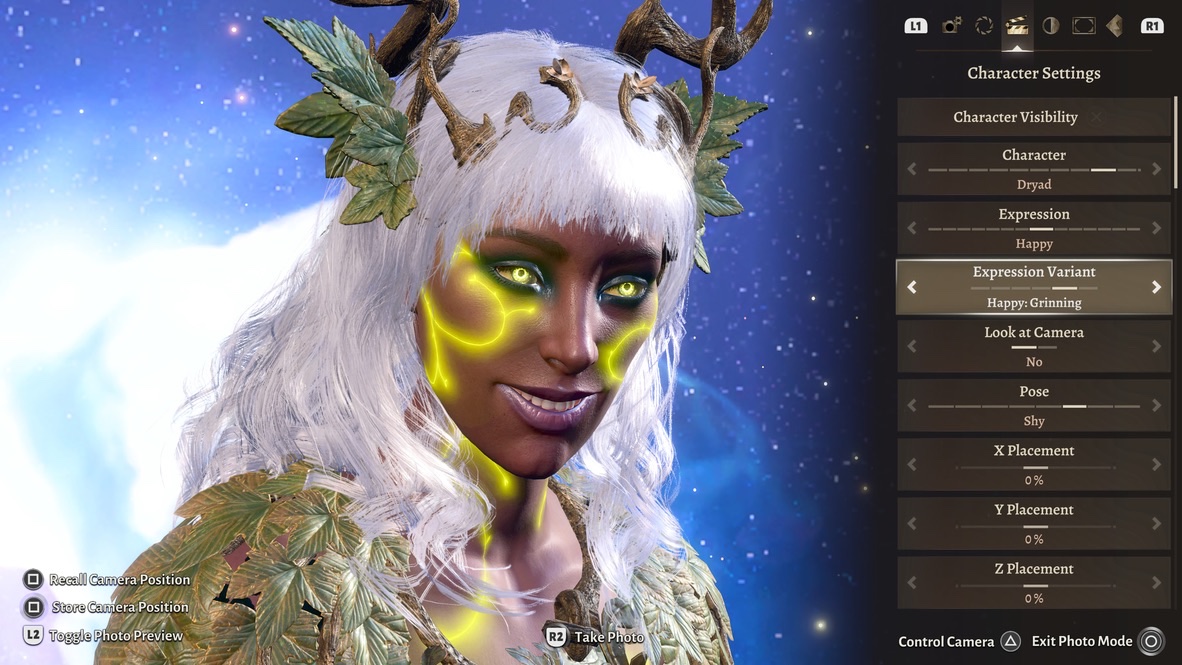
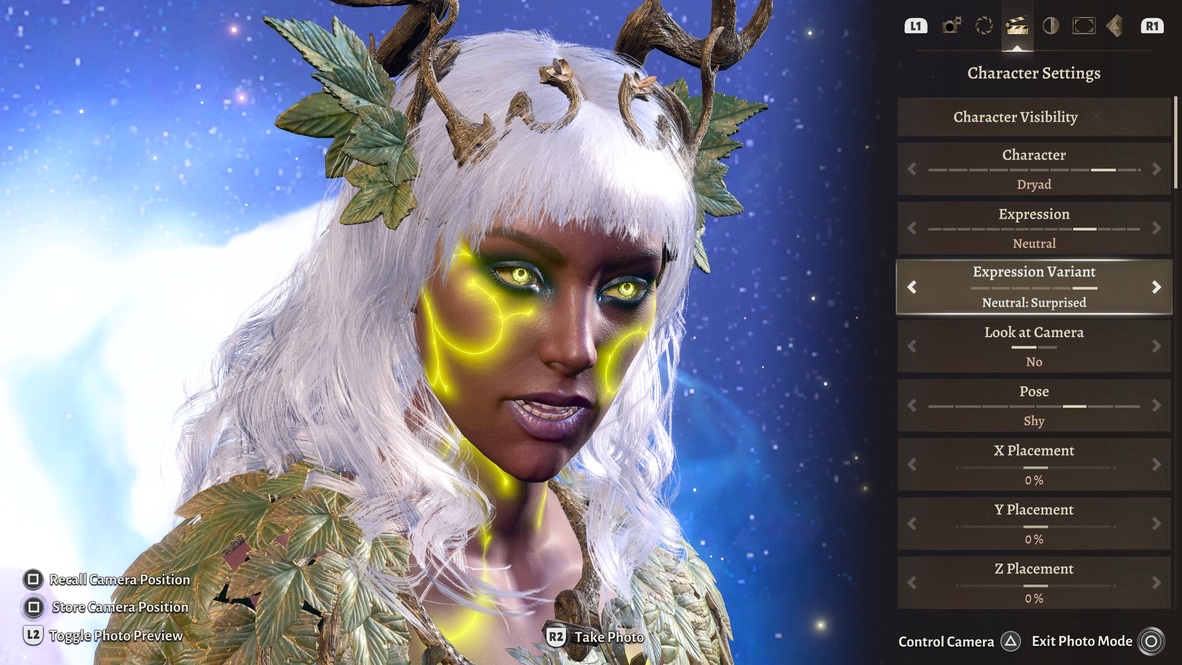
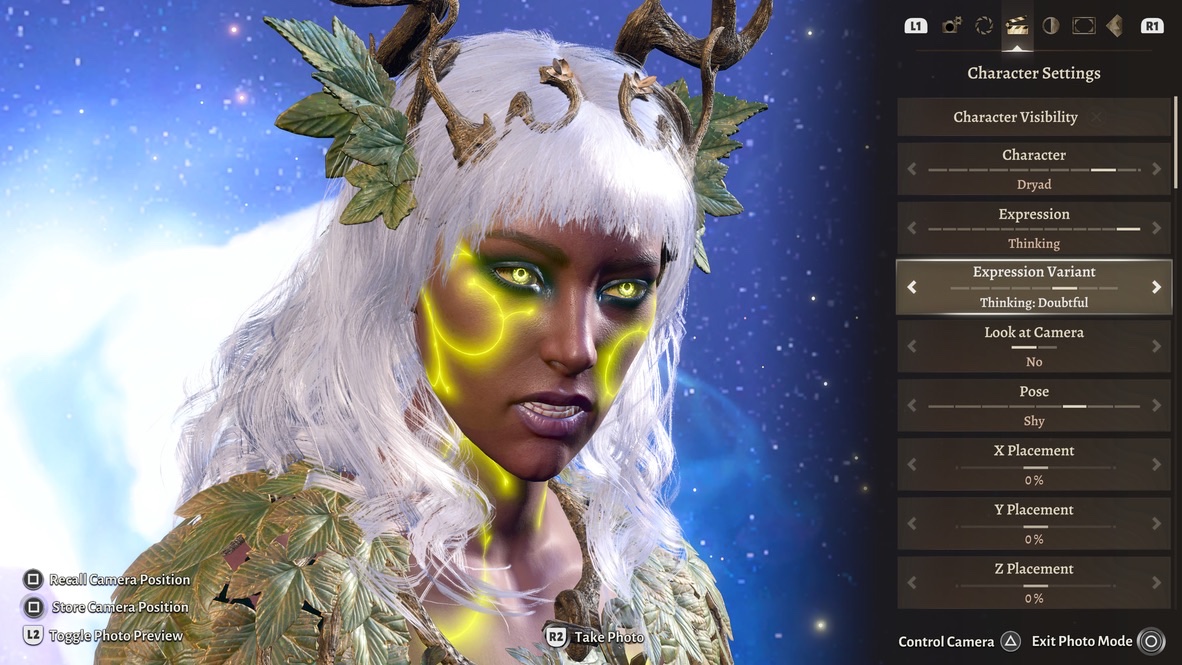
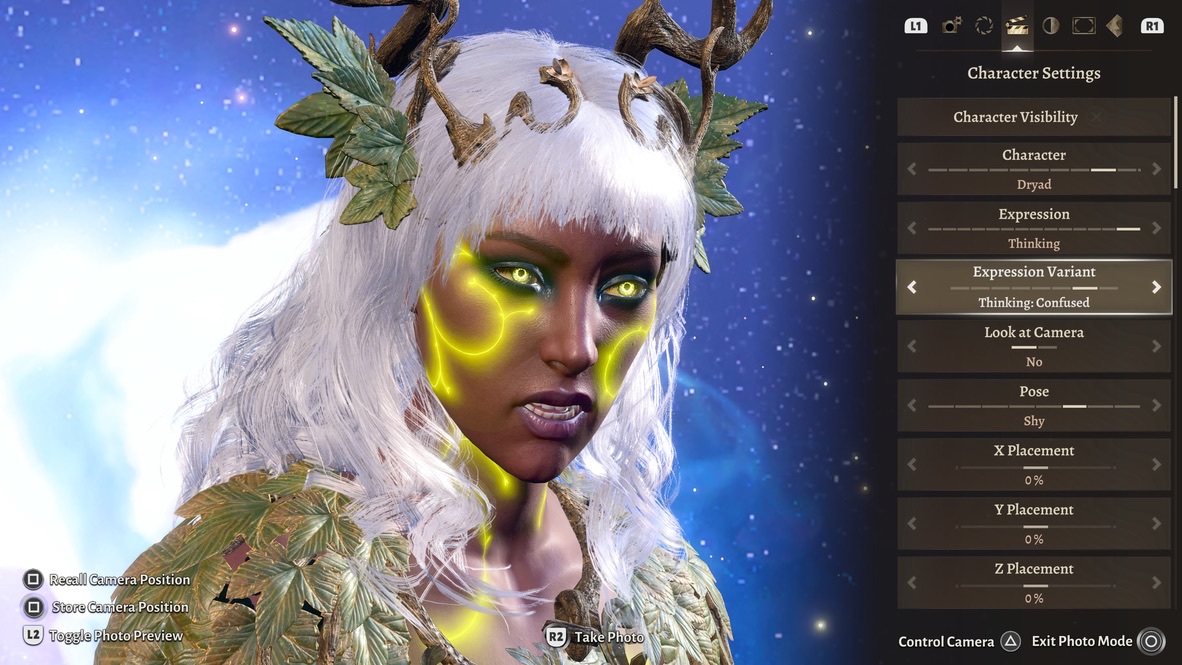
There are couple of other “speaking Expressions” that I might use, but only because I have to settle for what’s there.
I go by what the faces suggest to me, not by the names they’ve been assigned. For example, “Surprised” suggests to me someone speaking in a louder voice than “Doubtful,” but neither face looks like surprise or doubt to me.
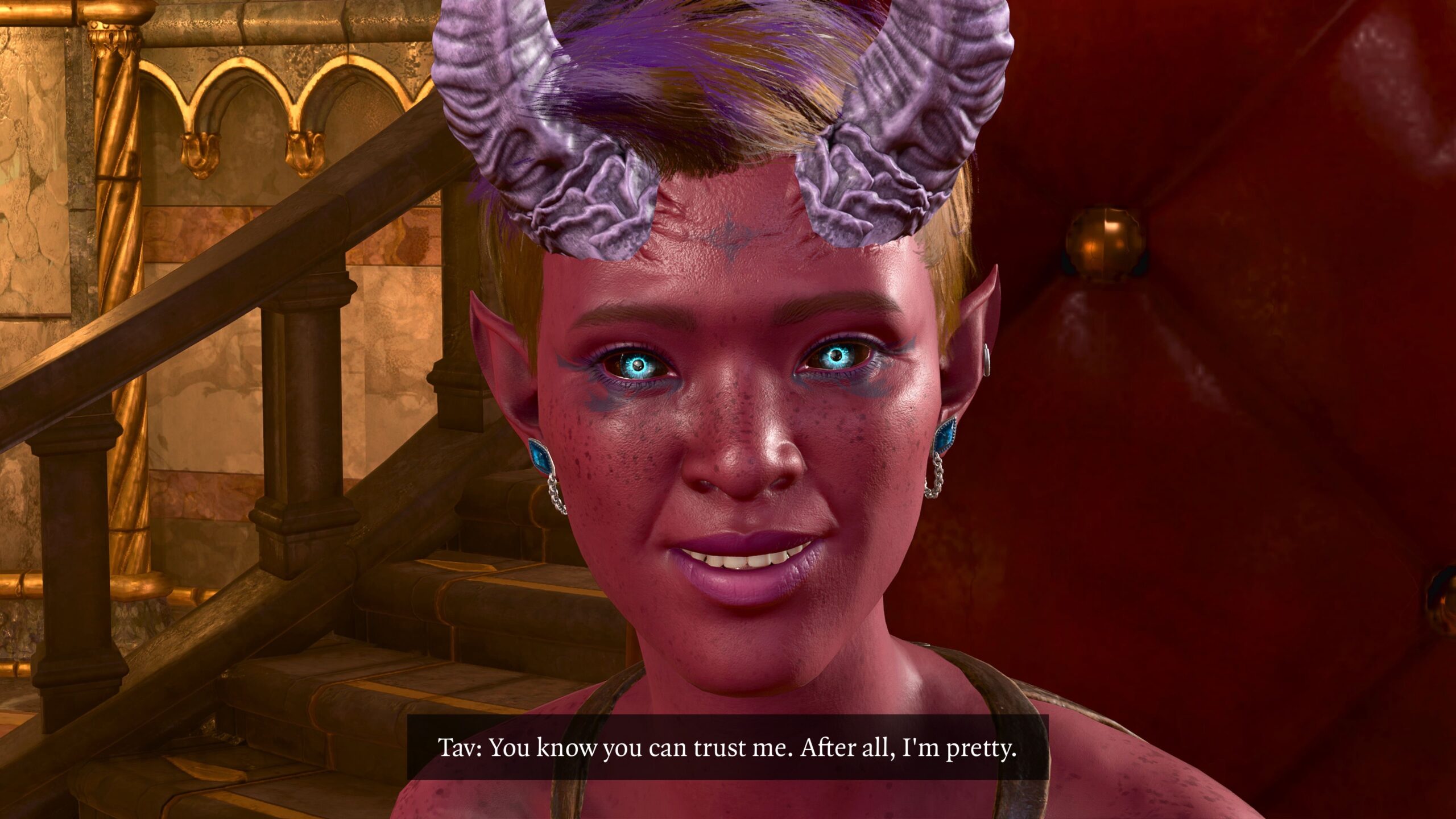
Under the Expressions option there’s Look at Camera. I don’t often use this. Even when the character is supposed to be addressing the “fourth wall” (namely, you, the reader), it looks a bit eerie to me:
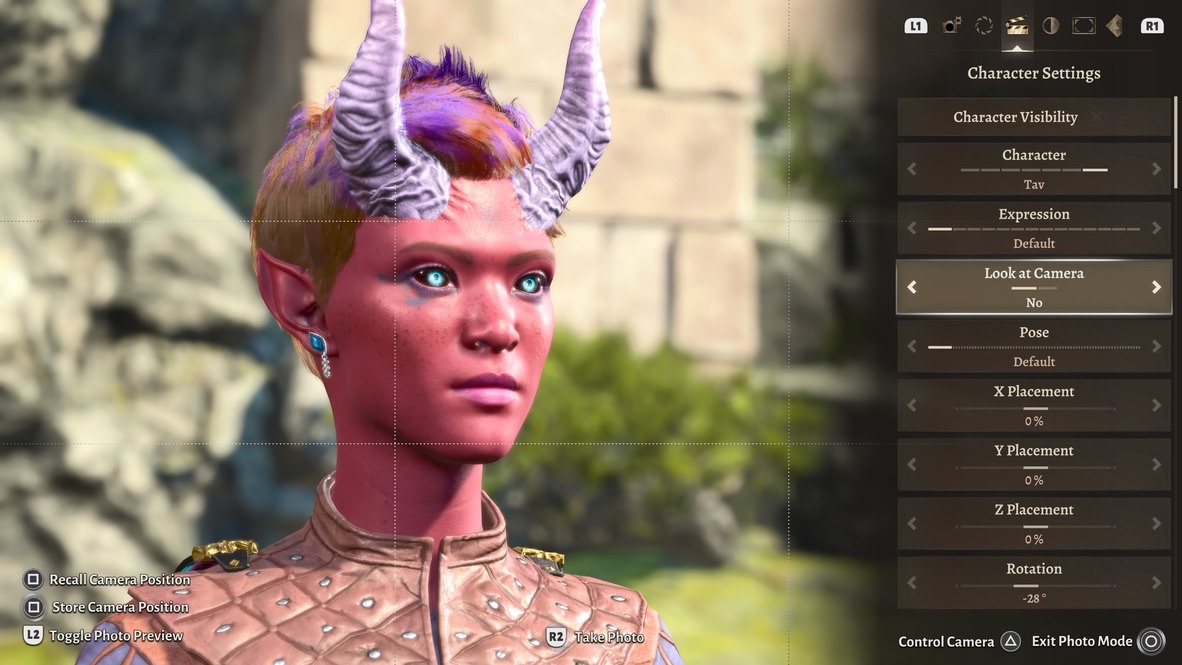
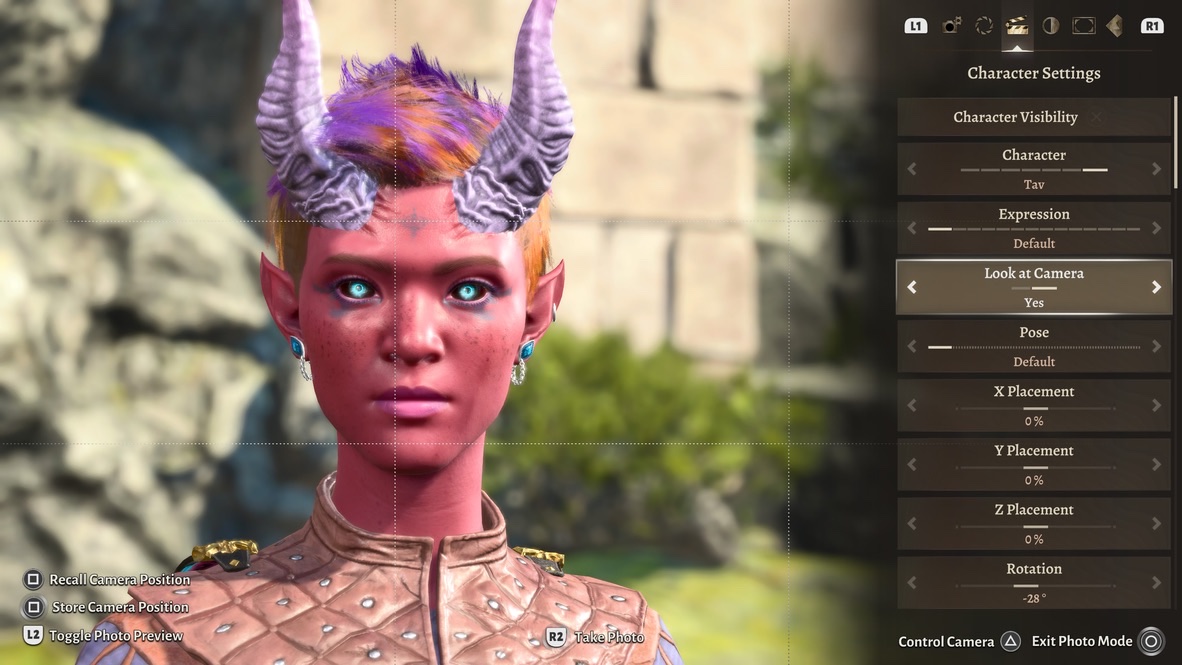
In professional photography, video, and film, the performers are told “Don’t look at the camera!” Thanks to this Photo Mode option, I think I understand why.
As an example of a time I used it persistently, take yet another look at the first Dark Urge Tav fanfic. That option is turned on for all the images, because I wanted to convey an unsettling feeling for the reader.
Result
Let’s see how all this works.
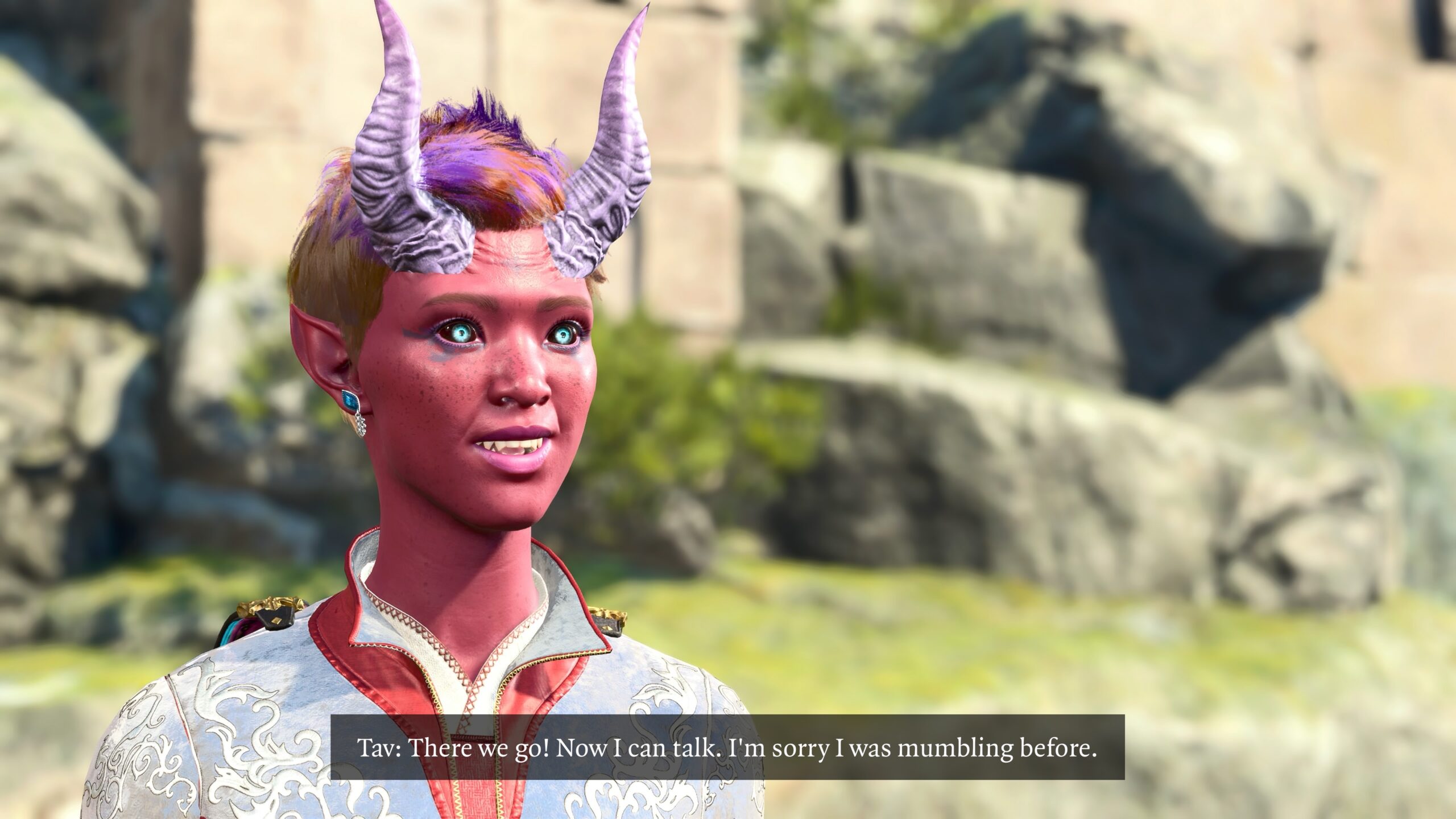
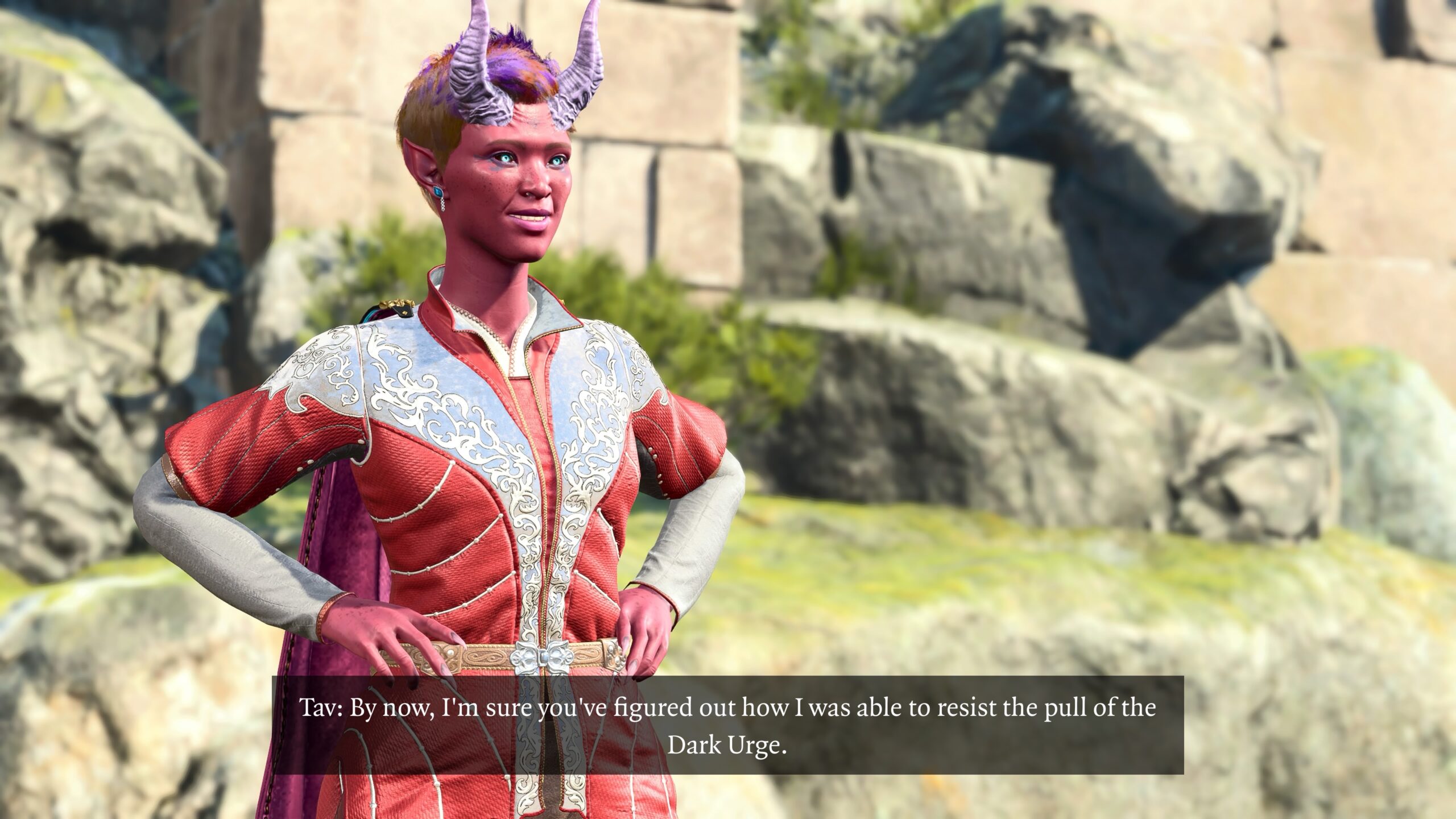
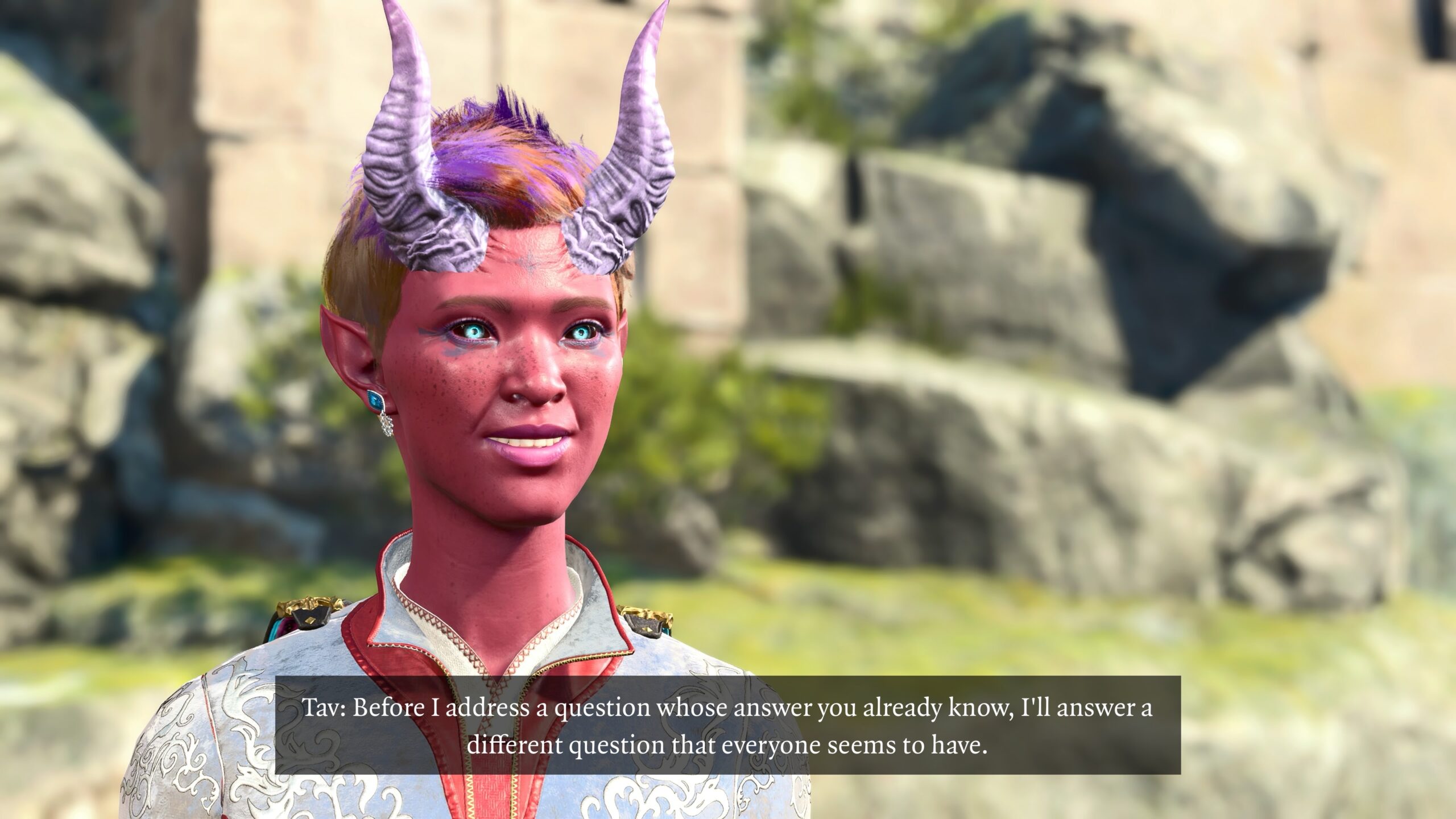
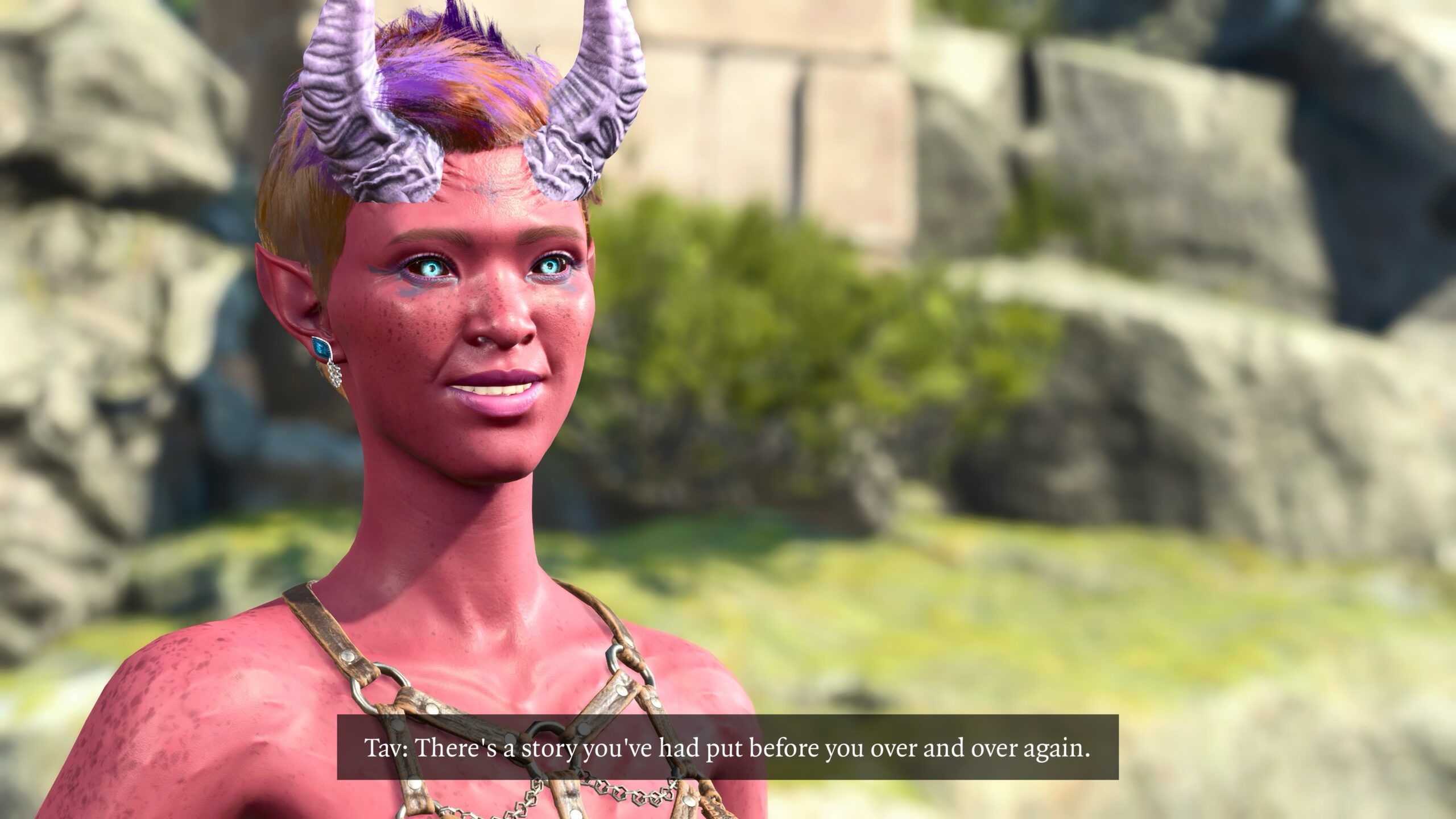
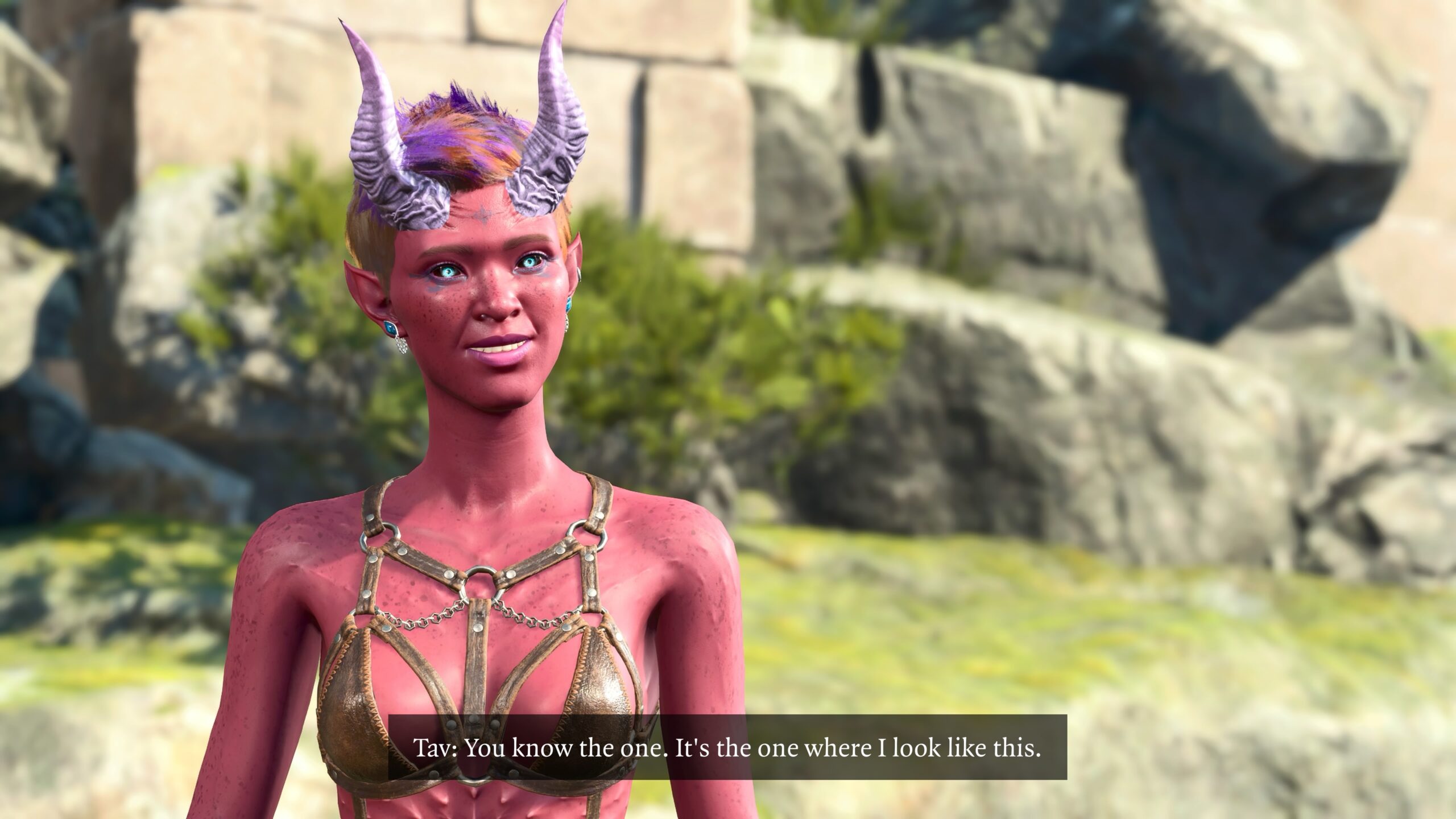
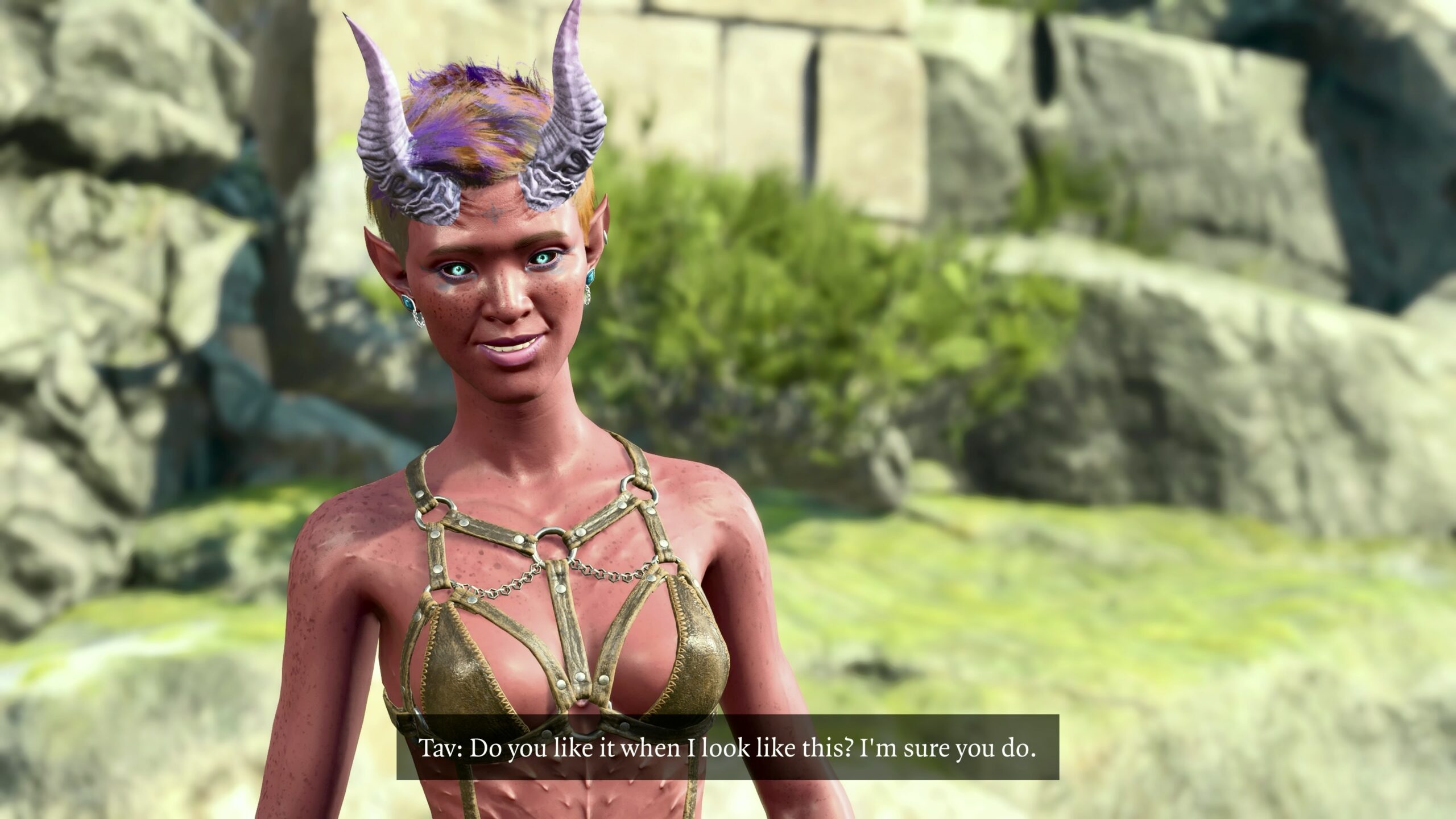
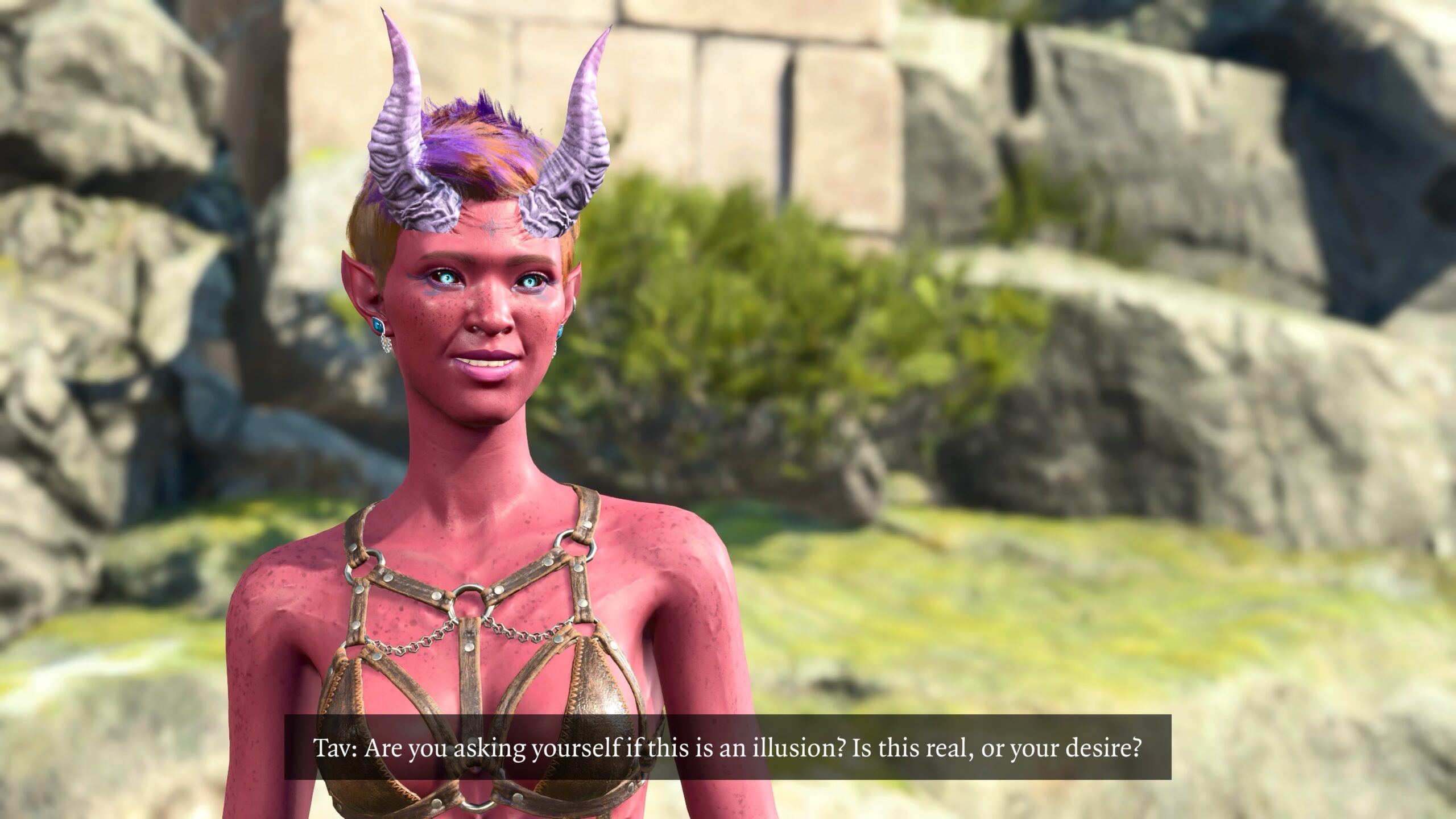
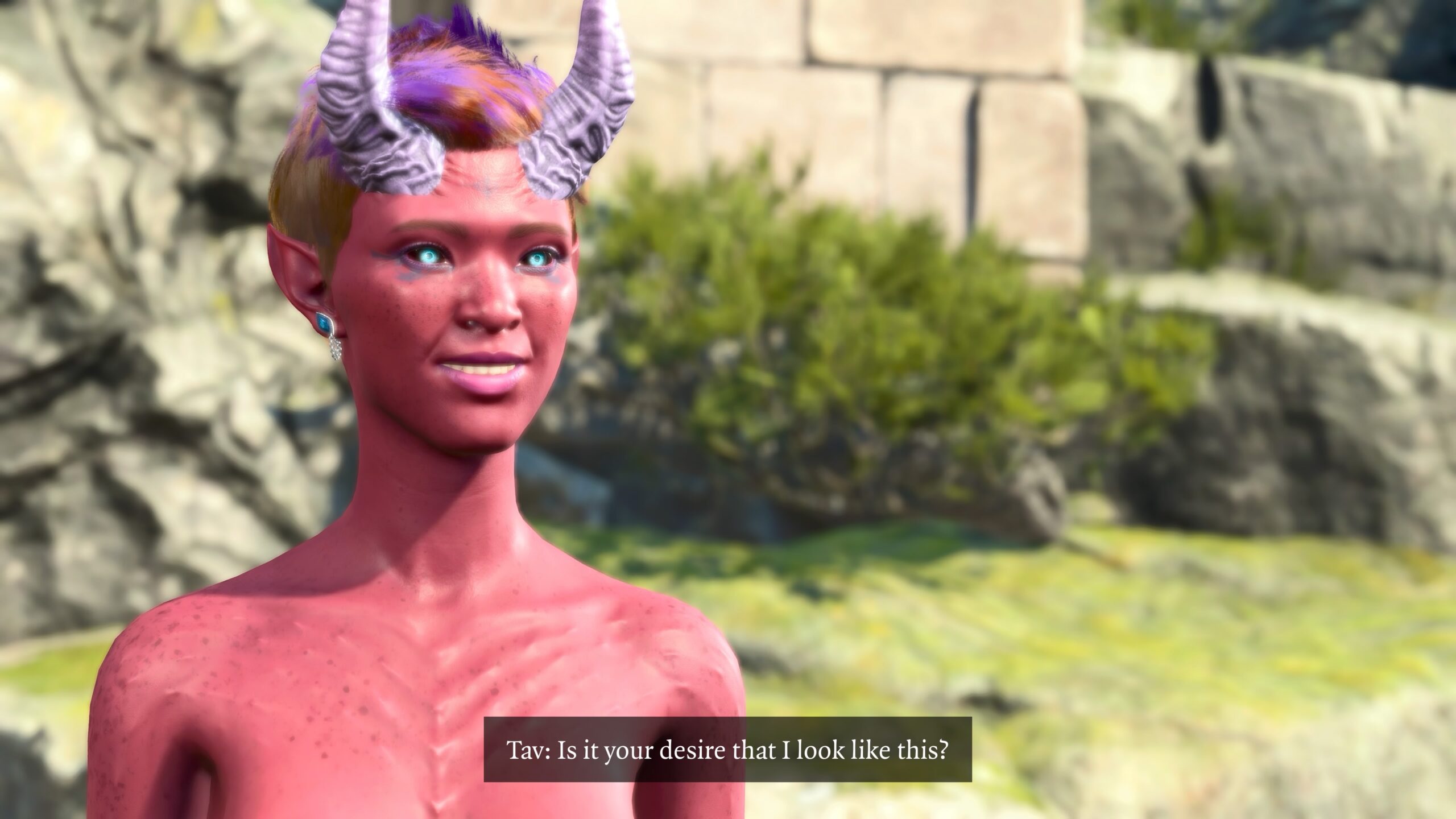
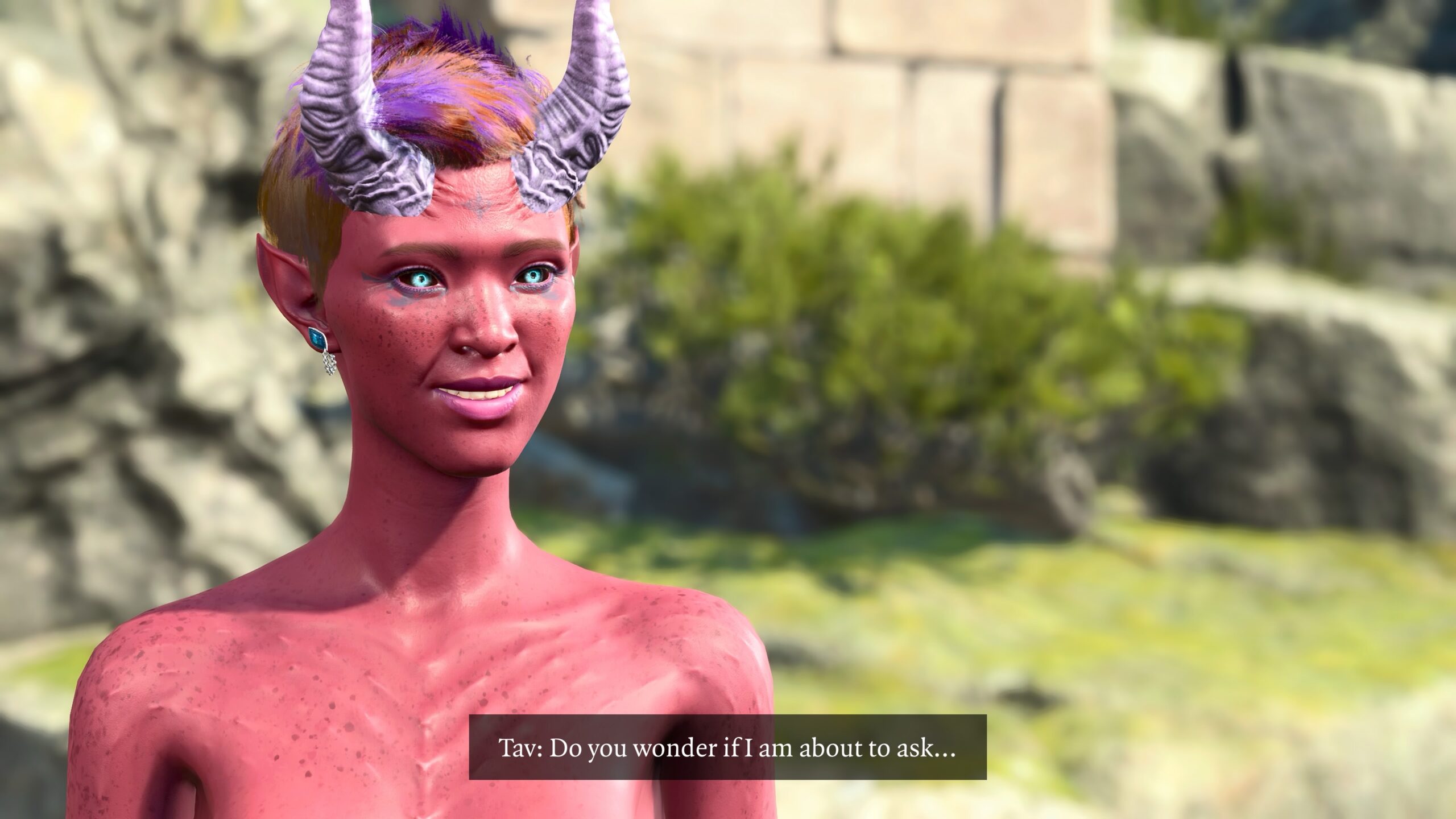
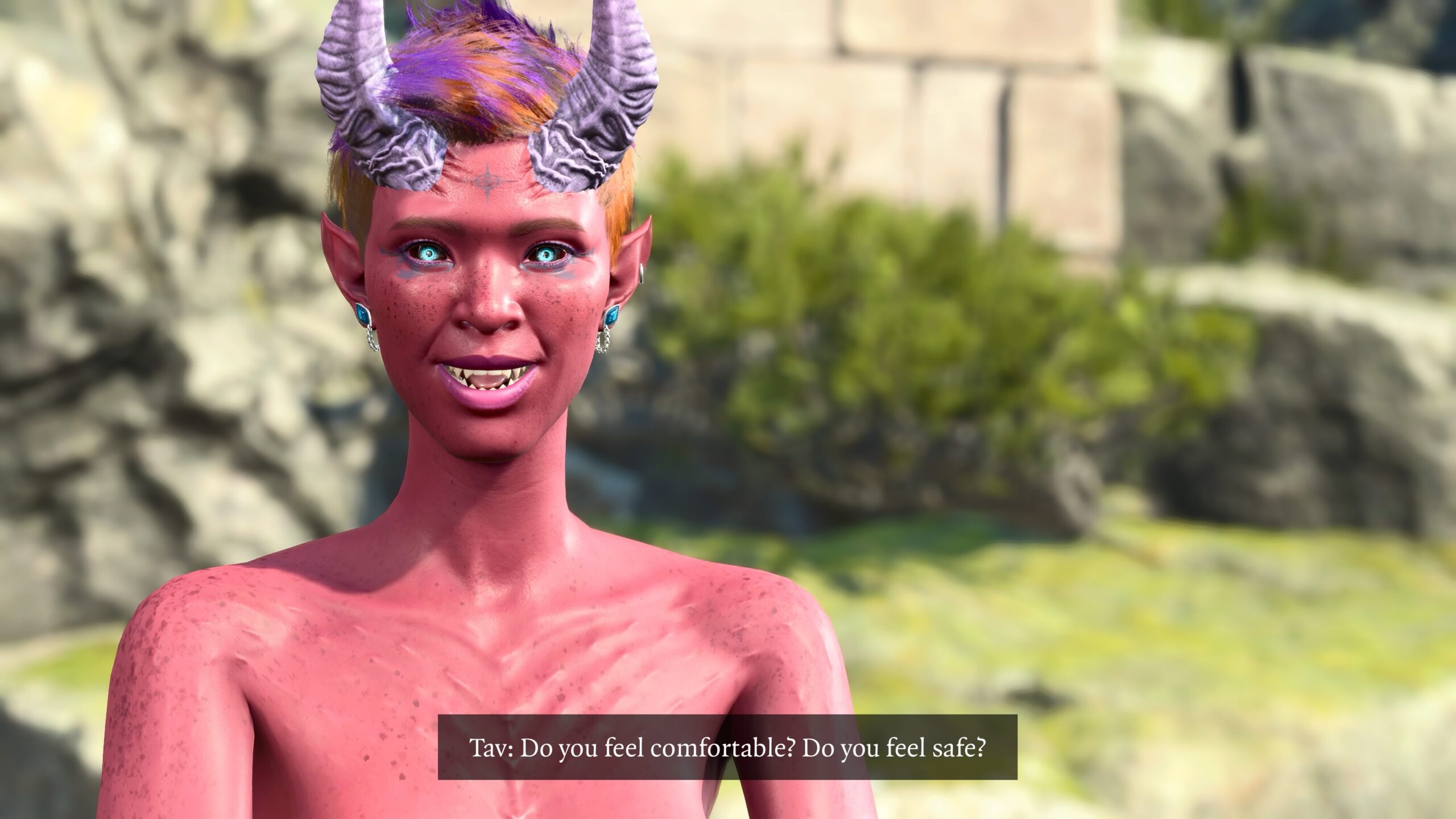
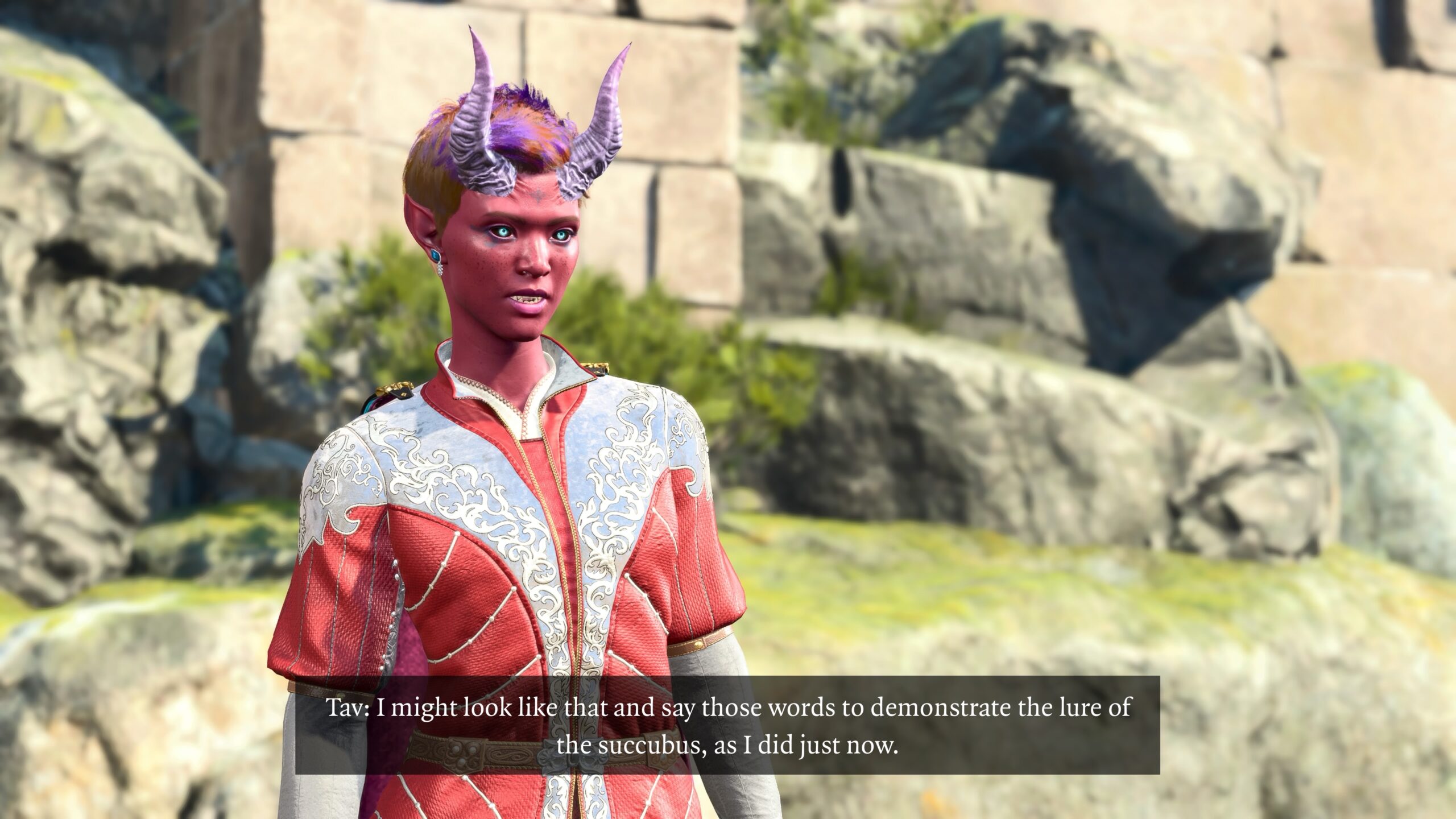
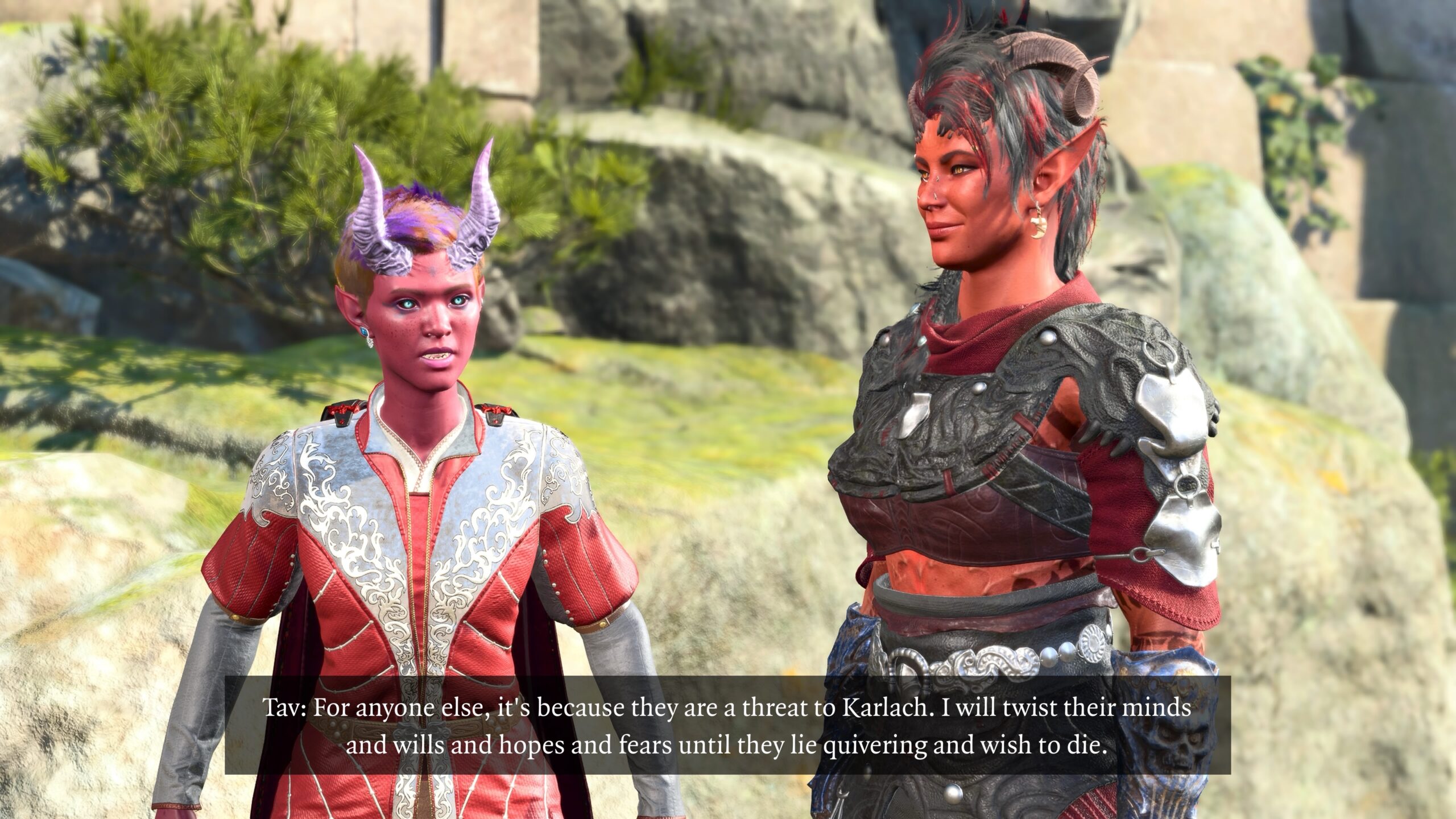
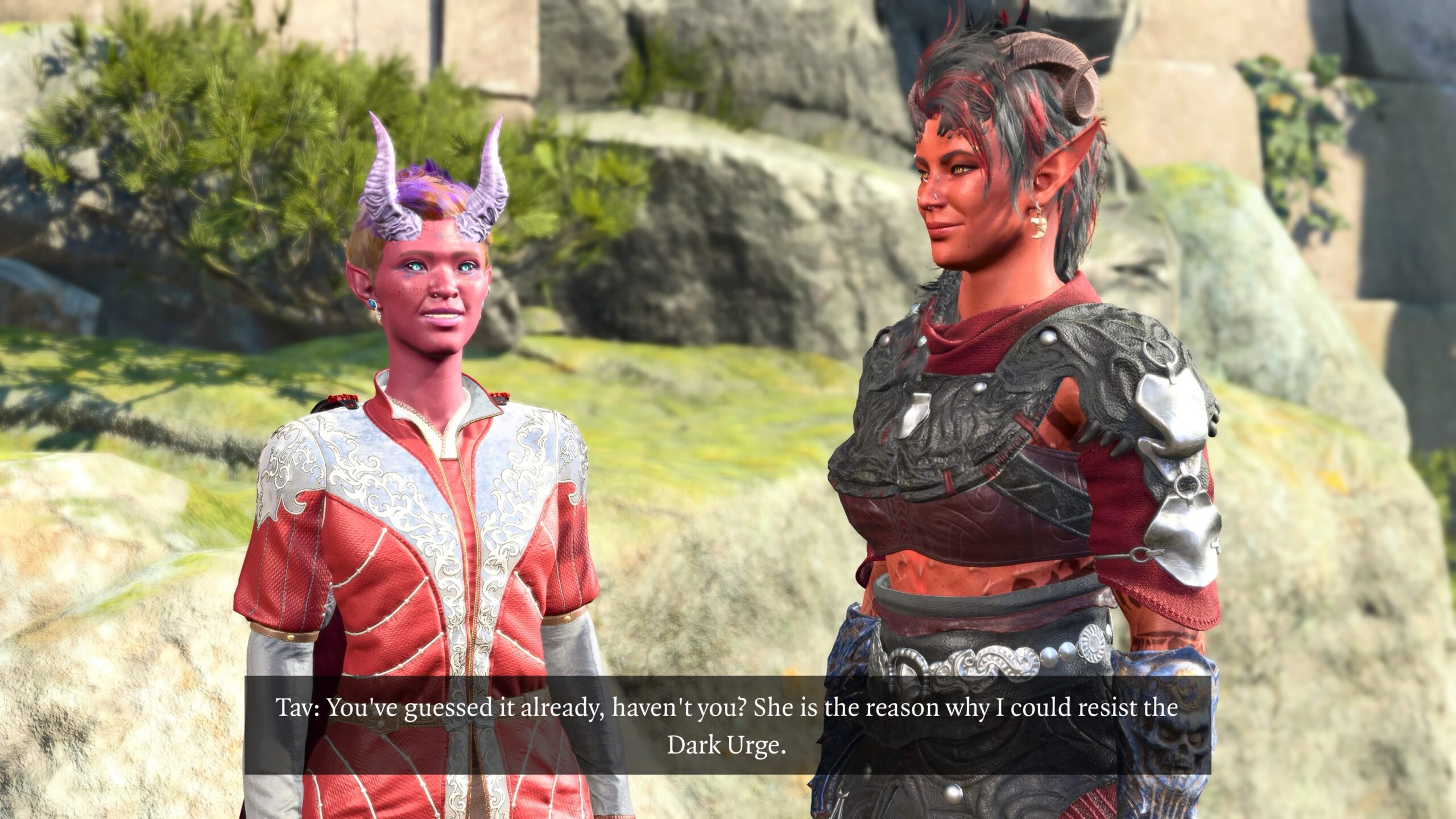
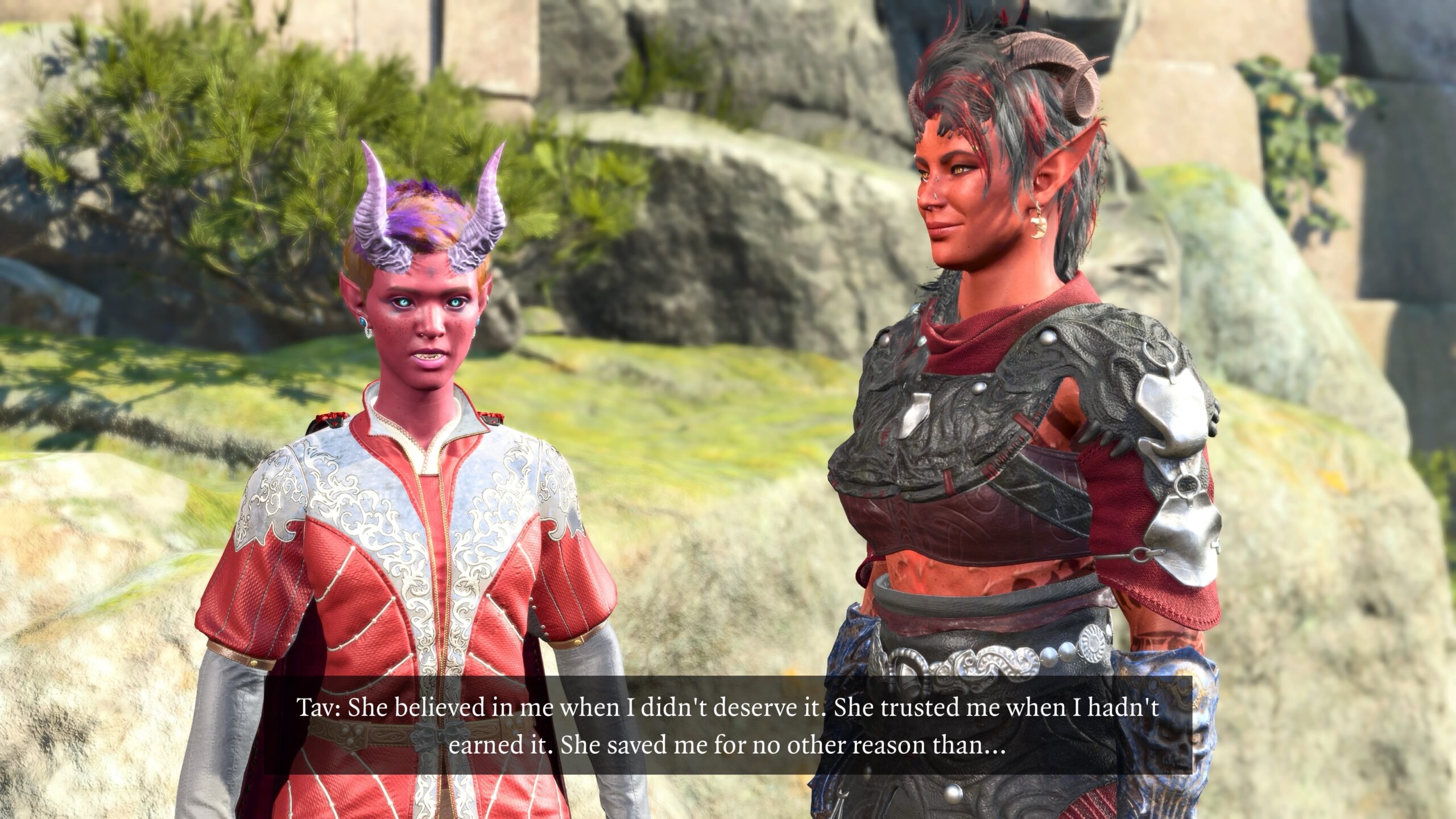
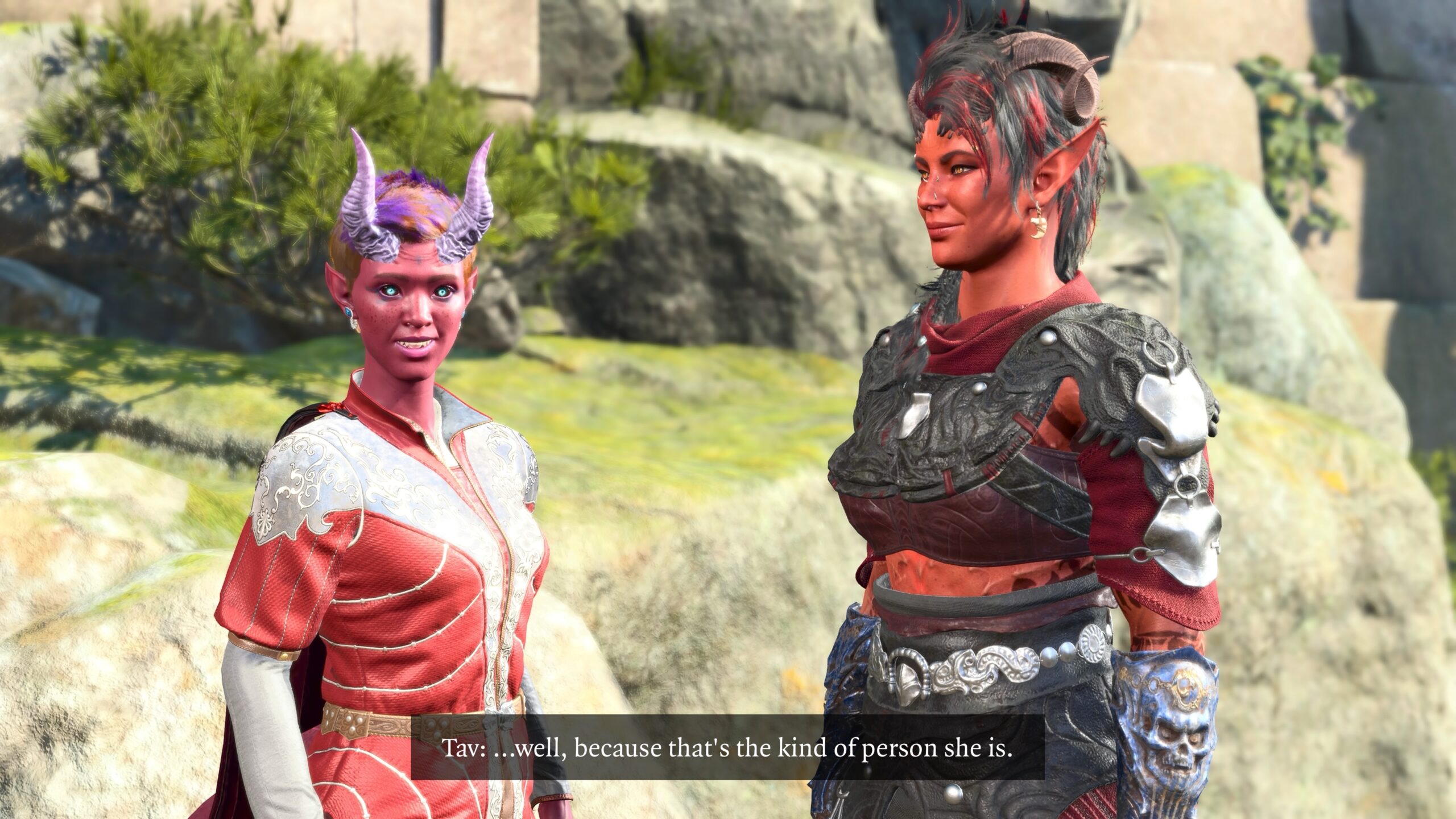
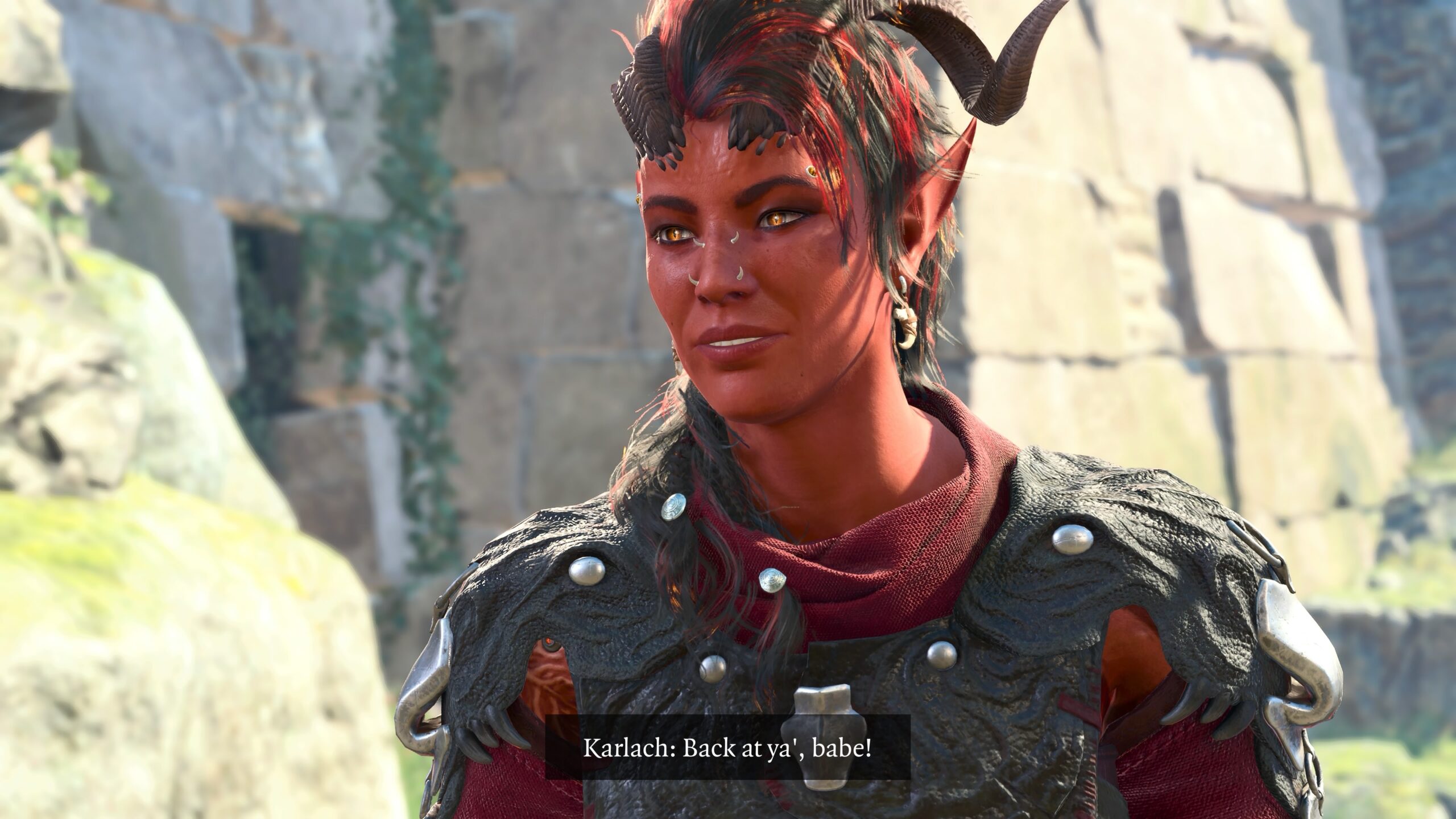
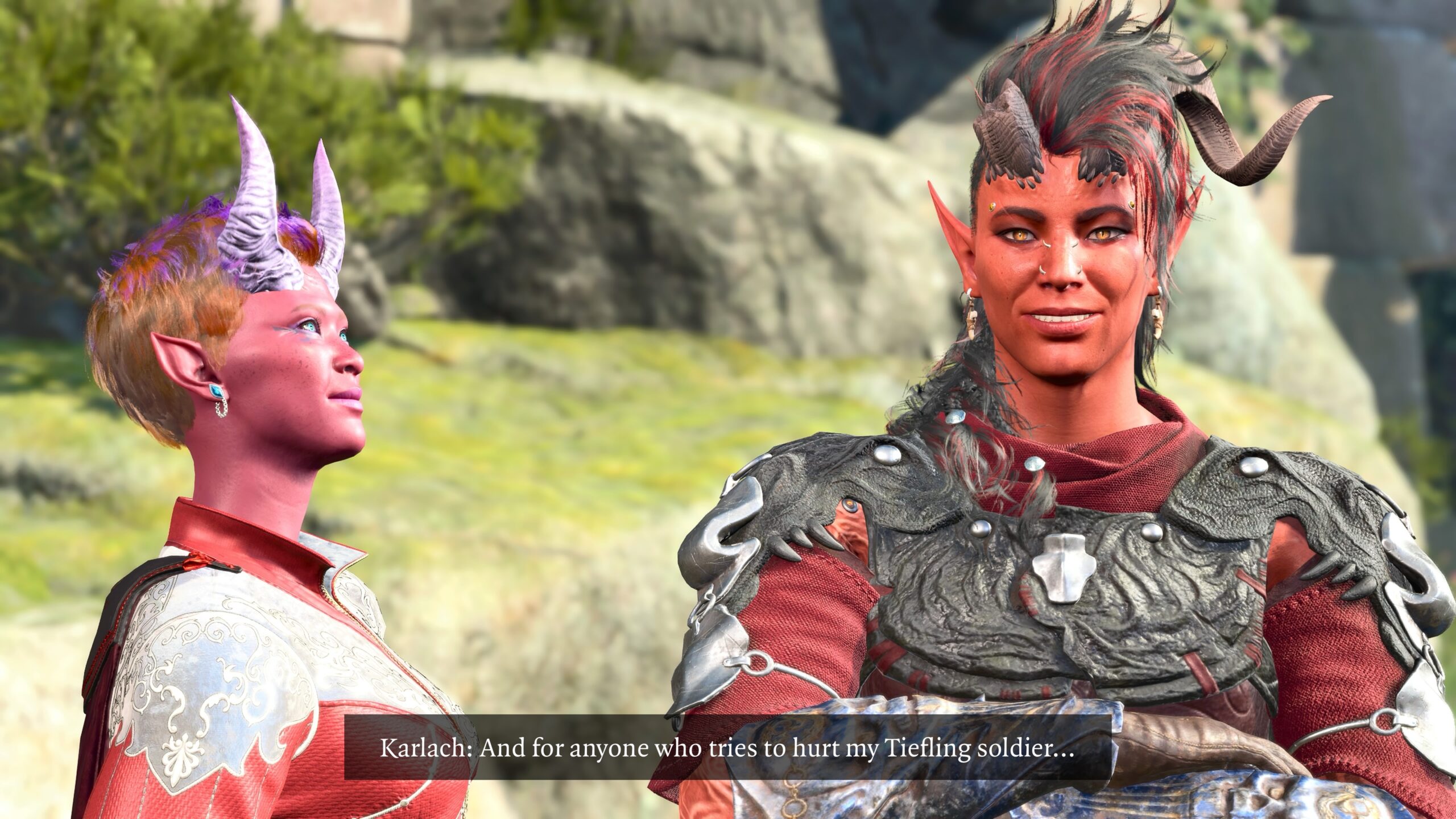
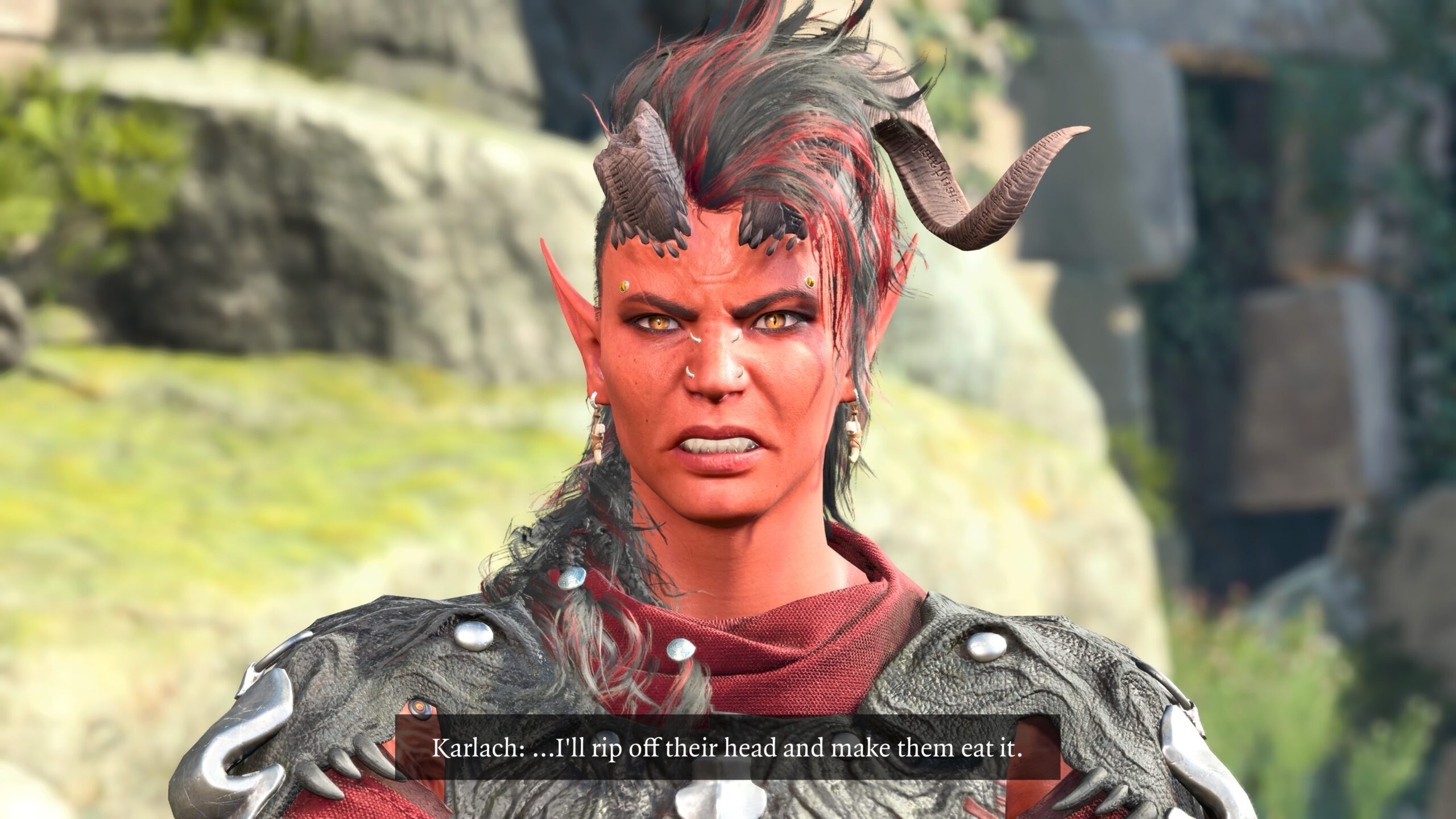
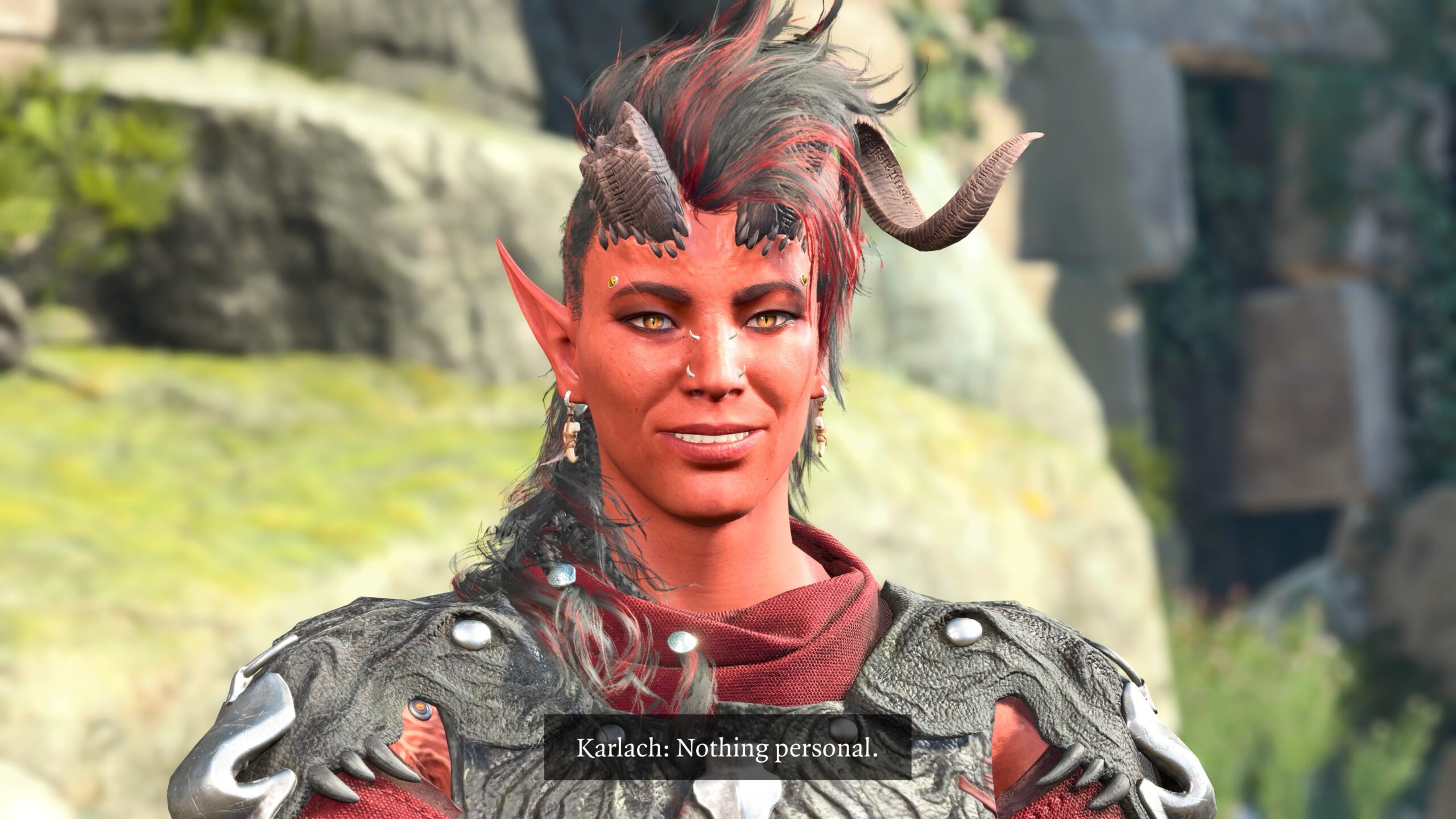
In part four we’ll compare what I do to making a movie, look at a Photo Mode wish list, and conclude with a full fanfic story.
Pingback: BG3 – Virtual Photography – 2 of 4 – The Argothald Journal
Pingback: Baldur’s Gate 3 – Playthrough 22 – Wings Evolved (mods) – The Argothald Journal