… or the origin of Jarvis.
This is the follow-up post to the teaser I posted about three months ago.
Why?
Let’s deal with the obvious question: I have a long-documented antipathy towards the Windows operating system. Why did I buy a Windows machine?
If you’ve followed my blog posts, or looked at the tag cloud, or viewed the titles of most of my posts for the past three years, you can guess the answer.
It was to play Baldur’s Gate 3.
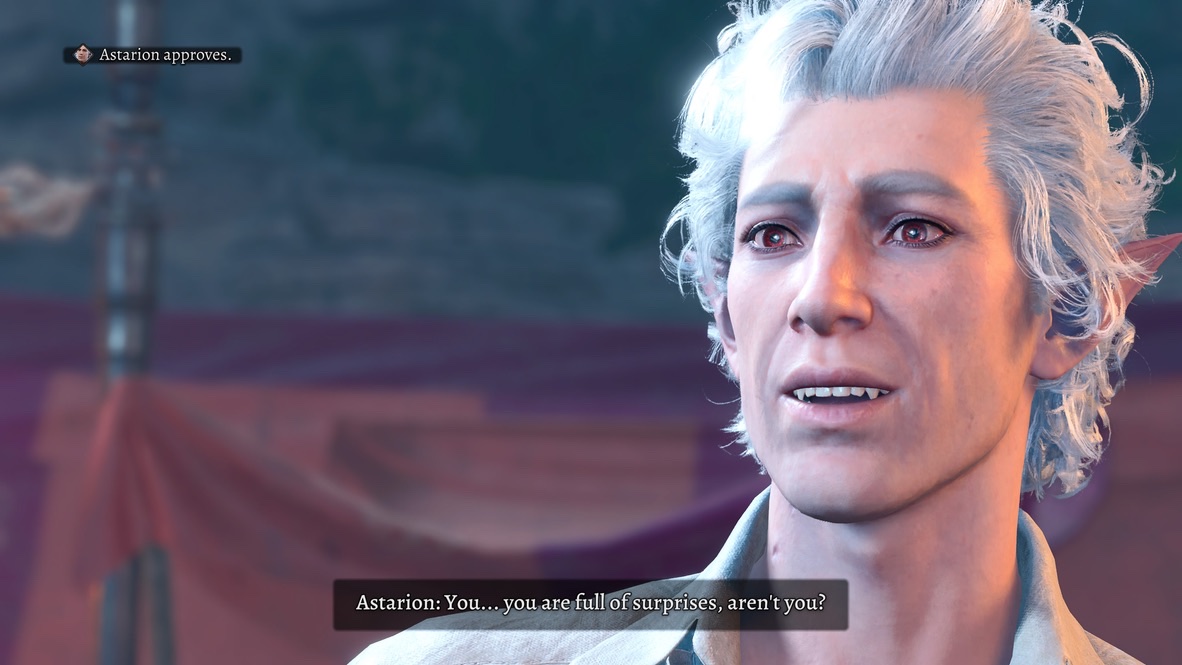
Why would I want such a silly (and frankly expensive) thing? After all, I had BG3 on my PS5. I purchased a second copy on Steam, first to play the game with Real Angela, then to preserve game saves when I ran up against Sony’s limitations on disk saves for individual games.
The short answer: mods and friends. In the long run, if I wanted to play BG3 with Real Angela and Actual Sabrina on-line, I wanted to have an environment in which they could have the mods they wanted. (I’ll expand on this more in a future post.)
A lesser reason: Real Angela, a Windows user, was having problems using the Windows-only BG3 Mod Manager and BG3 Script Extender for Nexus Mods. I knew that Actual Sabrina, who also uses a Windows machine, would have even more problems since she’s not (yet) as computer-savvy. I couldn’t help them unless I had a Windows set-up to work with; emulation on a Windows virtual machine running on my Mac wouldn’t let me offer sensible advice.
I have another long-documented practice: When I encounter a problem, I throw money at it. I’ve done it with Homekit control of air conditioners, 3D printers, even PS5 controllers. In fact, I did it just yesterday, buying a new PS5 Pro when I failed to repair my PS5.
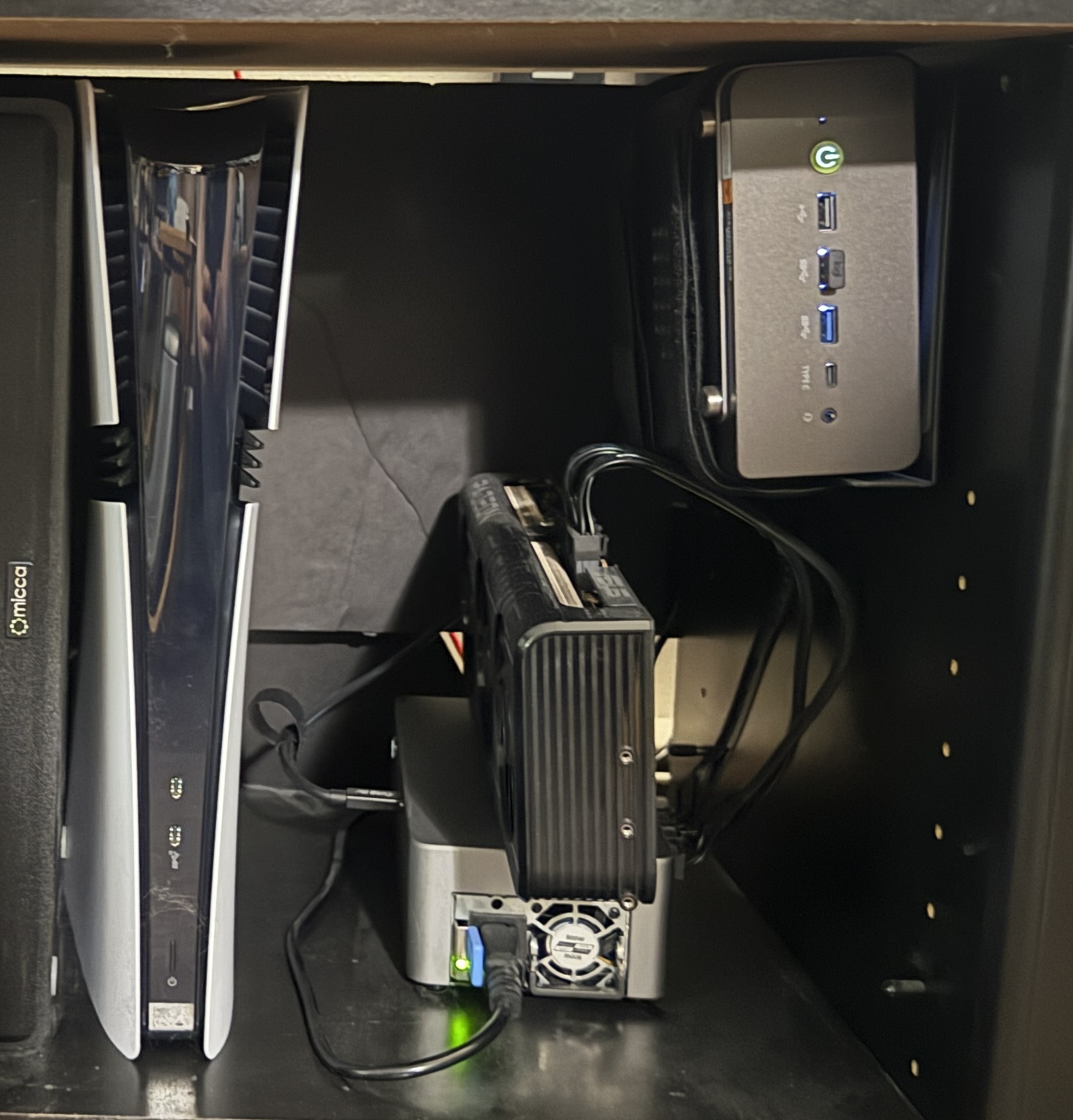
Buying a Windows system to play BG3 with friends may be silly, but at least it’s consistent.
I’m fortunate that I can indulge this folly. #ZerothWorldProblems
Which?
That left the question of which Windows system to get. I’d helped Actual Sabrina get her Windows system (with advice from my friend Joe), so I was generally familiar with purchase issues (e.g., that there were a large variety of graphics cards, DisplayPort vs HDMI, etc.) The BG3 system requirements are not stringent for current machines, so that was not a problem.
The issue was finding space for it in my apartment. I was not going to reorganize my furniture to accommodate a system that I’d rarely use. Whatever I got had to fit into my entertainment center, next to and hopefully using no more space than my PS5.
That led to my first discovery as I embarked into the unfamiliar seas of the Windows world: Standard off-the-shelf Windows systems would not fit into that space.
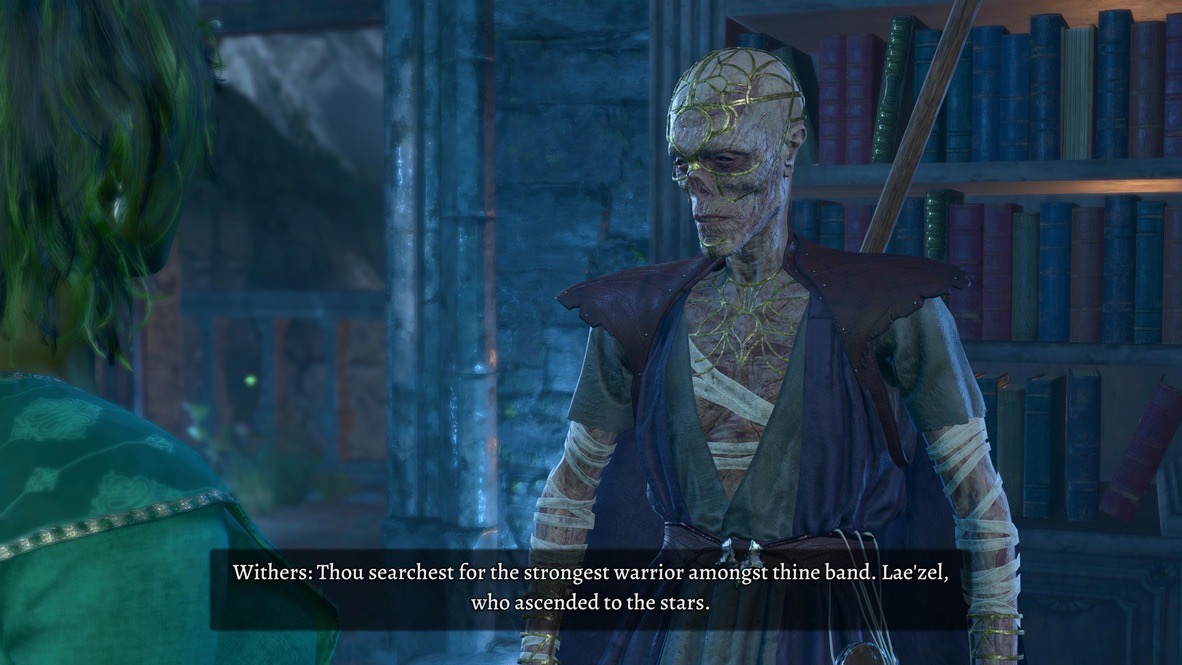
My friend Sam suggested I look into mini-PCs. I’d been only dimly aware that such systems existed. Now I looked at them seriously. I wanted a system that would run BG3 reasonably well, obviously. I also had the vague notion that, if Larian had an early release for Divinity, it would almost certainly be Windows-only; I’d like to have a system that would be good enough to run it.
I settled on a GMKtec K12. It had the specs I needed. It was small, and could easily fit into a corner of my entertainment cabinet.
I couldn’t help but compare it to a Mac Mini, since I use one of those at work. The GMKtec had more ports, which was a nice feature. It was also expandable in a way that the Mac Mini is not: If I chose, I could add additional M.2 SSD chips to increase its disk space.
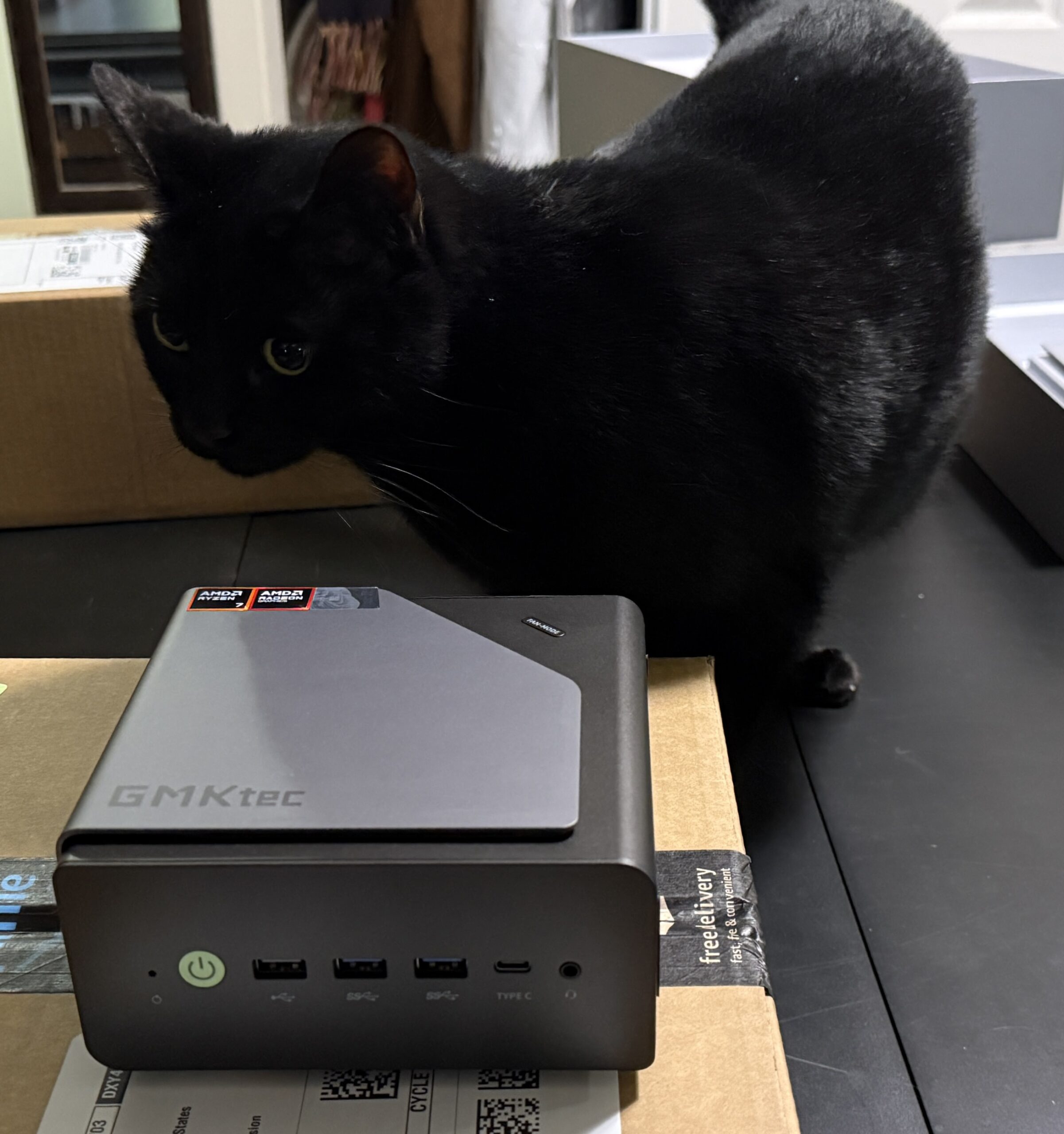
As always with such systems, I had to pick up some accessories: a wireless mouse and keyboard; an HDMI cable to use my TV as a display; a mounting bracket to hold it to the side of my entertainment cabinet; a different bracket when the first one didn’t fit. All-in all, it came to about half the price of a full-sized PC.
Of course, I found a reason and a way to make up that price difference.
Who?
The name “Jarvis” was suggested by Real Angela. I gave my Mac Mini at work the name “vision.” She pointed out that, in the Marvel Cinematic Universe, the character of Vision had once been an artificial personality named J.A.R.V.I.S. That character was named in turn after Edwin Jarvis, the butler of Howard Stark, Tony Stark‘s father.
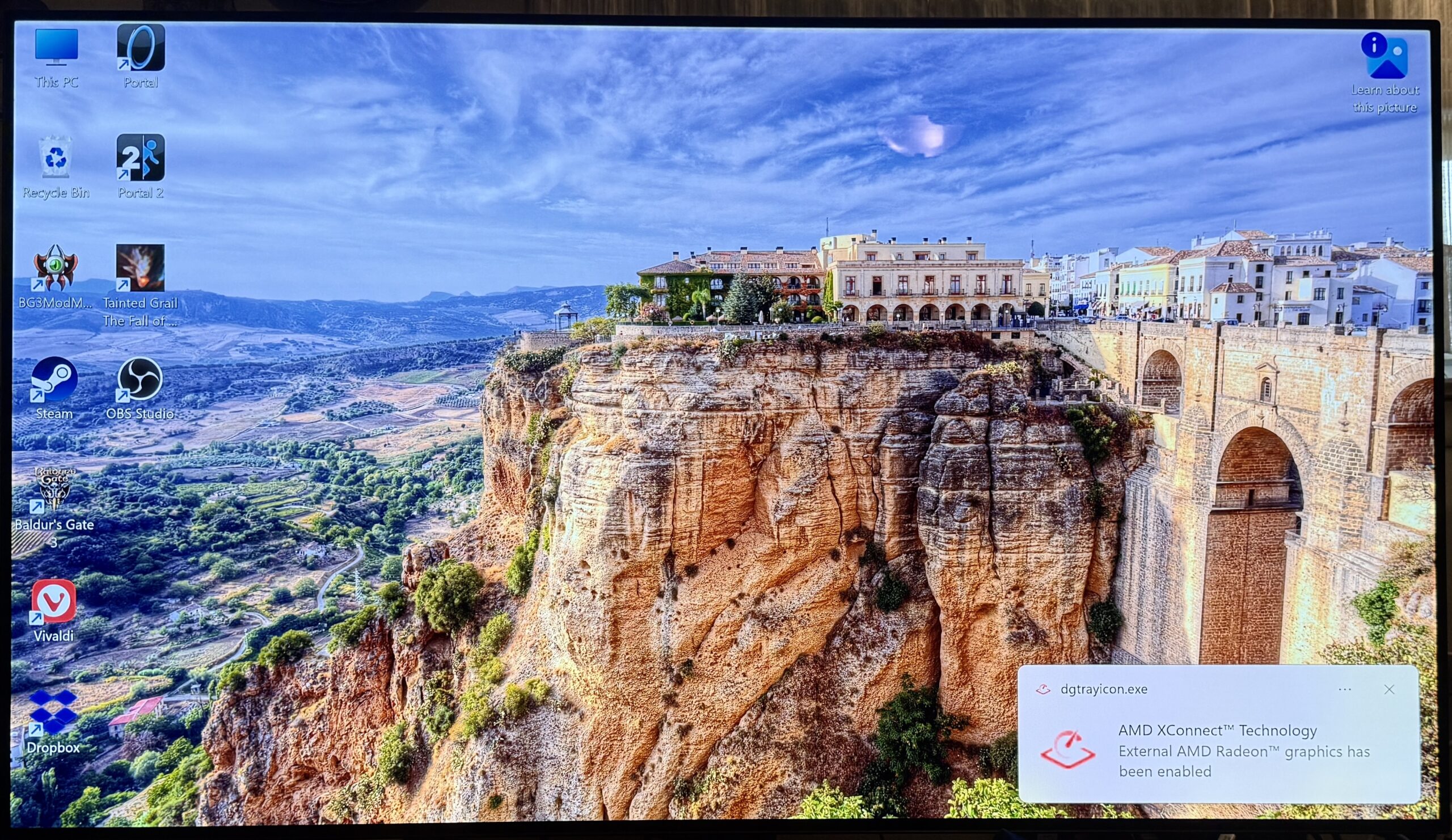
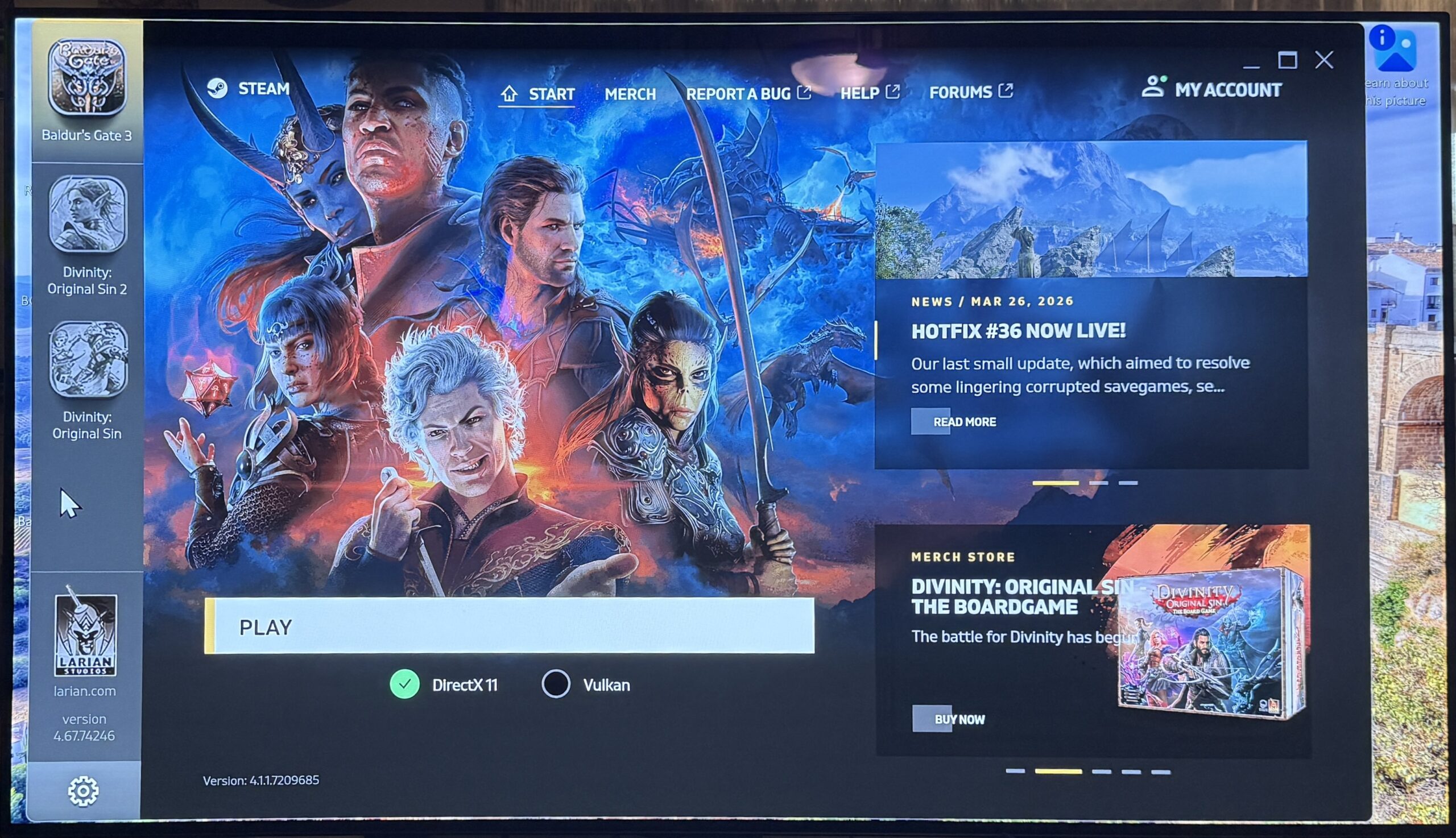
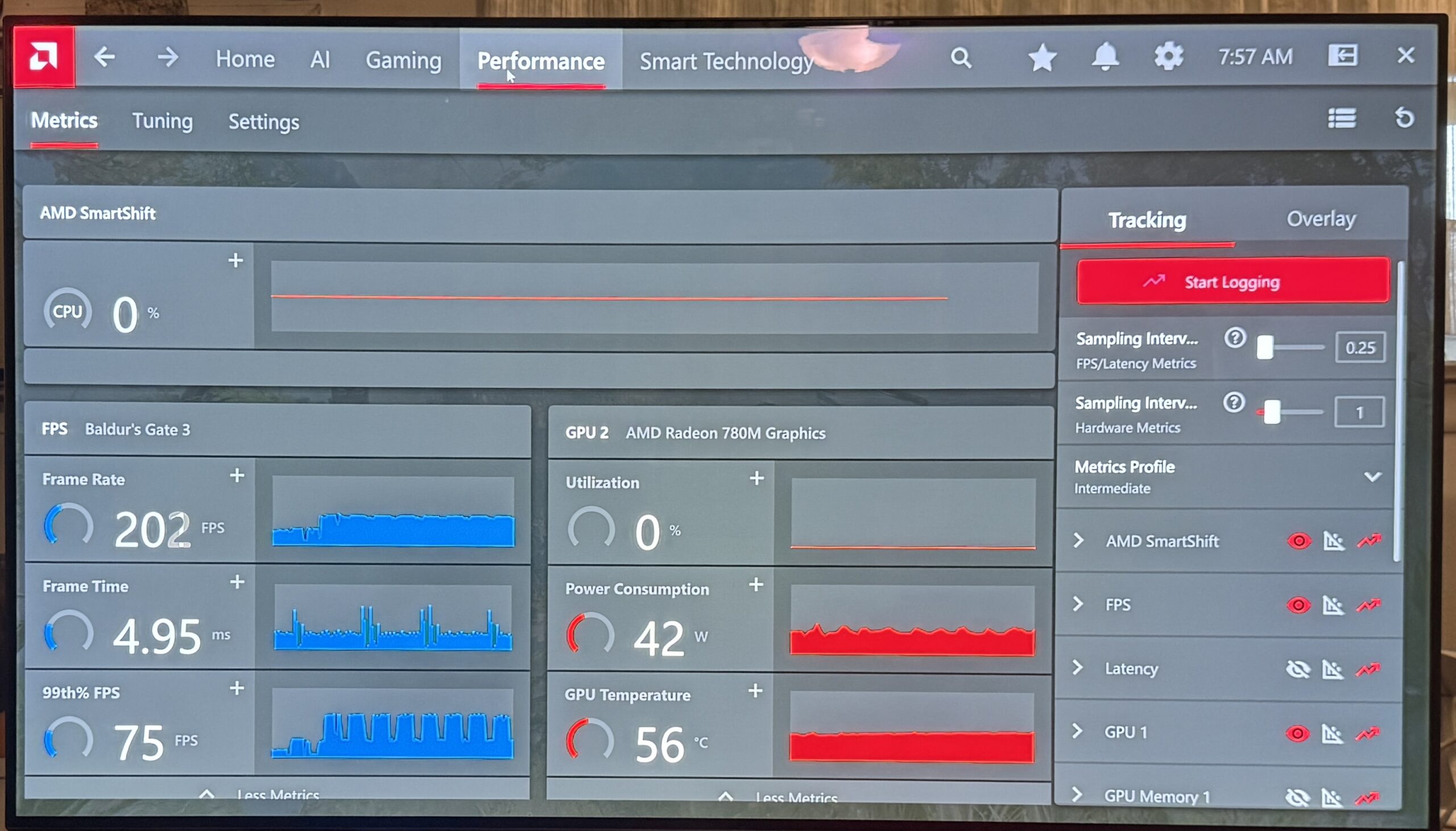
I started up Jarvis. I’ll reserve my reaction to Windows for later (you’ve already guessed it was negative). I installed Vivaldi, then Steam, then BG3 within Steam. Since I’d already purchased the Mac version of BG3 within Steam, I didn’t have to pay for it again to download the Windows version.
How?
BG3 ran well enough, but not as smoothly as I was used to on the PS5 and Mac. There were also some problems with using a controller (I’ll expand on this below). I could have settled…
…but of course, I didn’t. If I was going to play BG3 on Jarvis, I wanted a reasonable approximation of the PS5 experience.
When I selected the GMKtec K12, I confirmed that getting an external GPU card was possible. I’d heard of such things before, but I’d never before had a system for which it would be a viable option.
To make that set-up work, I needed an external GPU (eGPU) dock that would connect a GPU card to Jarvis. I picked the AOOSTAR AG02. It could connect to Jarvis either via a Thunderbolt cable or OCuLink. I chose the latter, partly because it was a bit faster, but also because I’d never worked with OCuLink before and wanted to see what it was like.
For the graphics card itself, I consulted with my friend Joe, who is far more knowledgable about the world of Windows graphics cards than I am. I went with the Radeon RX 9070 XT. It was overkill for playing BG3, but (a) in for a penny, in for a pound; (b) I didn’t know what the required specs might be for any future Windows-only games (like a Divinity early acceess) and wanted to future-proof a bit.
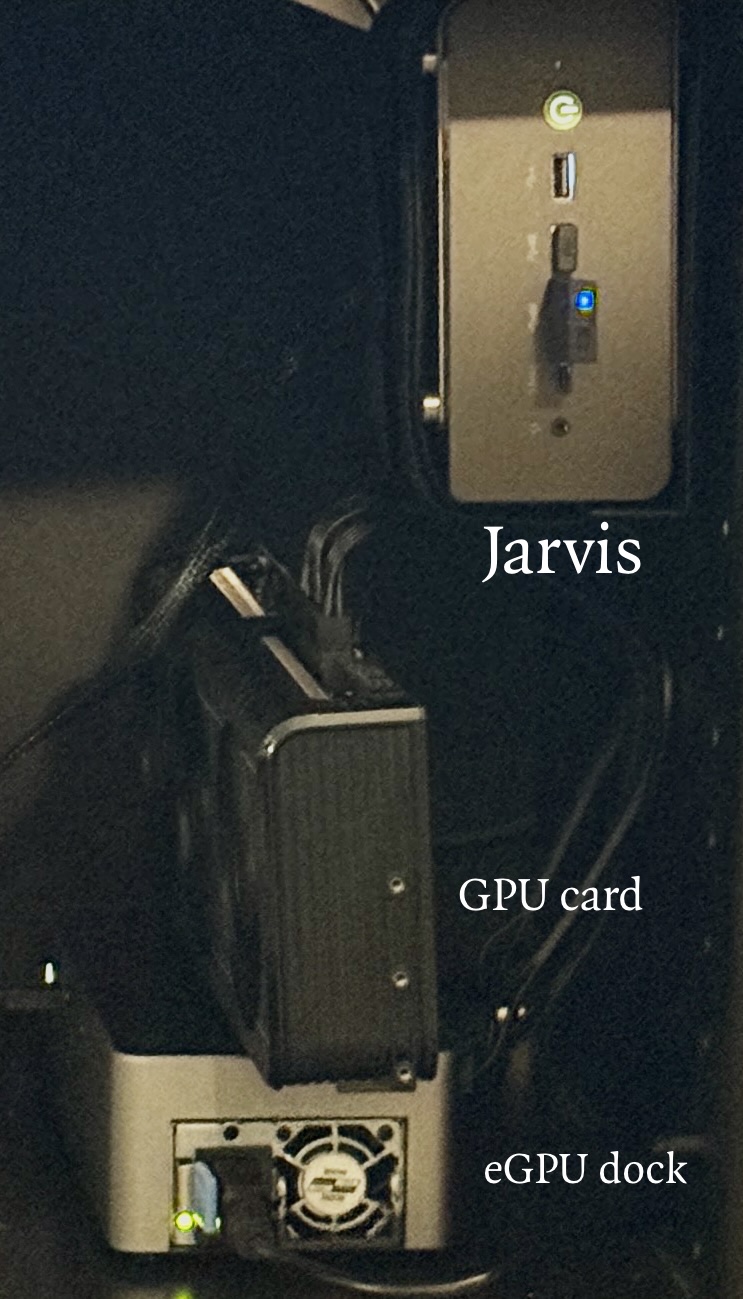
It all worked. Playing BG3 with this set-up was almost pleasant. (The “almost” comes from using the controller; more on that below.) Using Dropbox, I was able to set up automatic synchronization of any game saves and screen captures to my Mac.
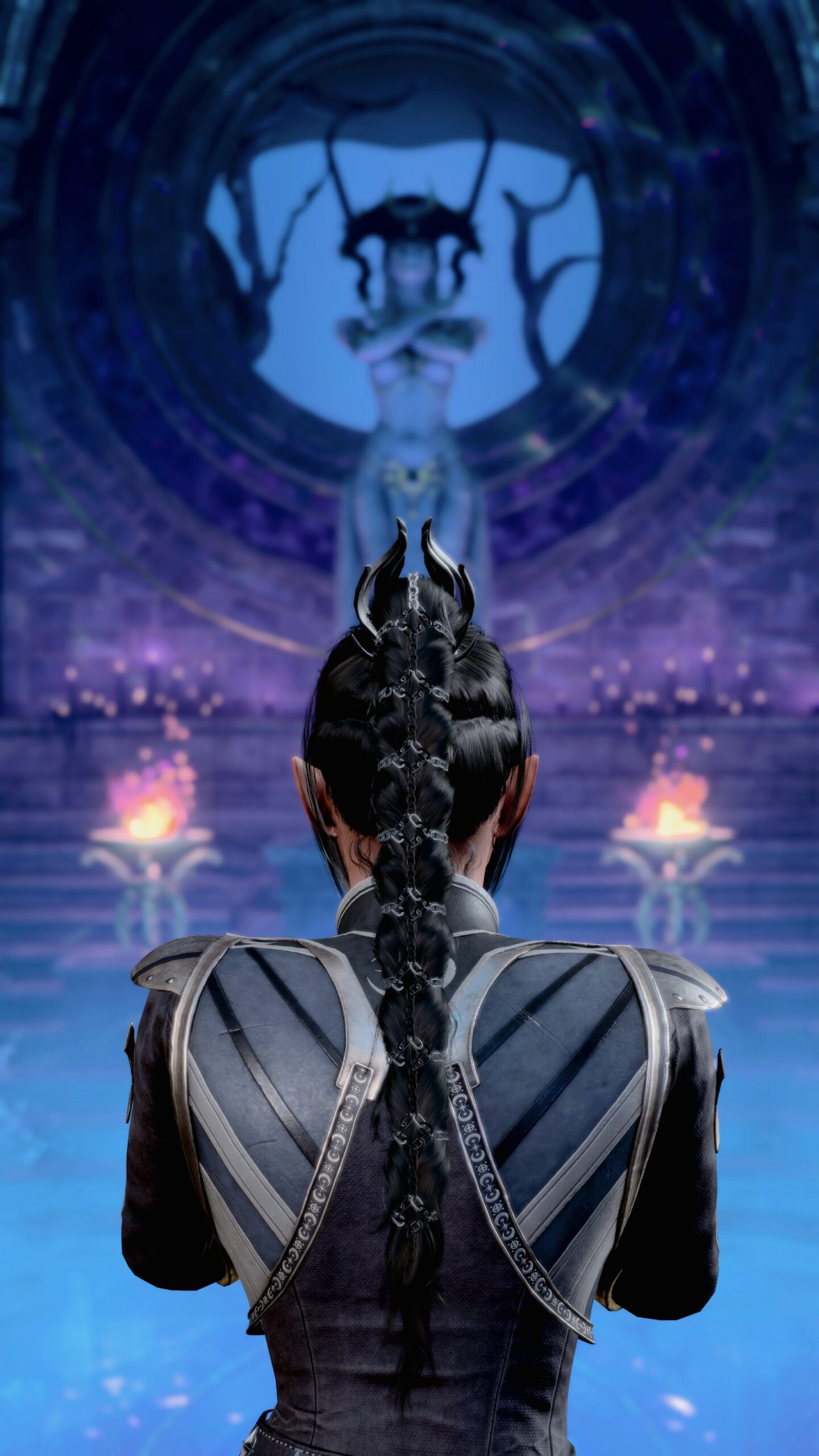
Thanks to Larian’s cross-save servers, I was able to continue my BG3 adventures after my PS5’s death by playing them on Jarvis (and continue them further on the PS5 Pro).
What?
What was the reaction of a Windows-hater (me) to this shiny new toy I purchased to have good times with my friends?
If you thought it would change my opinion of Windows…
What’s my problem?
User interface
To repeat something I said in my earlier article, to me the user interface looks like a poorly-designed Mac OS clone.
It’s not just that the positions of icons are different, it’s that they’re badly-placed, especially in the task bar. I’ve worked with Linux-based desktop interfaces with much better designs that this.
What programs show up in the task bar? Which of their windows is visible? How do the icons relate to what’s actually running?
There are answers to all these qustions, but for me they all boil down to: To be different from Mac OS so that Microsoft doesn’t get sued.
It’s not different for the sake of being better, but different for the sake of being different.
Ads
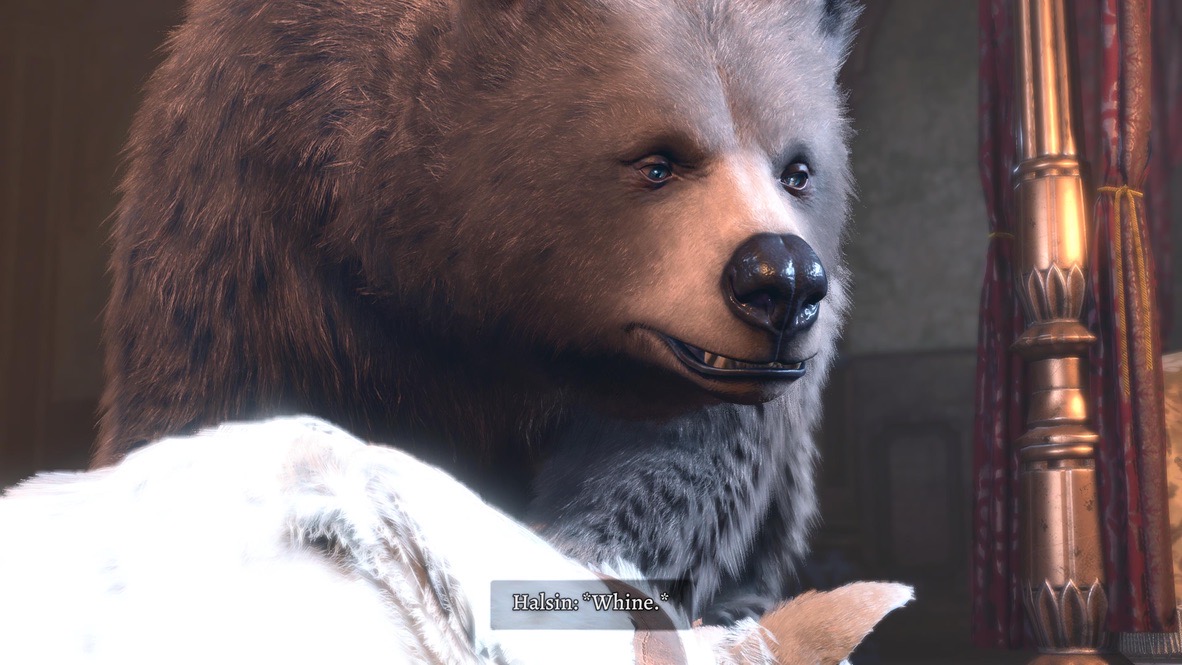
Oh my Goddess, the ads! Even after I switched to the Vivaldi web browser, which has an ad-blocker built in, there seem to be ads everywhere!
Because I choose not to use Microsoft Cloud (I already pay for Dropbox), Windows assures me that at minimum I’m going to see a new ad every three days.
How many ads do I see when using Mac OS or Linux? Zero.
OK, this comes from necessity. To set up BG3 with Nexus Mods, I’m forced to visit one ad-supported web site after another. I’m sure these distort my viewpoint.
Still, when comes to ads, my tolerance is low. I pay extra for no-ads streaming. I use ad-blockers everywhere I can.
If I’m subjected to repeated reminders to purchase add-ons for Microsoft software, ads for which there’s no obvious way to turn them off, expect me to be a whiny baby about it.
Fiddling
All operating systems have their obscure corners you occasionally have to visit. With Windows, it seems to me that I had to constantly go through nested menus starting from the Control Panel to get things done.
One big example of this is device drivers. To be fair, installing that Radeon graphics card was smooth, requiring no special intervention on my part.
Then I realized that the GMKtec has a Radeon graphics chip, so it shipped with a version of Windows 11 in which someone had already done the work of driver installation.
For me, the problem was with using a PS5 controller with Windows. I wanted as close to the PS5 experience as possible when playing BG3, and that meant using a PS5 controller with Bluetooth.
How hard was this on my Mac? Go to the System Settings, select “Bluetooth,” follow directions.
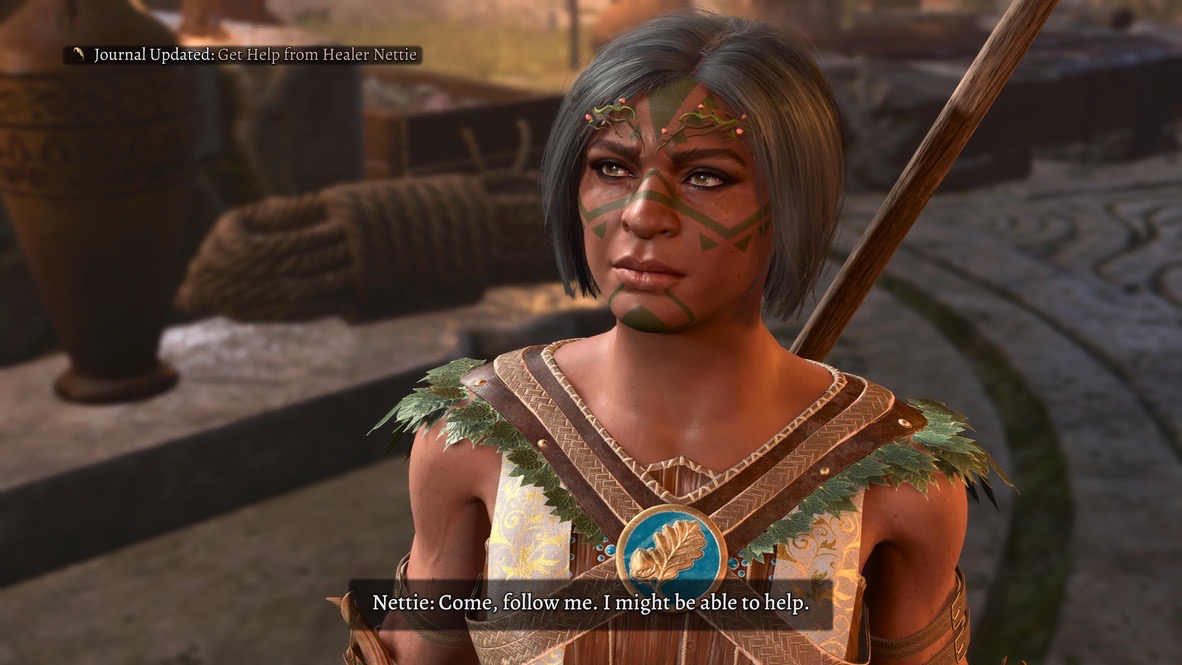
In Windows: it was one driver that didn’t work, followed by another that didn’t work…
I followed Sam’s advice and looked at Bluetooth USB adapters specifically meant for game controllers such as the ones from TP-Link, 8BitDo, and RALAN. They all had problems. Either the connection was flakey or the controller was recognized as a Ninetendo gamepad or something like that.
The problem was “solved” when I installed the graphics card. Perhaps it was that the system couldn’t keep up with the Bluetooth signal with so much processing required for the graphics.
Or was it? In my most recent BG3 session on Jarvis, the one that gave me that picture of Shadowheart I include above, I had to hold the controller at face level or the Bluetooth signal became erratic.
Well, perhaps the problem is with the GMKtec Bluetooth controller…
Except I’m not buying that as an excuse. My Mac Studio at home and Mac Mini at work handle Bluetooth just fine. I have no problems with Jarvis’ wireless mouse and keyboard.
It’s a case of the classic sysadmin dilemma: This worked a few weeks ago, but now I’m getting a bad signal.
I’ll be able to play BG3 with my friends, but I’ll have to attach a long USB-C cable from the controller to the GMKtec. And, of course, go into a nested list of Control Panel settings in order to change the controller’s driver configuration from Bluetooth to USB.
A few web searches shows that this sort of thing is endemic to the PC world.
In the Mac world, stuff just works.
When?
I’m not sure when Actual Sabrina or Real Angela will be at the point where they’re ready to play BG3 with me using Windows-only mods.
All I can say right now is: I’m ready for when they are.
If the whole thing doesn’t work out, then I can always turn Jarvis into a Linux box.