About five months ago I published a four-part essay on my approach to virtual photography in Baldur’s Gate 3. I didn’t think I’d have anything more to say on the subject.
I was wrong.
As I prepared a write-up on my playthrough 19/10, I realized that I had enough comments on what I’ve learned about virtual photography (VP) to justify a separate blog post. Hence “part 5 of 4,” meaning that I’m extending that original VP essay.
Don’t worry. I may write another VP essay in the future, but I won’t call it “part 6 of 4” or anything like that.
I’ll note that this is the second essay that’s emerged out of my write-up of my playthrough 19/10. The same thing happened with that VP essay. As I wrote it, it led me to write two smaller “sub-essays,” one on using a controller for screenshots and another on my playthroughs and my fanfic.
This either gives you insight to my authorial process, or it shows I’m an undisciplined writer. Take your pick.
Here are some things I’ve learned about VP since that earlier VP essay.
Moving a character’s head
In my wish list for BG VP, I wrote:
I wish there were at least some way to independently change the angle of a character’s head.
It turns out that there is a way to do this without a mod. It’s not easy, and has its limits.
Let’s start with a character whose head I’d like to turn in a particular direction, without directly facing my camera.

As I said in that first VP essay, I take frequent screenshots during my games, partly for my own amusement and partly for my fanfic pictorials. I often go into photo mode to position the camera and the characters for what I feel is an interesting image.
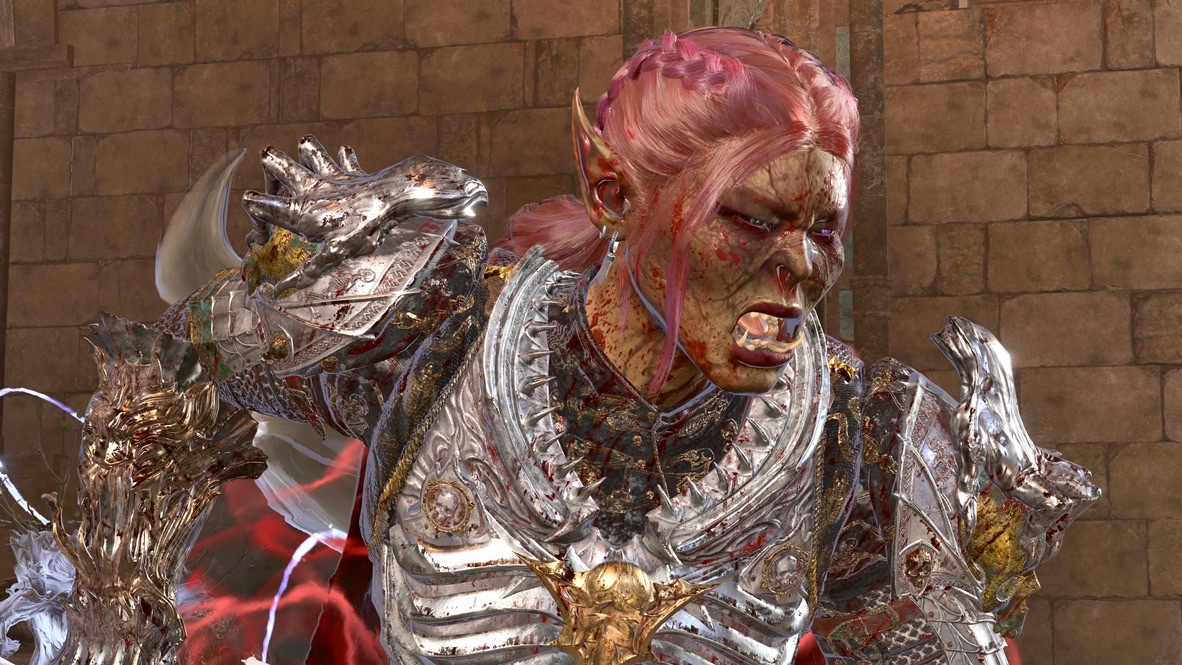
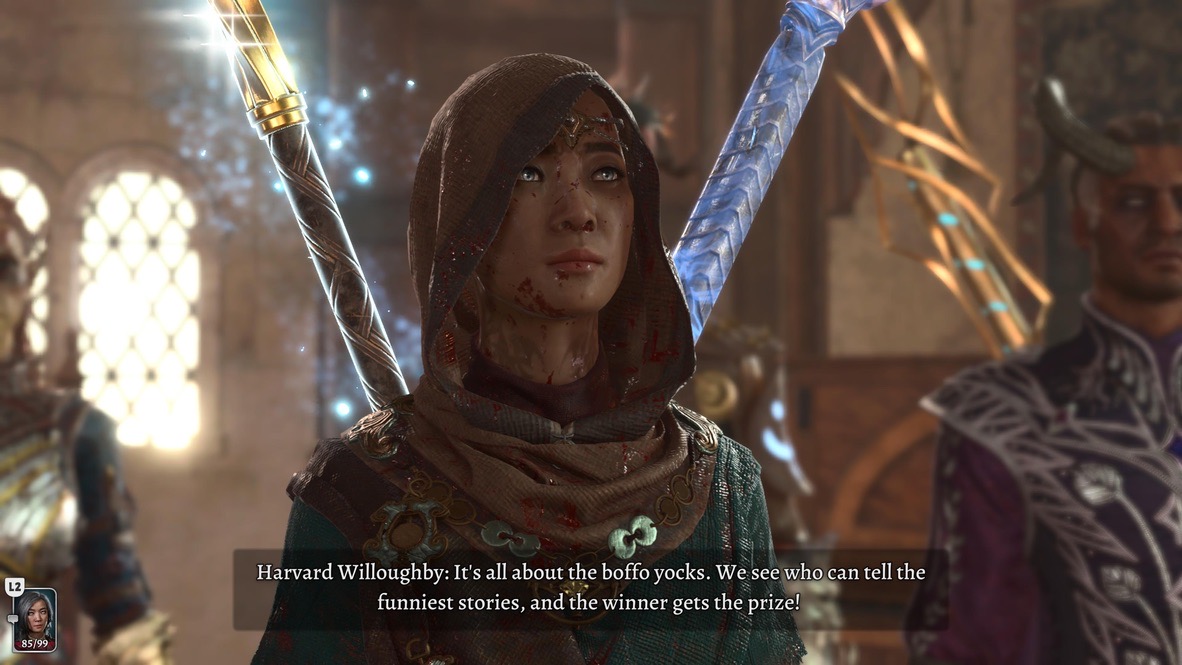
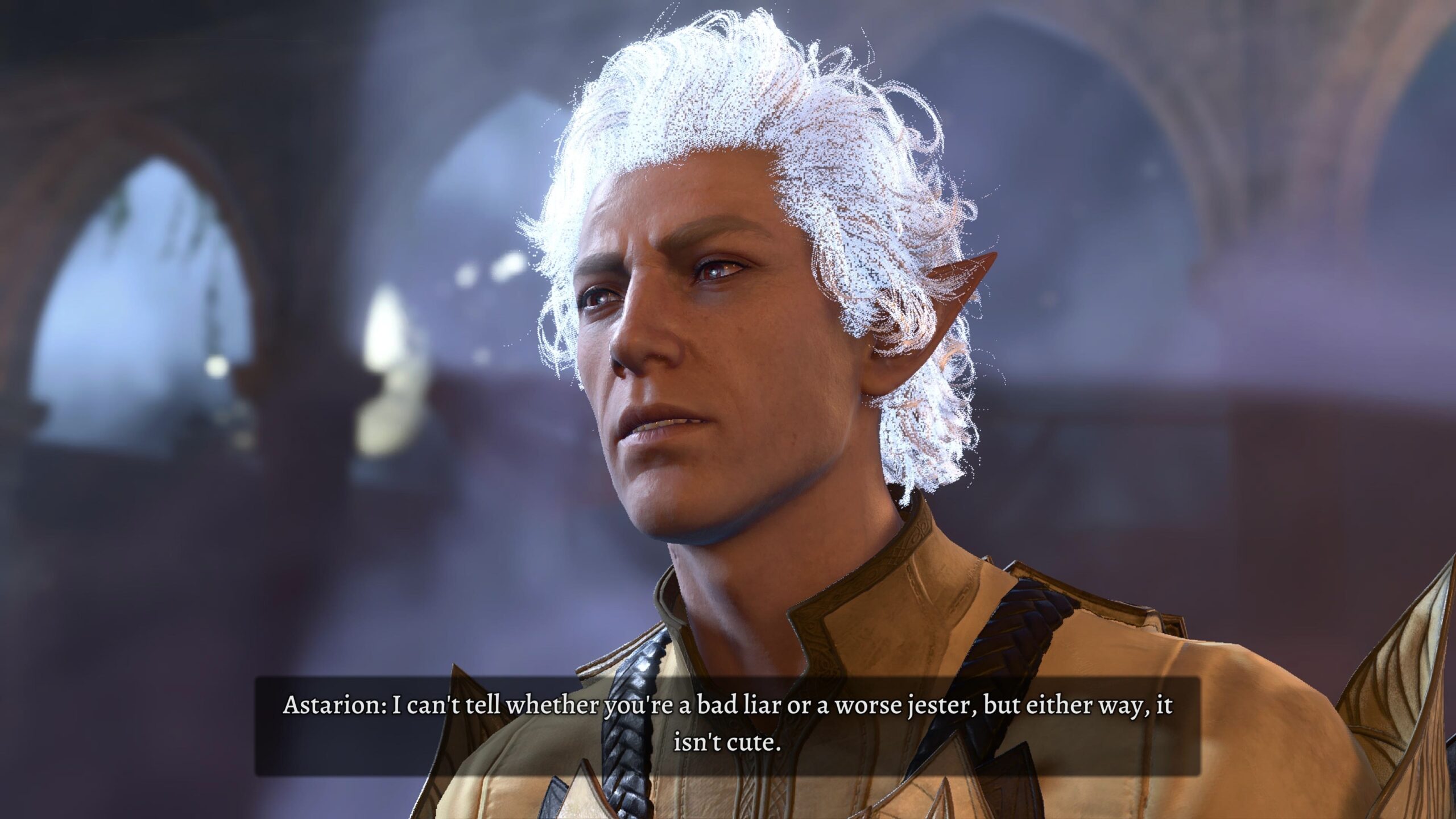
The above two images have something in common: I took them when Real Angela was not on-line for our shared 19/10 playthrough. The reason is that only the host of a game can enter photo mode in multiplayer BG3. The other player(s) freeze and there’s almost nothing they can do. For Real Angela, it’s tedious to wait around for me to satisfy my impulses as an inexperienced photographer.
The “almost” in that previous paragraphy turns out to be the key for independent head movement.
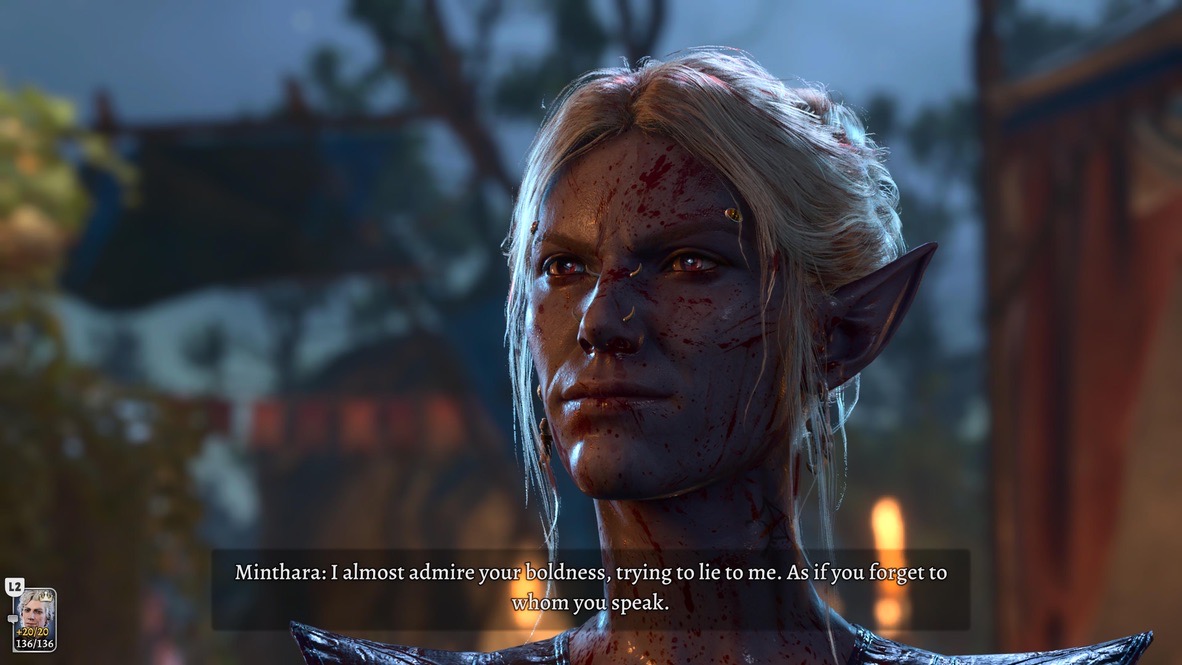
There was one sequence in our playthrough 19/10 for which Real Angela was willing to sit at her computer and tolerate my penchant for VP. In particular, she had an idea for something I might do in my fanfic. (We’ll see if I accommodated her idea when I publish that 19/10 write-up.)
When the host of a BG3 multiplayer game enters photo mode, the host can affect the models of the characters they control. However, when they’re on-line, only the guests can affect the models of their own characters.
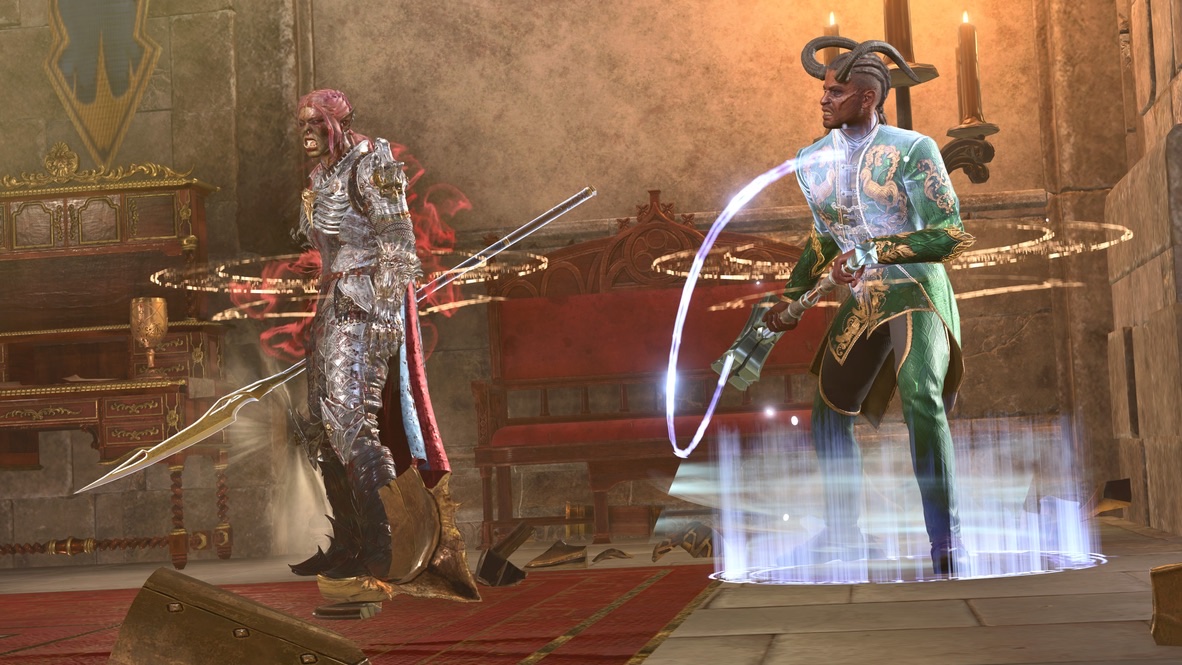
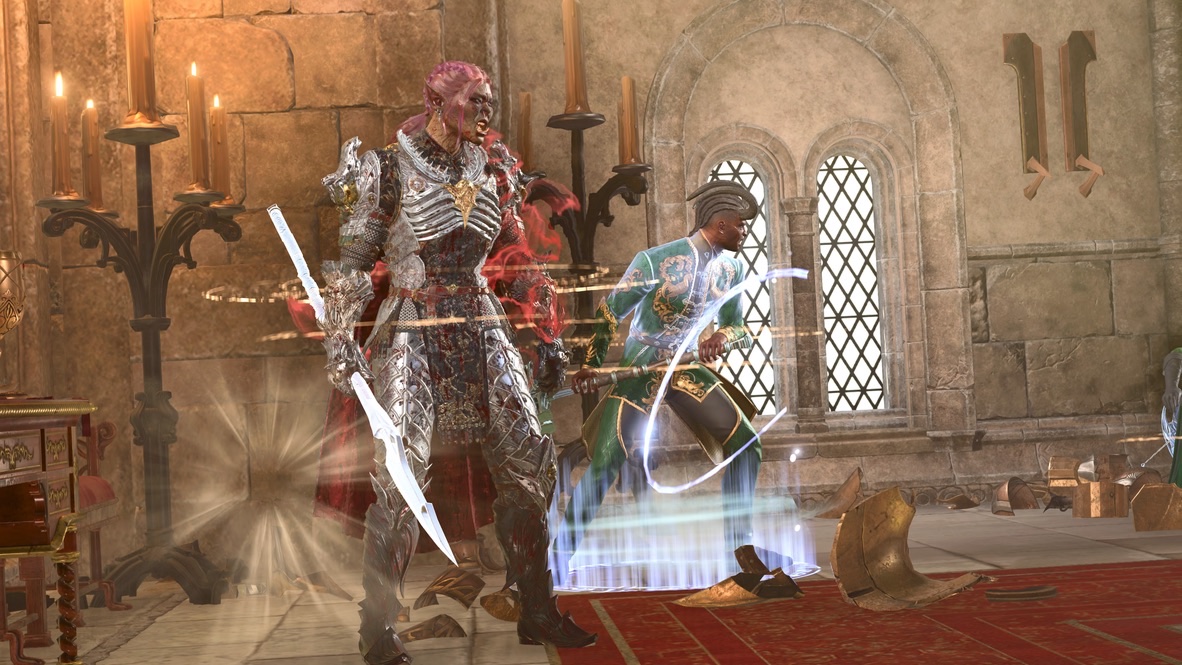
Compare the above two images with this one. I took it during a separate photography session, when Real Angela was not on-line and therefore not subject to my tedium. 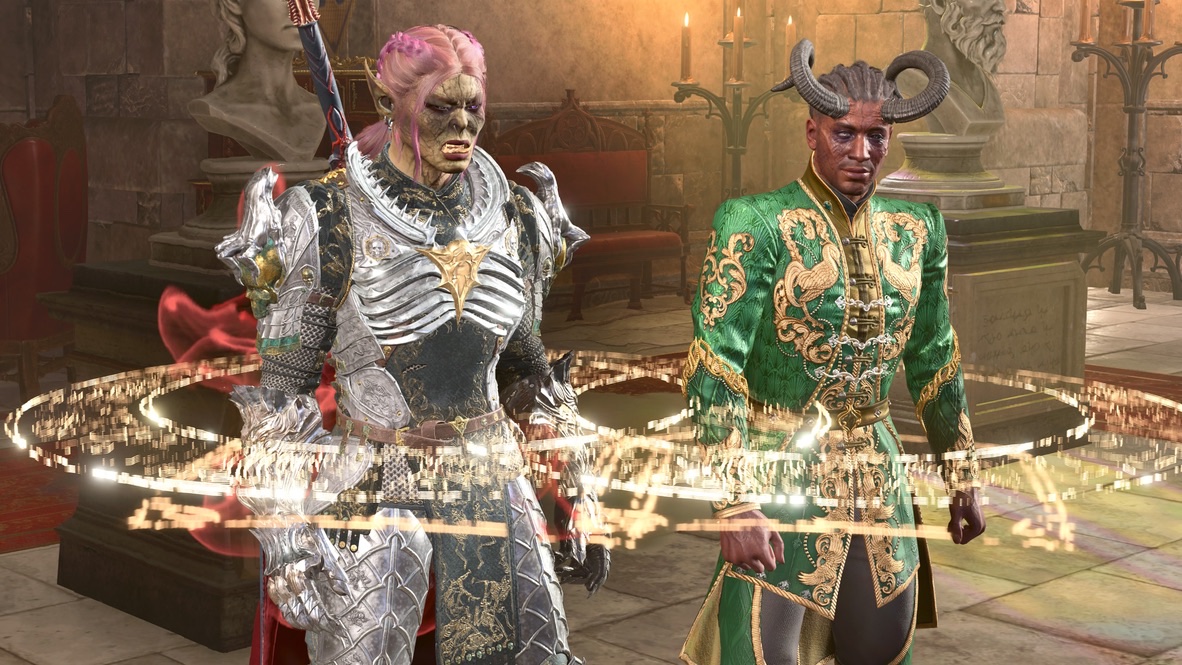
There are some subtle points I want to bring up about that third image:
- Zvarka is looking straight ahead. That’s the default stance in photo mode. I could change Zvarka’s pose within the limits of what’s available in photo mode, but I couldn’t change the position of her head.
- Wyll is also standing in the default stance, but his head is turned to his right. That’s because I carefully entered photo mode at a key point in his idle animation. I go into detail about this trick in the second part of my VP essay.
-
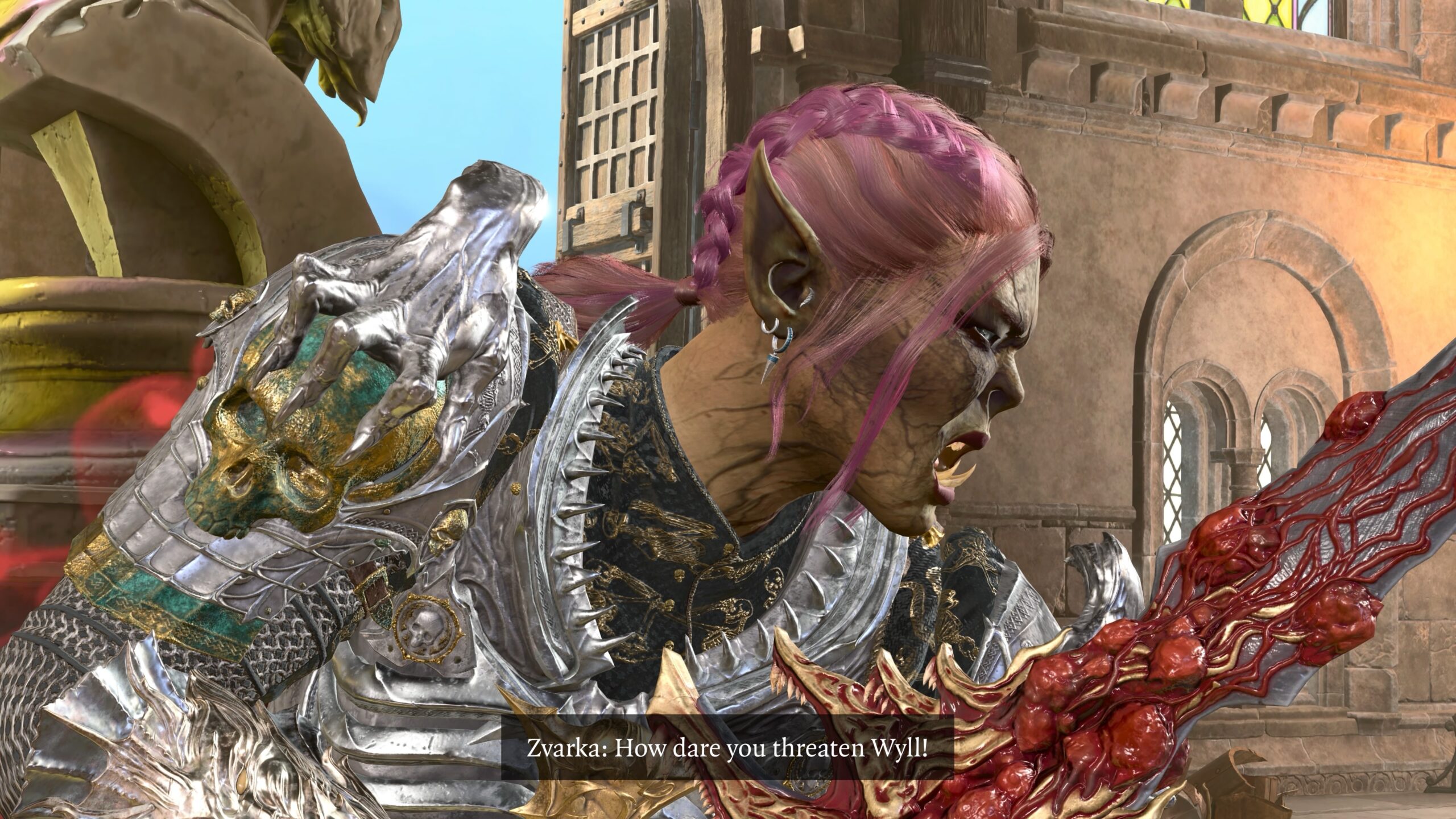
This is subtle: During the time between that shared VP session I mentioned above and the solo VP session in which I took the photo, Real Angela changed Zvarka’s weapon. I didn’t notice this at the time of that session, only when I looked at the pictures a couple of weeks later. I took this photo in the same solo session:
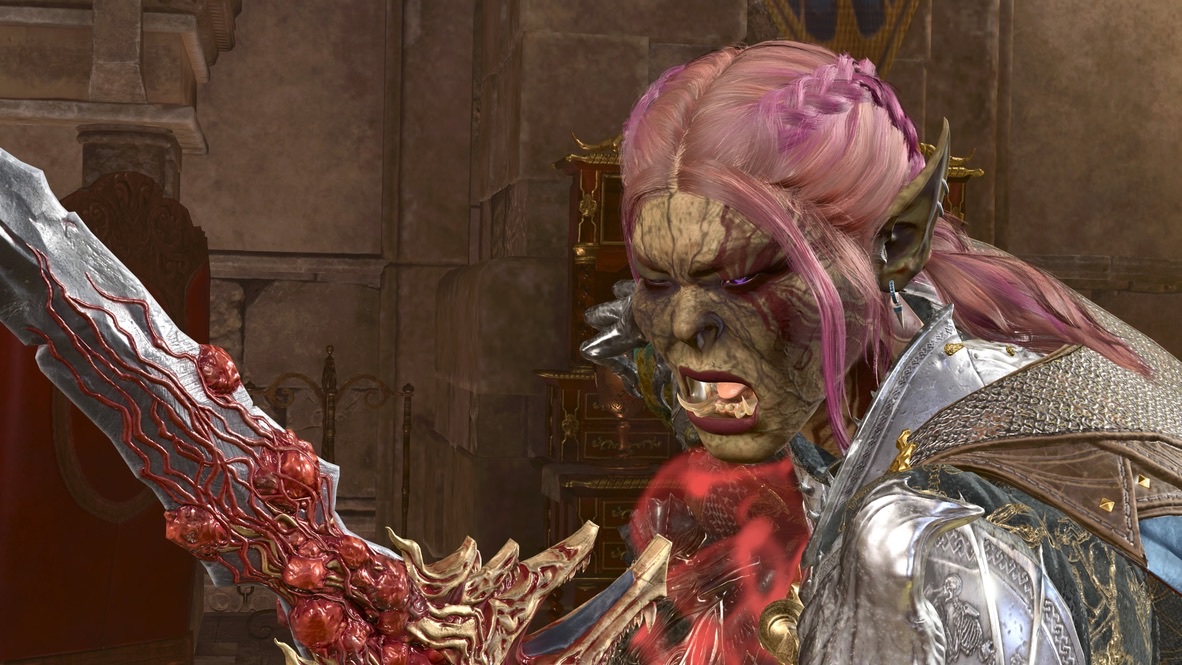
It’s nice and dramatic, but it lacks continuity with the pictures I took in the earlier session. When I assemble the photos for the fanfic, I’m going to have to pick which session’s photos to use. If I don’t have enough to tell the story, too bad. This was an Honor mode run, so I can’t go back and retake the pictures.
The alternative is a glaring continuity error that distracts from the story.
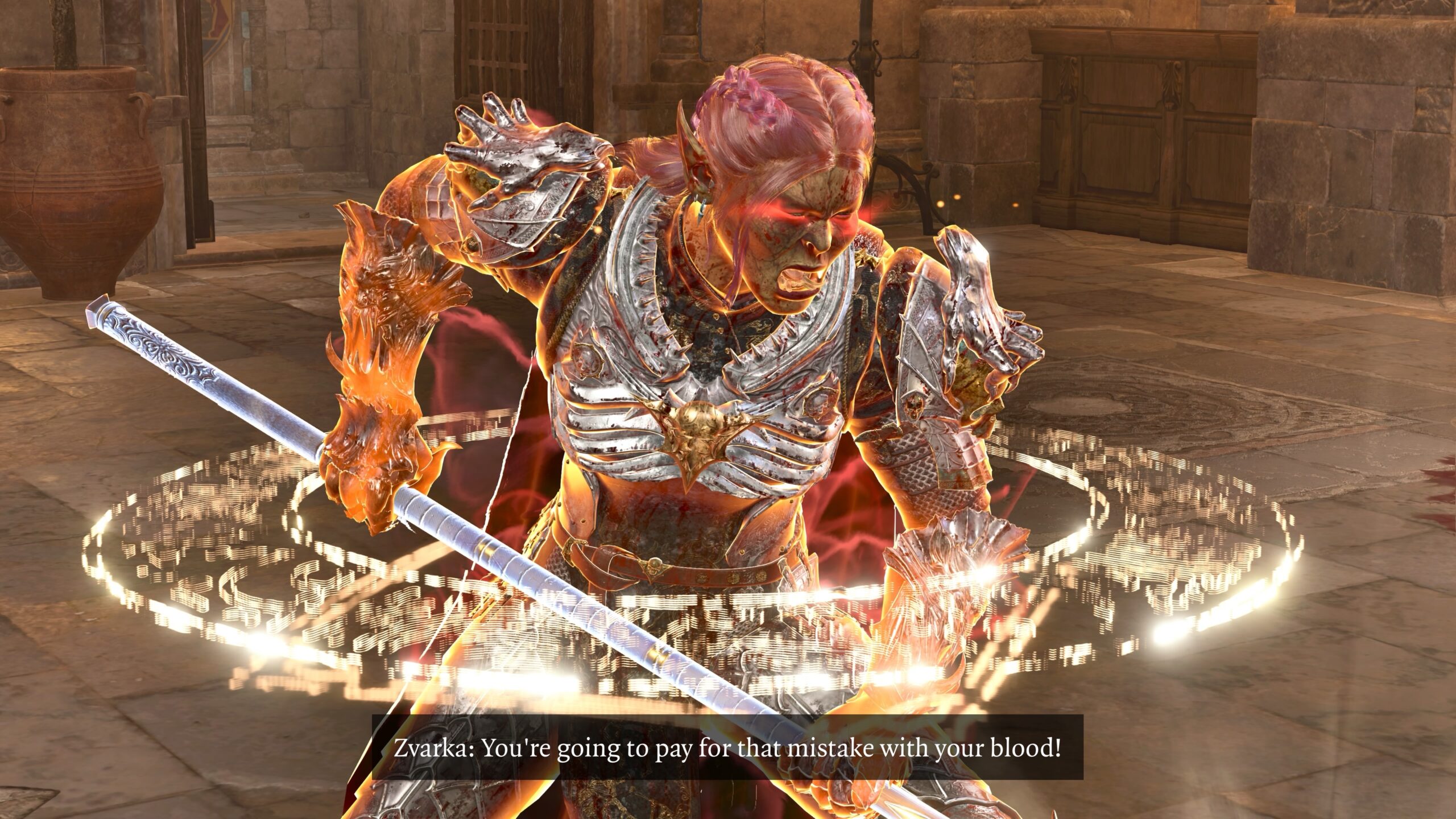
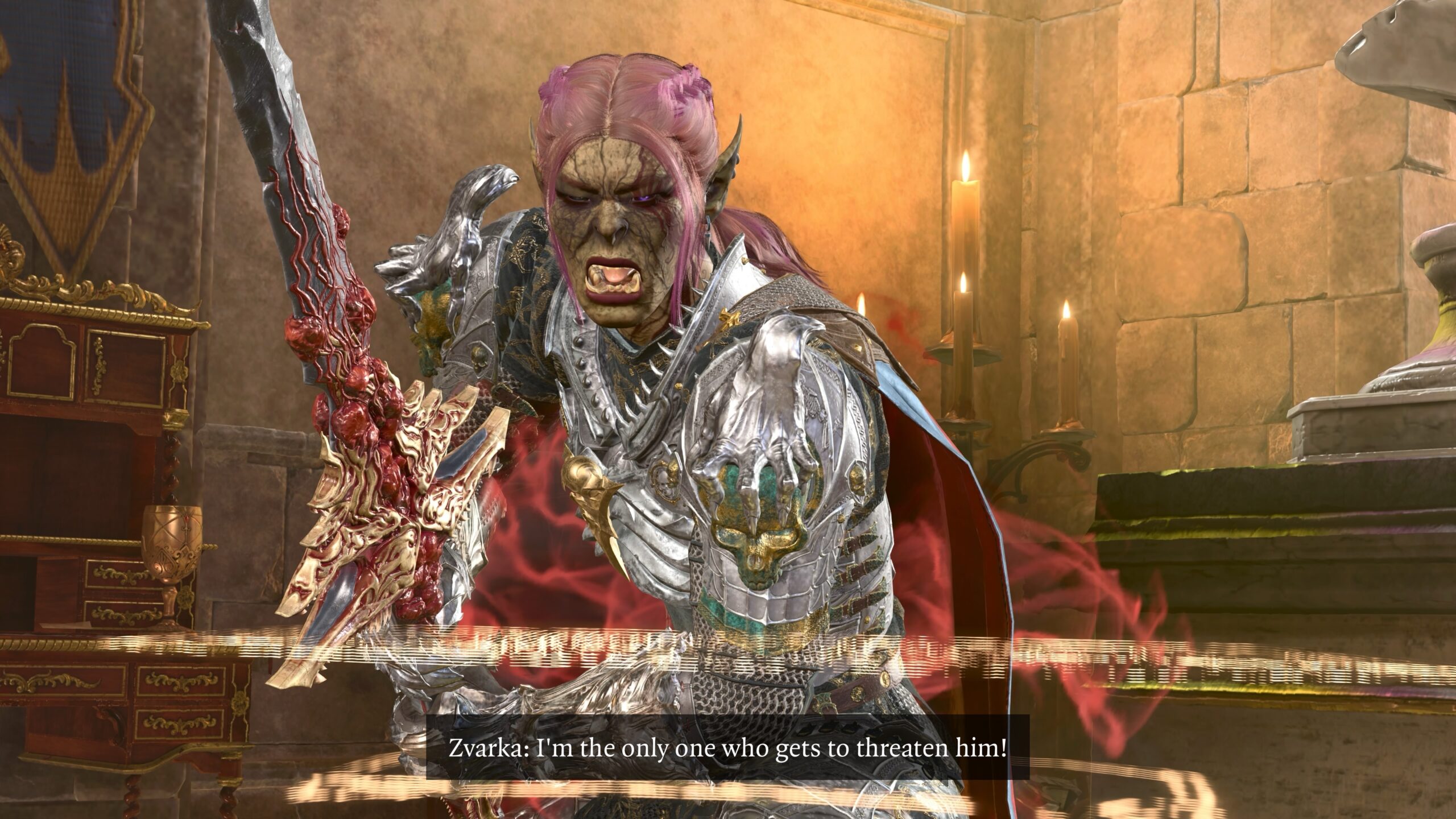
Let’s go back to that first point, and the earlier VP session I shared with Real Angela:
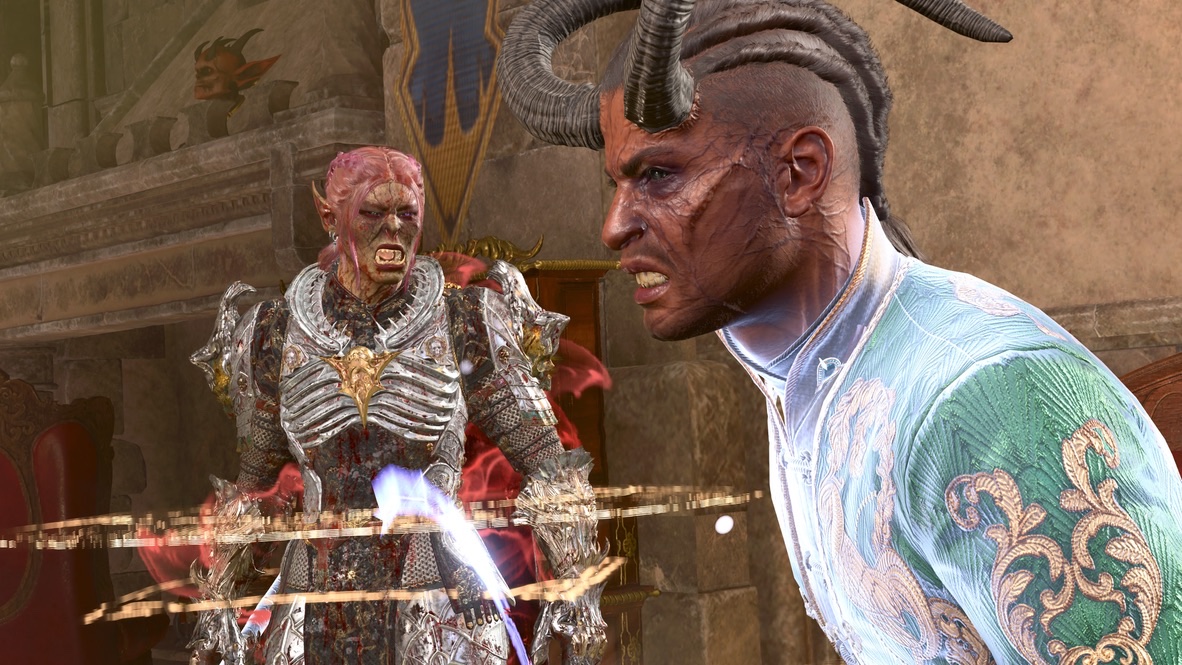
Zvarka stands in the default stance, but her head isn’t looking straight forward. She’s looking at Wyll.
That’s the effect I’m talking about. Here’s how it was done:
- I entered photo mode while Real Angela was on-line and could control her character(s).
- Real Angela positioned her character(s) with the techniques described in my VP article: character placement, character pose, facial expression.
- For the direction of her character’s head, Real Angela selected the “Look at Camera” option. I go into detail about this in part 3 of my VP essay, along with the reason why I normally don’t use it. This is a clear and necessary exception.
- Real Angela positioned her camera such that it was in a line between Zvarka’s head and Wyll’s. With “Look at Camera” on, this meant that the Zvarka model appeared to be looking at the Wyll model.
- As the “photographer,” I position my own camera with respect to the models to take the picture.
There are some clear limitations.
-
The character whose head you’d like to position has to be controlled by another player in a multiplayer session. Typically, control of a player’s avatar can’t be given to another player.
What one can do is convince another player to join your game, and create a fresh character with the appearance of an existing character, in order to create effects of this sort.
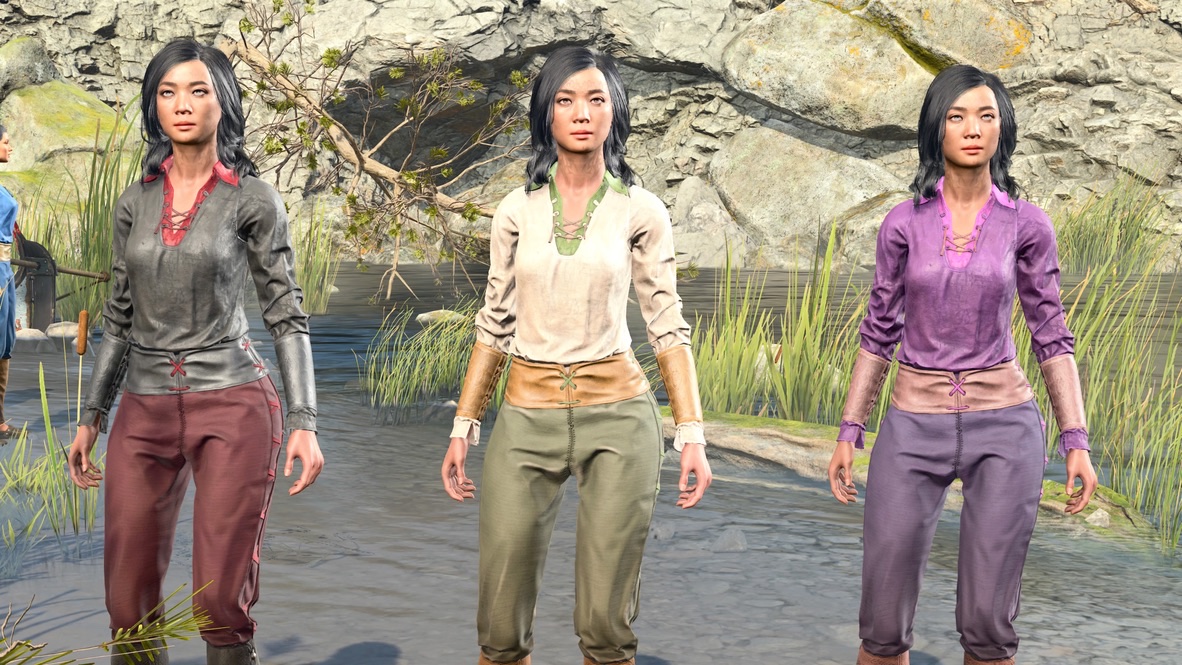
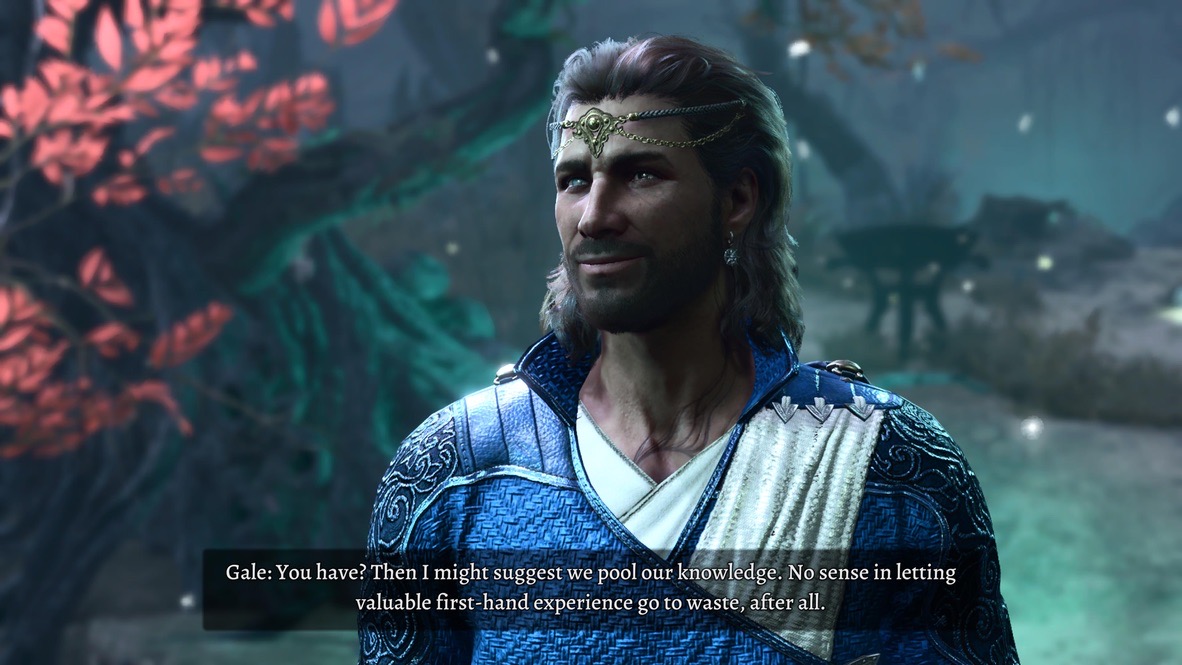
Perhaps you looked at this image from my previous post and asked “Why would anyone need to do something like this?” Now you have one answer: I have the option to invite Actual Sabrina to this saved game to control the character’s head position. If you’re asking how I got three characters with only two players, the answer is that one of these models is a Hireling. -
If you are the host of the game, and you want a photo of your own character’s head tilted in a different direction, you have to enter photo mode but let the other player(s) take the pictures.
As a practical matter, this means that all the players involved have to be motivated (this process takes time) and have enough experience with the photo mode tools.
-
As an alternative, one might create multiple Larian accounts and play the game simultaneously on different computers or consoles. That would require only a single player.
Even for me, it seems excessive.
So I tried it.
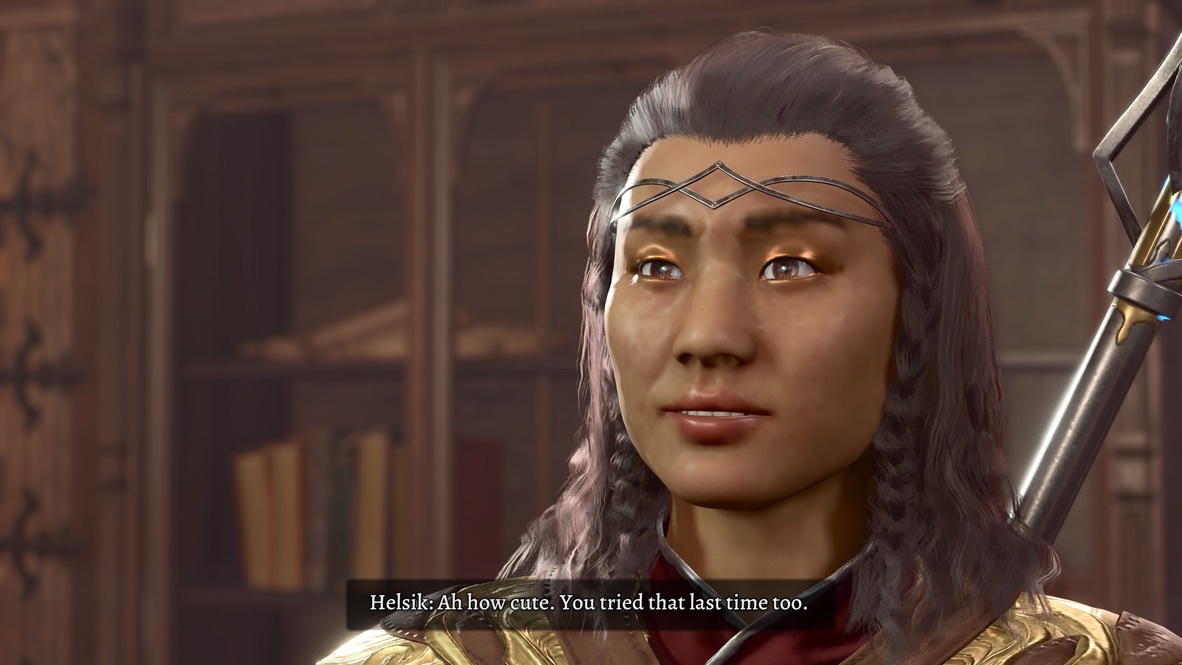
I created a new Larian account. I signed into that account on my Mac, running BG3 via Steam, logging off my standard Larian account, and logging in with the new one.
Then I loaded a save on my PS5 and invited the new account to join. I created a duplicate of an existing character. Then I entered photo mode on the PS5.
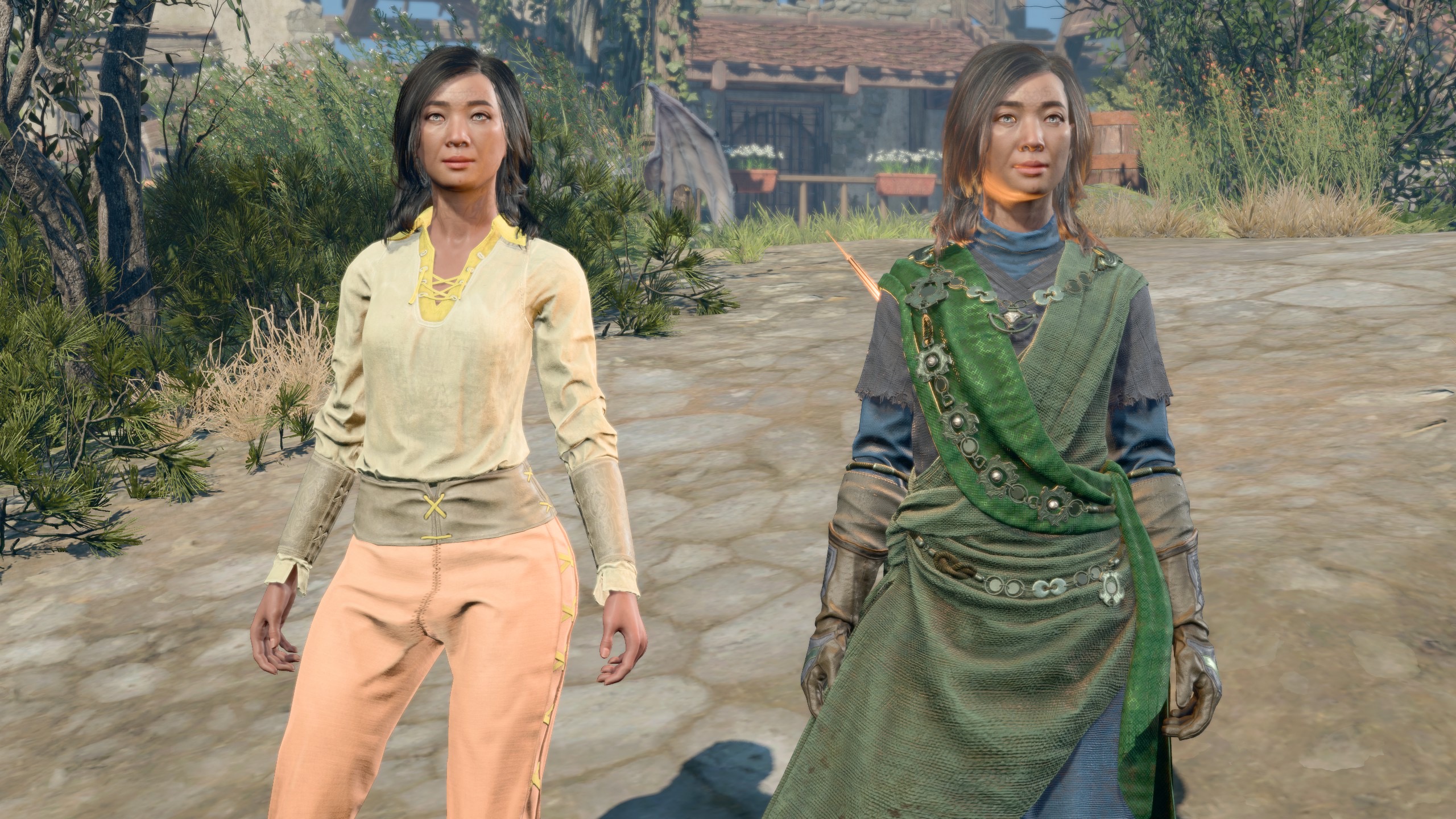
Here’s a screen capture taken on my Mac. 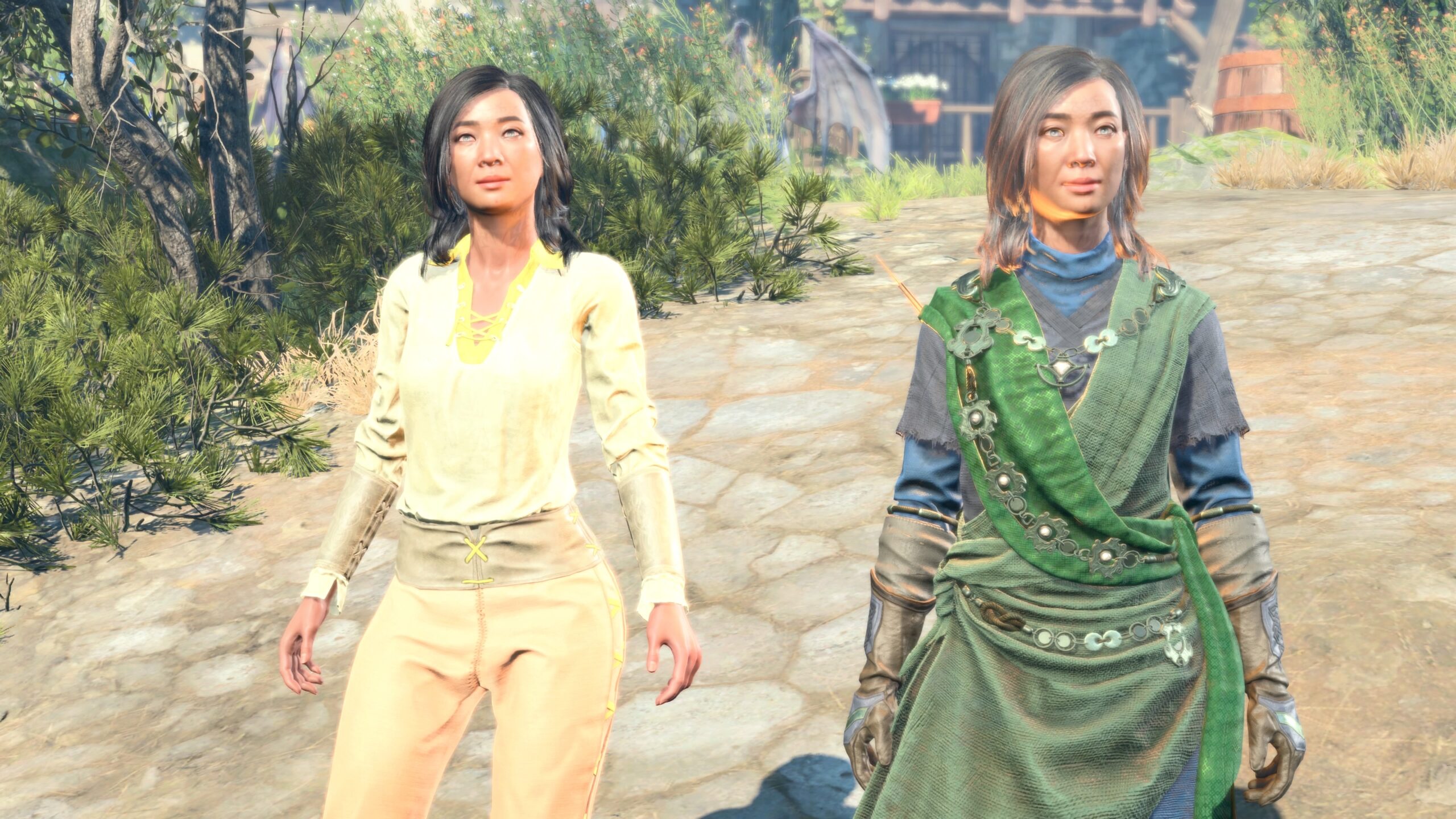
I moved the camera to as close to the same position I could on my PS5 and took the same picture. Already we learn something: It appears I have the brightness set too high on my PS5 images. 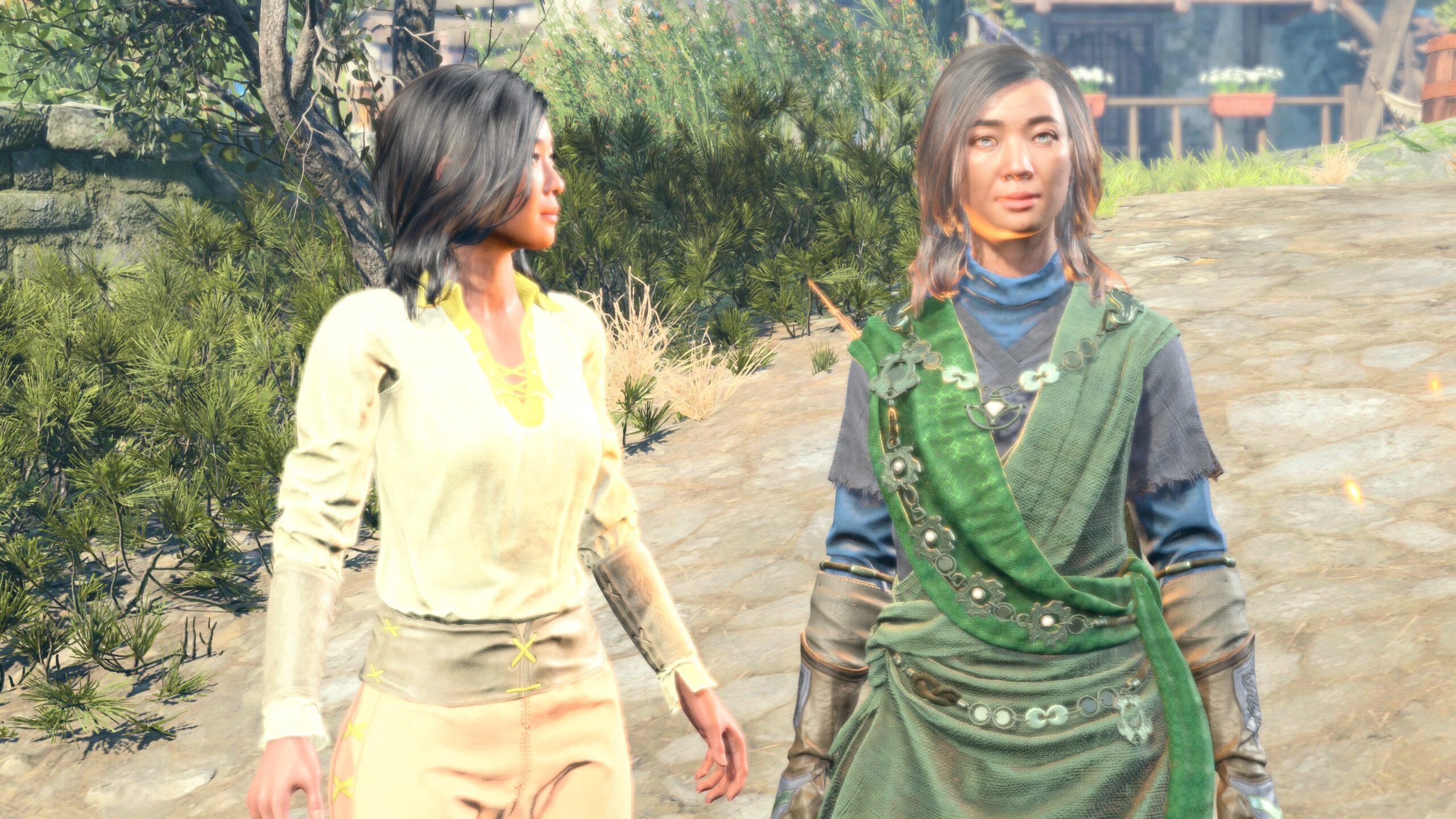
I did the head-posing trick on my Mac, then took this picture on my PS5. It’s a start. Could I do the same thing in that game save I created above, the one with three models with the same face? I tried, hoping to get four of them. It didn’t work. For some reason, my new account took over the character that Actual Sabrina created in that save.
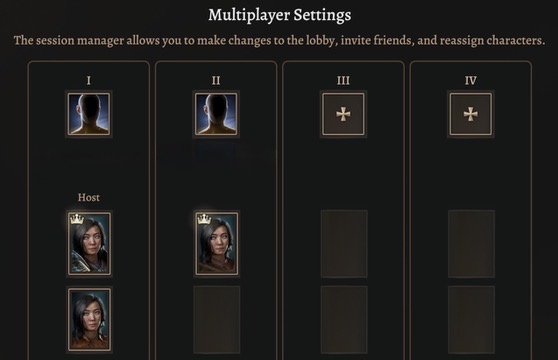
It appears that, at least for games created on the PS5. multiplayer characters are assigned by the “slot” instead of distinguished by account. If I wanted a fourth model with the same face in this save (truthfully, I can’t think of a reason for this other than to show off) I’d have to ask for Actual Sabrina to help me out again, join the save, and then I’d join again from my new Larian account. 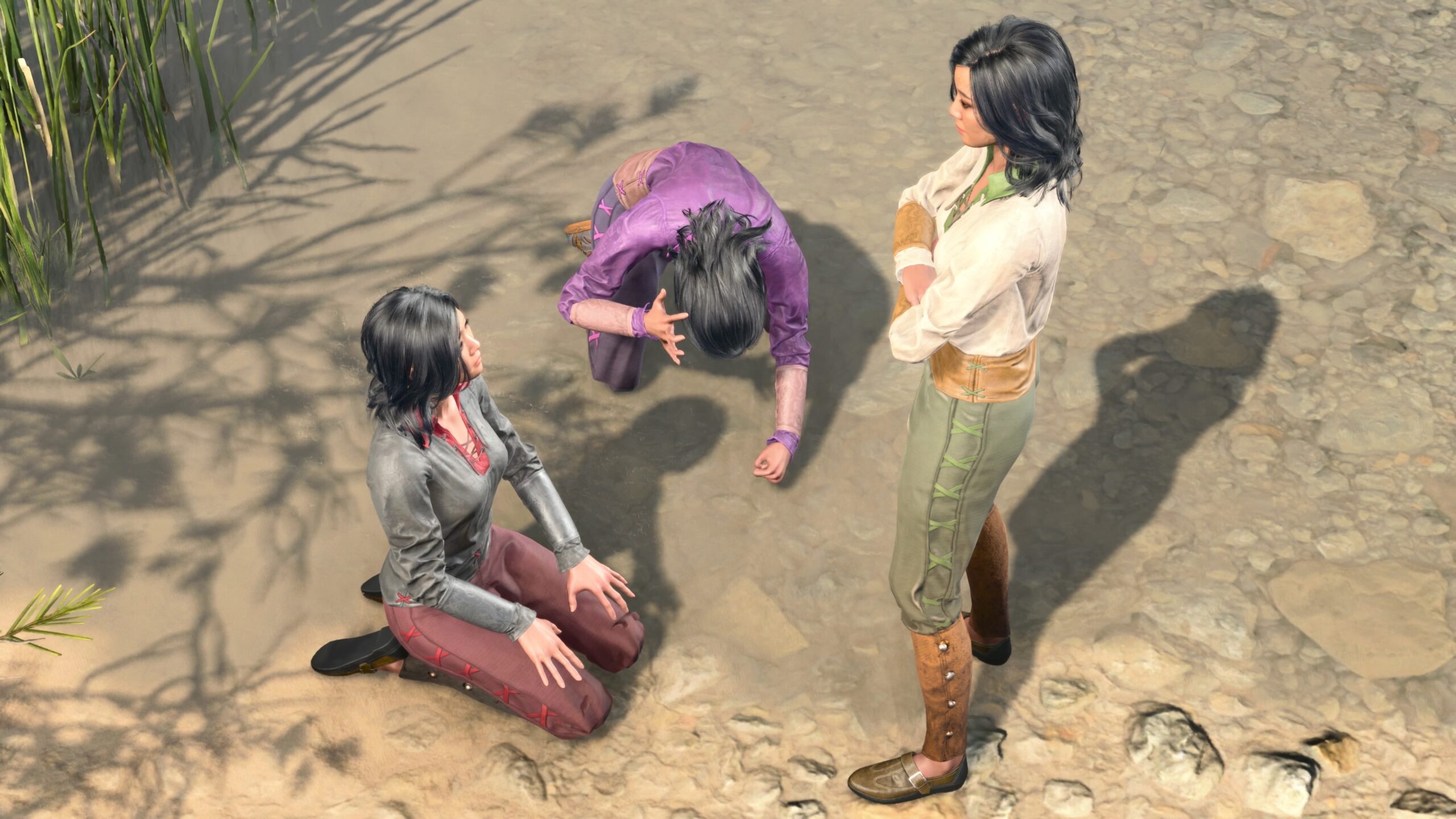
Let’s make do with what we’ve got, and see if I can go a bit further with head posing. The composition of these figures is terrible, and I have to work on it. However, it shows how I can have a kneeling figure looking up. 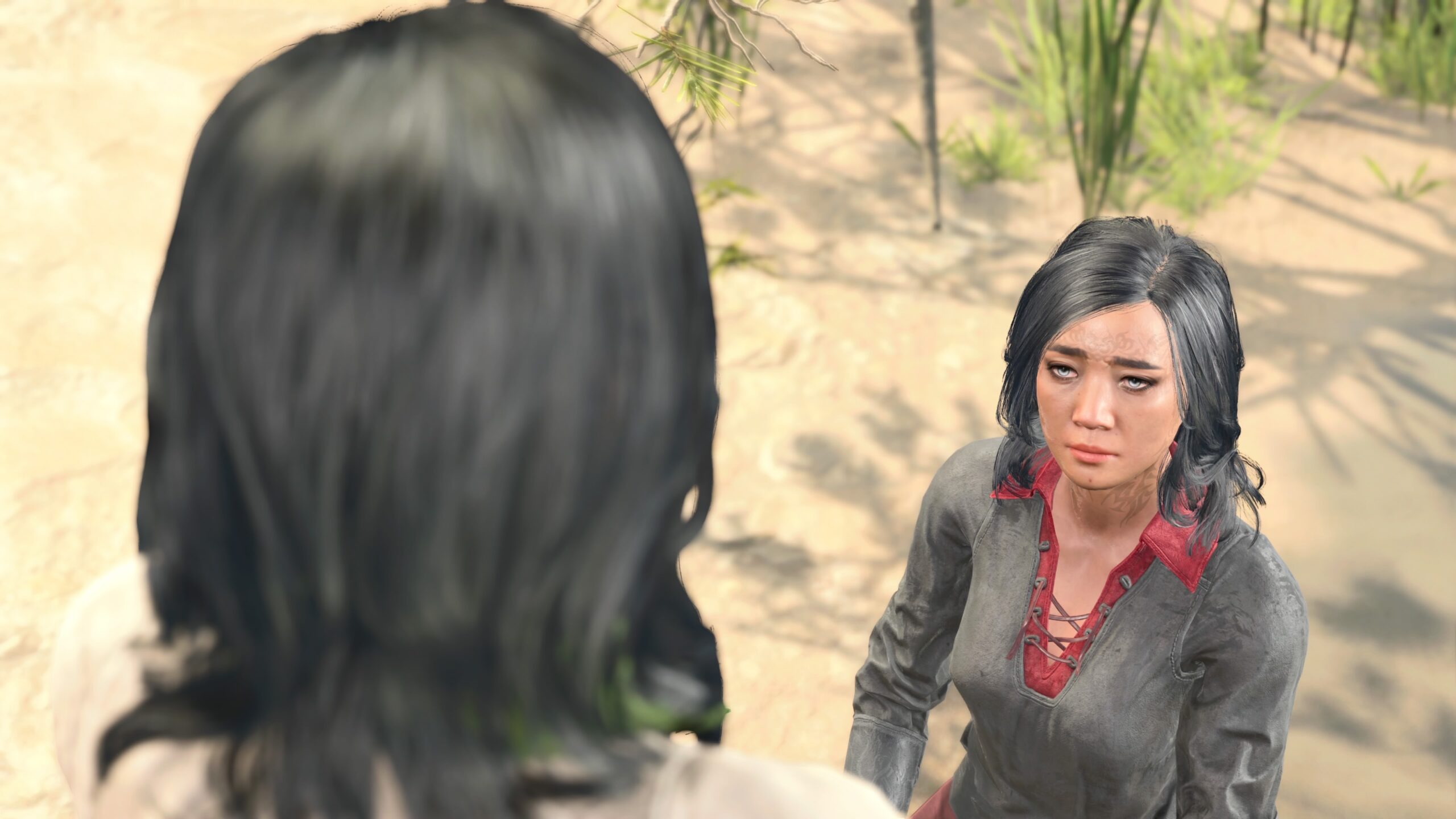
Part of the problem is that I was trying to do too much in a single image. Let’s break it down to a series of shots. 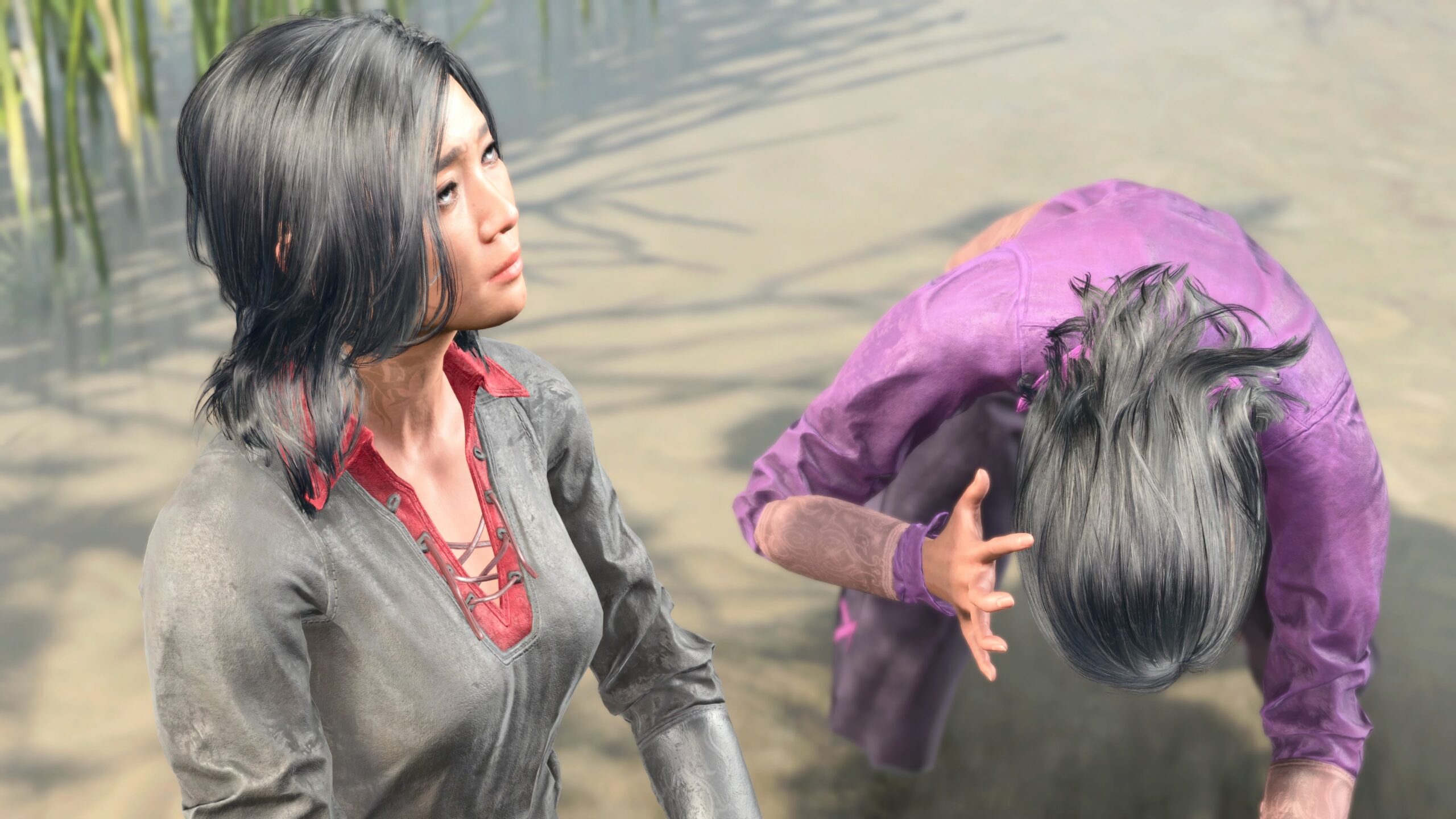
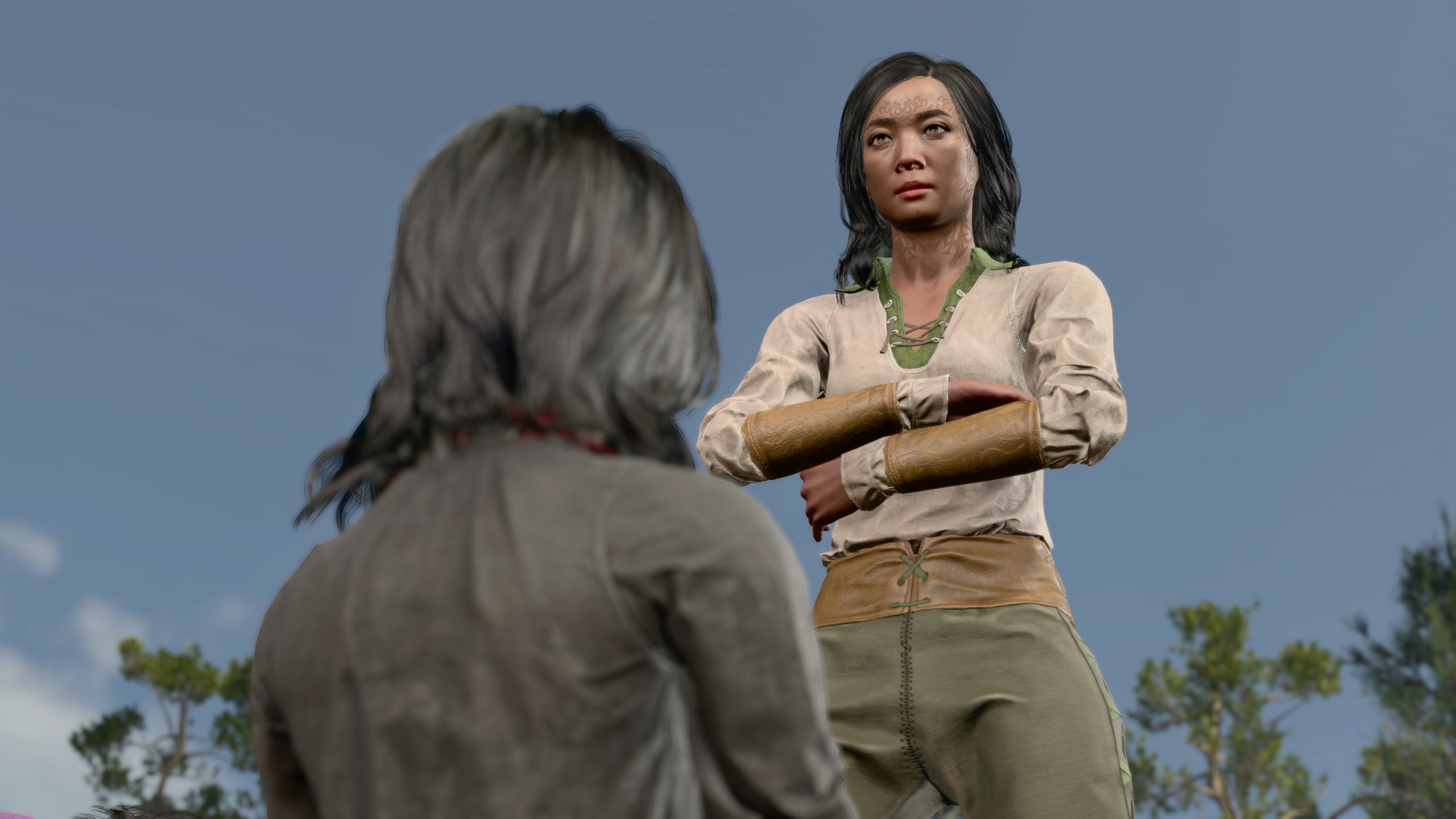
For this shot I posed the standing model’s head on my PS5, and took the screenshot on my Mac. If you think this means that, because I’ve discovered a new trick, the fanfic I’ve got planned for other playthroughs is going to be further delayed as I play around… you’re right, How perceptive you are!
Yeah, it’s a lot. This is the price of art. (Or whatever the heck it is that I do.)
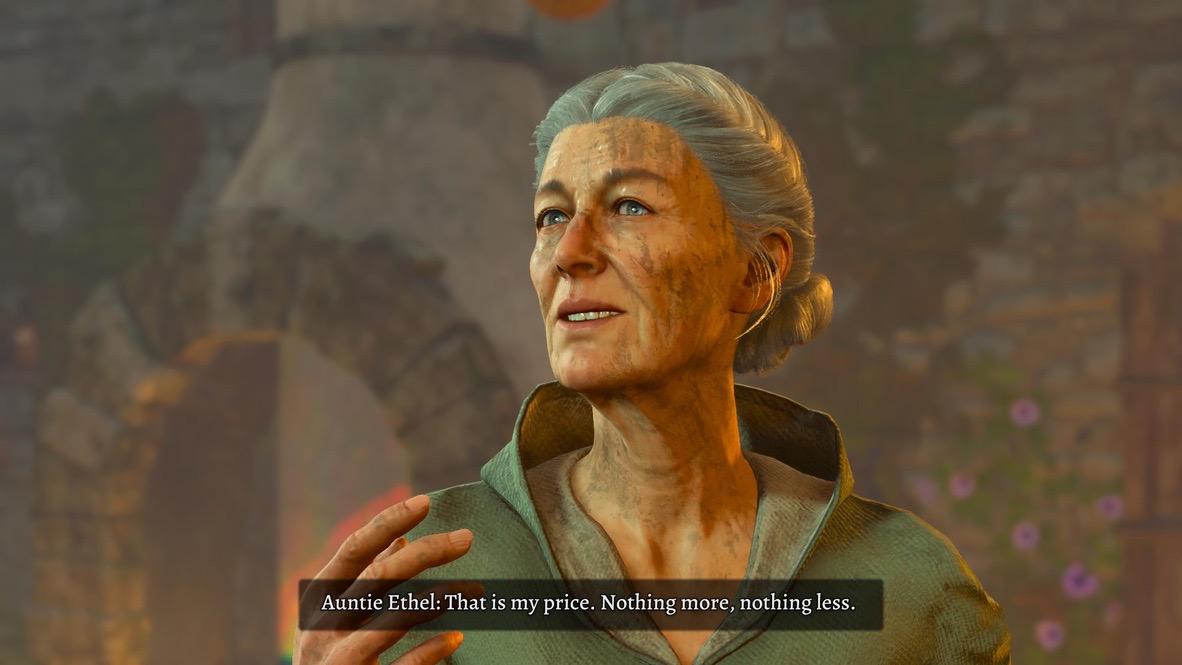
Other virtual photography mods
At this point in my BG3 experience, I’m not enthusiastic about mods, though I continue to use them some of the time.
In my earlier VP essay, I mention three VP mods.
-
Get a Room by Elledwyn.
While its superficial purpose is to give access to the romance animations in BG3, I find that the individual poses can be used for more than that. I give examples in my earlier VP essay.
-
Claravel’s Emotes For Photo Mode.
This is a larger collection of animations available in the game. Though the number of poses/animations may be larger, I find it less useful than Get a Room, only because of the types of stories I tell and my particular needs.
-
Faerûn Fashionistas Meta Pose Pack.
While this contains a large number of poses, the majority are related to romance or sexy times. That’s fine for many stories, perhaps most of the fanfic told by others. As I explained in the VP essay, they don’t suit my own stories.
Since then I’ve evaluated a couple of other mods.
-
Portrait Poses for Photo Mode, also by Elledwyn.
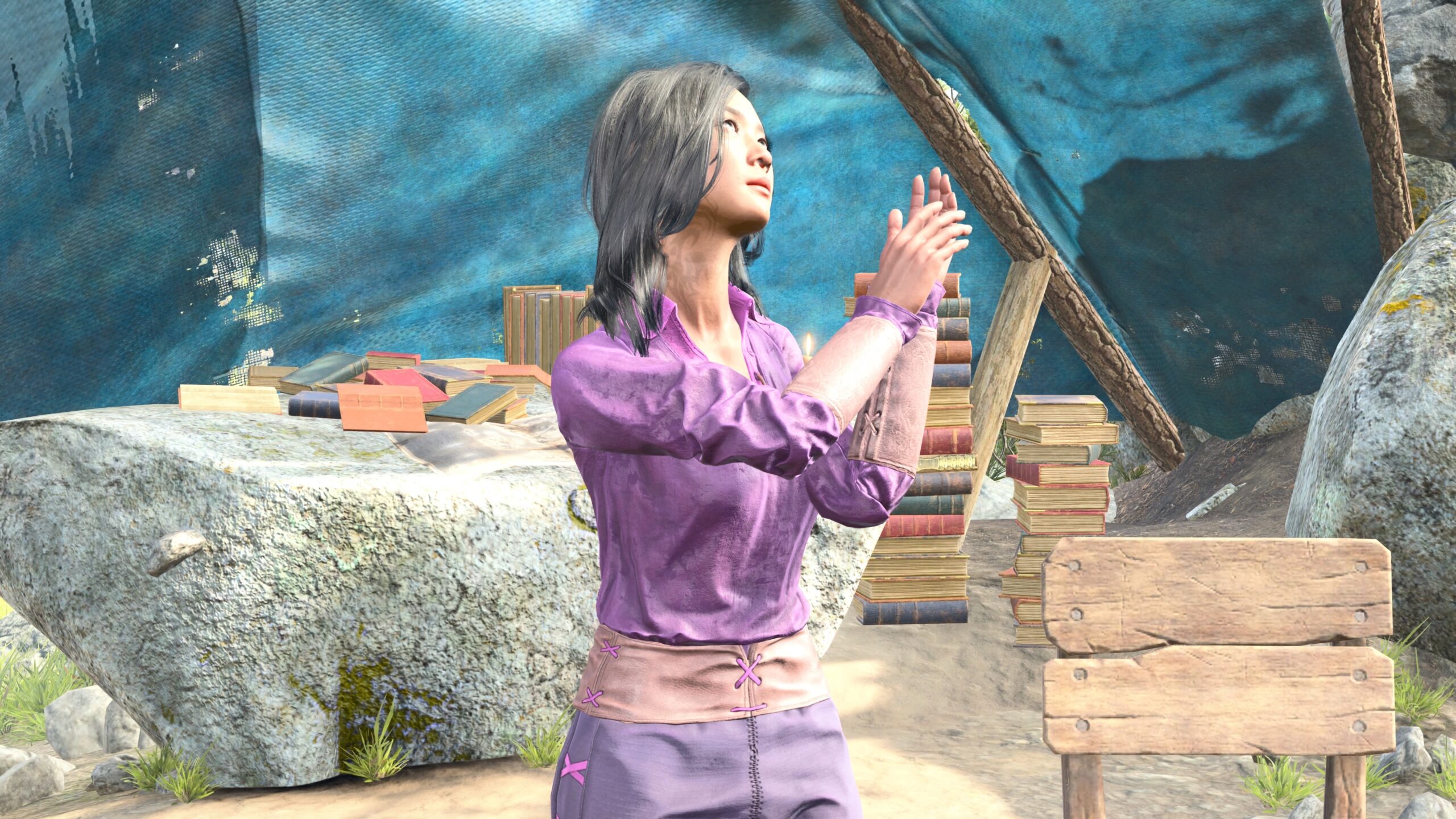
As the name suggests, this is a collection of poses that the game uses for characters when their portraits are generated. Apart from the “headshots” used in the character icons, I’m not sure at what point in the game we see “portraits.” I don’t recall any of them, not even in the epic masterworks of Oskar Fevras.
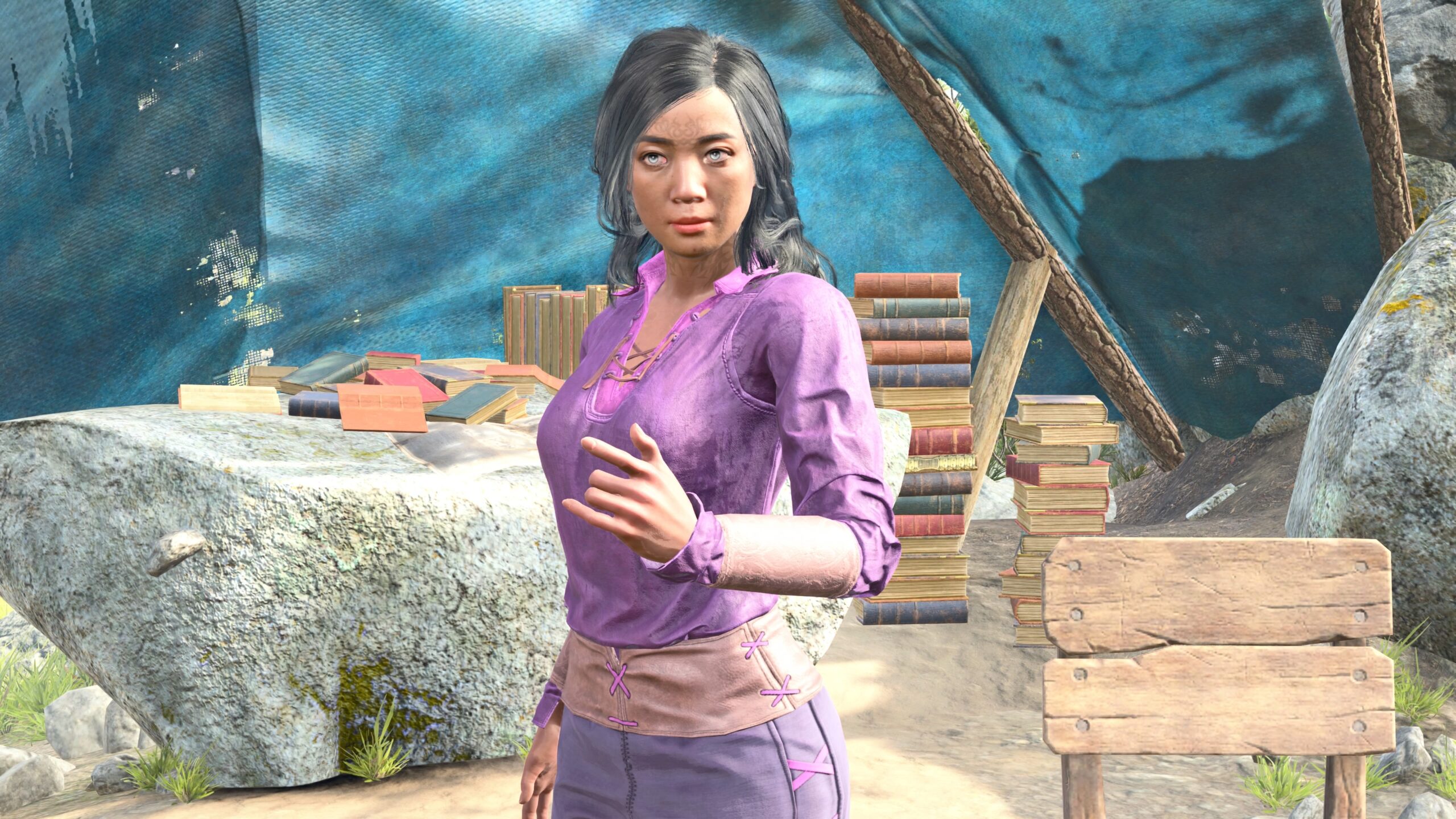
I think I looked at it once some months ago, and hastily judged it by the first few images. This time I looked through all of them. While some of the poses are too stylized to be of much use in my stories, there are plenty of opportunities for close-ups, especially for someone as focussed on body posture as I am.
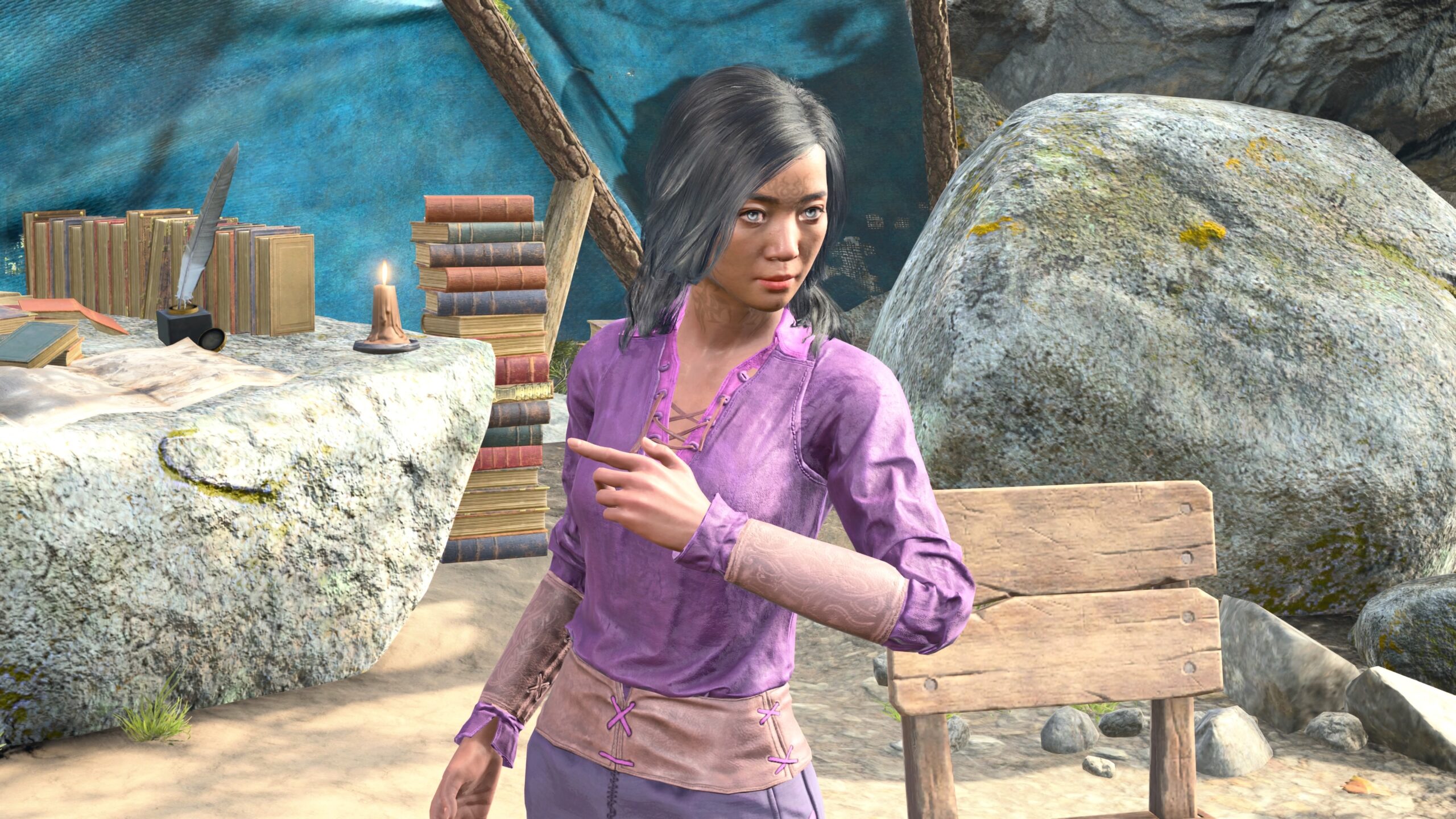
Sorry for judging you too quickly, Elledwyn!
-
ZillionZ of Expressions by Echo.
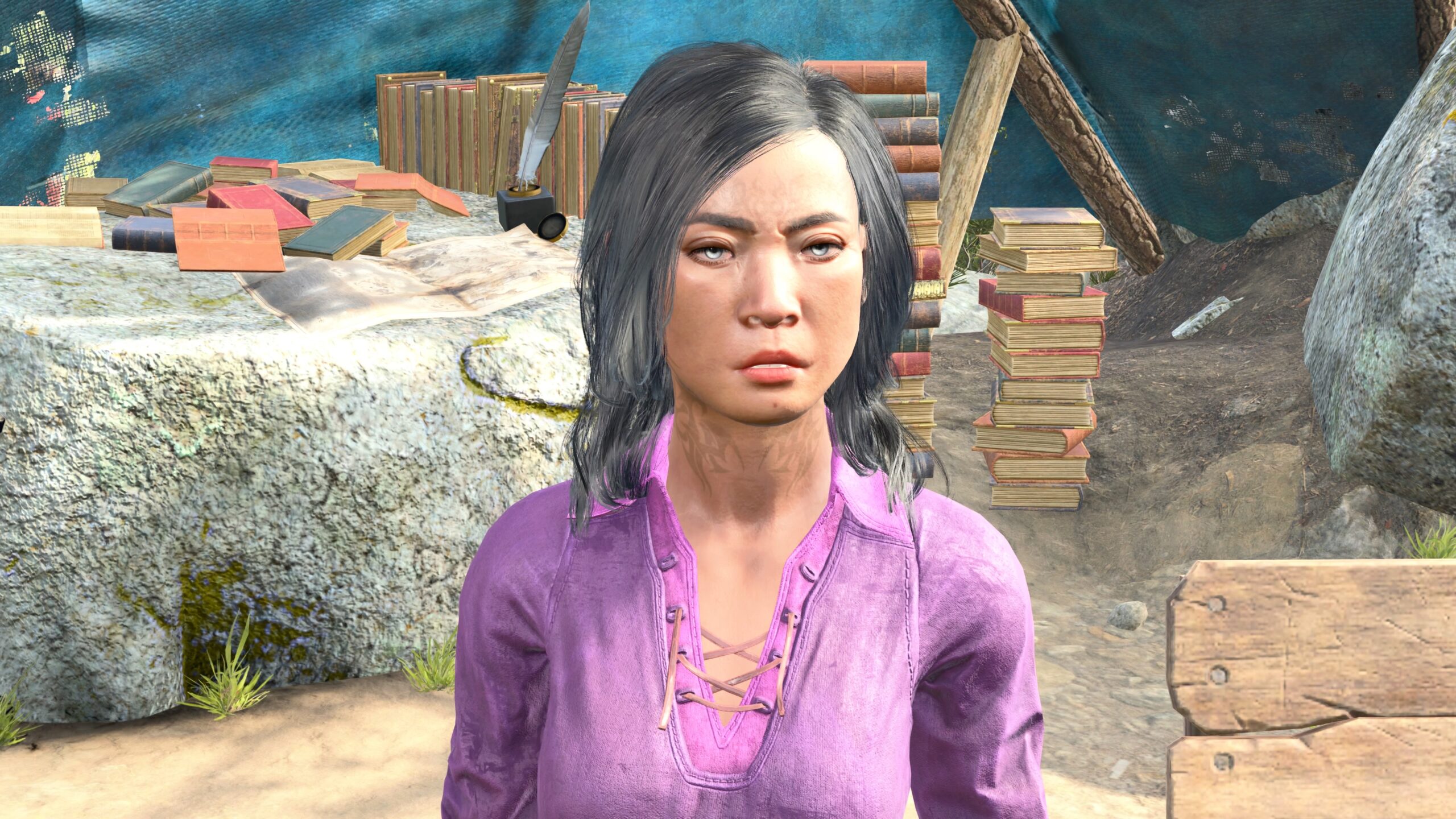
This is the Cough2 Base expression. As the name suggests, this is a collection of facial expressions.
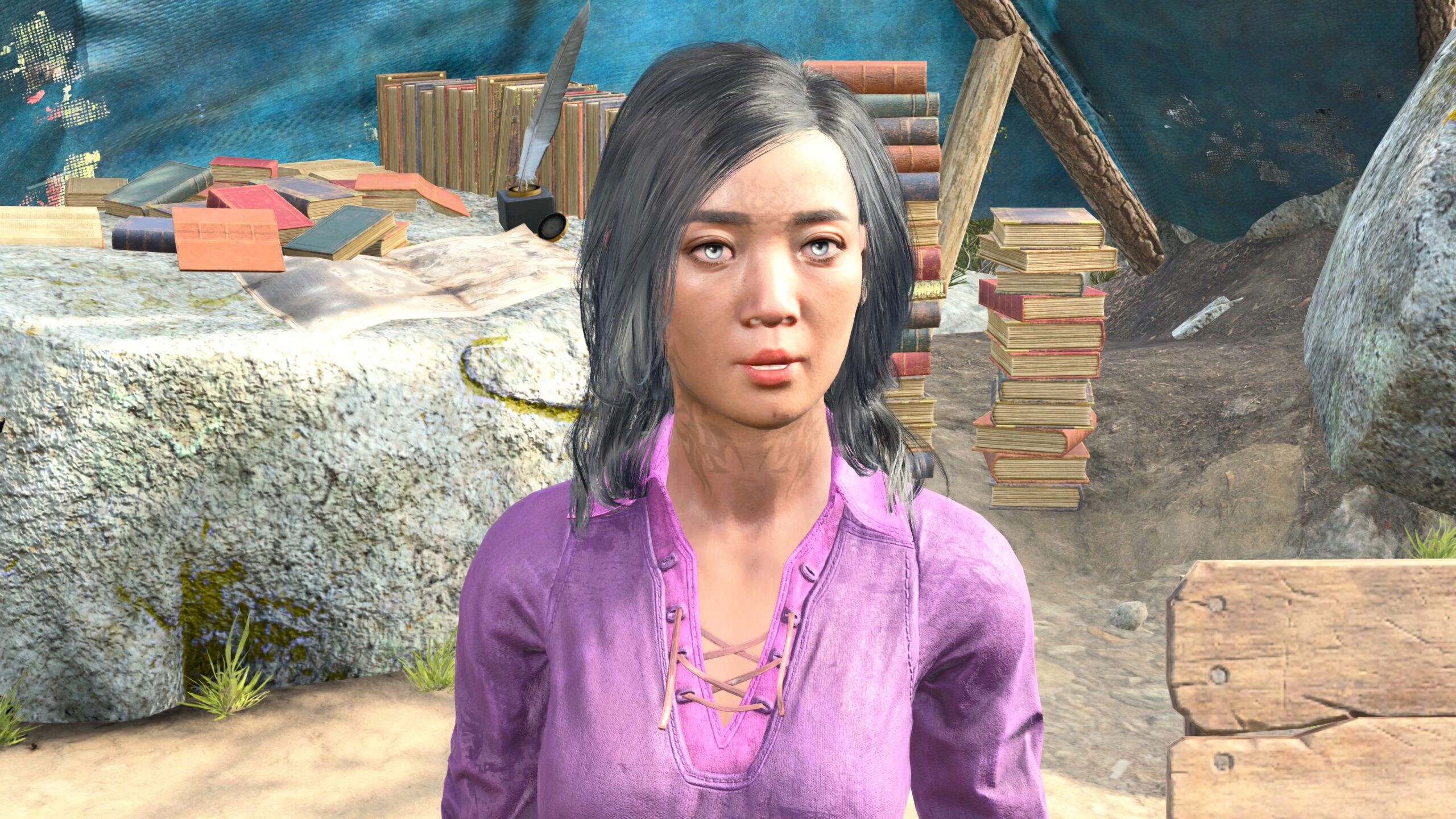
The Talking3 Base expression. Each of the 237 “base” expressions can be modified with 20 eye direction/eyelid variants, for a total of 5136 facial expressions.
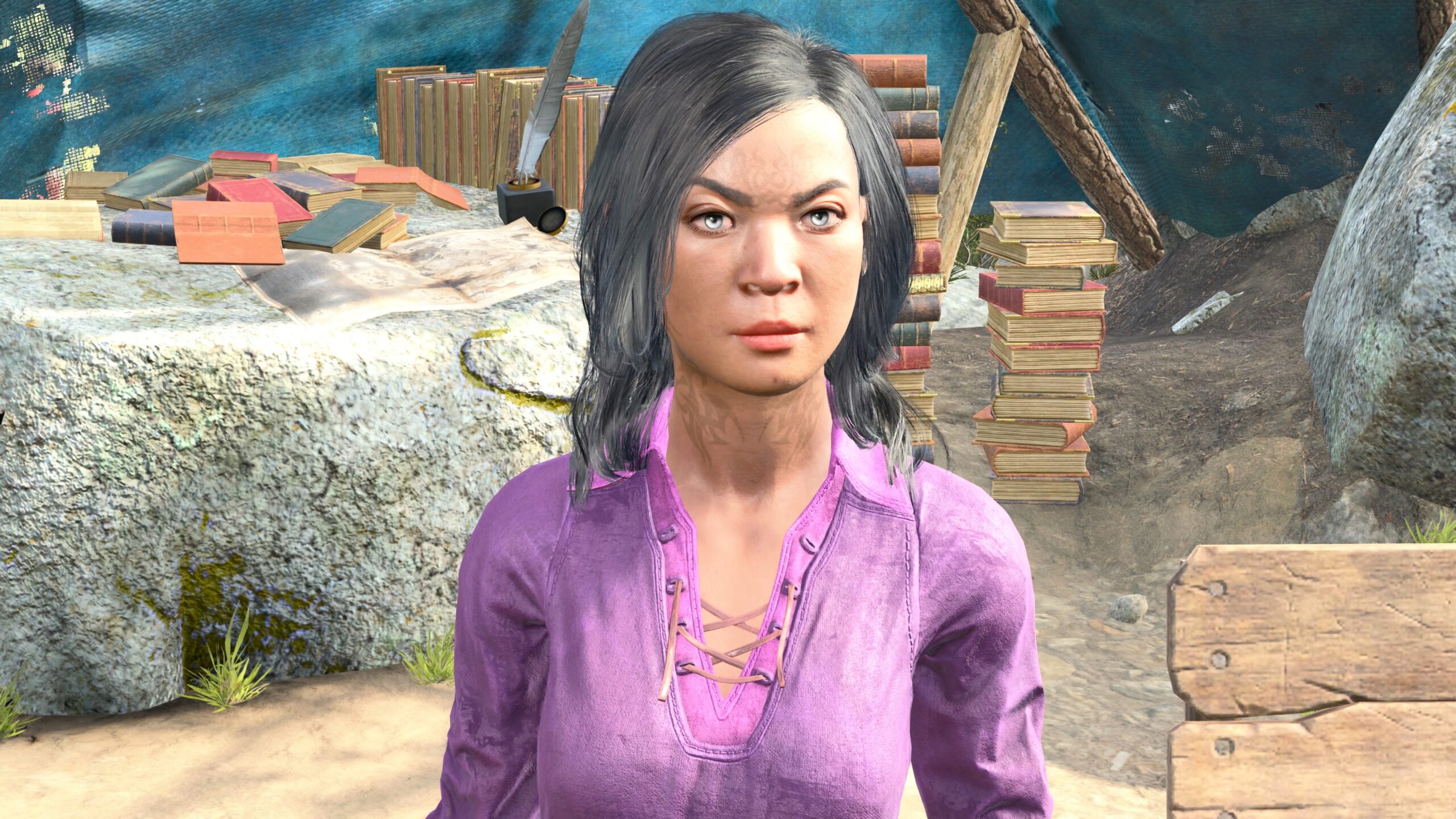
This is the Tea MidOpen variant from the set of Confused expressions. With so many expressions, I must be able find something I could use, right? Well, less than you’d think. Most of the faces seem goofy or distorted to me.
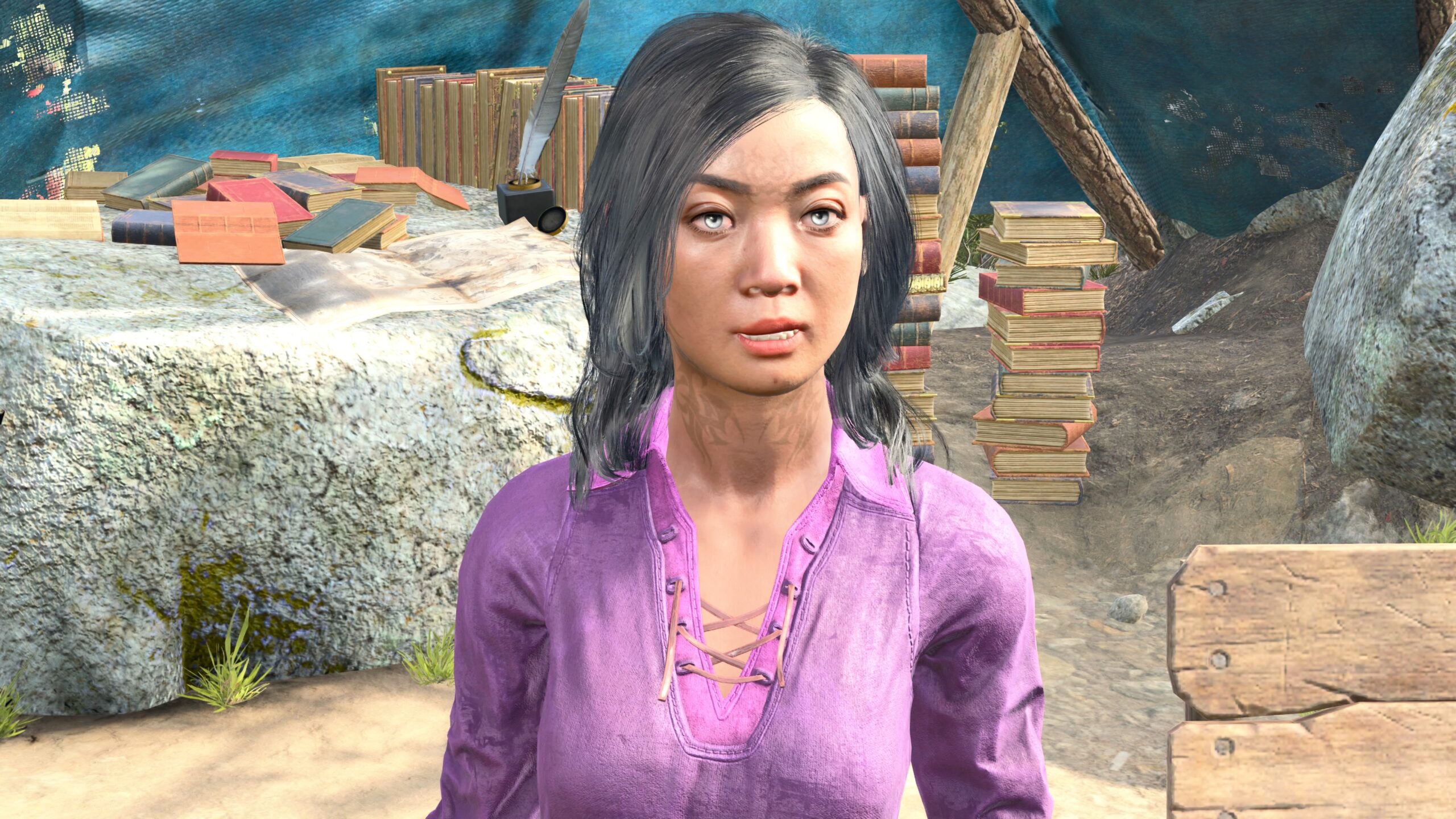
This is the Disgust1 Base expression. Before I cast shade on Echo, I suggest you look at the photos on the mod’s page. They’re all post-processed with dramatic shading and highlights. Many of the faces that I reject look quite nice with some “make-up” applied.
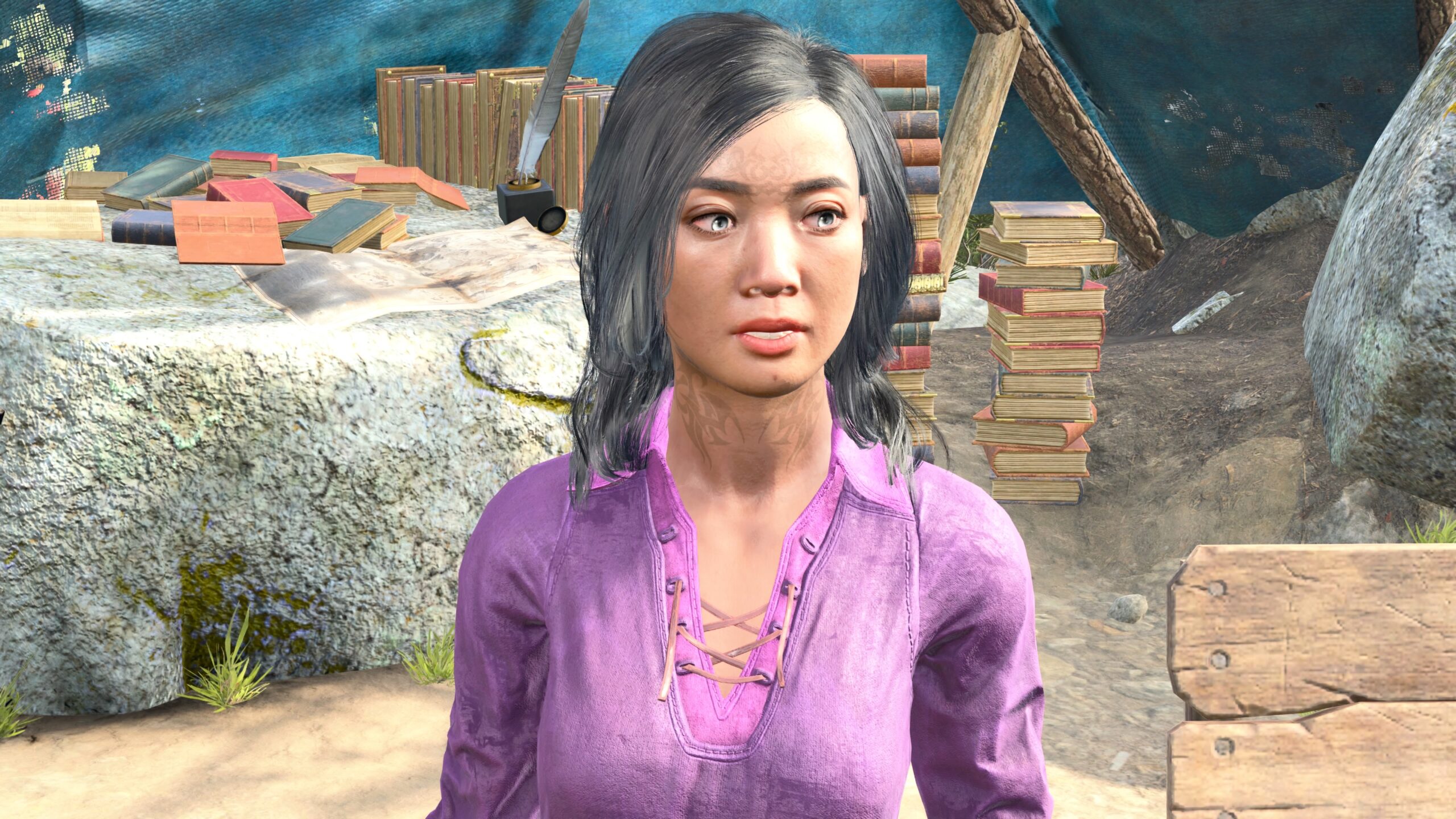
This is Ecstasy4 DownLeftOpen. As I say in my VP essay, I can’t spend time post-processing literally hundreds of photos for my fanfic. If a pose or expression doesn’t look good to me right away, I won’t use it.
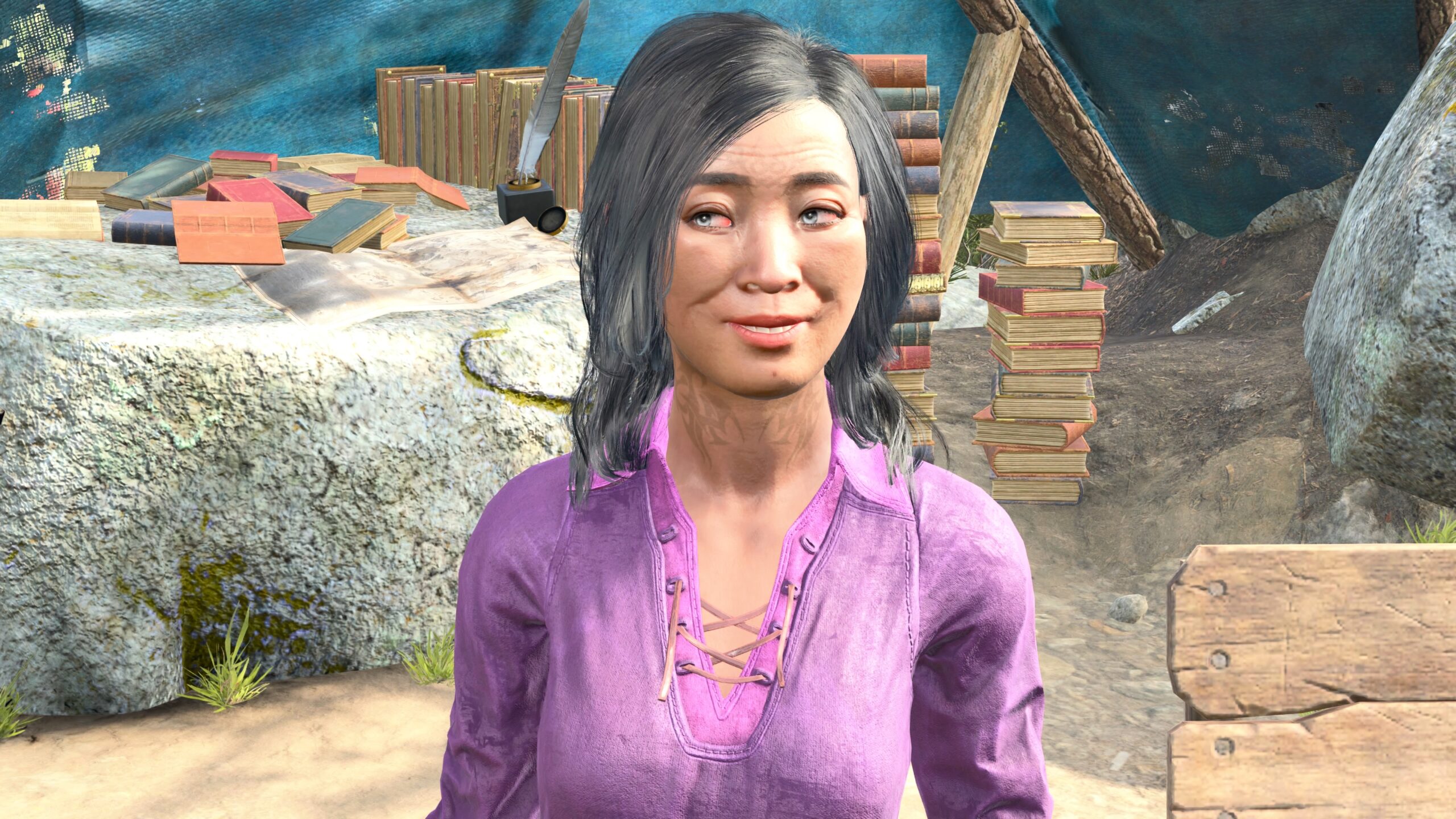
This is Grin1 Base from the Joy category. In the end, I didn’t see many usable (for me) expressions that looked substantially different from the ones available in vanilla BG3. However, the ability to select different eye positions is compelling. I’ll keep it in mind for the future.
Of the mods I’ve listed, three of them have something in common: Get a Room; Claravel’s Emotes For Photo Mode; Portrait Poses for Photo Mode. They can all be added and removed mid-playthrough, and they don’t interfere with each other.
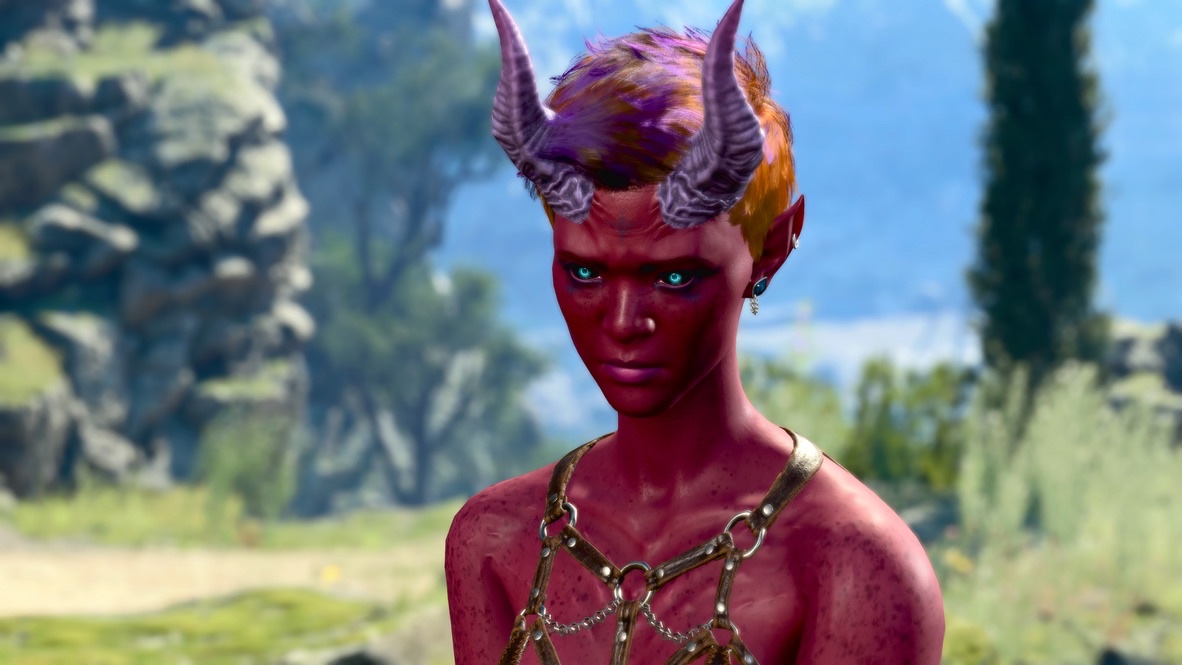
The reason why they overlap is that all they do make visible otherwise hidden animation resources in the base game. They don’t alter save files or add any new graphics.
There are mods that offer brand new poses. I mentioned Faerûn Fashionistas Meta Pose Pack above, and (just to pick one example) consider Echo’s Such a Distinguished Gentleman which offers butler-style poses. These two posing mods have the potential to conflict with one another.
However, there’s yet another mod for integrating different posing mods: Compatibility Patch for Photo Mode Pose Mods.
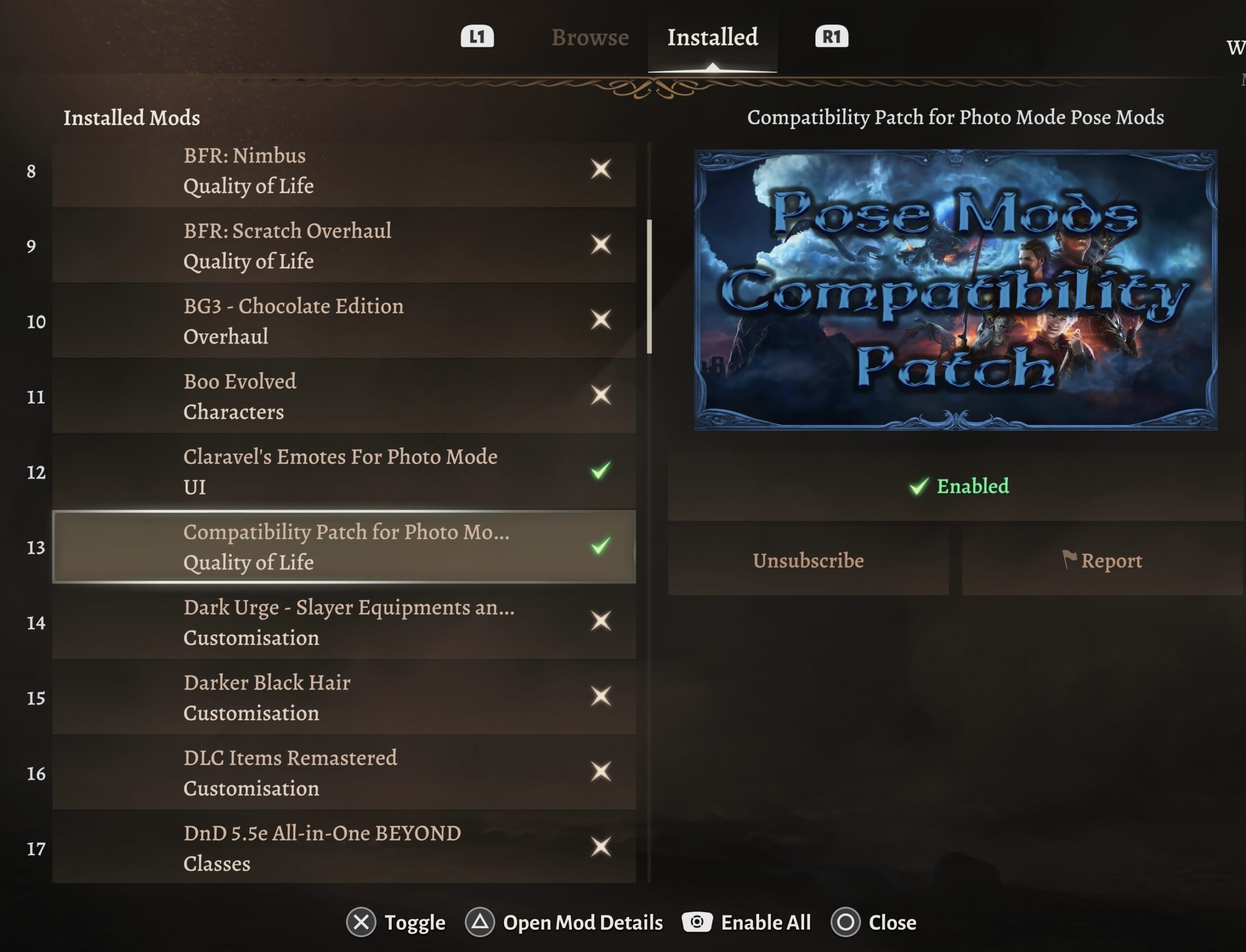
This mod handles the potential incompatibilities with different posing mods enabled at the same time. To use this on a console: first, turn this mod off. Then enable your other posing mods one-at-a-time. Enable this one last. Then start your game.
A few other programs
I’ve got other programs with photo mode. Yet I haven’t put energy into creating VP with them.
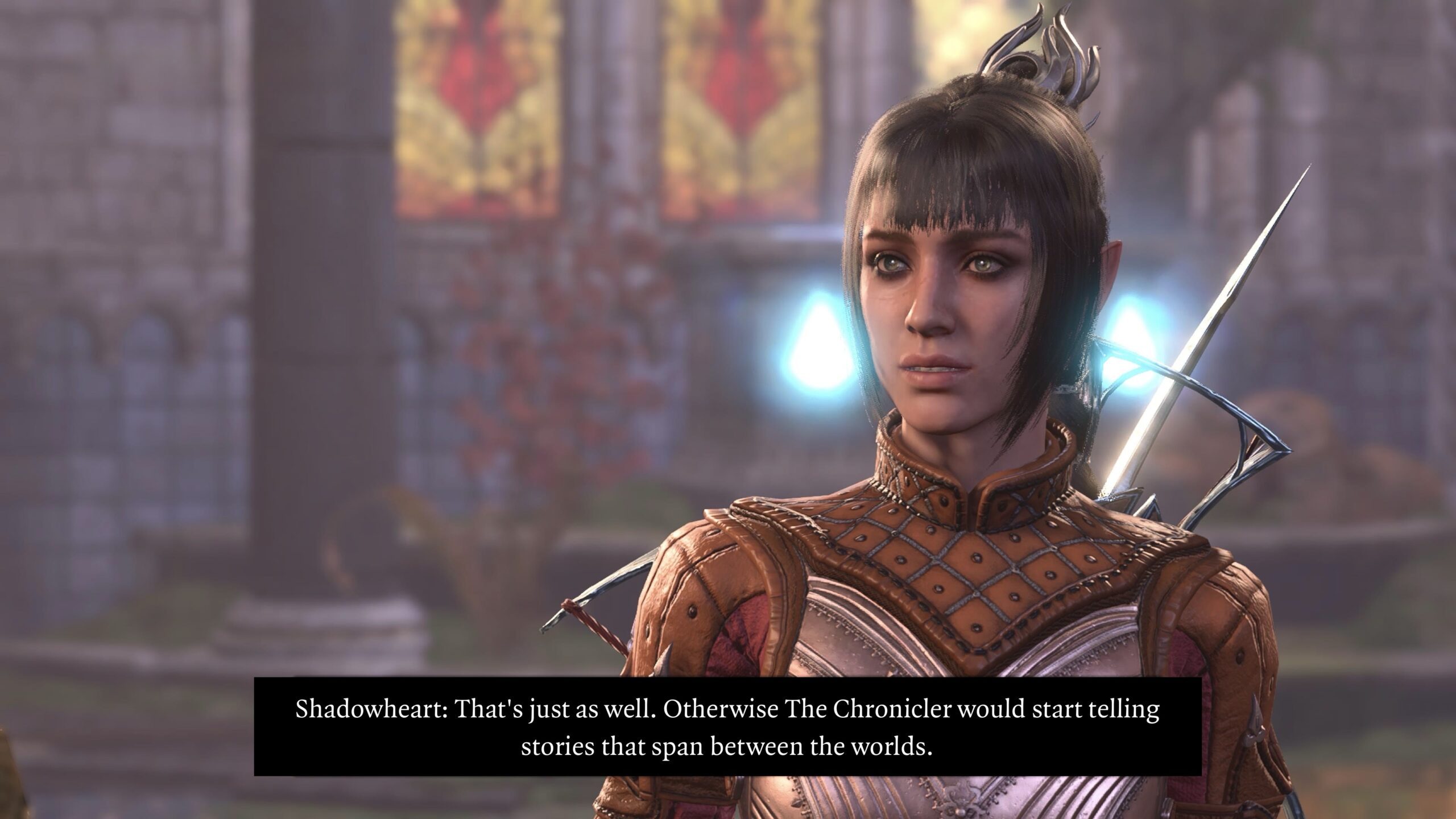
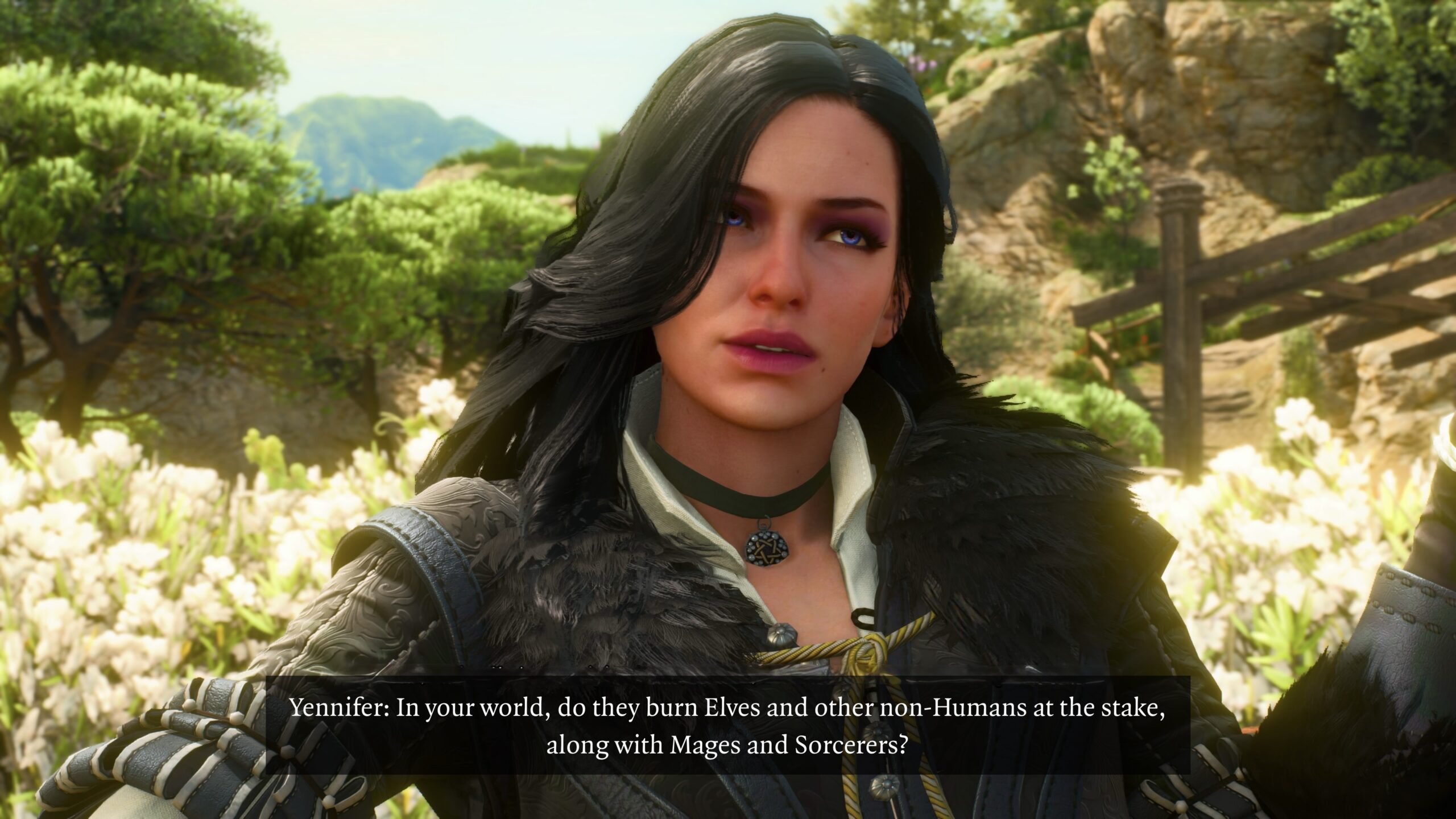
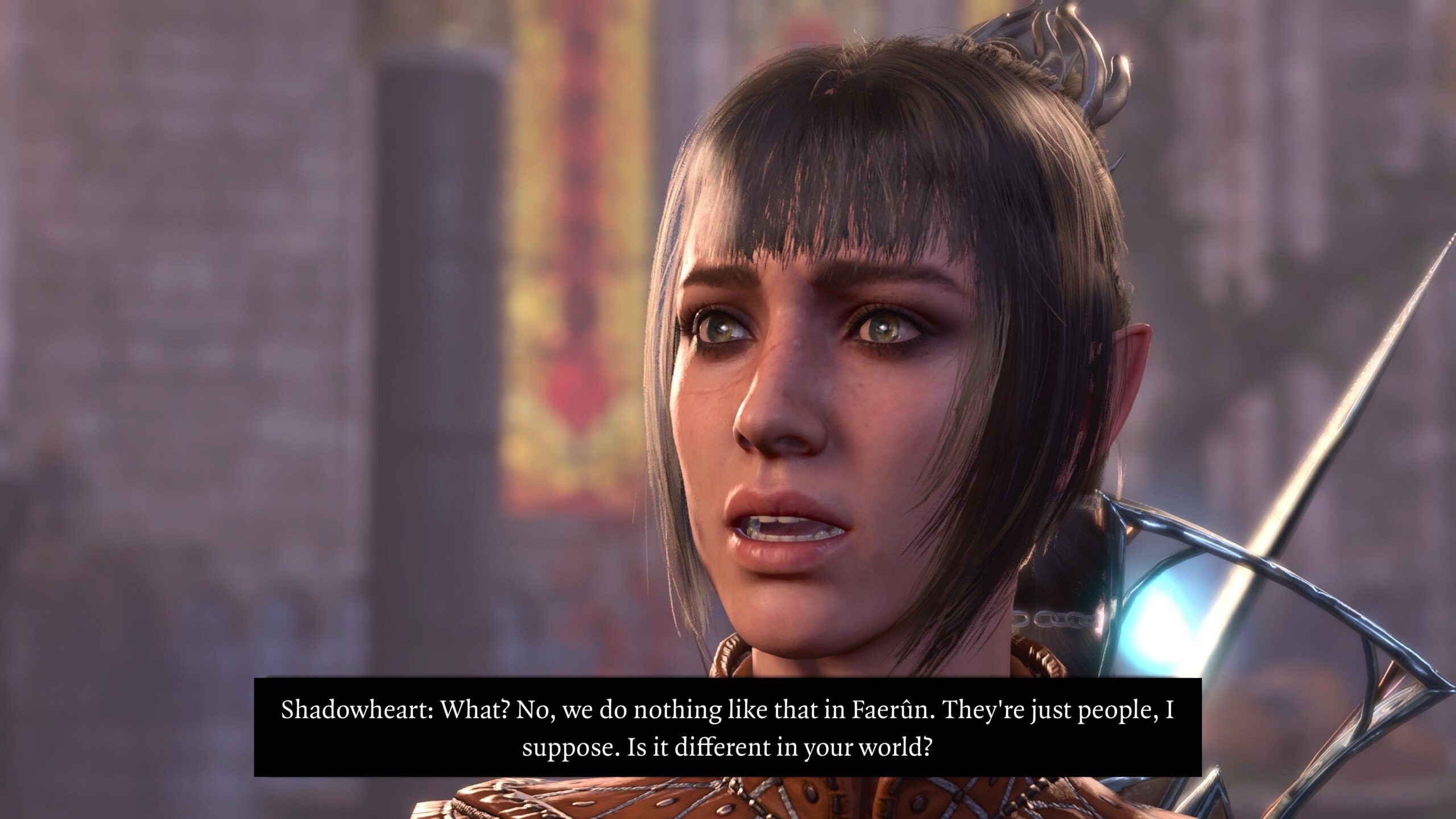
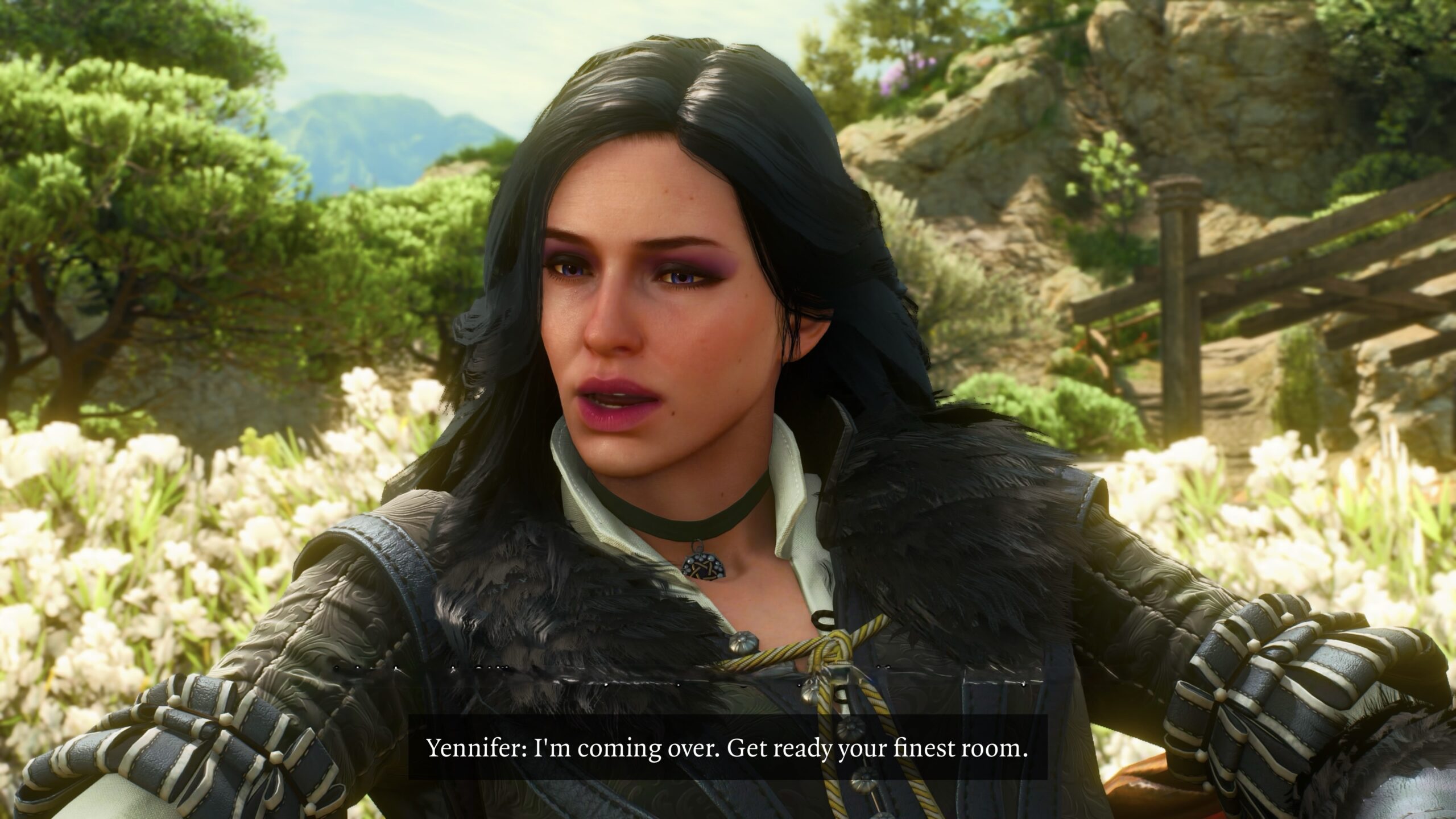
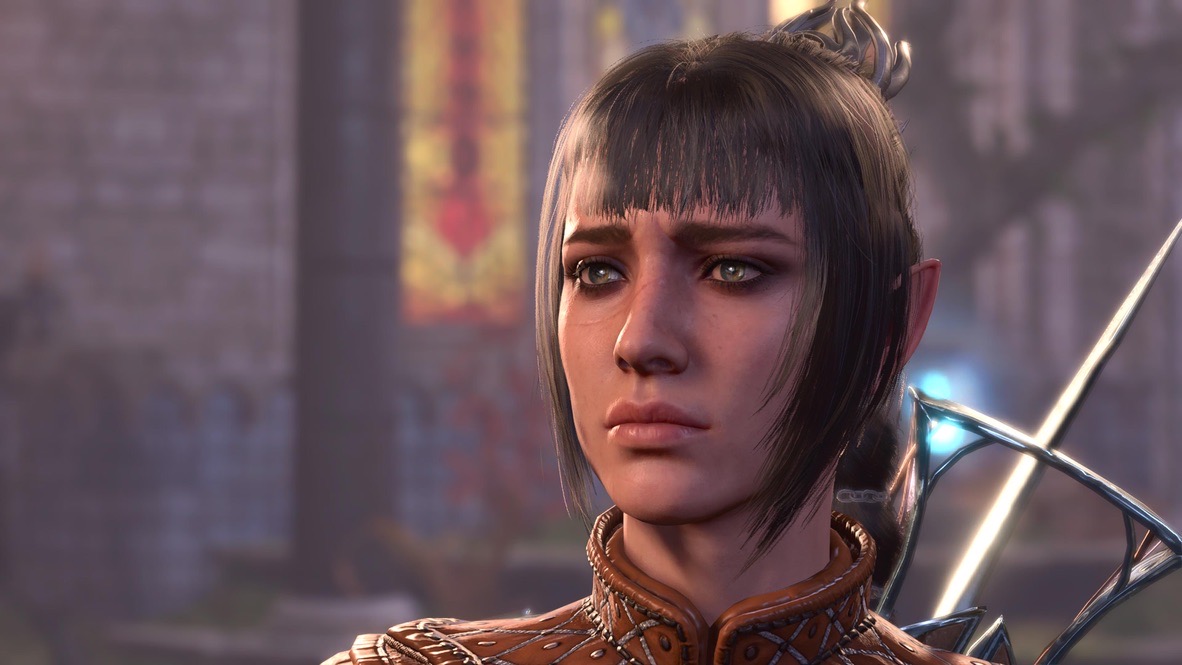
Let’s understand why I’m not going to have Karlach flying a starship anytime soon… or ever.
Witcher 3 Remastered
I plan to write an essay on my experience with Witcher 3 Remastered (W3R).
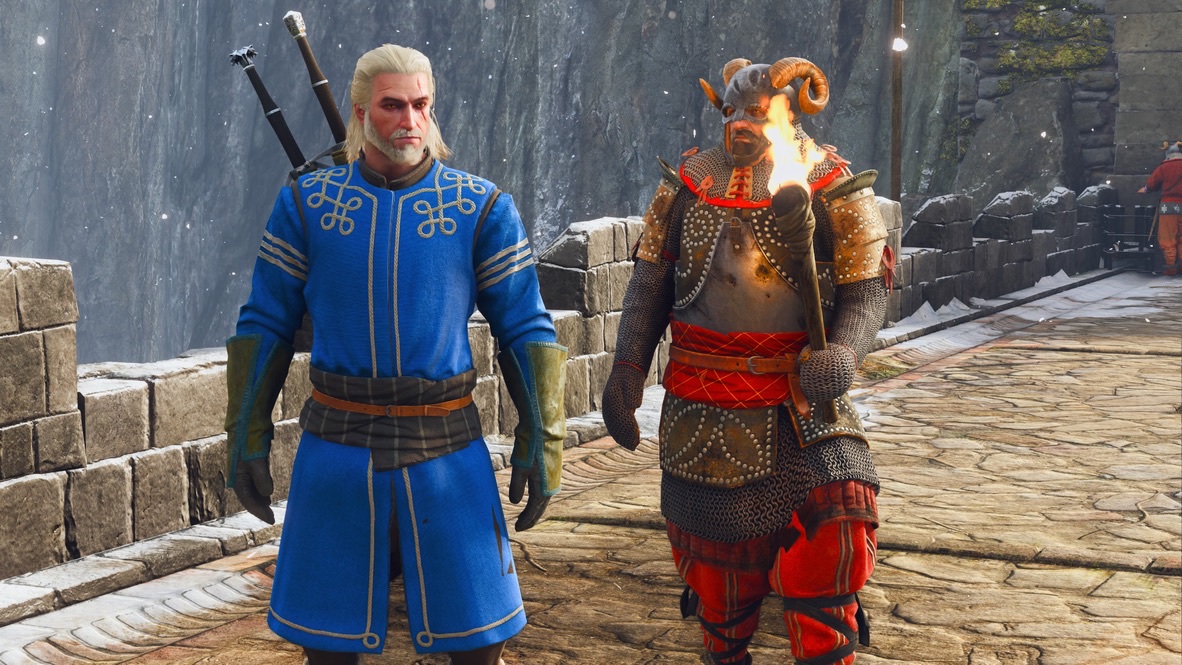
As I assembled my scattered thoughts about BG3 VP, I decided I’d put my W3R VP thoughts here as well. I’ll put the rest of my W3R observations, including the fun I had with Gwent, in that separate essay.
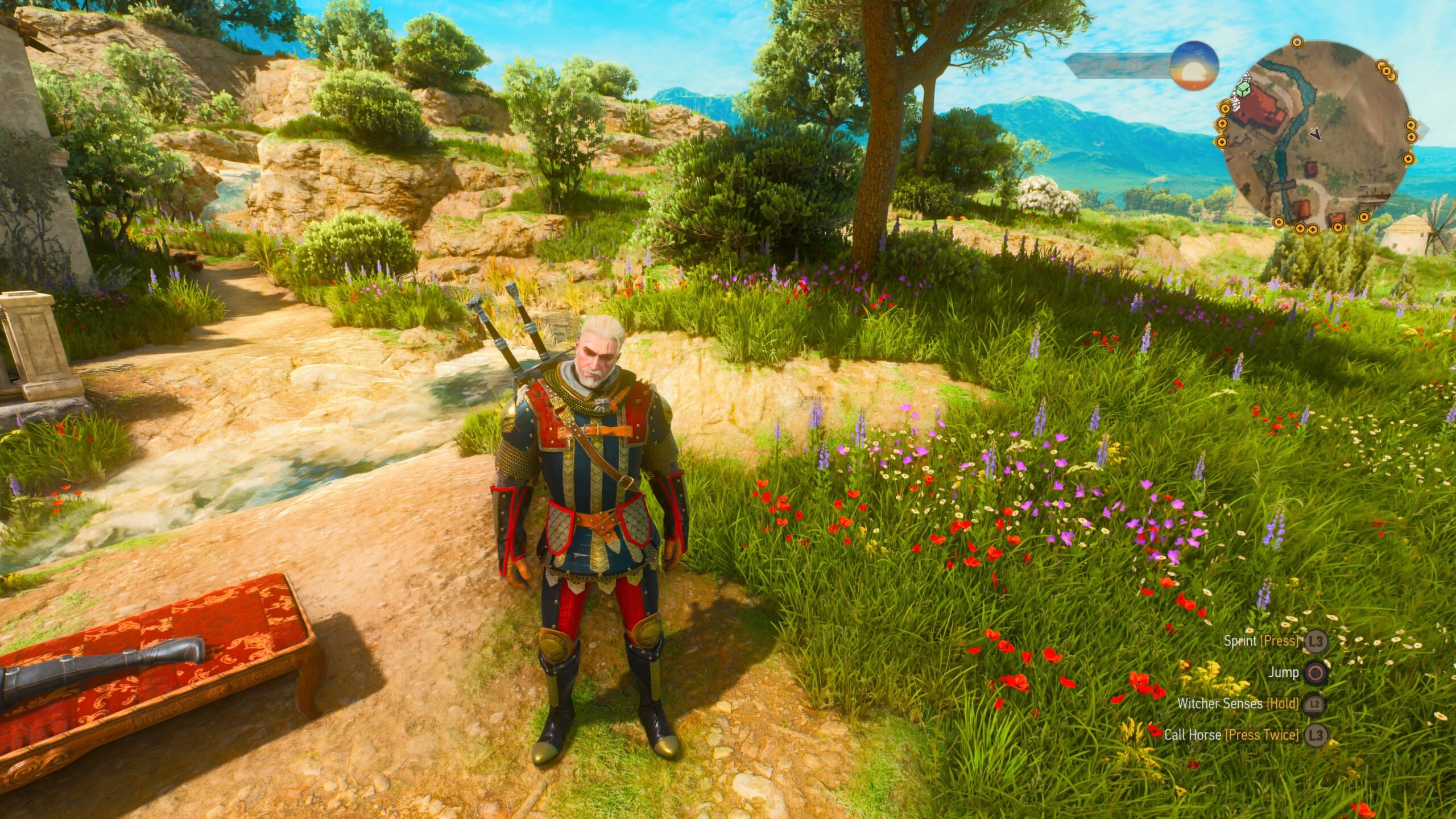
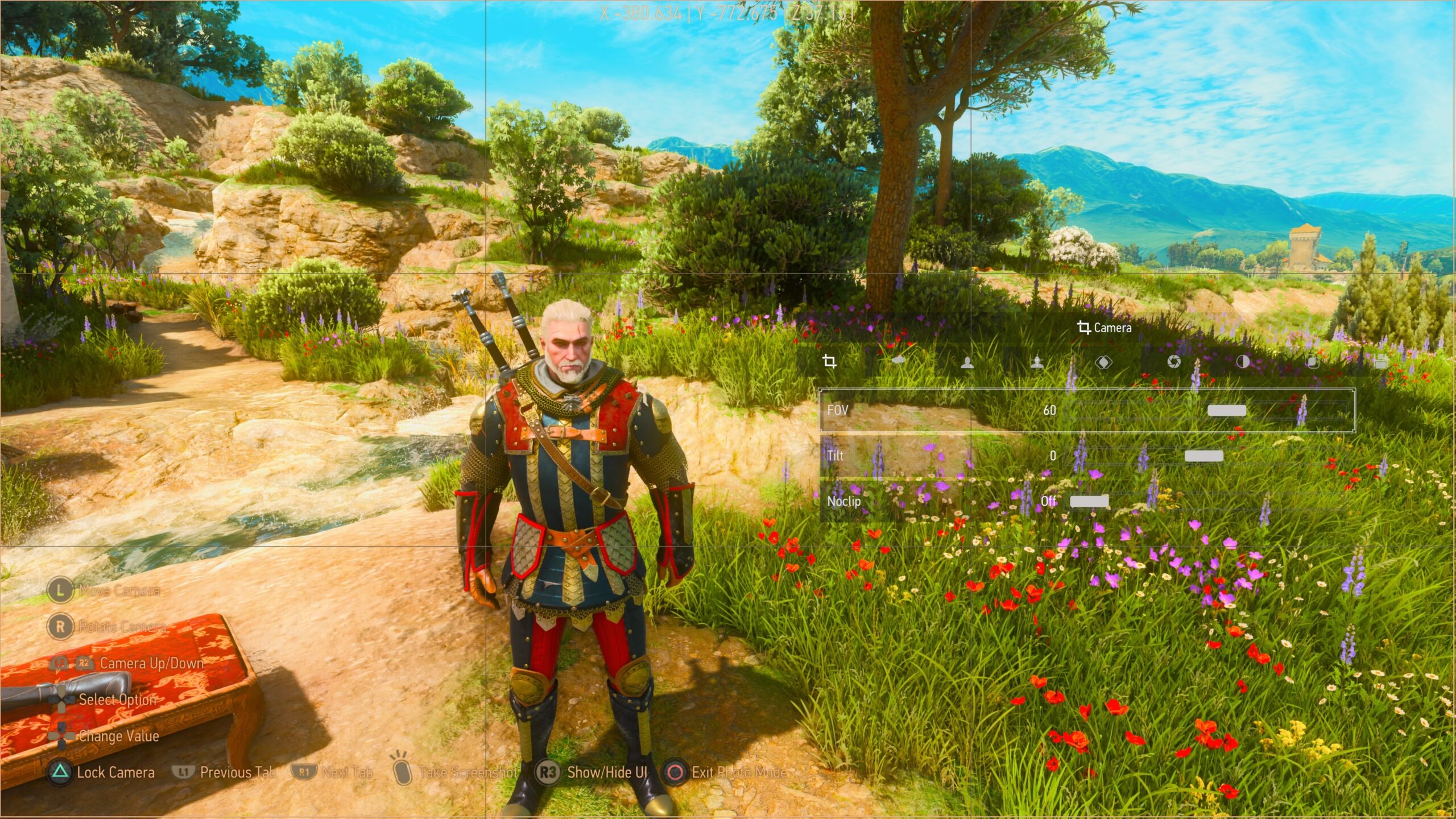
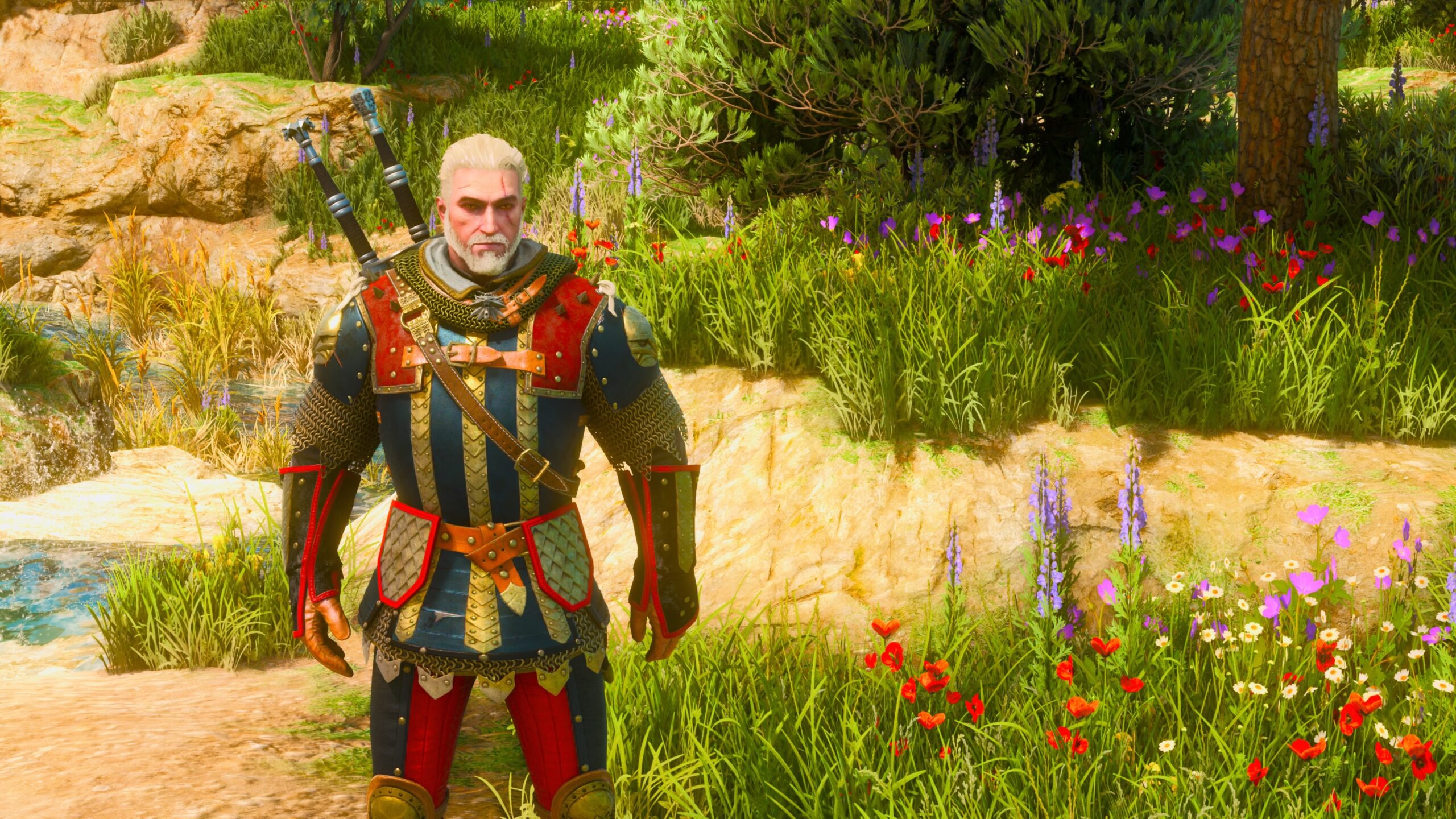
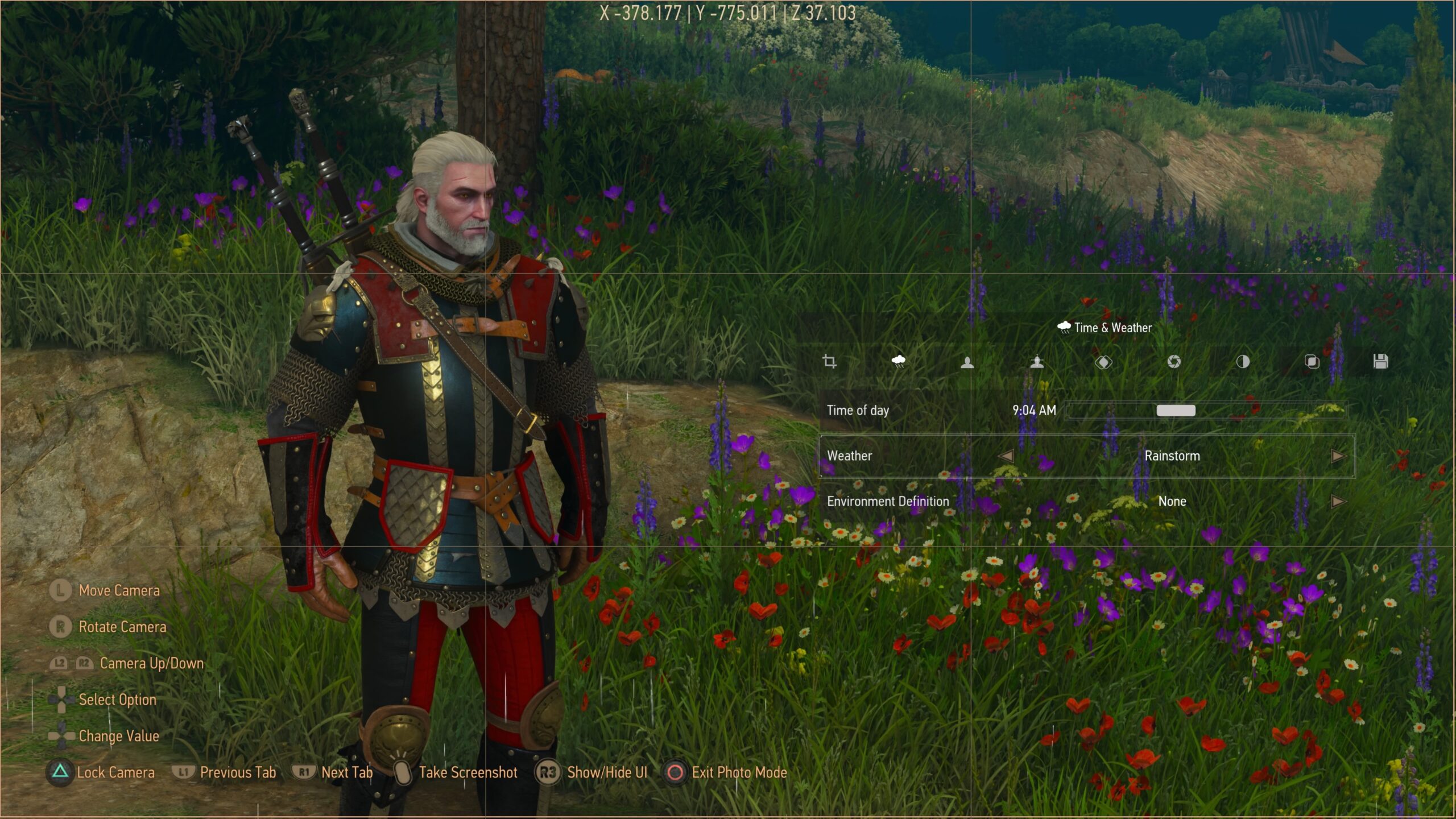
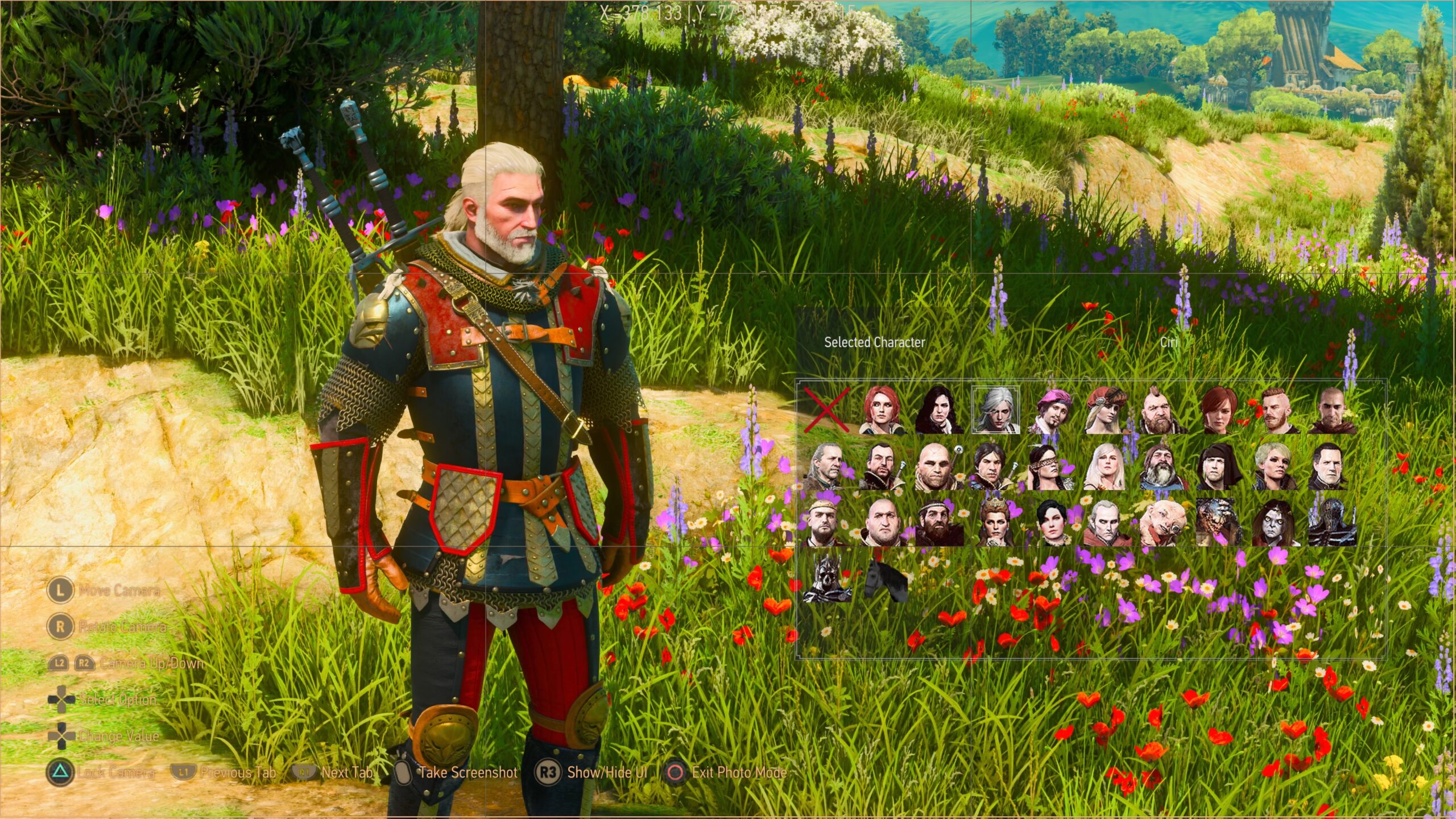
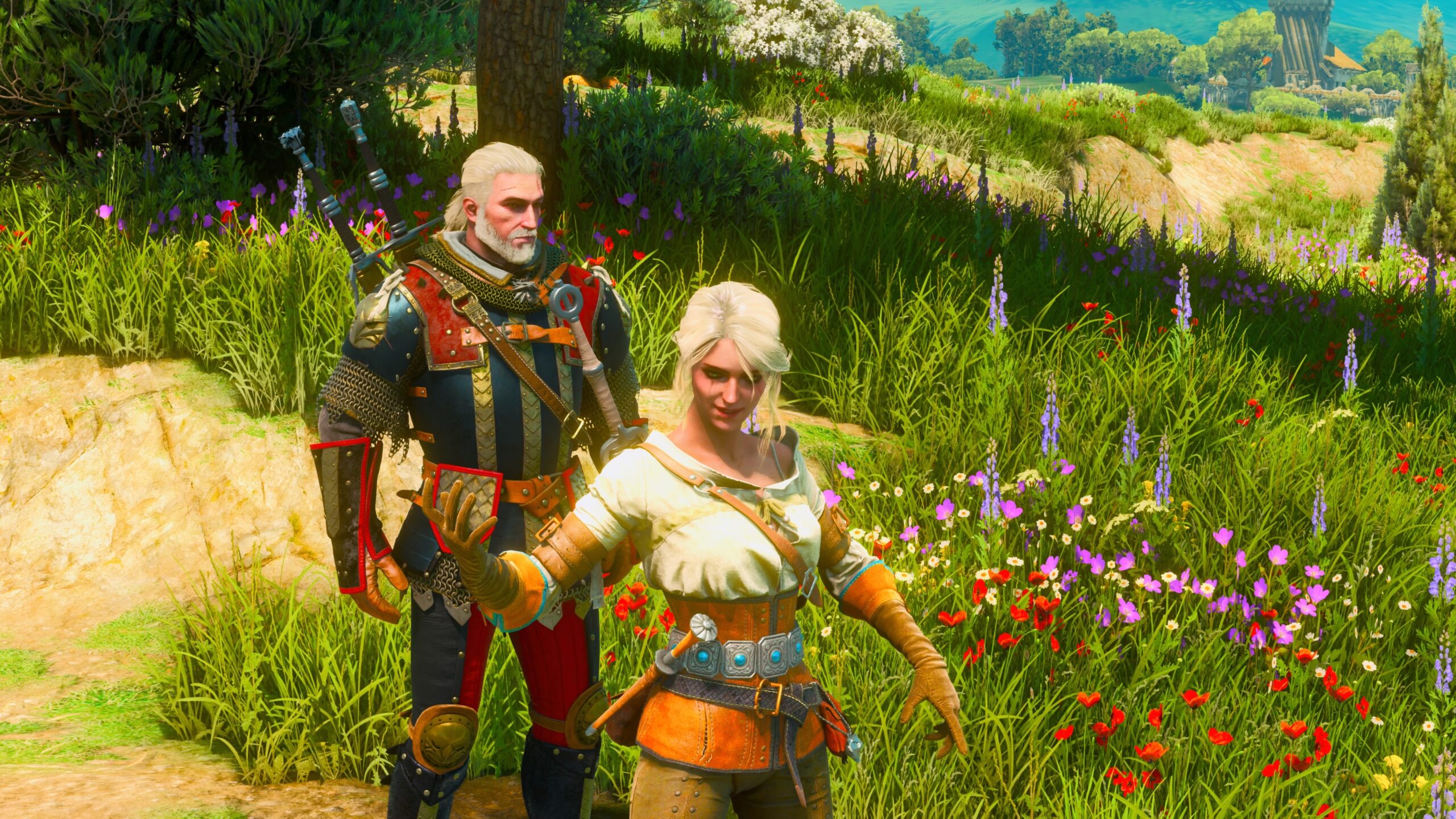
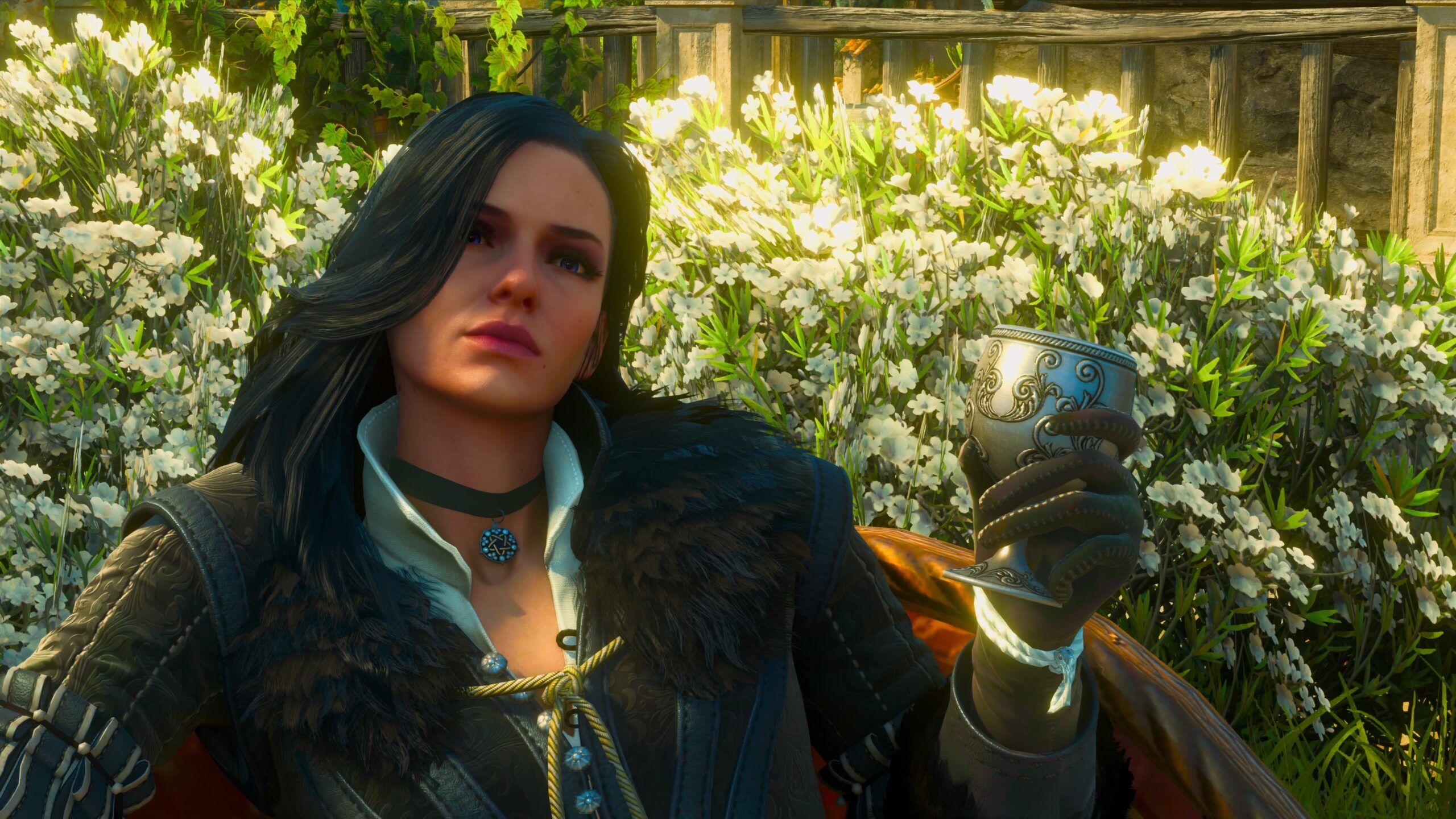
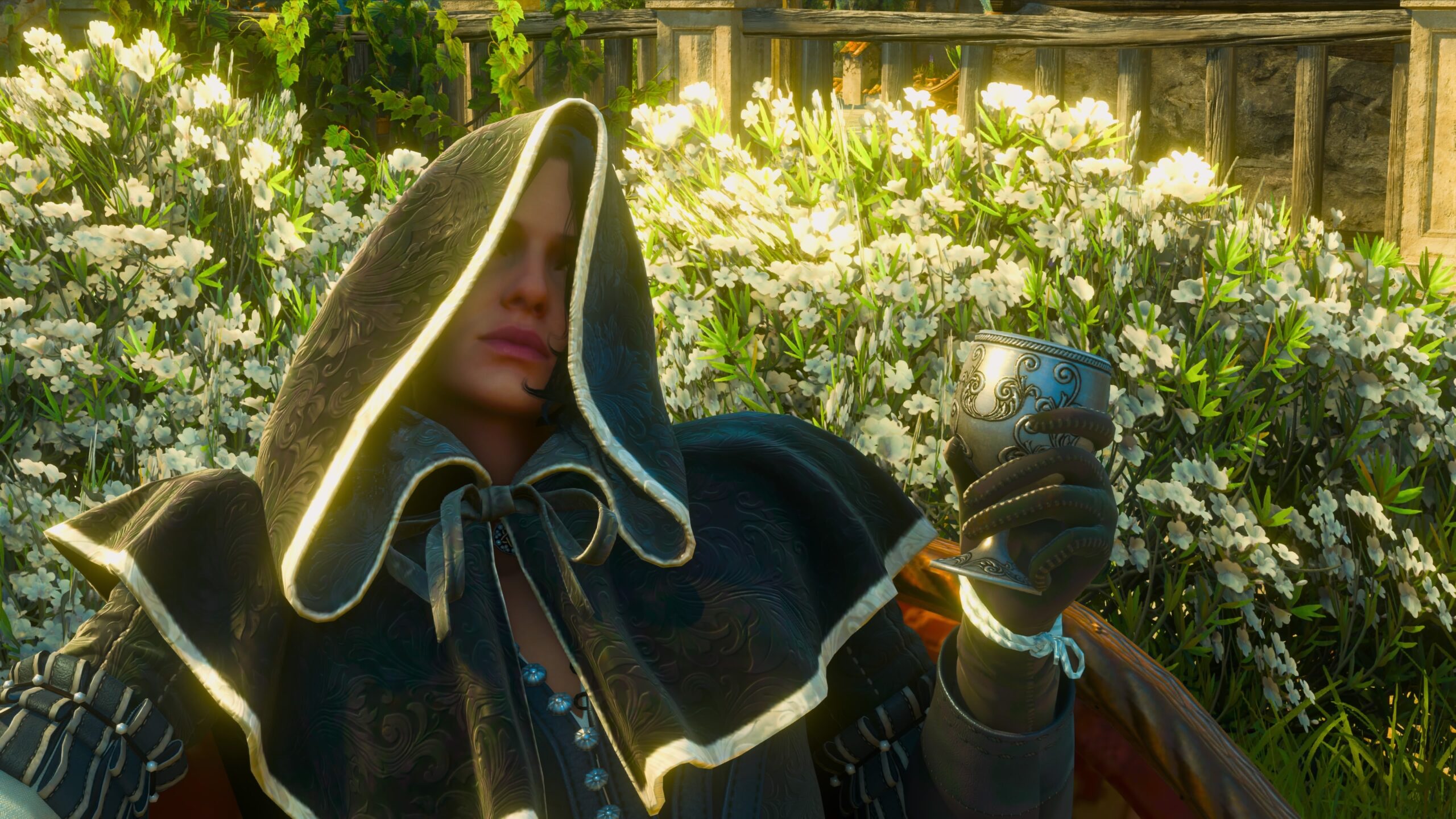
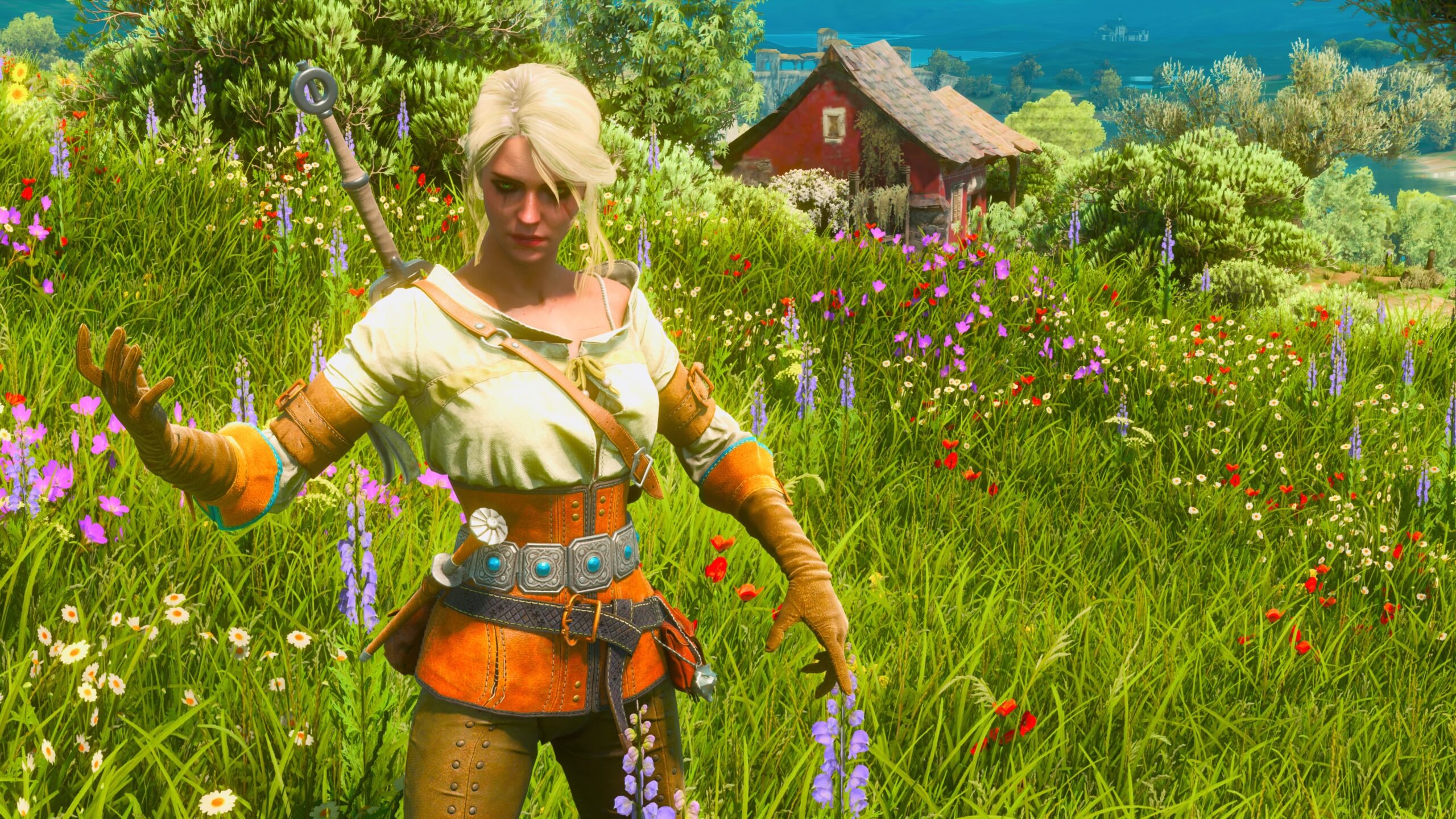
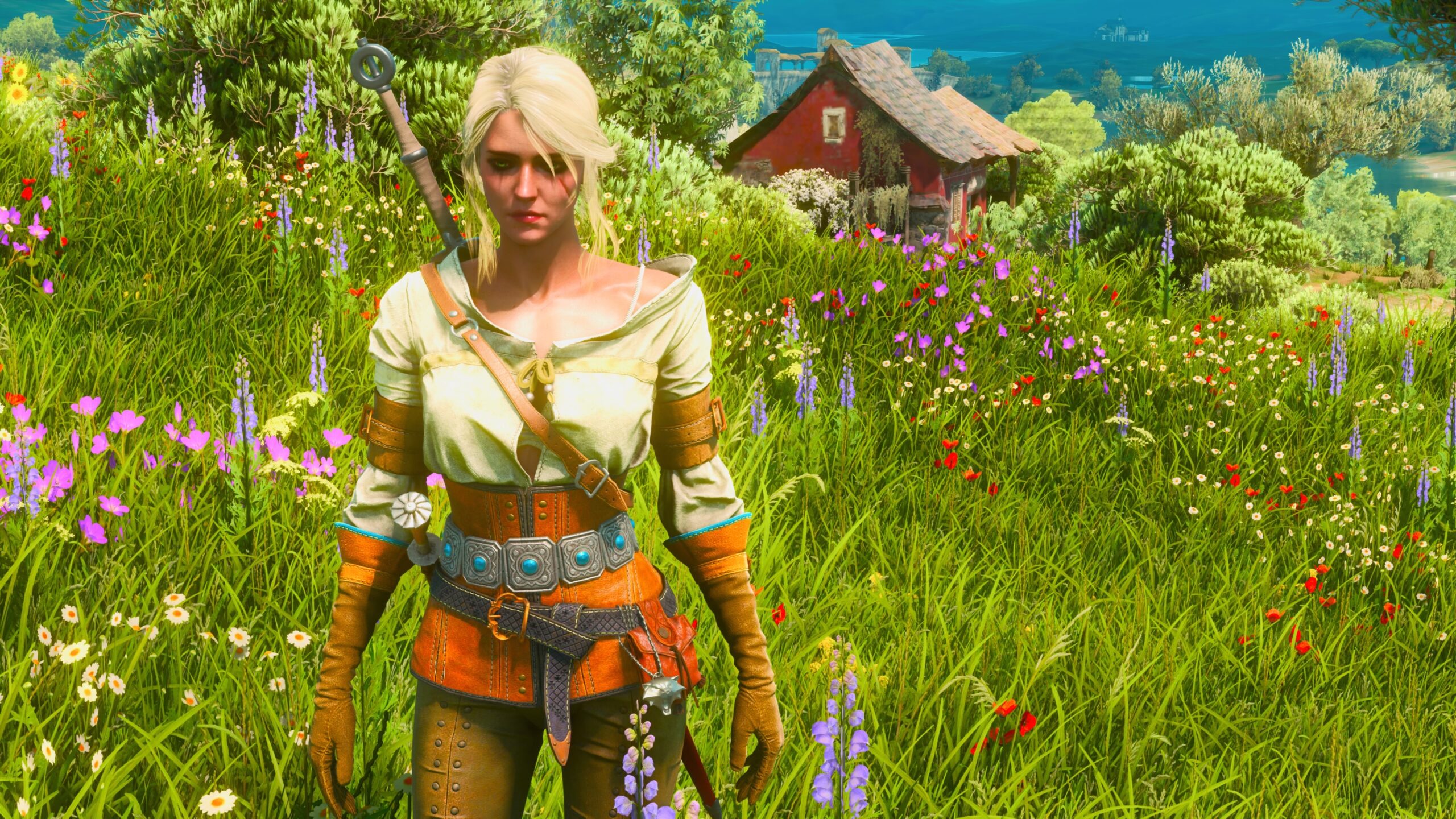
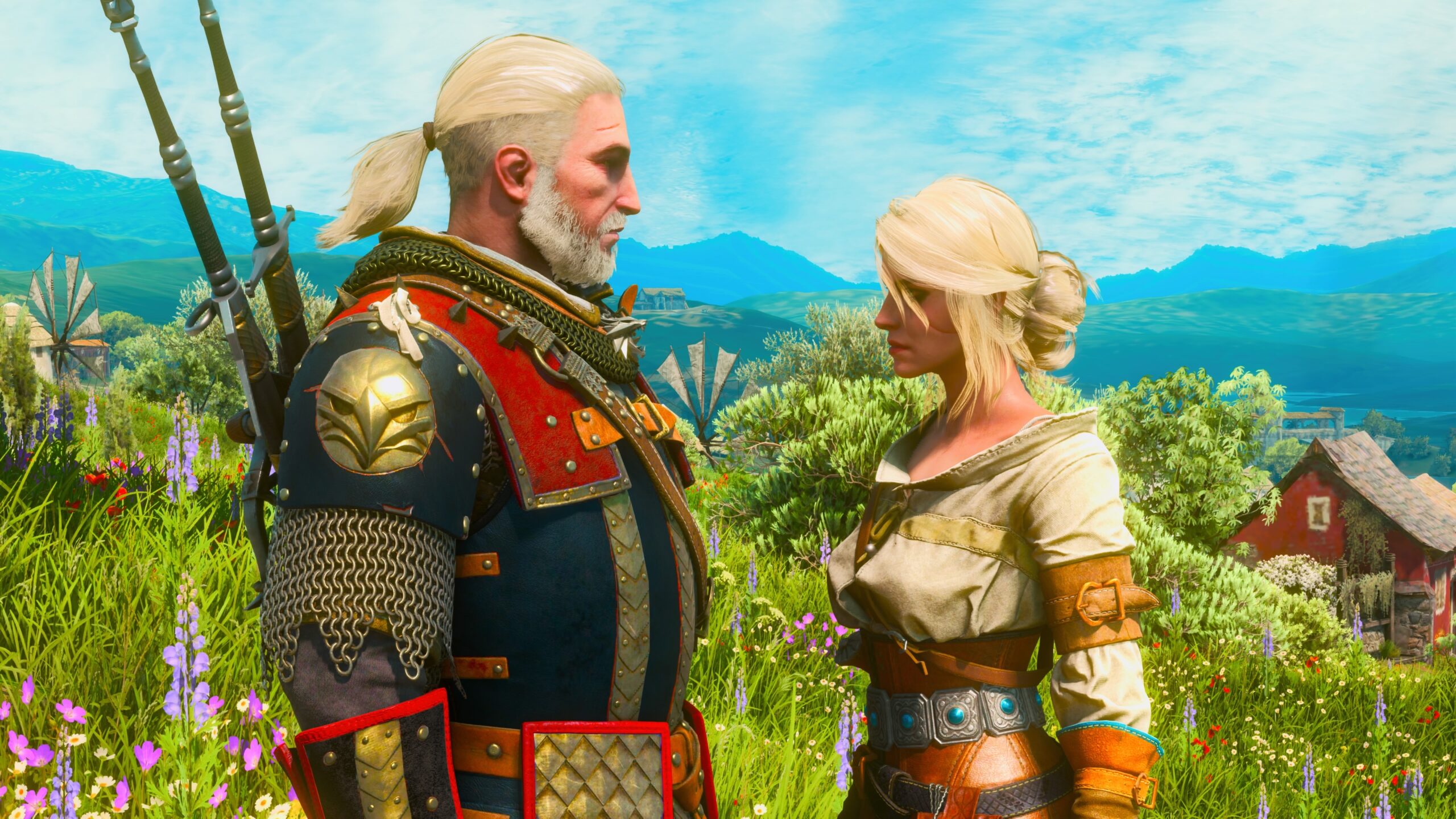
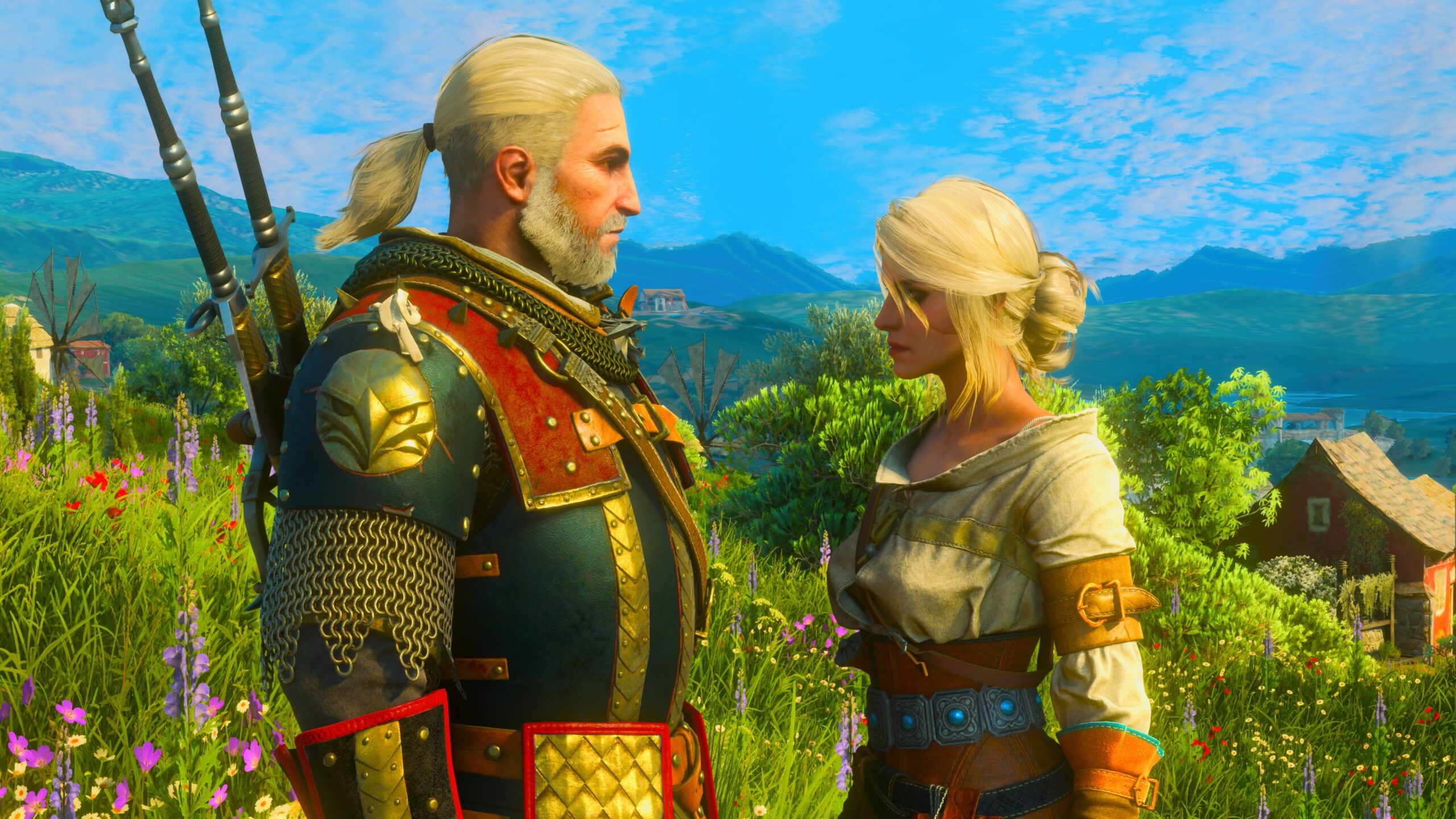
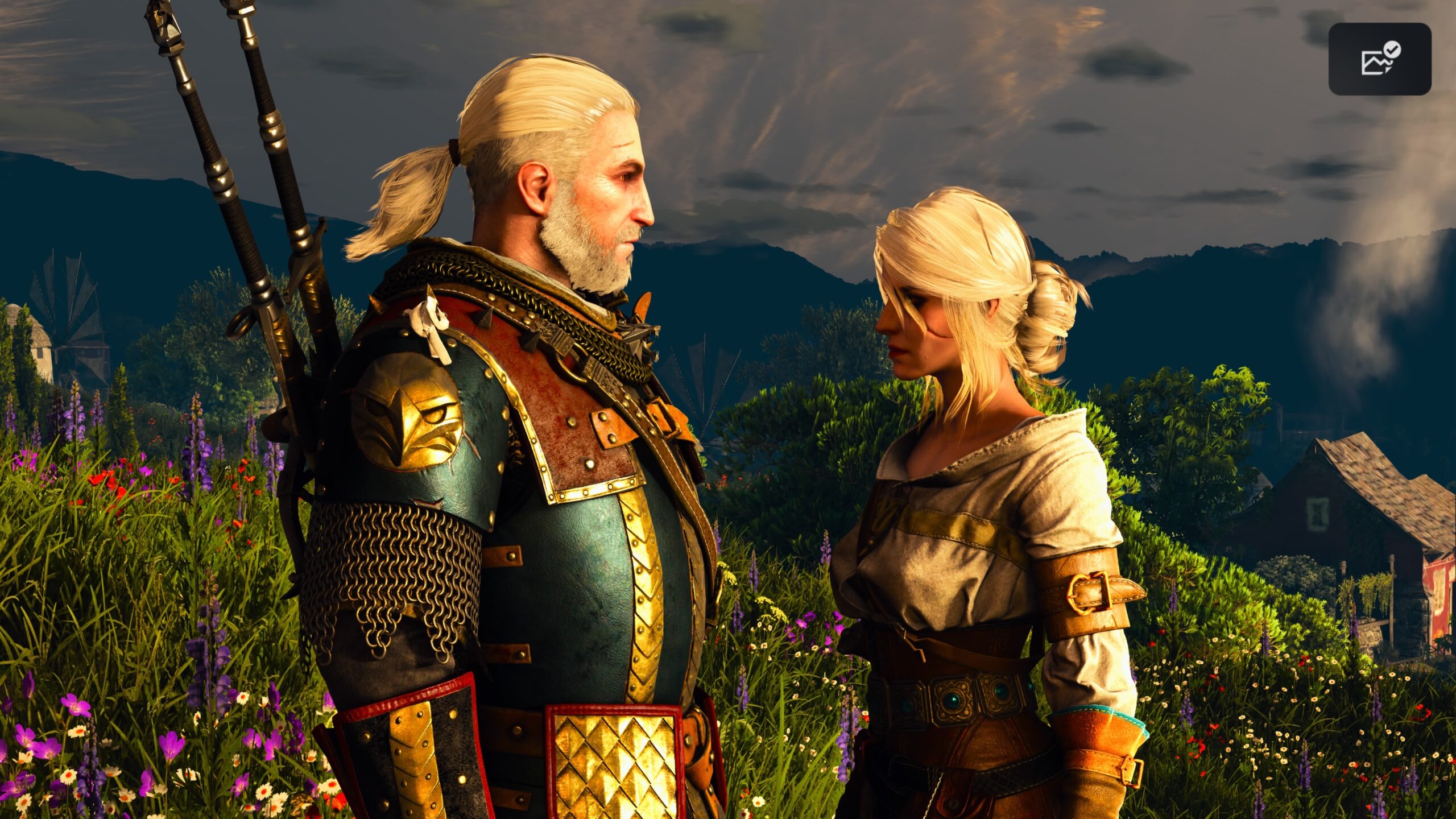
My overall assessment is that W3R‘s photo mode is good for staging shots, with its wide variety of environment and lighting options. Its ability to affect the characters’ pose, expression, and appearance is far more limited than BG3‘s, though.
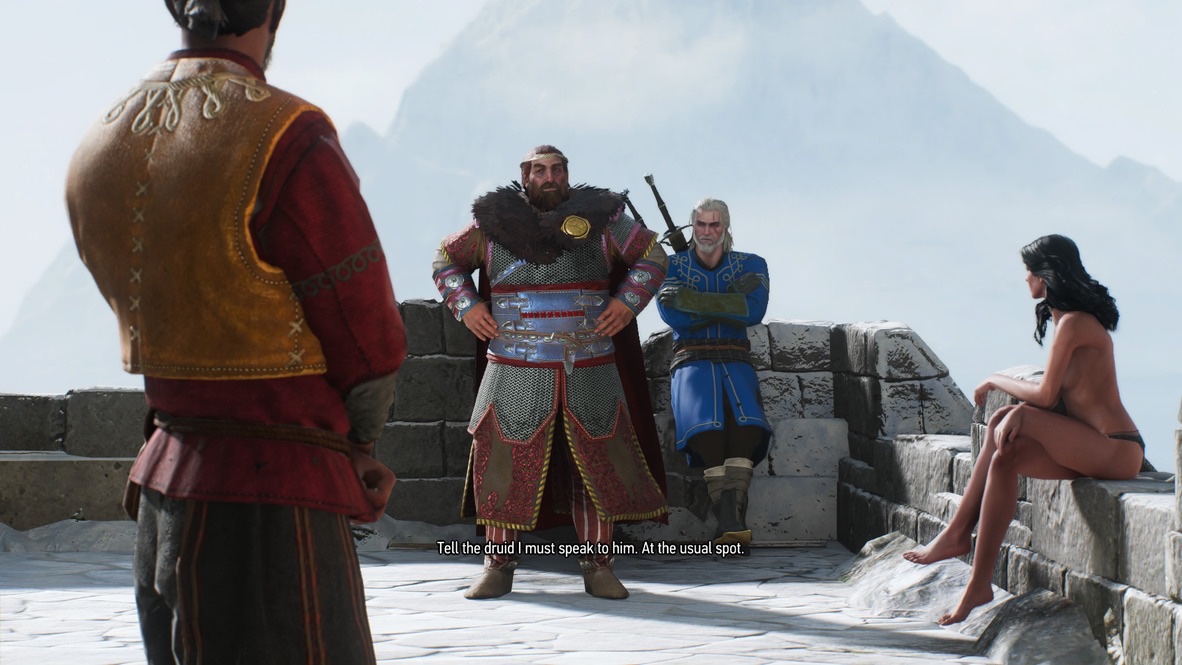
Aside from those limits, the reason why you won’t see any pictorial Witcher 3 fanfic from me is that, by necessity and design, all the stories would have to be about Geralt of Rivia. If you’ve looked at any of my fanfic, you’ll see that I prefer to tell stories about characters who aren’t the main ones, so I can make up my own fiction about them.
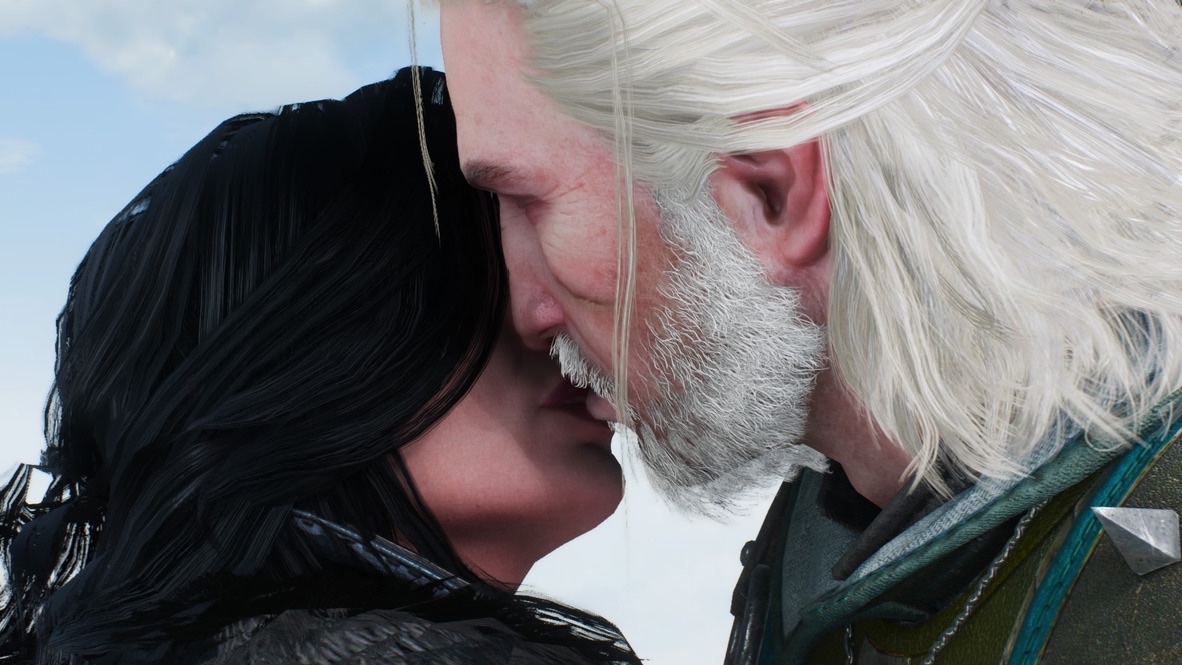
No Man’s Sky
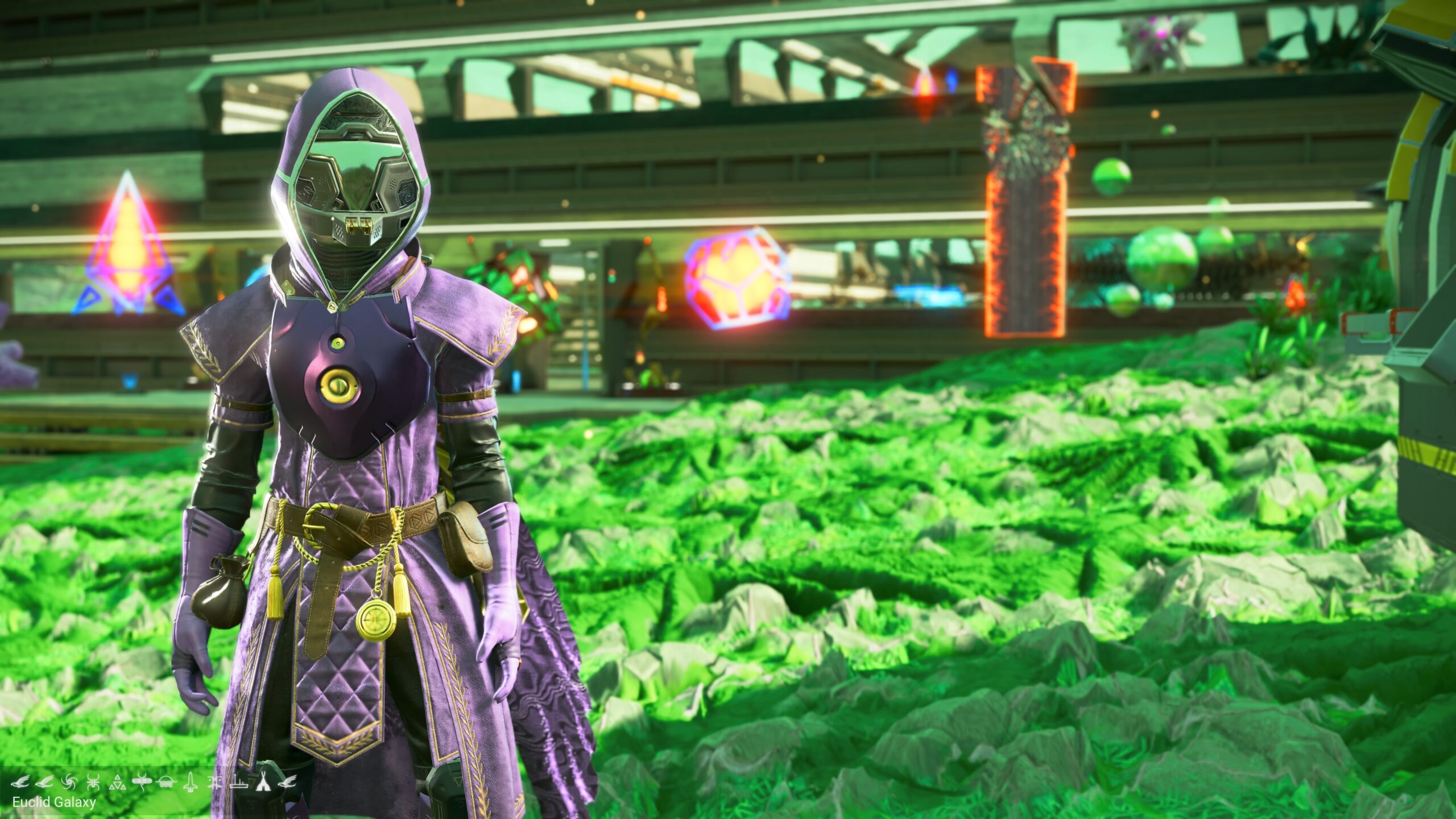
The photo mode in No Man’s Sky (NMS) is meant for players to create pictures of their environments or constructions. It’s not meant to create dioramas as in W3R or BG3.
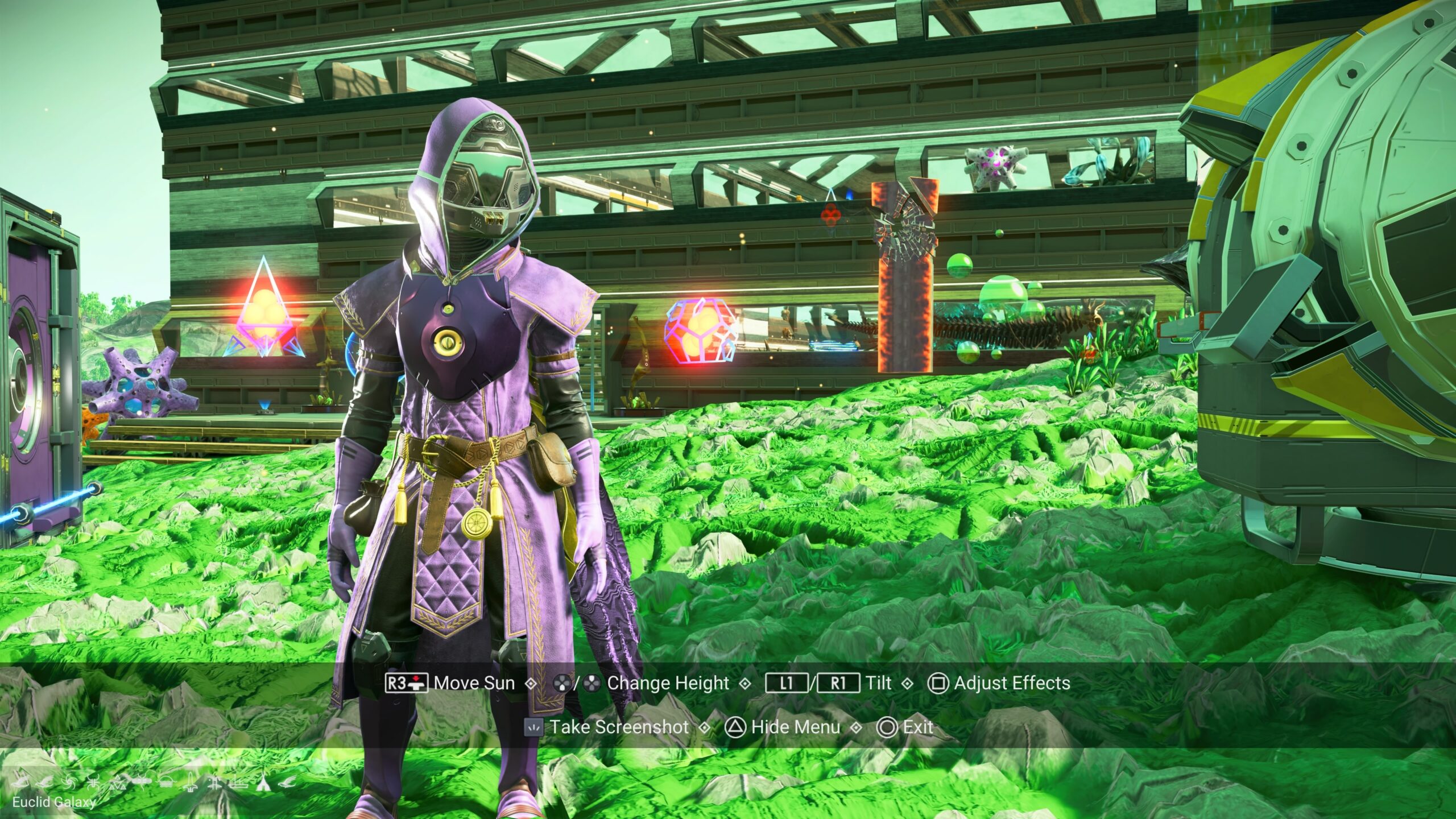
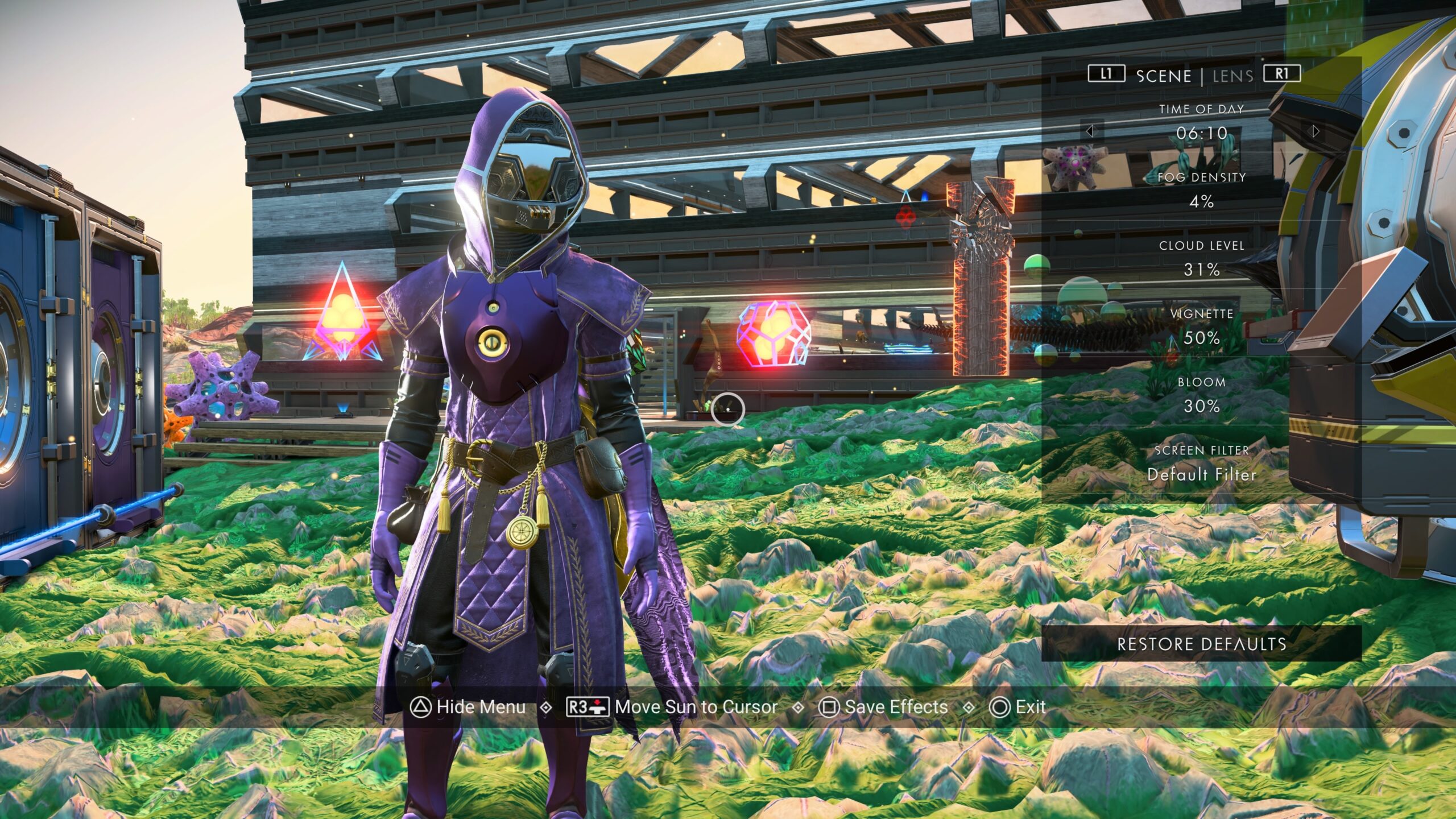
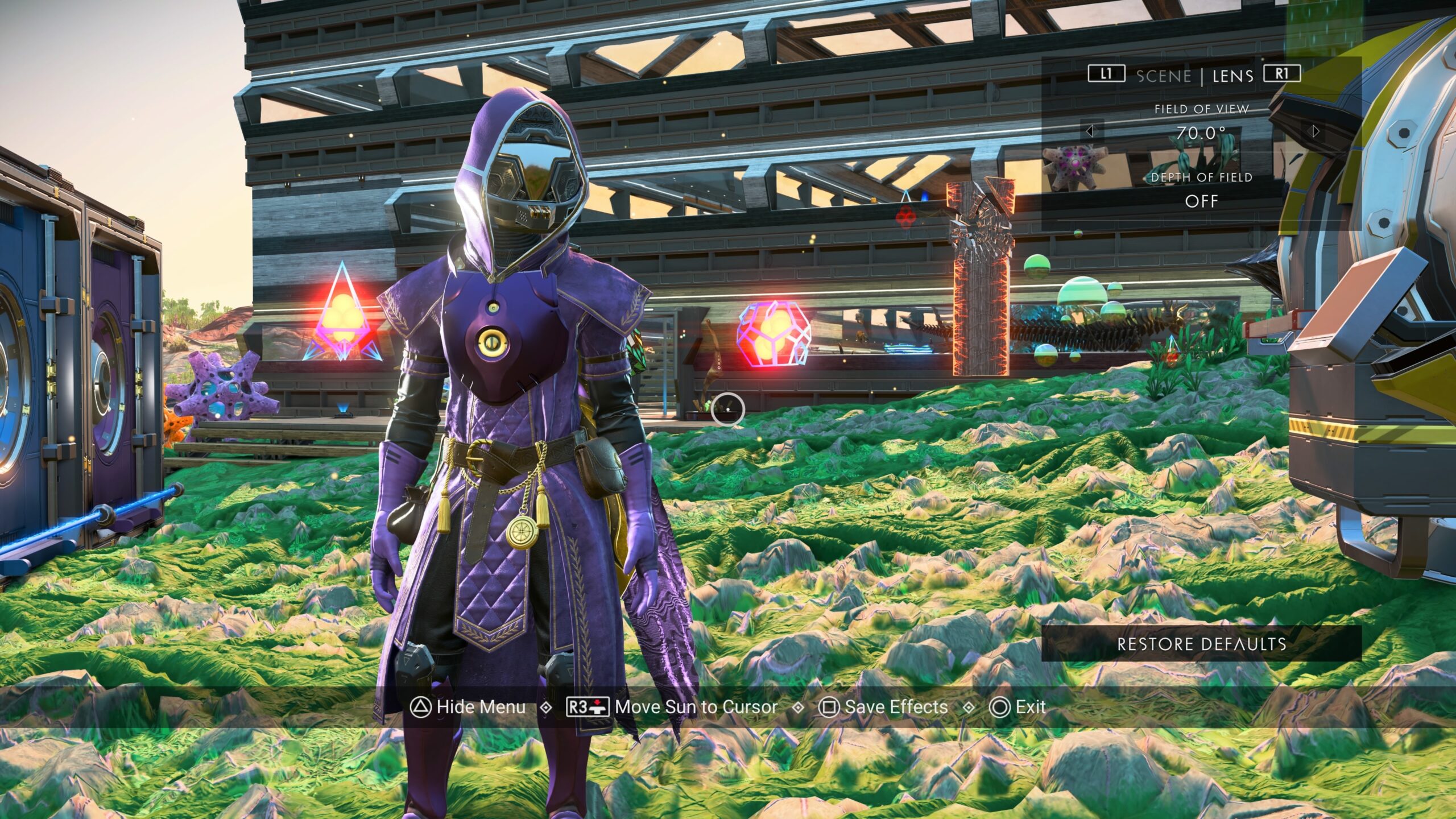
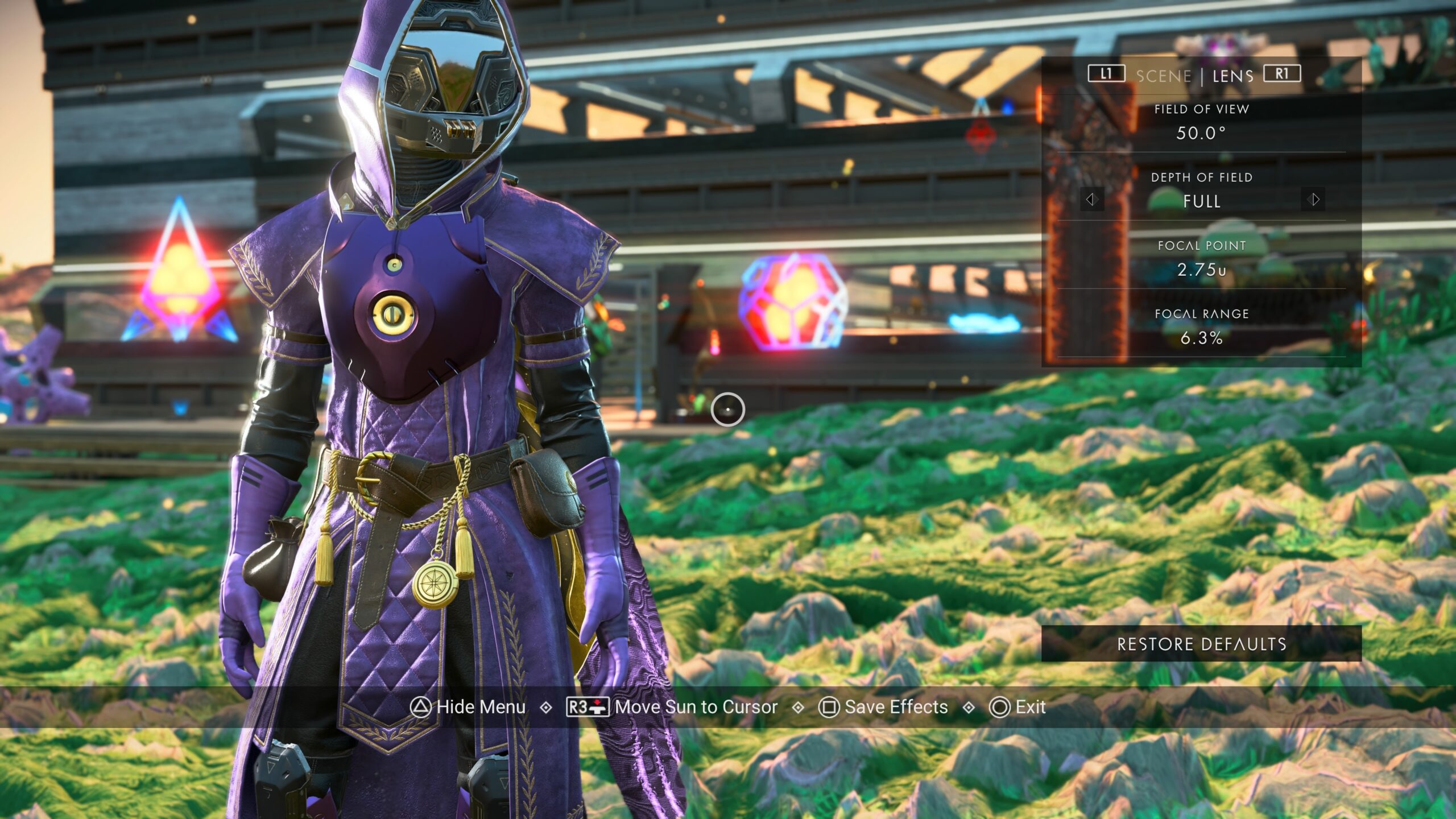
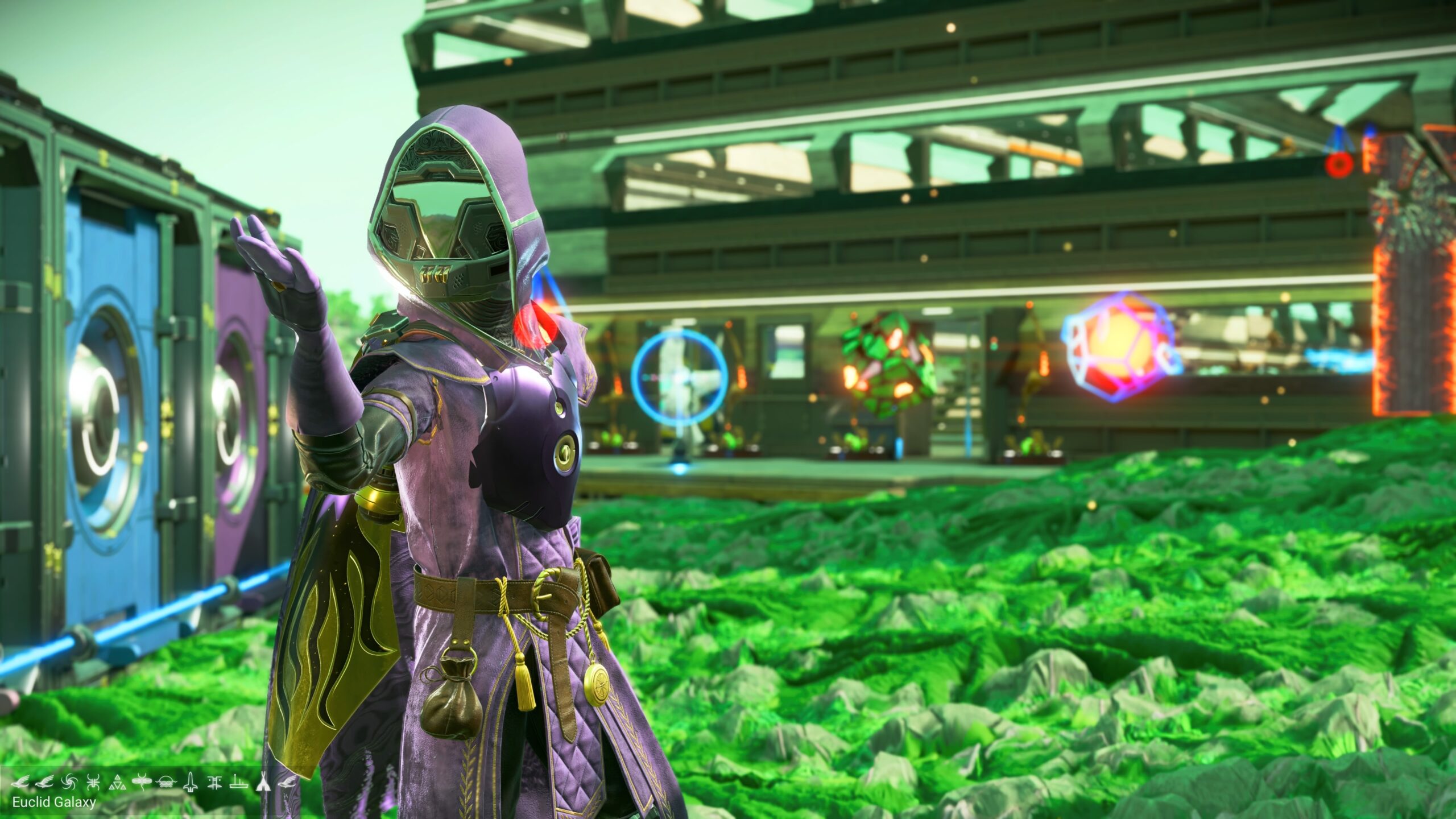
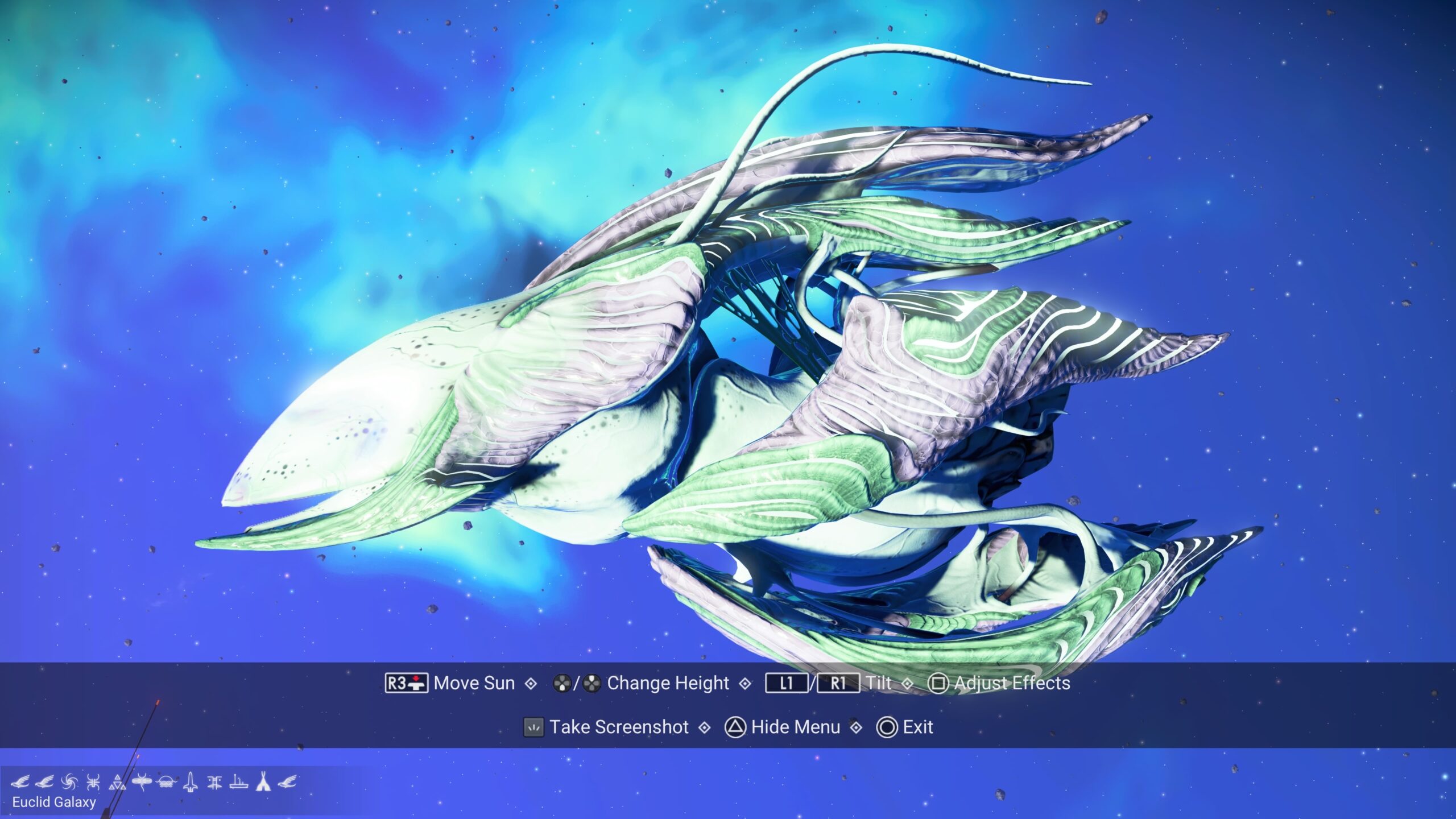
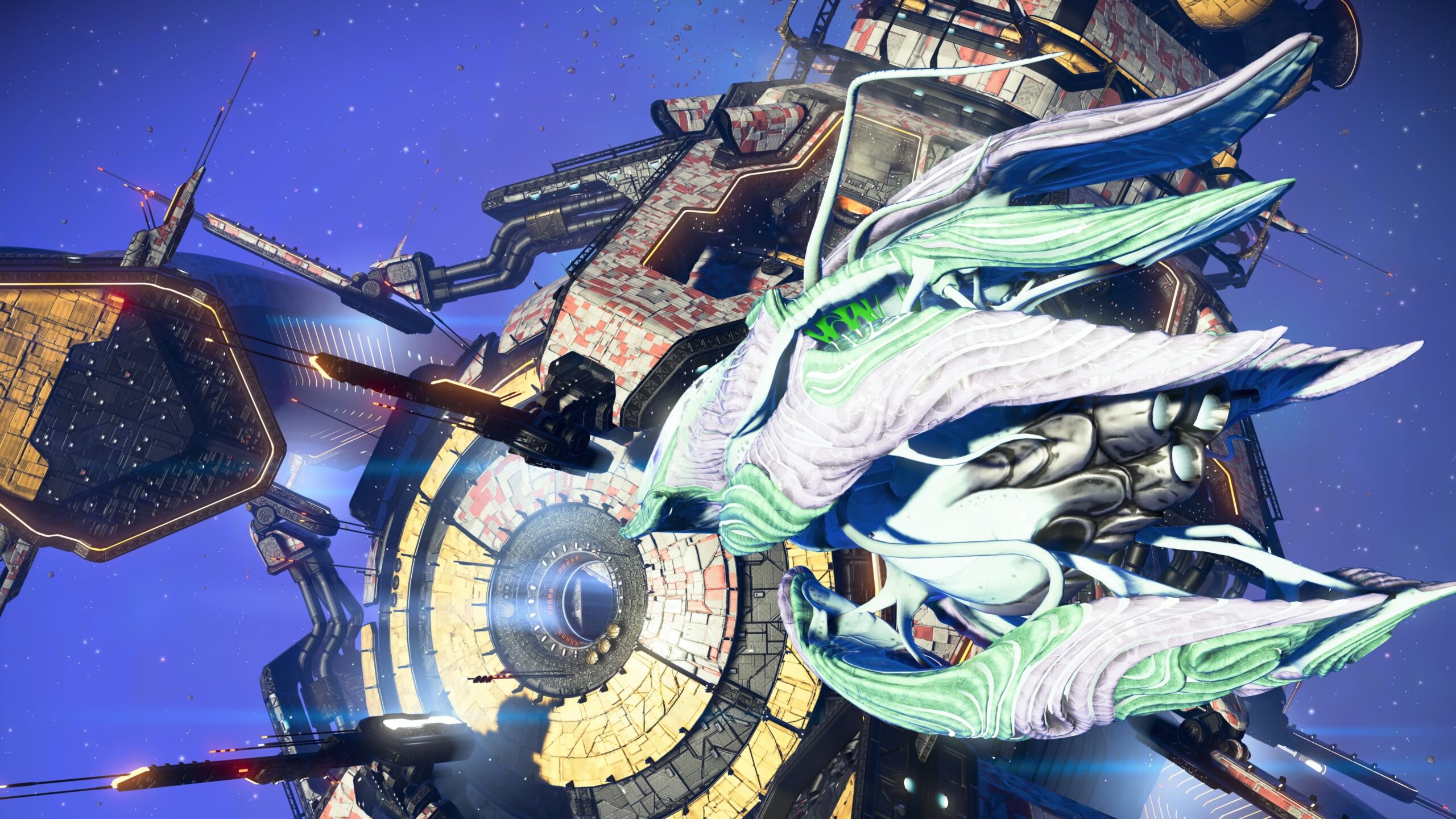
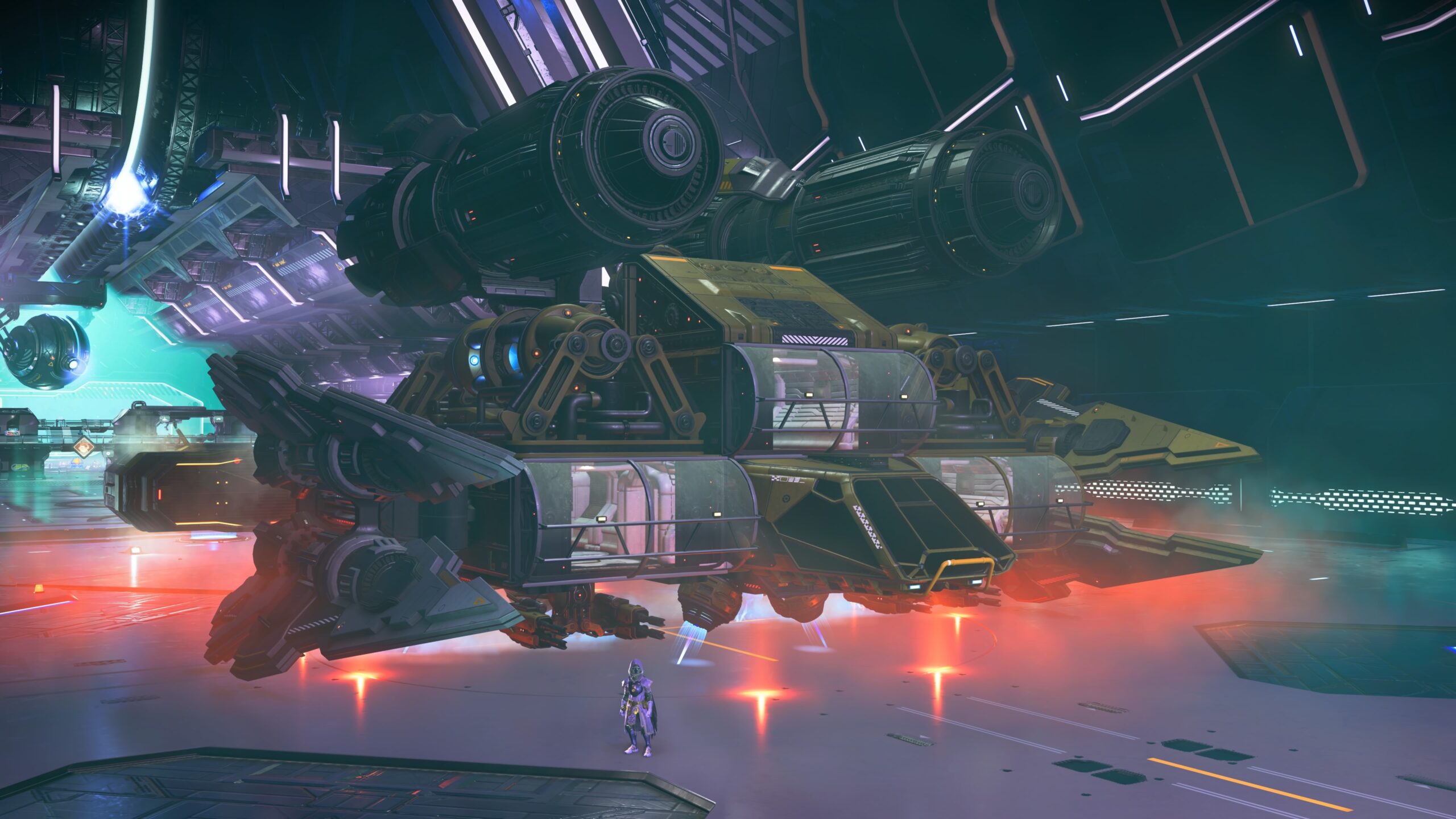
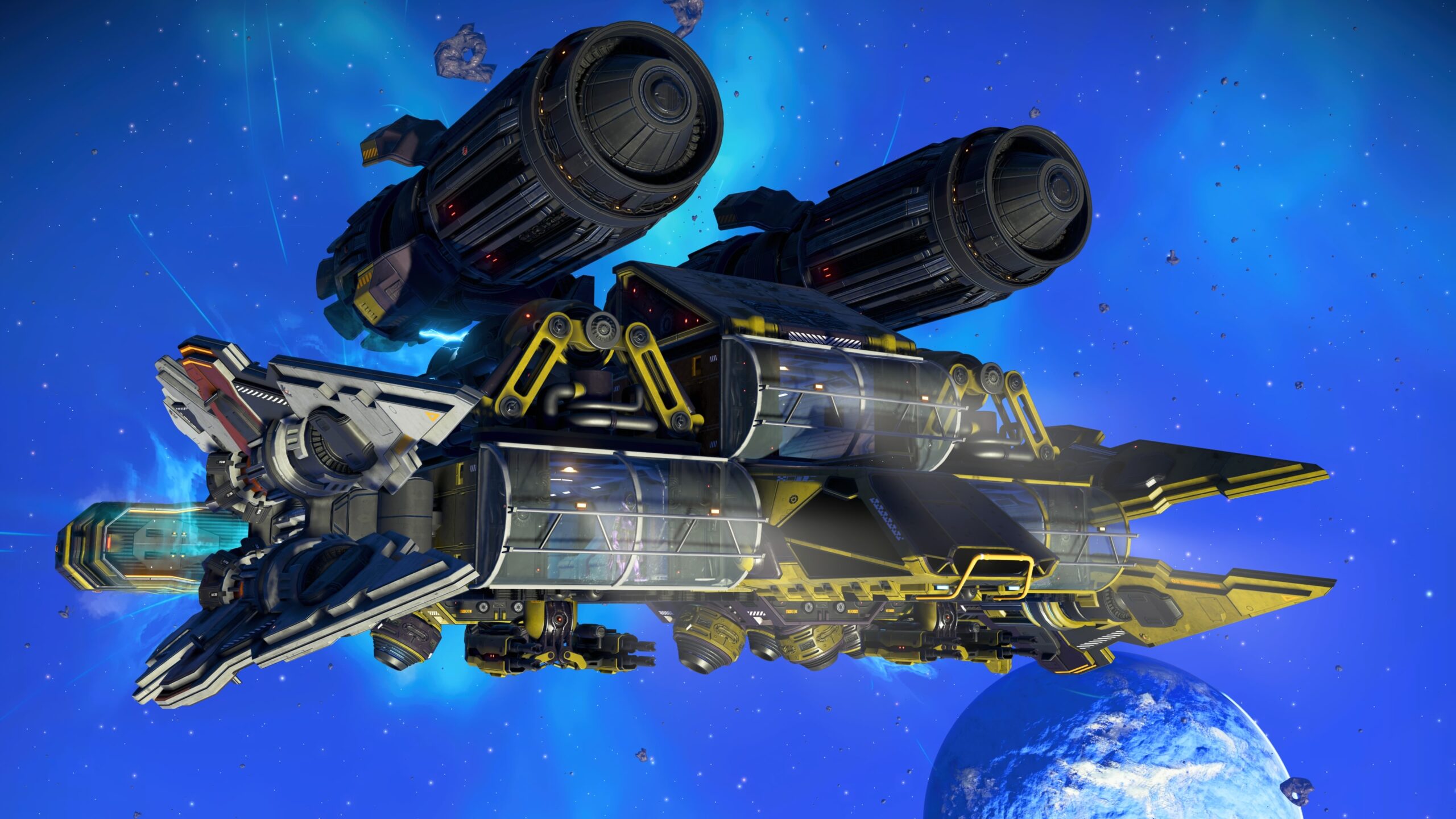
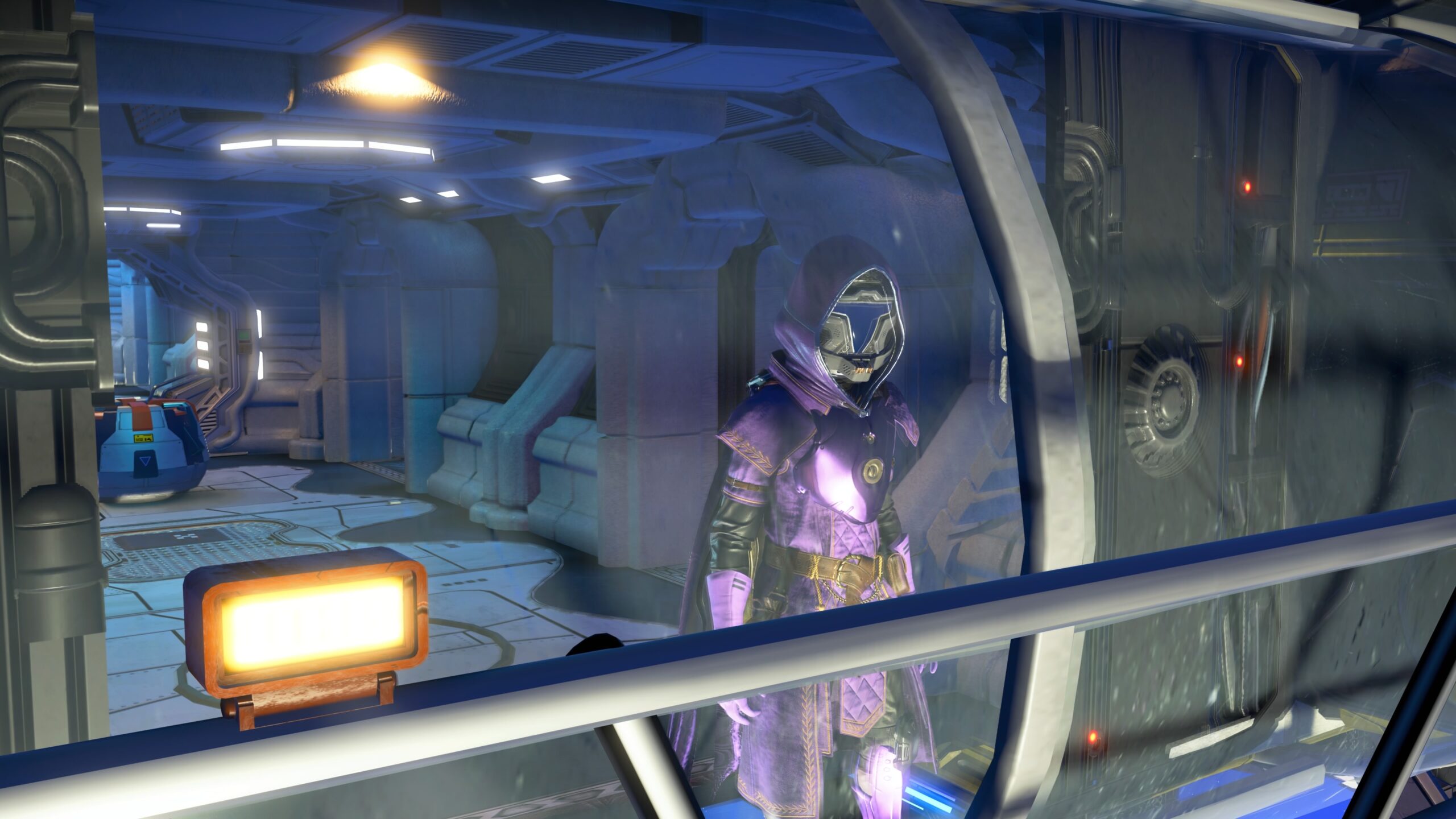
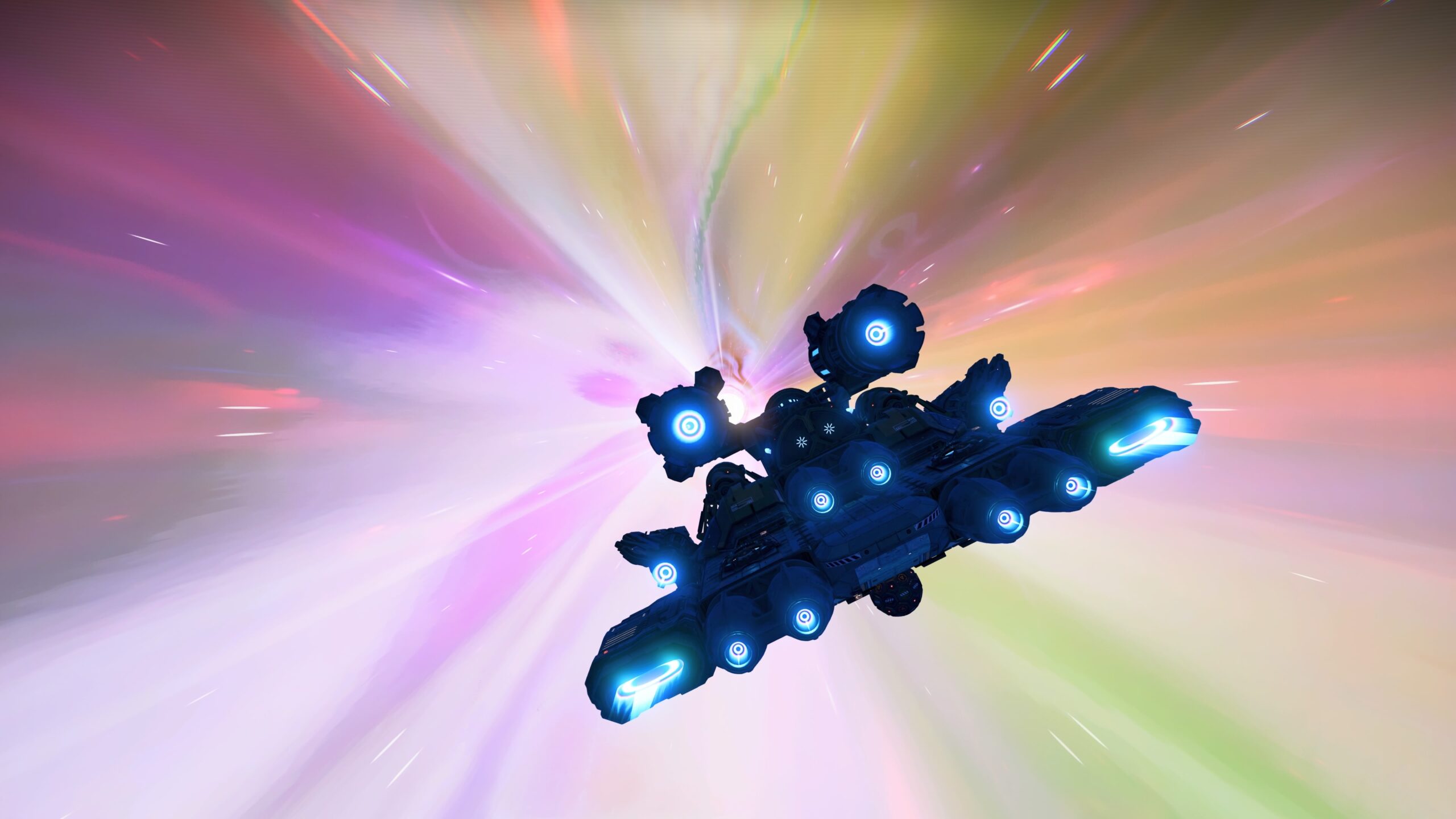
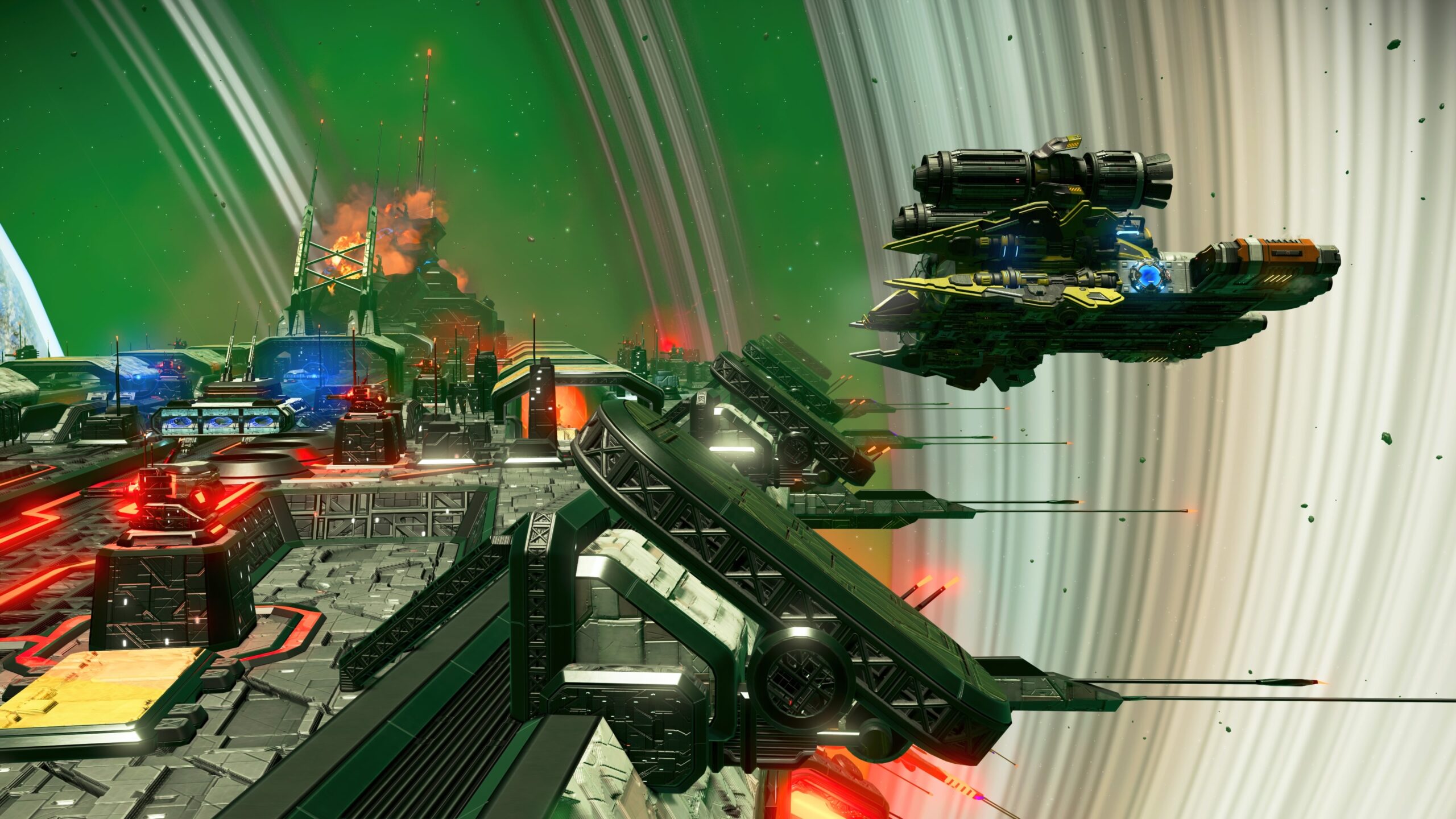
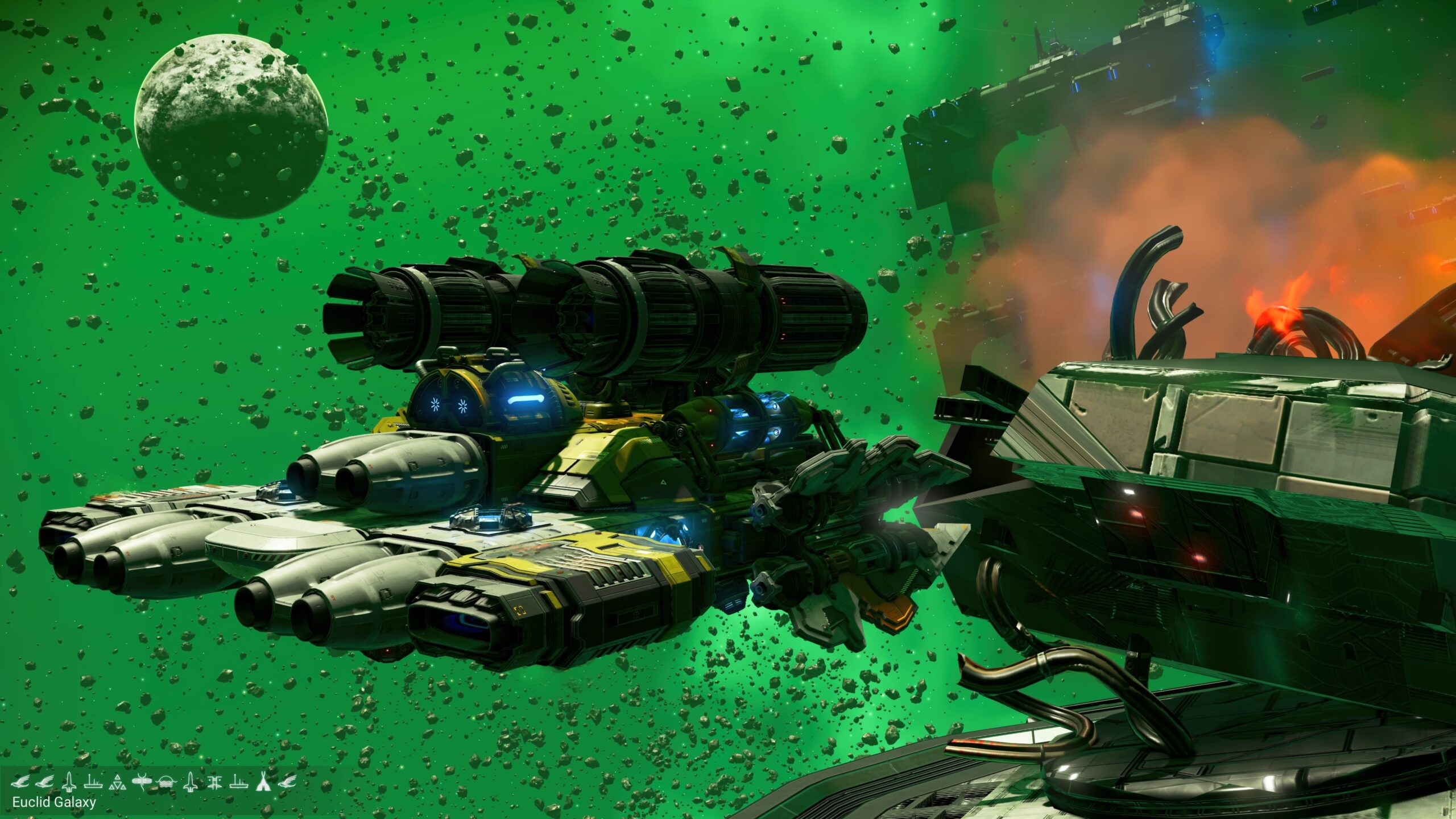
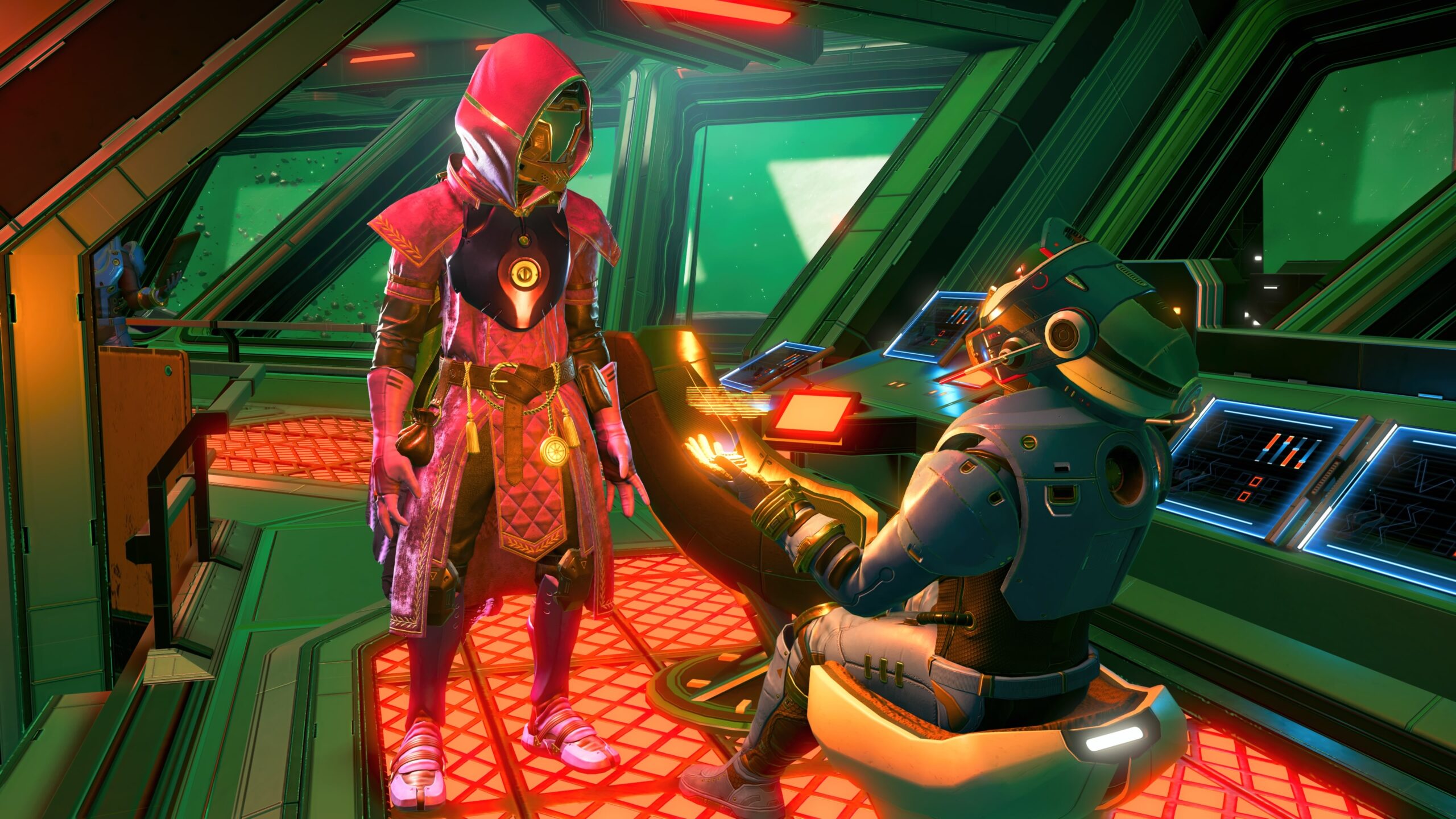
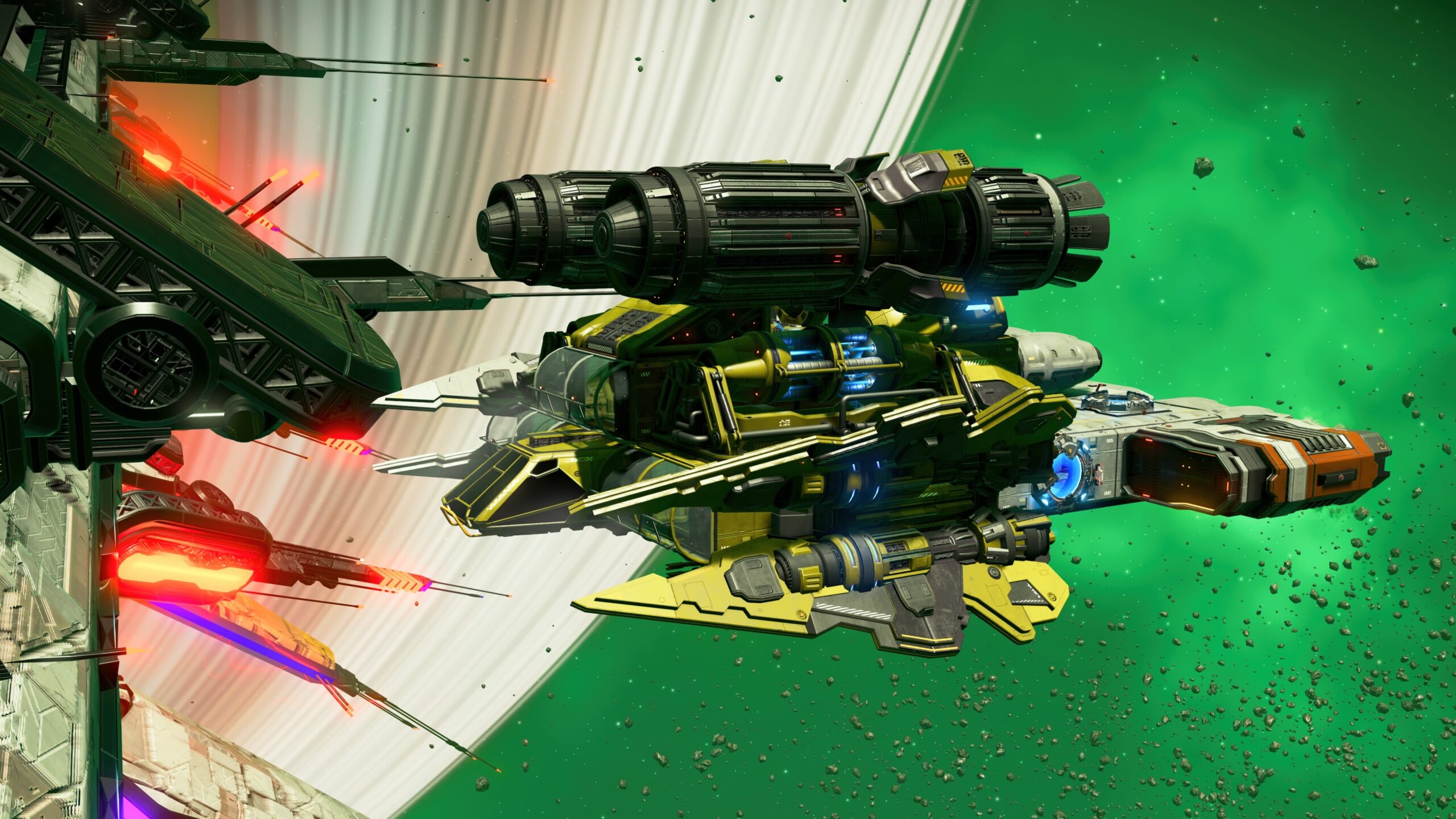
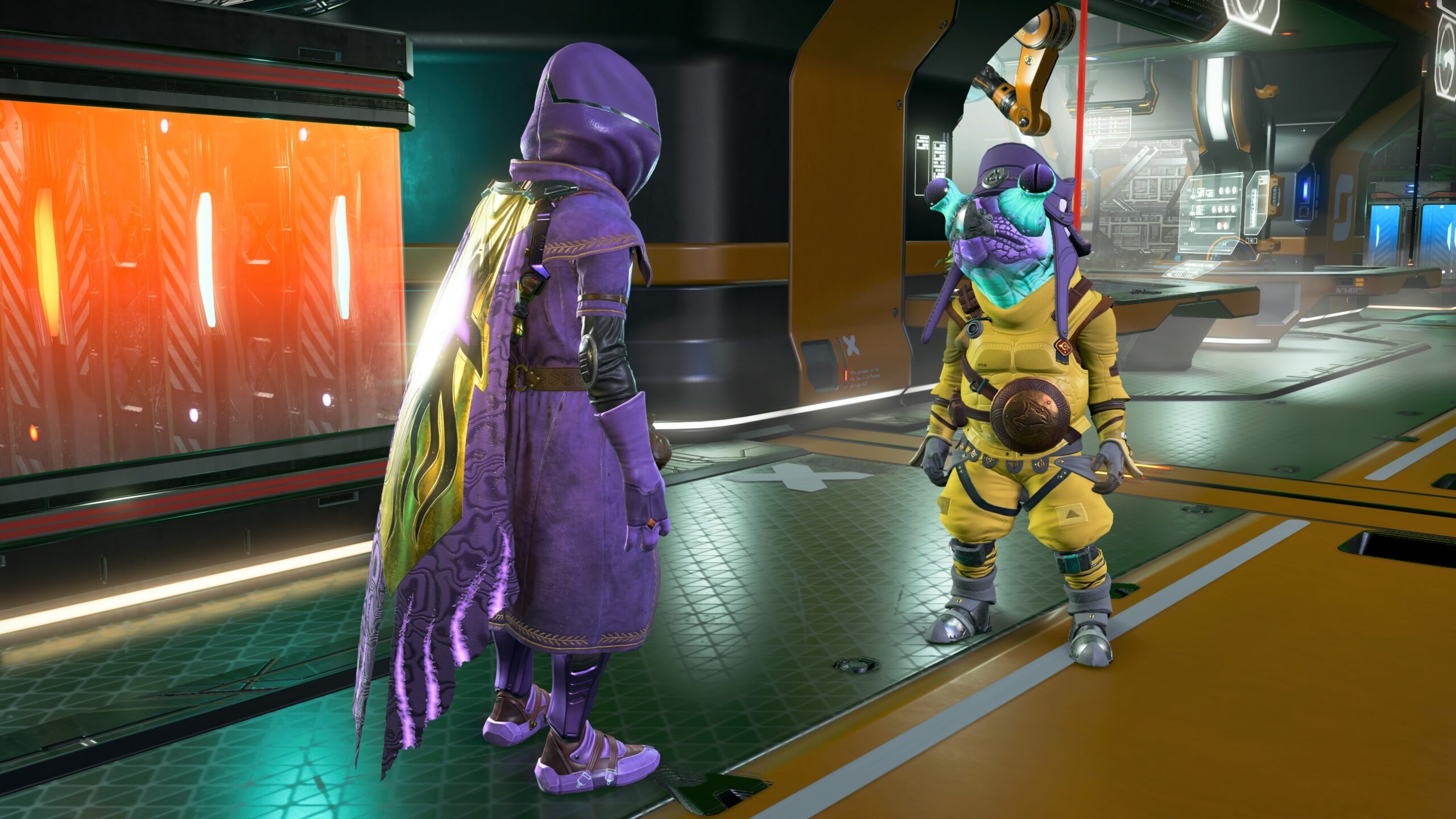
Did you notice how emotionally invested in the story you were? No? That’s because the slight story I put in the captions was just “And then he…” “He stood on a planet, and then he took off in his spaceship, and then he went to a space station, and then he fought a pirate.”
I did stuff, but there was no story. Nothing really happened.
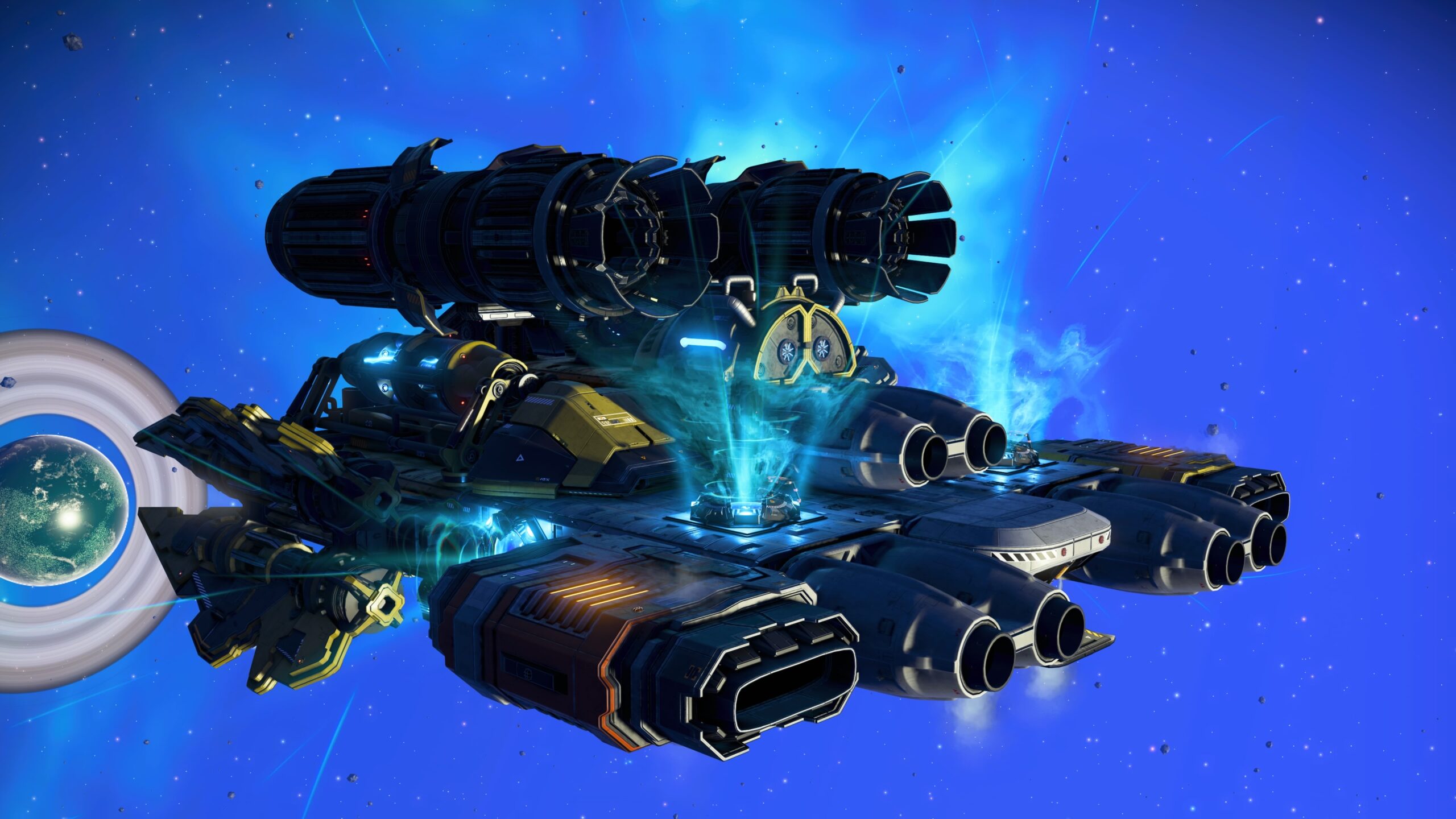
There are stories in NMS, but they’re all told in form of passive narration. You can build lots of things, but you can’t change the Fate of the Galaxy in the same way you can in BG3 or W3R. It’s not that kind of game.
For simply taking pictures of the worlds, the NMS photo mode is fine. For constructing scenes that could be turned into an interesting story, you’d have to be a better writer and photographer than I am.
Senua’s Saga: Hellblade II
Given the nature of Senua’s Saga: Hellblade II (SSH2), I was surprised to find it had a photo mode at all. It didn’t seem to be the sort of thing you’d put into a game about a character dealing with the consequences of psychosis.
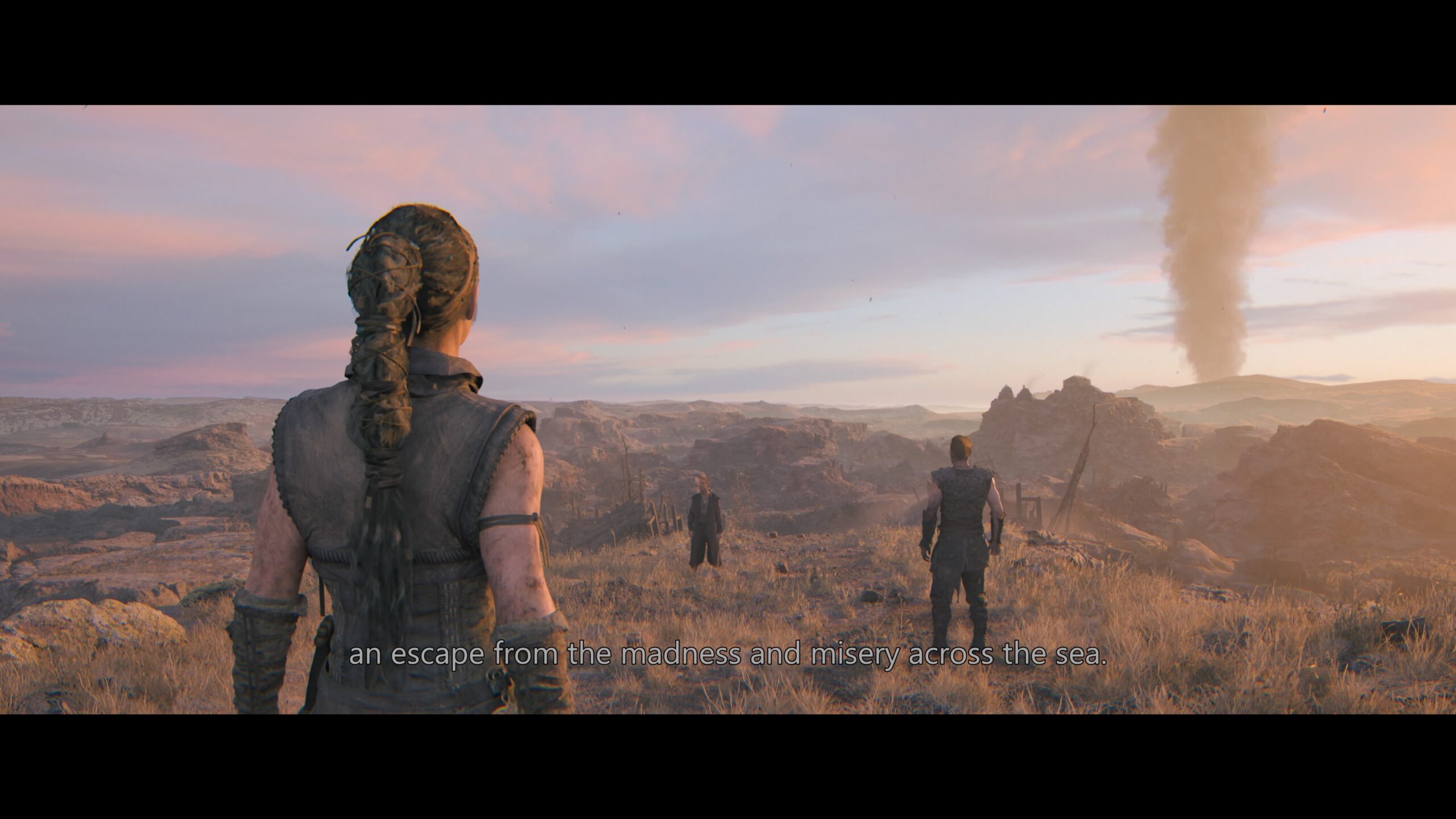
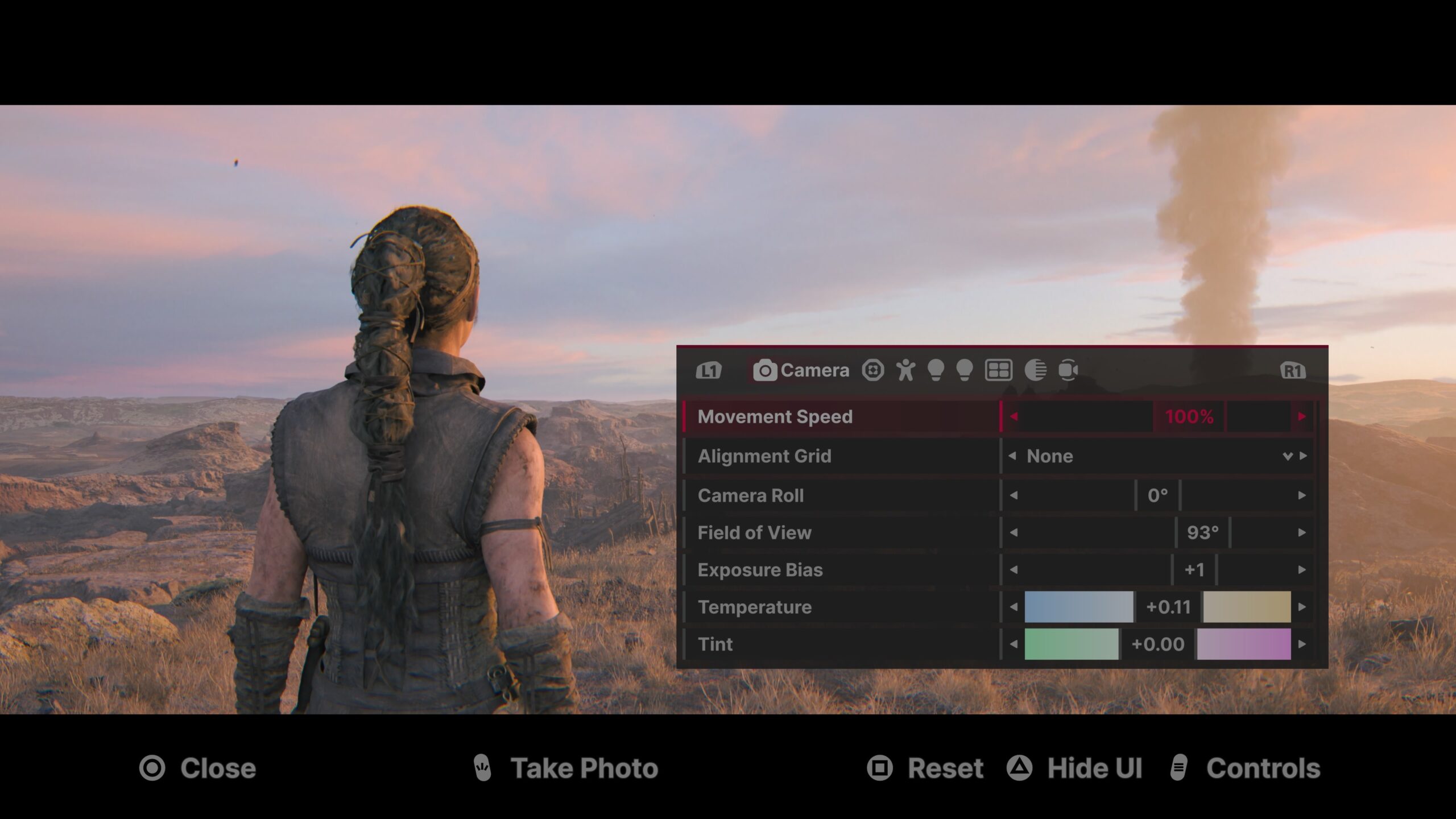
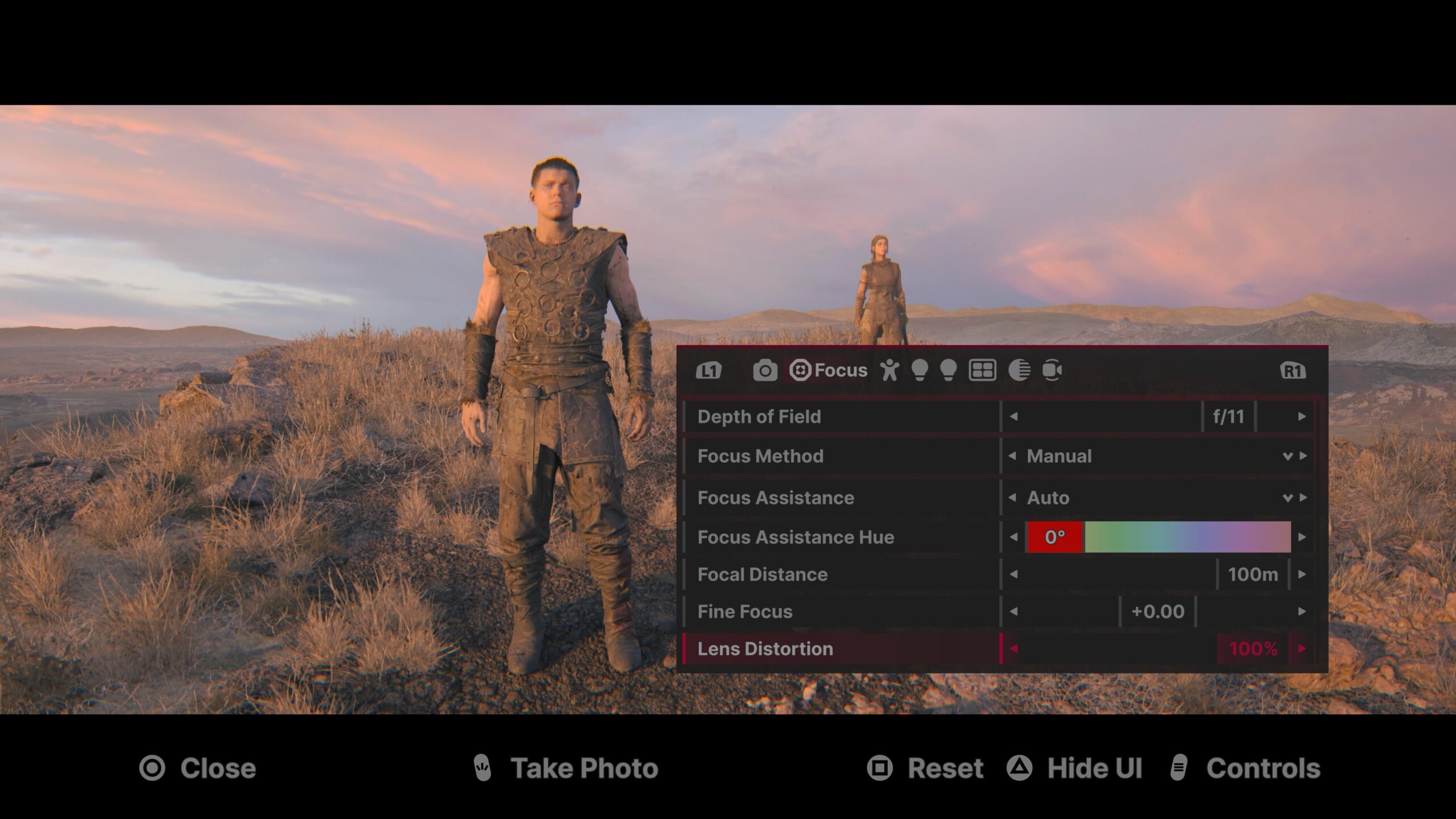
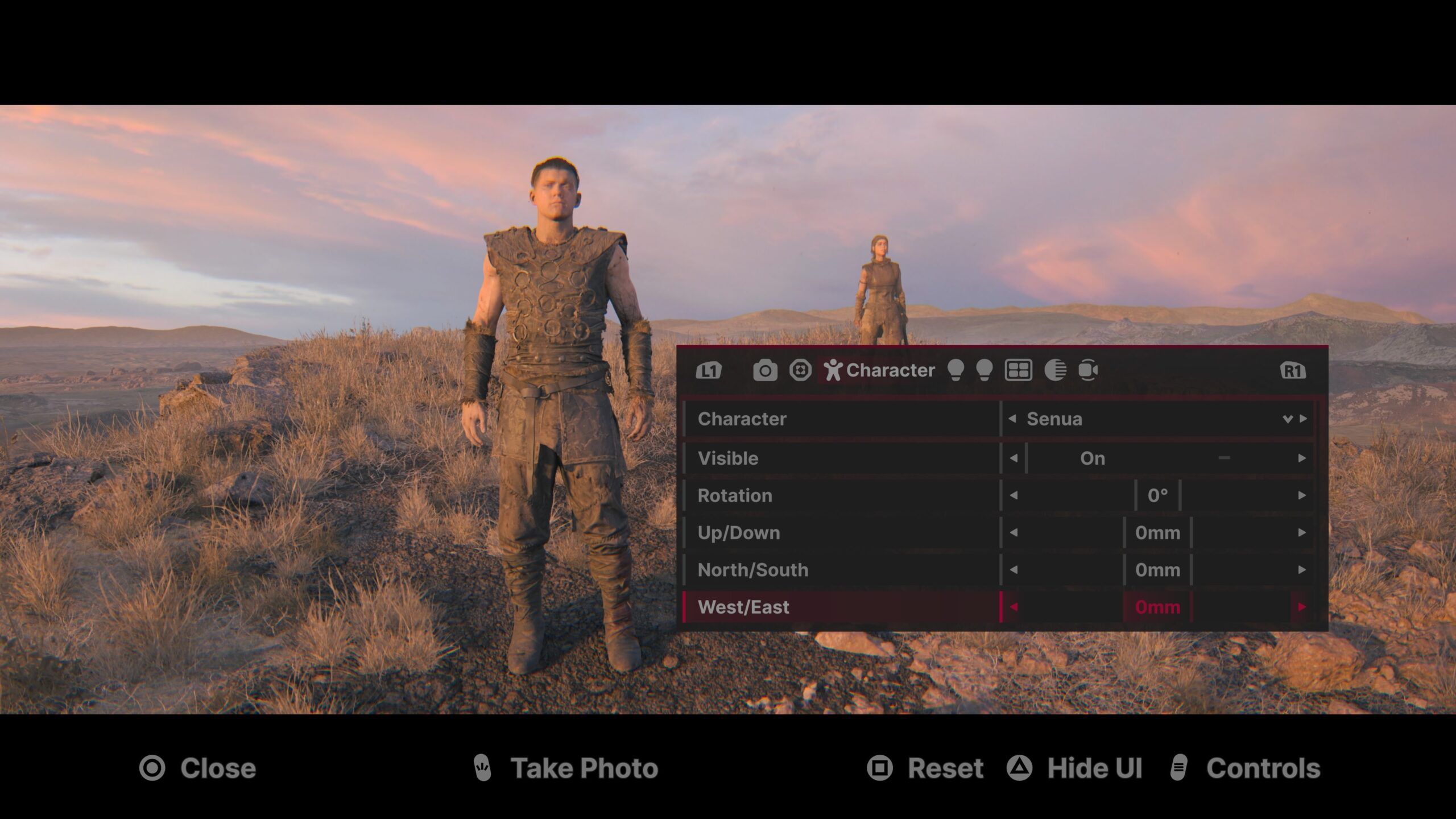
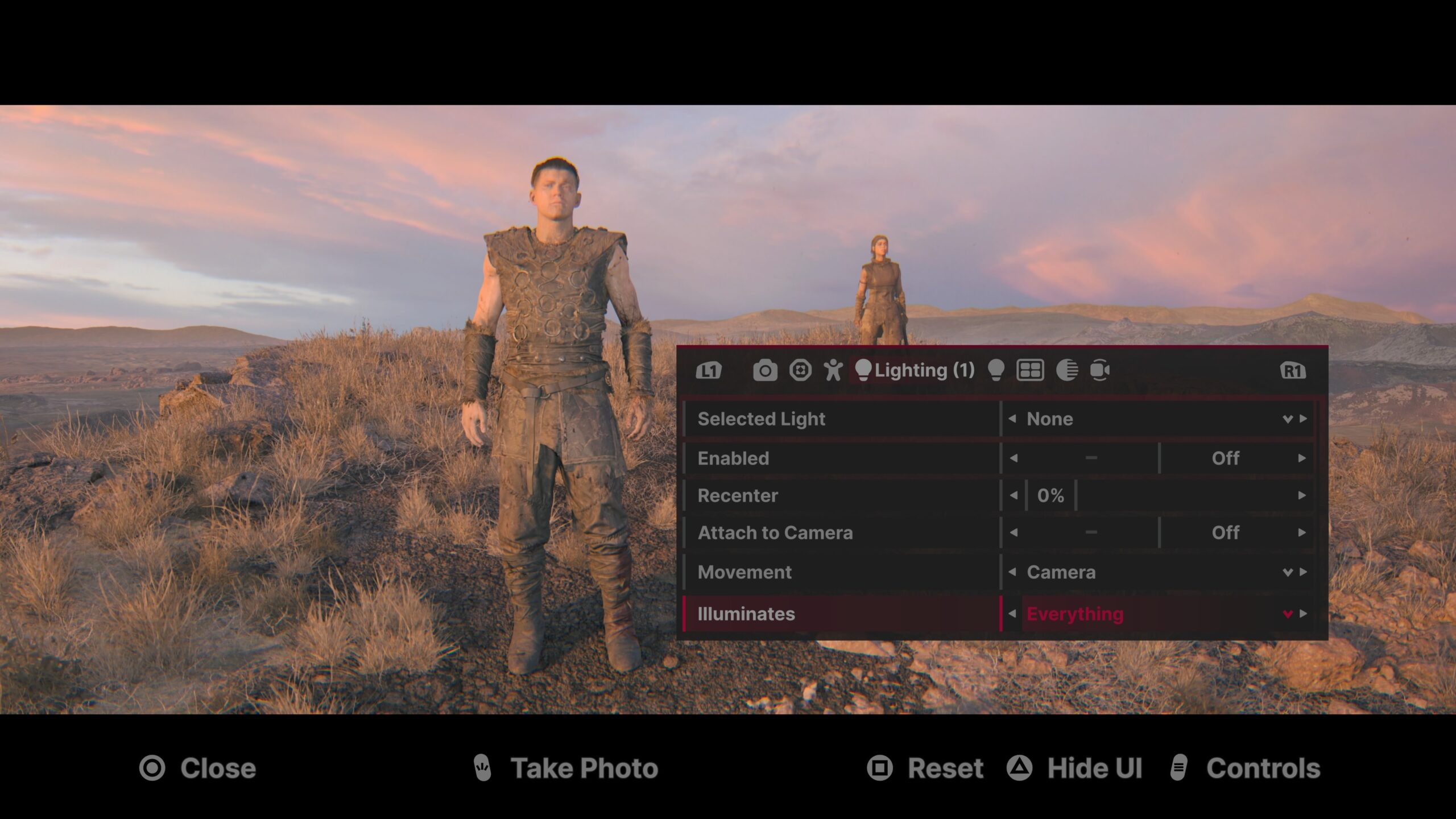
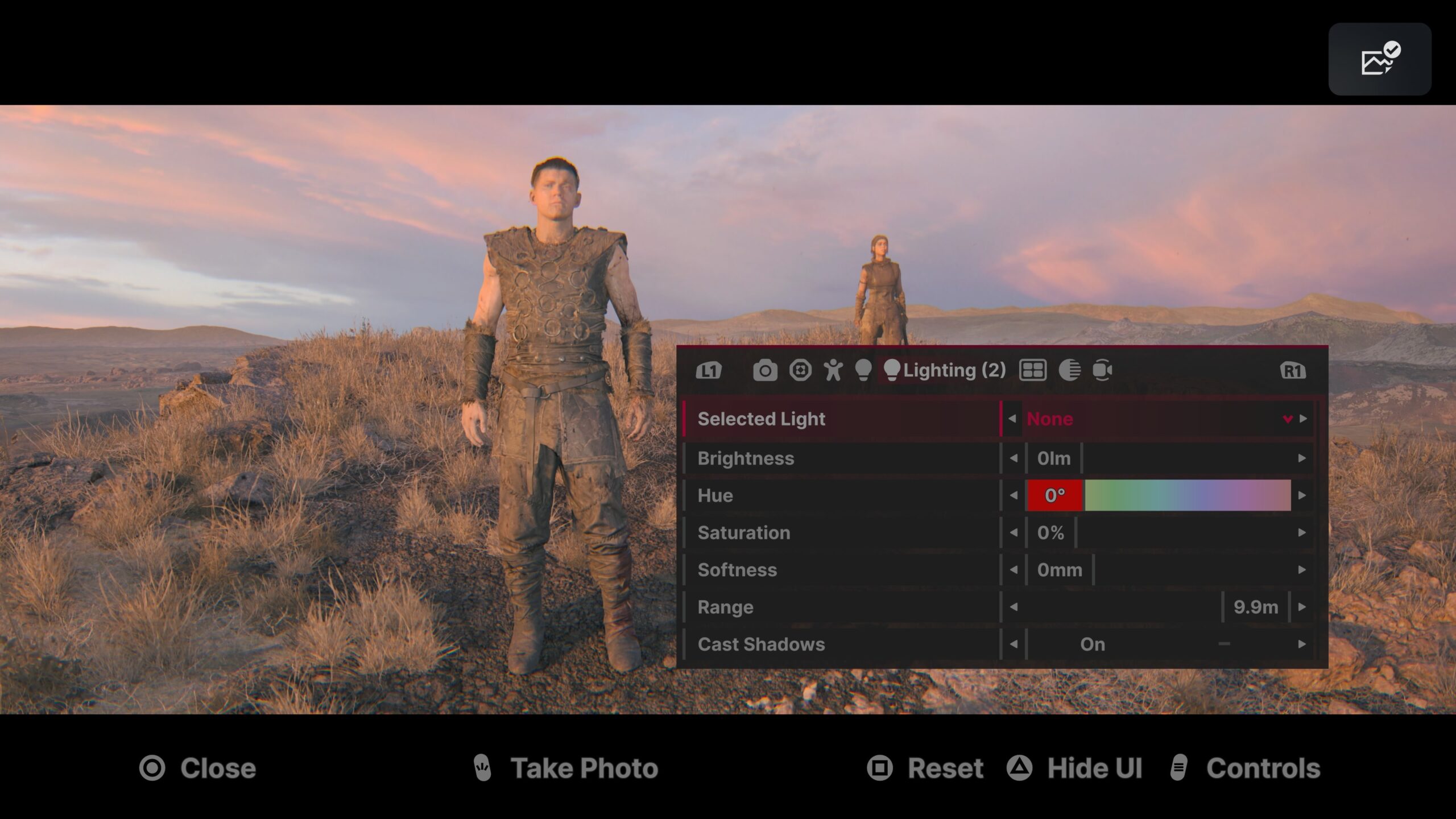
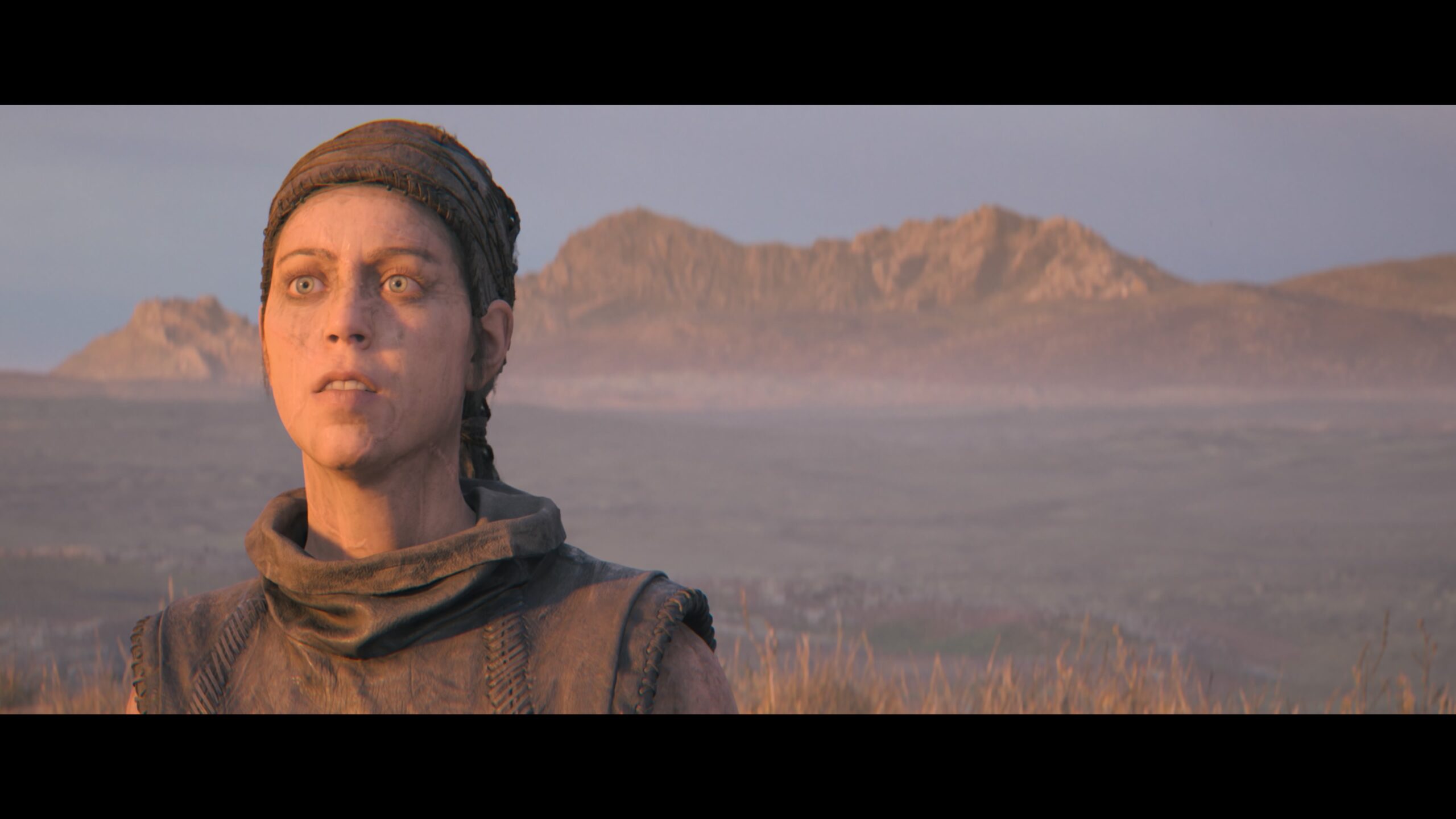
I wouldn’t dare try to compose “Senua fanfic.” The story of SSH2 is so strong (though not as strong as its predecessor) that I simply can’t compete.